Camera Club
Apps
Hipstamatic
TinType
IncrediBooth
SwankoLab
Cinamatic
Party!
Classic
Gear
Community
Stories
Guide
Sign in
Try it free
Camera Club
Apps
Gear
Community
Stories
Guide
Sign in
Hipstamatic
▸
Guide
Hipstamatic guide
Hipstamatic
70 how-tos, step by step ·
About Hipstamatic ↘
All
Start here
The camera
Gear, presets and combos
Your photographs
Editing
Community
Your profile
Settings
Troubleshooting
Start here
4
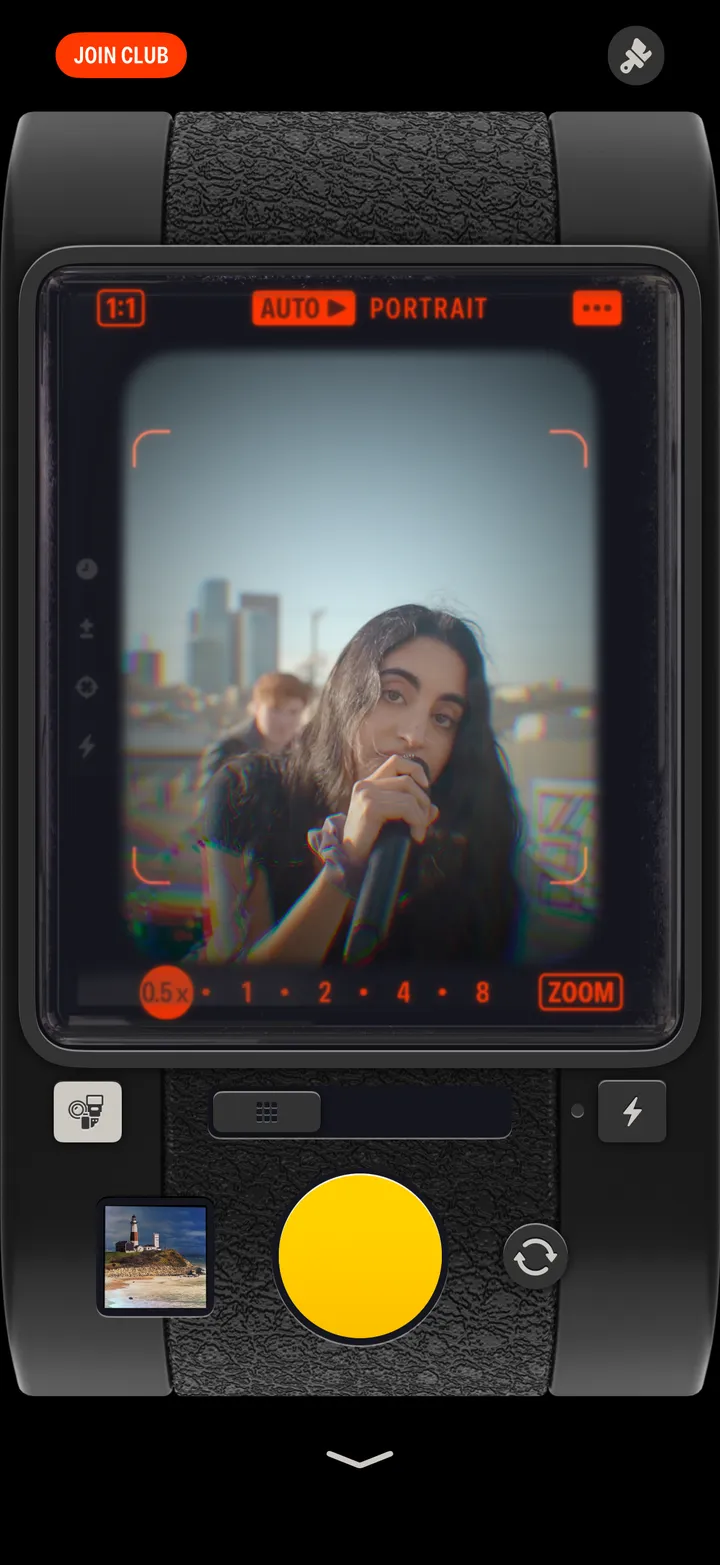
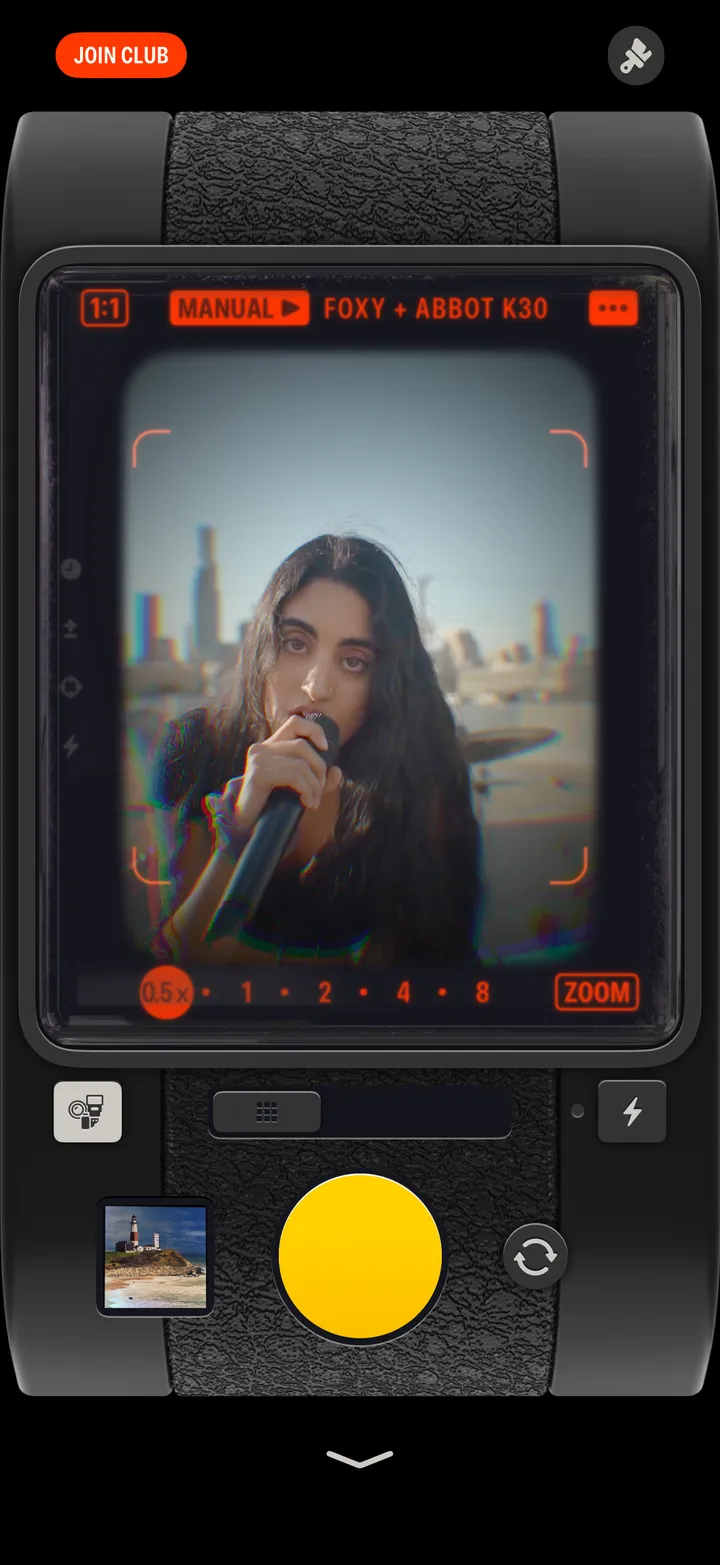
Know your camera
12 parts
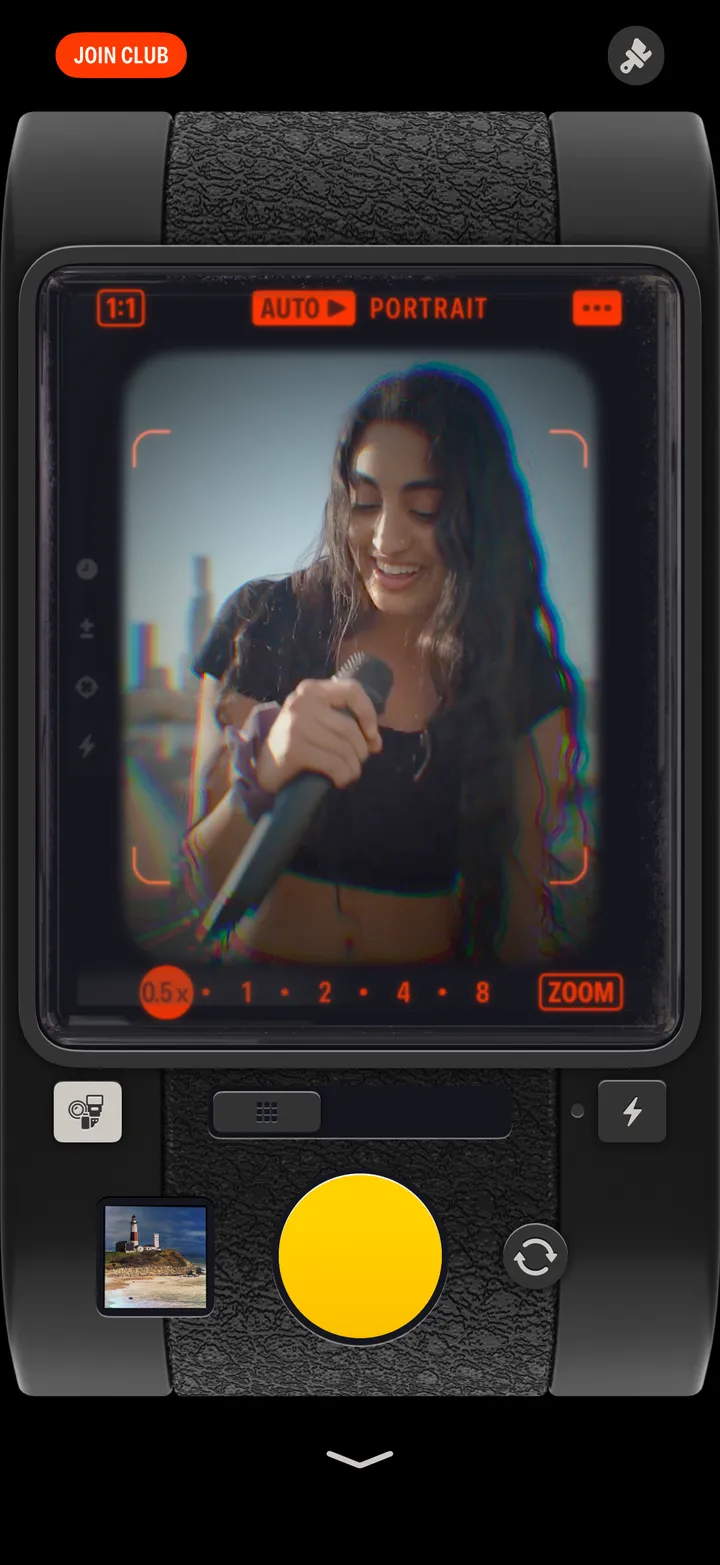
Take a photograph
4 steps
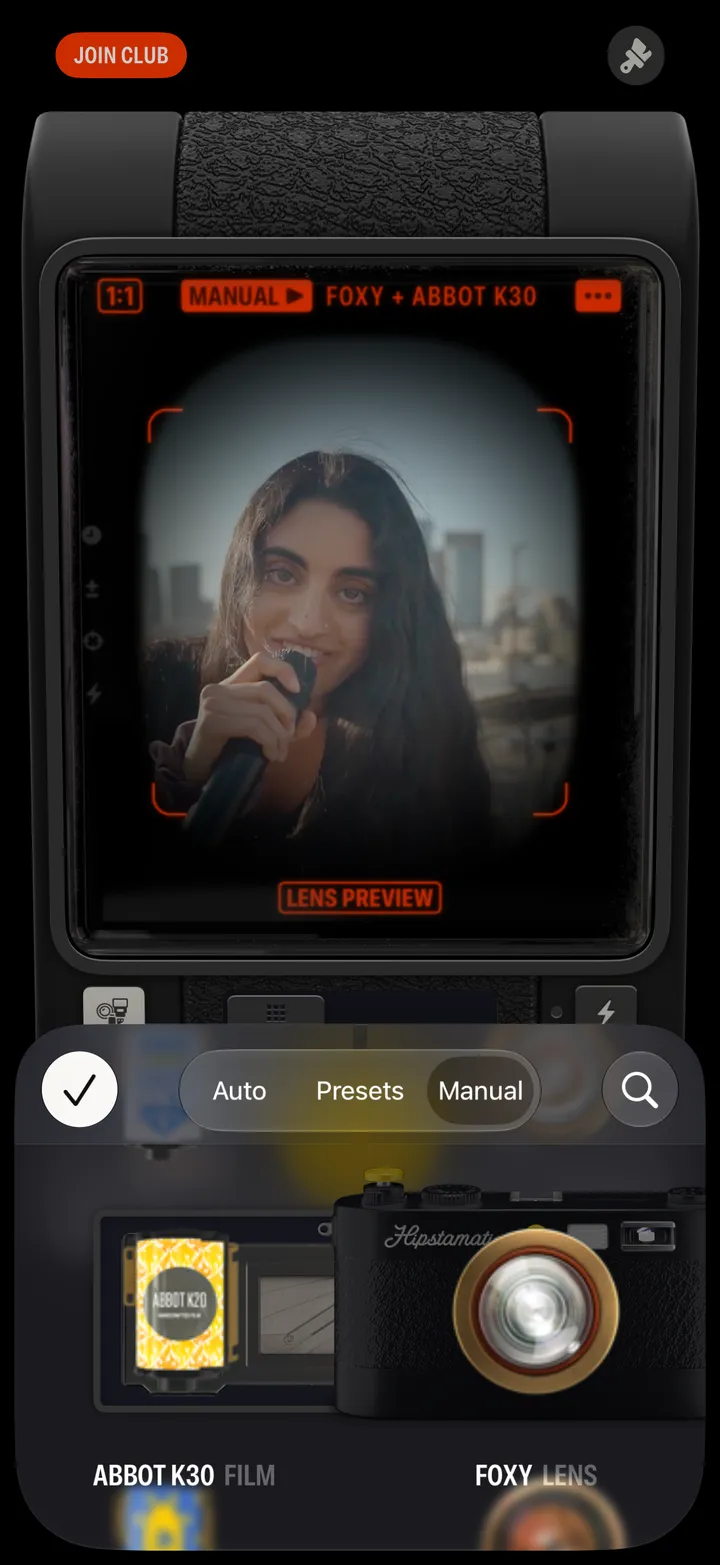
Change the lens and film
6 steps
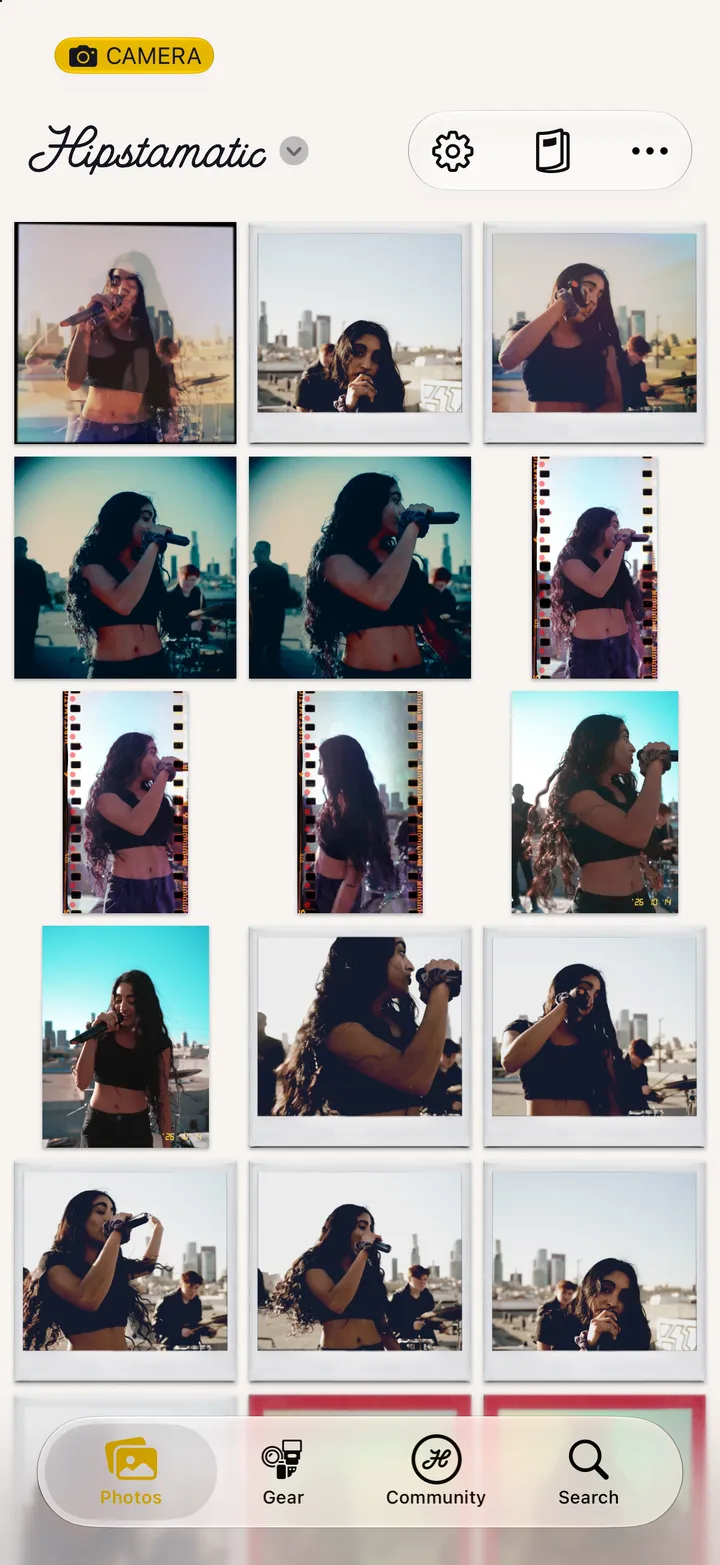
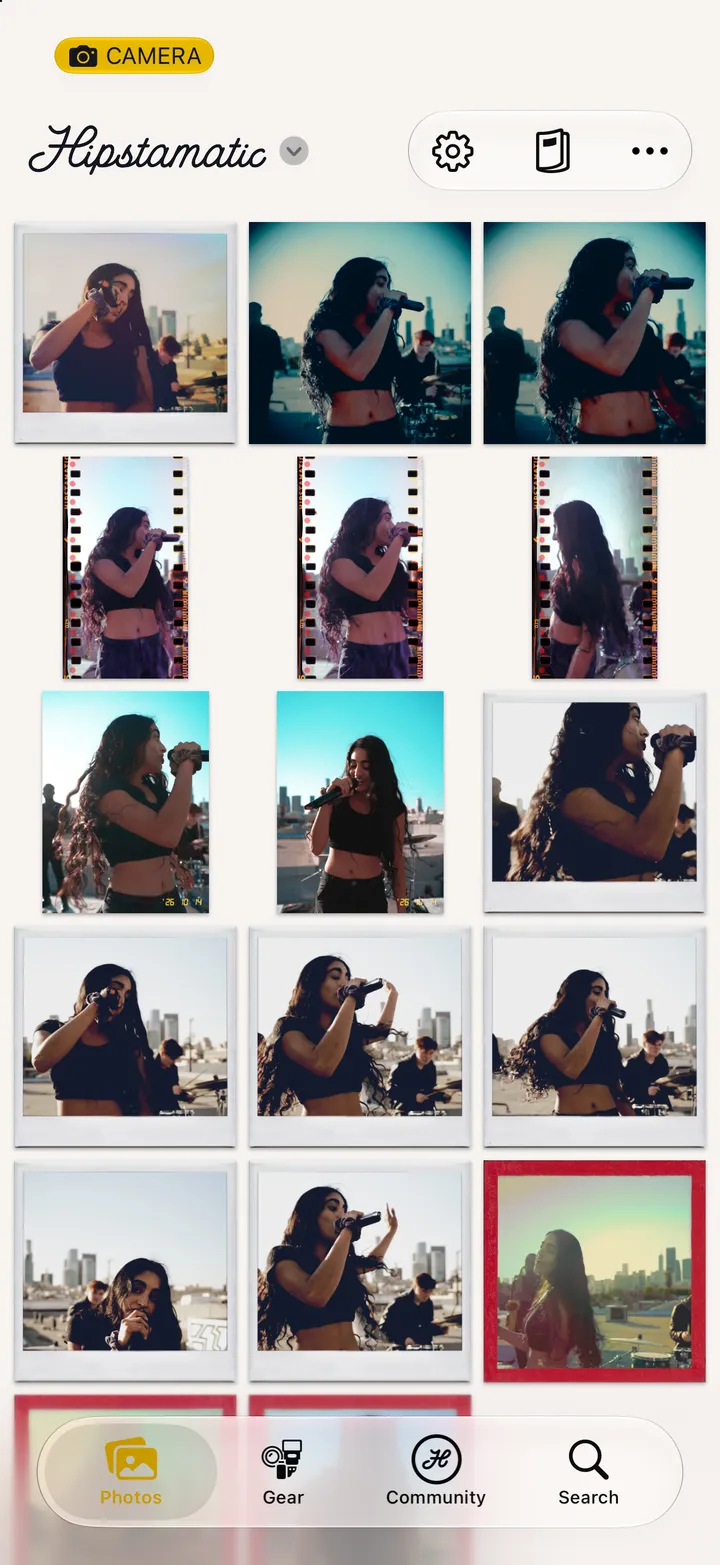
Find your photographs
4 steps
The camera
11
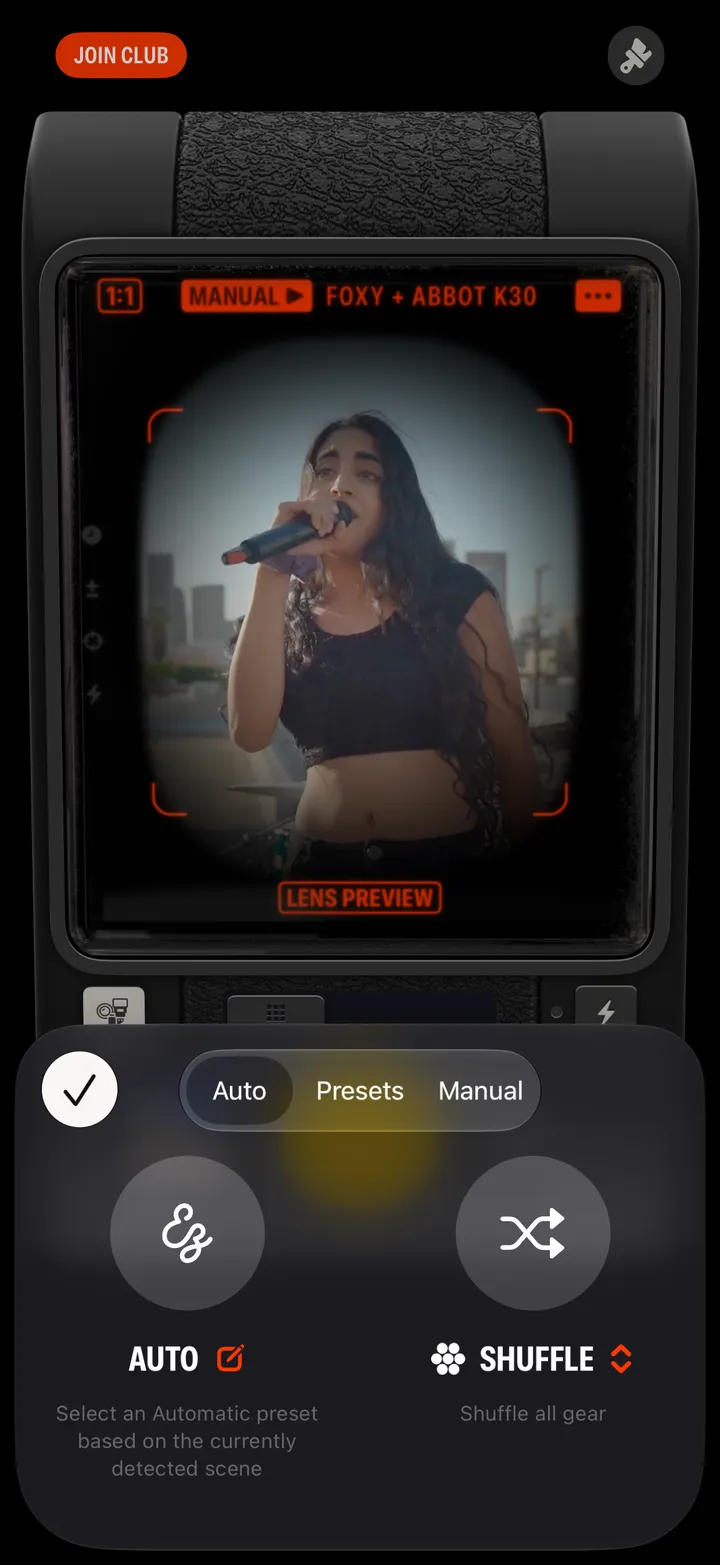
Let Hipstamatic pick the gear
5 steps
Use the flash
2 steps
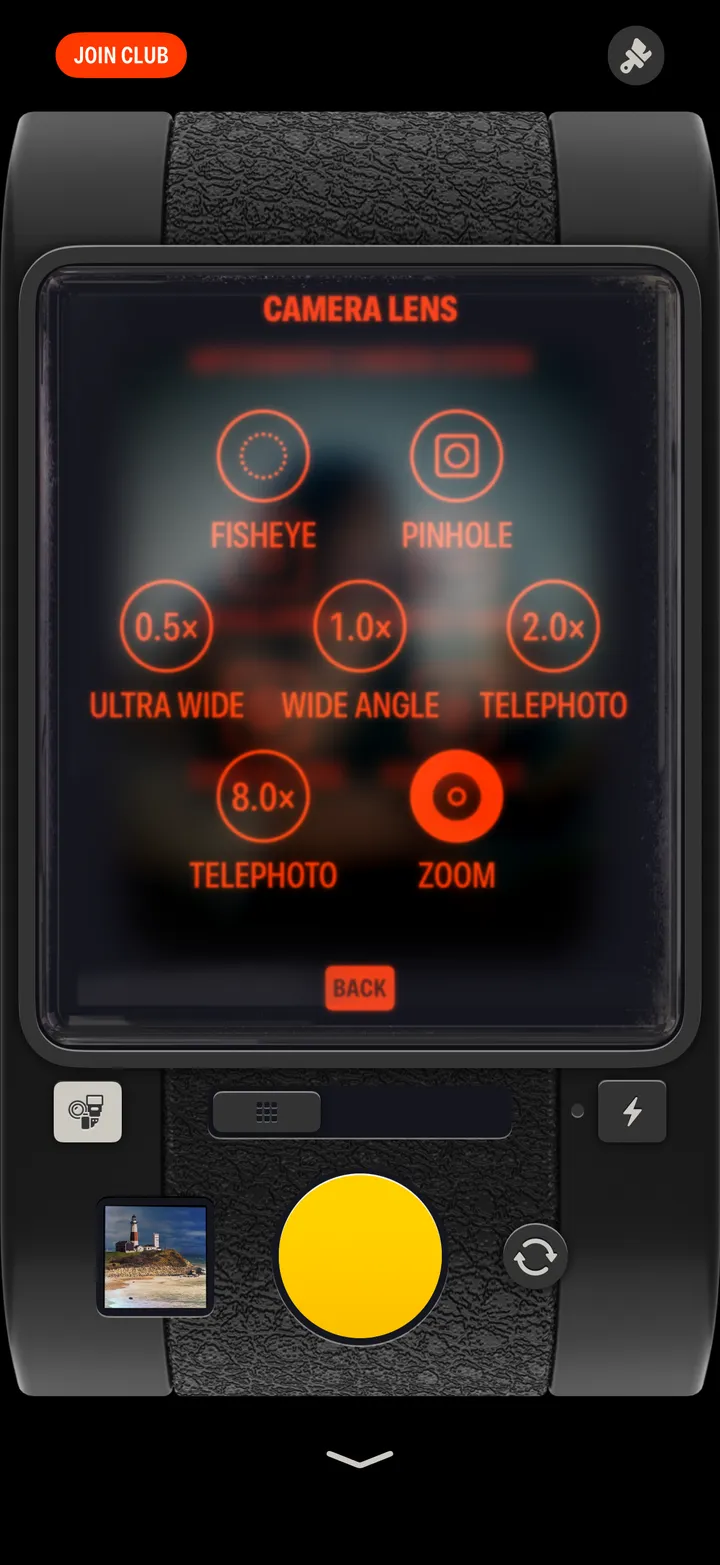
Choose an iPhone lens or zoom
3 steps
Change the shape of the frame
2 steps
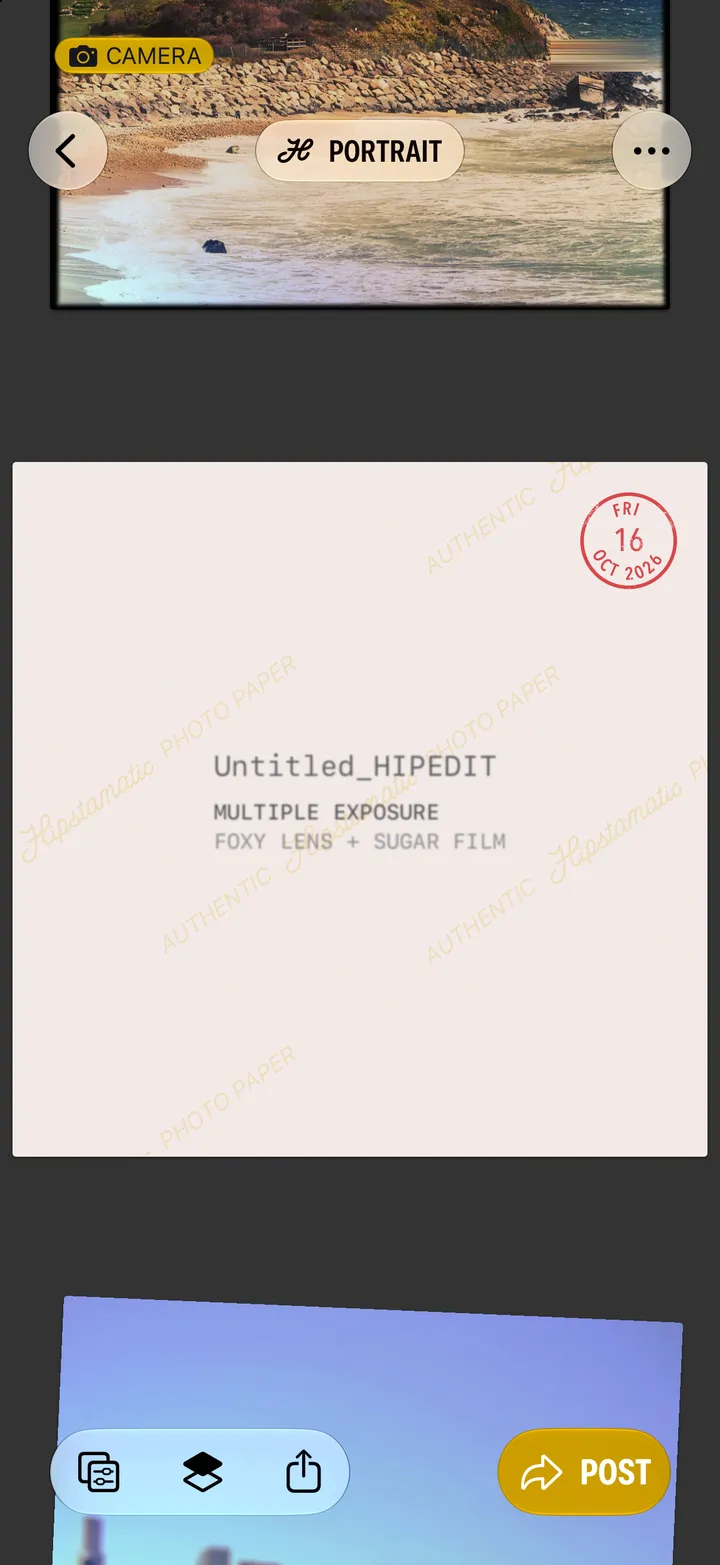
Make a multiple exposure
4 steps
Develop your photographs later
4 steps
Shoot an Action Sampler
3 steps
Customize your camera
3 steps
Take a selfie
1 step
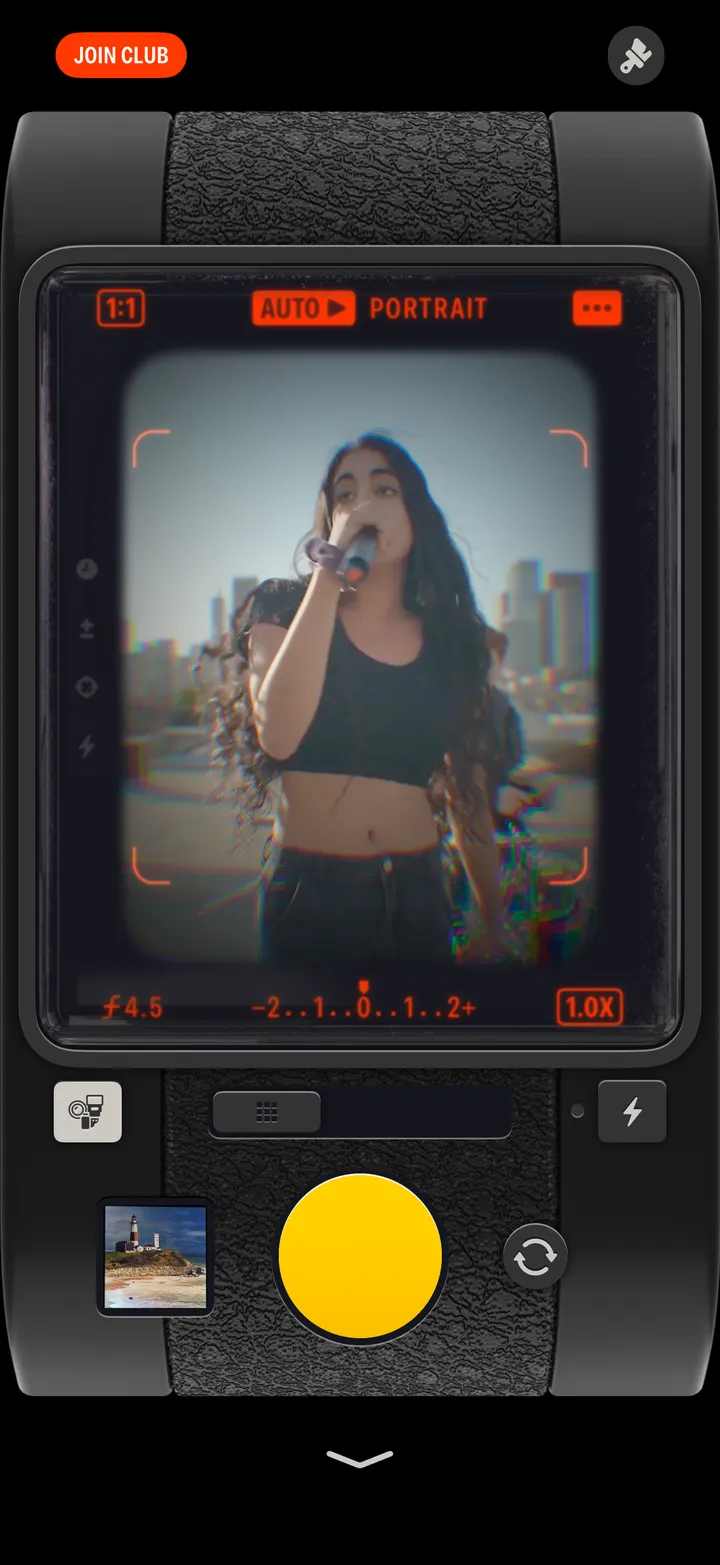
Set the focus and exposure
3 steps
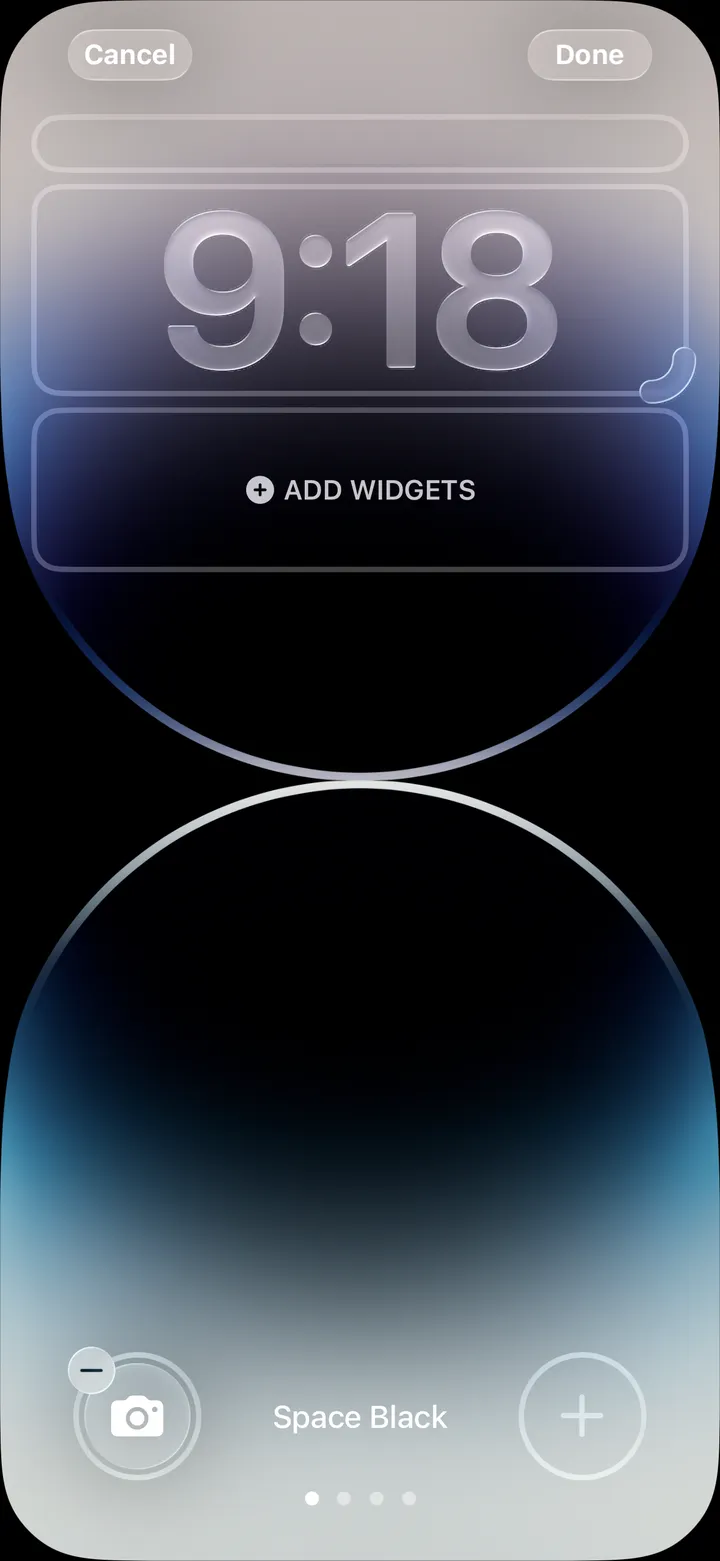
Open Hipstamatic from the Lock Screen
4 steps
Gear, presets and combos
8
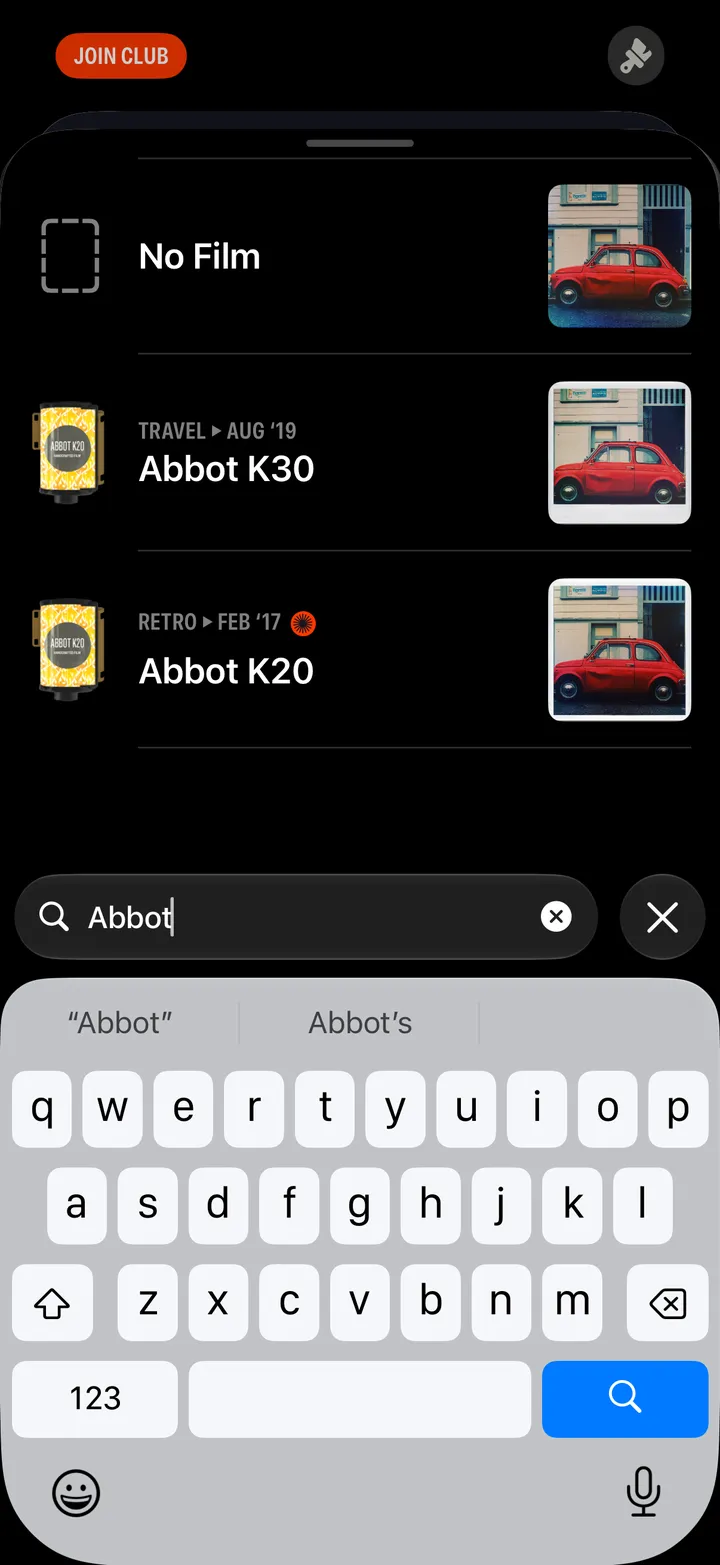
Find a lens or film by name
5 steps
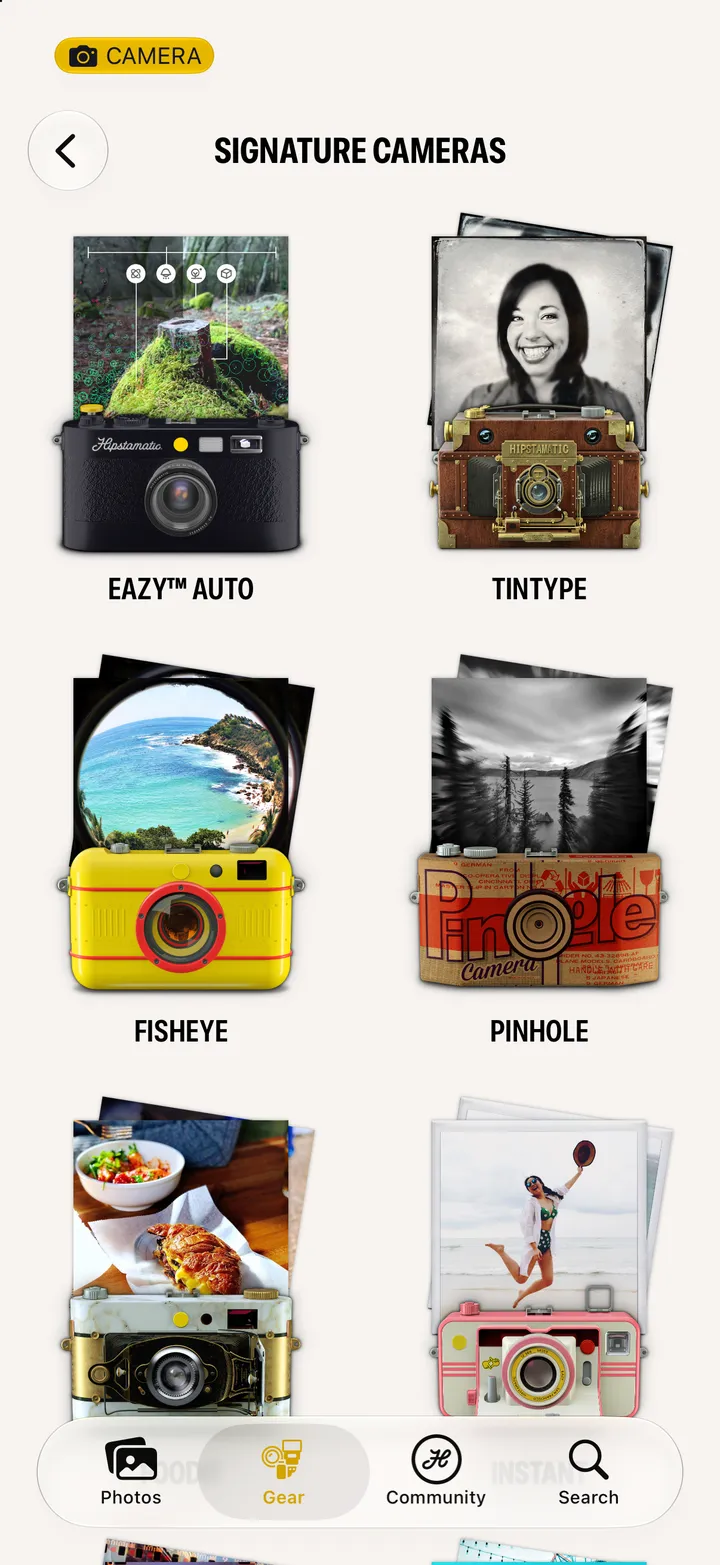
Shoot with a signature camera
6 steps
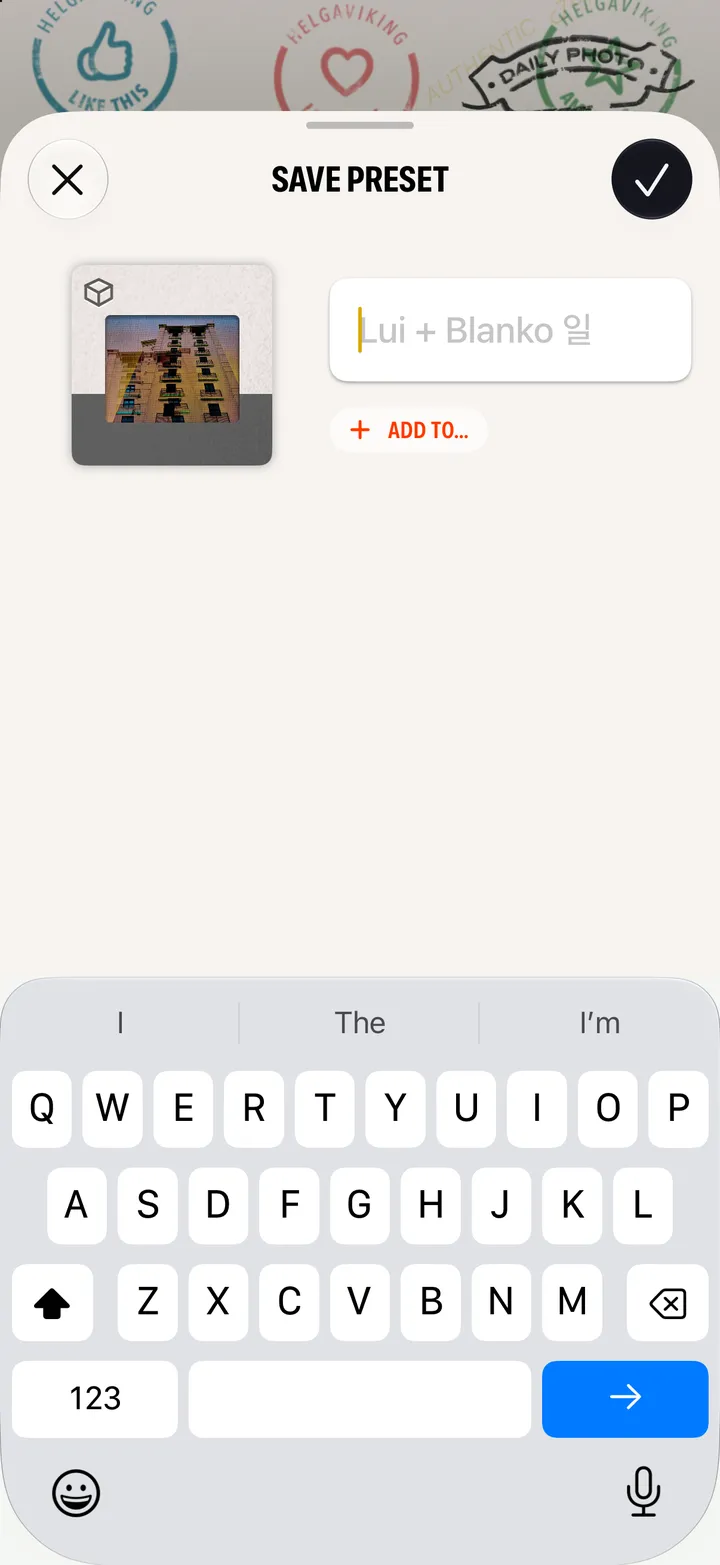
Save and manage presets
5 steps
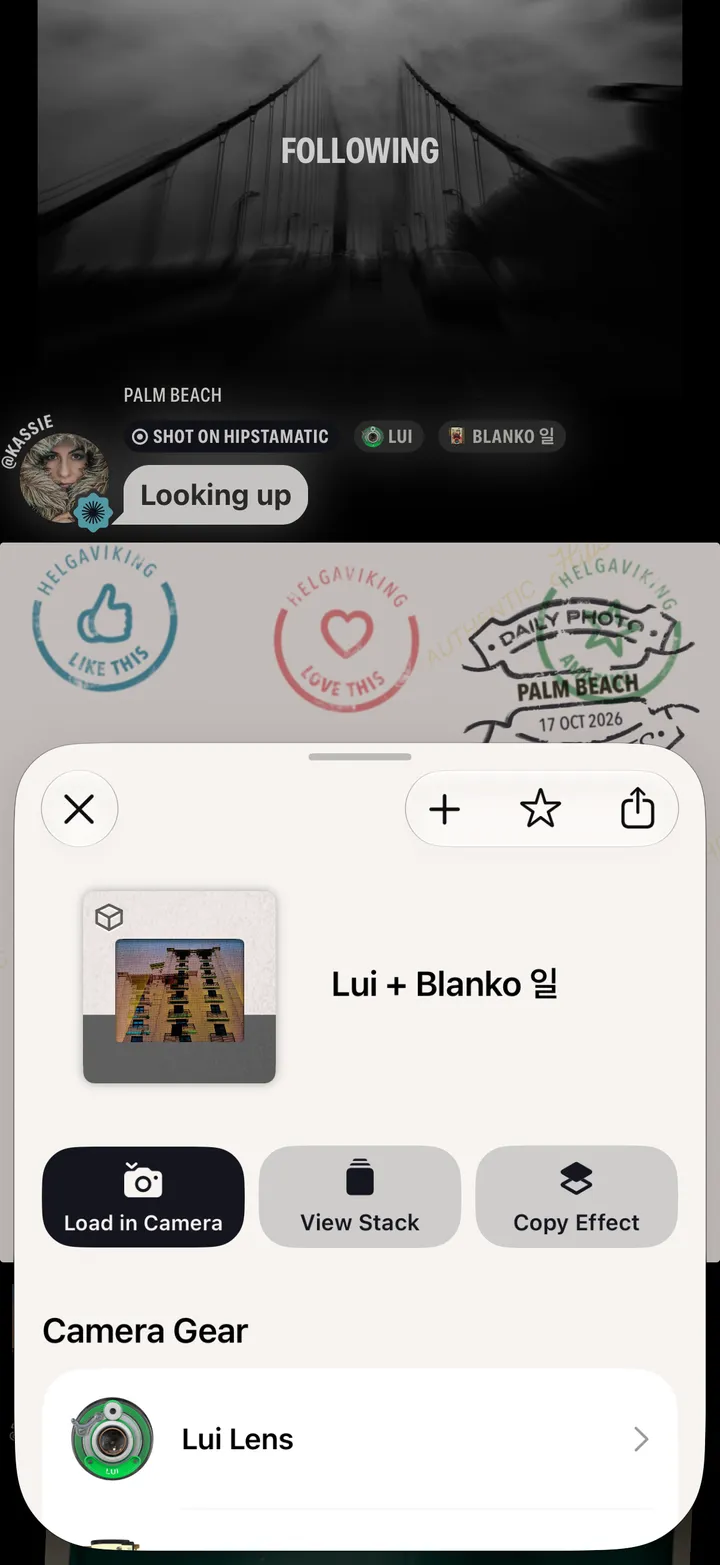
Shoot a combo you find in the community
5 steps
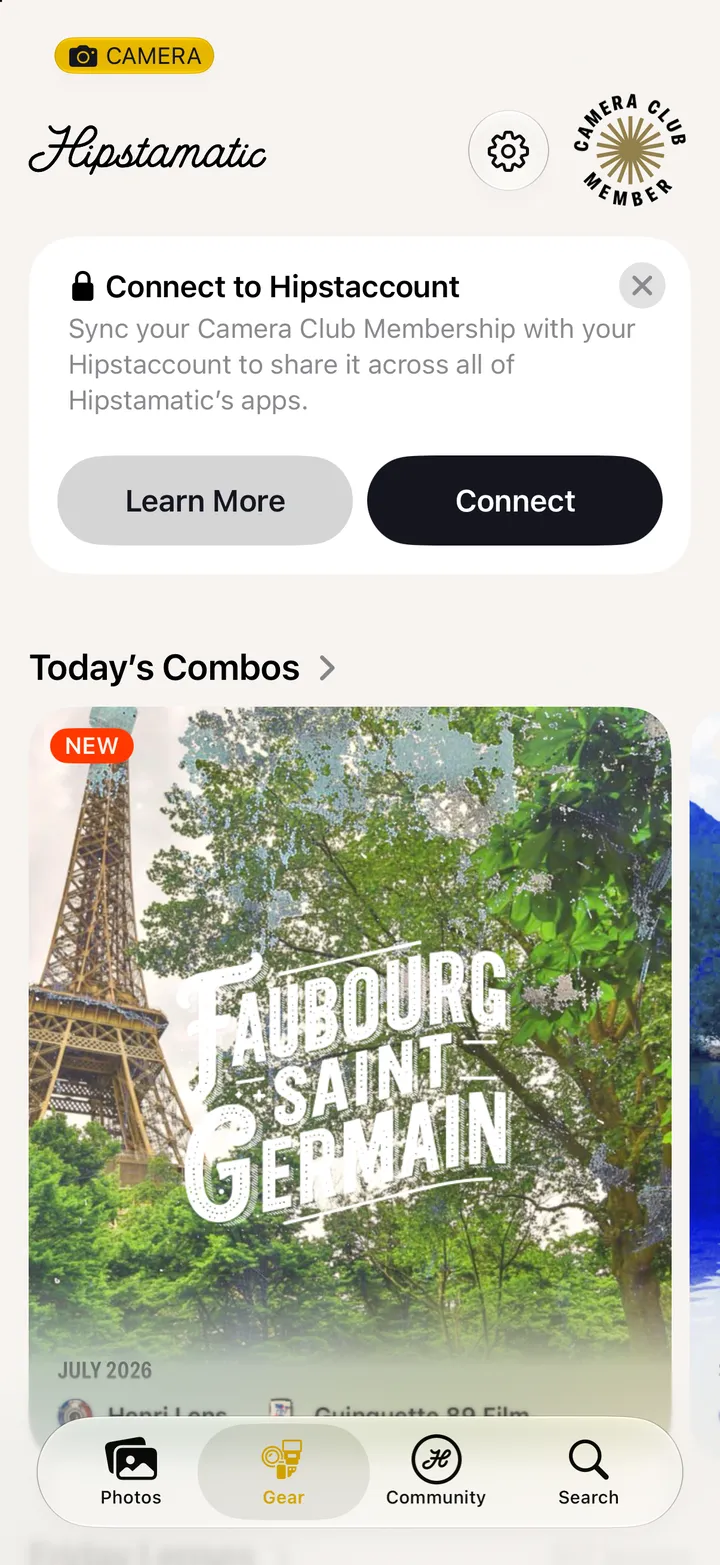
Shoot today’s combo
3 steps
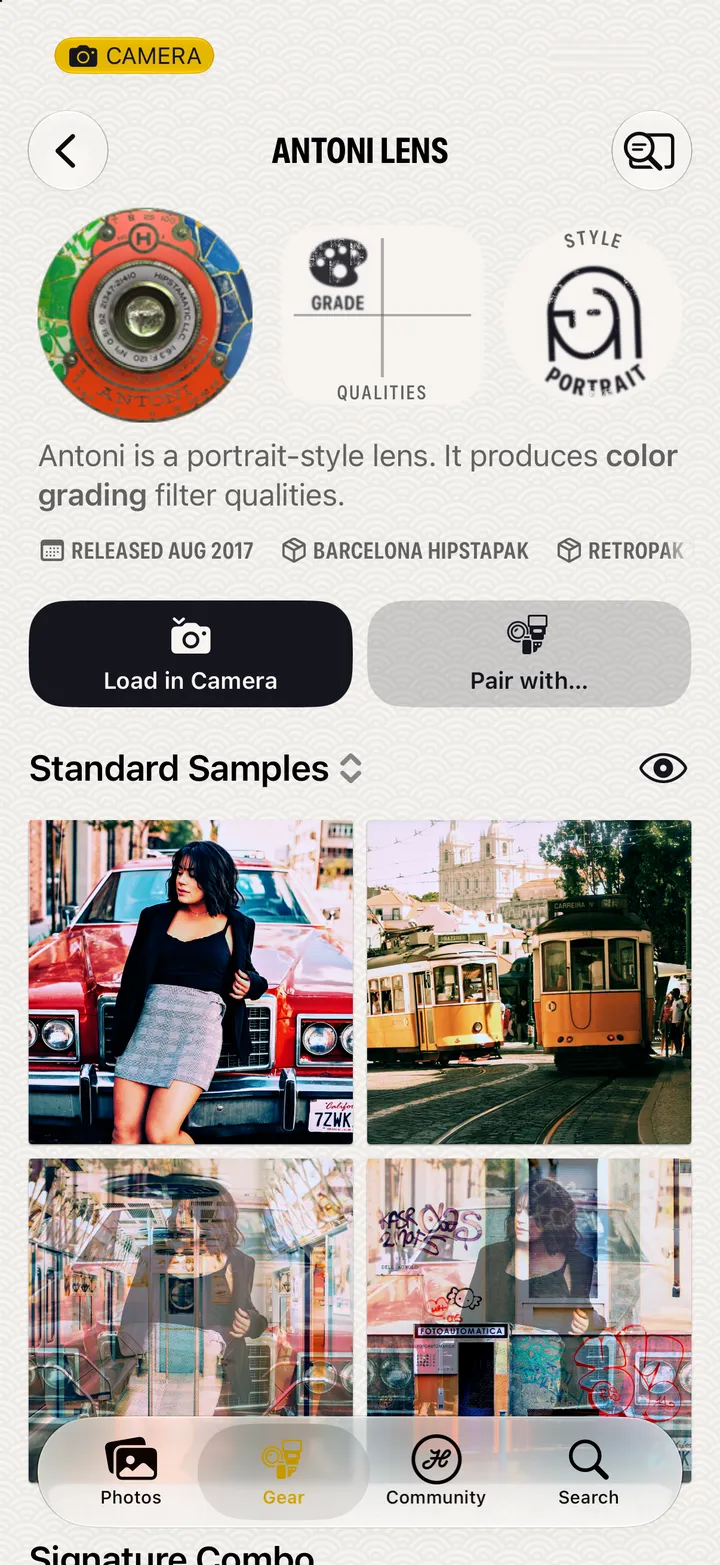
Get to know a lens or film
5 steps
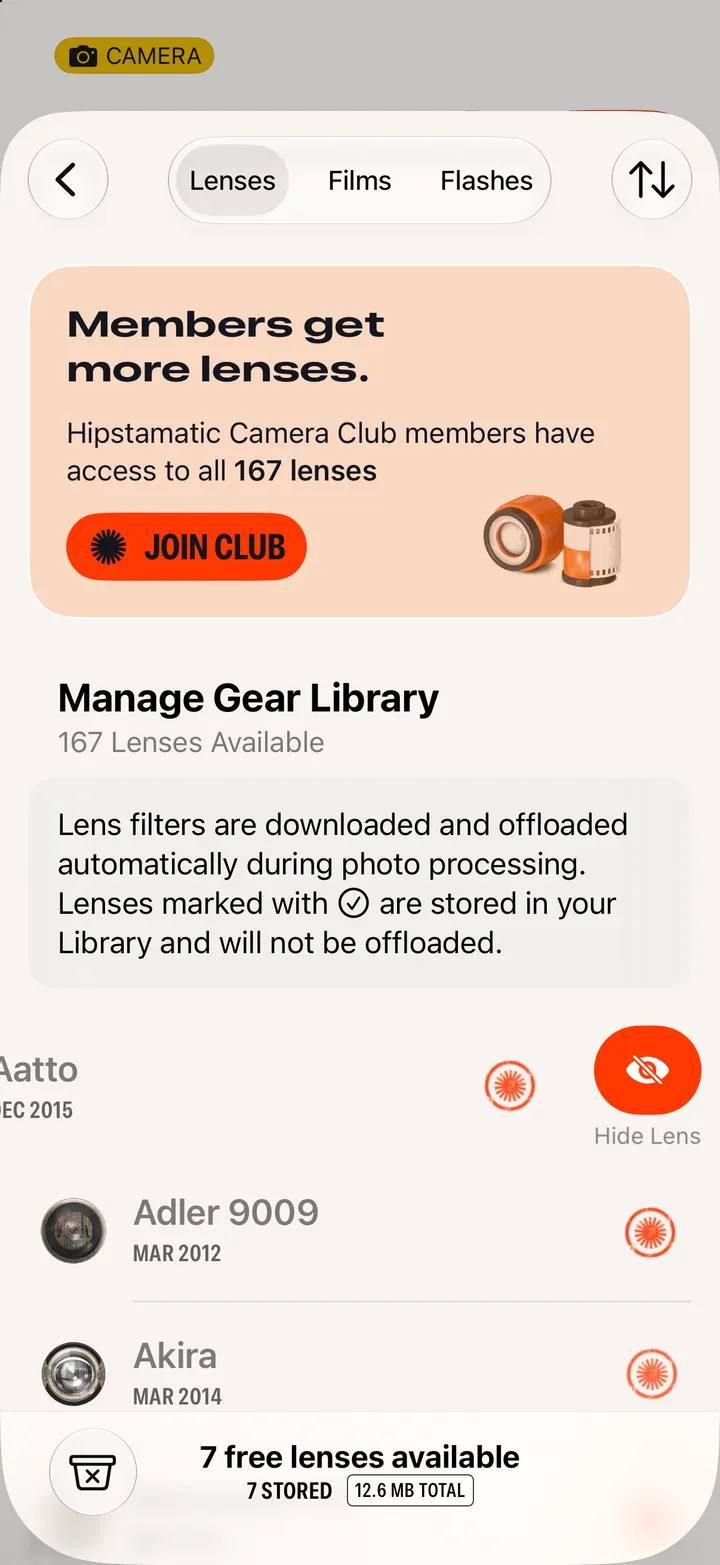
Hide gear you don’t use
5 steps
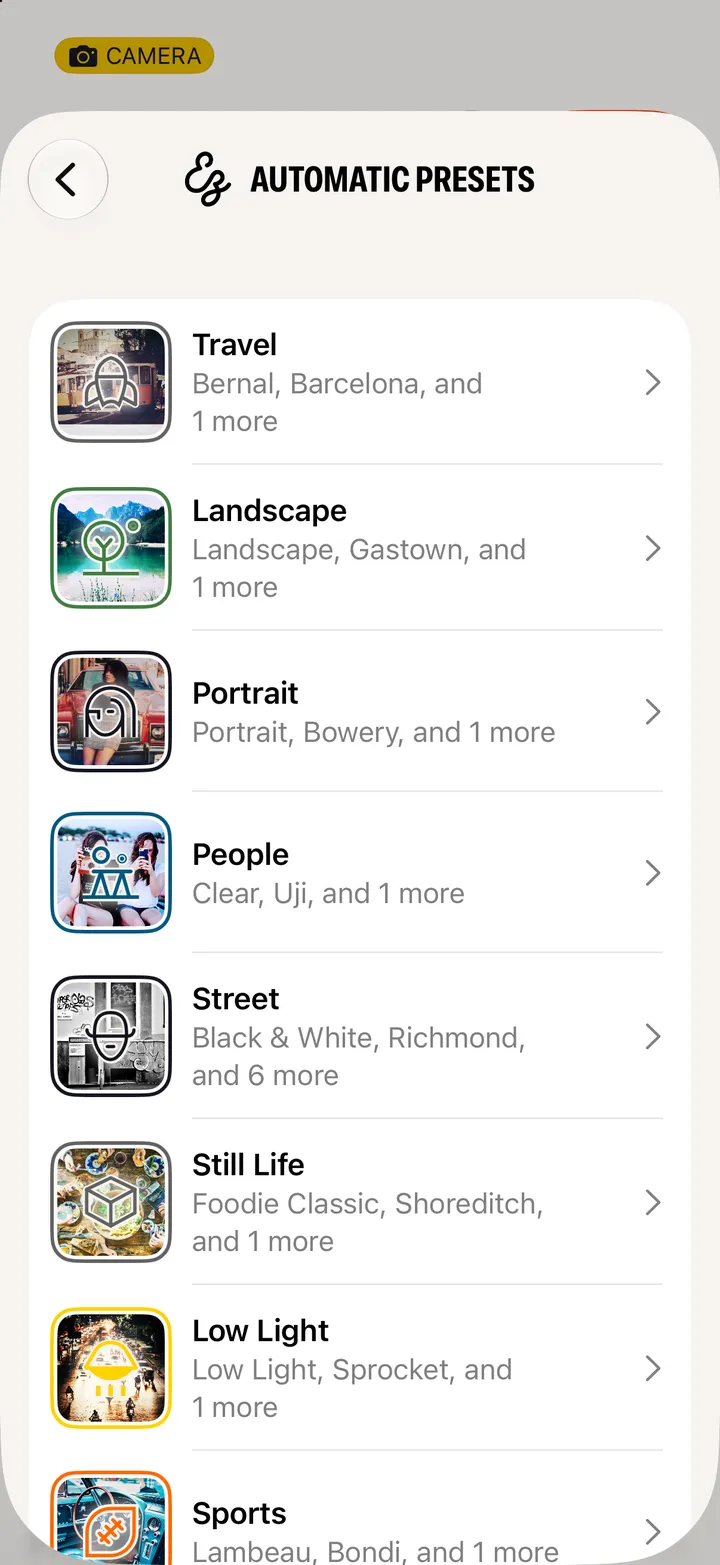
Choose the presets Auto uses
4 steps
Your photographs
7
Bring in photos from your Camera Roll
3 steps
Share a photograph
2 steps
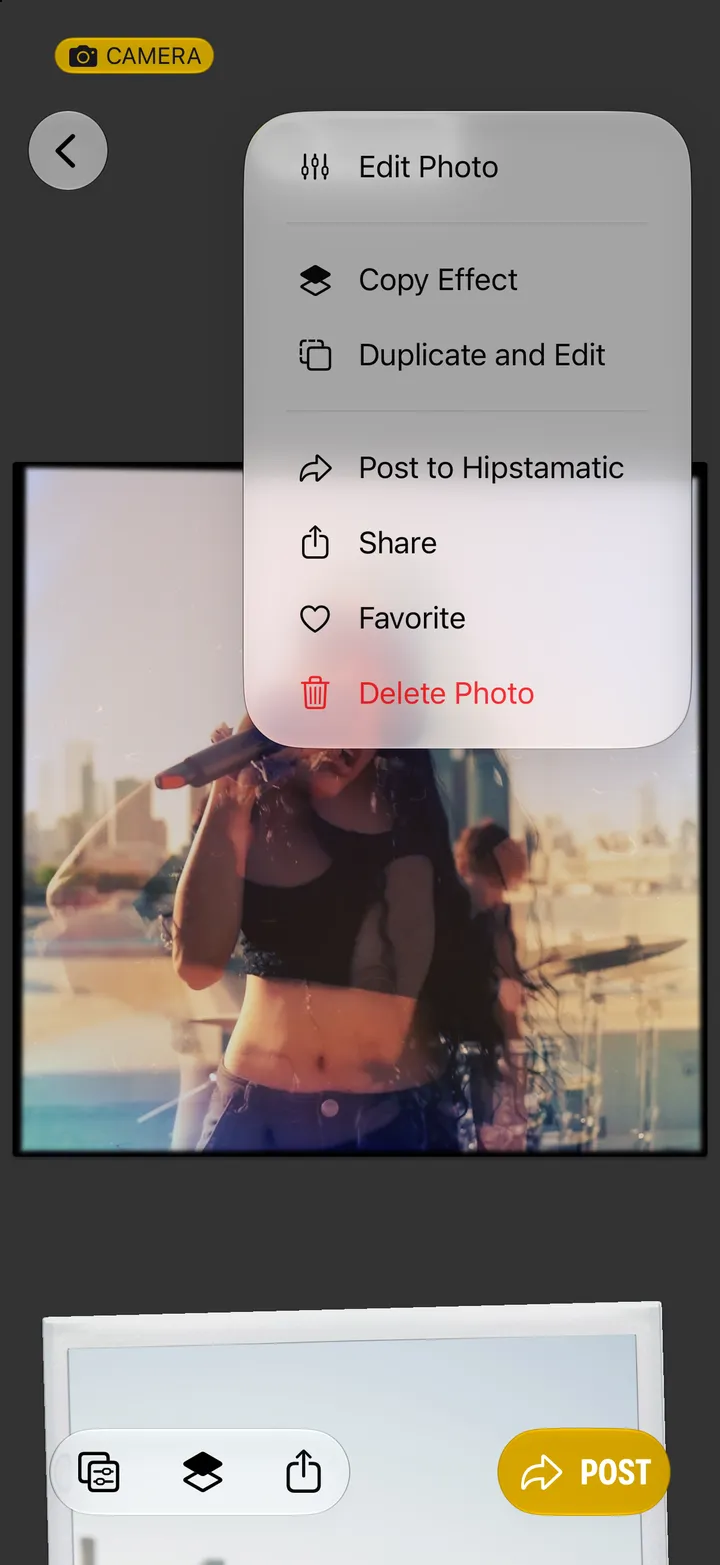
Favorite, duplicate or delete a photograph
2 steps
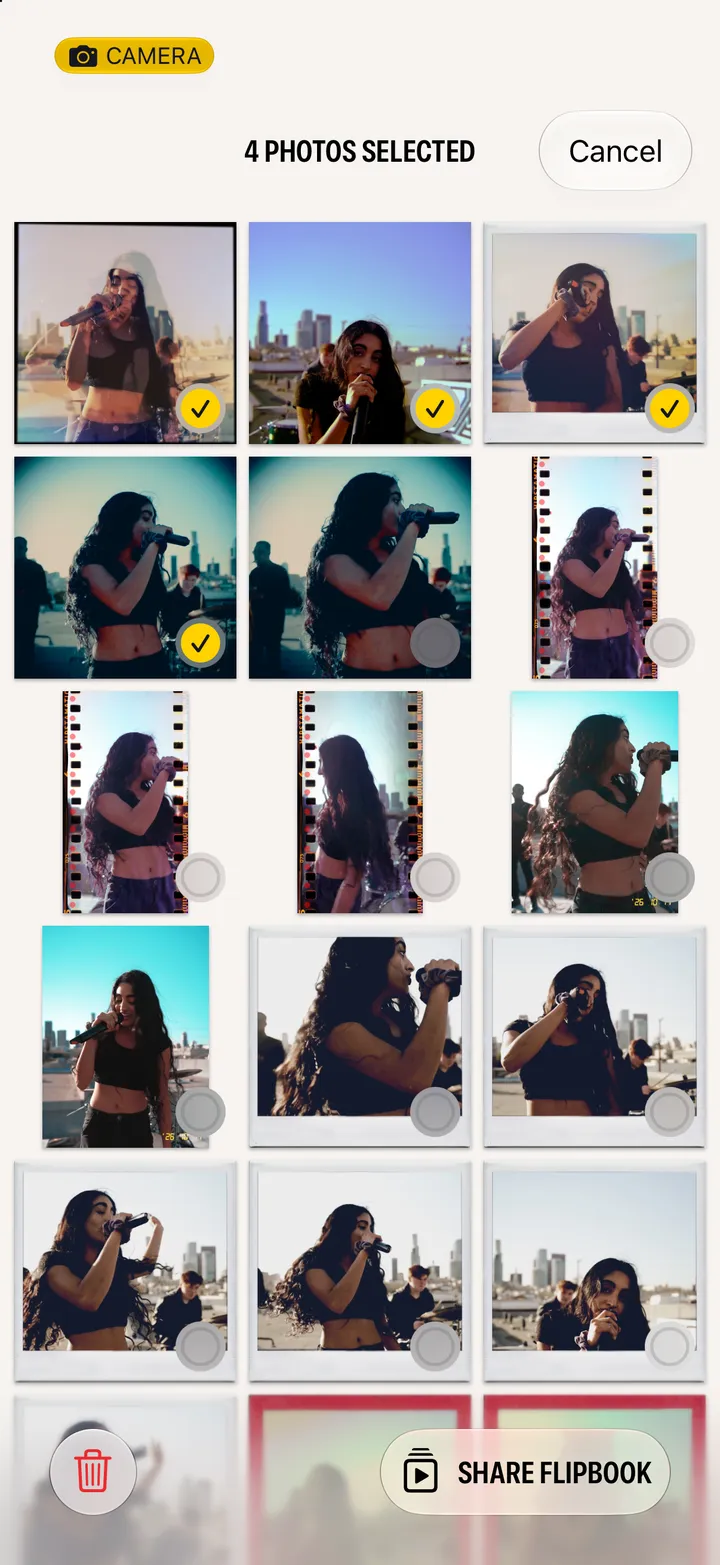
Delete or share several photographs at once
4 steps
Turn a photograph over
2 steps
Rewind last month
4 steps
Open
Photos
Find your photographs in Apple Photos
2 steps
Editing
10
Edit a photograph
4 steps
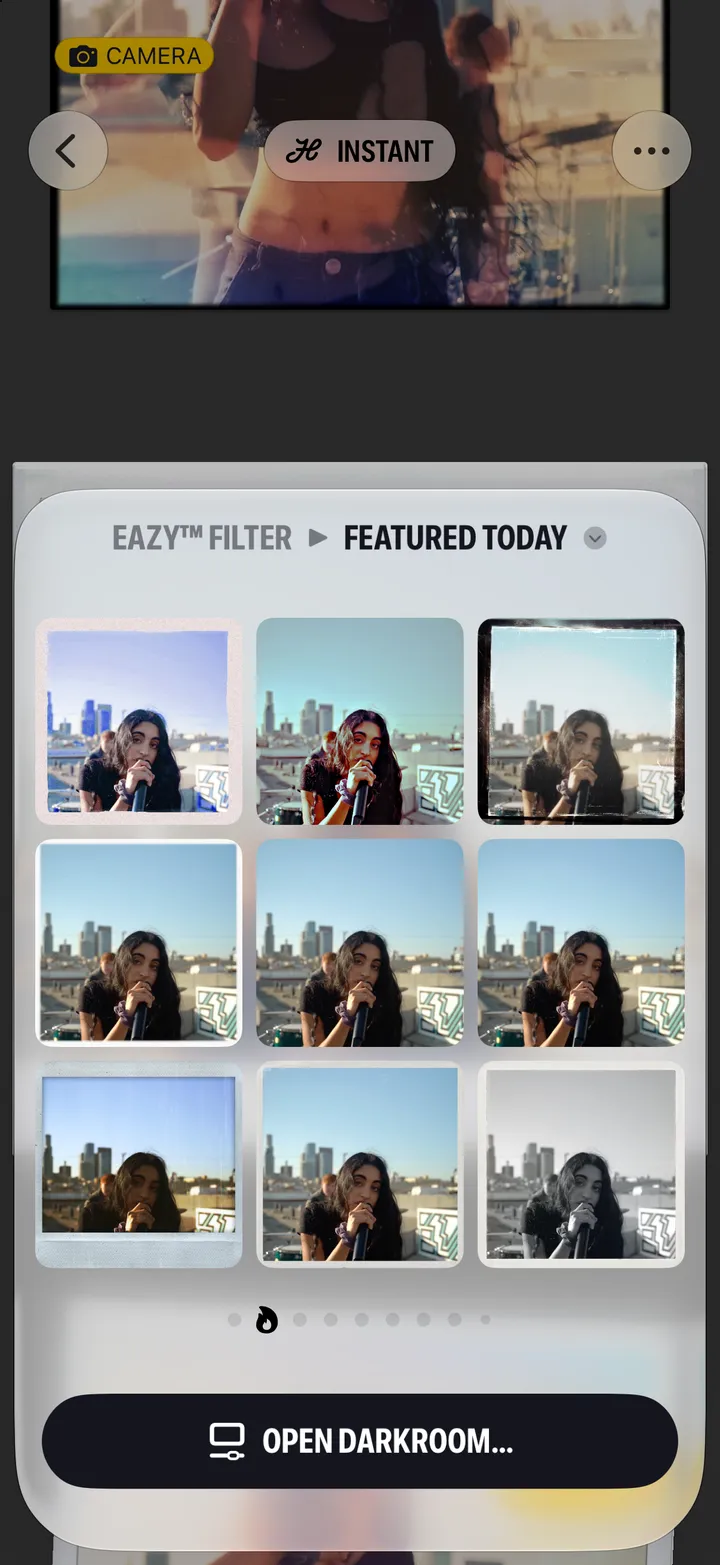
Try a new look in one tap
3 steps
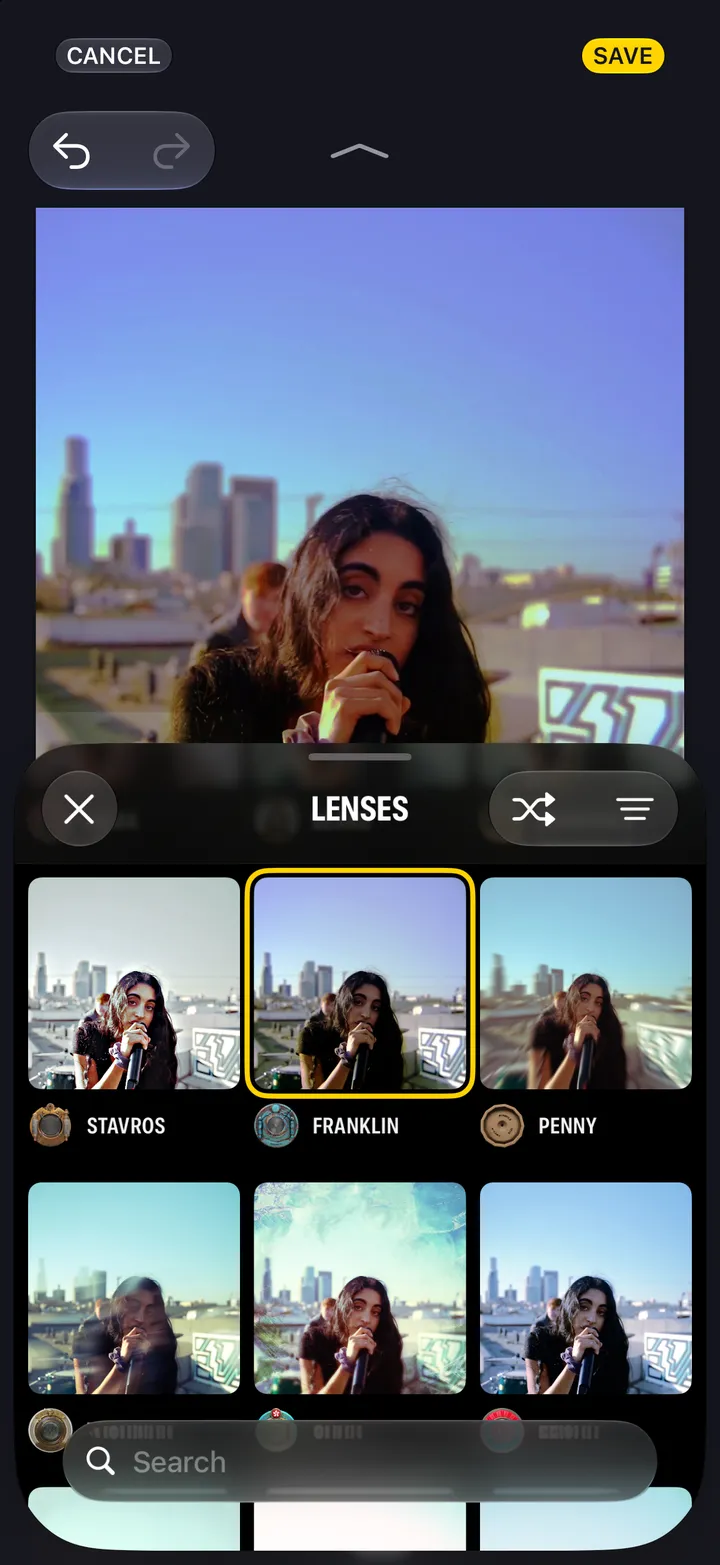
Change the lens or film after you shoot
5 steps
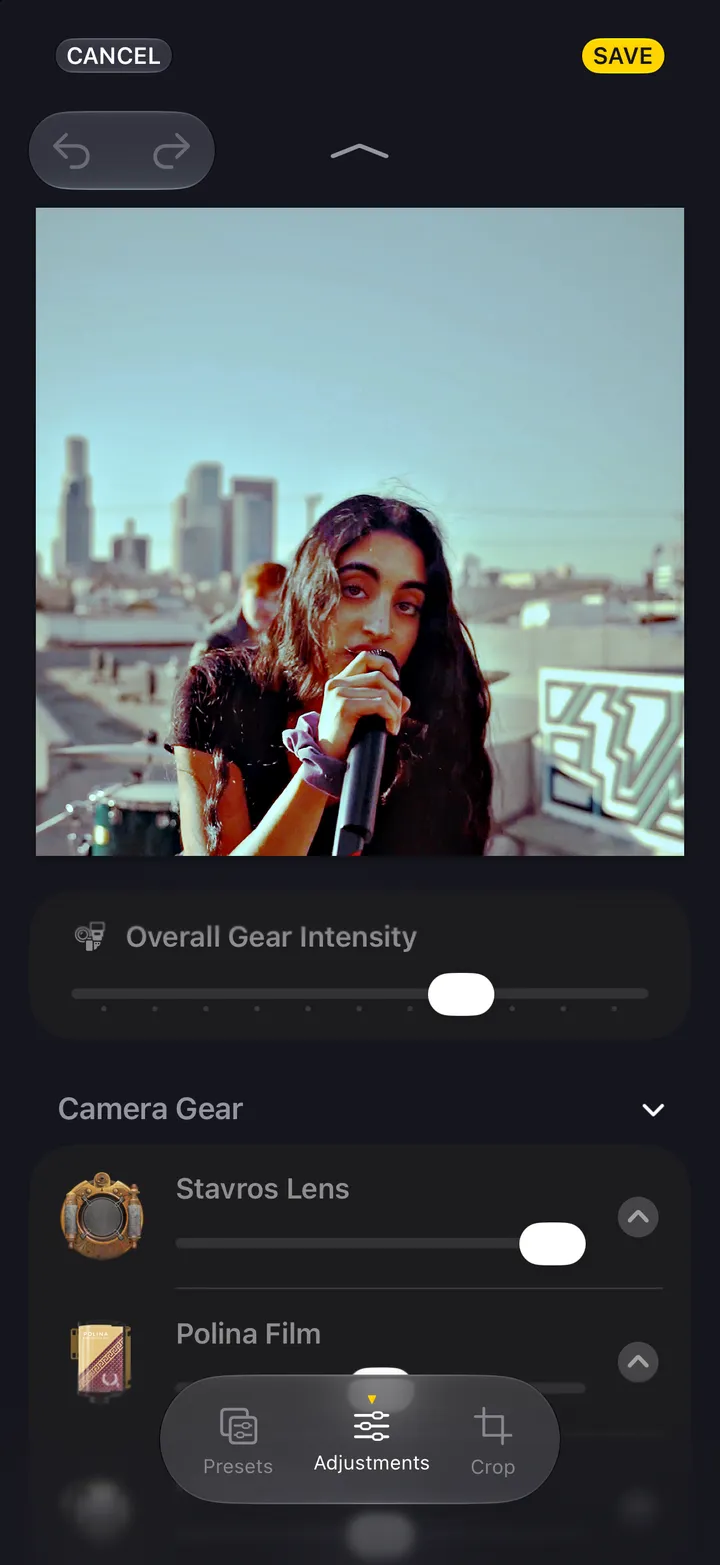
Turn the gear up or down
2 steps
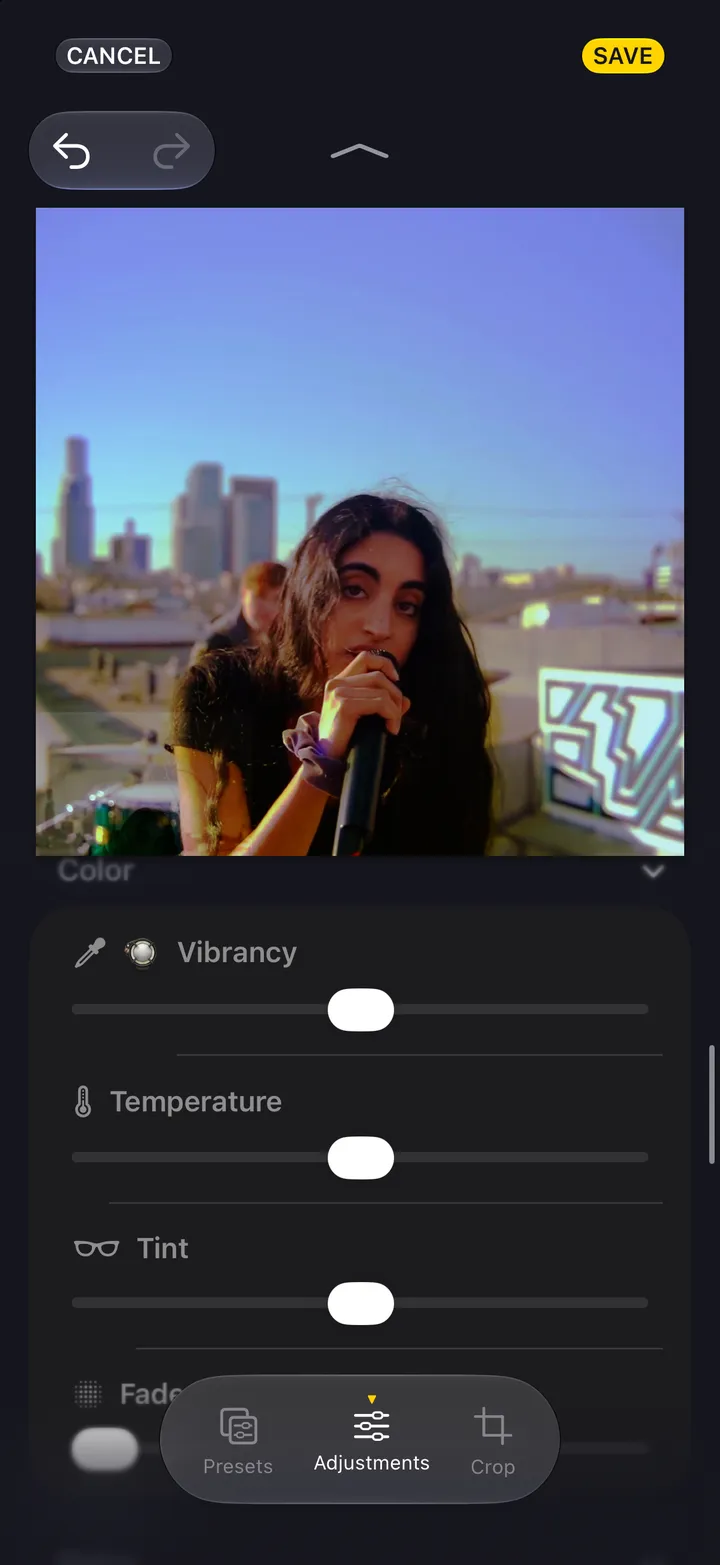
Adjust the light and color
3 steps
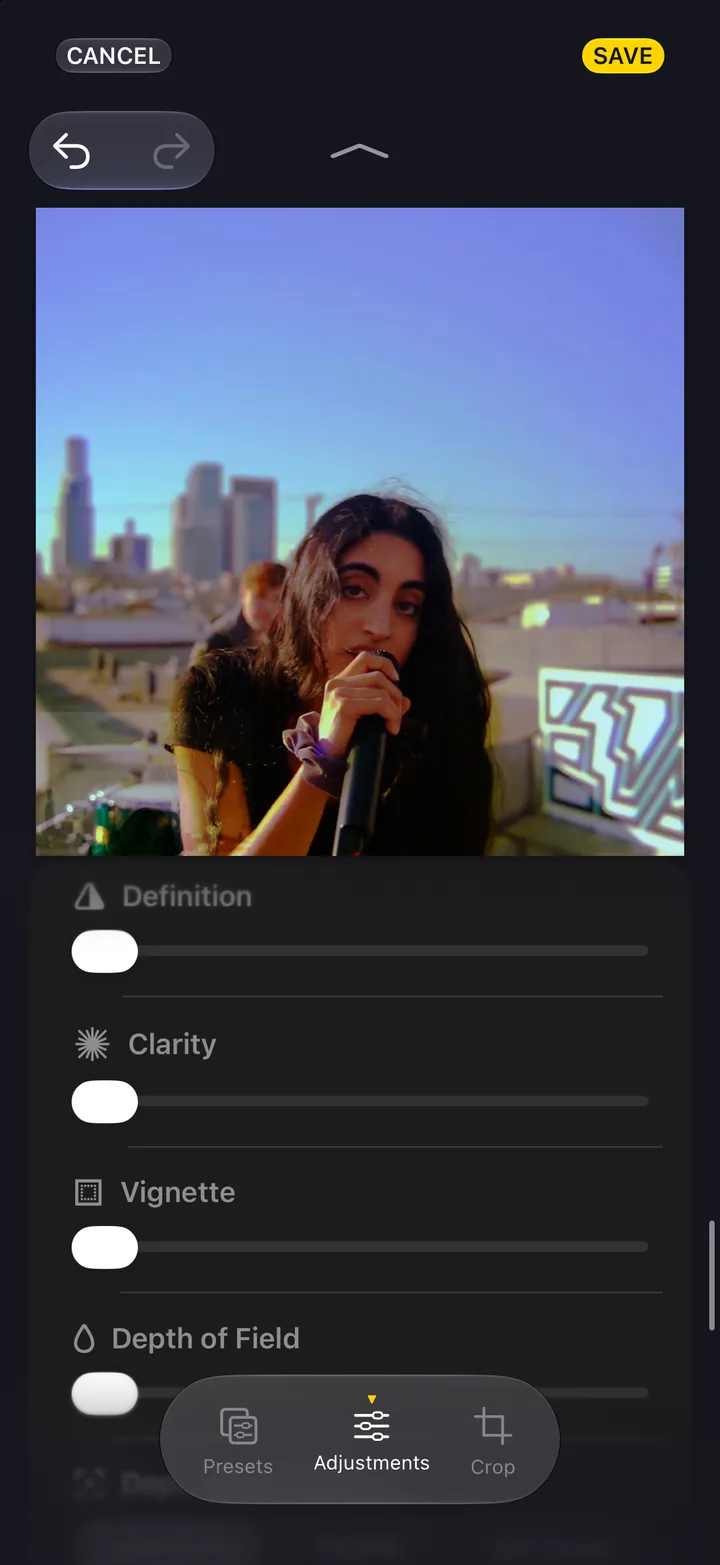
Add grain, texture and a vignette
2 steps
Put another preset on a photograph
2 steps
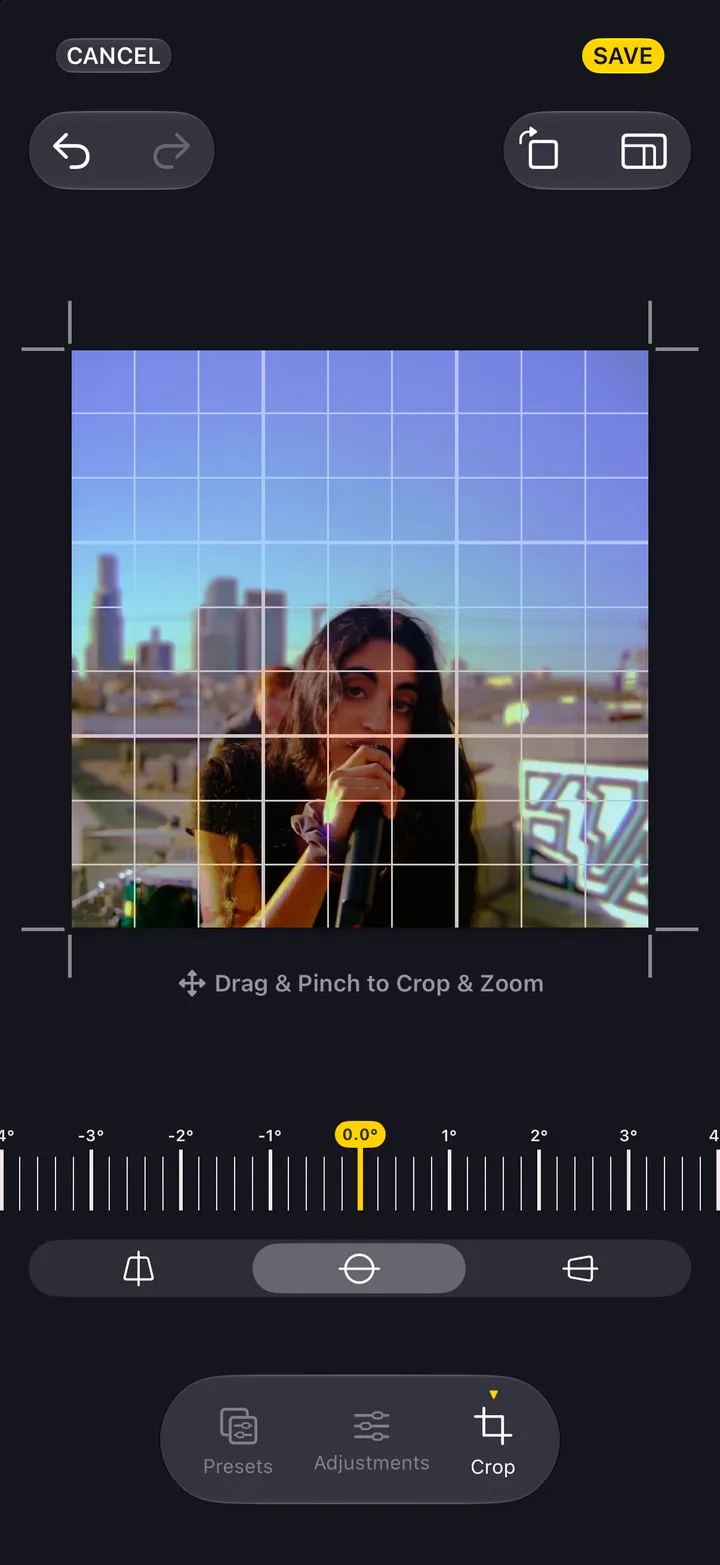
Crop, straighten and reshape
4 steps
Copy a look to another photograph
3 steps
Undo, compare and start over
3 steps
Community
10
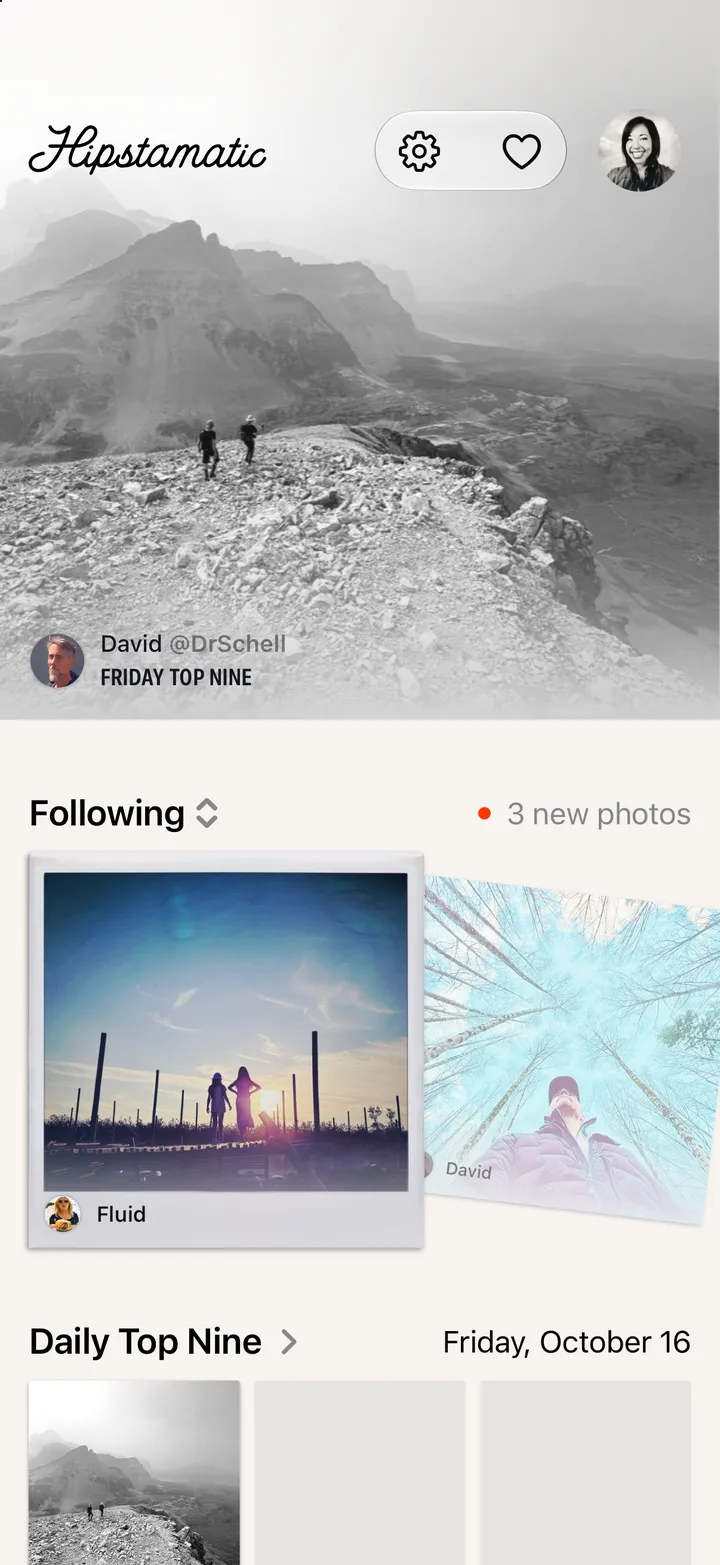
Find your way around Community
3 steps
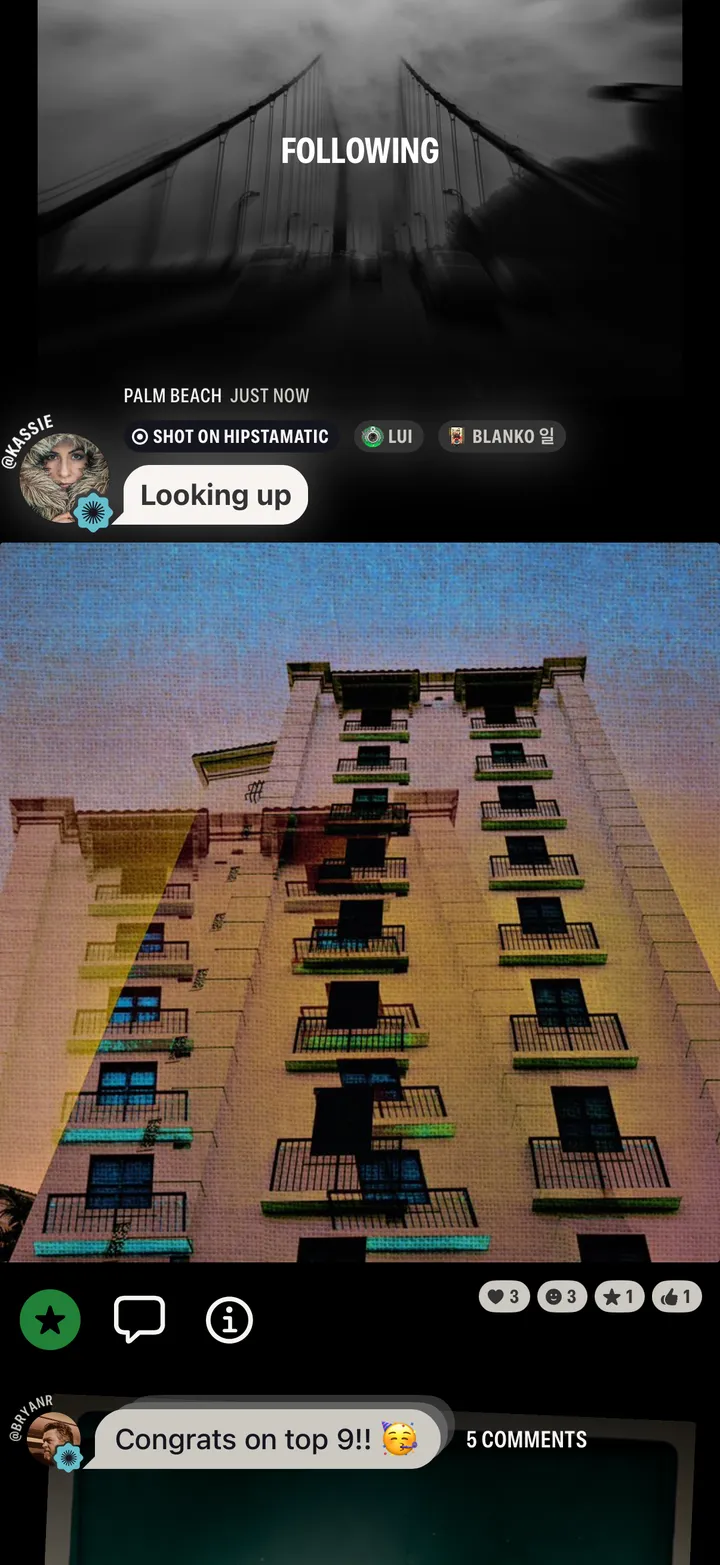
Give kudos
4 steps
Comment on a photograph
2 steps
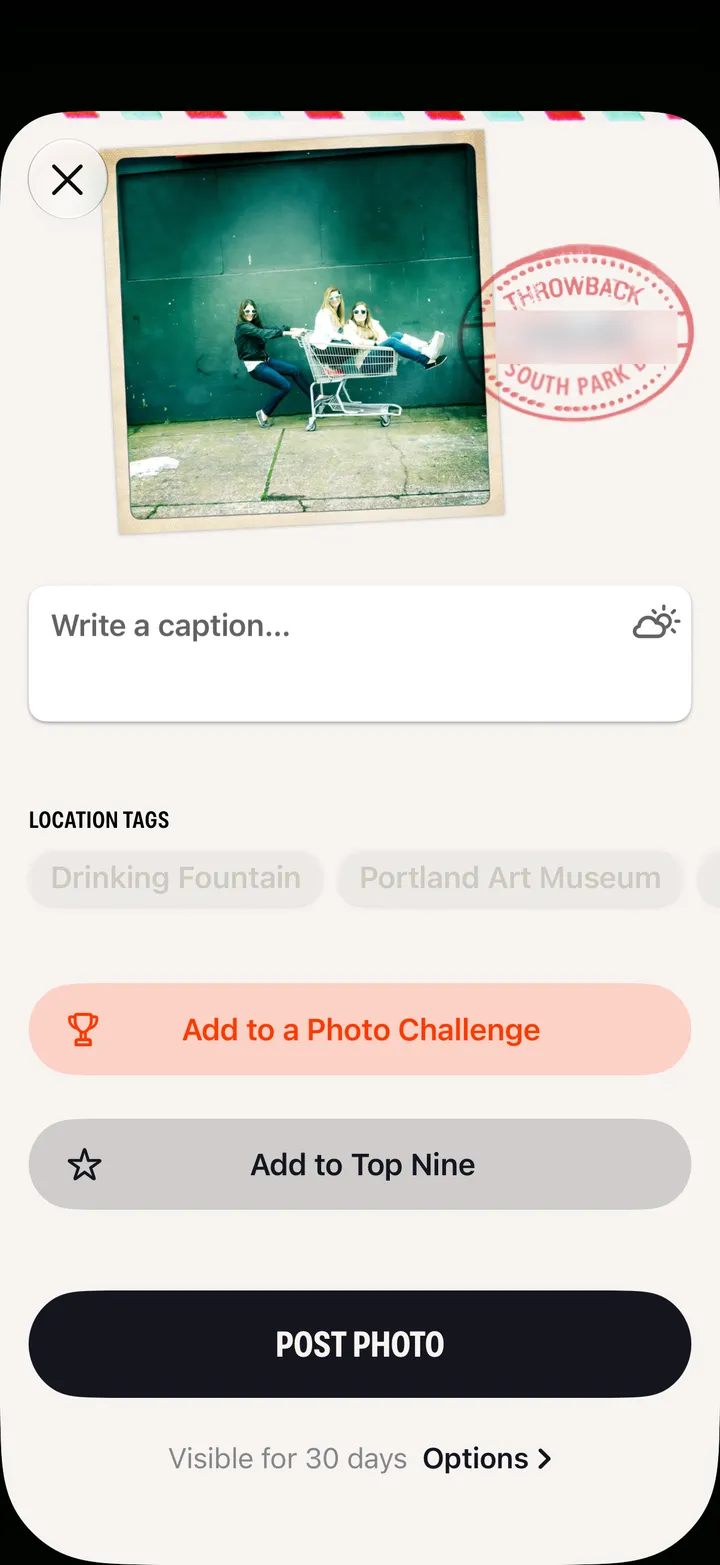
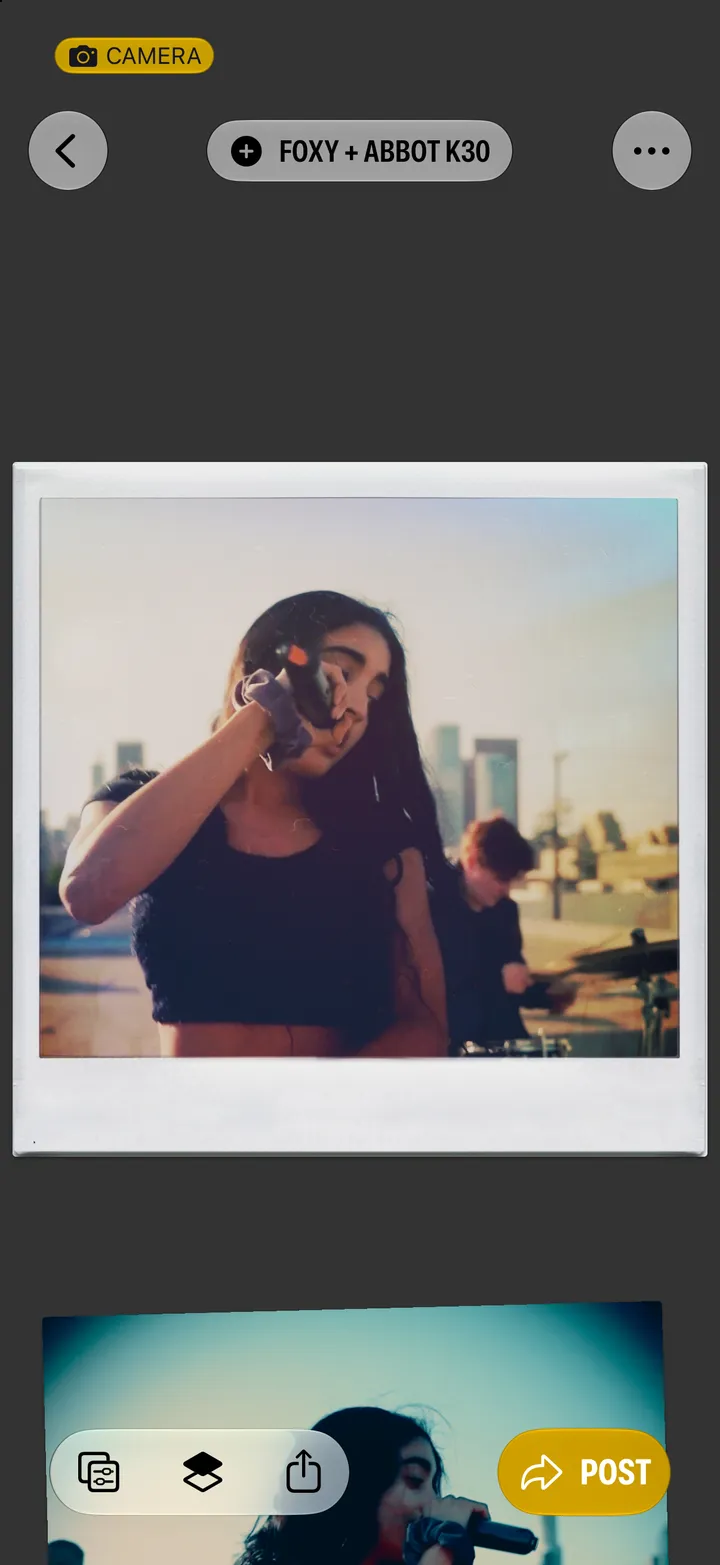
Post a photograph
3 steps
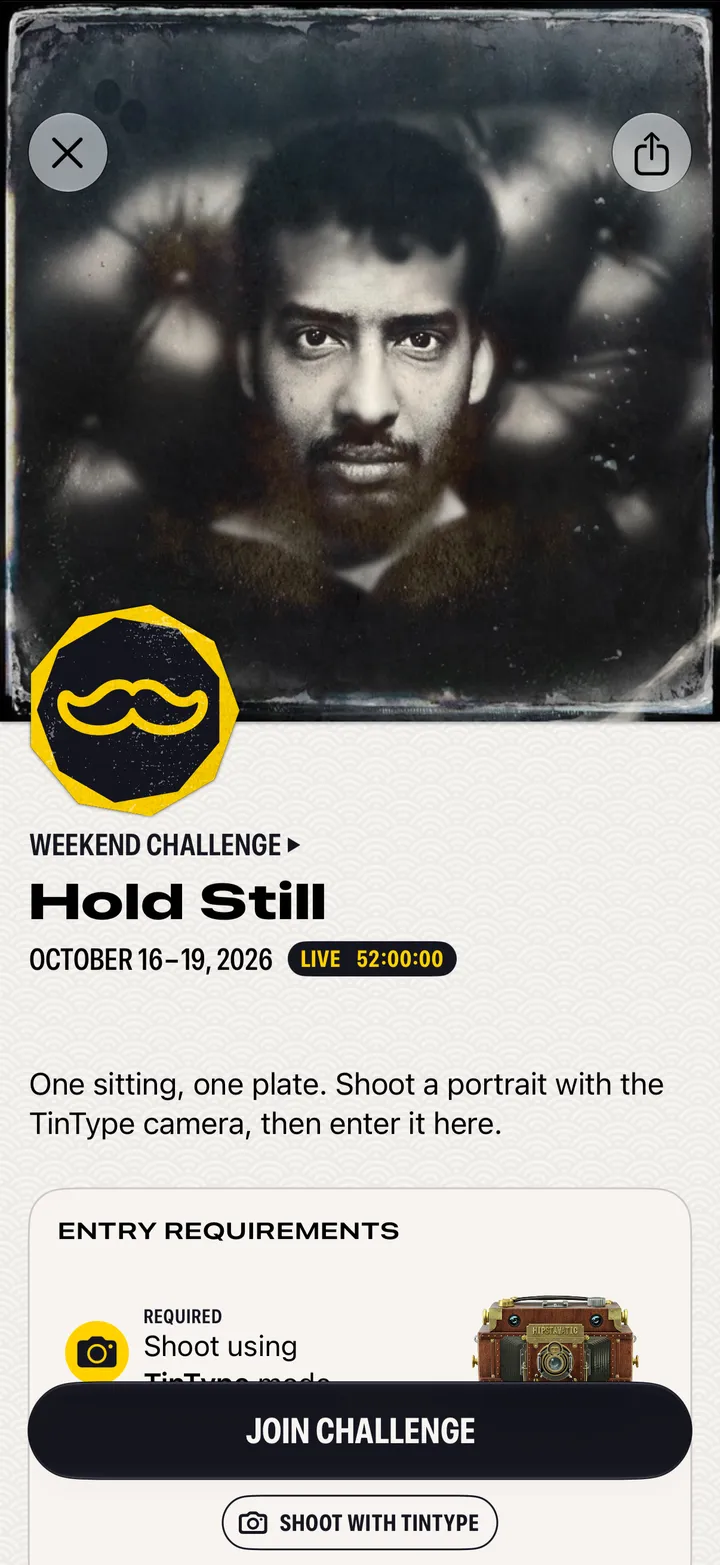
Enter a photo challenge
4 steps
Search for gear, presets and photographers
2 steps
Report a photograph or block someone
2 steps
Edit or delete a post
3 steps
Get into the Daily Top Nine
3 steps
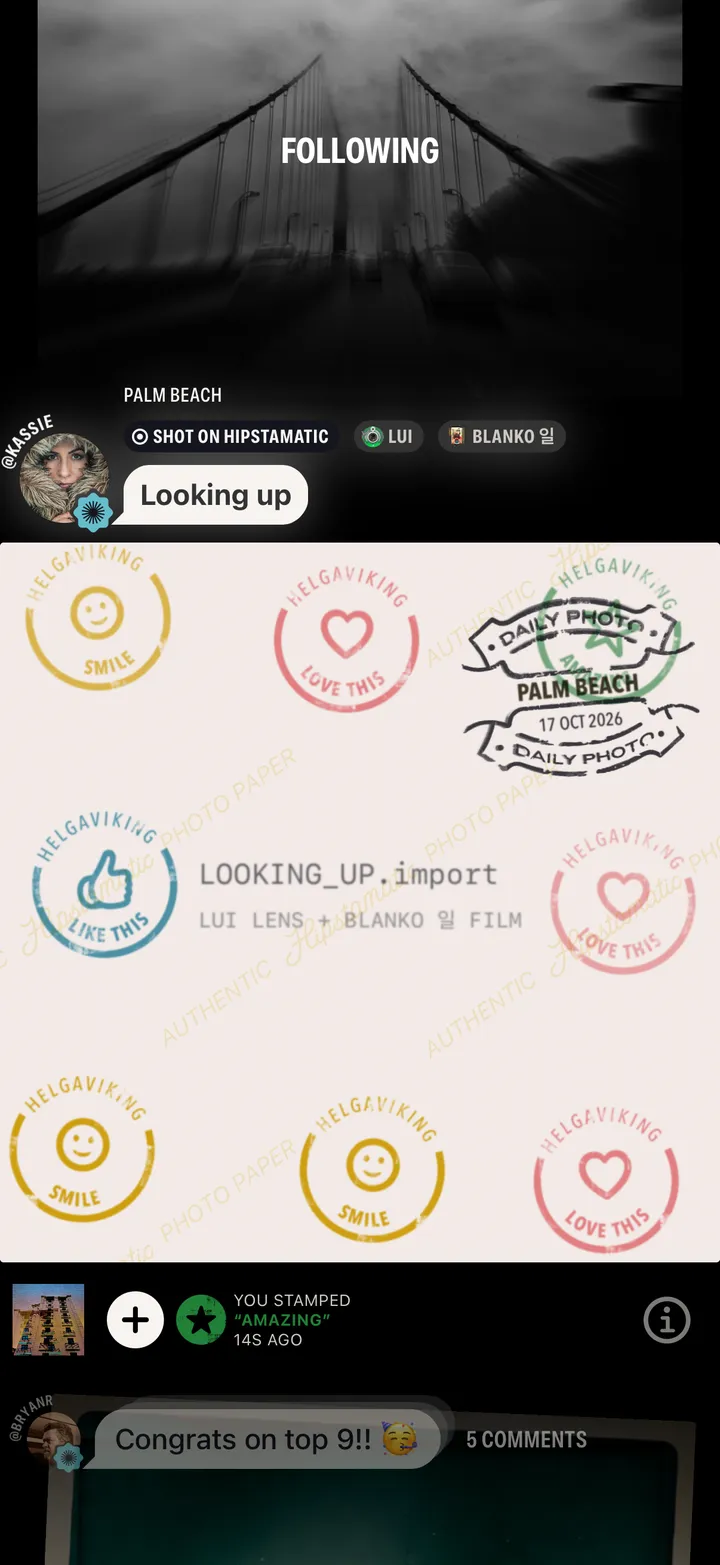
See who stamped your post
2 steps
Your profile
9
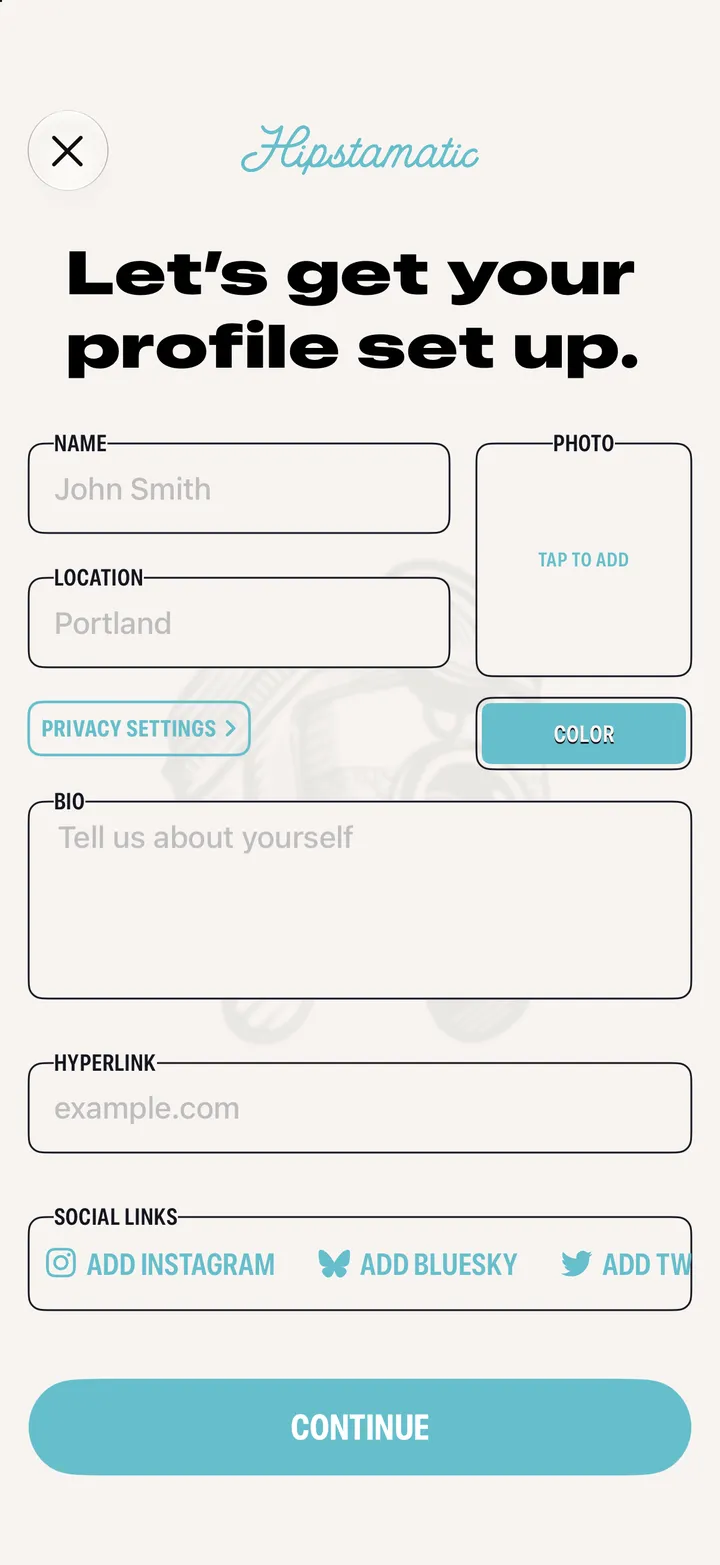
Set up your profile
4 steps
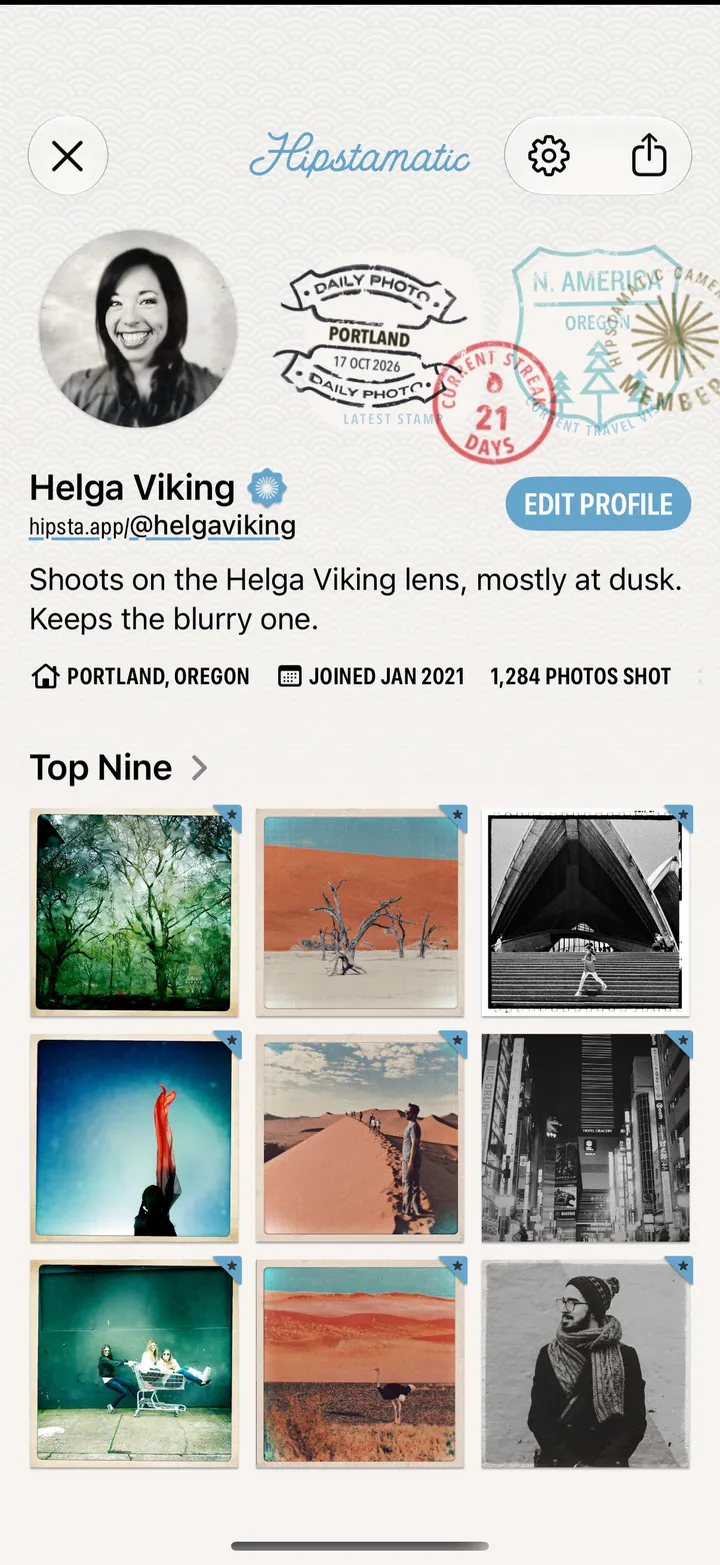
Edit your profile
4 steps
Choose your Top Nine
3 steps
Share your profile
2 steps
Follow photographers
3 steps
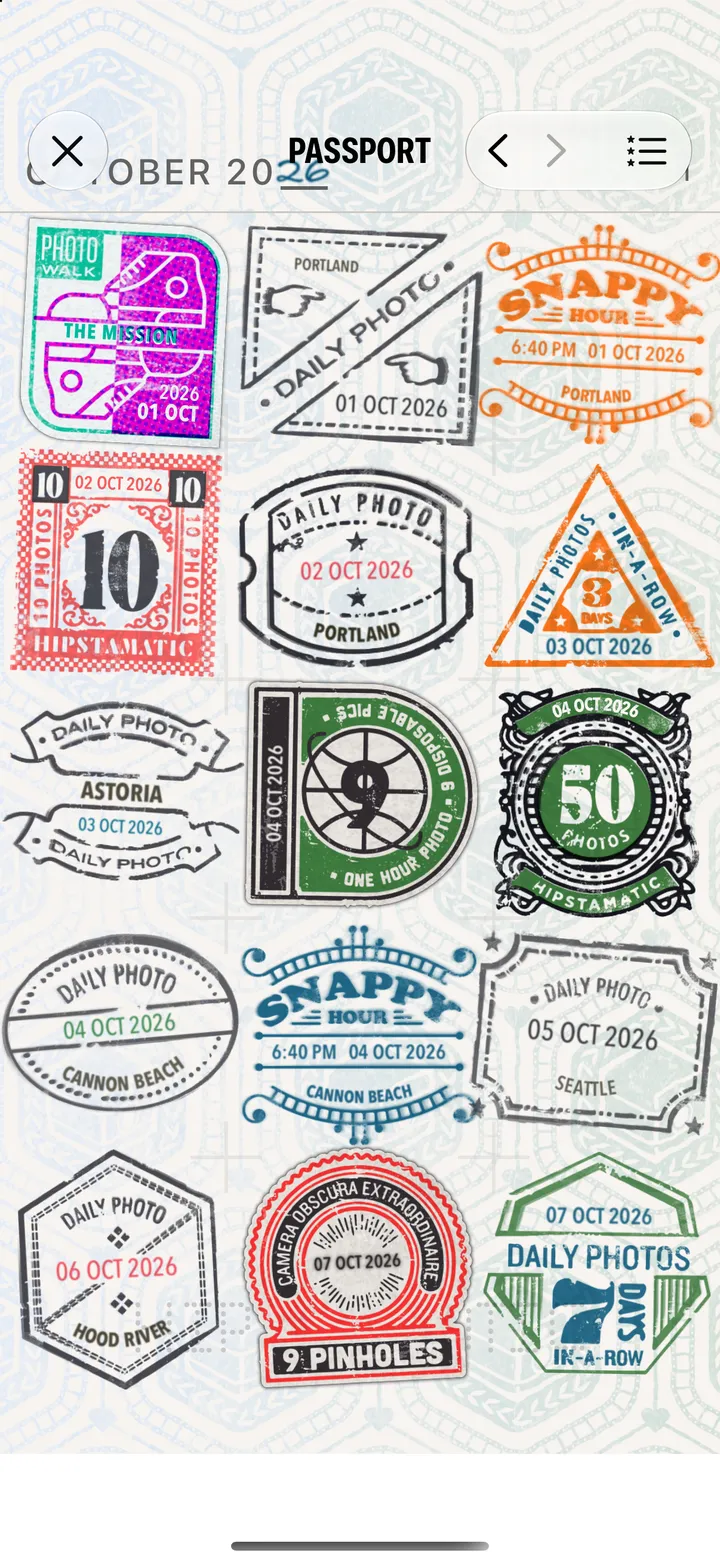
Collect Passport stamps
2 steps
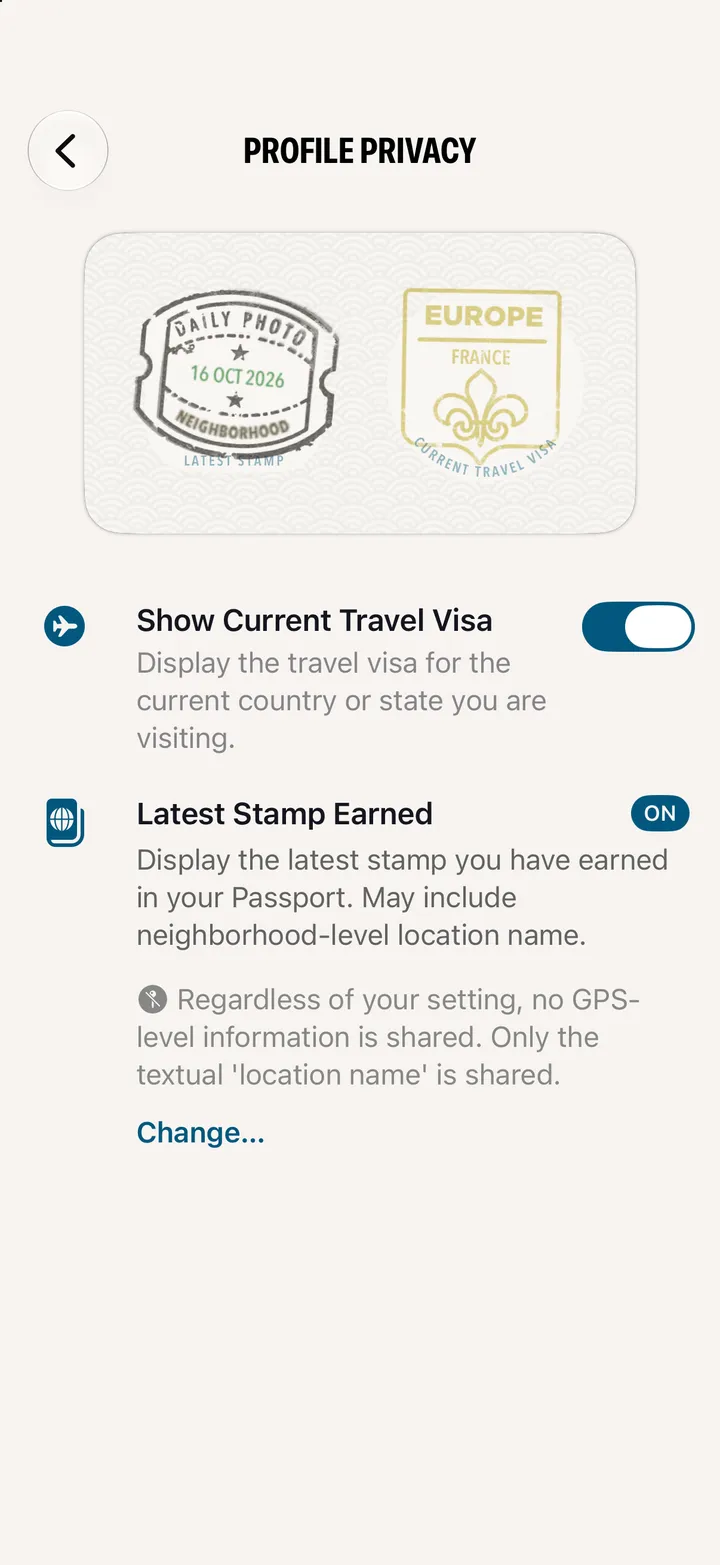
Keep your location private
5 steps
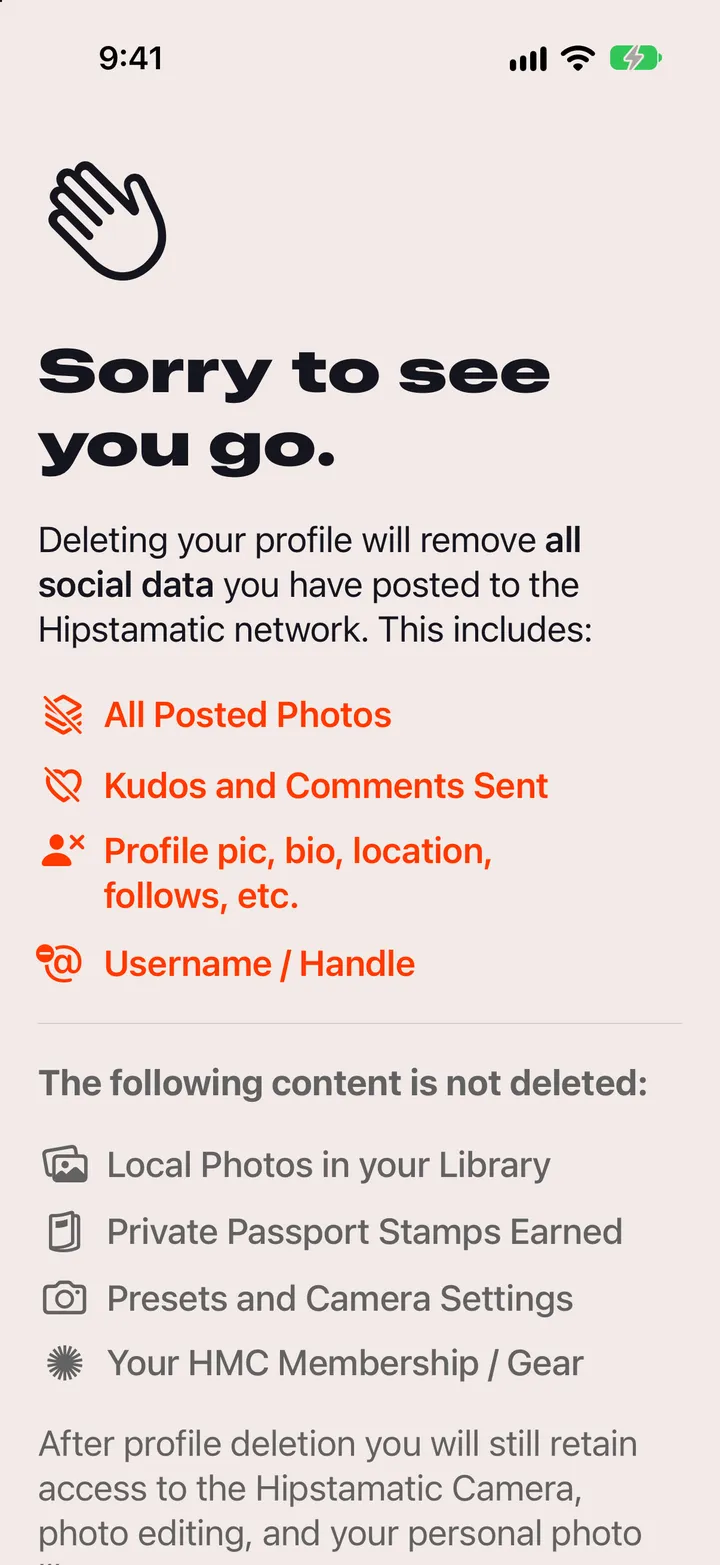
Delete your Hipstamatic profile
5 steps
On your iPhone
Edit
Add Widget
Put your Passport on your Home Screen
2 steps
Settings
4
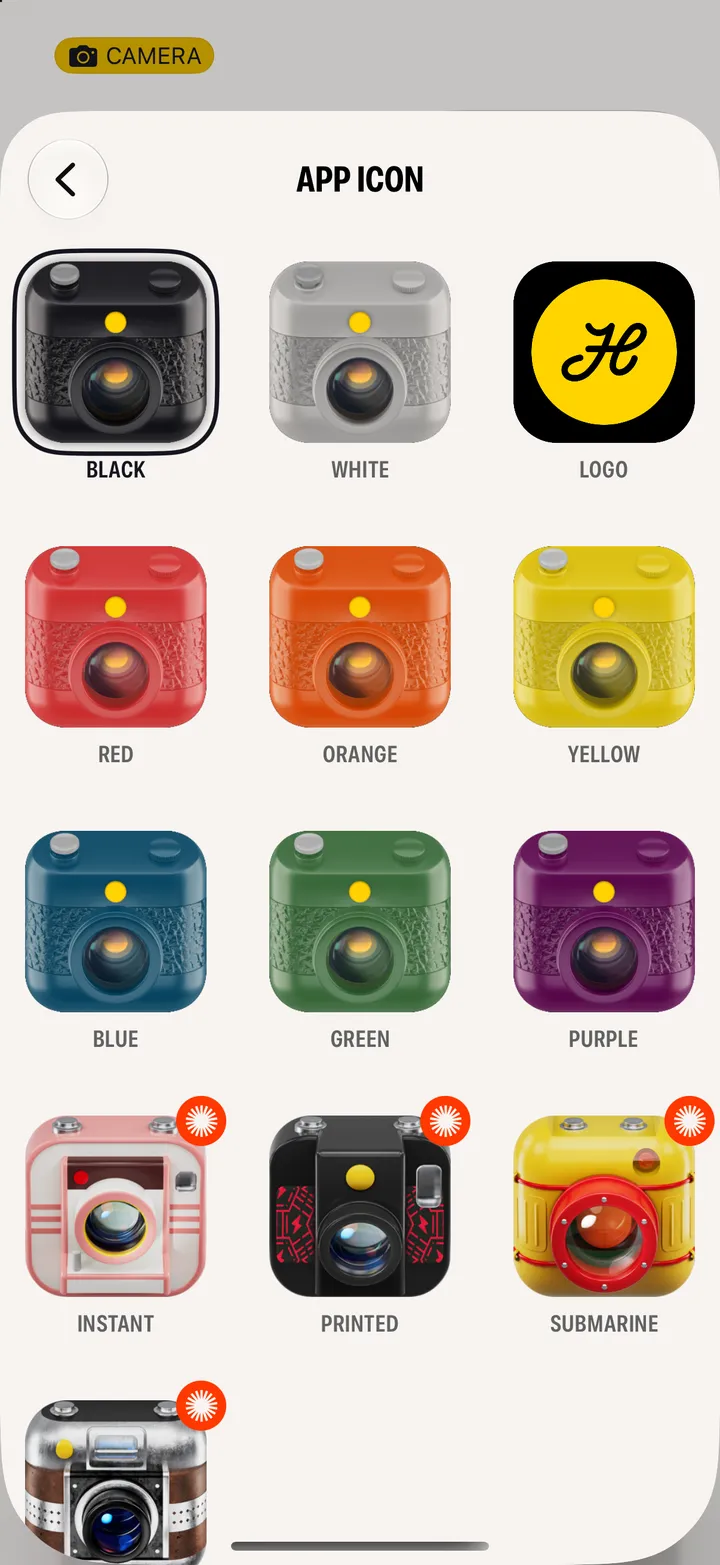
Change the app icon
3 steps
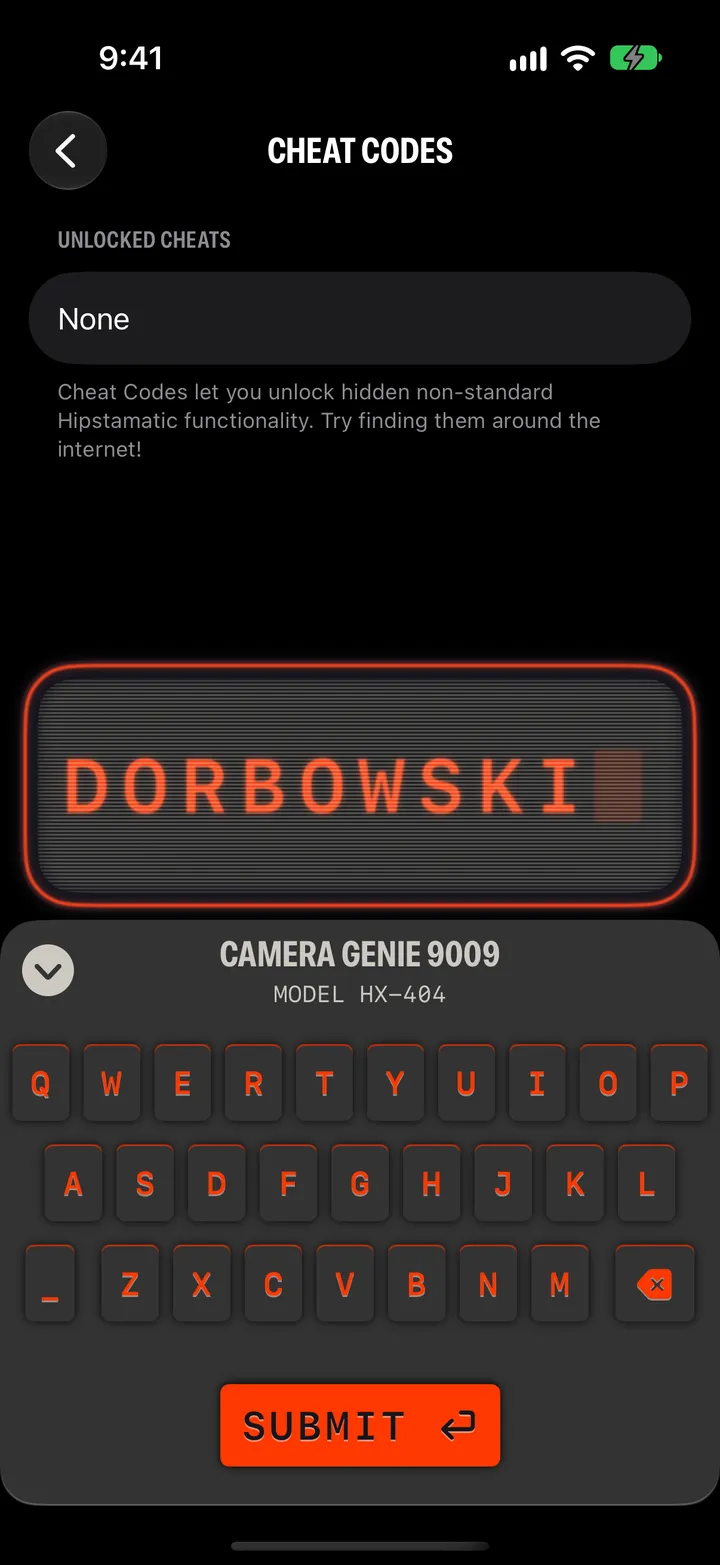
Enter a cheat code
4 steps
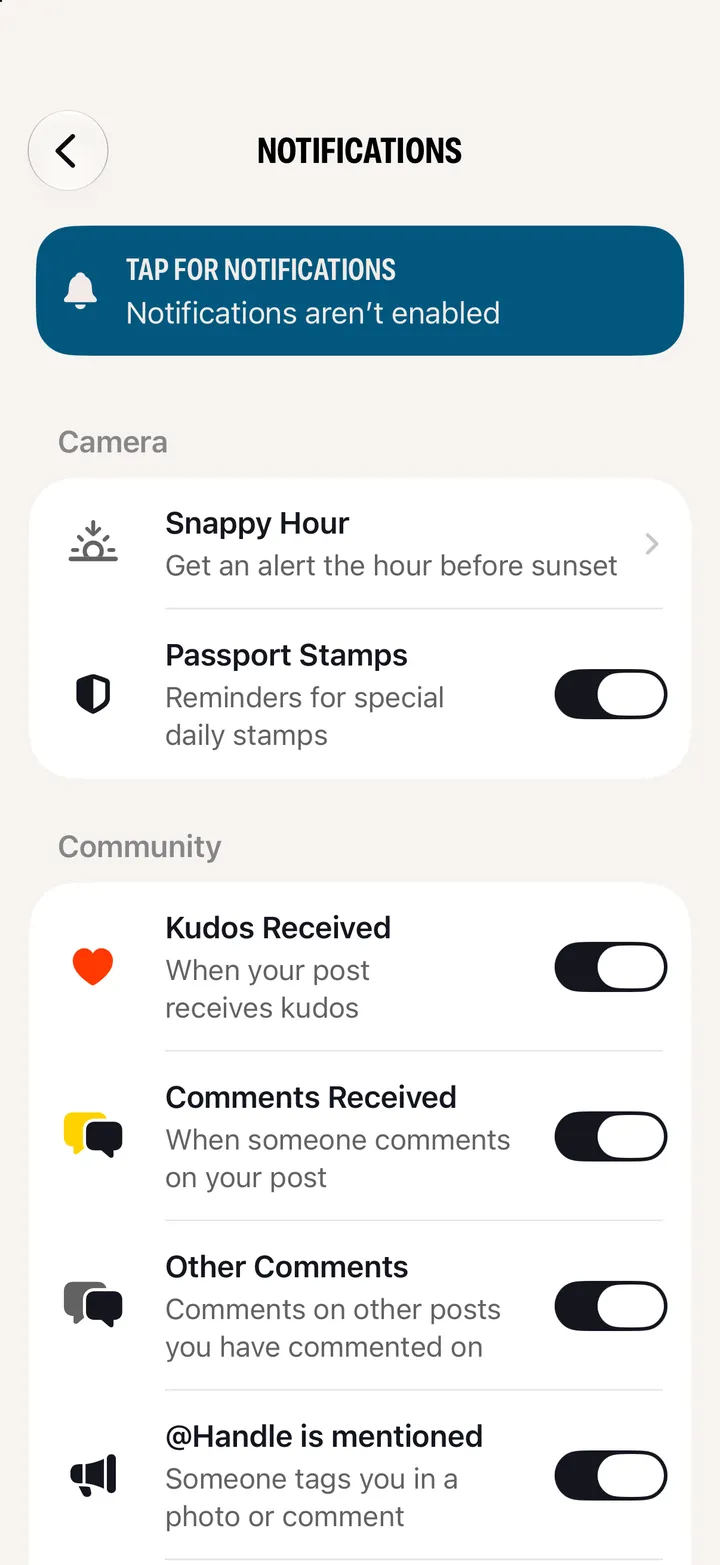
Choose your notifications
4 steps
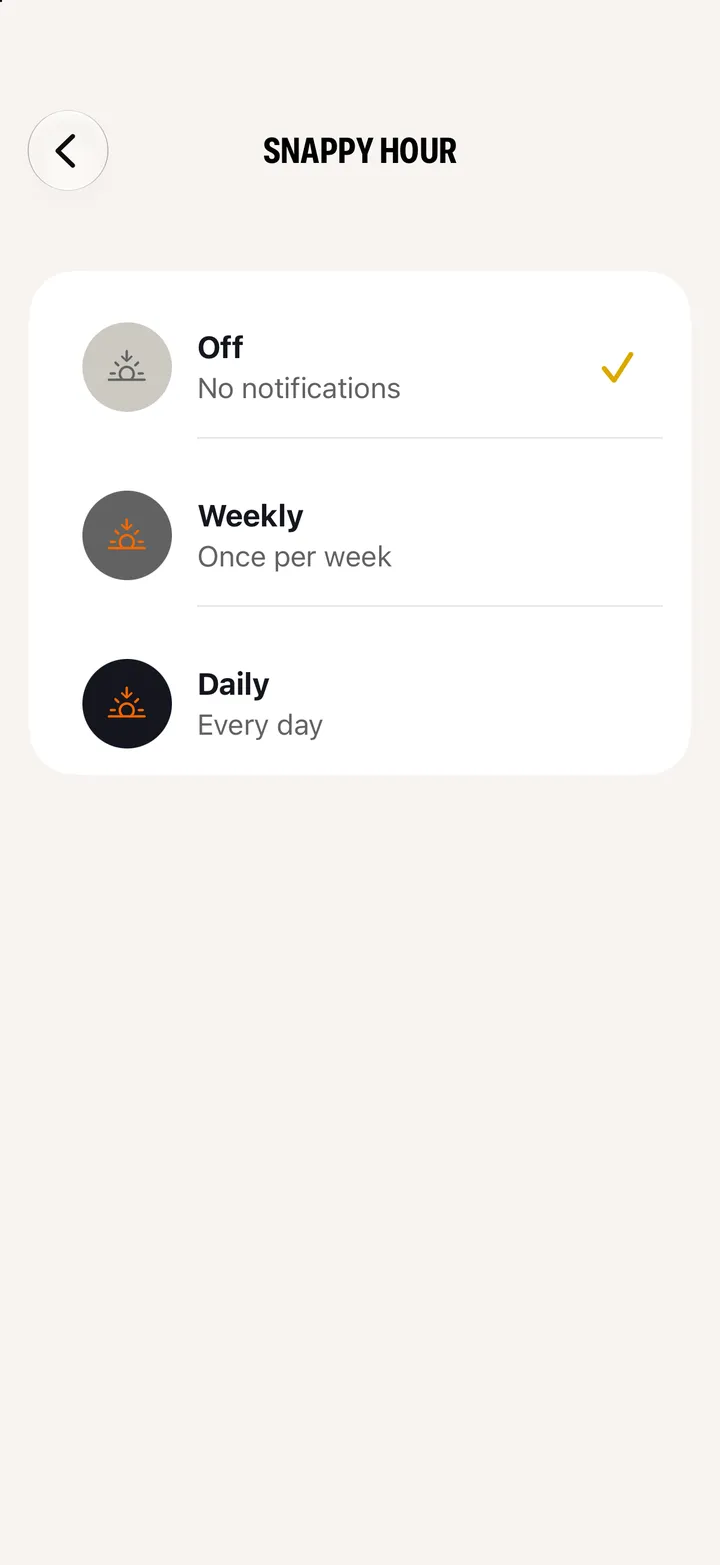
Get an alert before sunset
4 steps
Troubleshooting
7
The viewfinder is black
3 steps
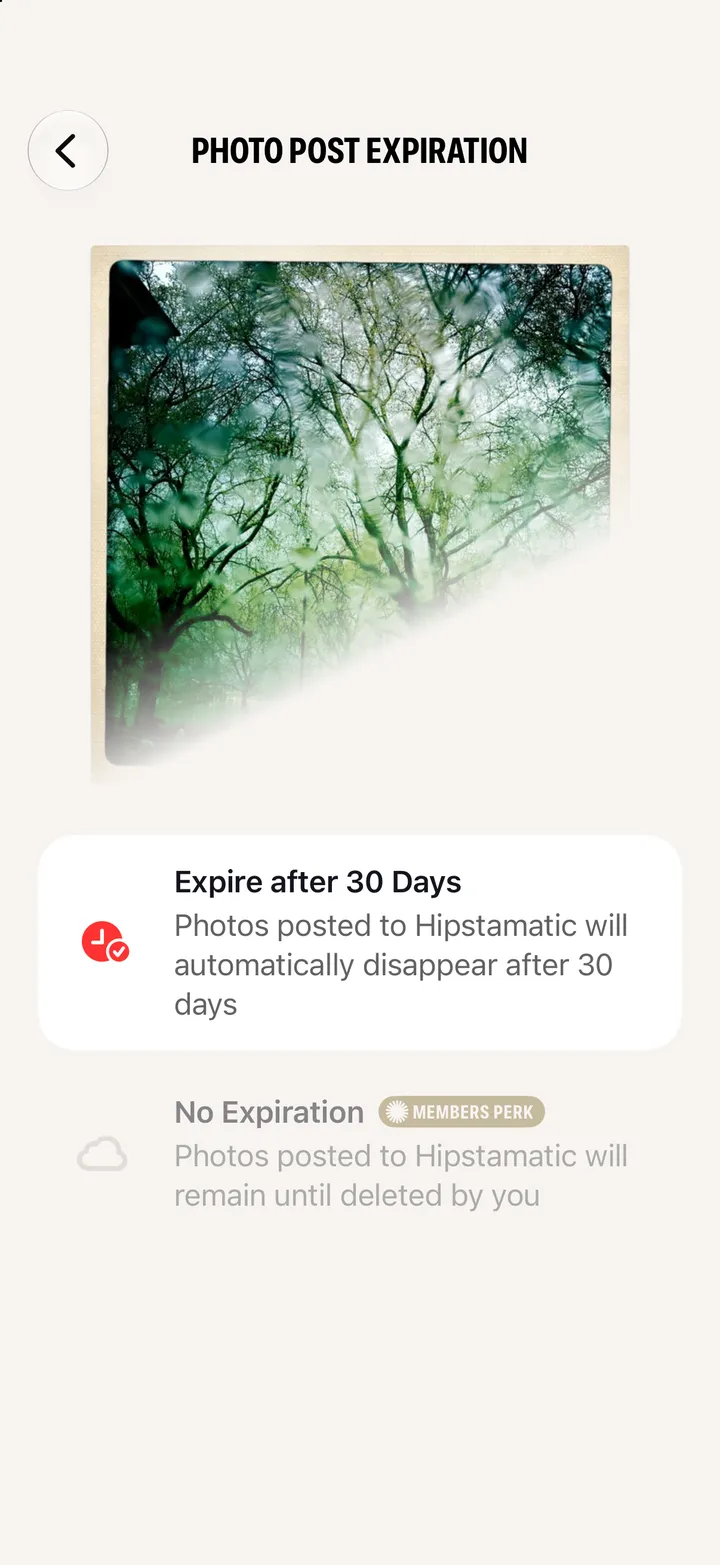
Where did my post go?
3 steps
Not getting notifications
4 steps
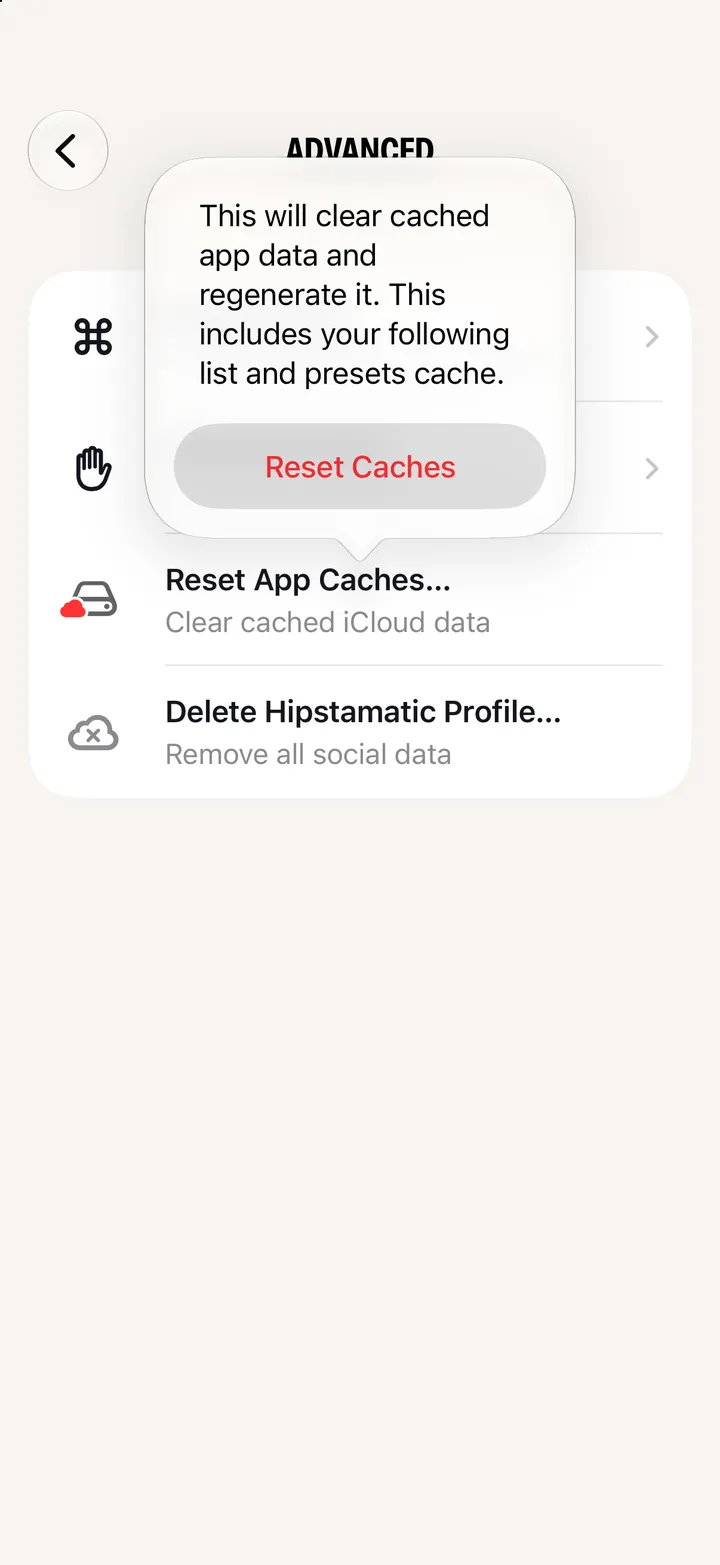
Reset Hipstamatic’s caches
4 steps
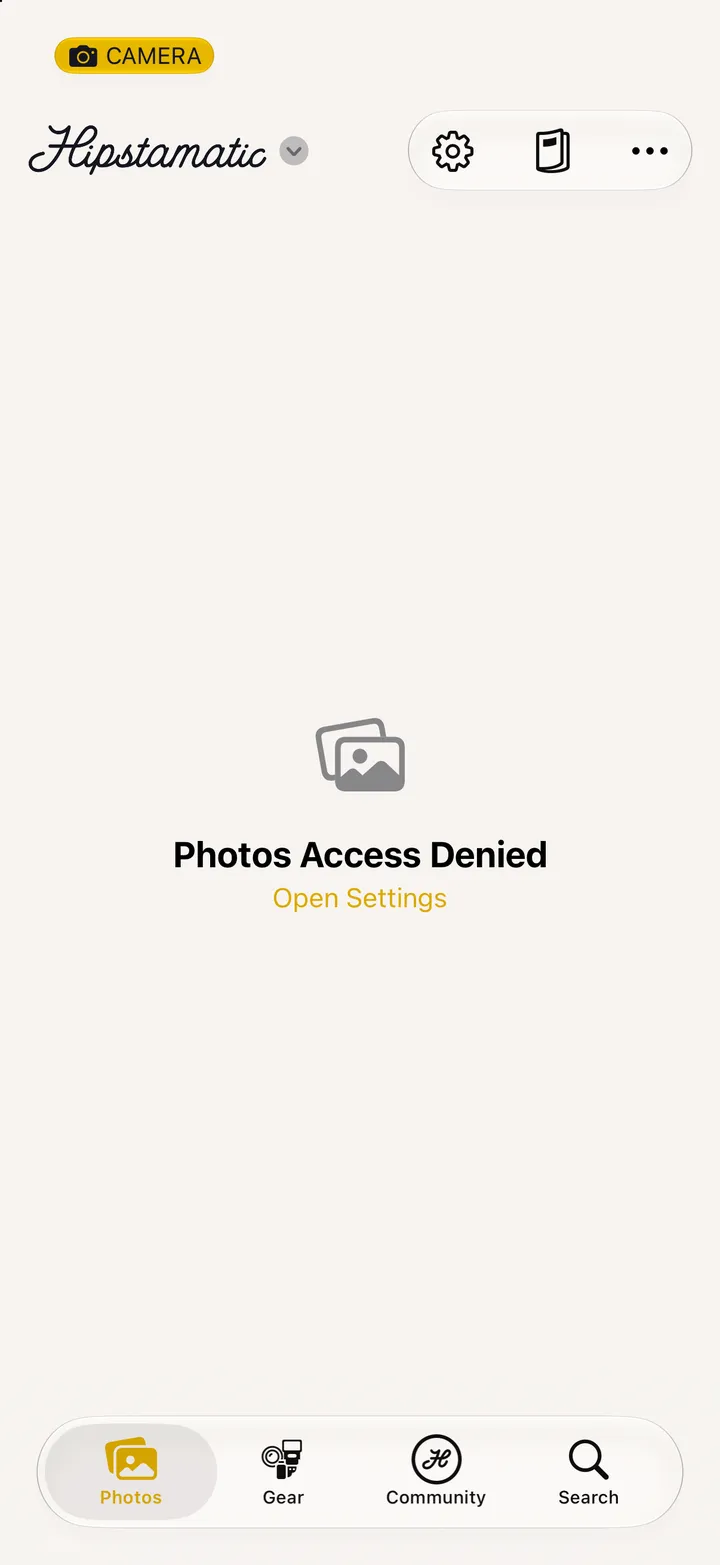
Photos Access Denied
3 steps
On your iPhone
Settings
Wi-Fi
Unable to dial in to the interwebs
3 steps
On your iPhone
Settings
Sign in
Camera-Only Mode
2 steps
Nothing for that yet. Try another word, or write to support@hipstamatic.com.
In every how-to:
Tap here
Swipe
Shake your iPhone
The Hipstamatic Field Guide
Camera Club
TinType
IncrediBooth
Hipstamatic Classic
Party!
View all guides ↘
Still stuck? support@hipstamatic.com ↘


 70 how-tos, step by step · About Hipstamatic ↘

 Camera Club
 TinType
 IncrediBooth
 Hipstamatic Classic
 Party!