Hipstamatic guideShoot with a signature camera
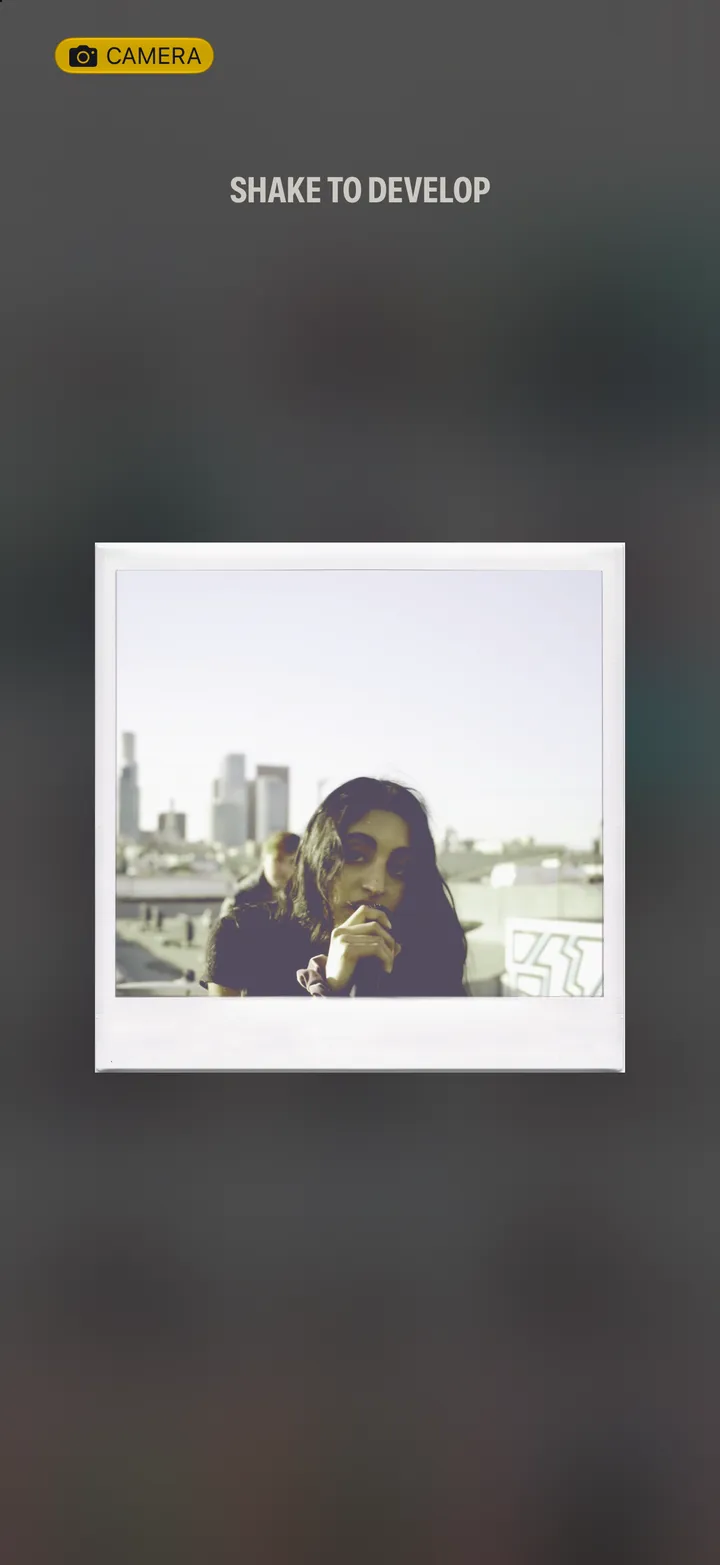
Swipe up, tap Gear and open Signature Cameras. Pick one, tap Use This Camera and shoot, then shake your iPhone to develop.
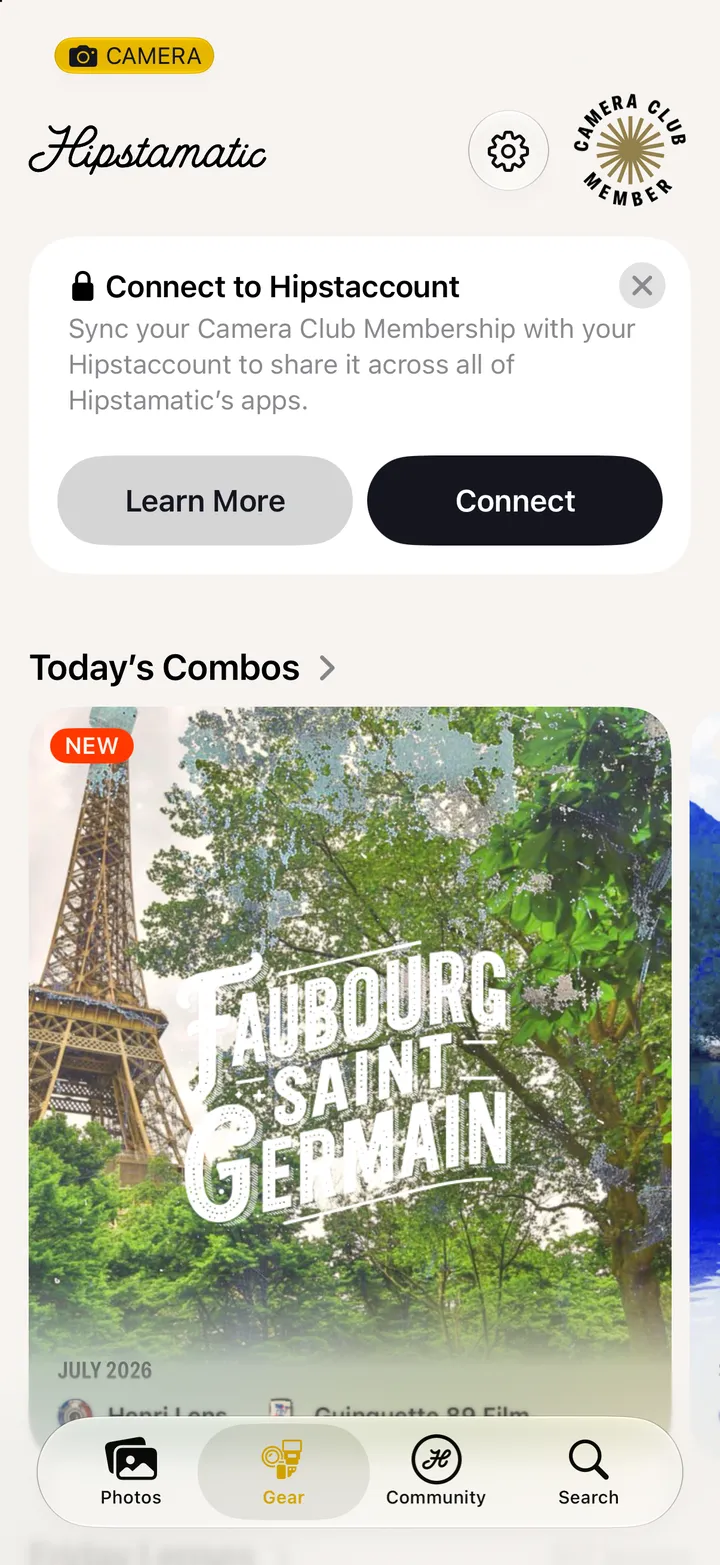
Hipstamatic · 3.2 · 6 stepsSwipe up from the camera, tap Gear, and scroll down.
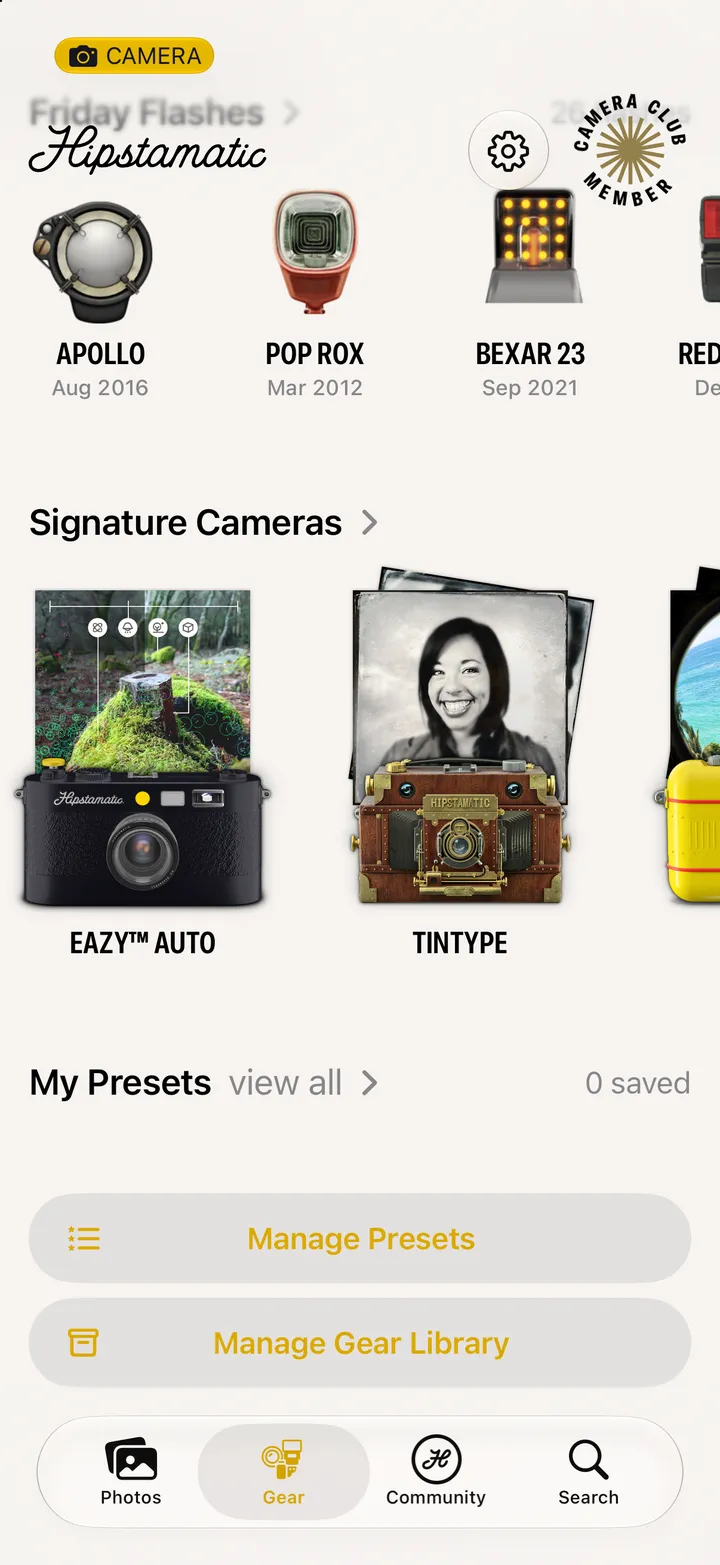
Each one is a body, a lens and a film that belong together.
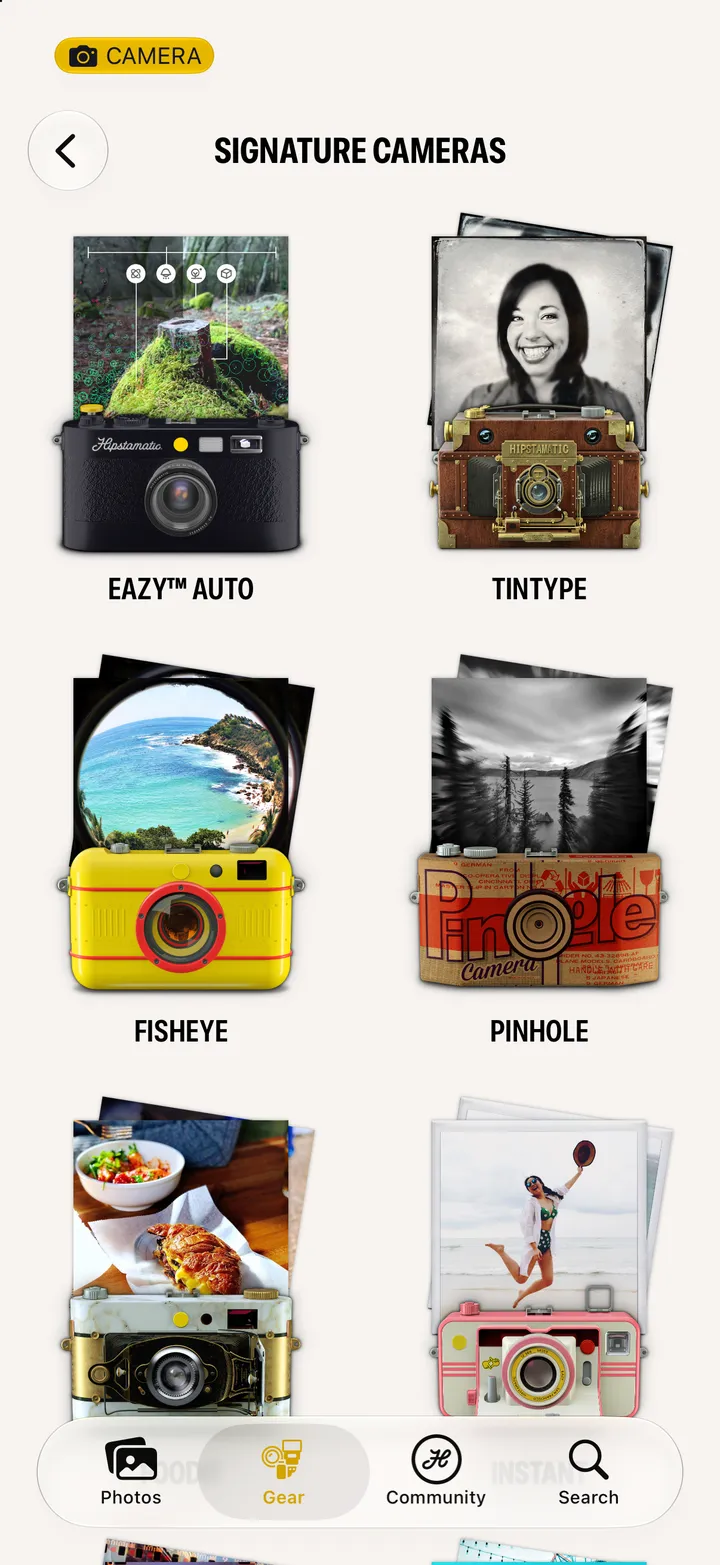
The whole camera changes, body and all.
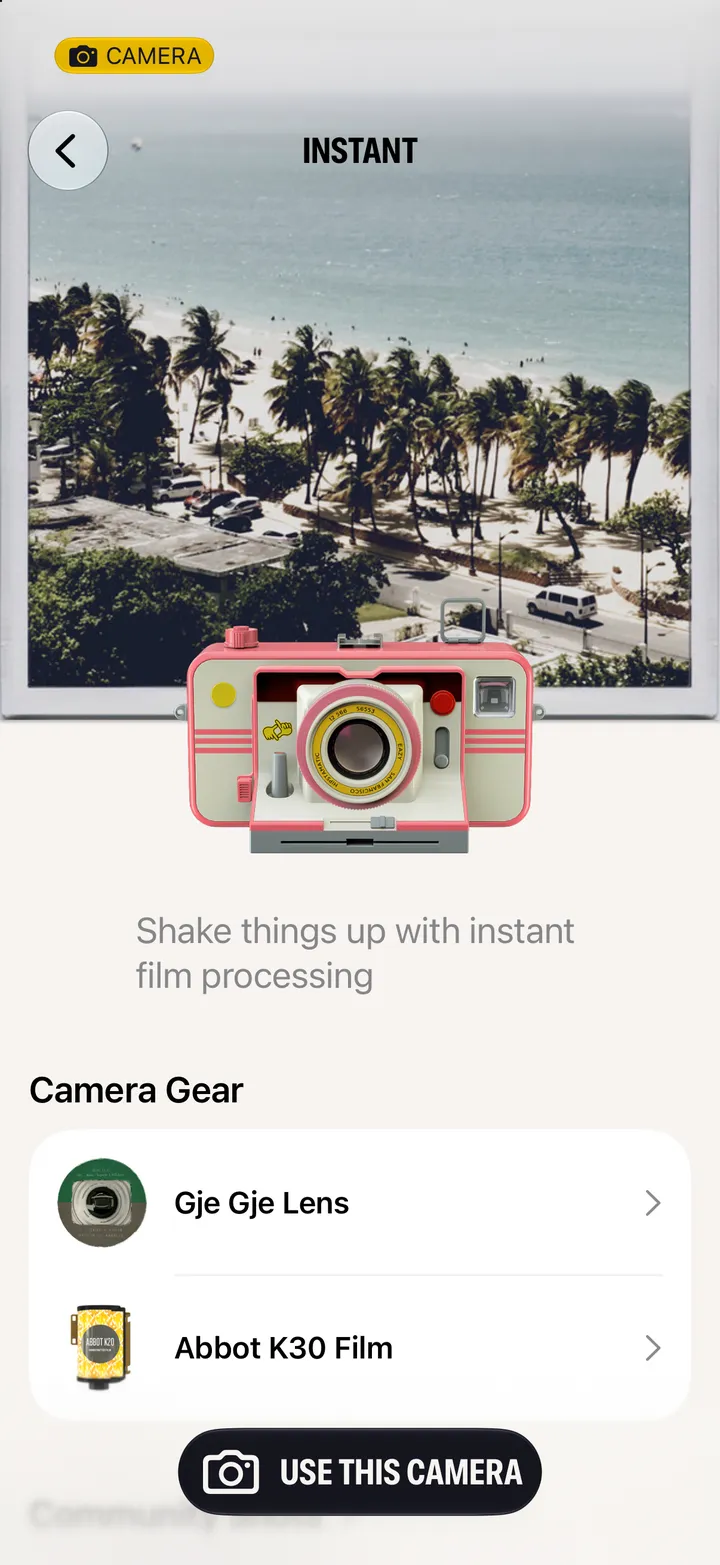
Same yellow button, different camera.
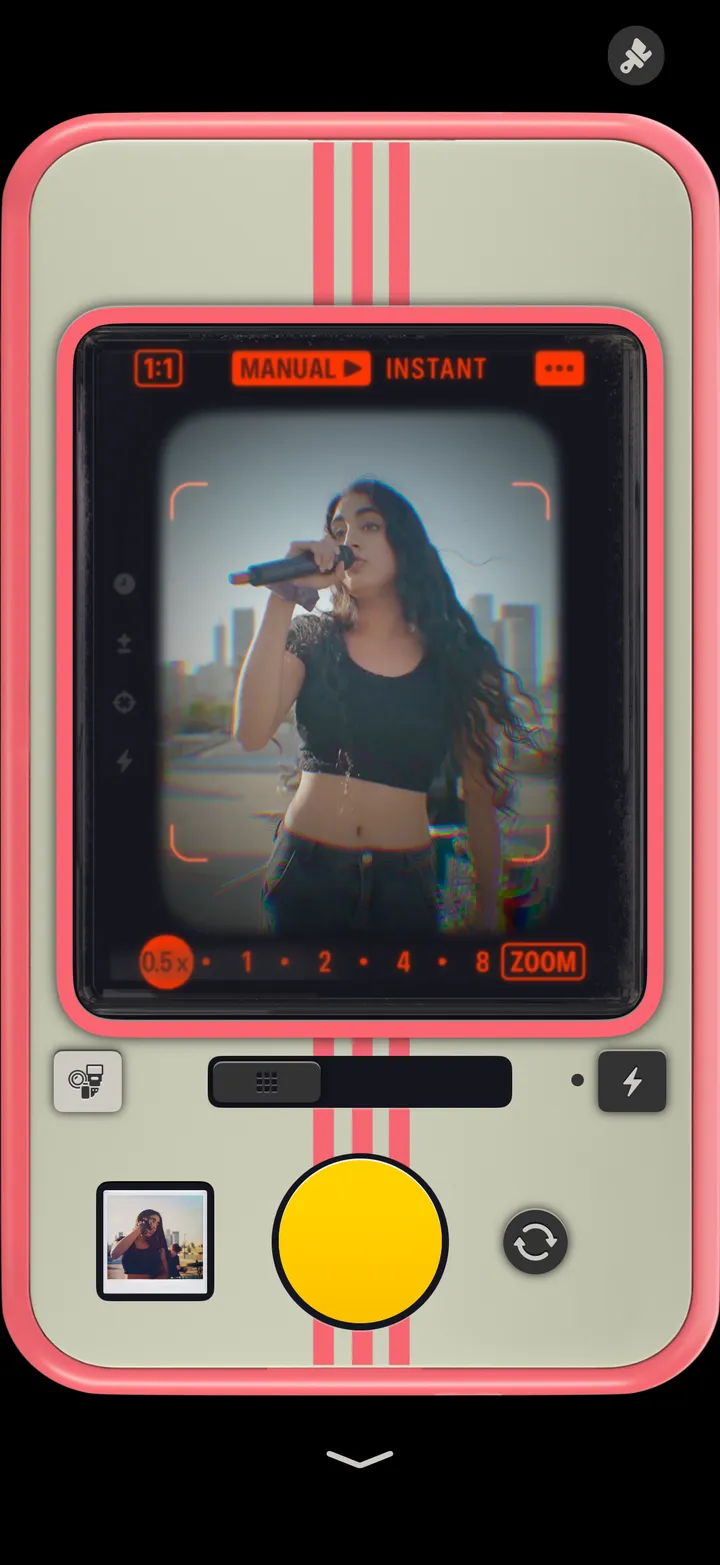
Swipe up from the bottom, then shake your iPhone. Leave it alone and it develops on its own.
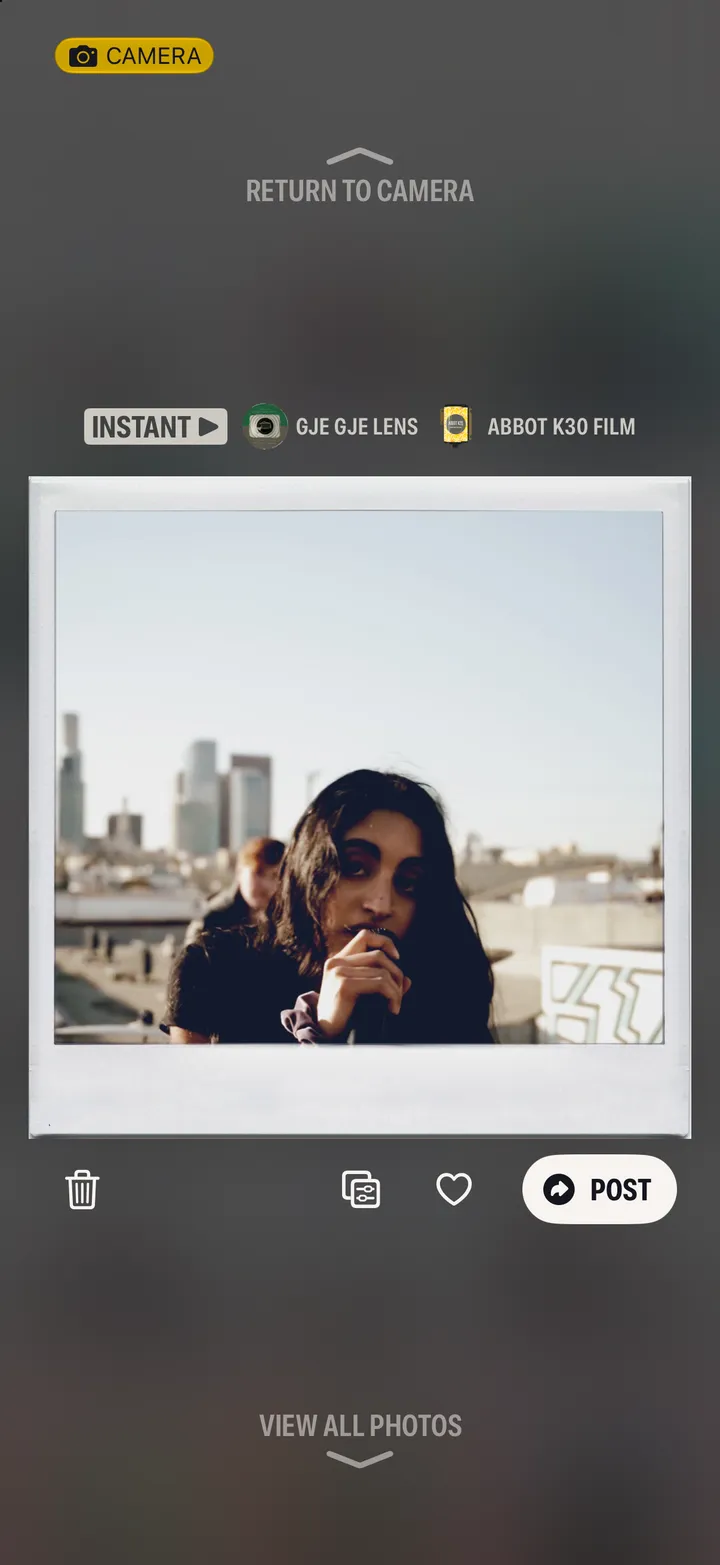
The camera, lens and film are named above the print.