Hipstamatic guideShoot a combo you find in the community
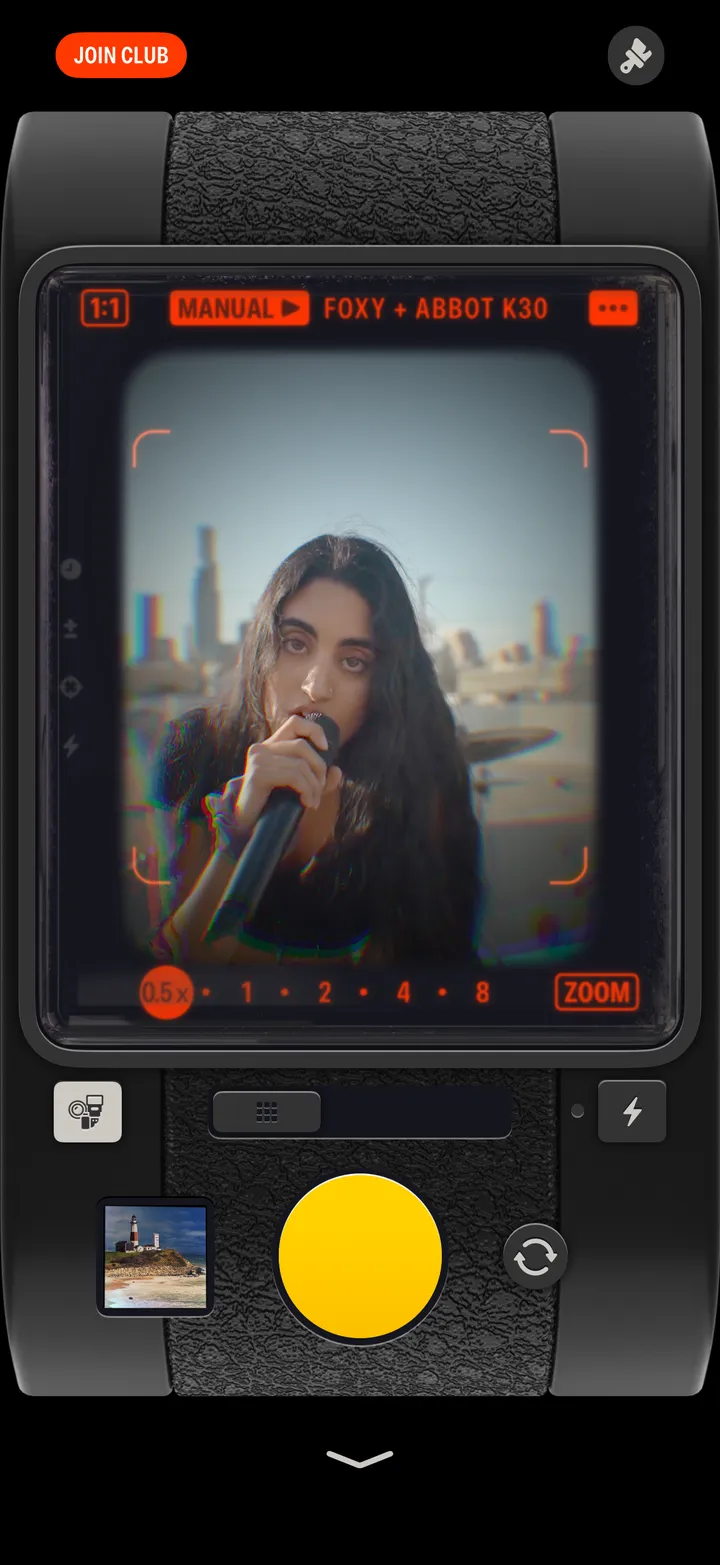
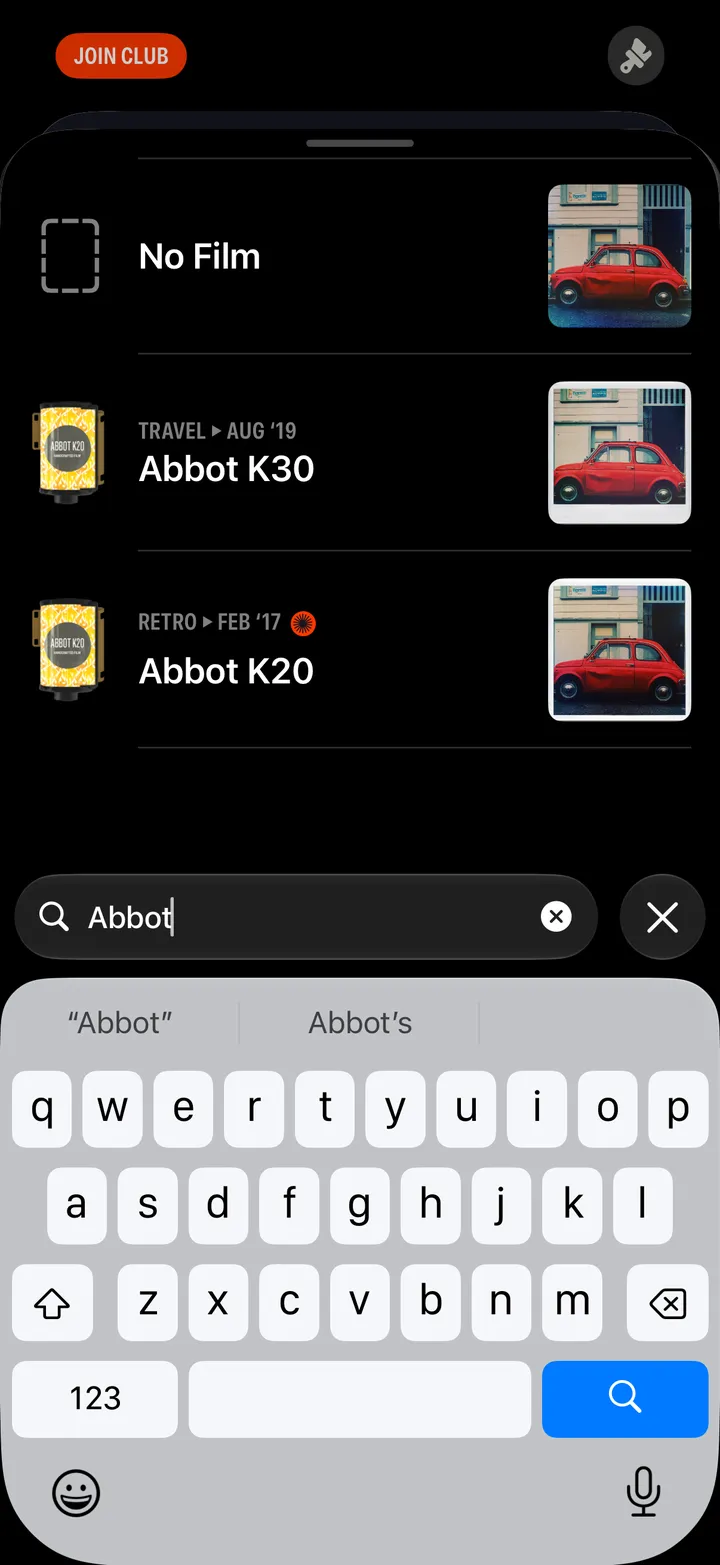
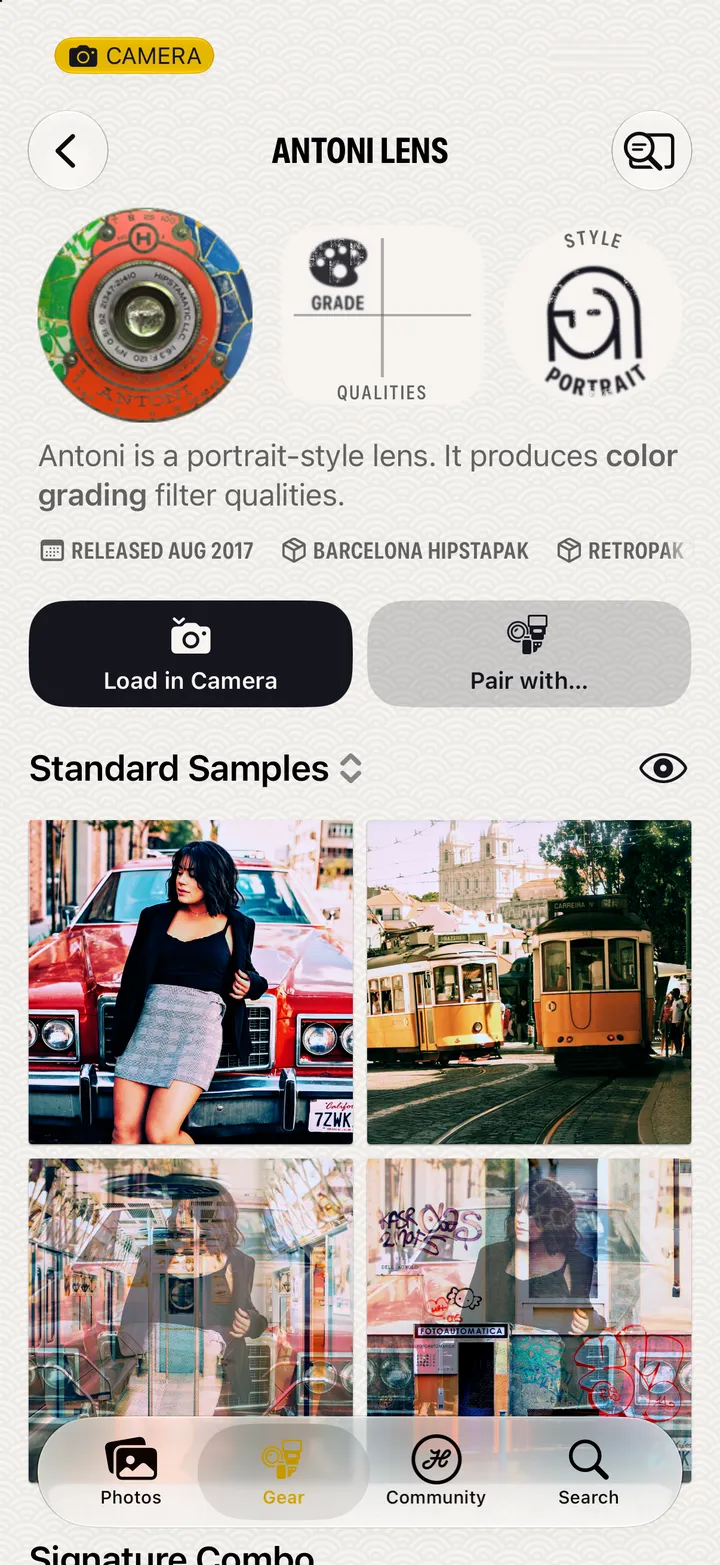
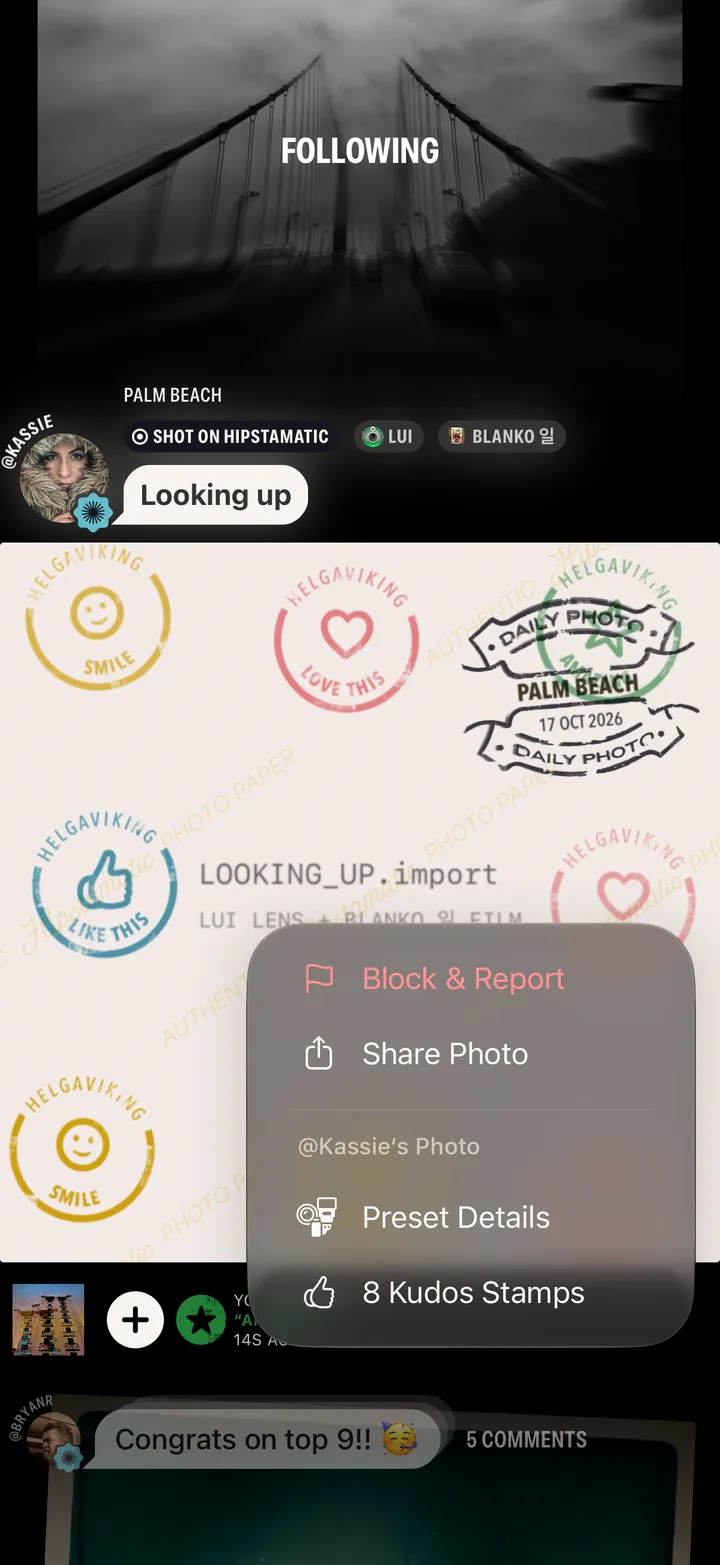
On any photograph in Community, tap ⓘ, then Preset Details, then Load in Camera. The lens, film and flash go straight into your camera.
Hipstamatic · 3.4 · 5 stepsSwipe up from the camera, tap Community, then any photograph.
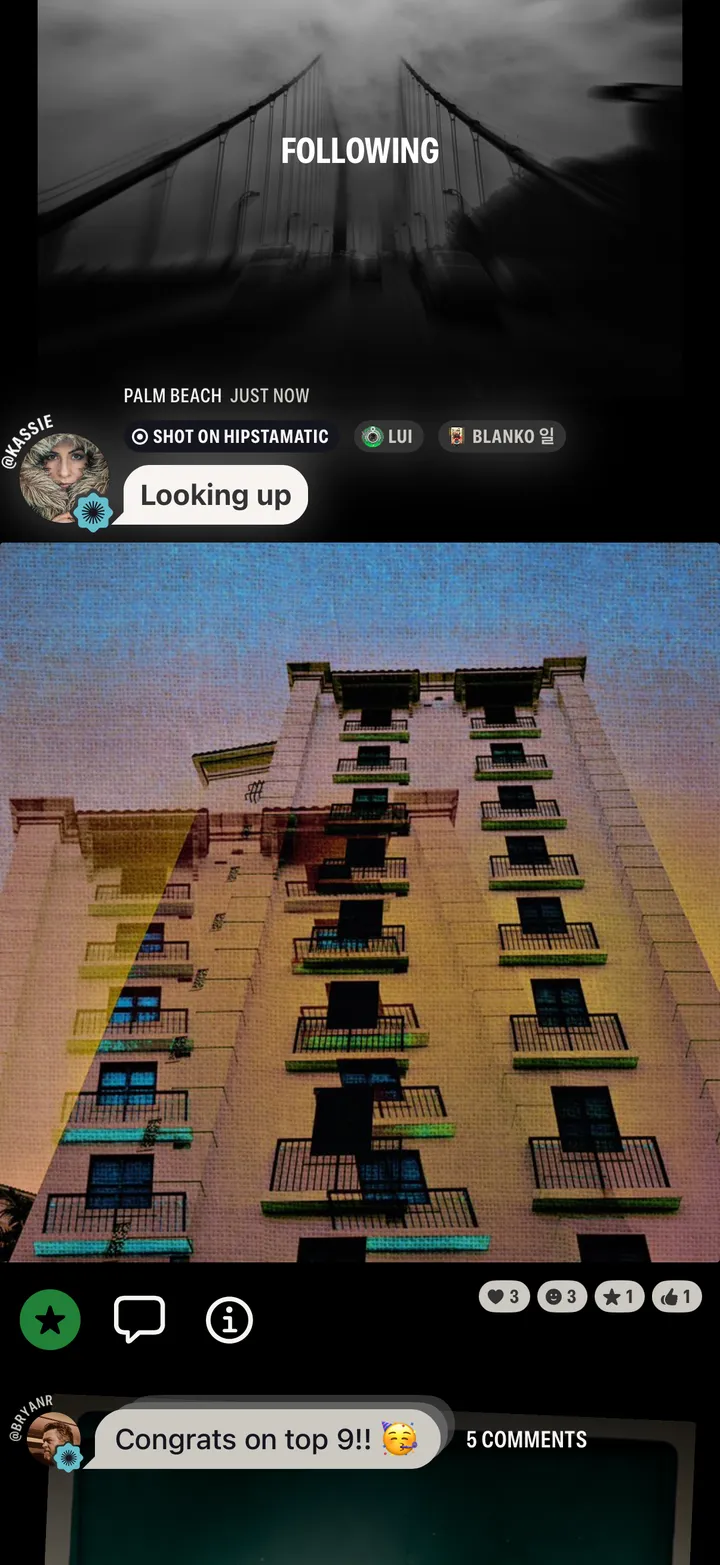
Under the photograph. Tapping the gear named above it works too.
View Stack shows more photographs shot with the same combo.
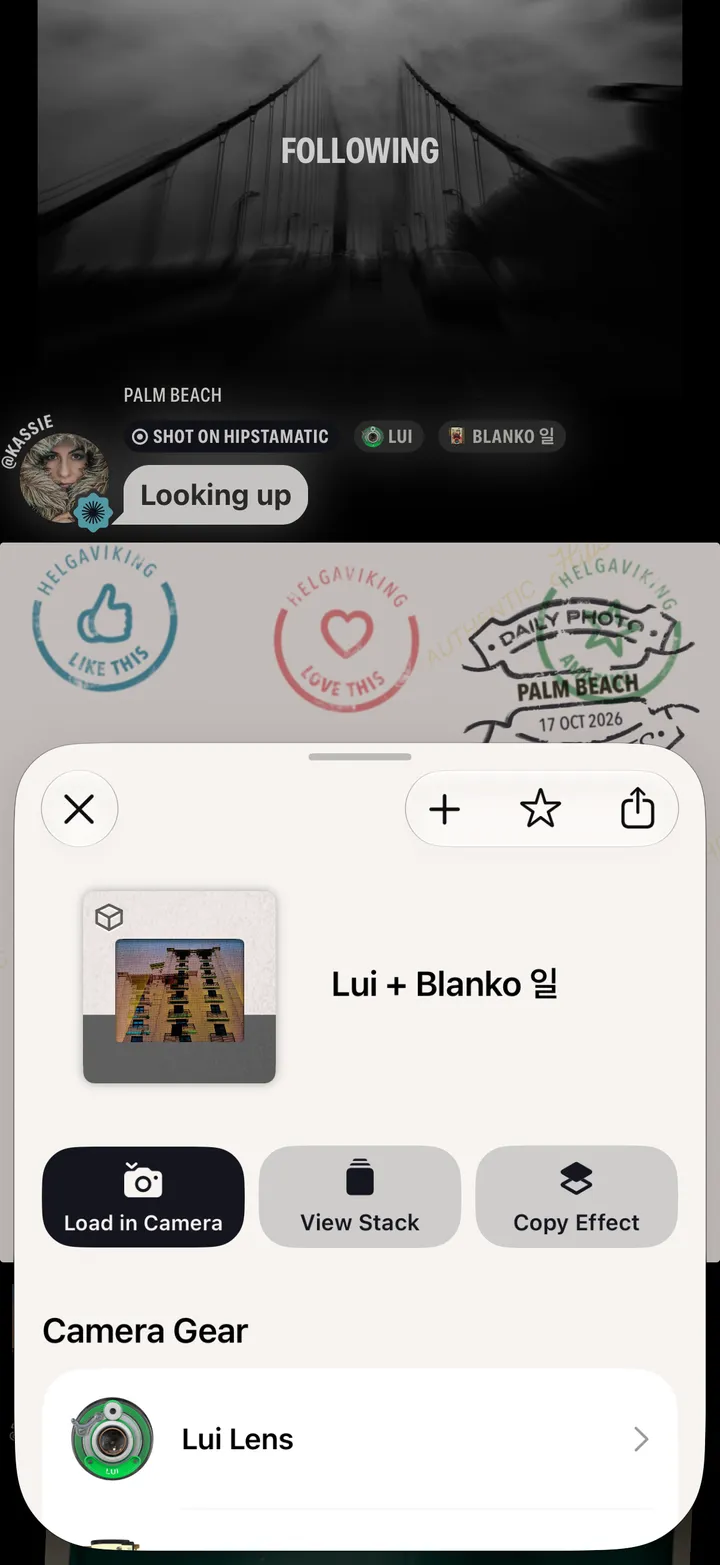
It’s loaded. The moment is yours.