Hipstamatic guideFind a lens or film by name
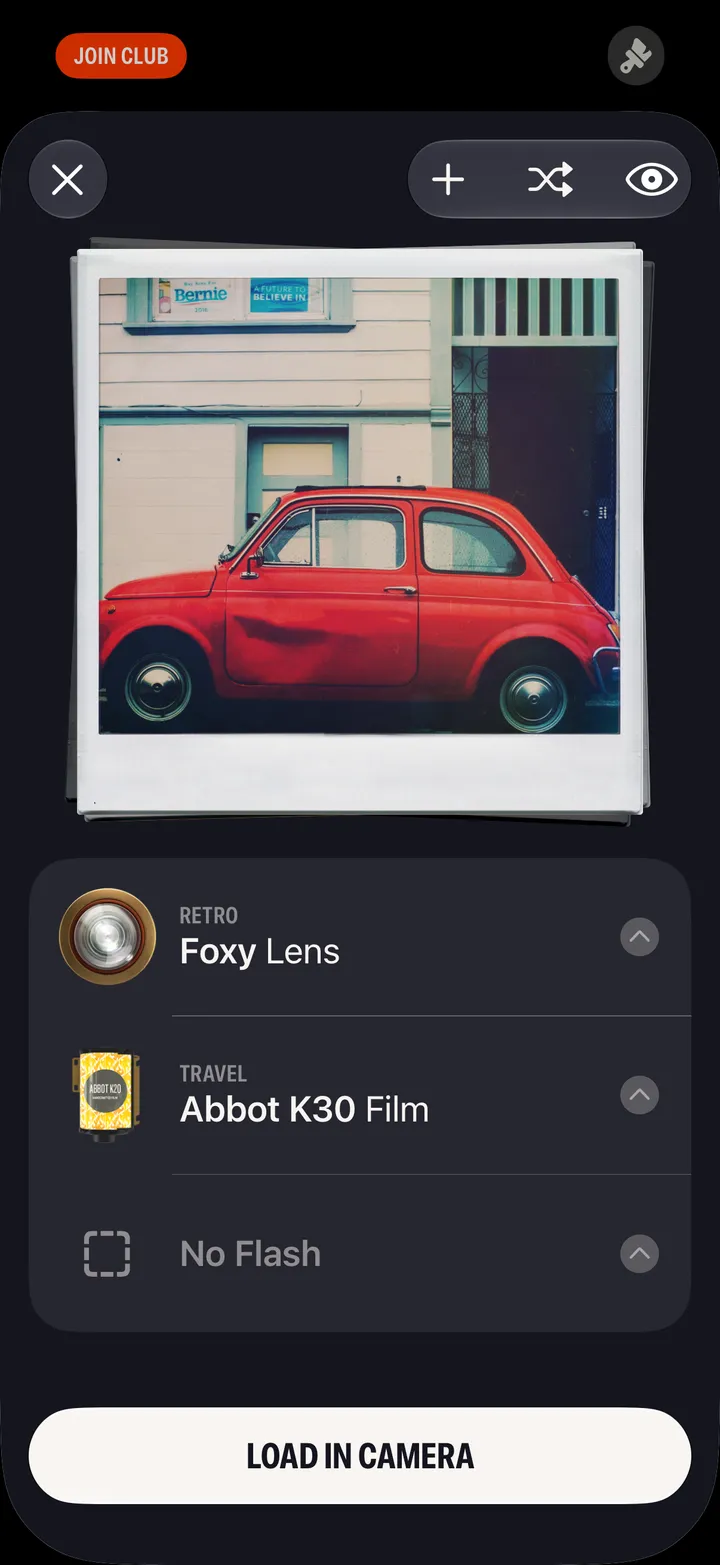
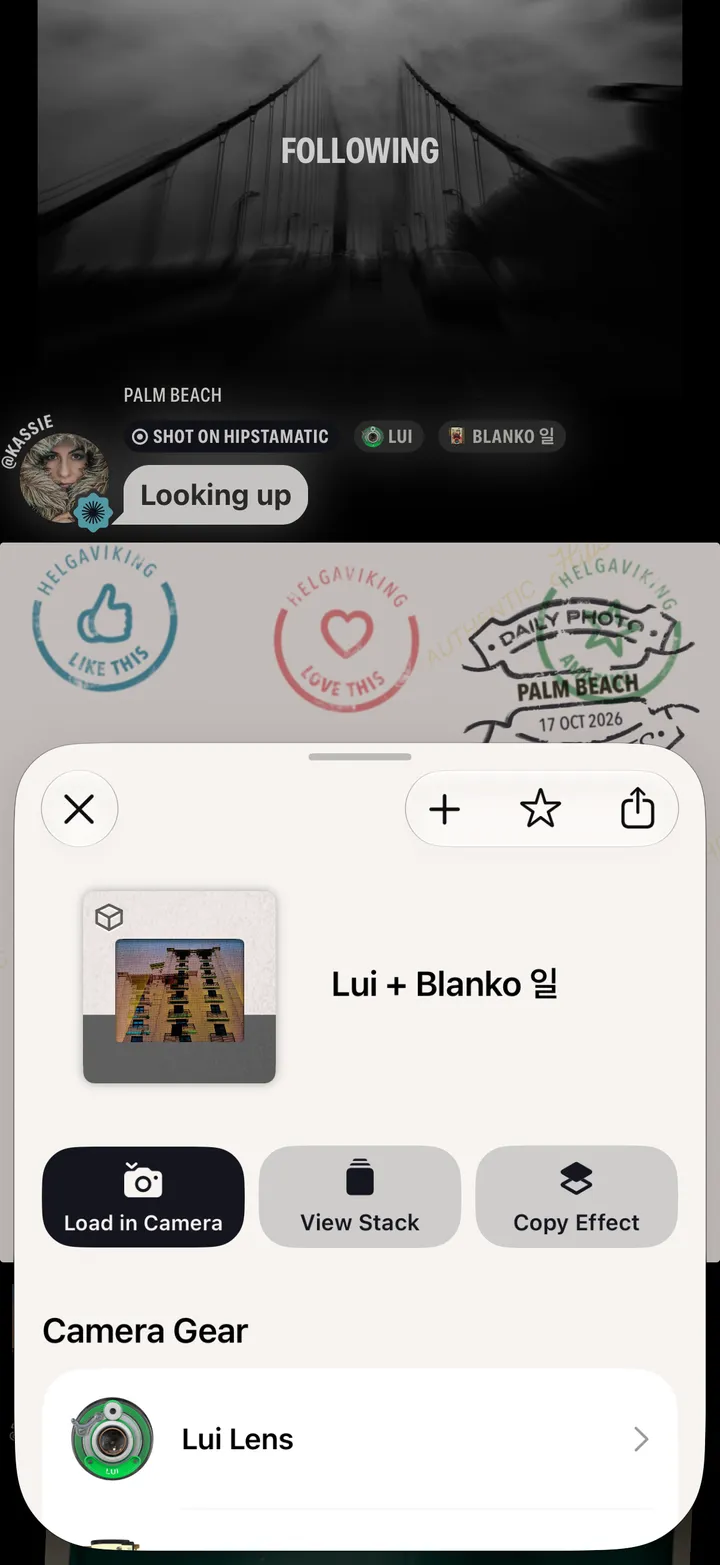
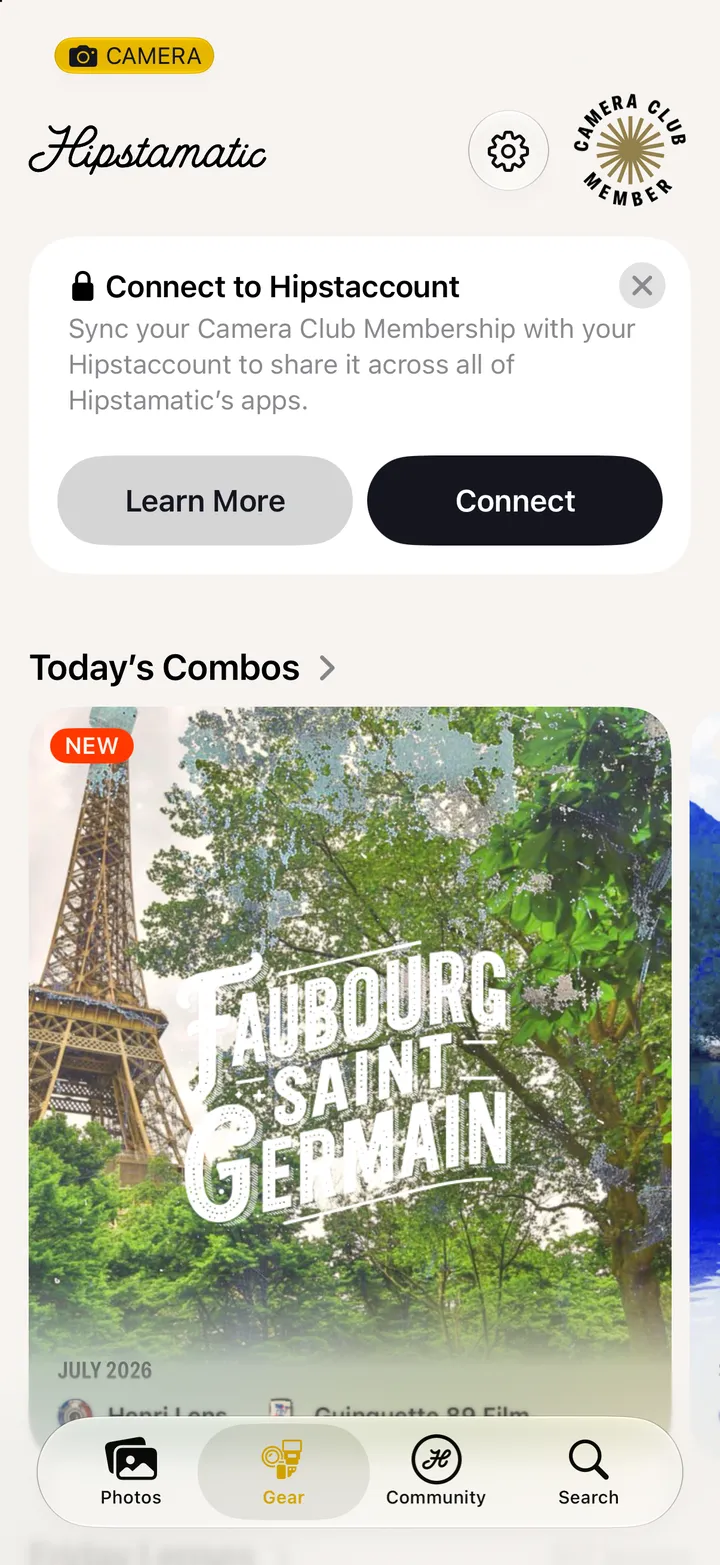
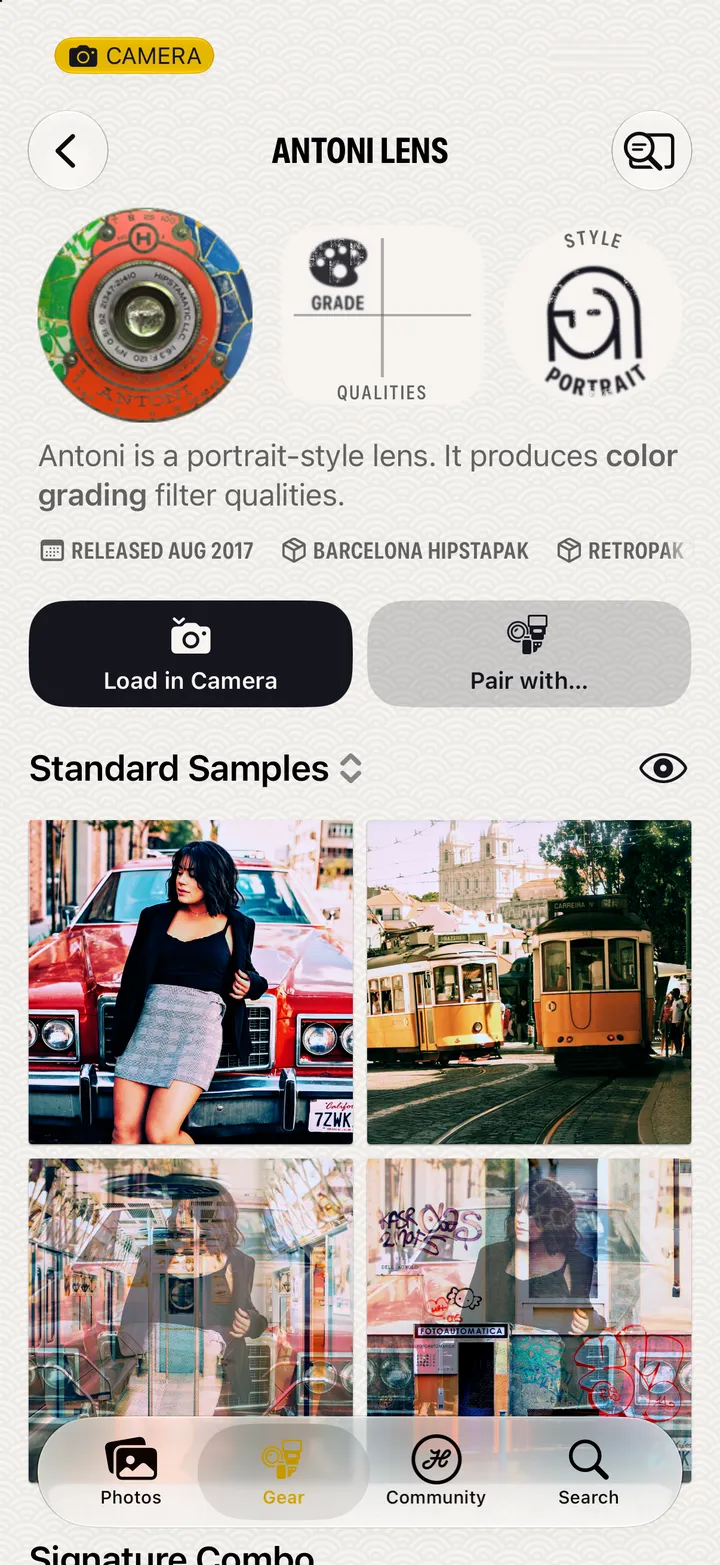
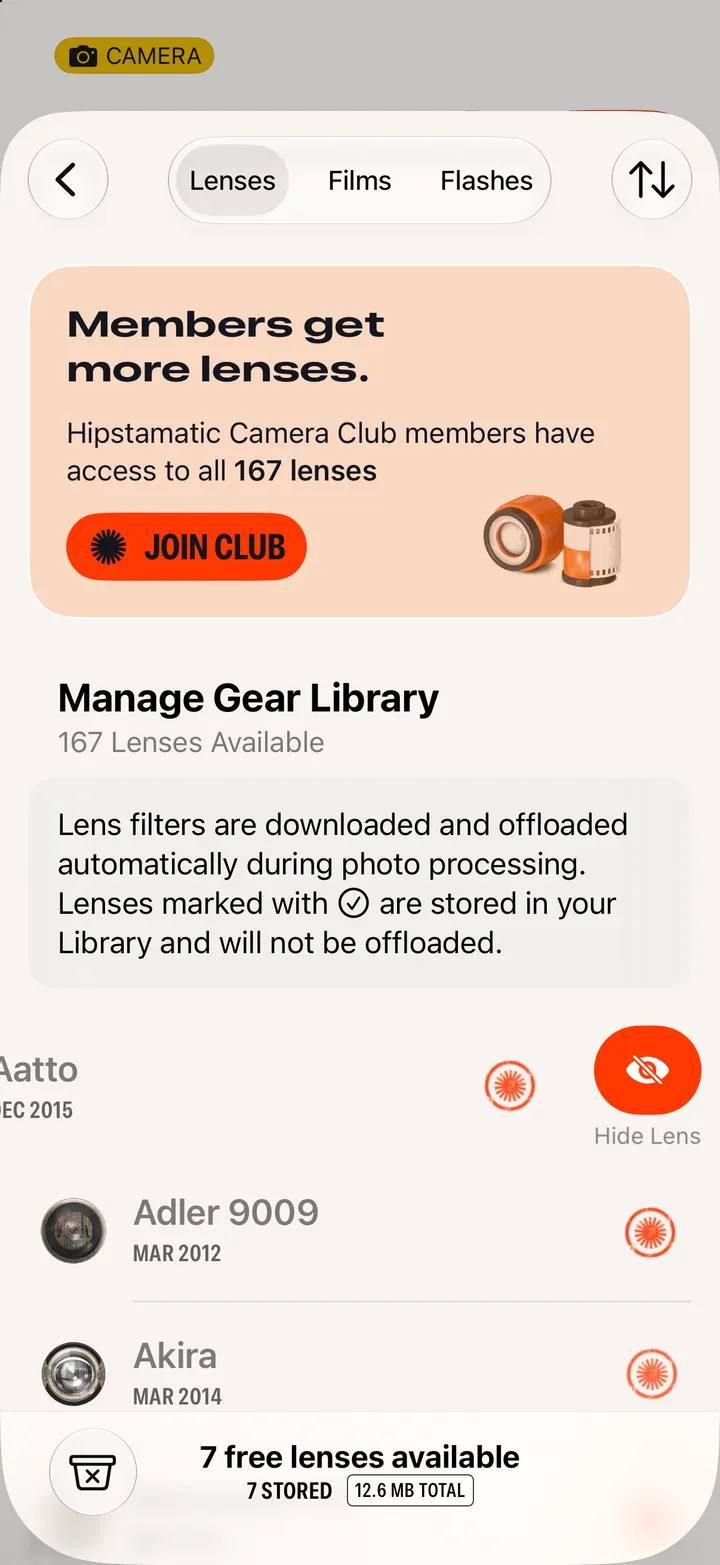
On the Manual tab, tap the magnifier, then Lens, Film or Flash. Search by name, tap the one you want, then Load in Camera.
Hipstamatic · 3.1 · 5 stepsOn the gear button’s Manual tab, next to the wheels.
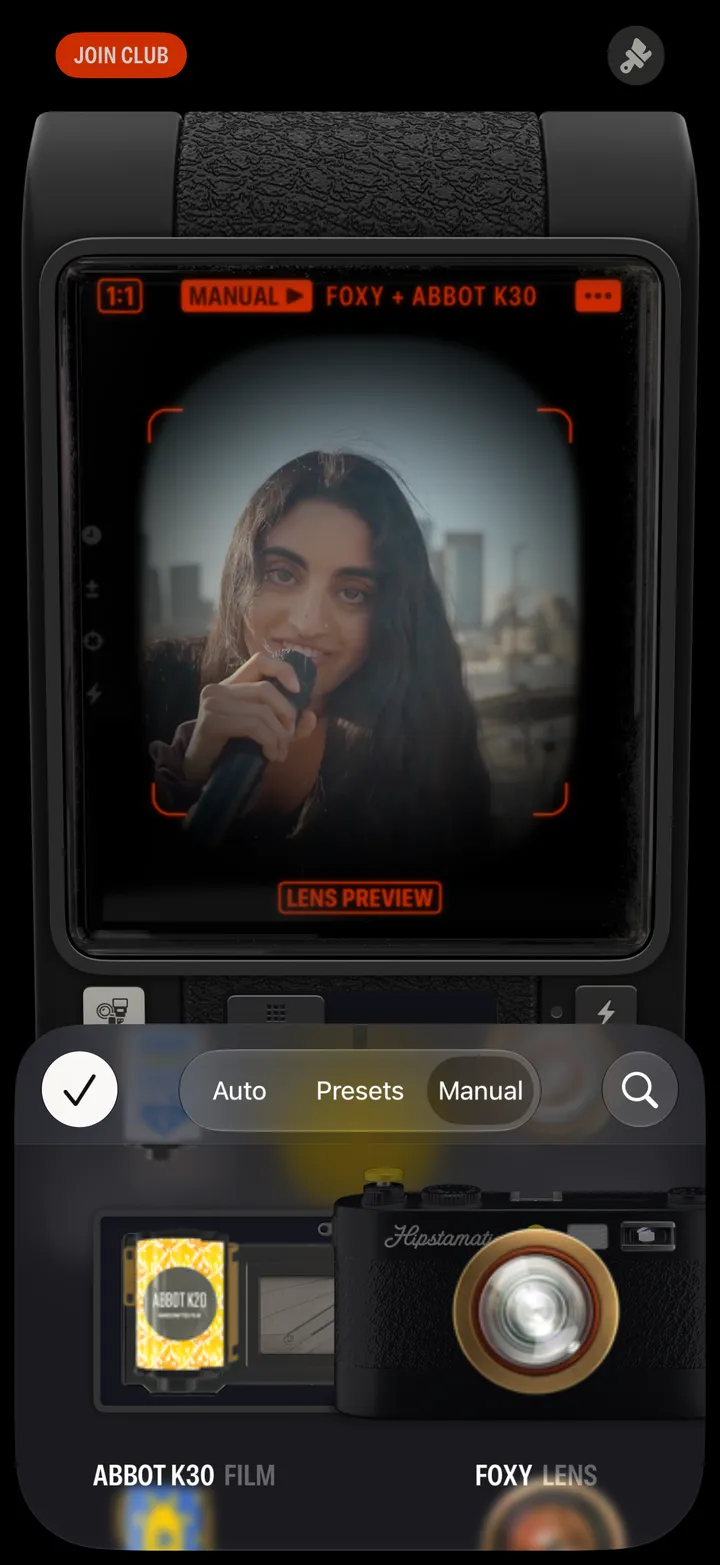
What’s loaded now is listed under the test shot.
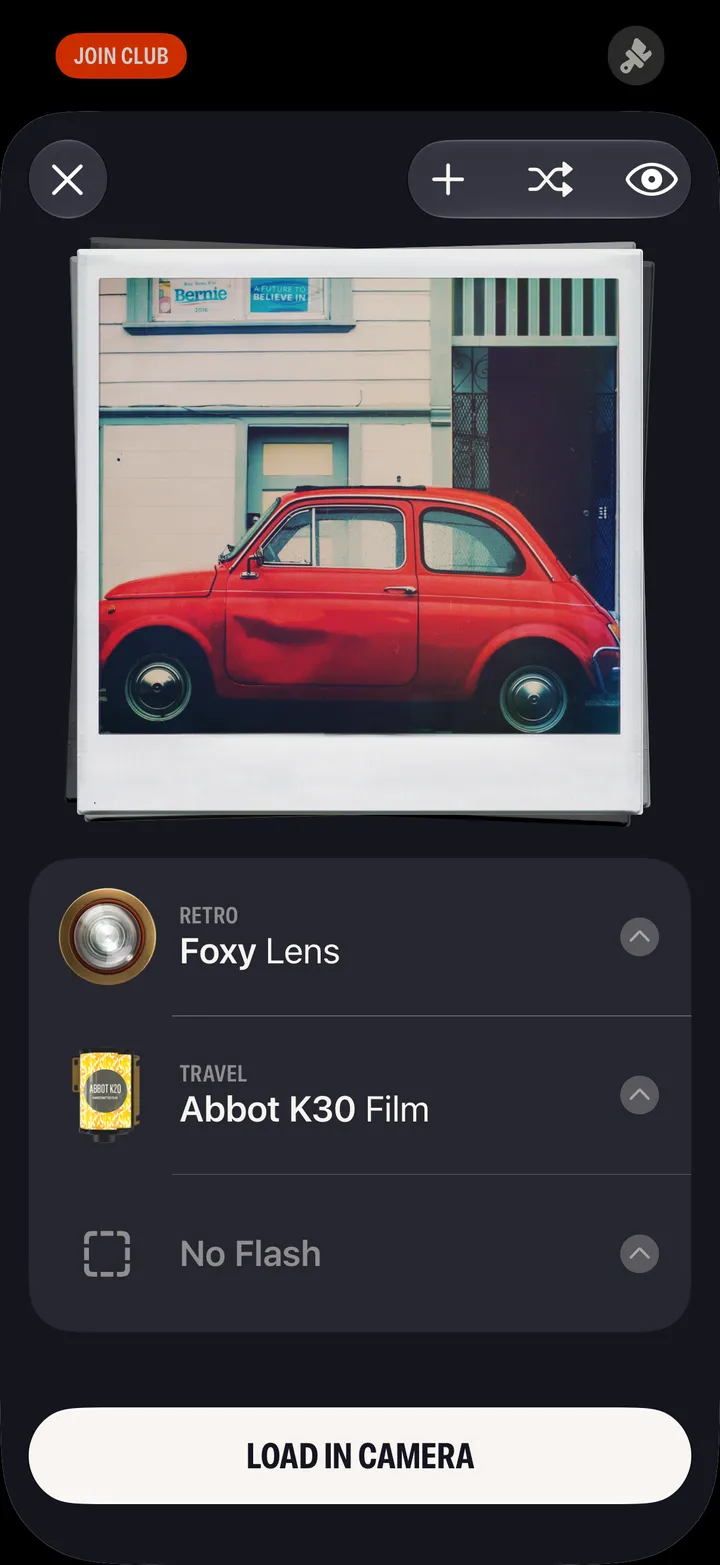
The whole list is there too, newest first.
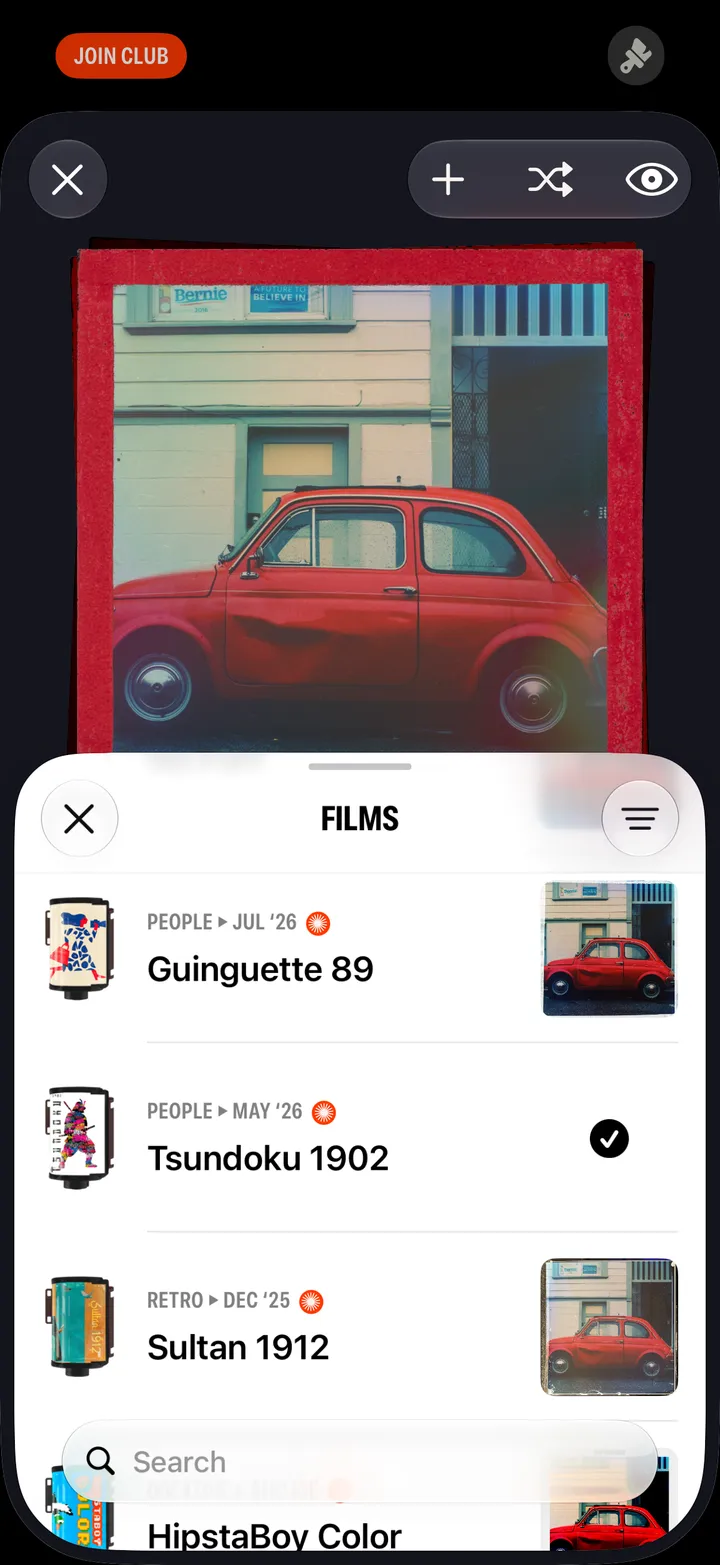
A few letters is enough.
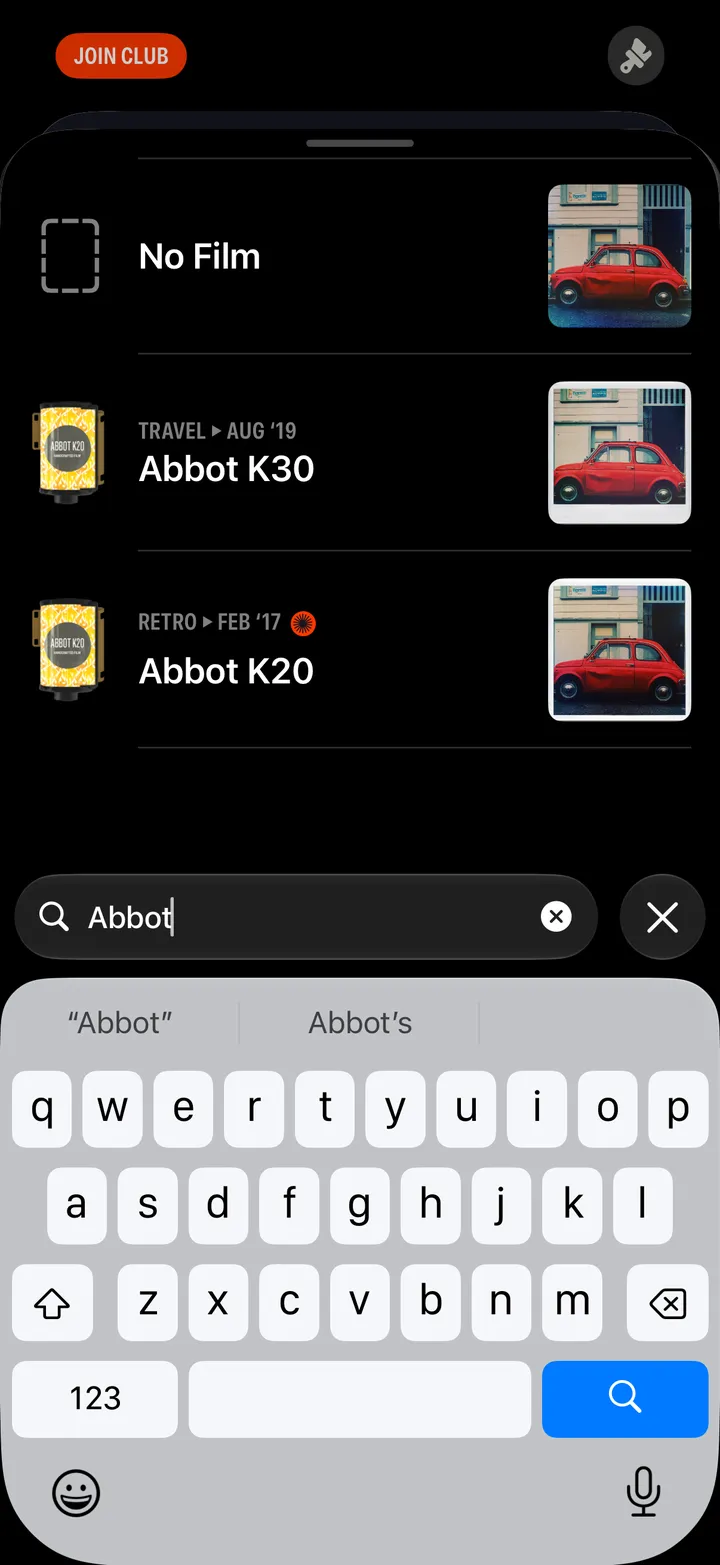
The lens, film and flash go in together.