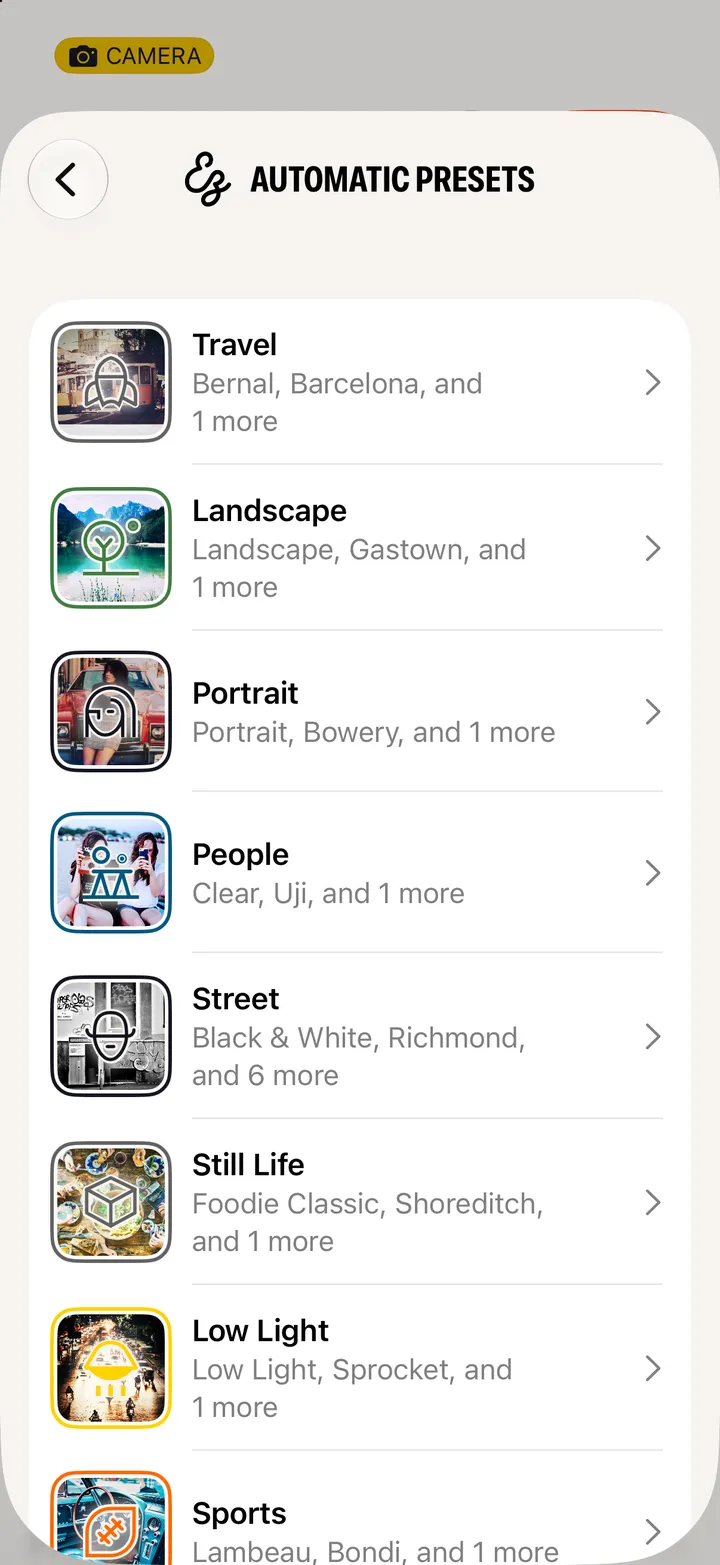
Hipstamatic guideHide gear you don’t use
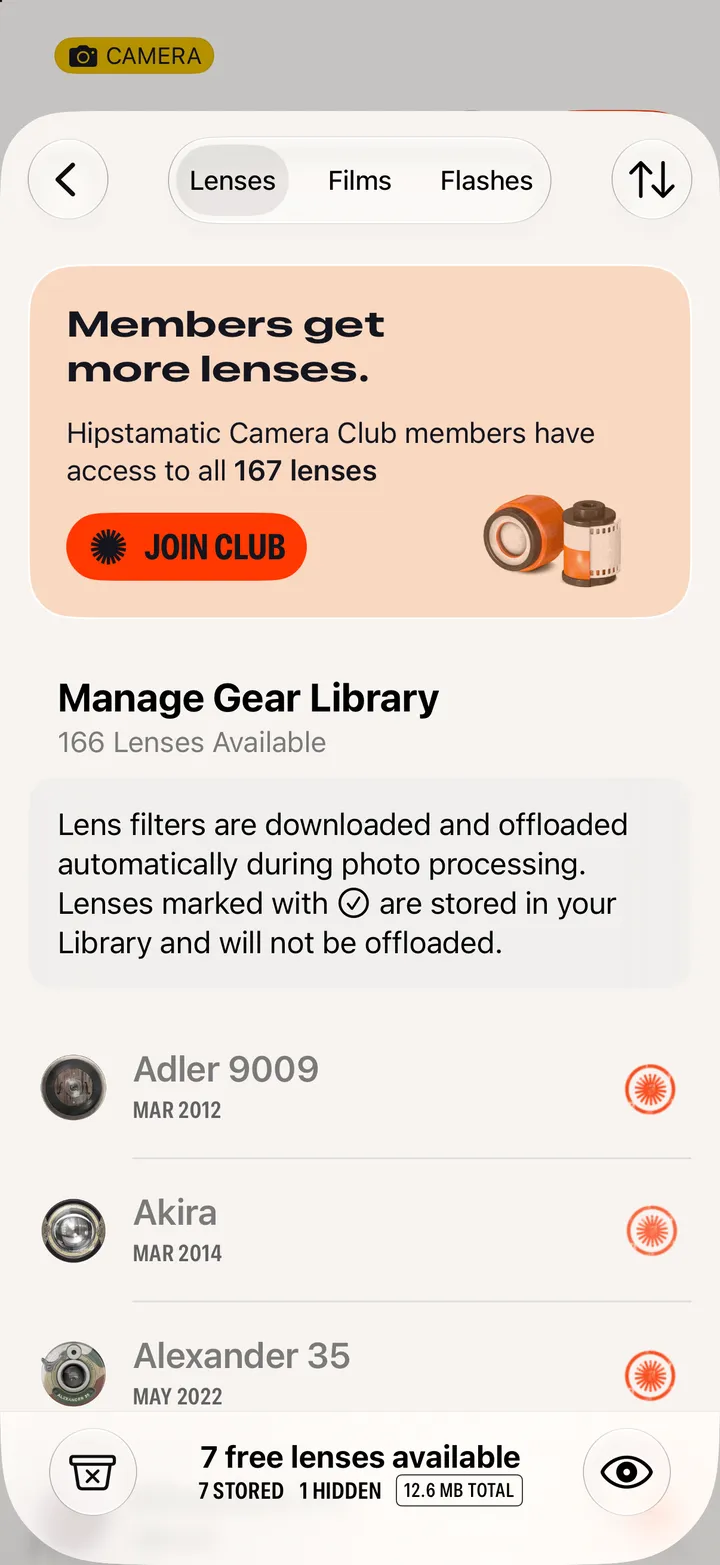
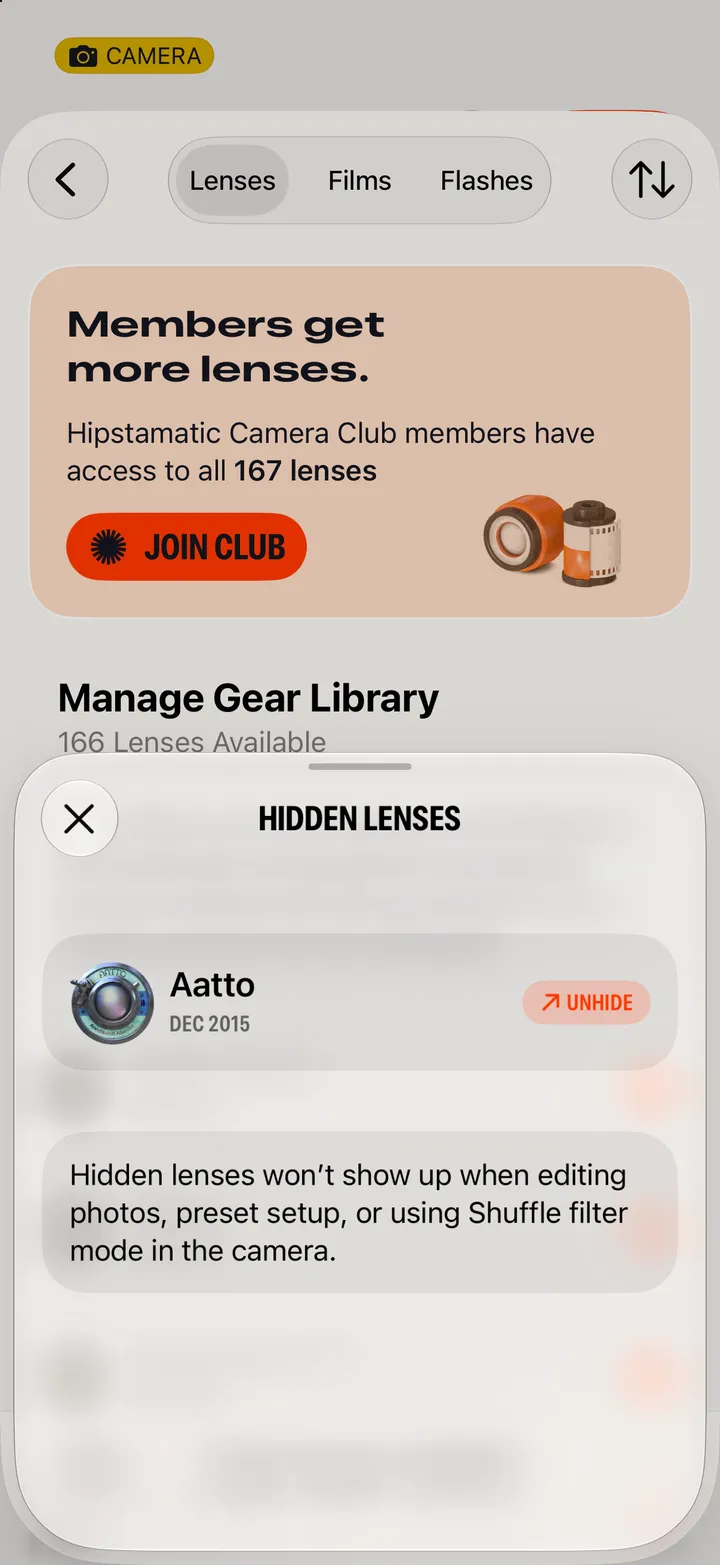
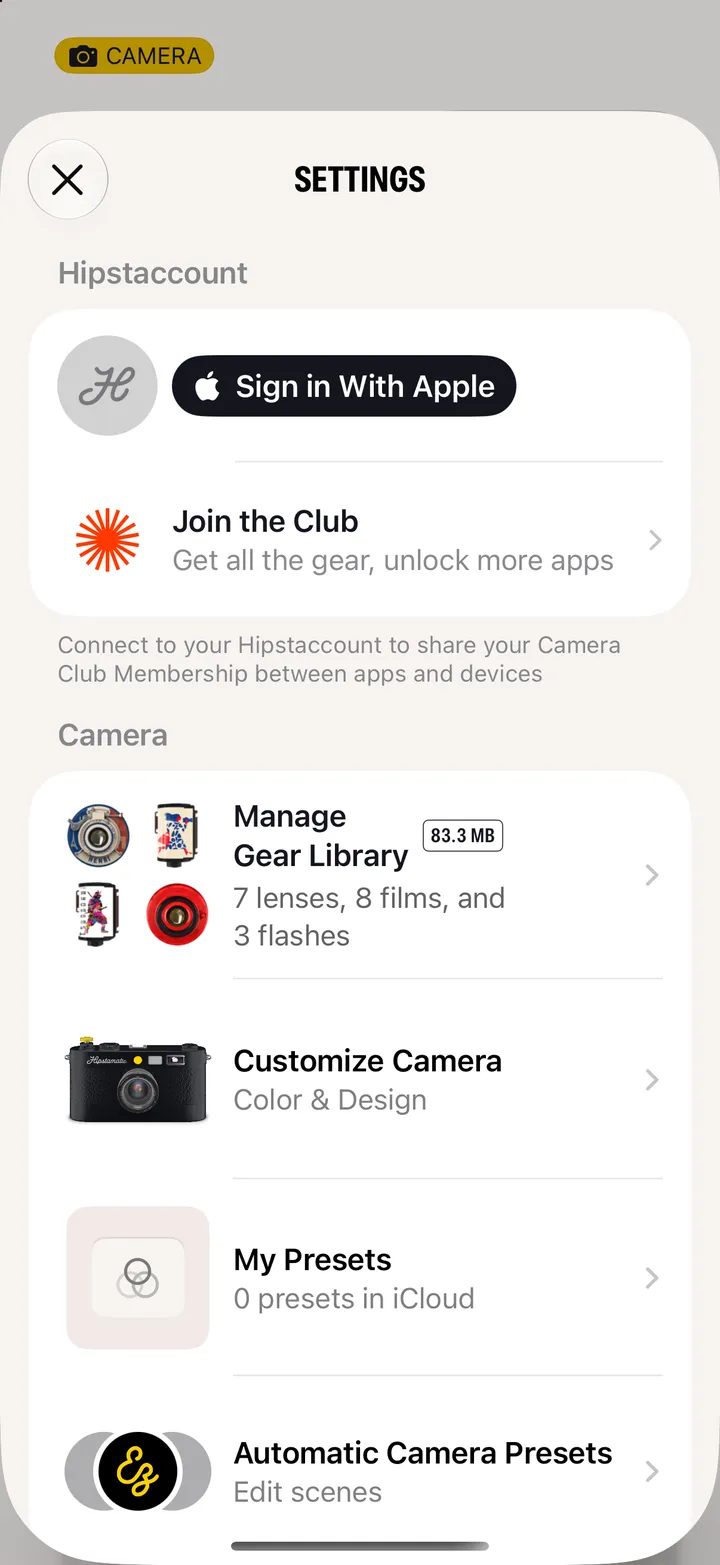
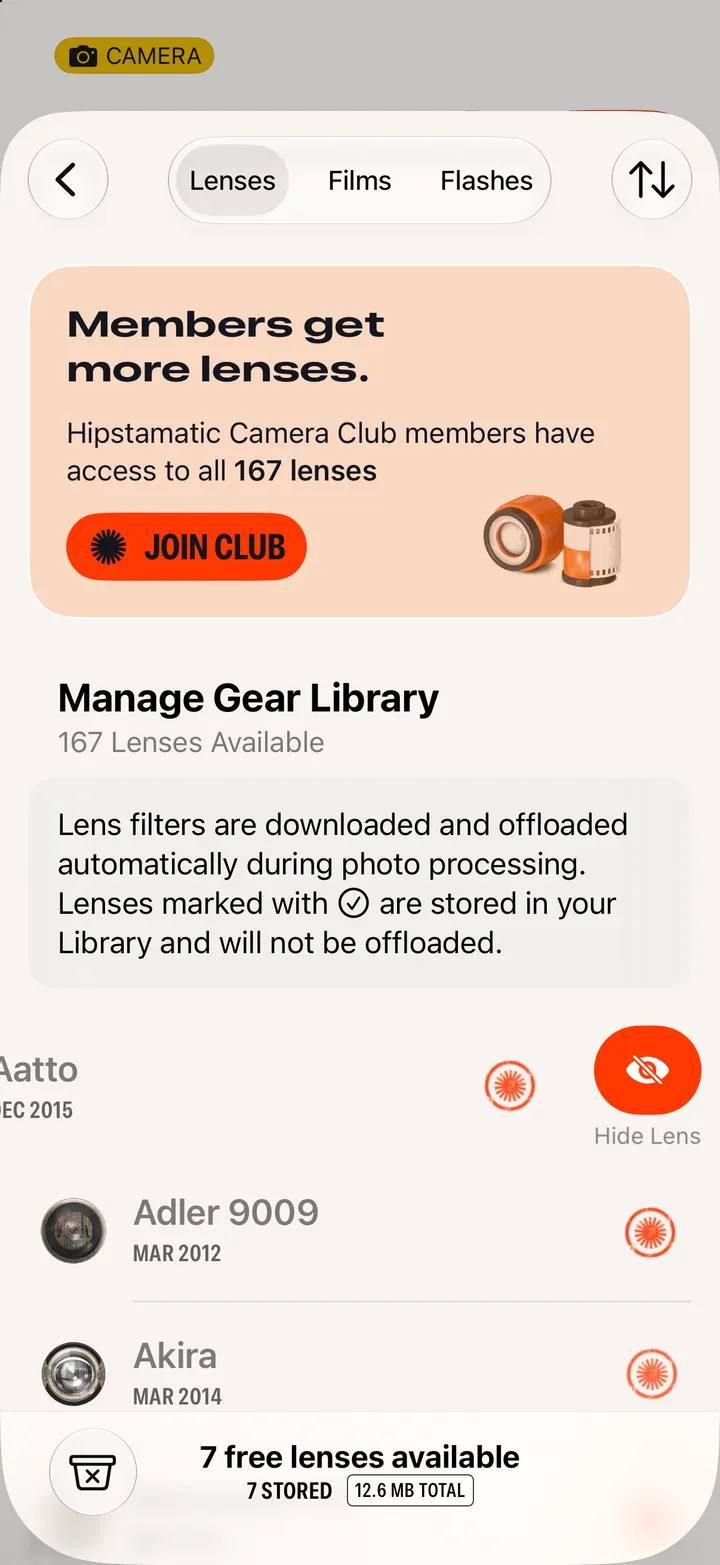
Open Settings, then Manage Gear Library. Swipe left on a lens, film or flash and tap Hide. The eye button at the bottom brings it back.
Hipstamatic · 3.7 · 5 stepsSwipe up from the camera; the gear icon at the top.
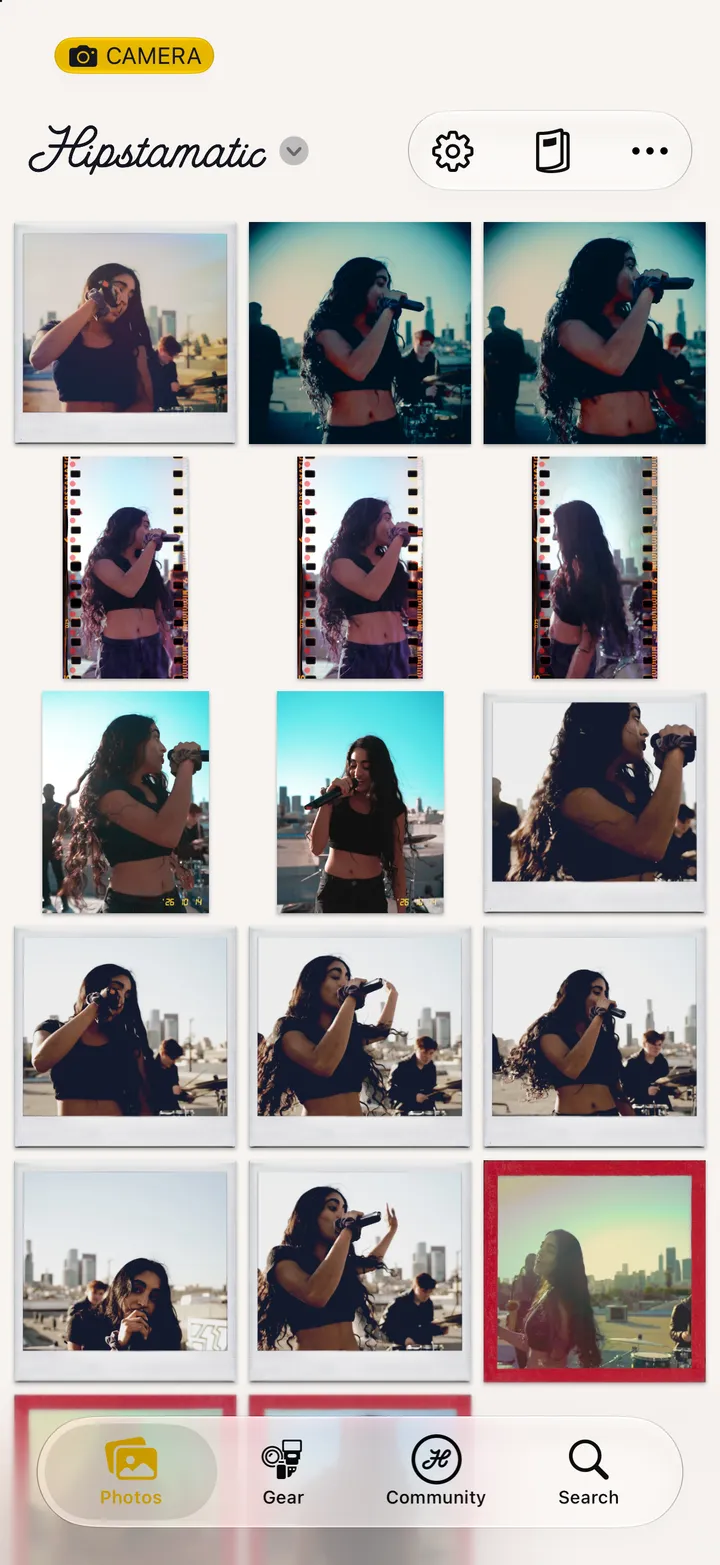
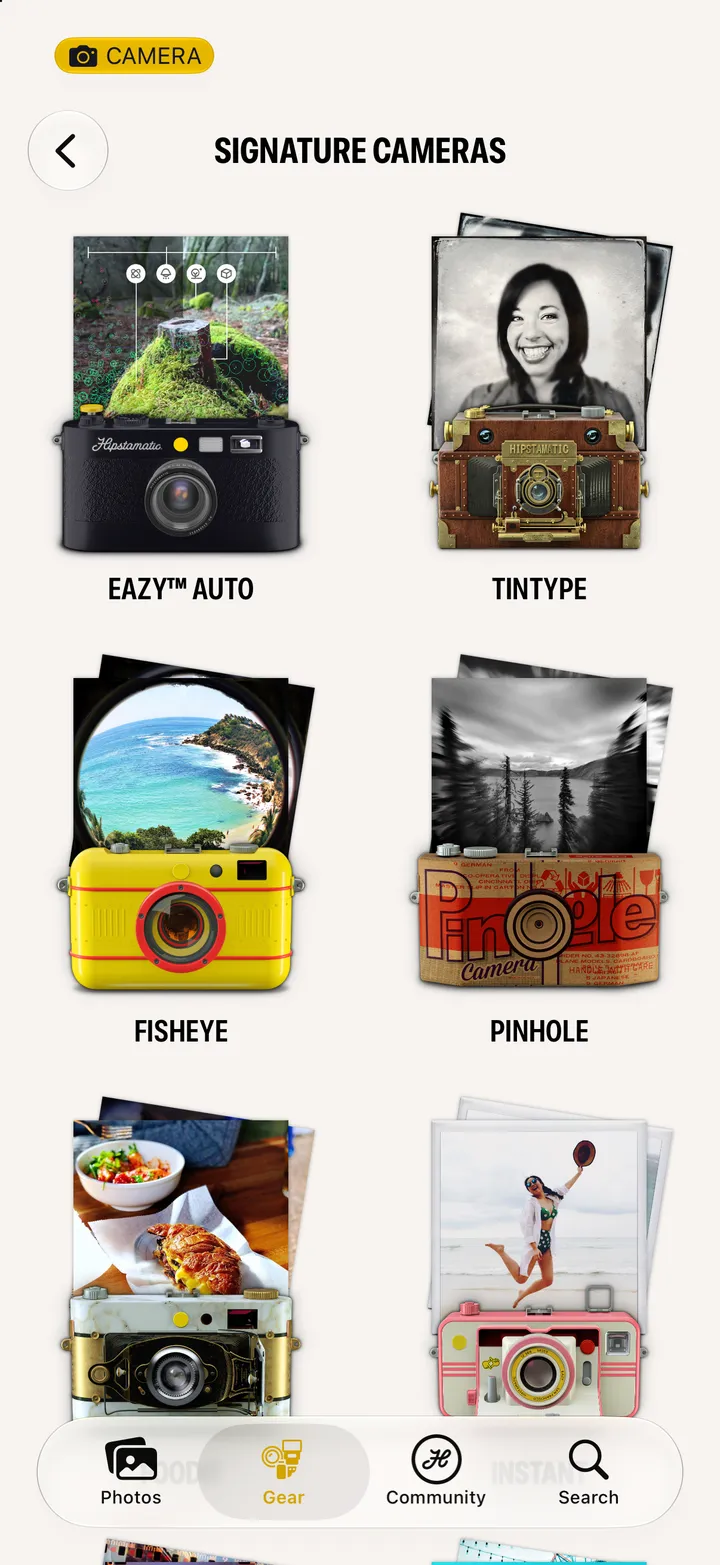
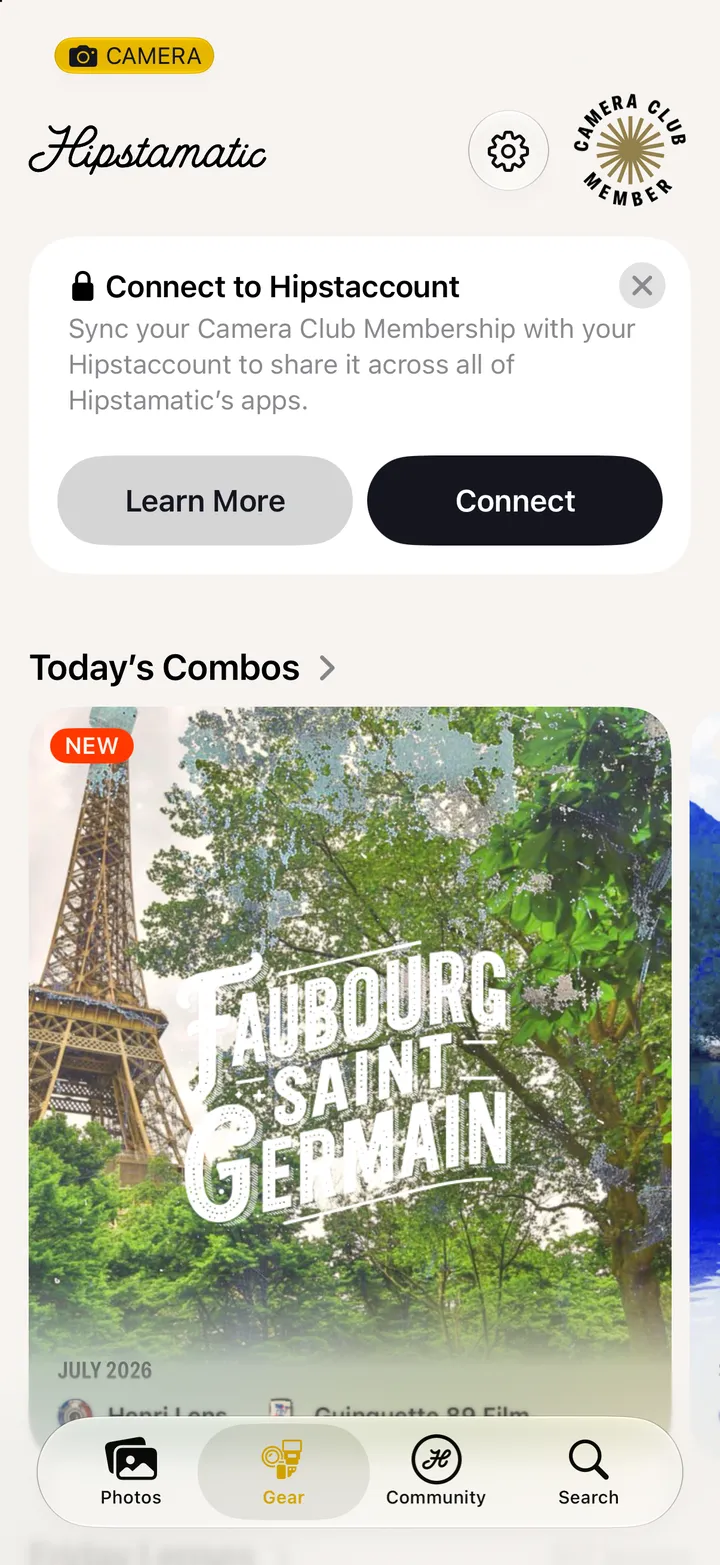
It’s on the Gear tab too.
Lenses, Films and Flashes are at the top.
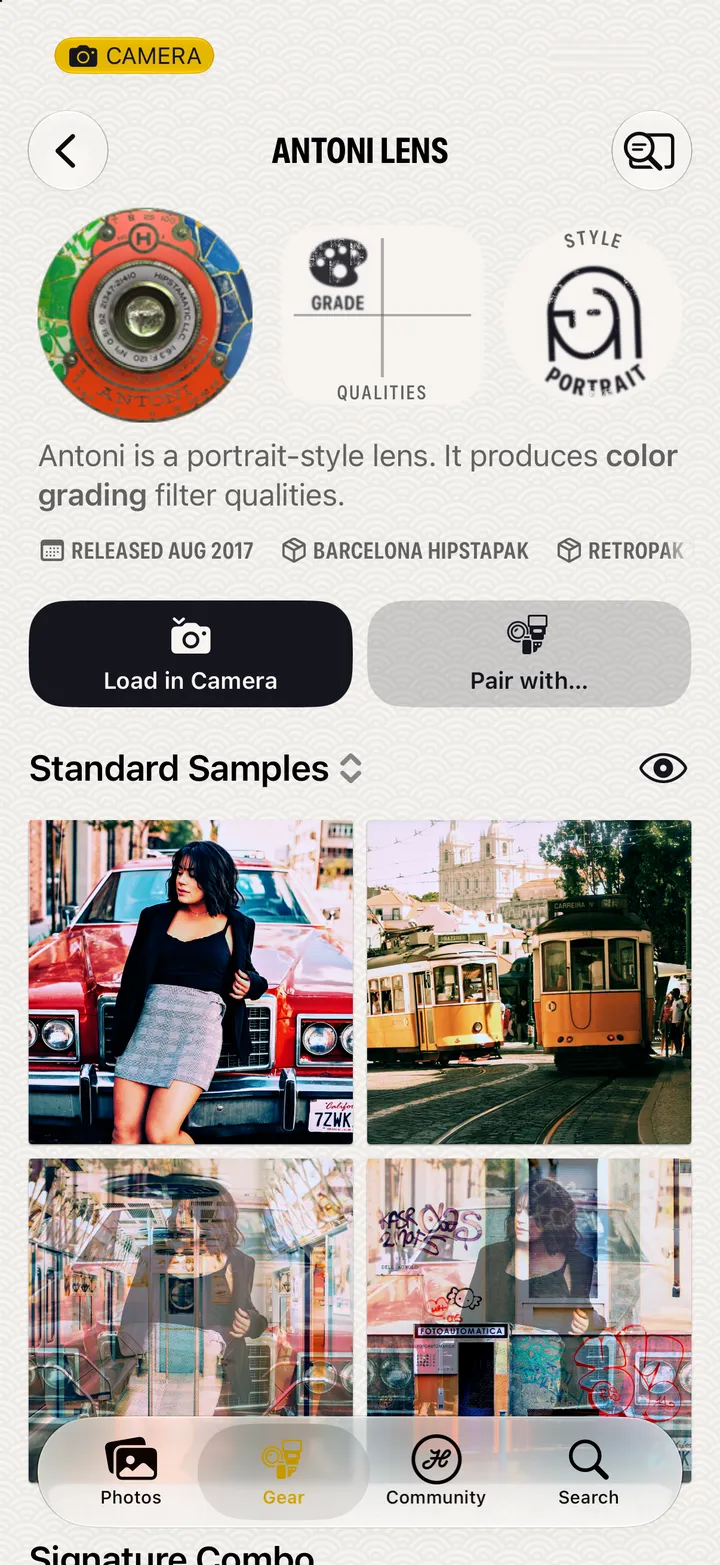
It shows when something’s hidden.