Hipstamatic guideSave and manage presets

Open any combo and tap +, name it, then tap ✓. Your presets live under My Presets on the Gear tab, where you can load, favorite, rename or delete them.

Hipstamatic · 3.3 · 5 steps
  1. 01

    Open a combo you like

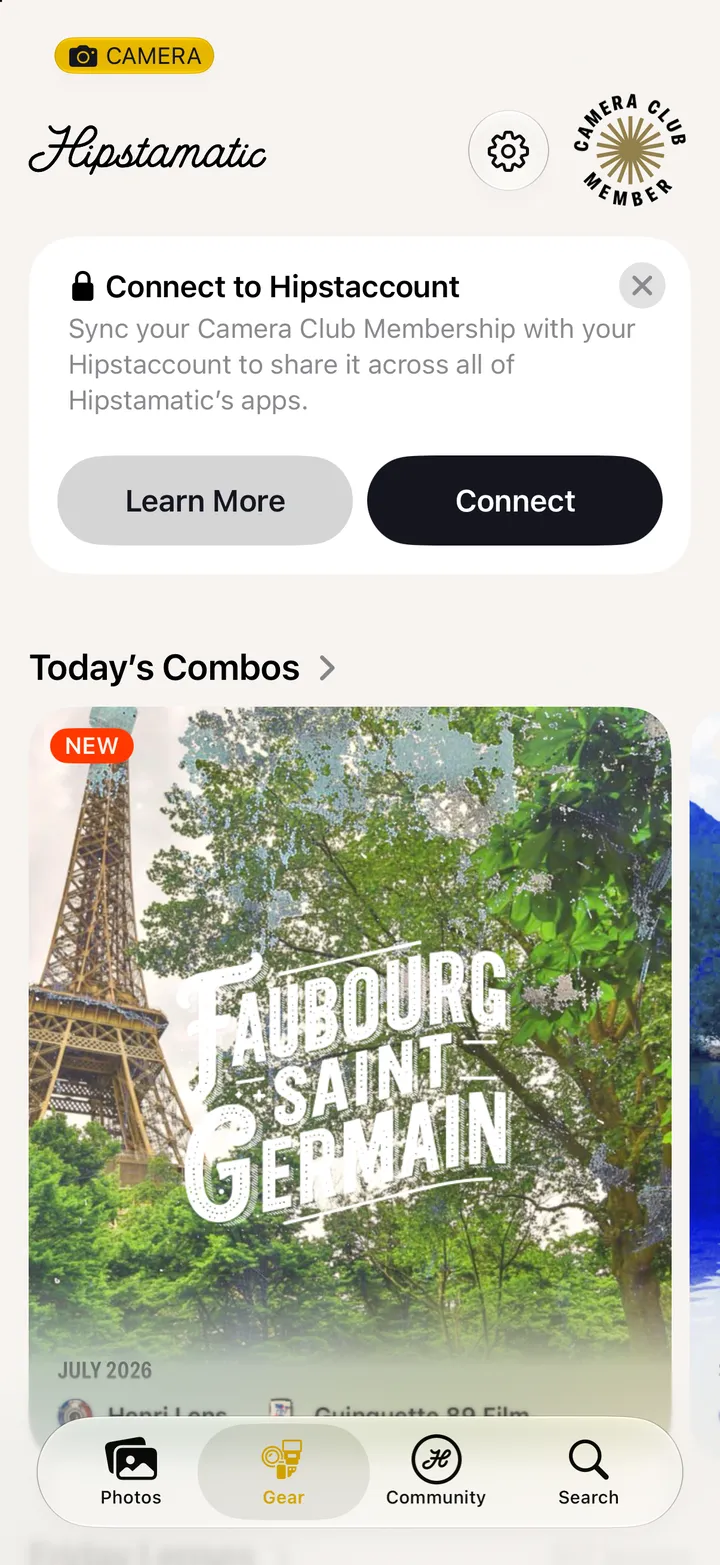
    From a photograph’s gear, Today’s Combos, or the gear composer.
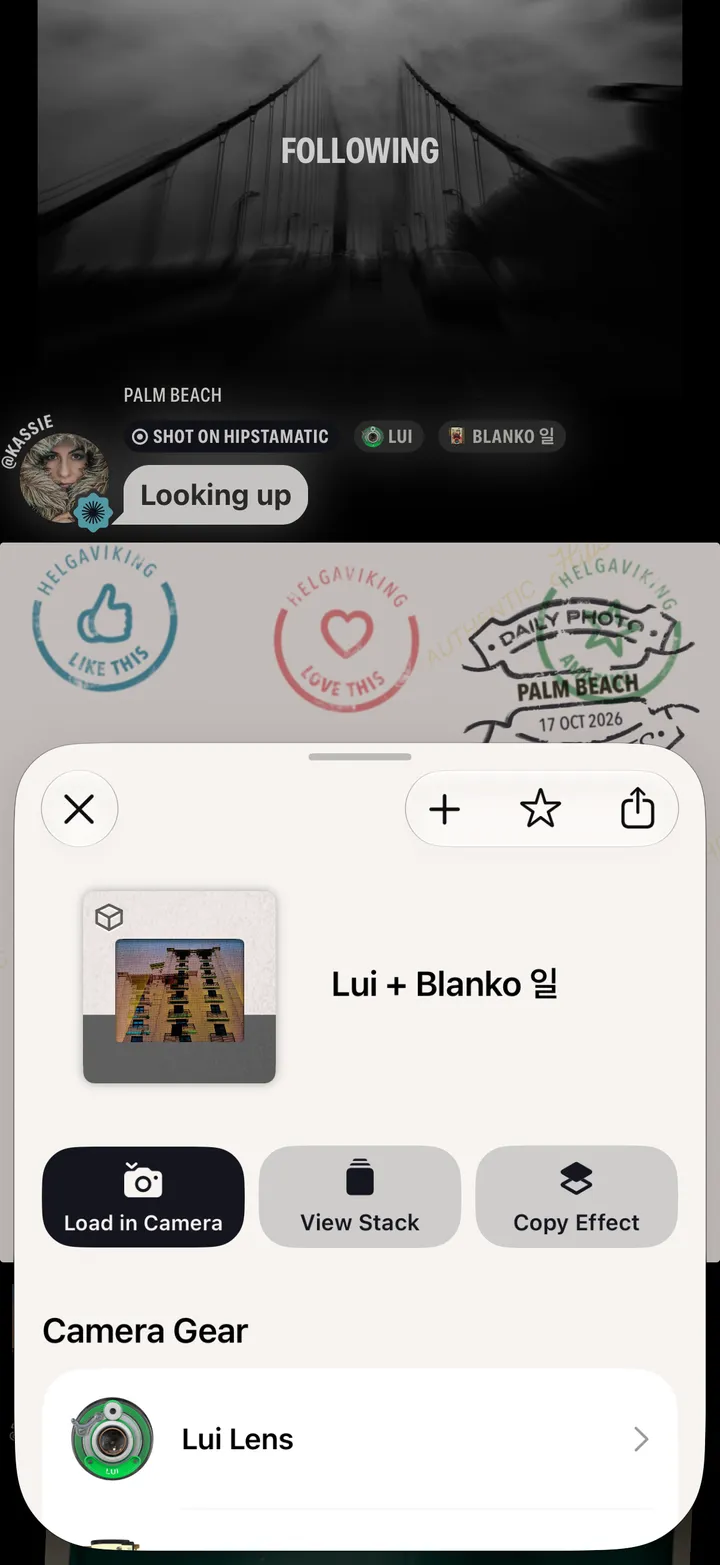
    Step 1: Open a combo you like
  2. 02

    Tap +

    Step 2: Tap +
  3. 03

    Name it and tap ✓

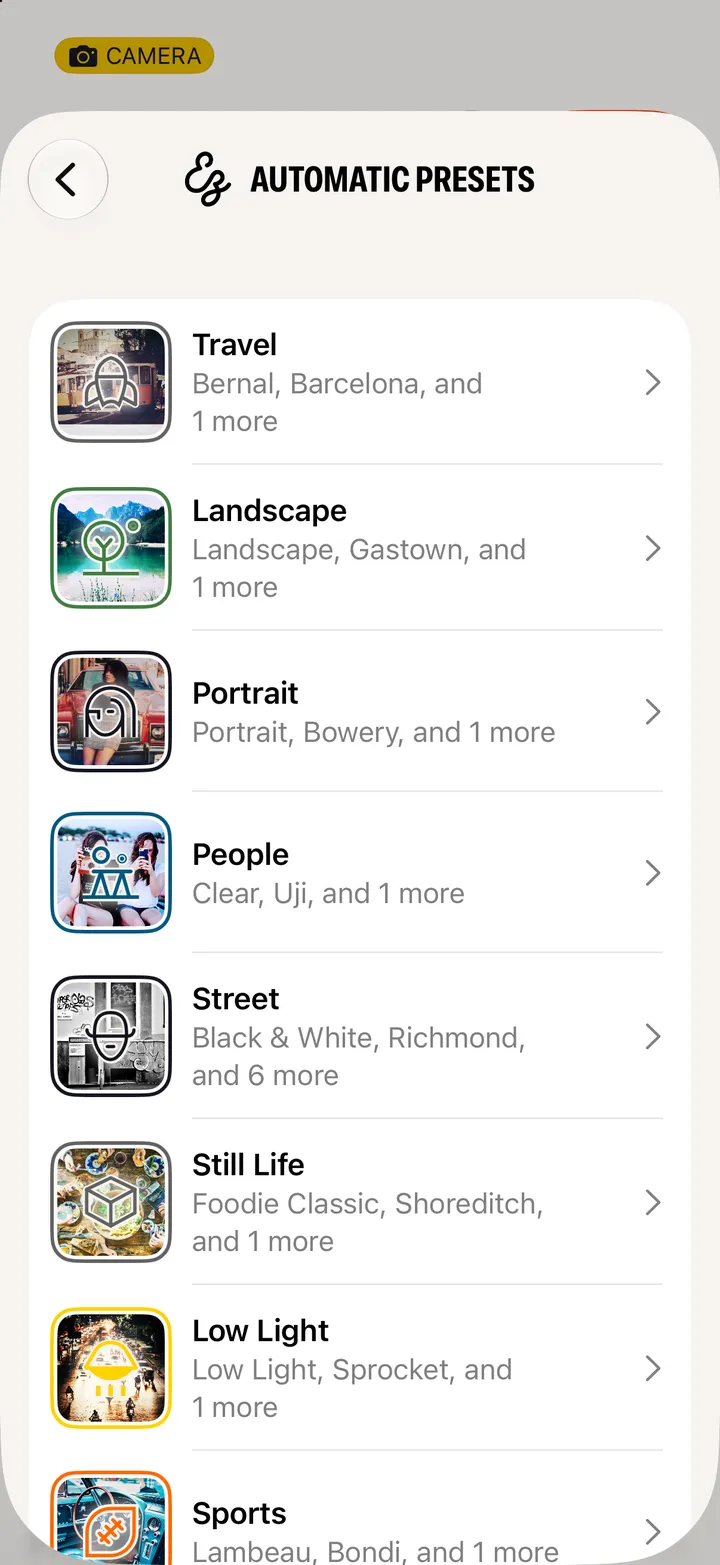
    Leave the name blank and it’s named for its gear. Add to… puts it in your Favorites, or in an automatic scene.
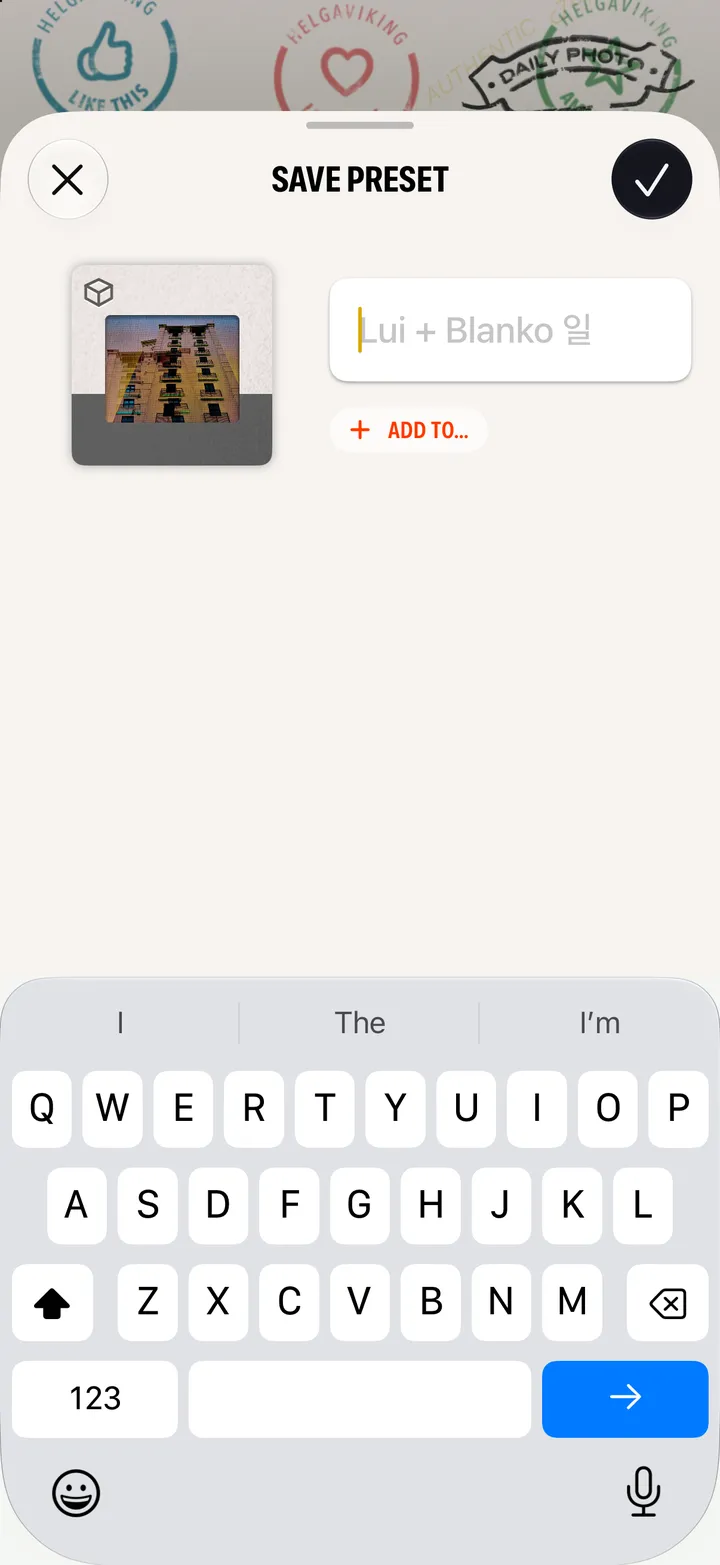
    Step 3: Name it and tap ✓
  4. 04

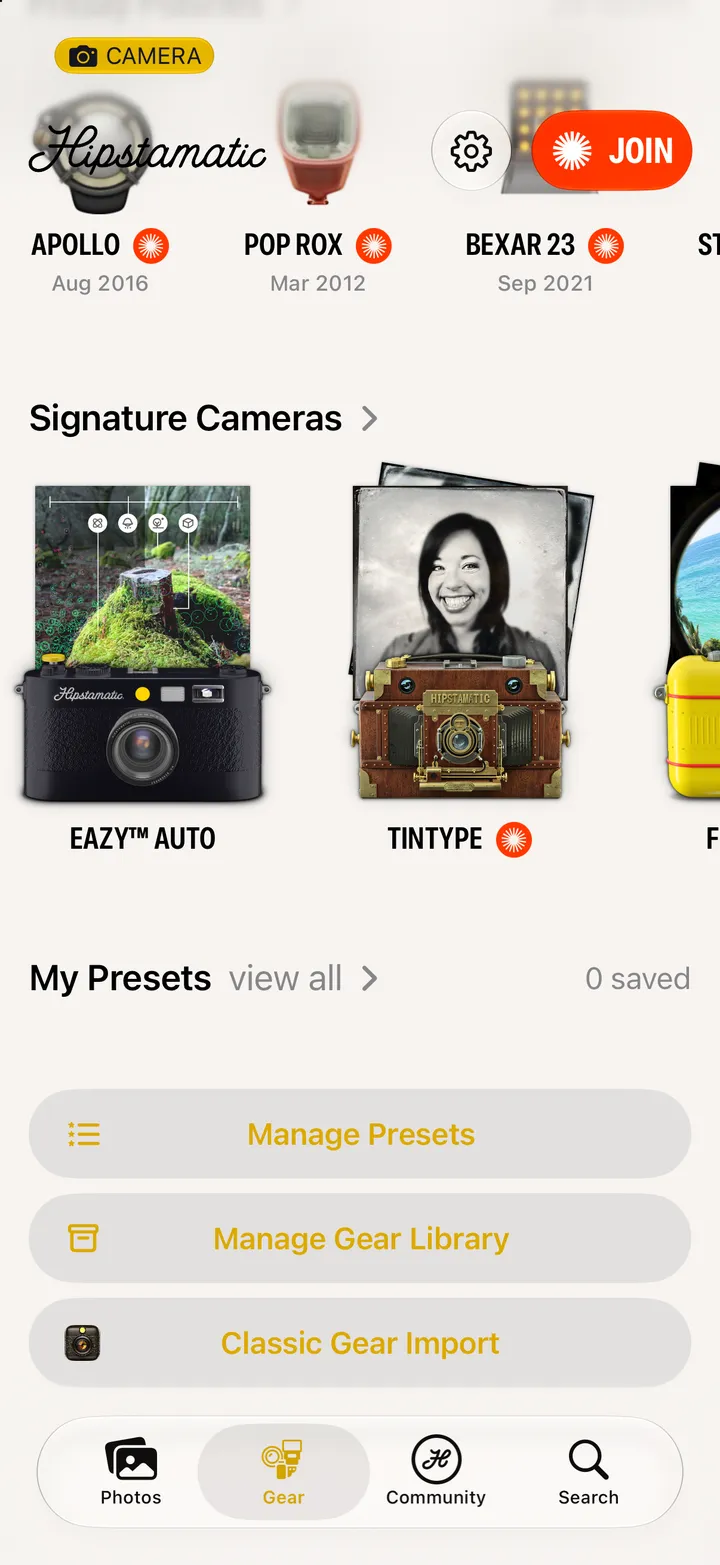
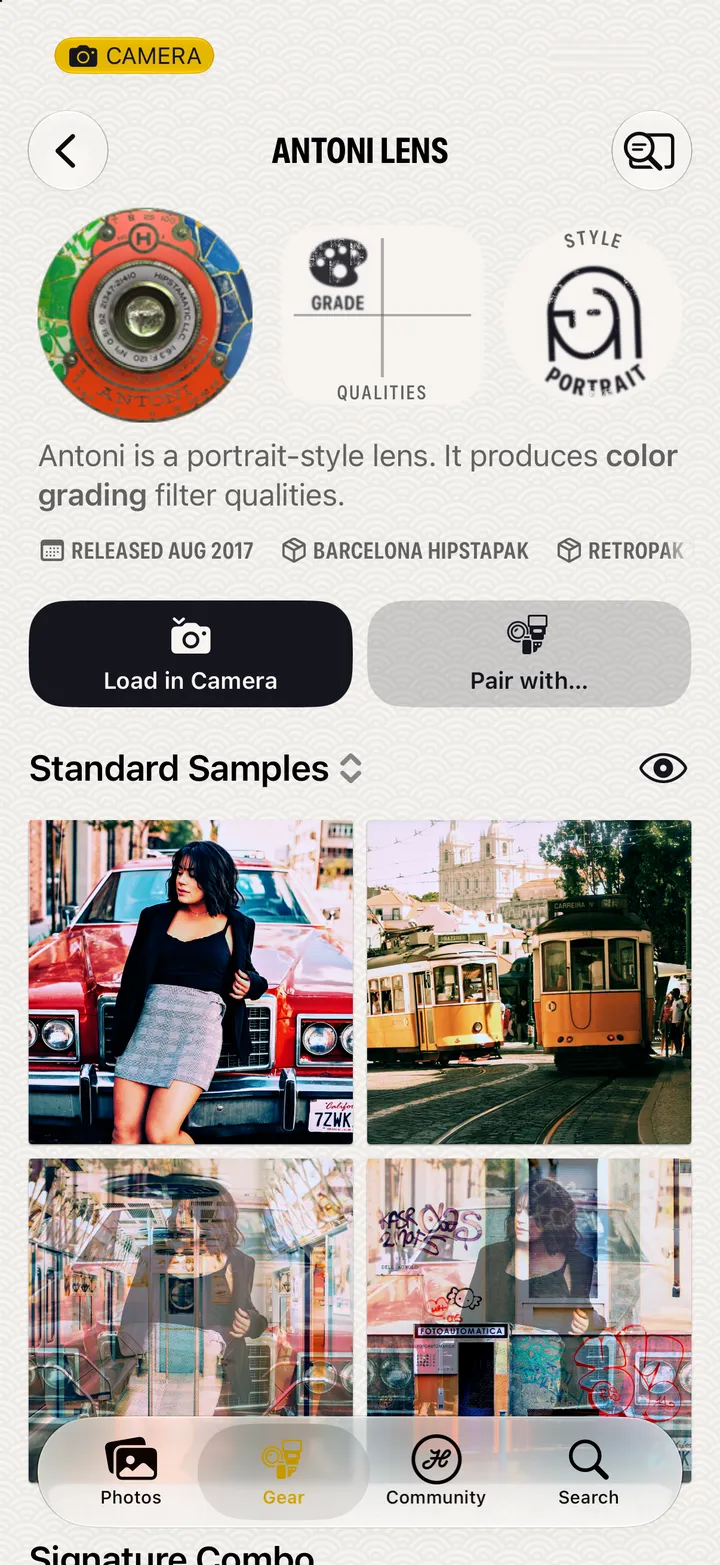
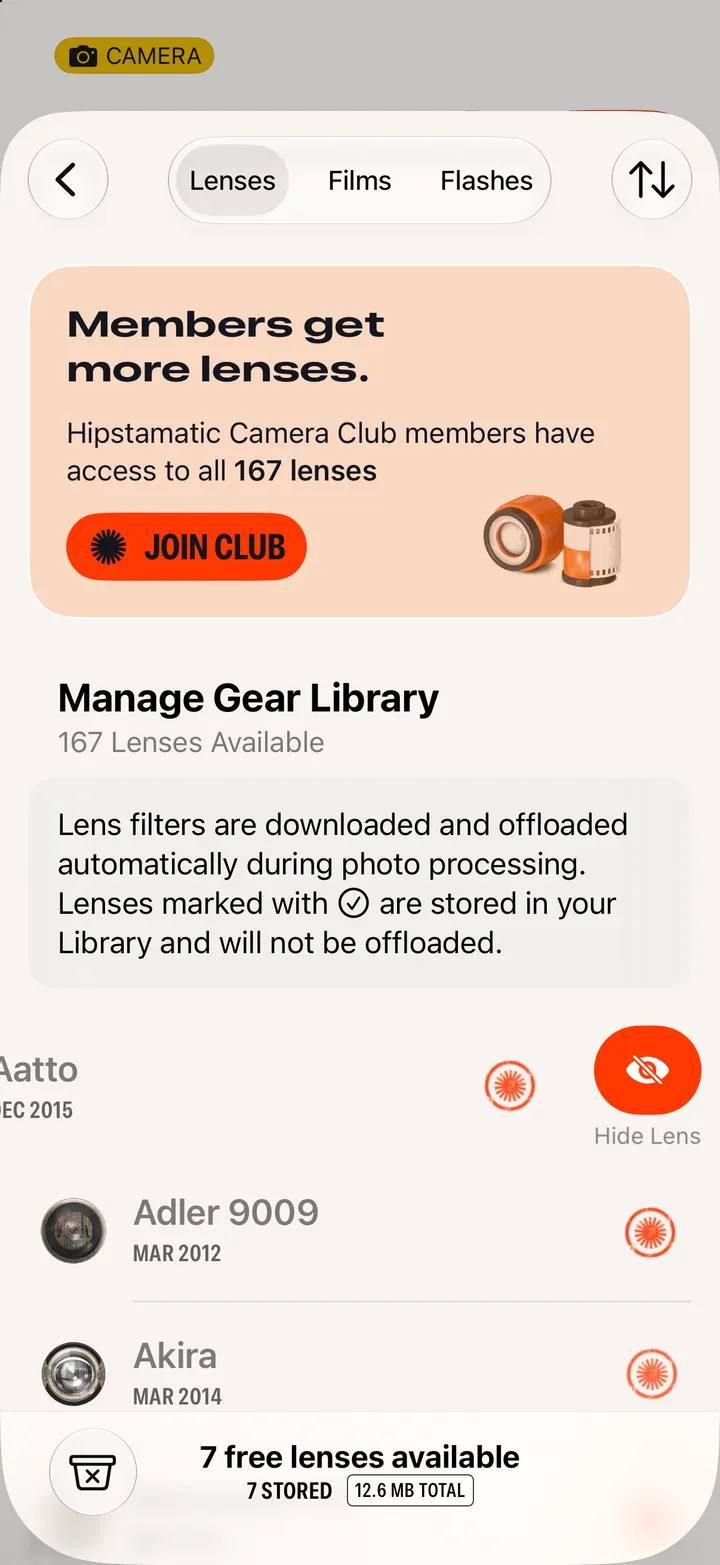
    Find it in Manage Presets

    On the Gear tab, under My Presets.

    Step 4: Find it in Manage Presets
  5. 05

    Tap ••• on a preset

    Load it, favorite it, rename it or delete it.
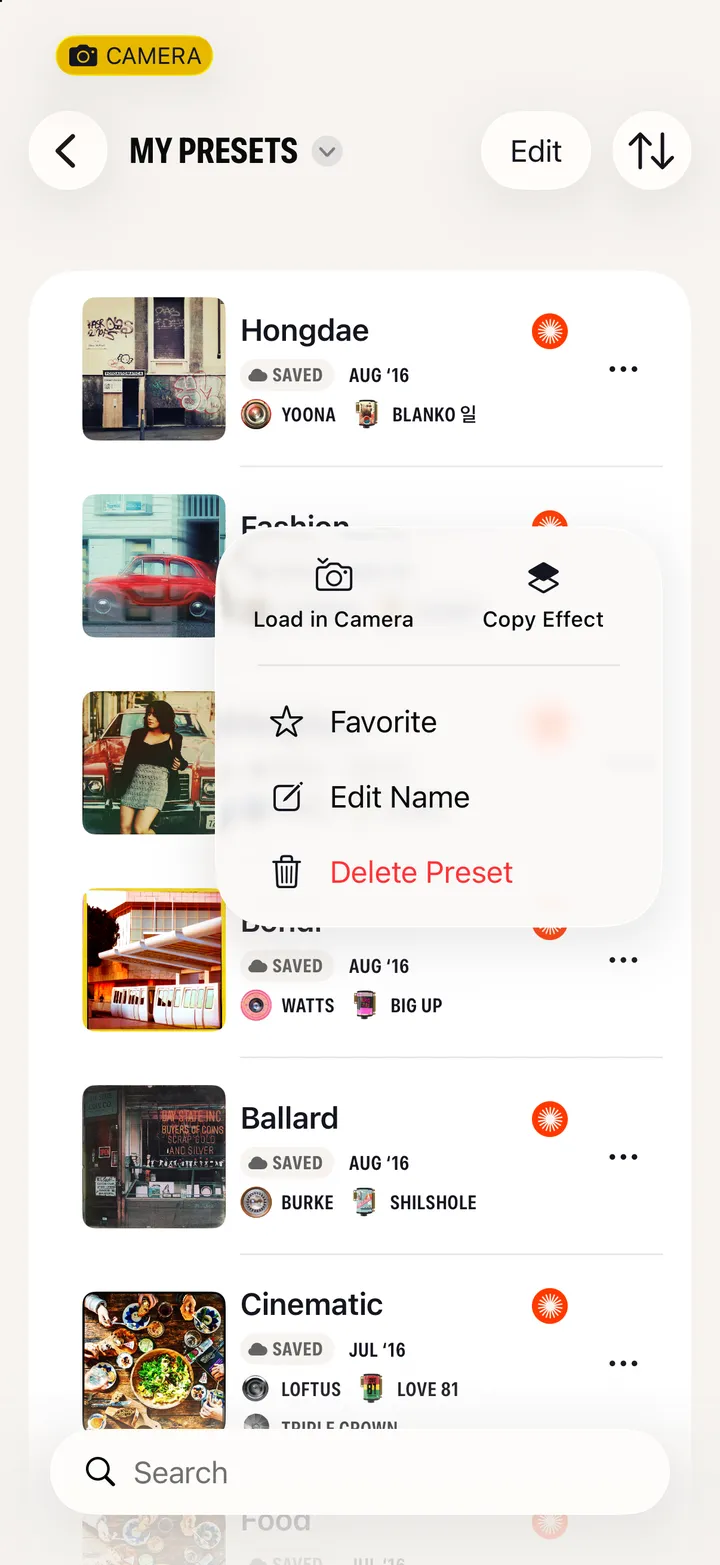
    Step 5: Tap ••• on a preset

Good to know

  • Presets save to your iCloud, so they come with you to a new iPhone.
  • The ☆ next to + favorites a combo without saving a copy. Favorites come first under Presets in the gear sheet.
  • Delete Preset deletes it right away.
  • Share on a preset’s page sends it as a .hipstamatic file. Anyone with Hipstamatic can open it and save it.

Gear, presets and combos

Hipstamatic guide ↘