Hipstamatic guideChoose the presets Auto uses
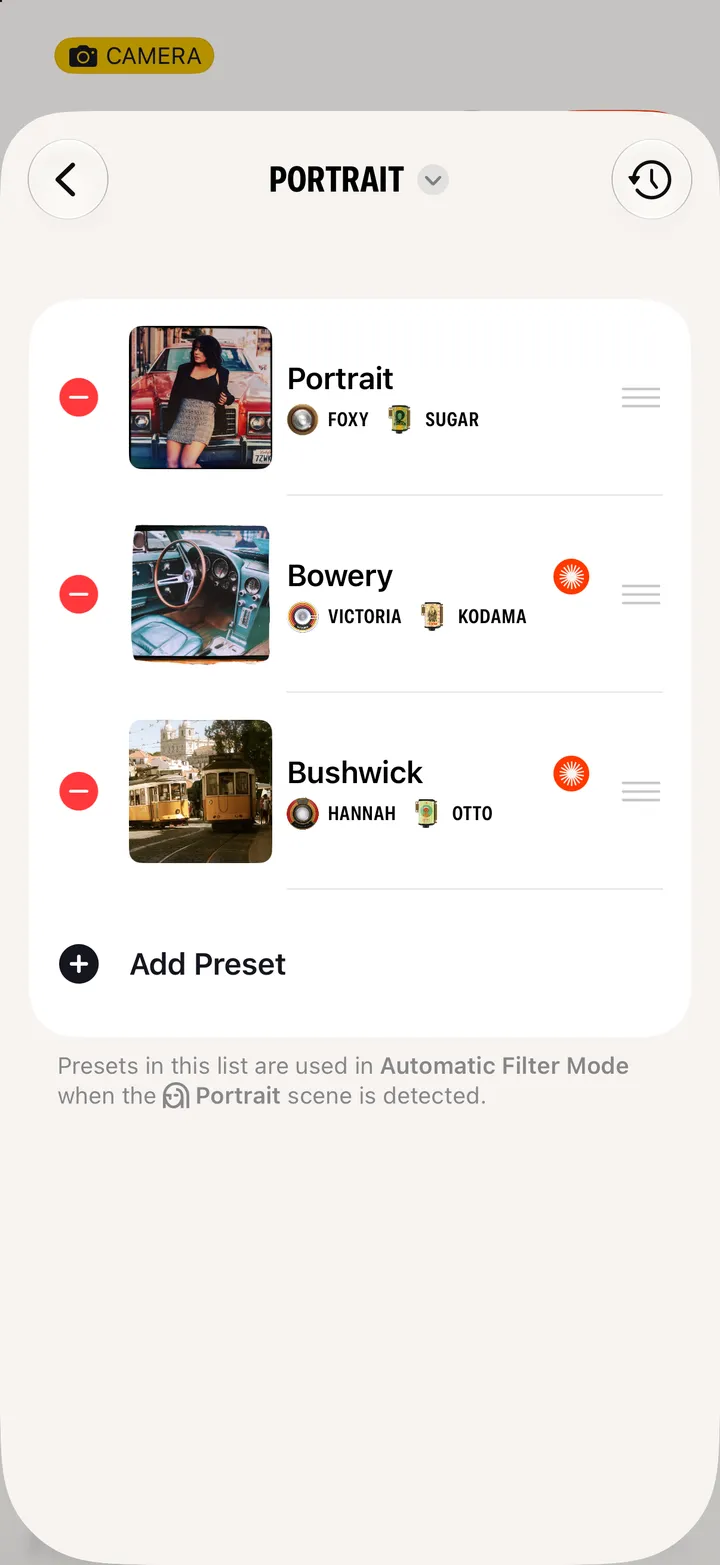
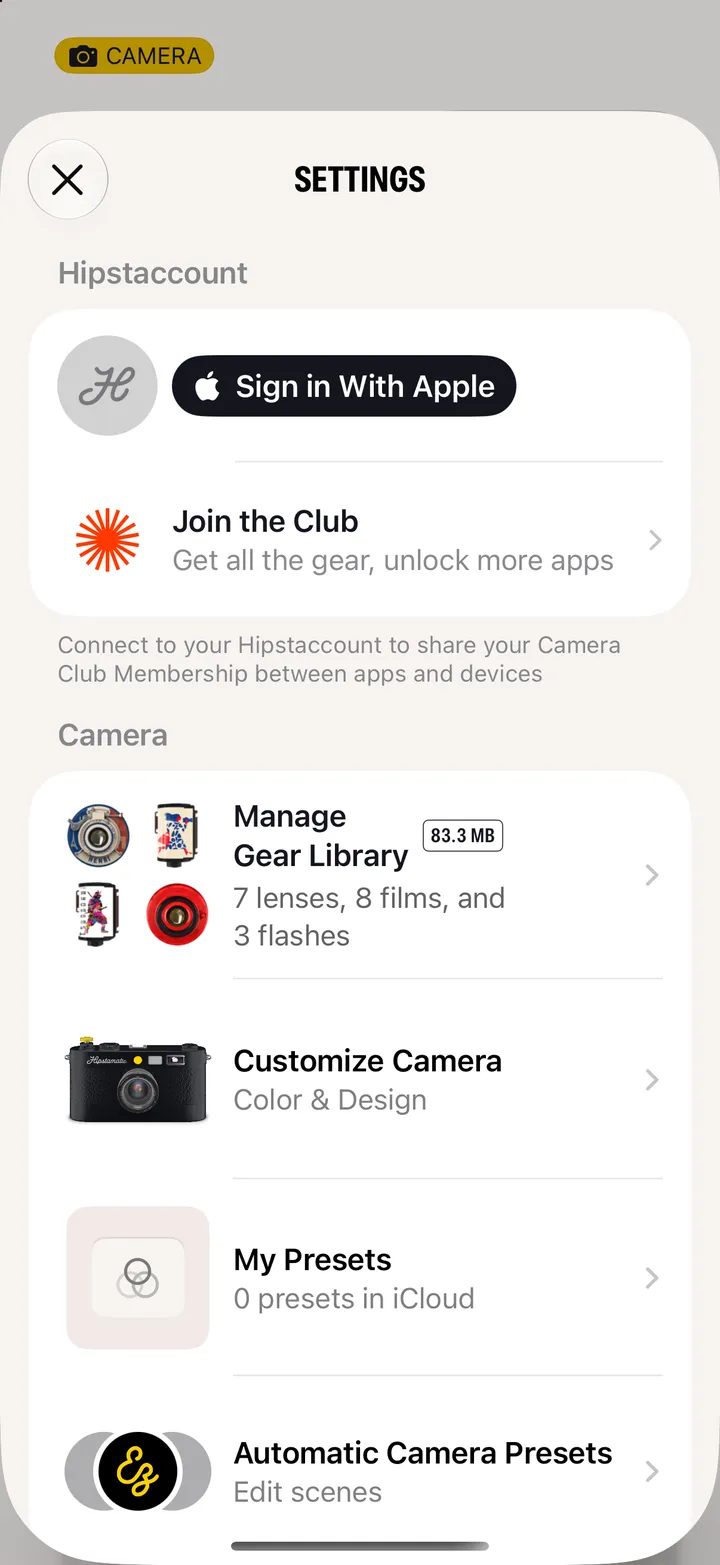
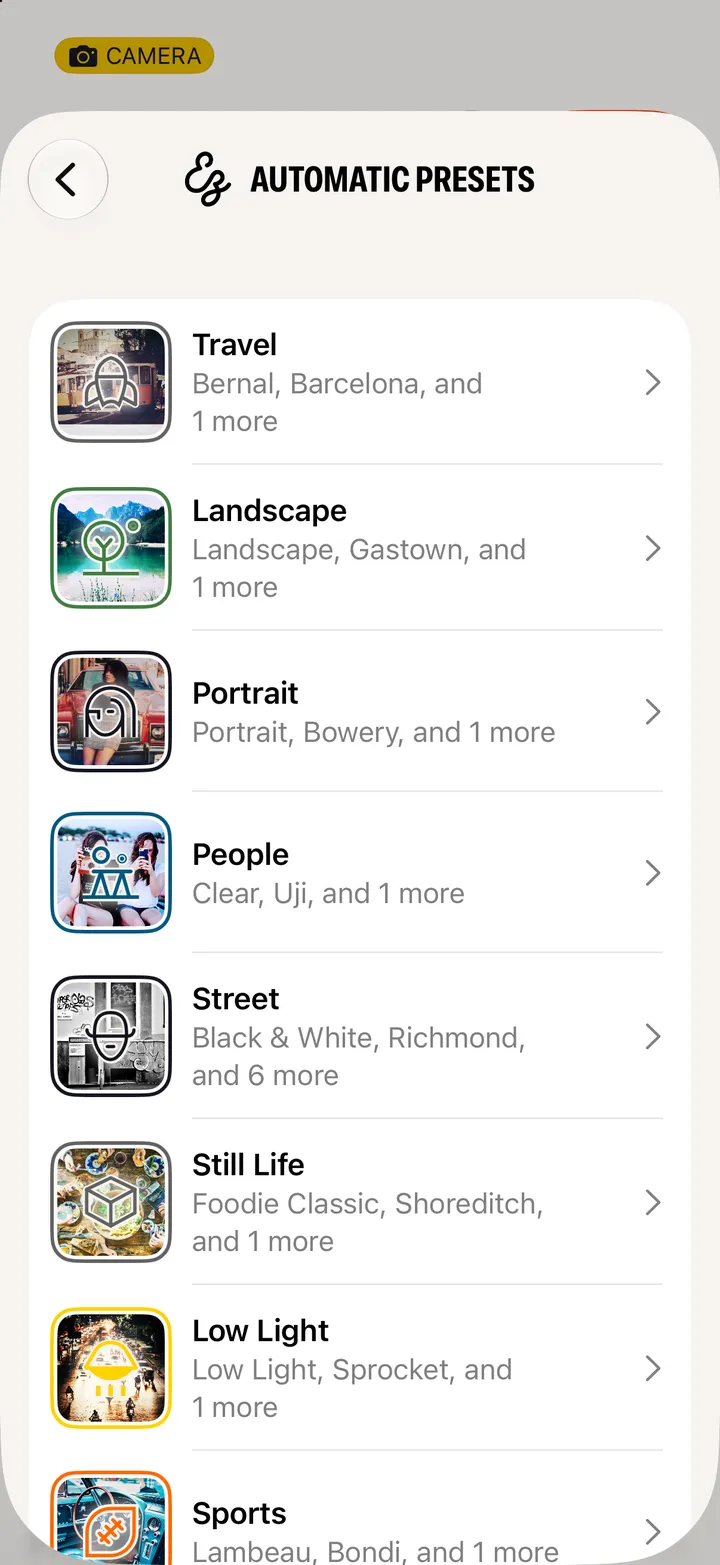
Open Settings and tap Automatic Camera Presets. Pick a scene, like Portrait or Low Light, then add, remove or reorder the presets Auto chooses from.
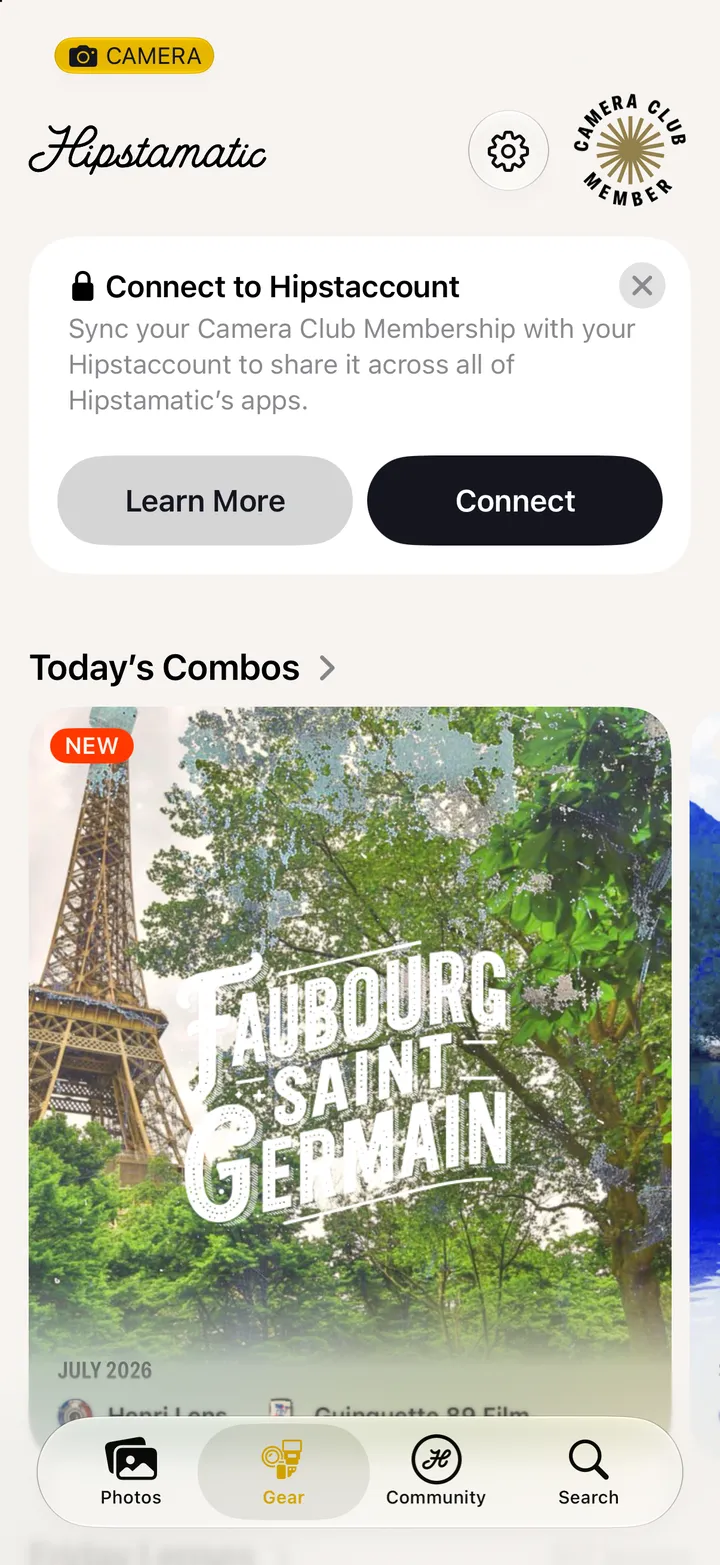
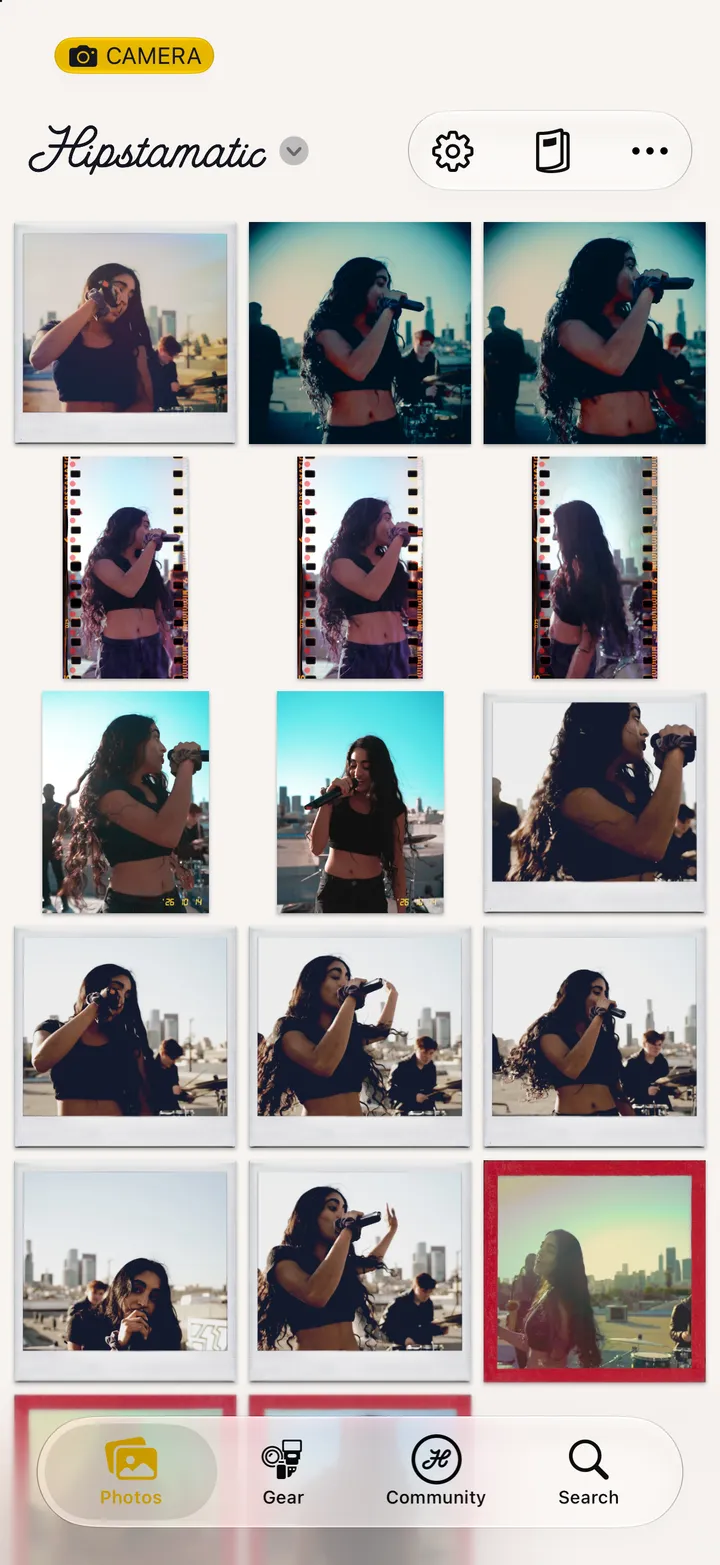
Hipstamatic · 3.8 · 4 stepsSwipe up from the camera; the gear icon at the top.
Travel, Landscape, Portrait, People, Street, Still Life, Low Light, Sports and Creative.
− takes one out. Drag the lines to reorder.