Hipstamatic guideLet Hipstamatic pick the gear

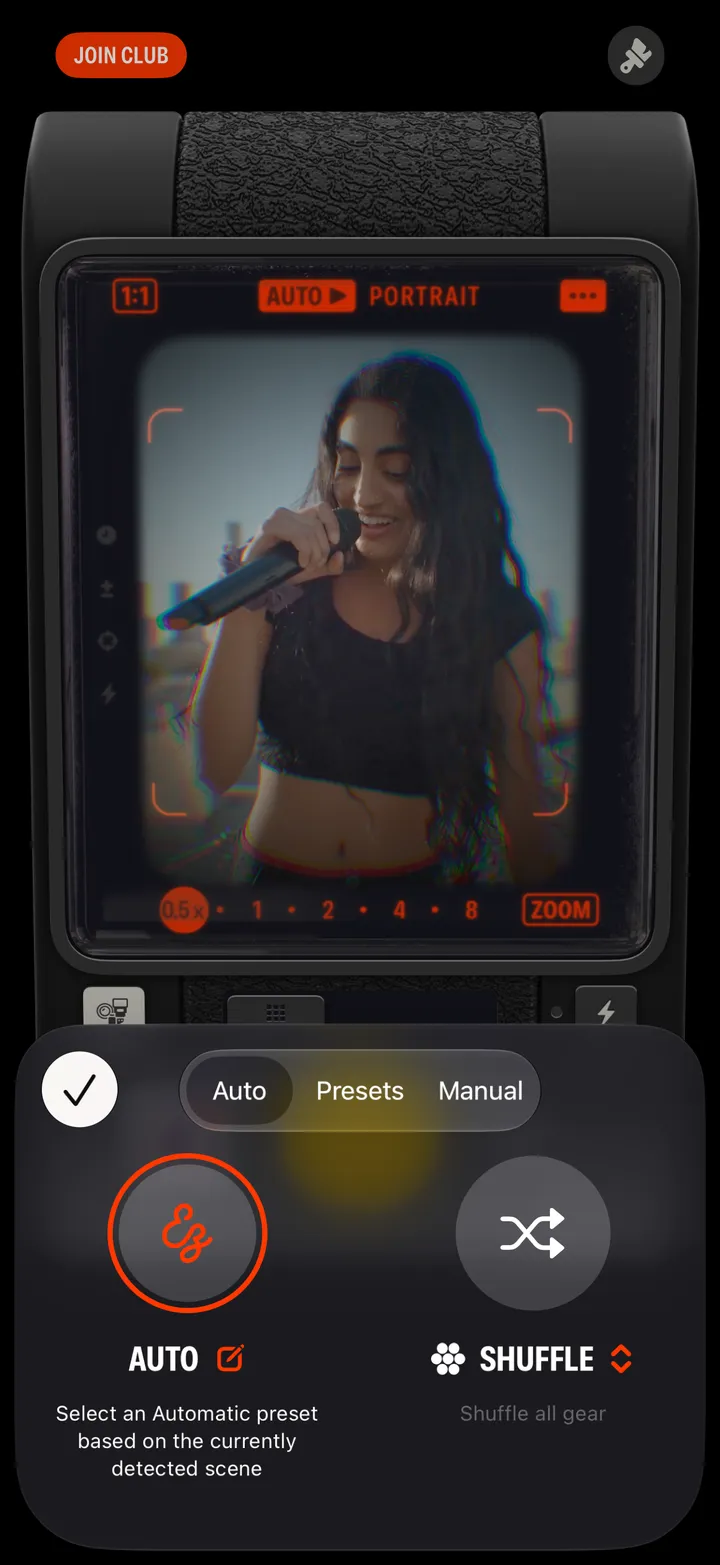
Tap the gear button, then Auto. Hipstamatic reads the scene and picks a combo for it. Shuffle picks one at random instead.

Hipstamatic · 2.1 · 5 steps
  1. 01

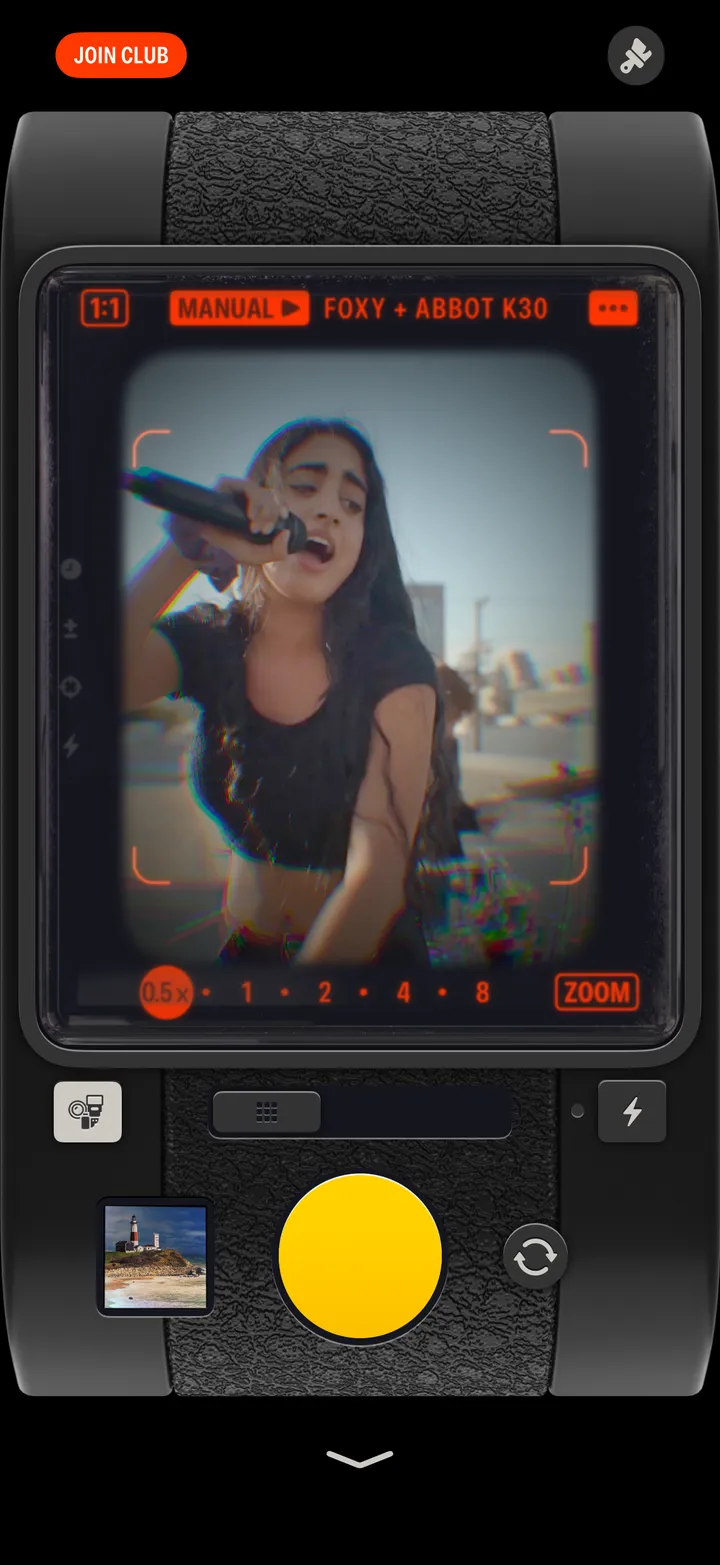
    Tap the gear button

    Step 1: Tap the gear button
  2. 02

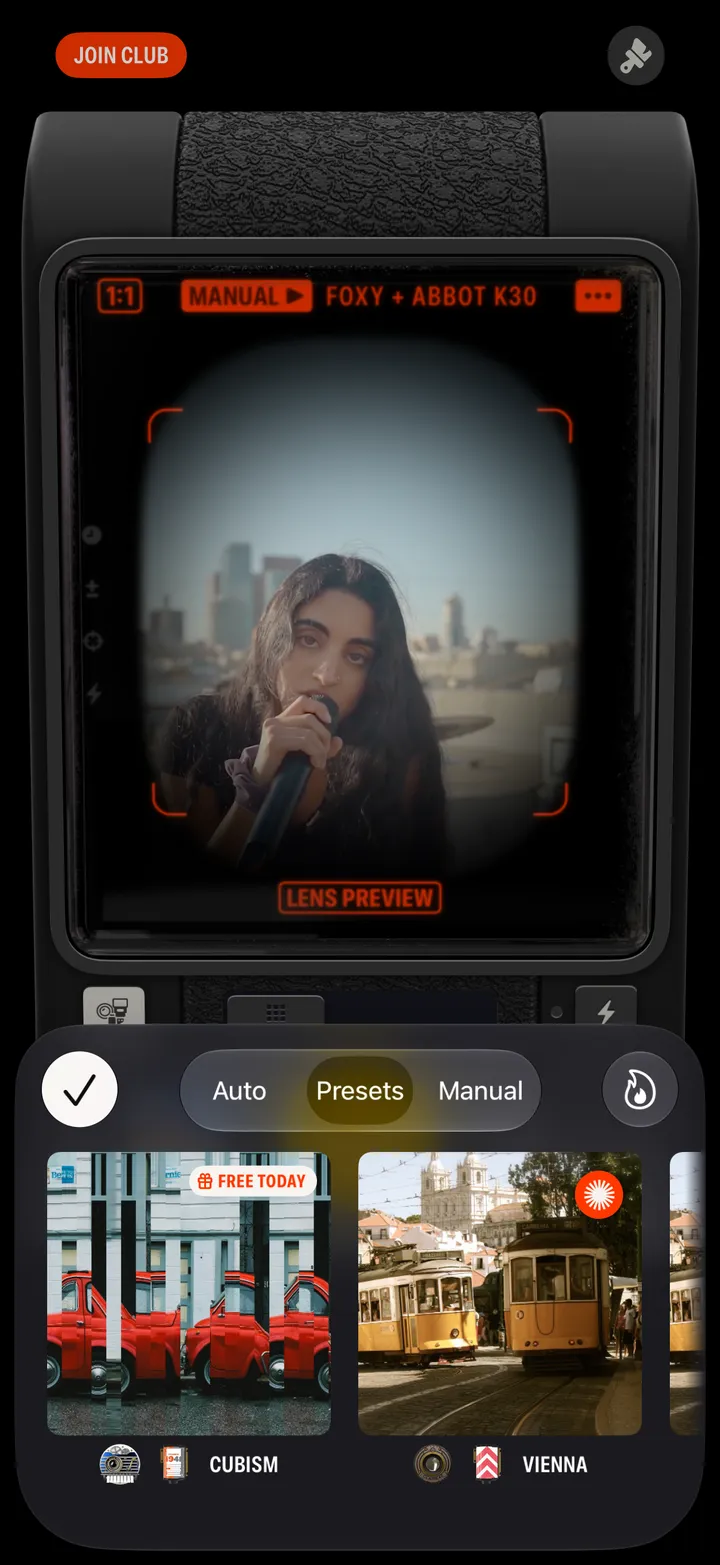
    Tap Auto

    Step 2: Tap Auto
  3. 03

    Tap the Auto button

    Or Shuffle, for a combo from all your gear at random.
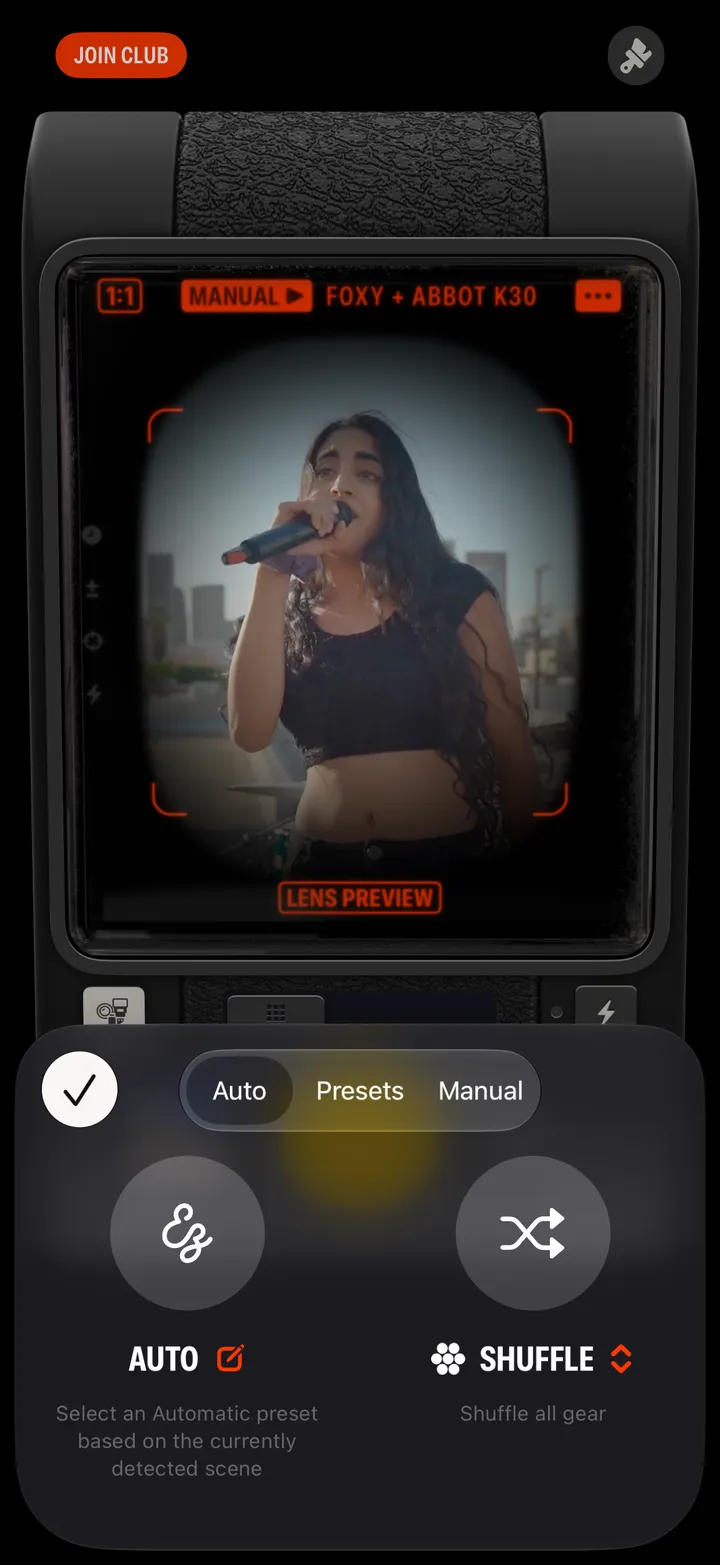
    Step 3: Tap the Auto button
  4. 04

    Tap ✓

    Step 4: Tap ✓
  5. 05

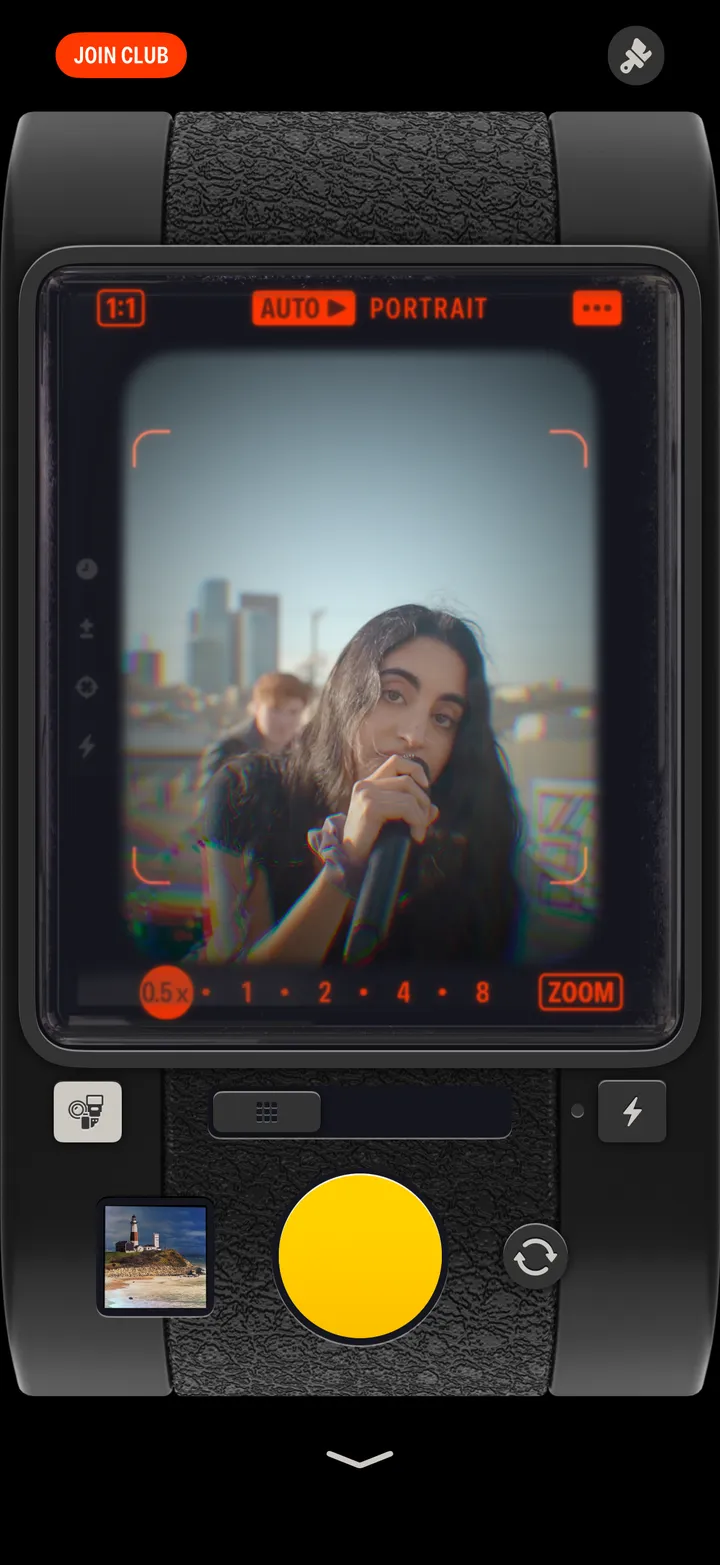
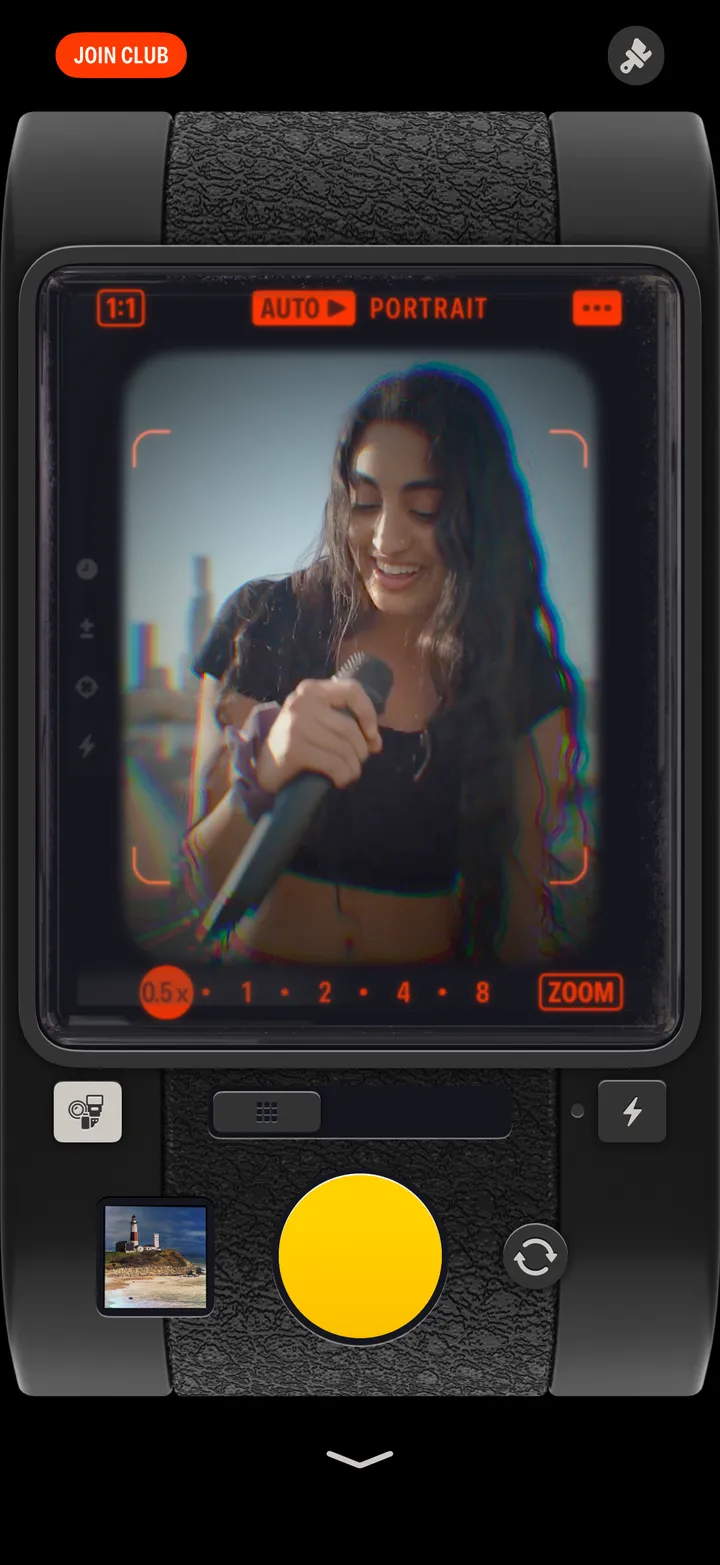
    Shoot

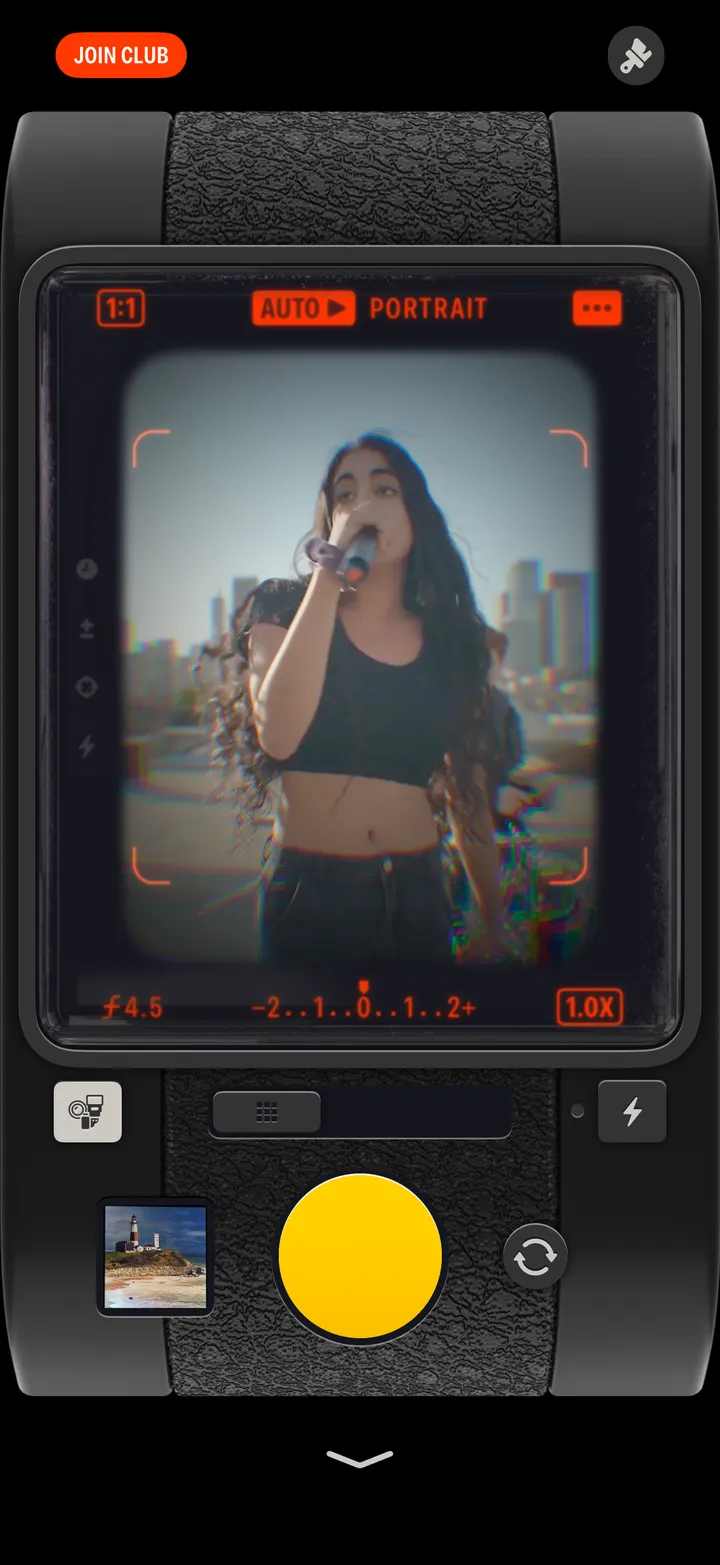
    The viewfinder says what it saw: AUTO ▶ PORTRAIT.
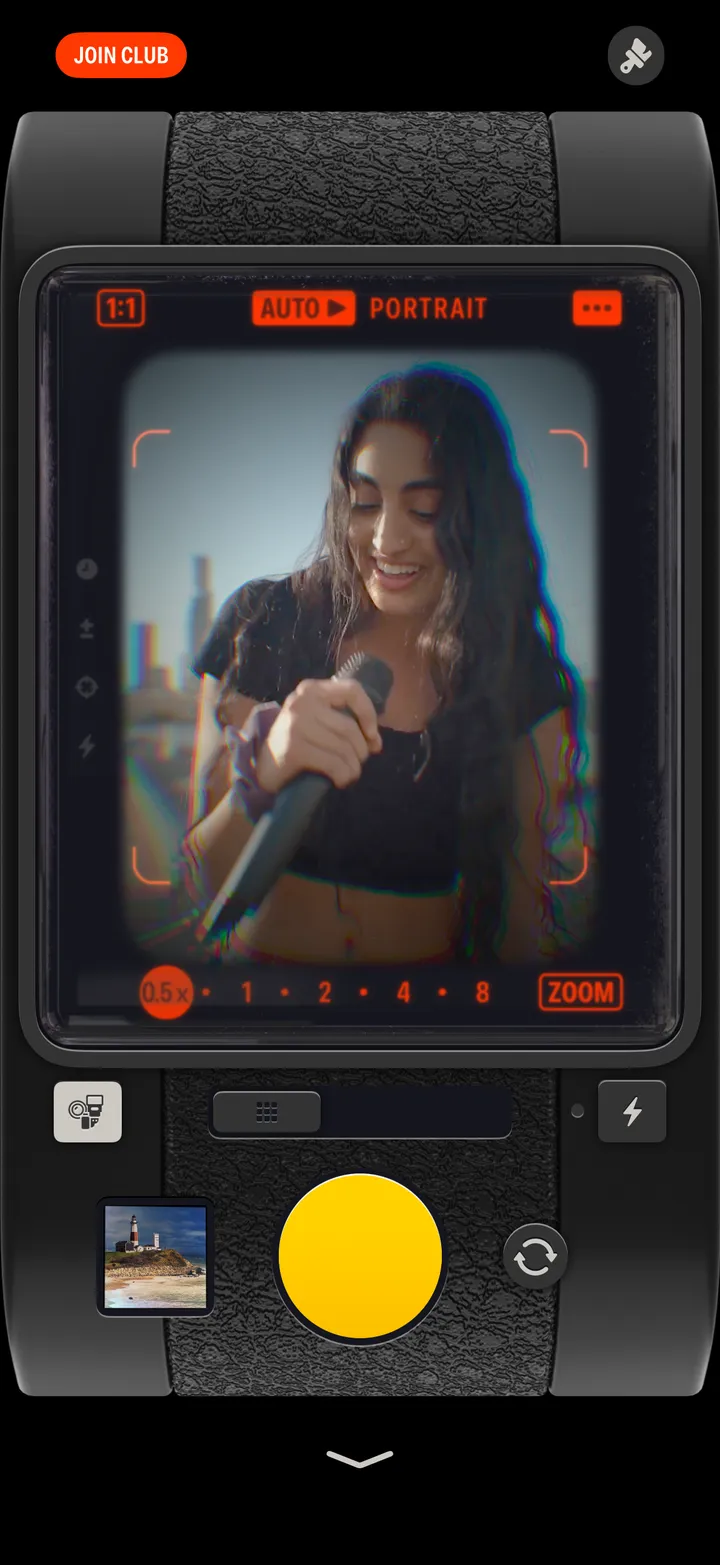
    Step 5: Shoot

Good to know

  • The ✎ next to Auto sets which preset goes with each scene.
  • Shuffle’s menu narrows it to your Favorites, today’s featured gear, or one scene.