Hipstamatic guideMake a multiple exposure
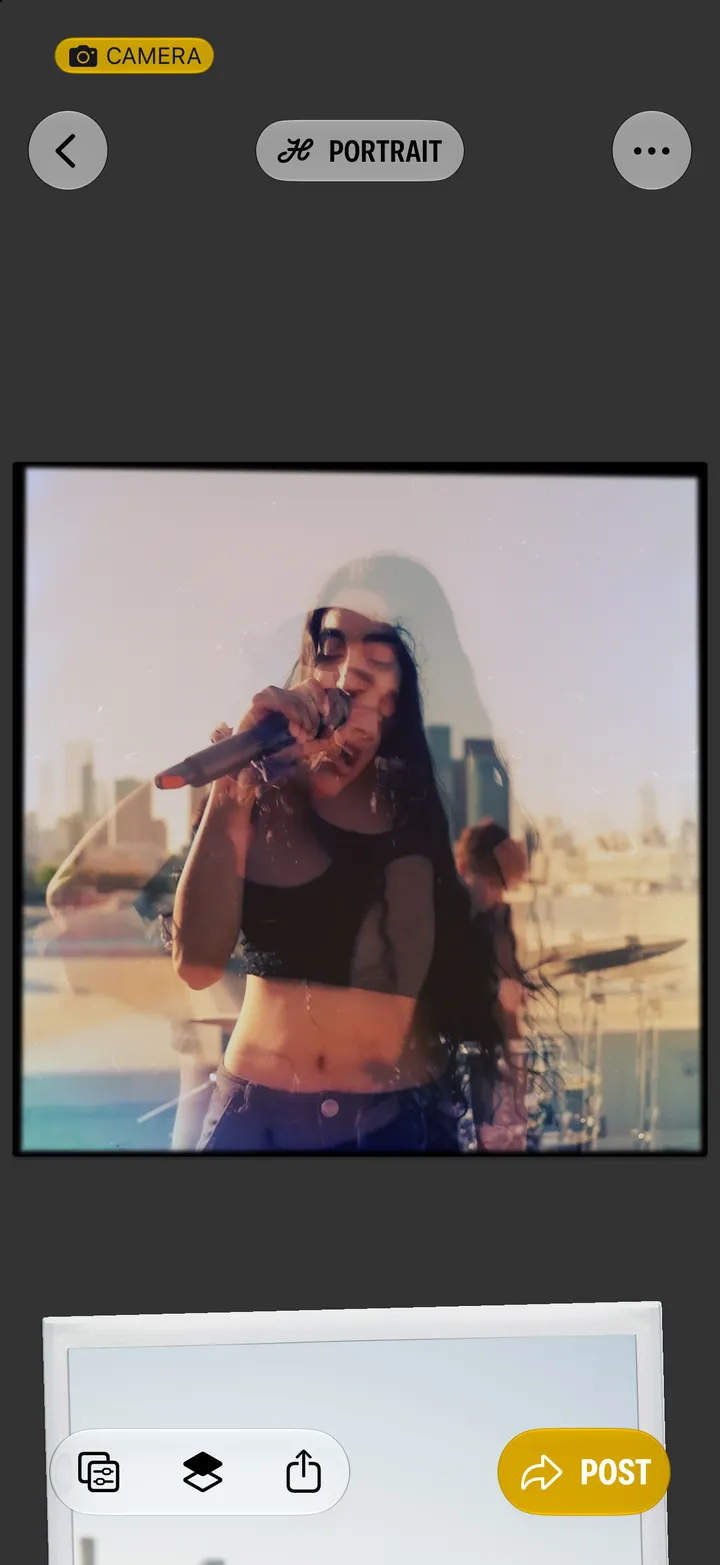
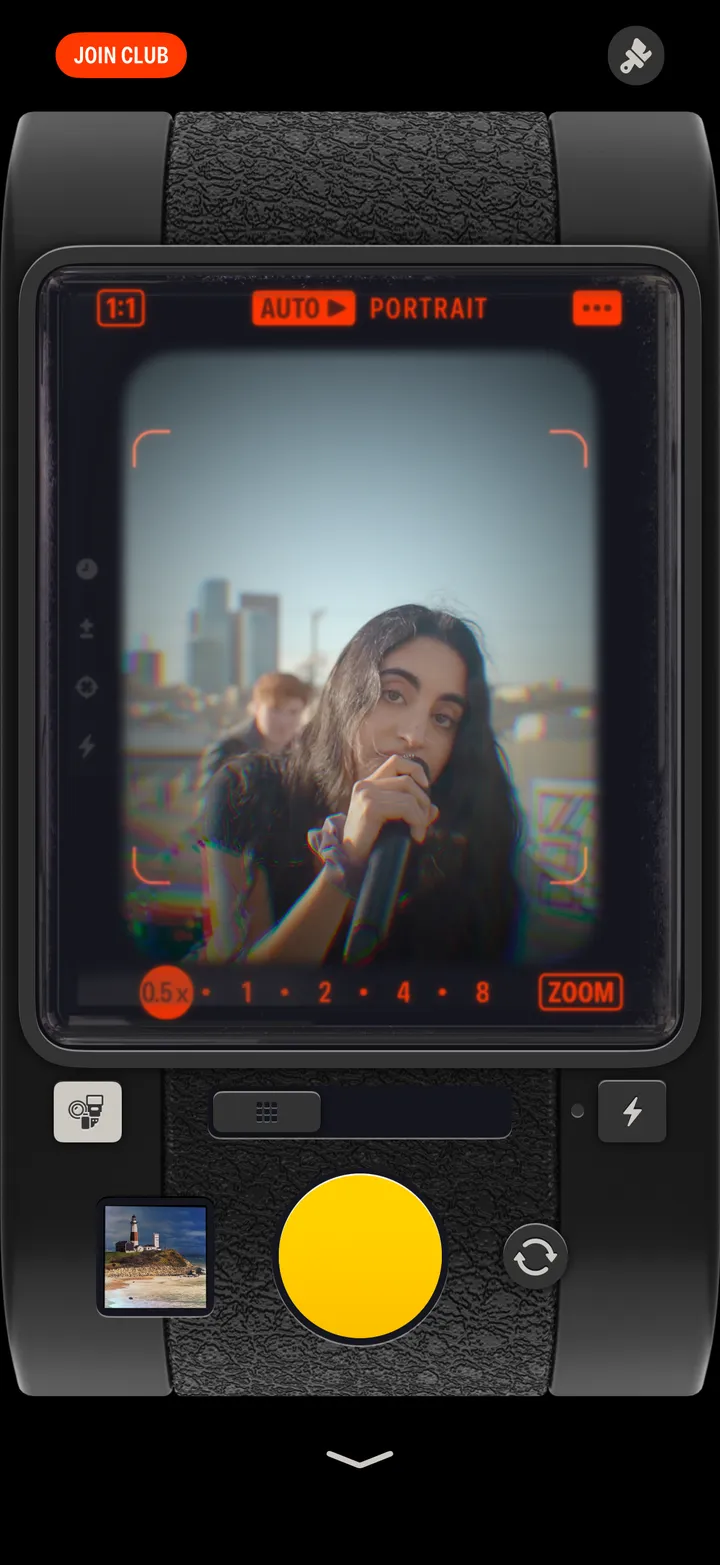
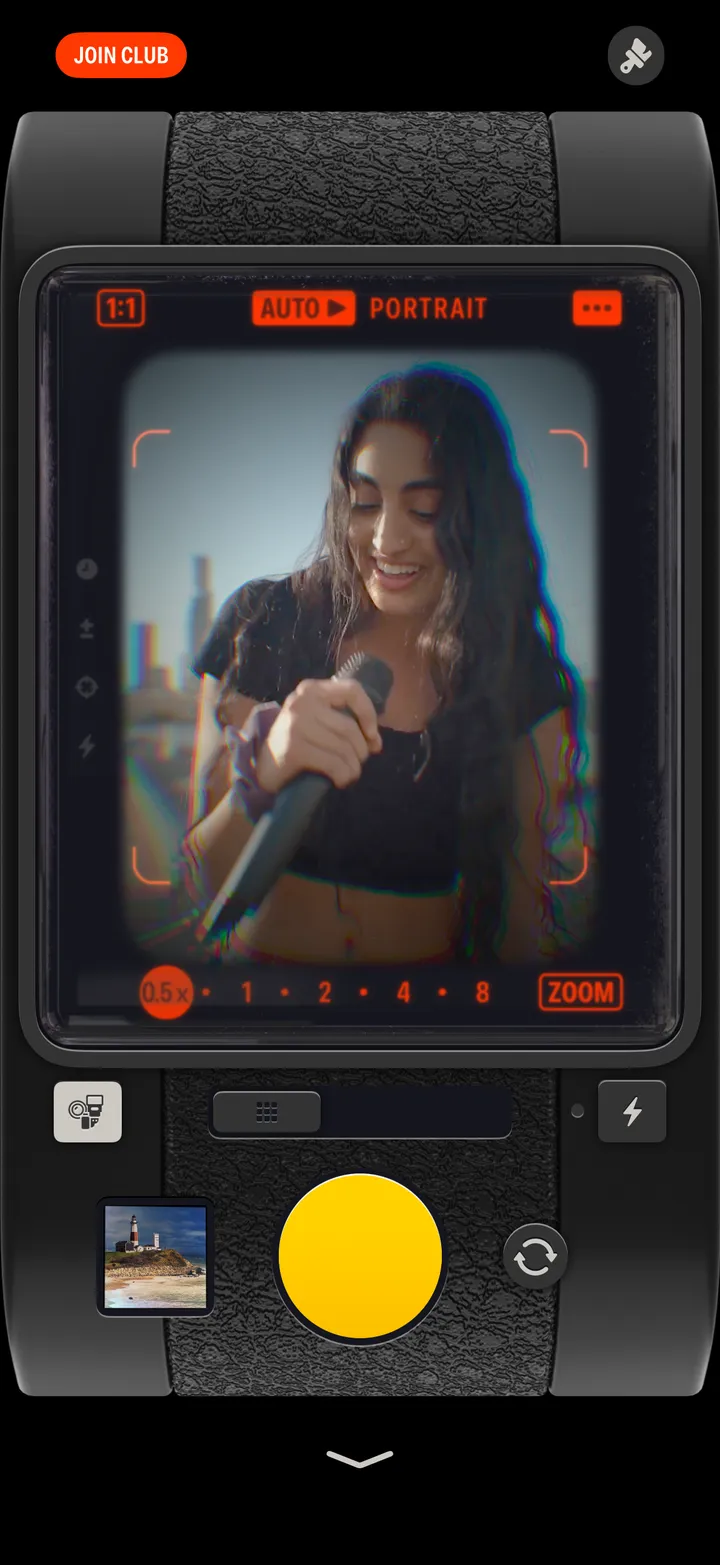
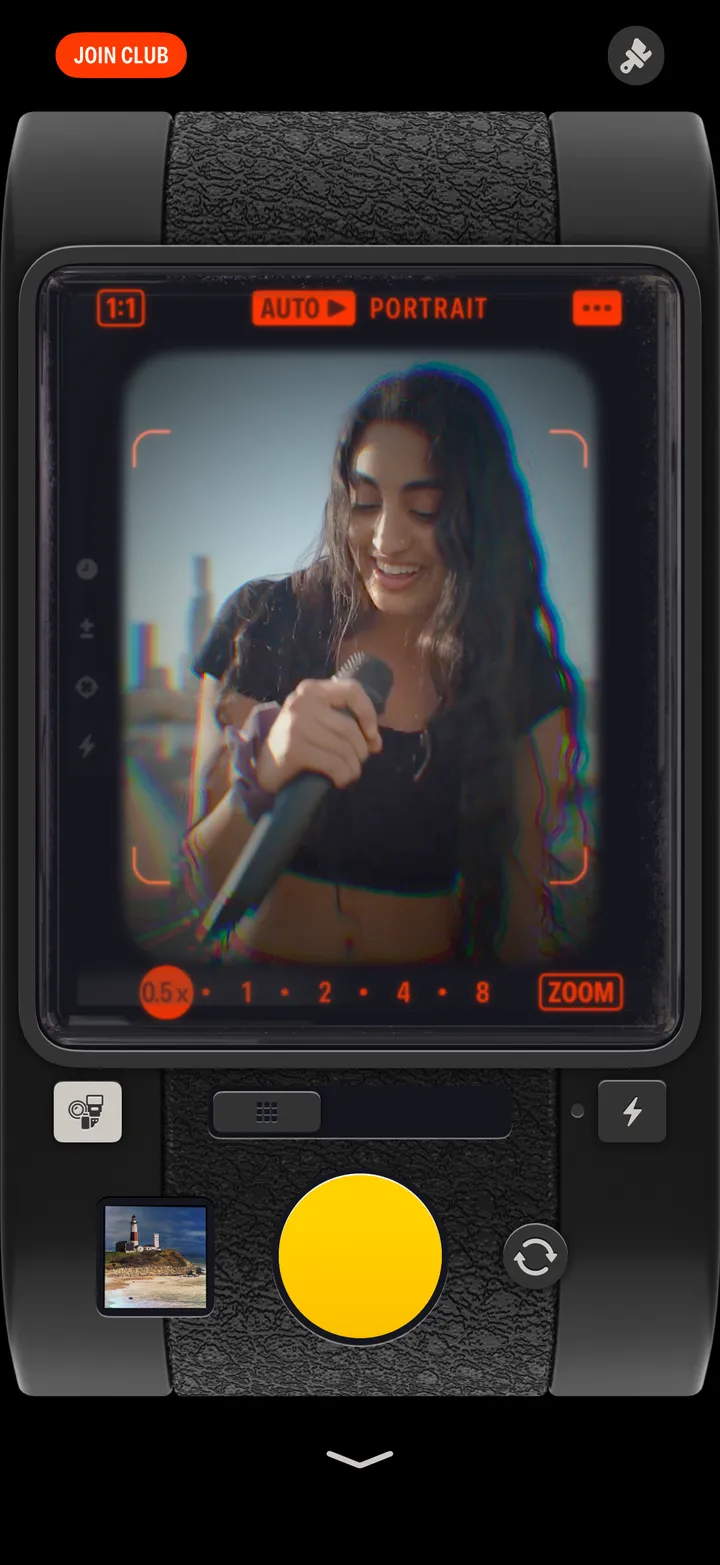
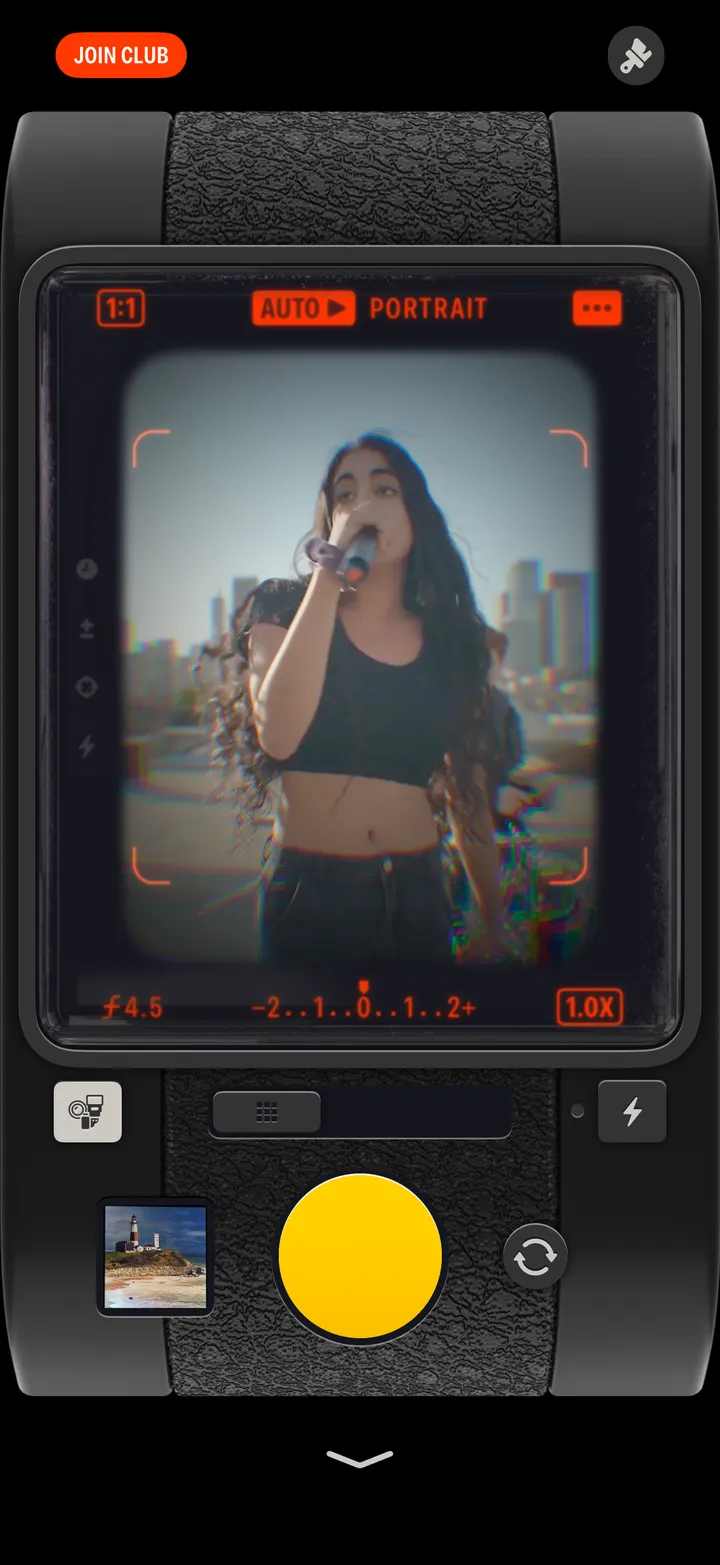
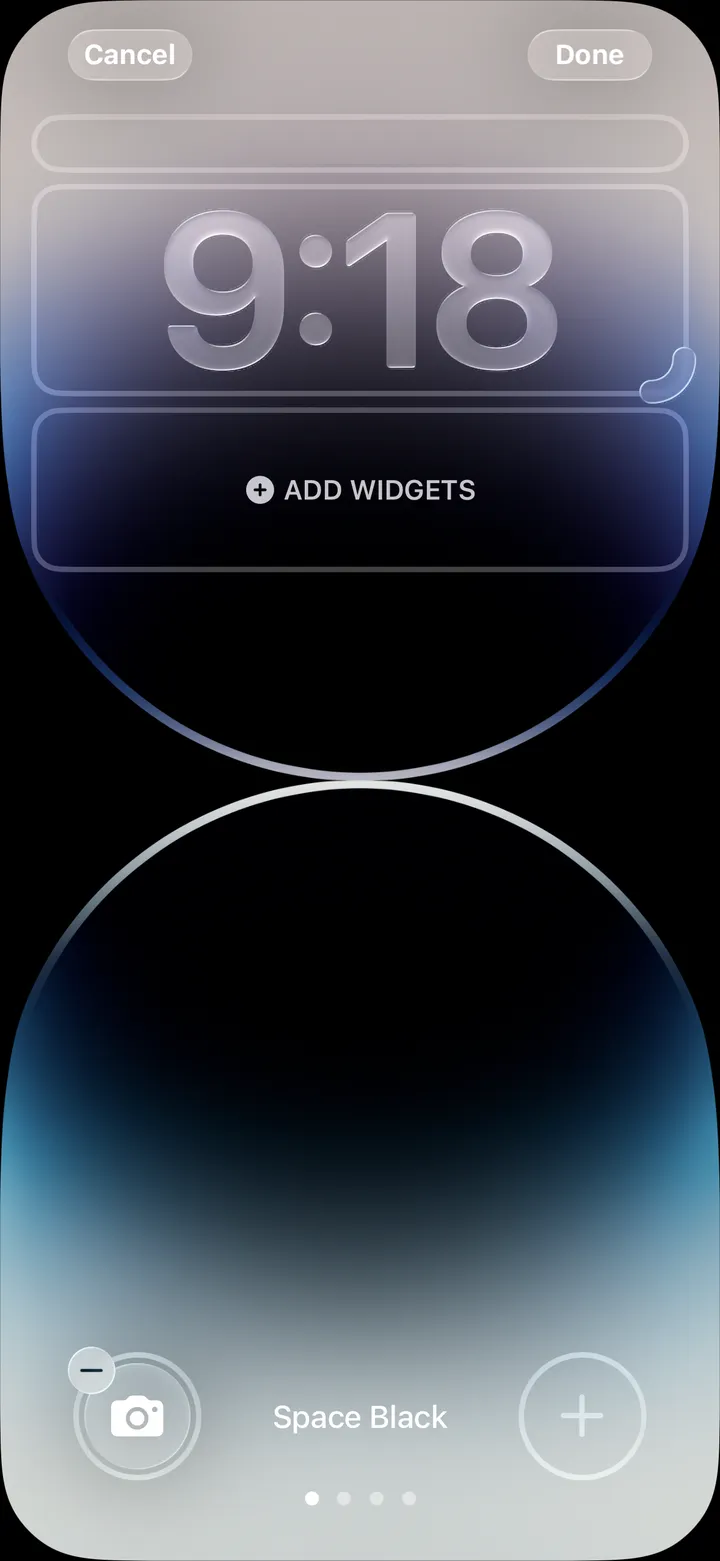
Slide the switch under the viewfinder to the left, then take two shots. Hipstamatic lays one over the other.
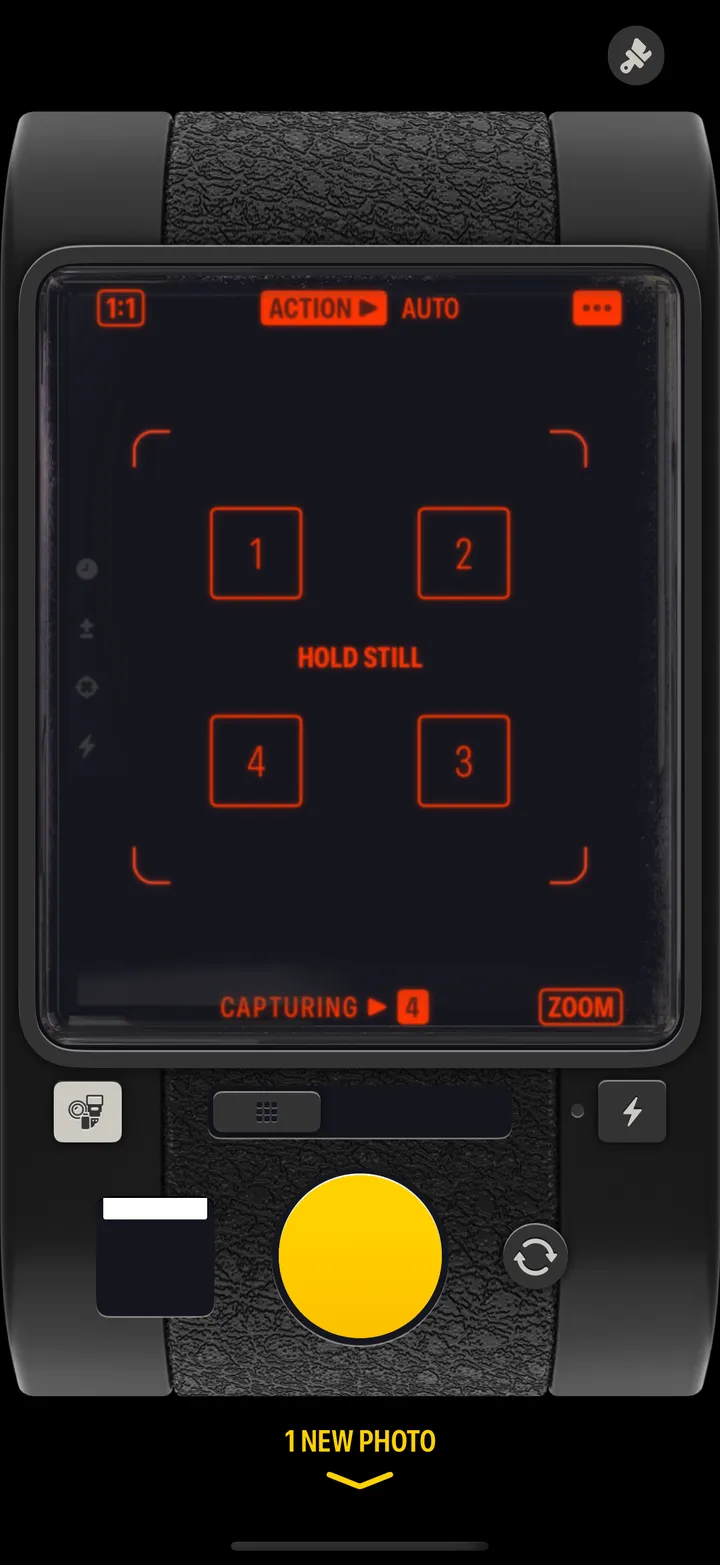
Hipstamatic · 2.5 · 4 stepsThe viewfinder says MULTI-X and counts PHOTOS TAKEN ▶ 0/2.
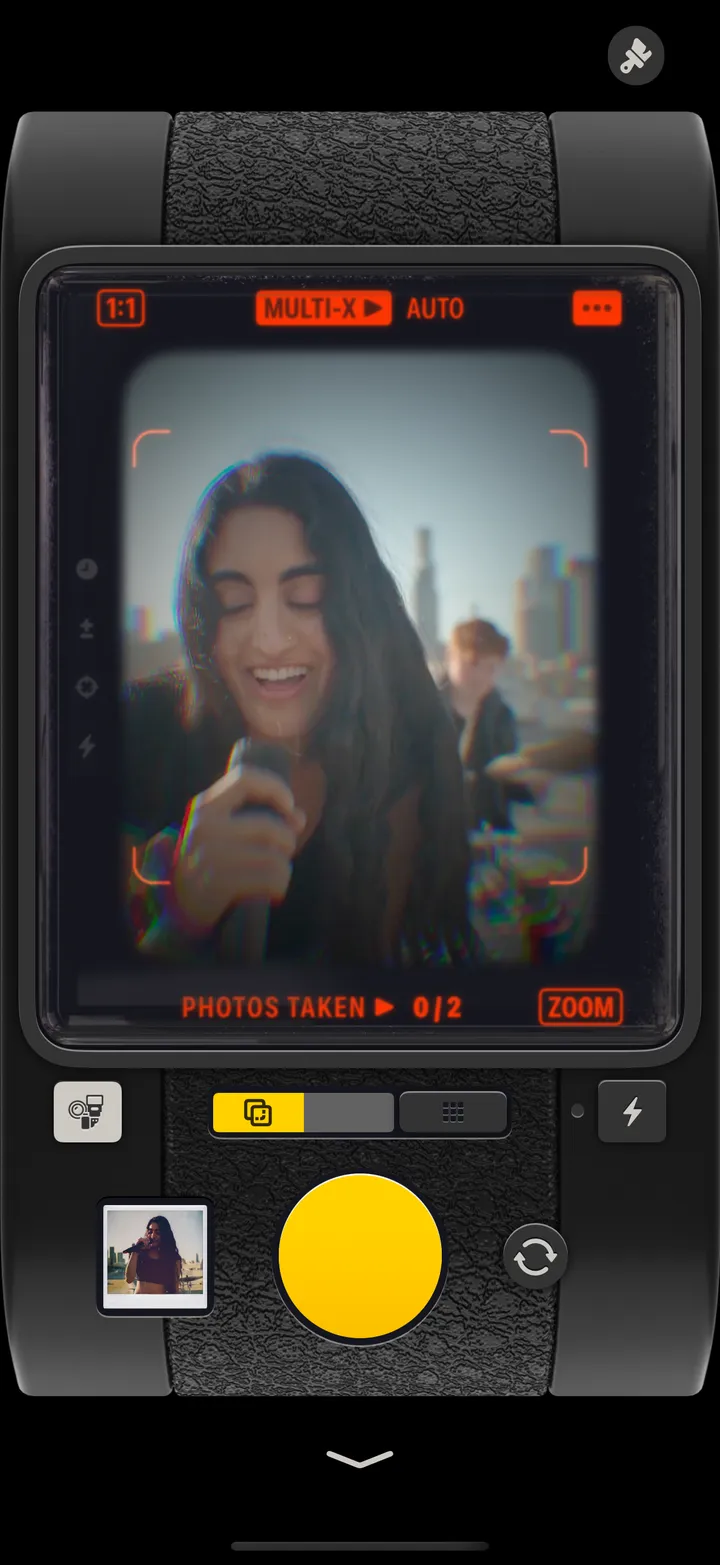
Move, or wait for something to change.
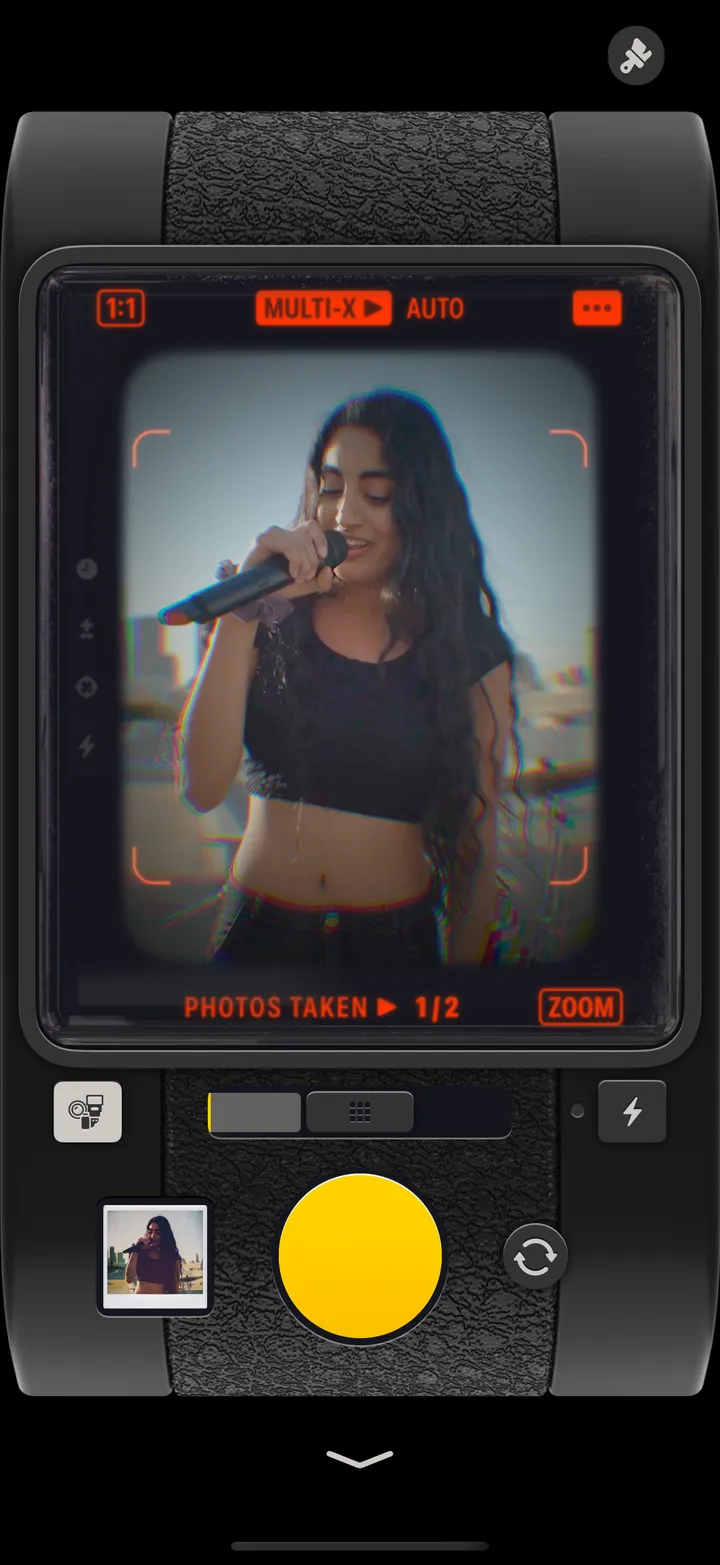
Two moments on one frame.