Hipstamatic guideDevelop your photographs later
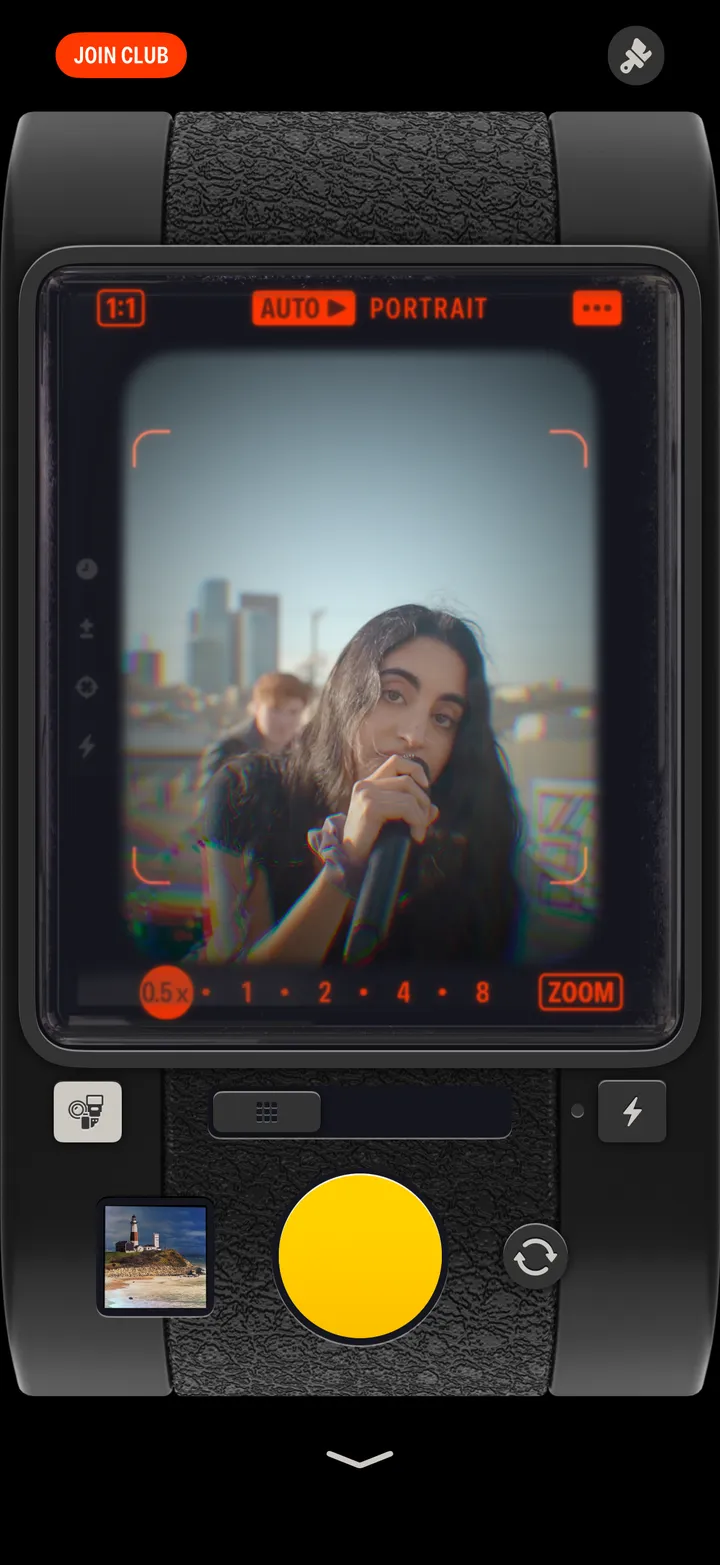
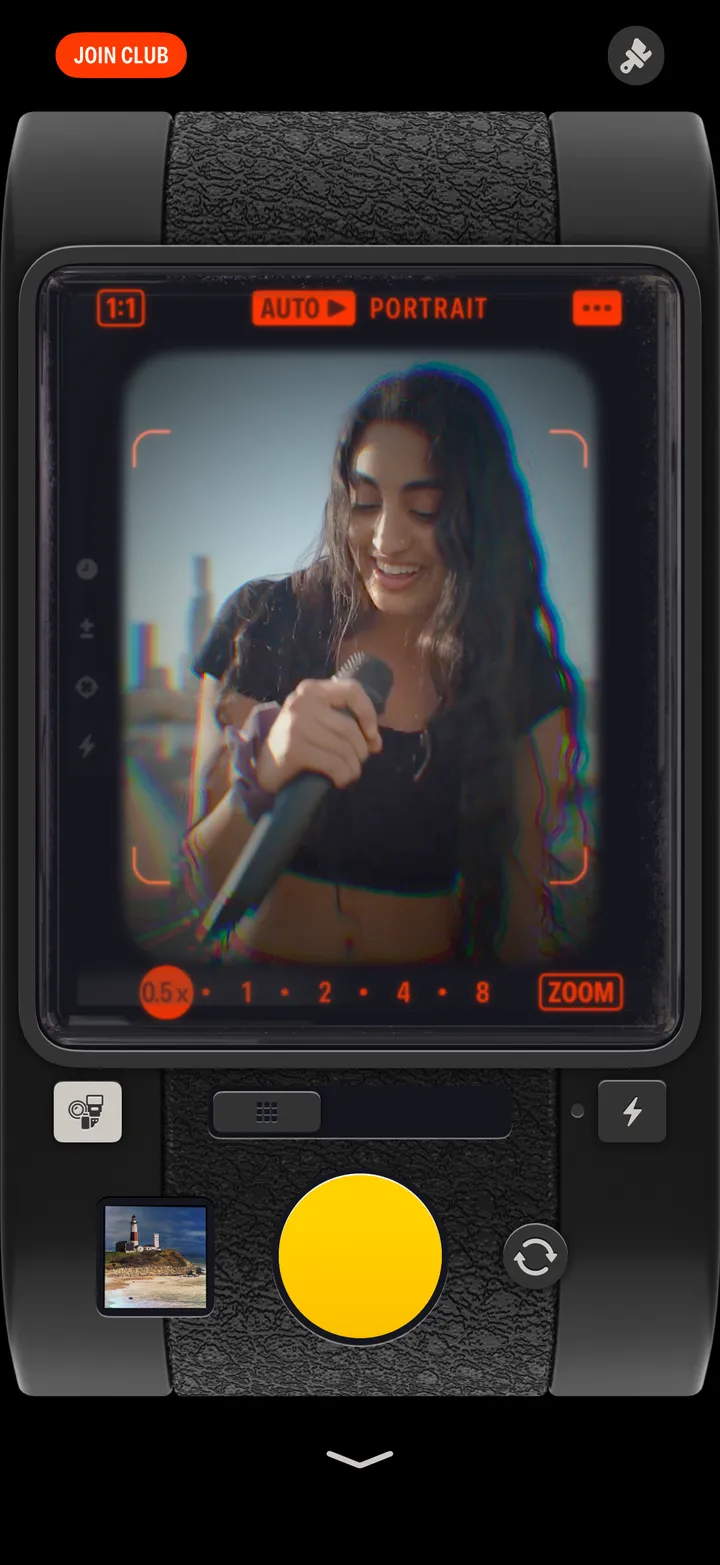
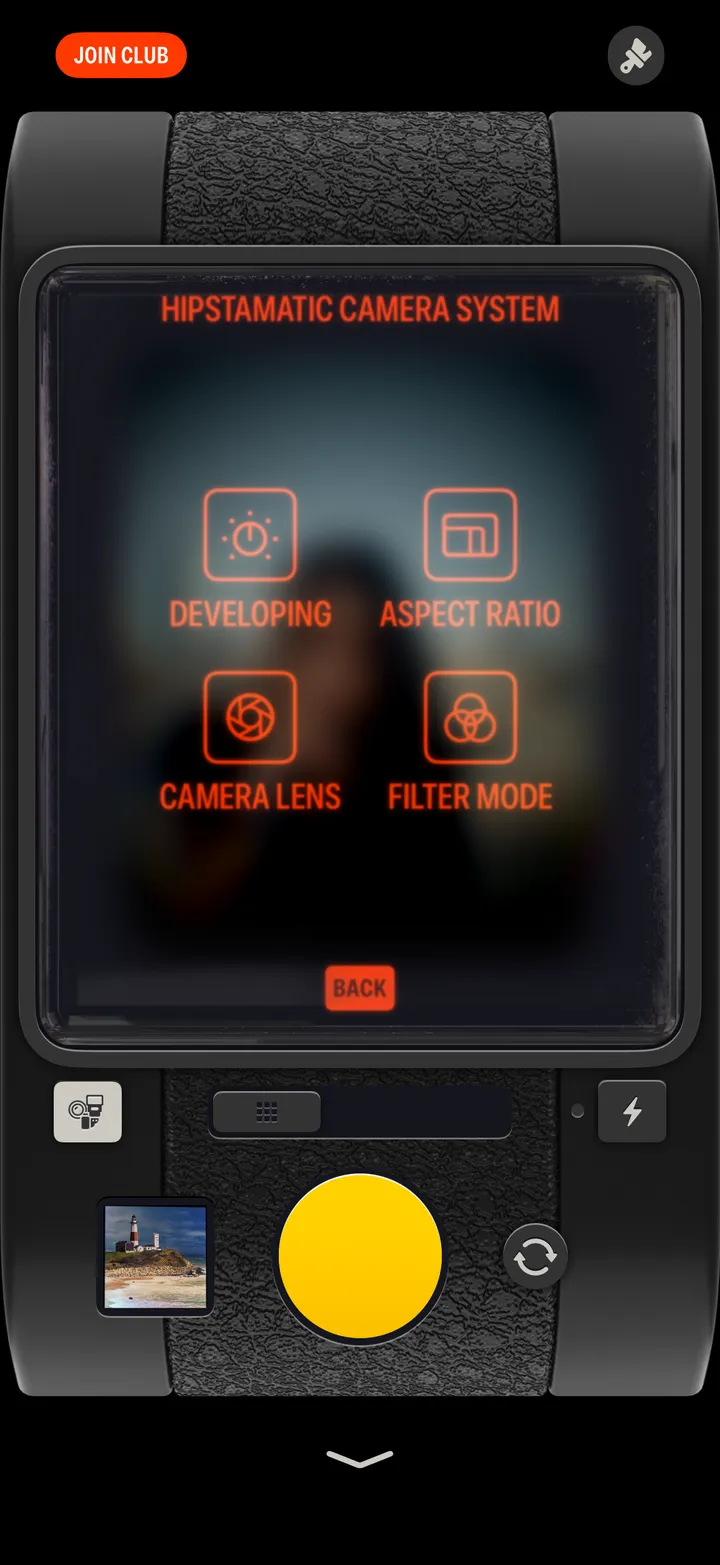
Tap ••• in the viewfinder, then Developing, then Delayed. Your photographs develop a few hours later, and Hipstamatic tells you when the roll is ready.
Hipstamatic · 2.6 · 4 stepsTop right of the viewfinder.
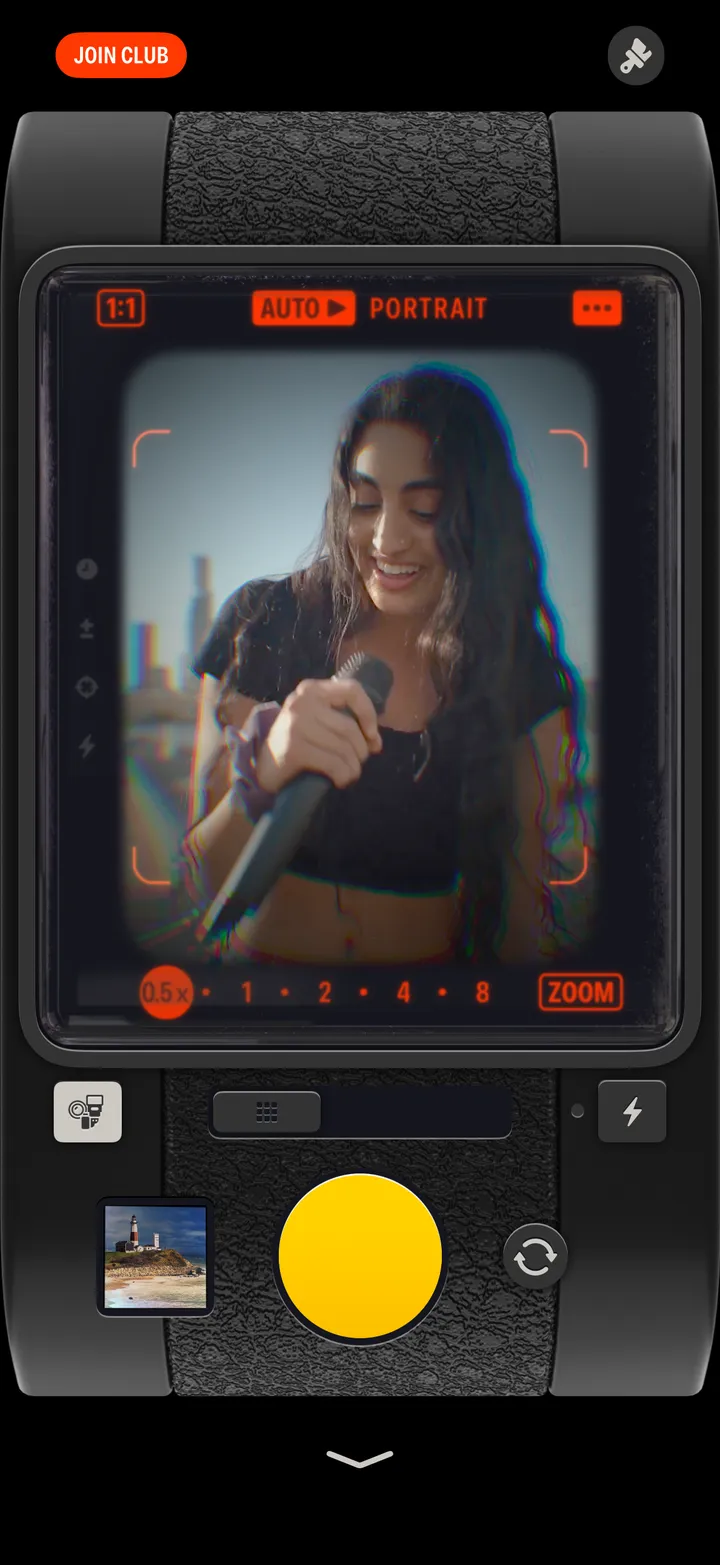
Instant develops right away, as it always has.
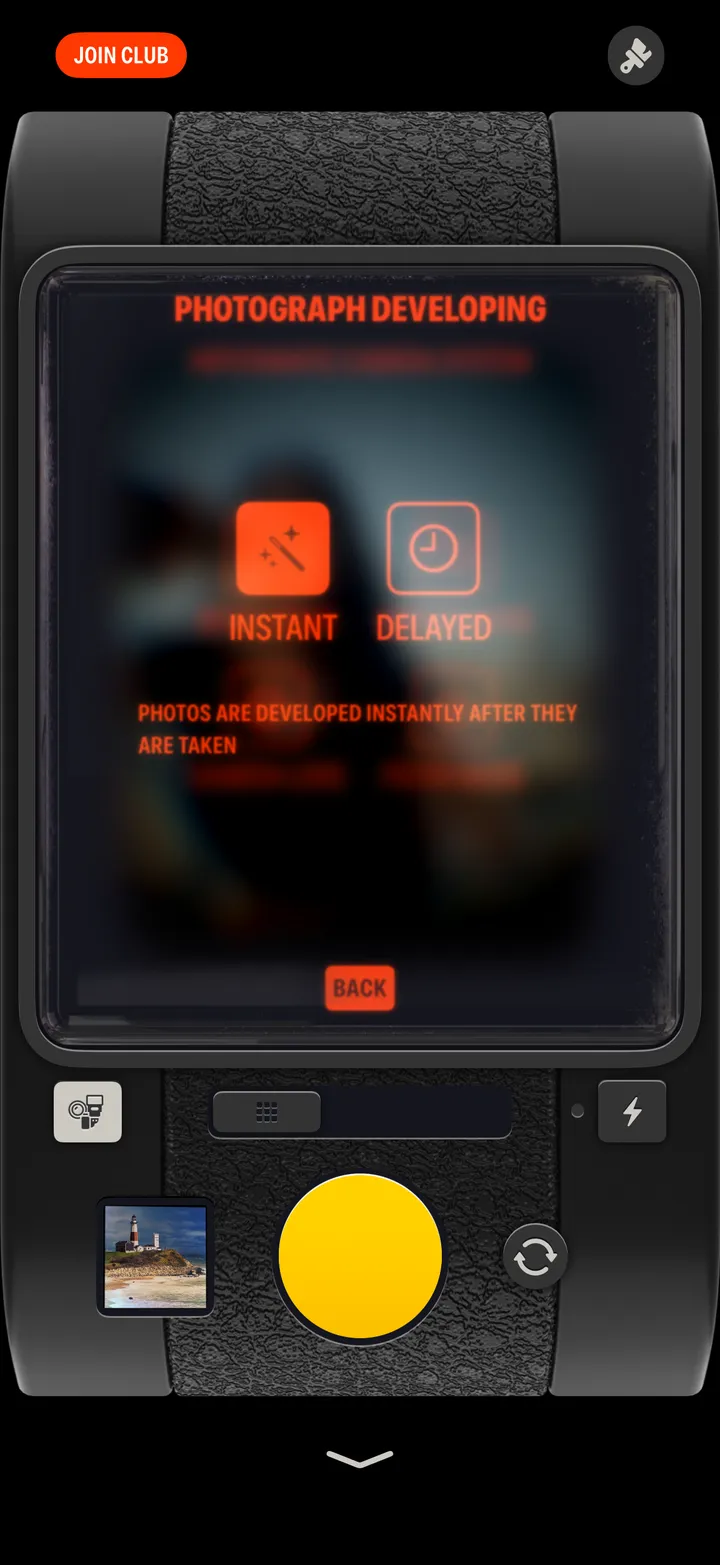
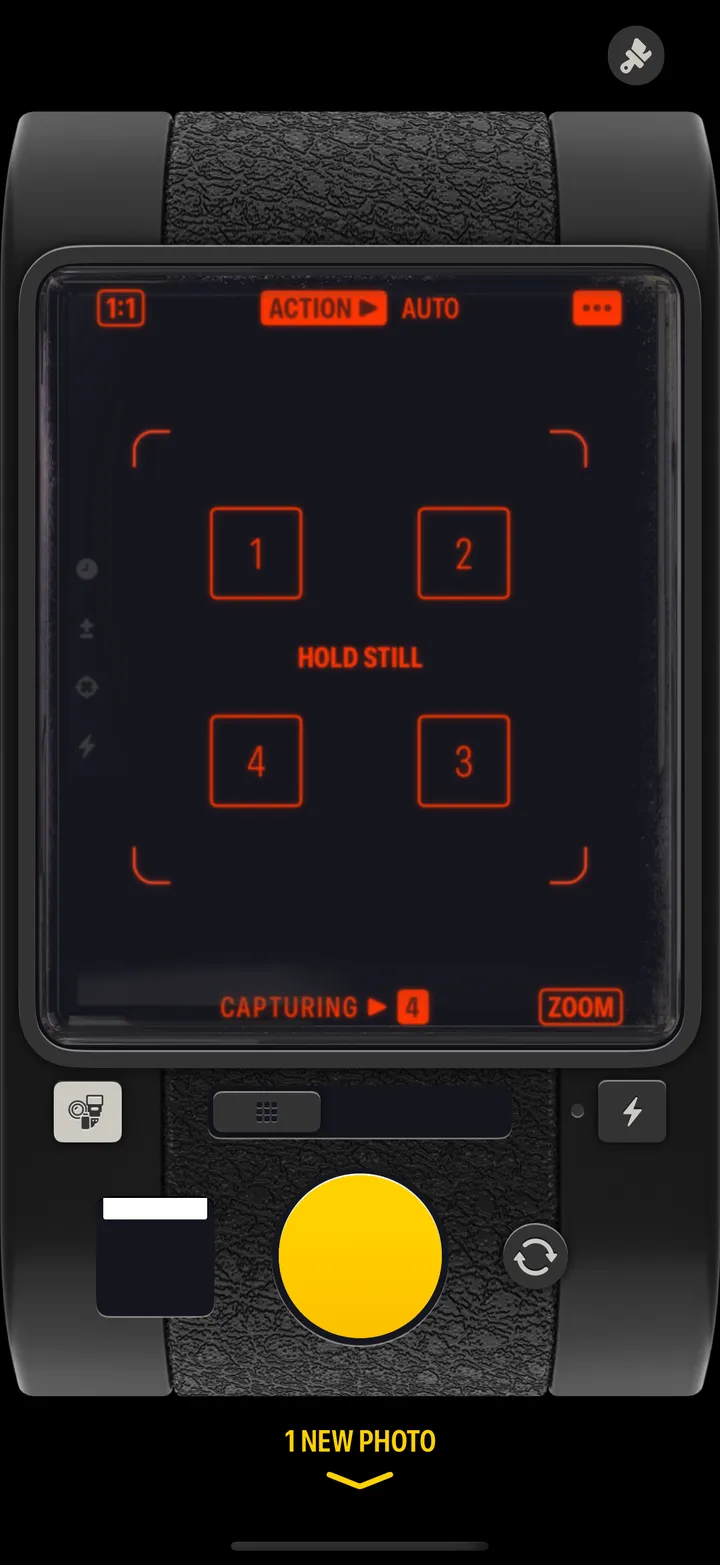
Shoot in the moment. You’ll be notified when it’s time to view your photos!