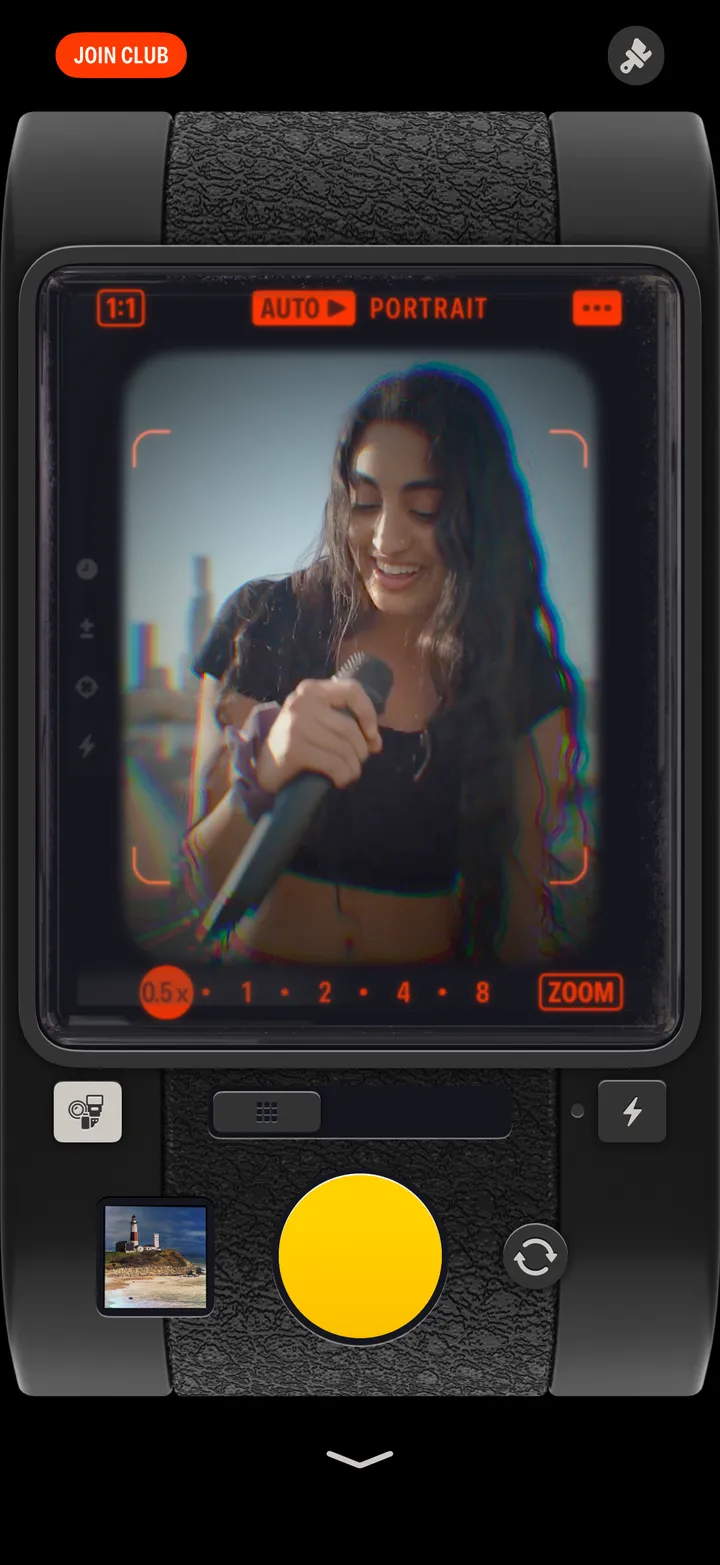
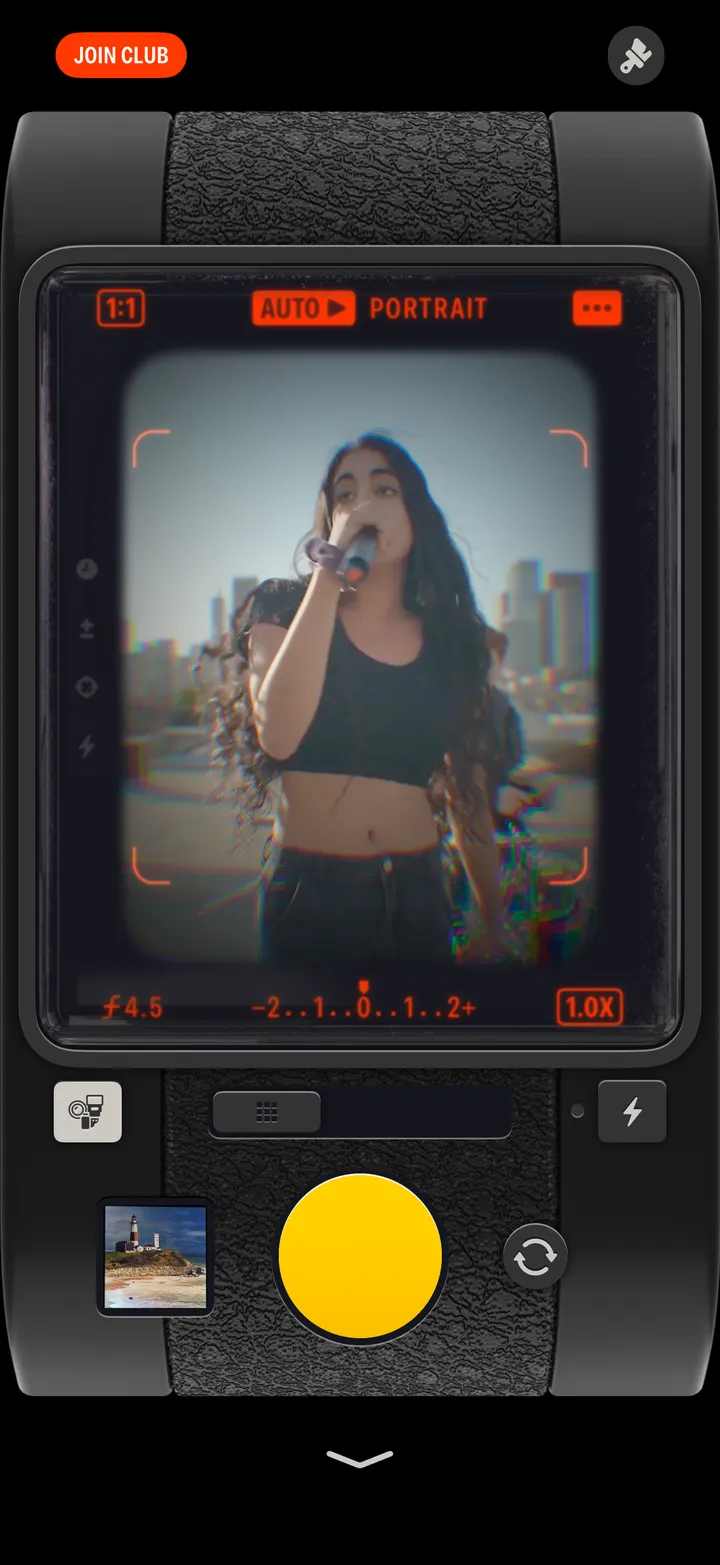
Hipstamatic guideOpen Hipstamatic from the Lock Screen
Add the Hipstamatic control to your Lock Screen, Control Center or Action button, or set Camera Control to Hipstamatic. One press and you’re shooting.
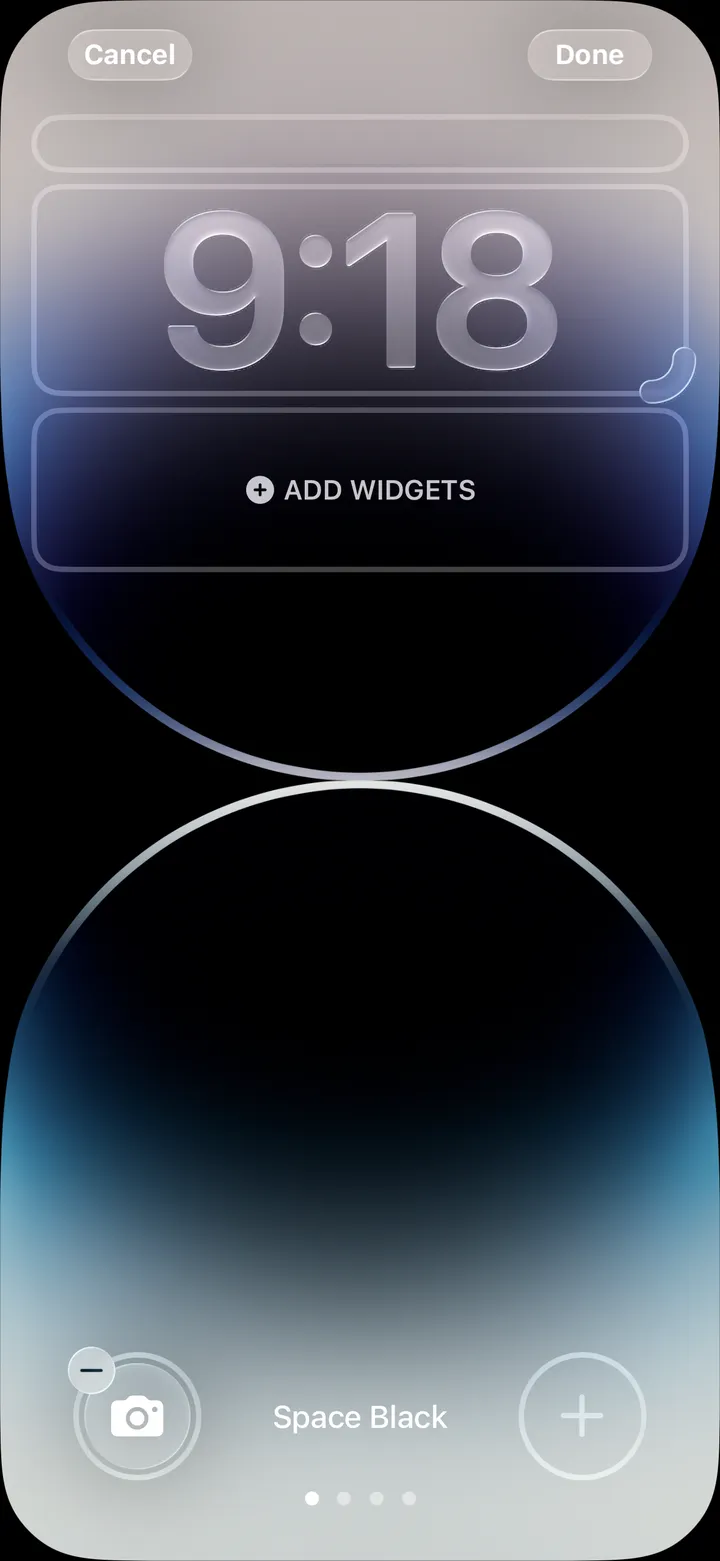
Hipstamatic · 2.11 · 4 stepsTouch and hold the Lock Screen, tap Customize, then Lock Screen. Swap a control at the bottom for Hipstamatic.
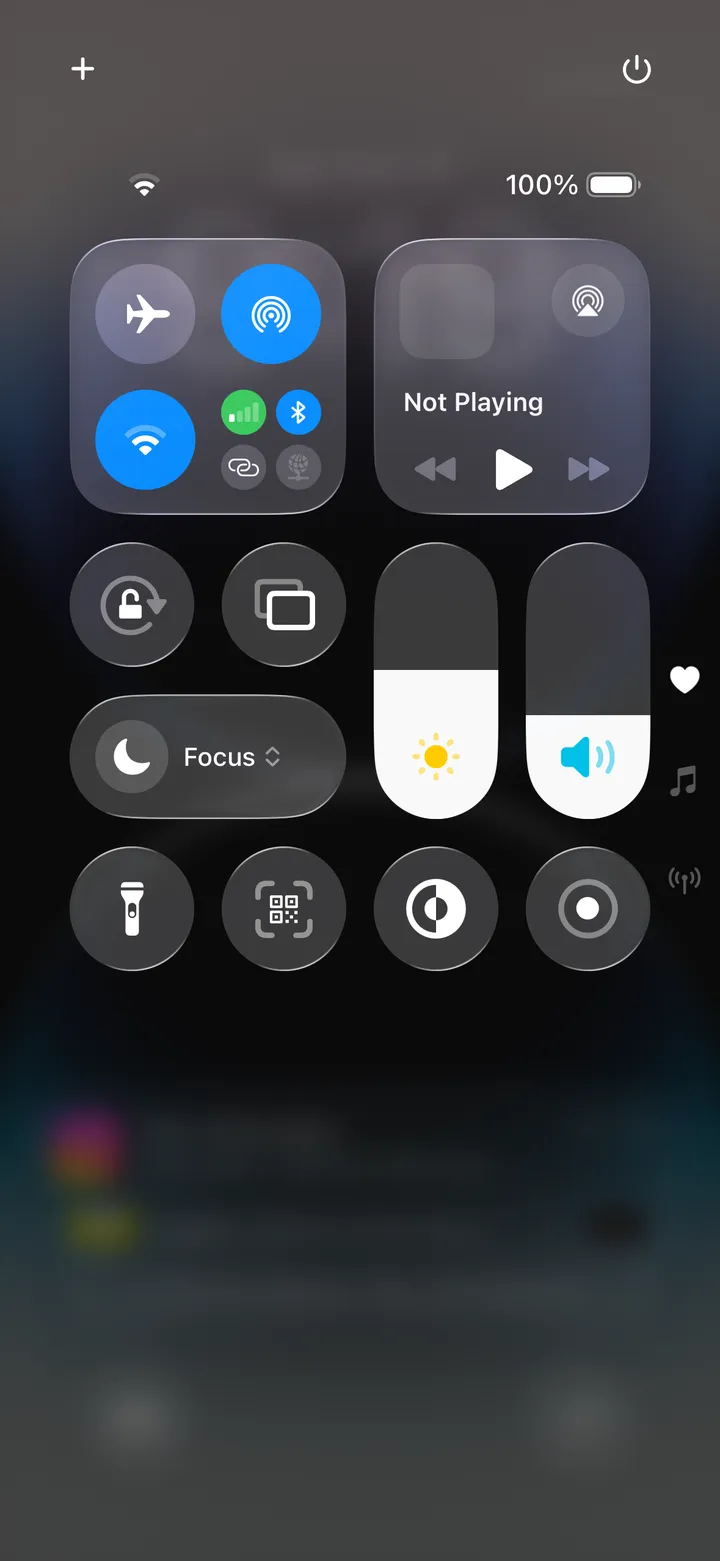
Swipe down from the top right, tap +, then Add a Control.
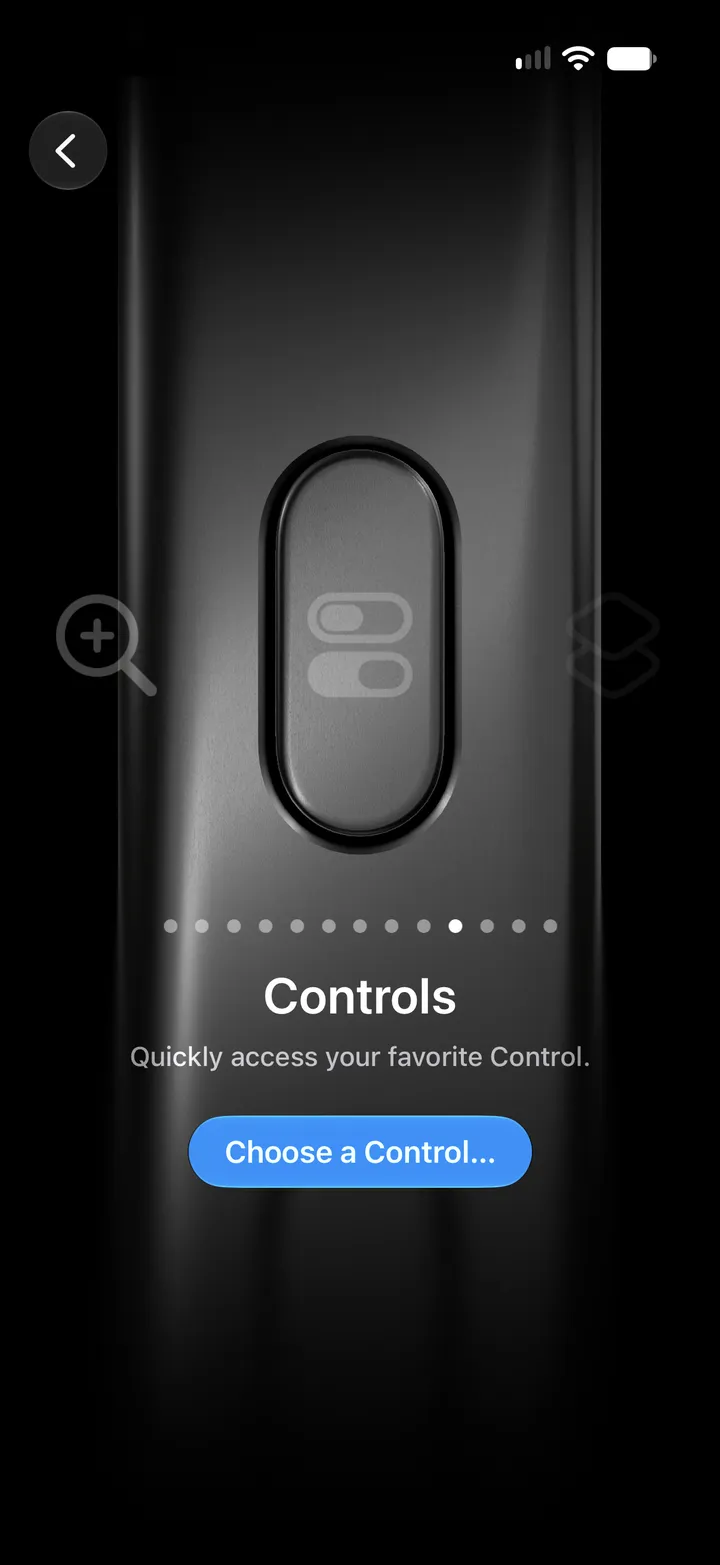
In Settings ▸ Action Button, swipe to Controls, tap Choose a Control, then Hipstamatic.
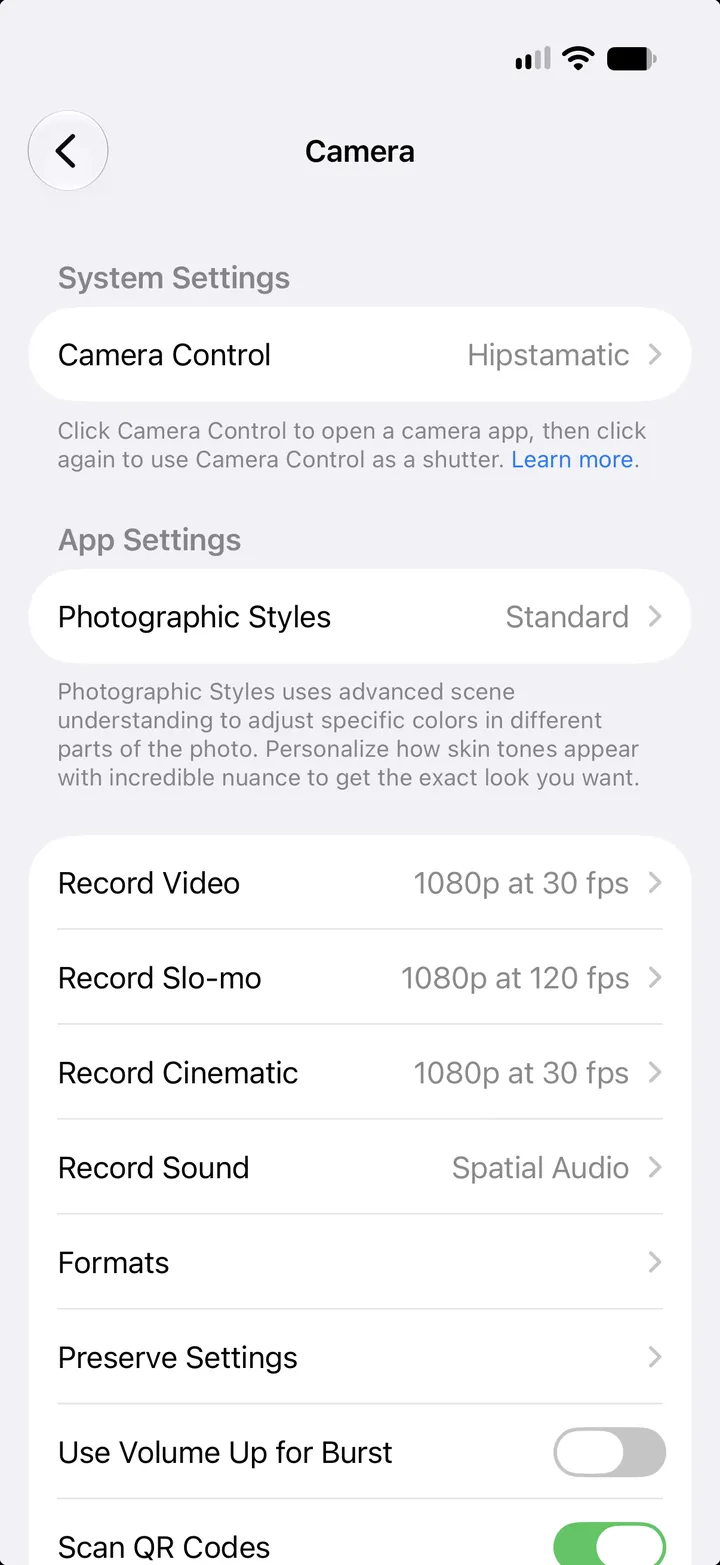
In Settings ▸ Camera ▸ Camera Control, on iPhone 16 and later. Then press it to open Hipstamatic, and again to shoot.