Camera Club
Apps
Hipstamatic
TinType
IncrediBooth
SwankoLab
Cinamatic
Party!
Classic
Gear
Community
Stories
Guide
Sign in
Try it free
Camera Club
Apps
Gear
Community
Stories
Guide
Sign in
Hipstamatic
▸
Guide
▸
Hipstamatic
▸
The camera
Hipstamatic guide
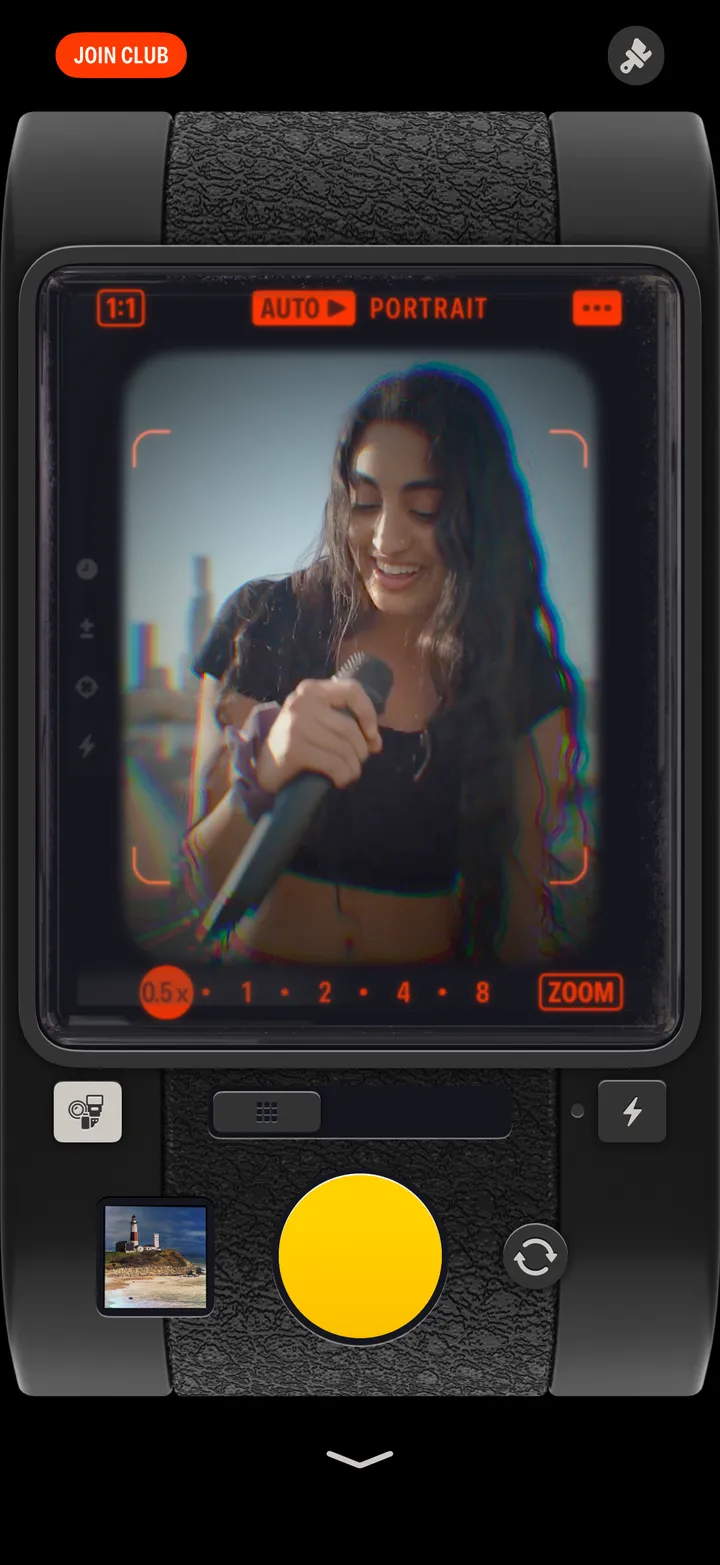
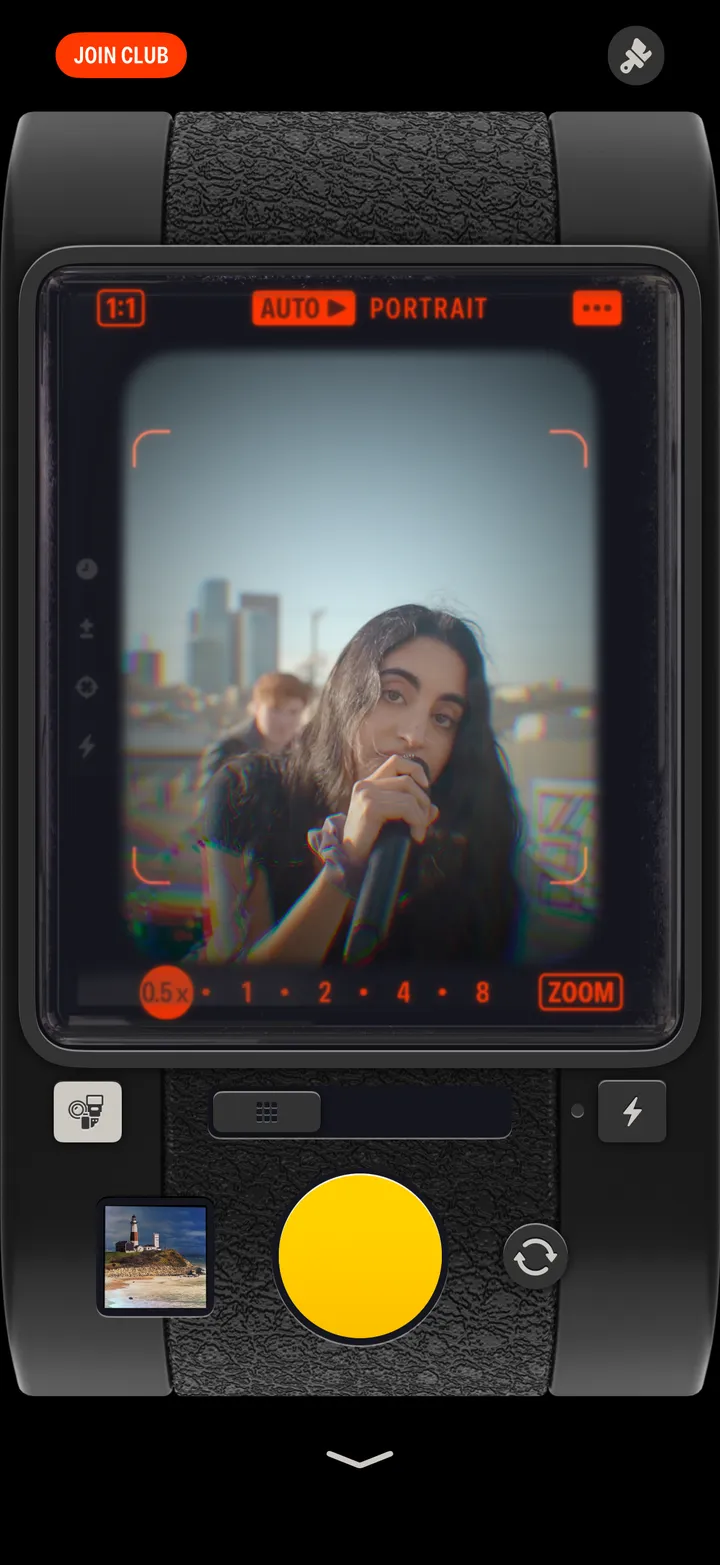
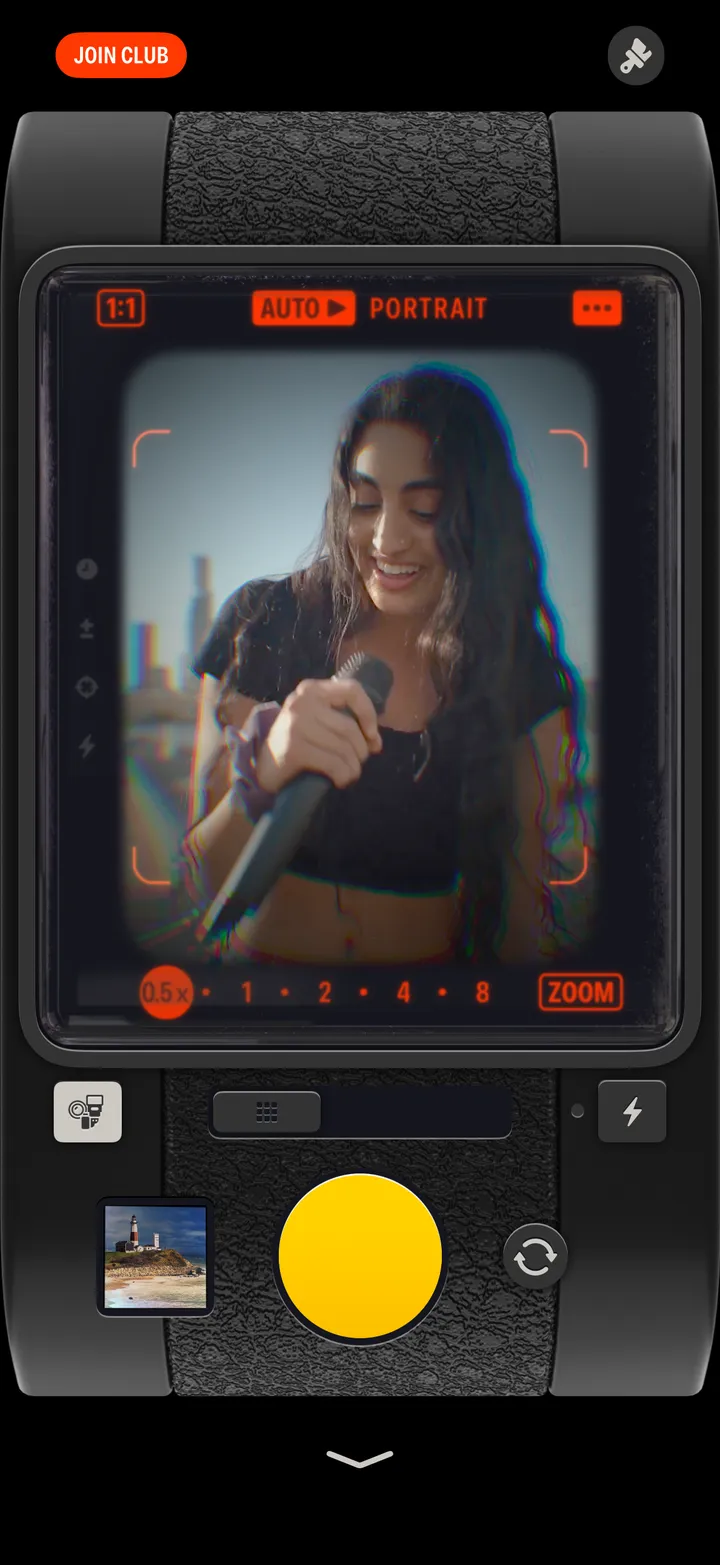
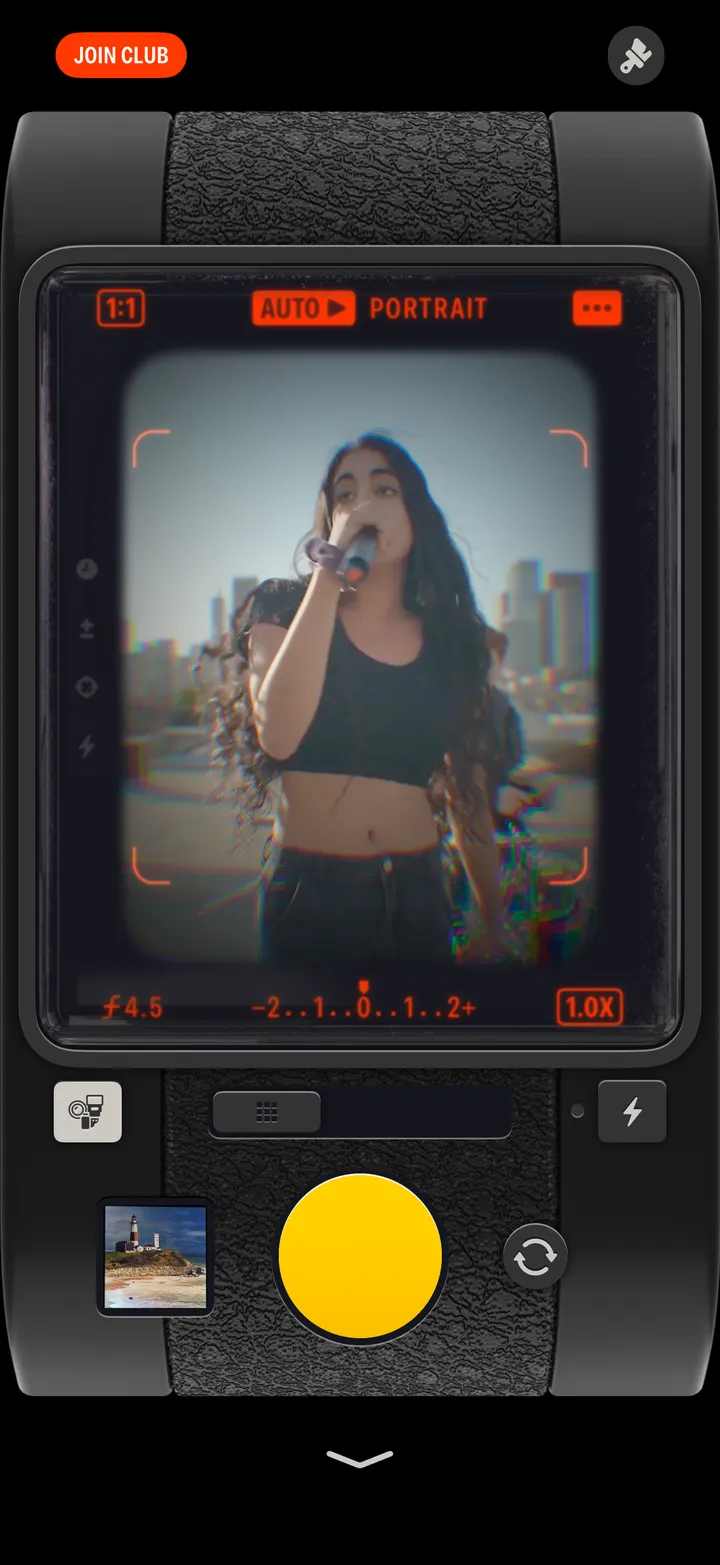
Take a selfie
Tap the round arrows to the right of the shutter. Tap them again to turn back.
Hipstamatic · 2.9 · 1 step
← Previous
Next →
or
←
→
01
Tap the round arrows
Right of the shutter.
Good to know
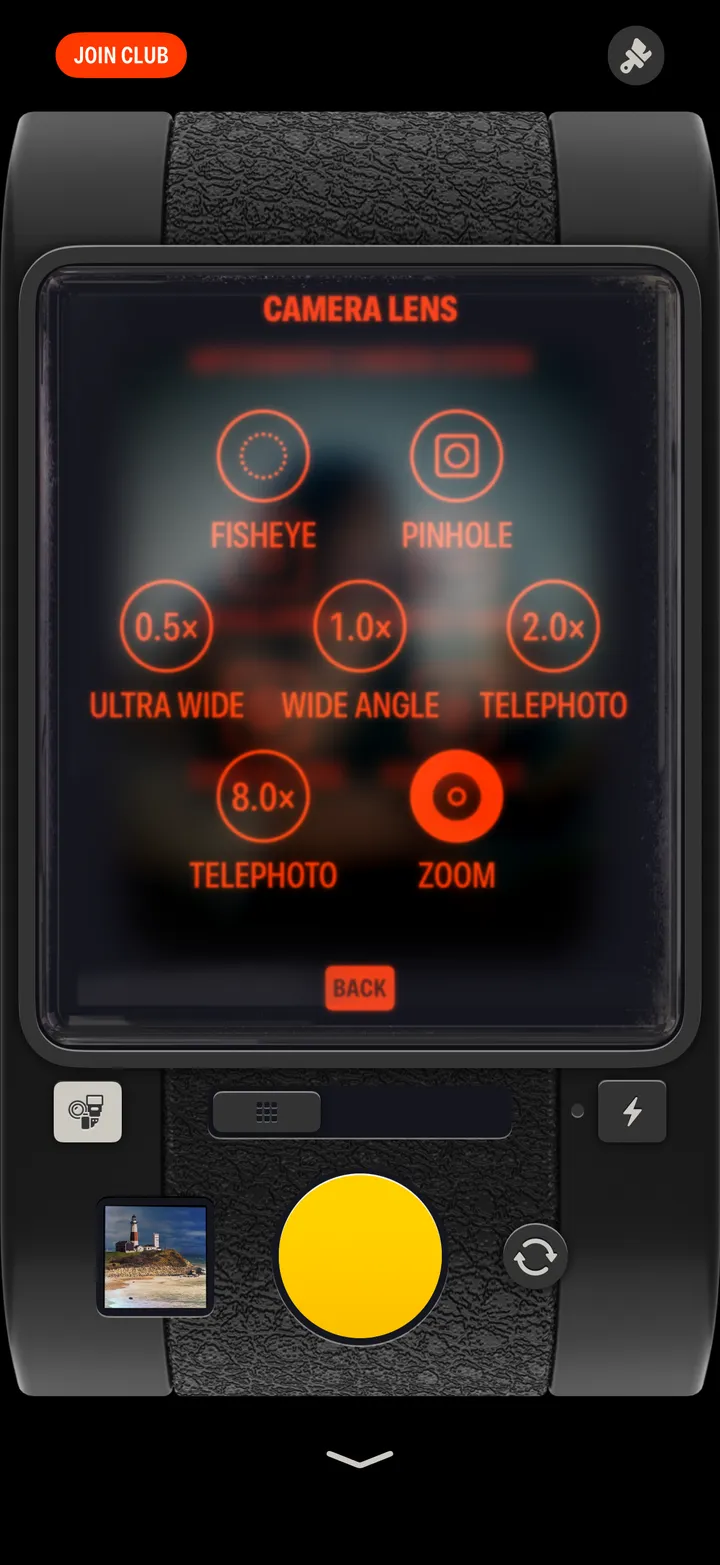
On the front camera, Camera Lens offers Wide or Depth, Fisheye and Pinhole.
Previous · Hipstamatic 2.8
←
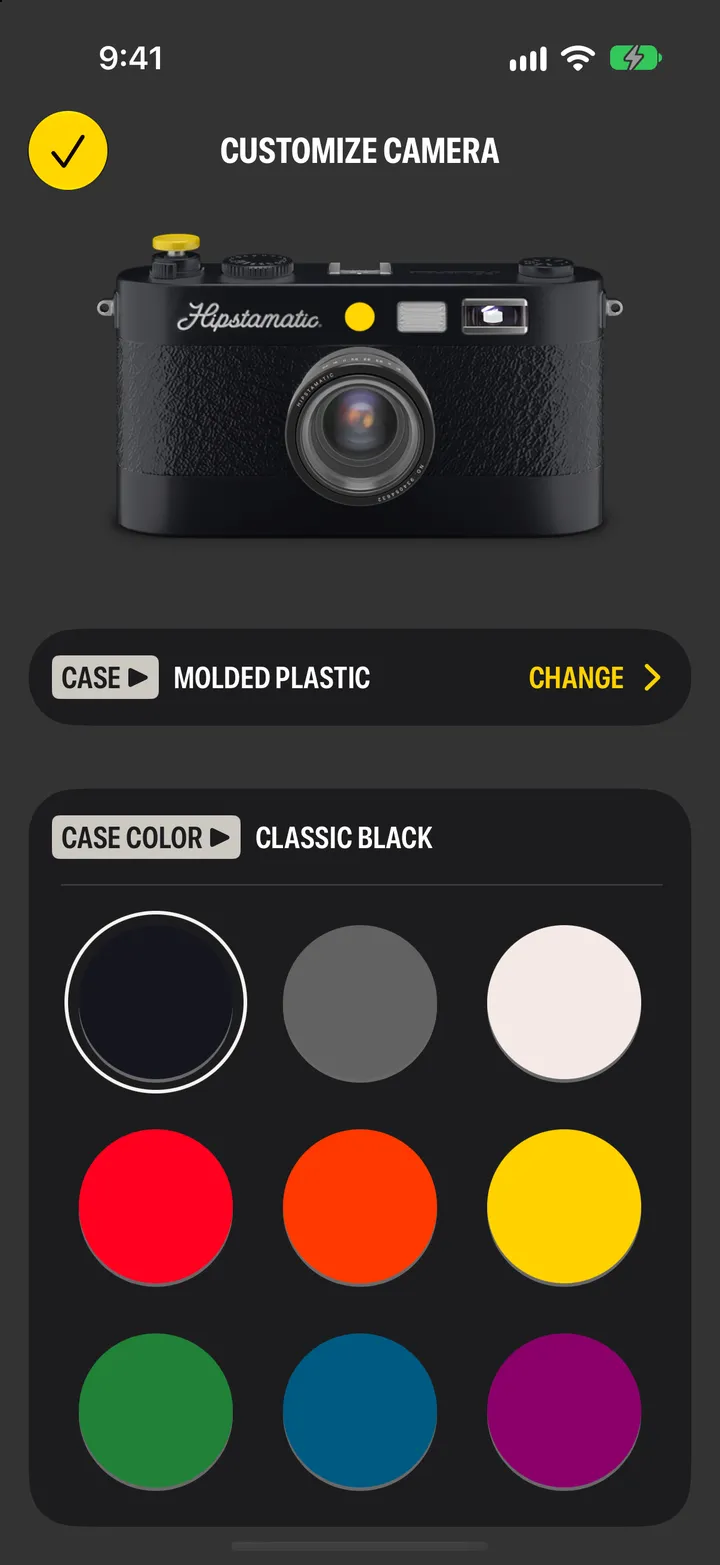
Customize your camera
Next · Hipstamatic 2.10
Set the focus and exposure
→
The camera
Hipstamatic guide ↘
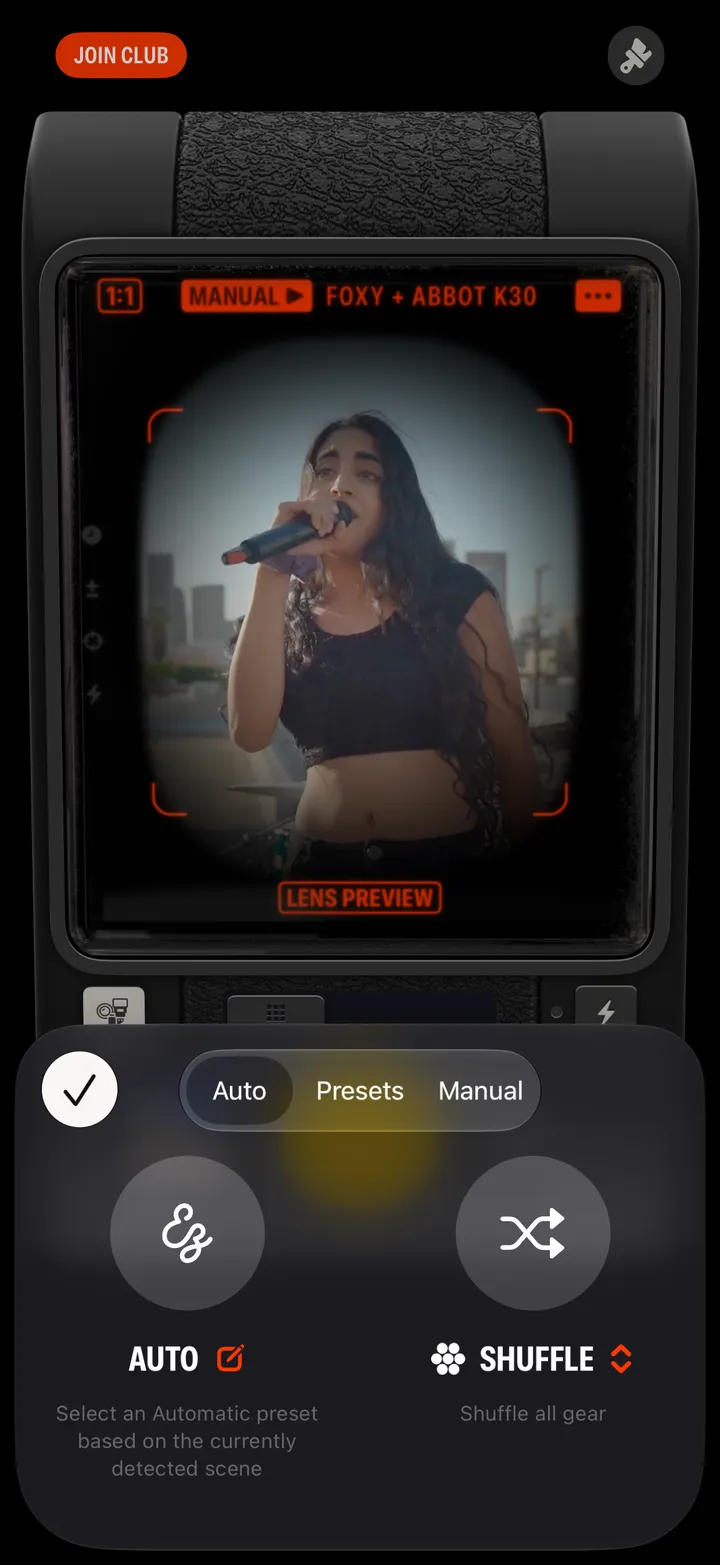
Let Hipstamatic pick the gear
5 steps
Use the flash
2 steps
Choose an iPhone lens or zoom
3 steps
Change the shape of the frame
2 steps
Make a multiple exposure
4 steps
Develop your photographs later
4 steps
Shoot an Action Sampler
3 steps
Customize your camera
3 steps
Take a selfie
1 step
Set the focus and exposure
3 steps
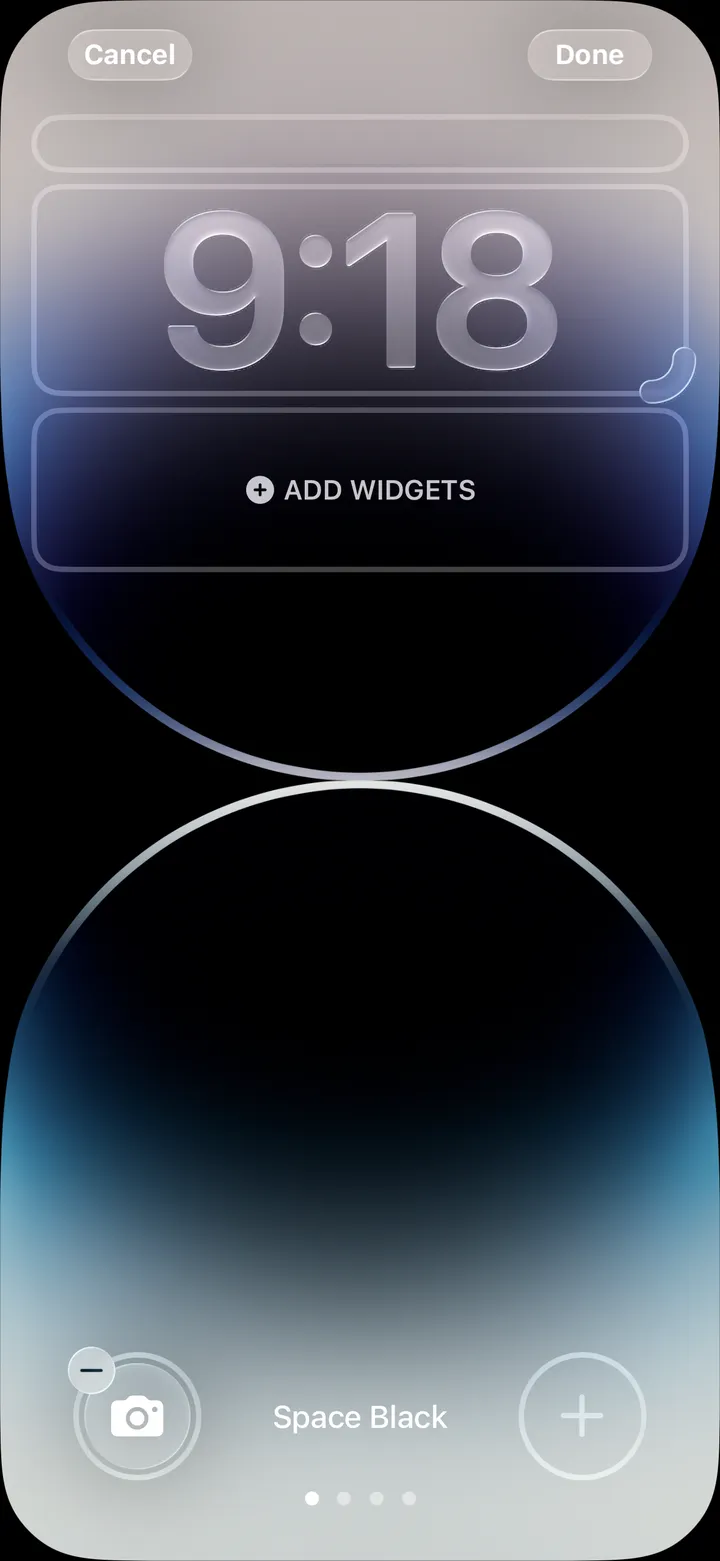
Open Hipstamatic from the Lock Screen
4 steps
View all guides ↘
Still stuck? support@hipstamatic.com ↘


 Hipstamatic guideTake a selfie