Hipstamatic guideChoose an iPhone lens or zoom
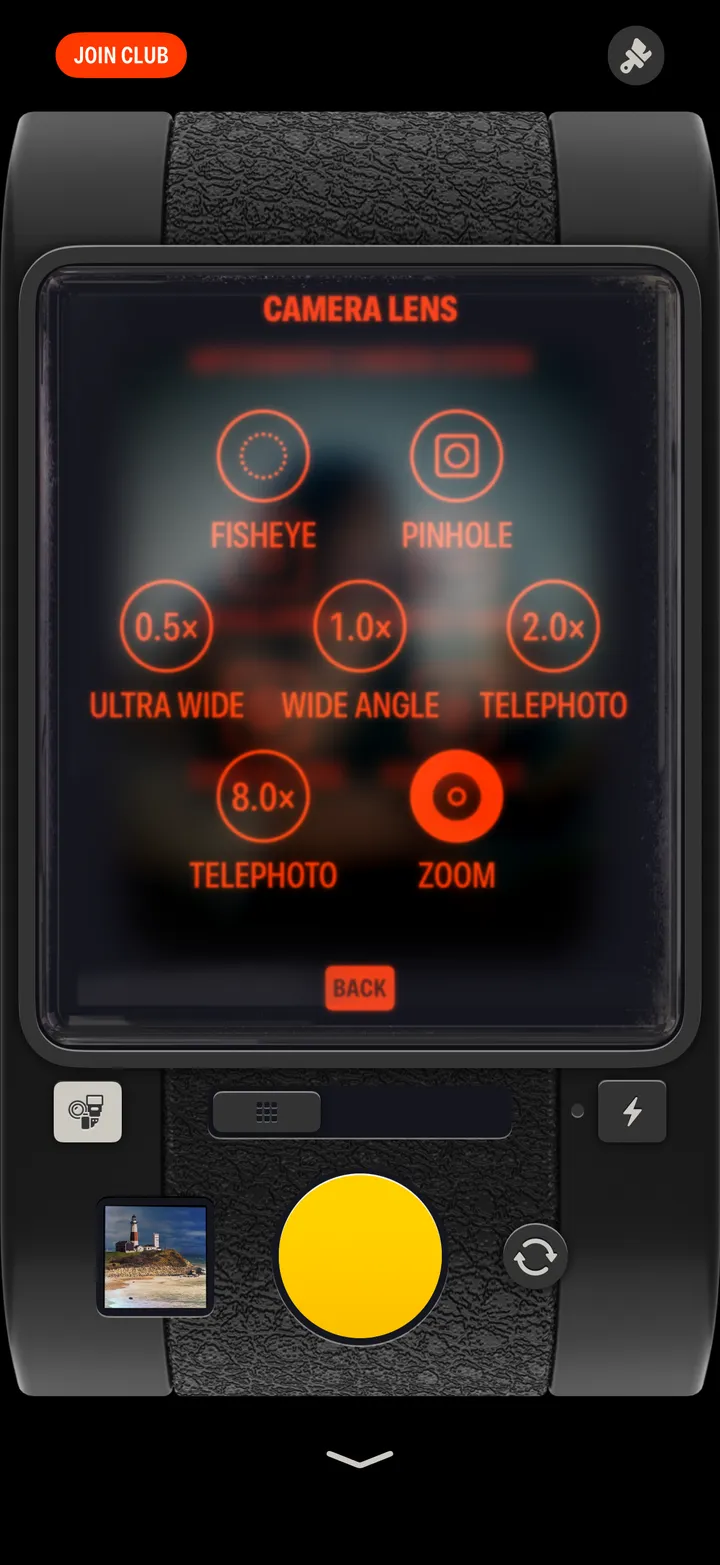
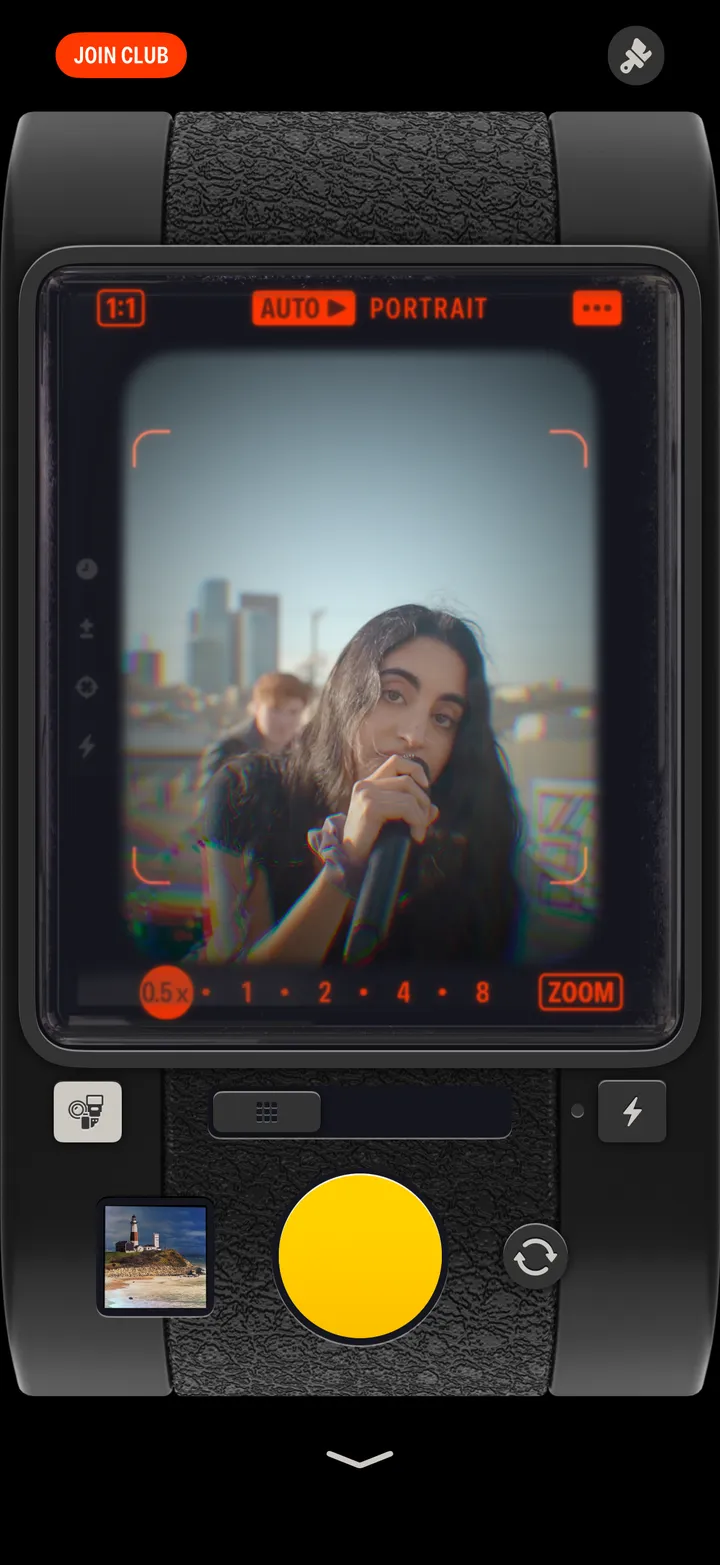
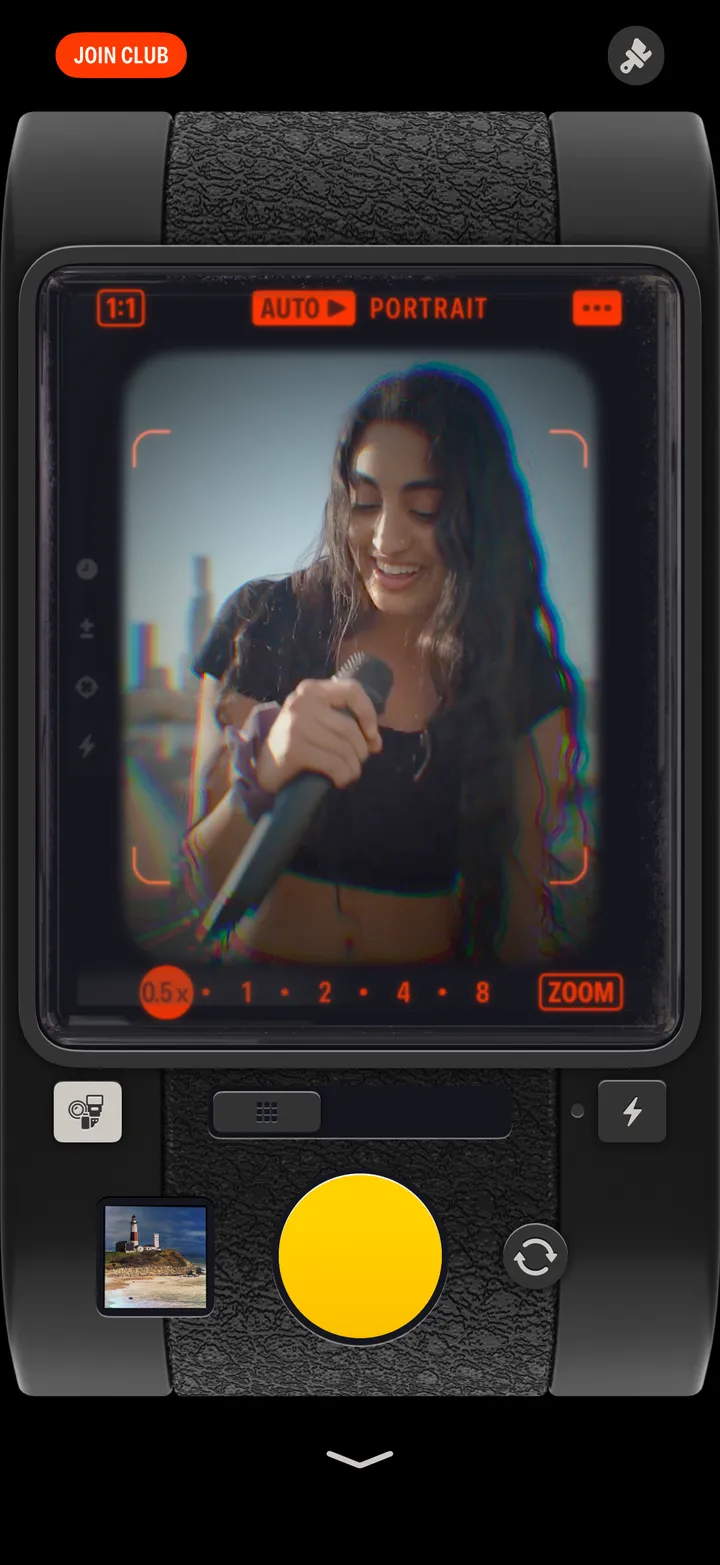
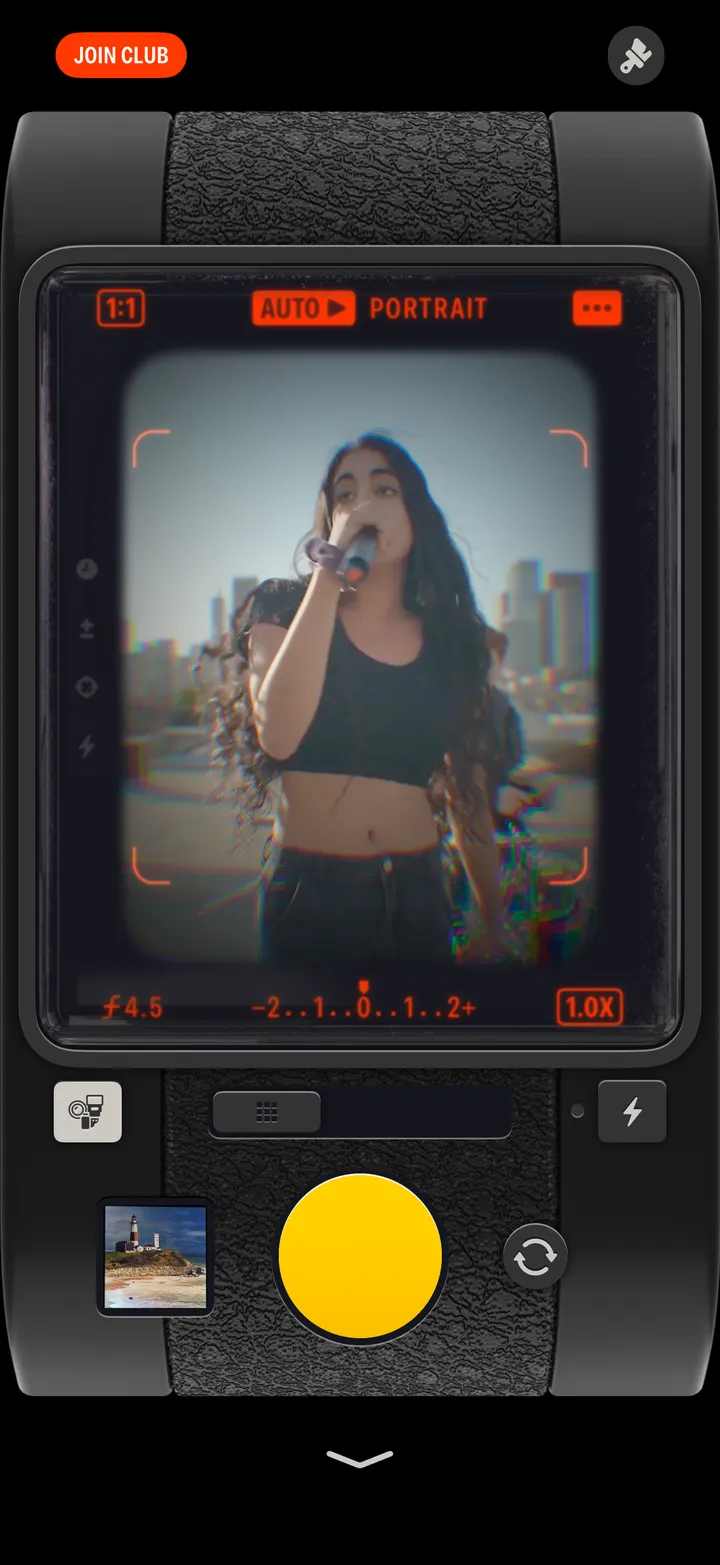
Tap the zoom marks at the bottom of the viewfinder to open Camera Lens, then pick Fisheye, Pinhole, Ultra Wide, Wide Angle, Telephoto or Zoom.
Hipstamatic · 2.3 · 3 stepsBottom right of the viewfinder.
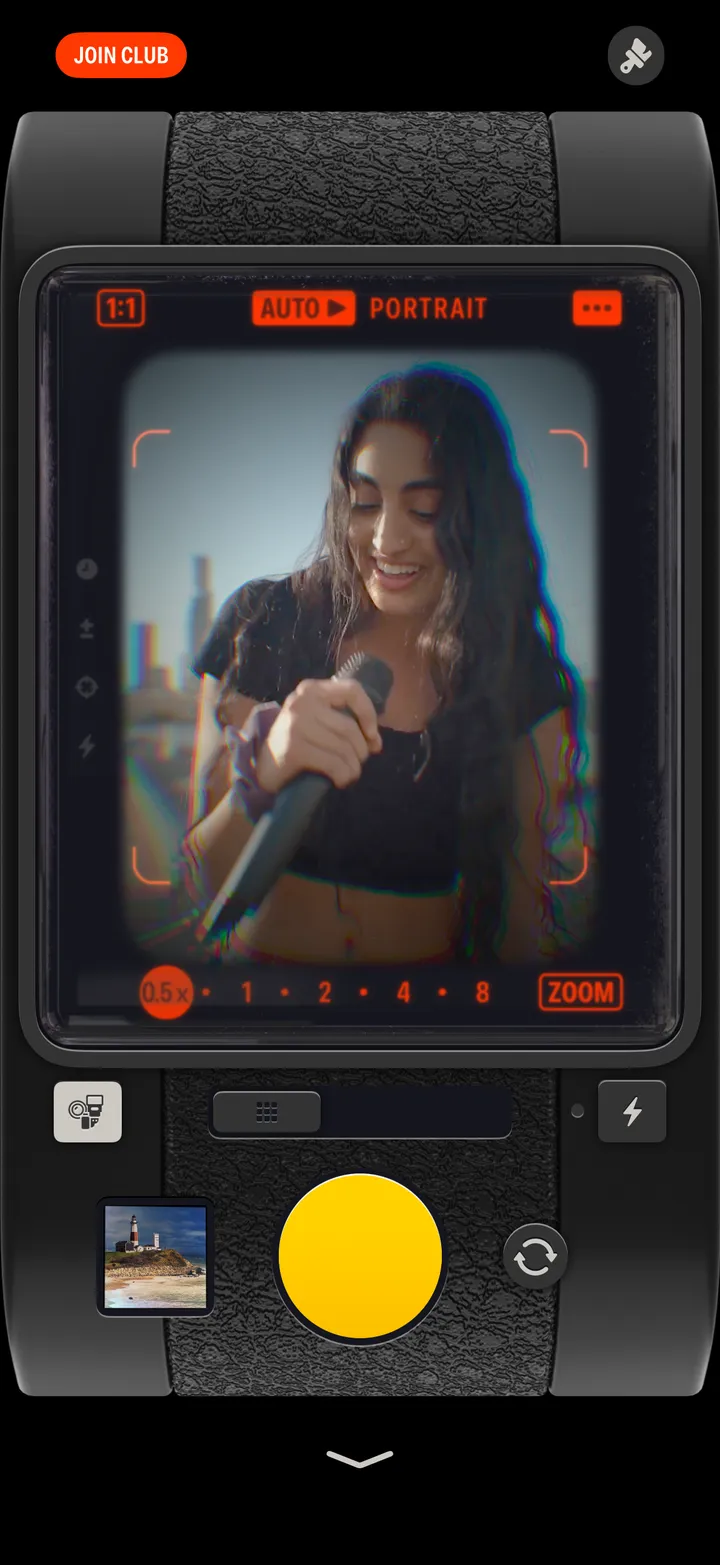
Which ones you see depends on your iPhone.