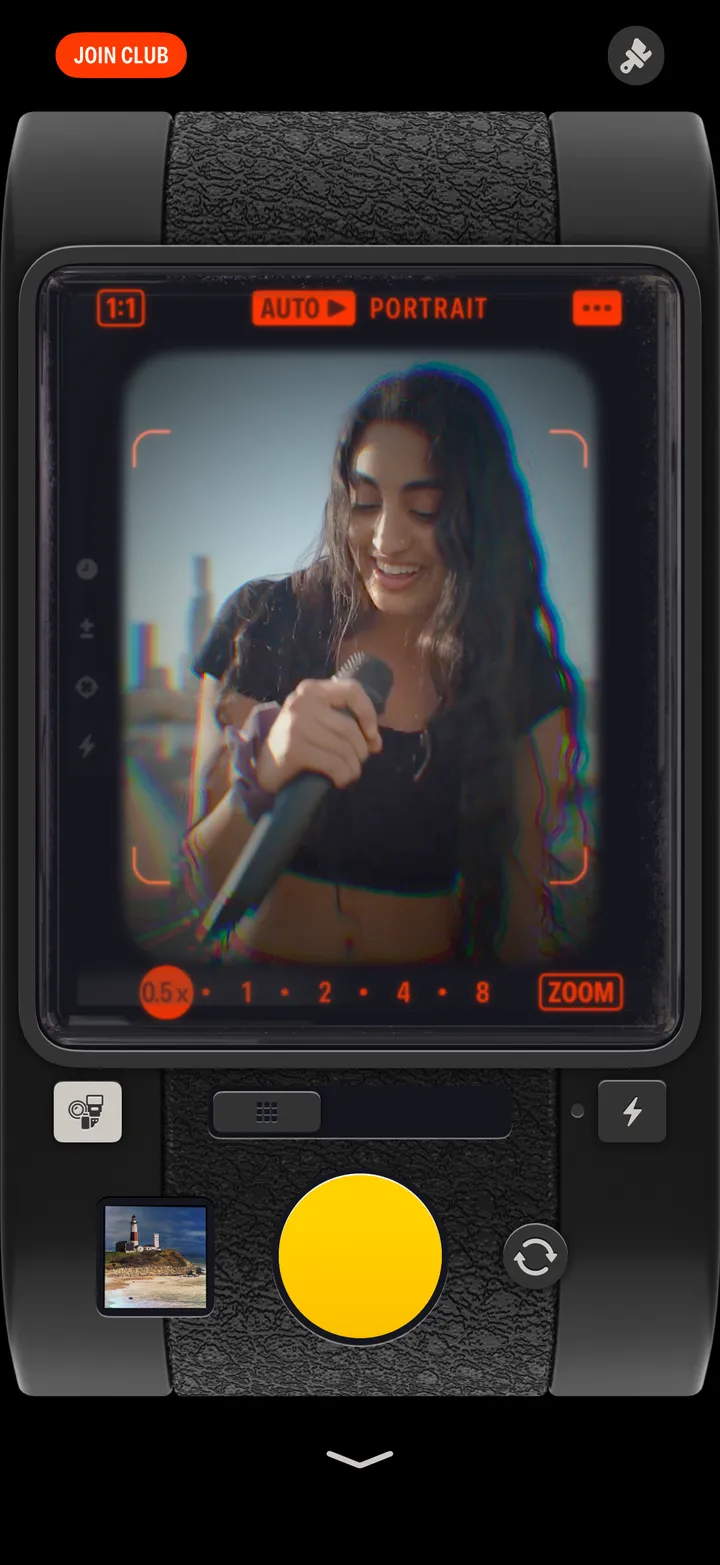
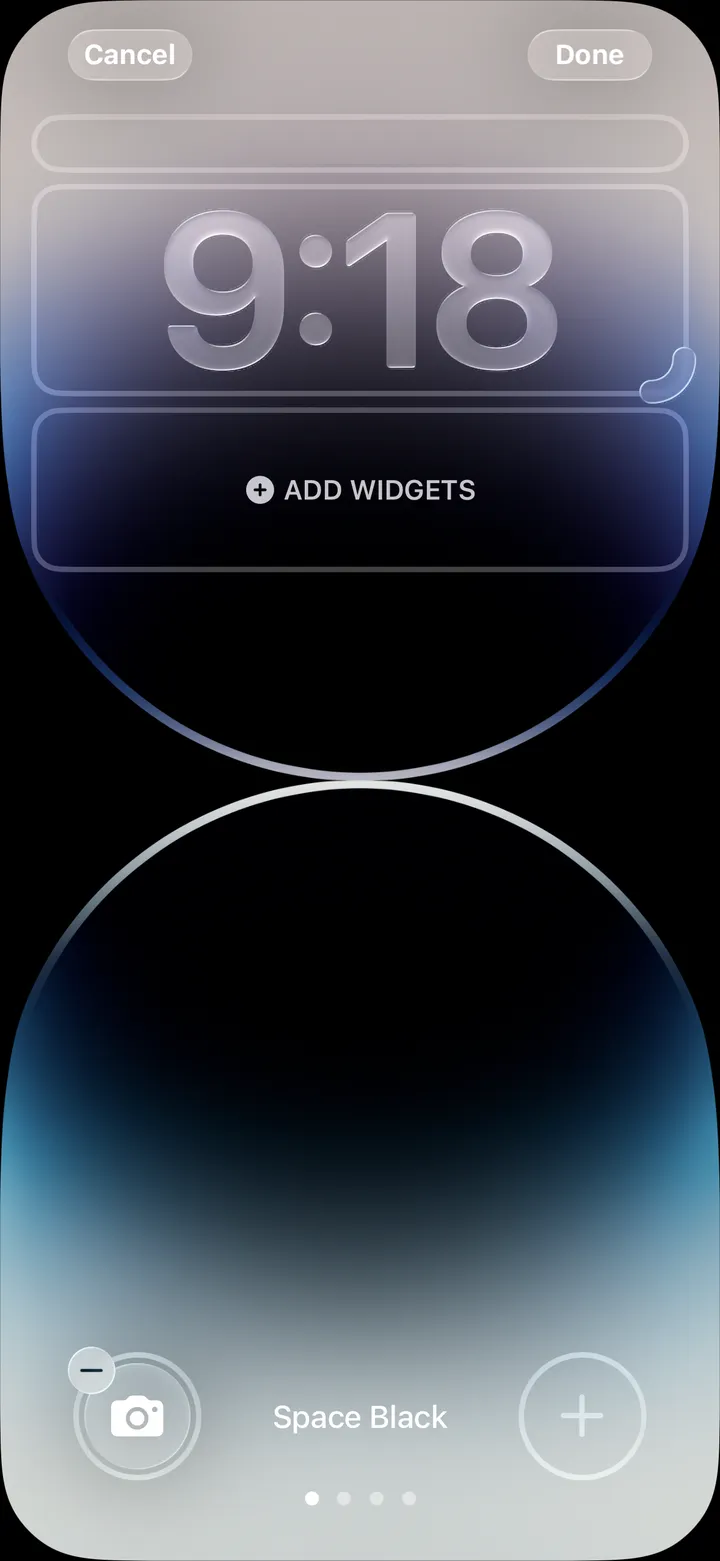
Hipstamatic guideSet the focus and exposure
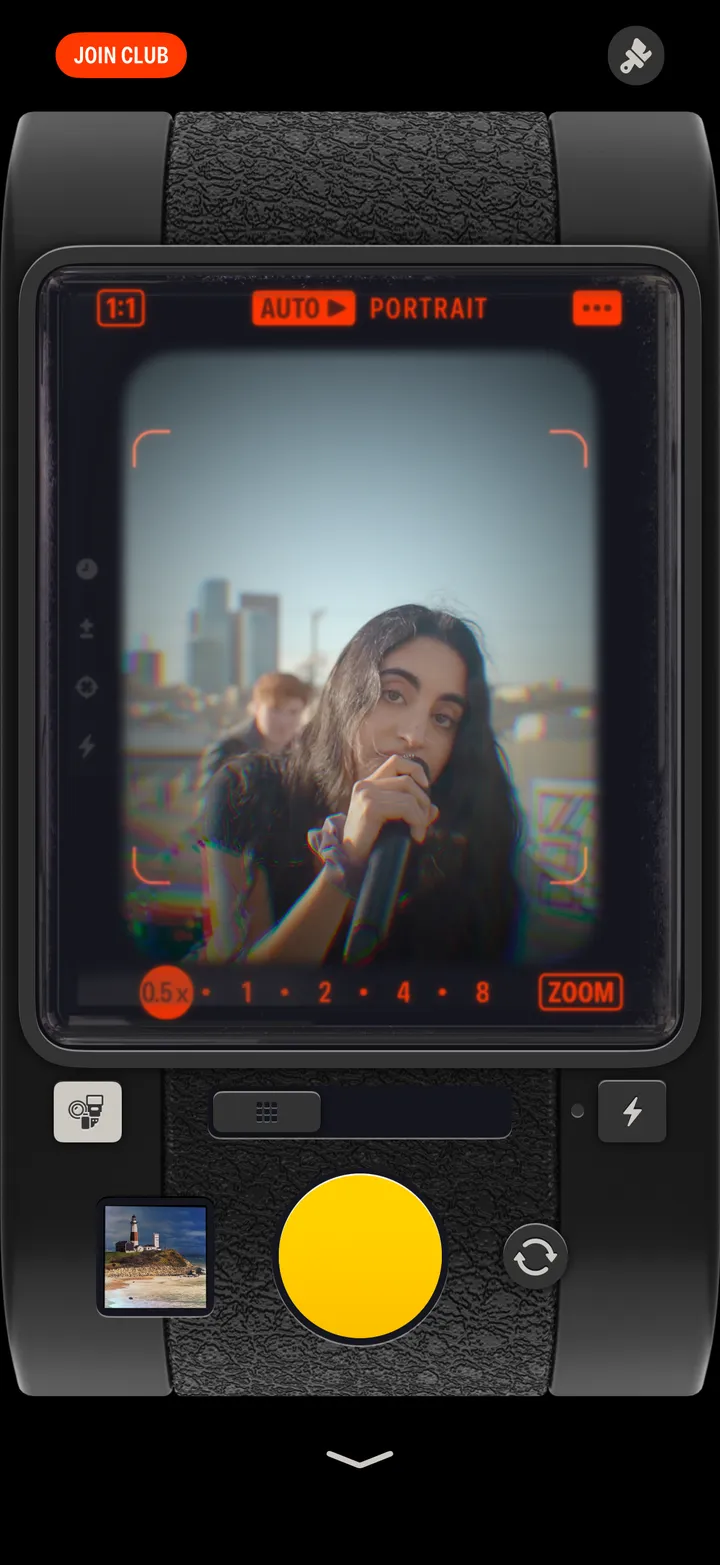
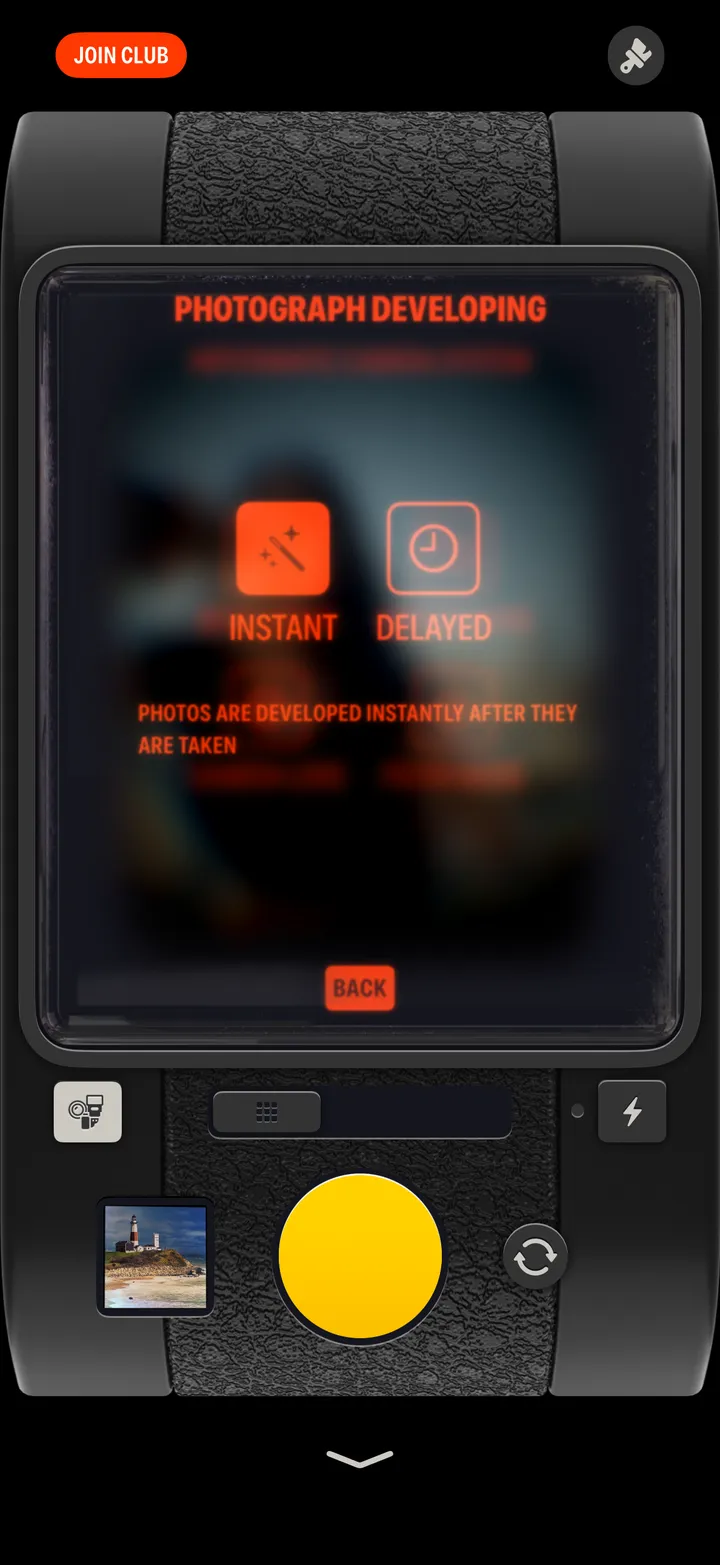
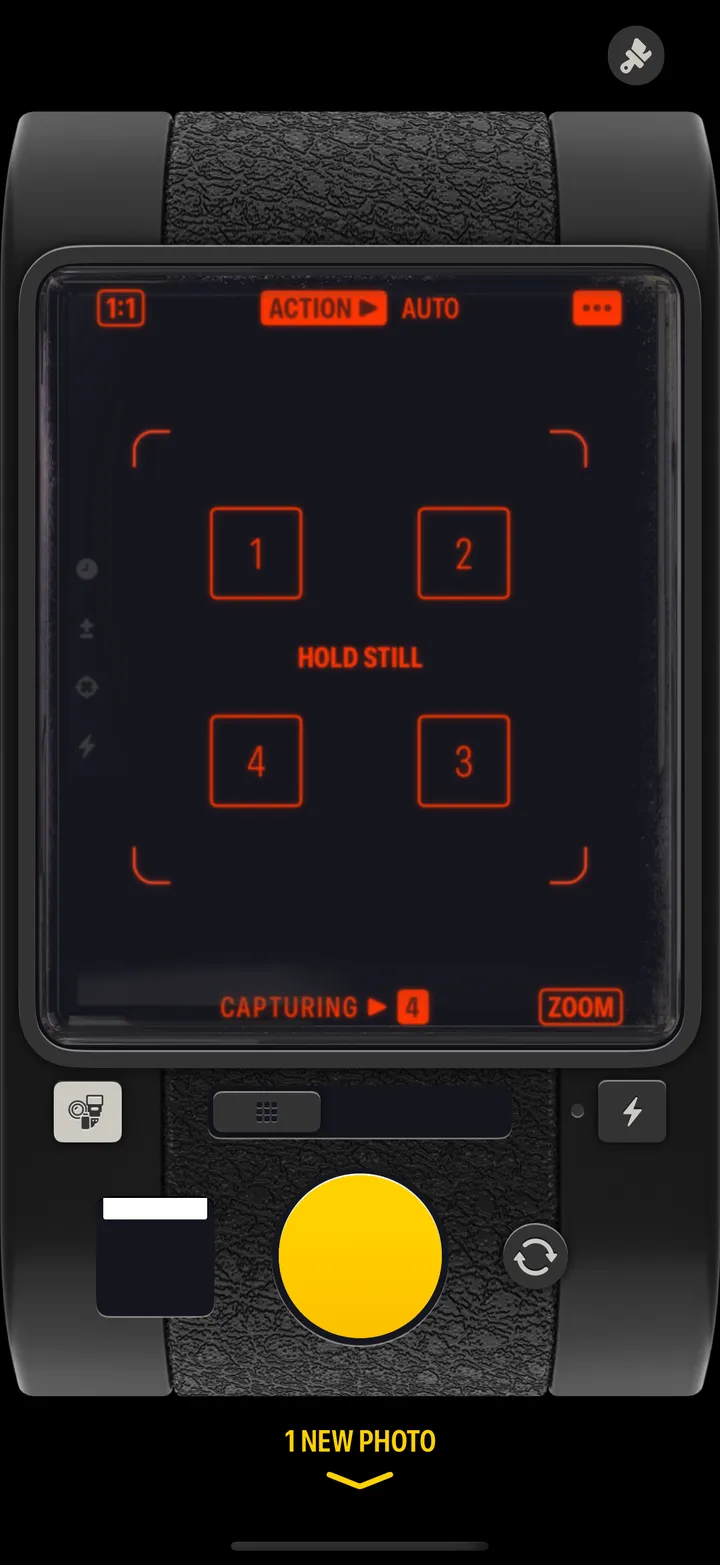
Tap the viewfinder where you want it sharp. Drag the exposure meter under the picture left or right to make it darker or brighter, and tap it to lock.
Hipstamatic · 2.10 · 3 stepsA small ring shows where. Exposure follows it.
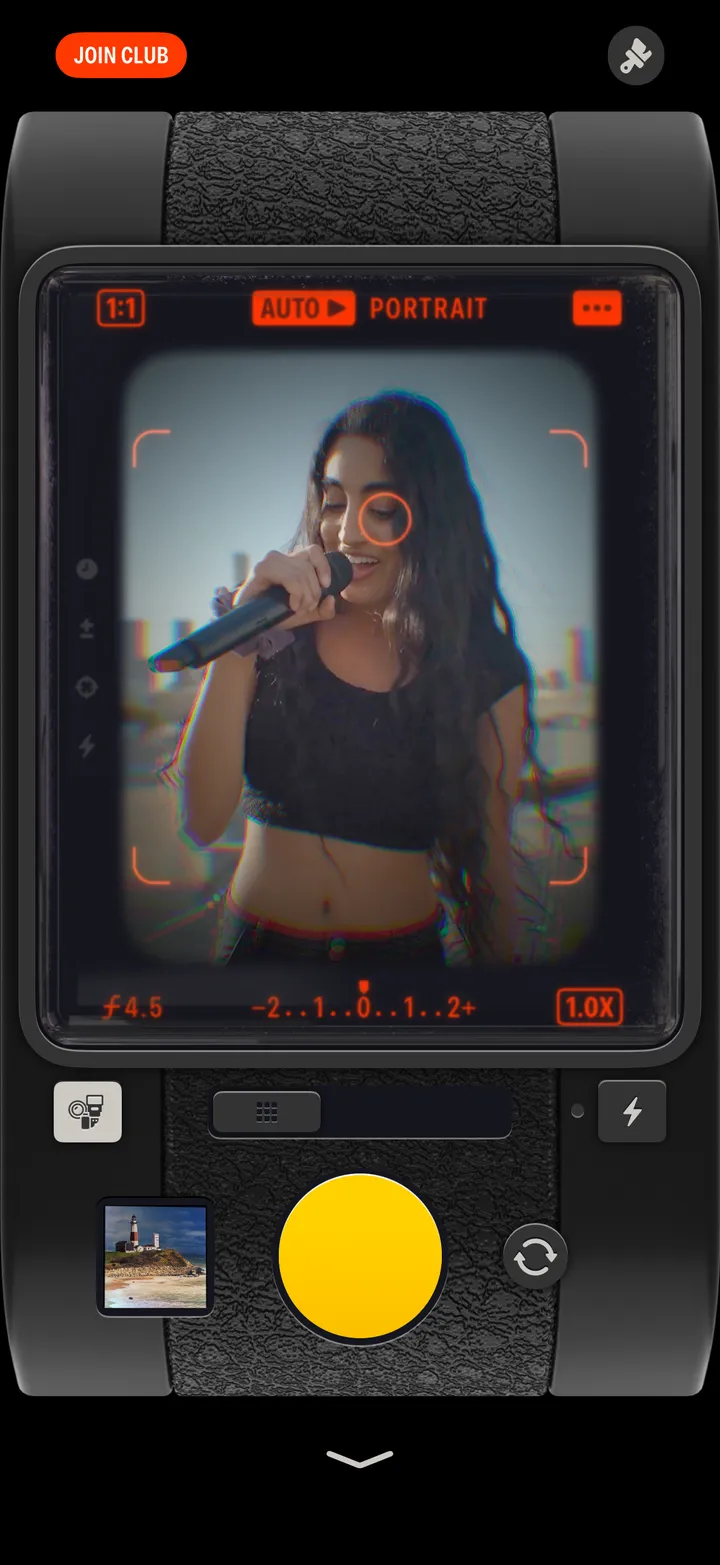
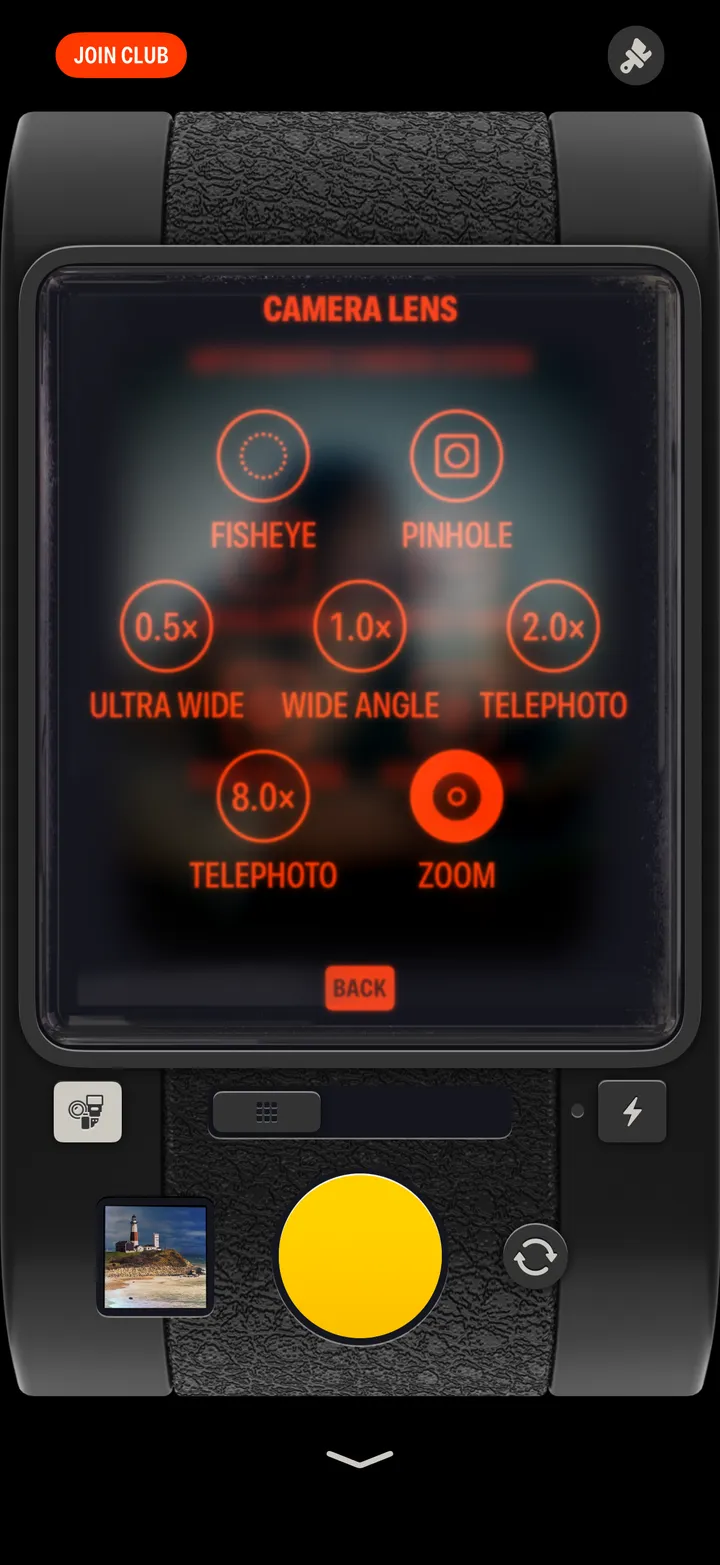
Left is darker, right is brighter. On the Zoom lens, the zoom marks sit here instead.
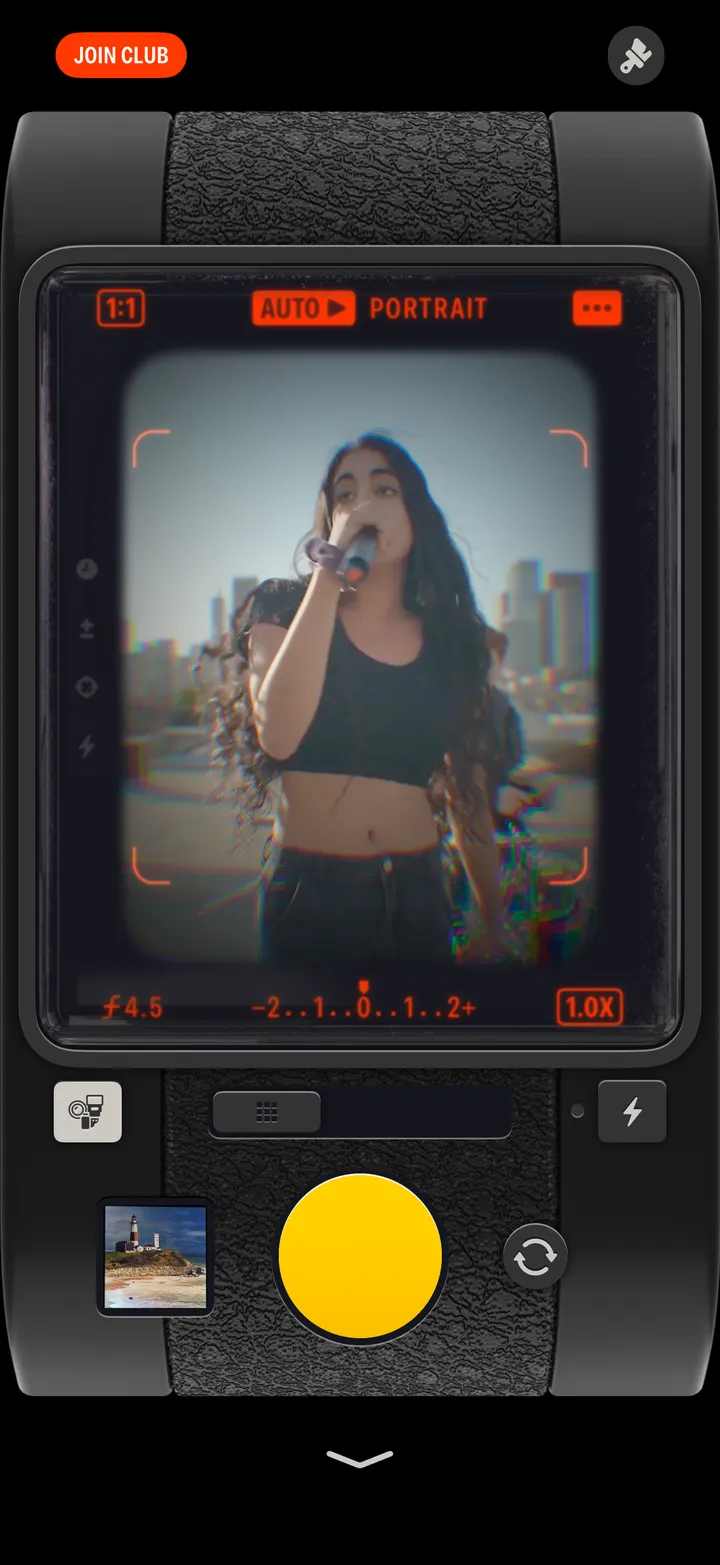
Tap again to let it go.