Hipstamatic guideCustomize your camera

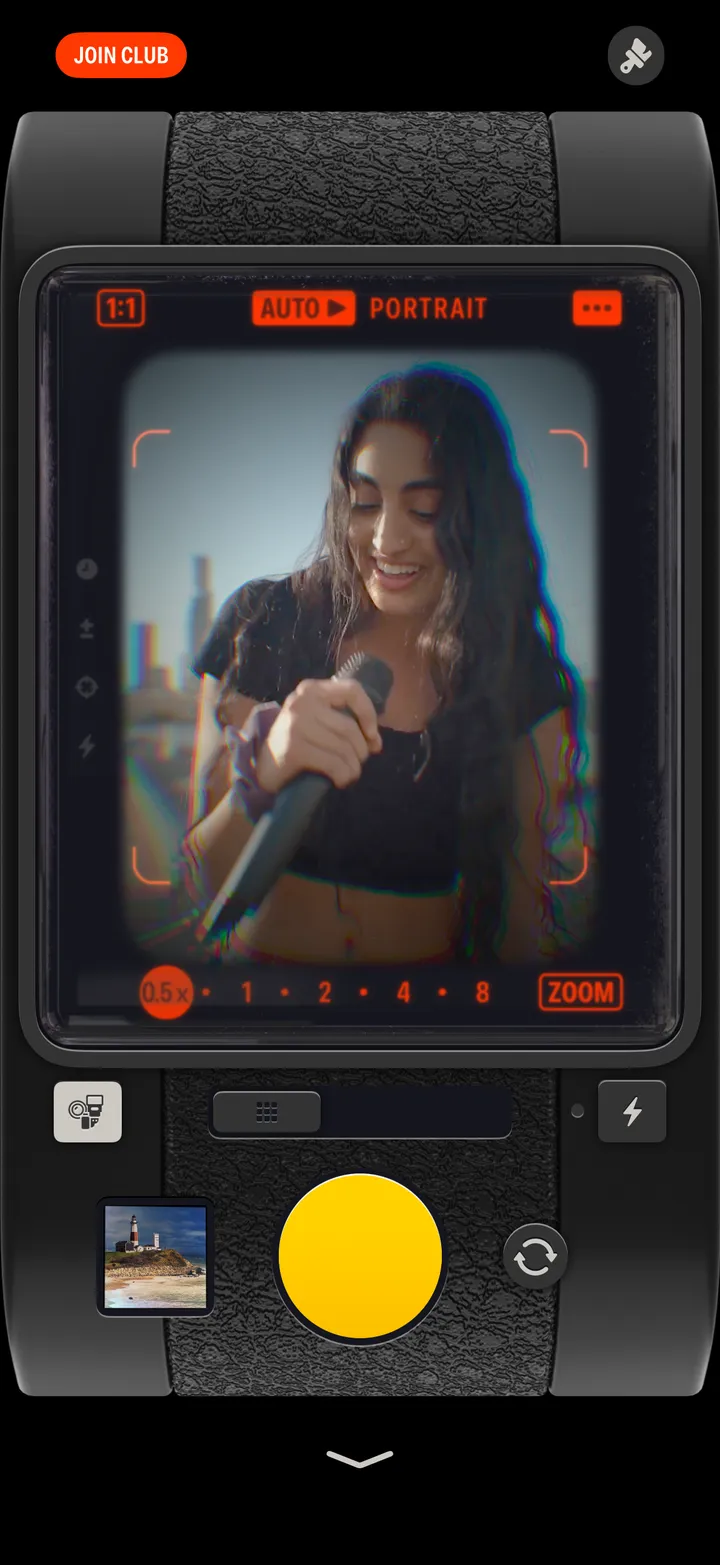
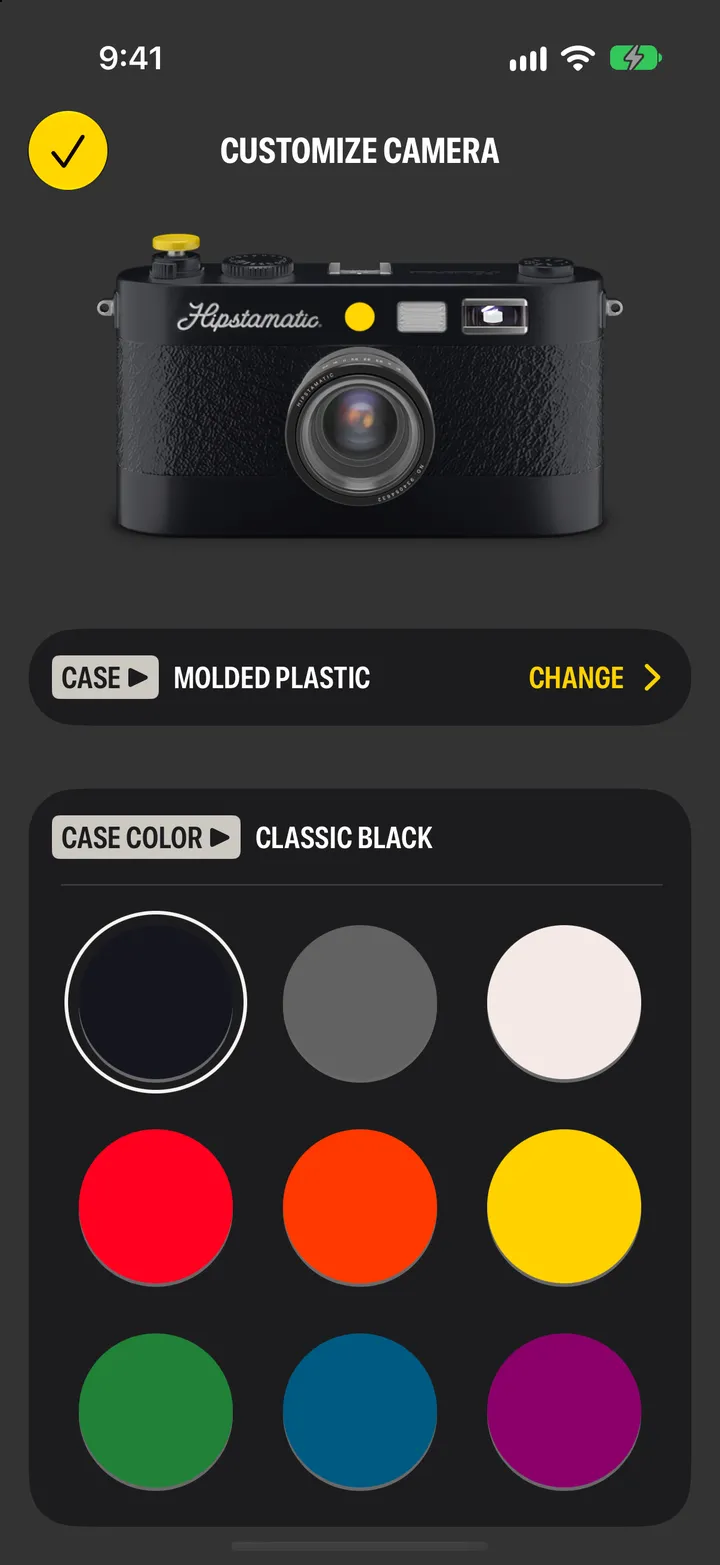
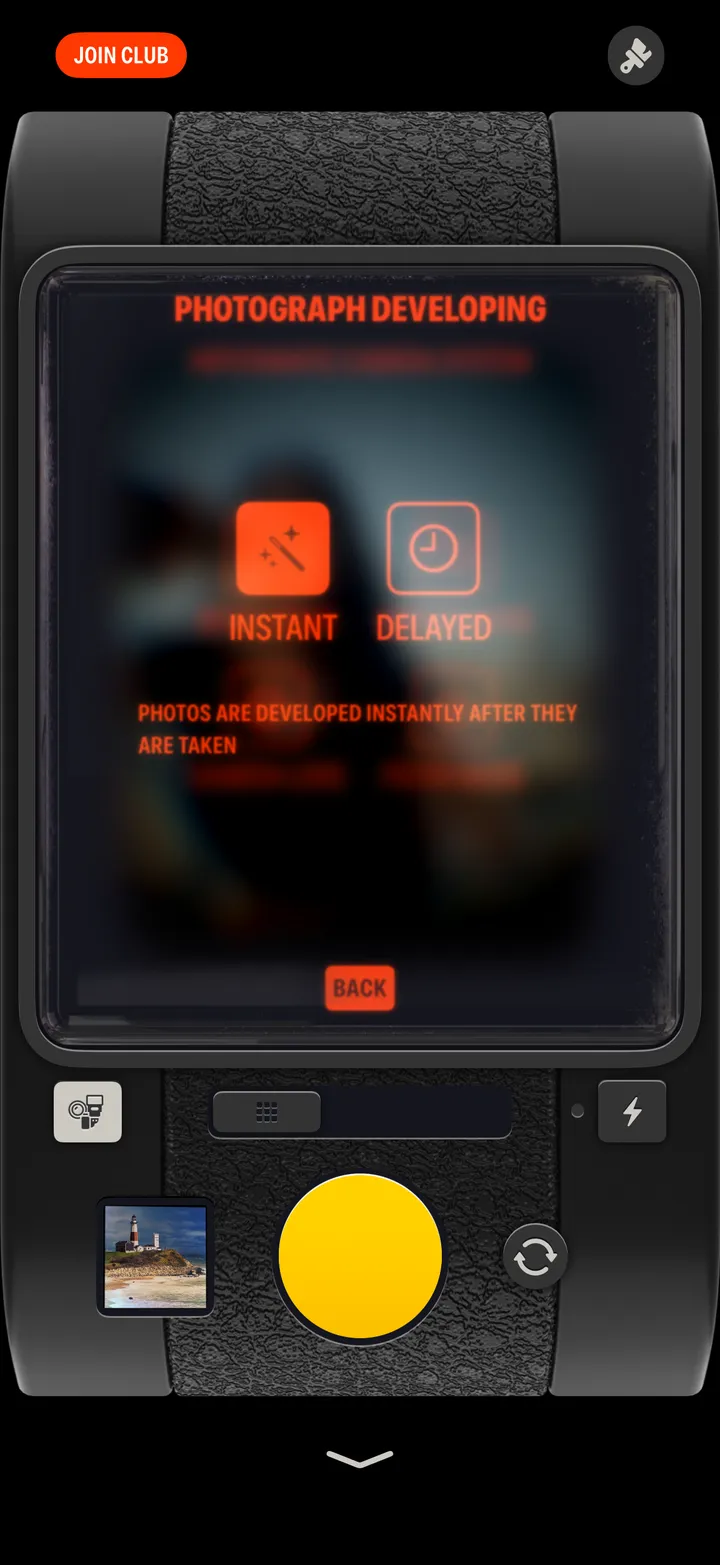
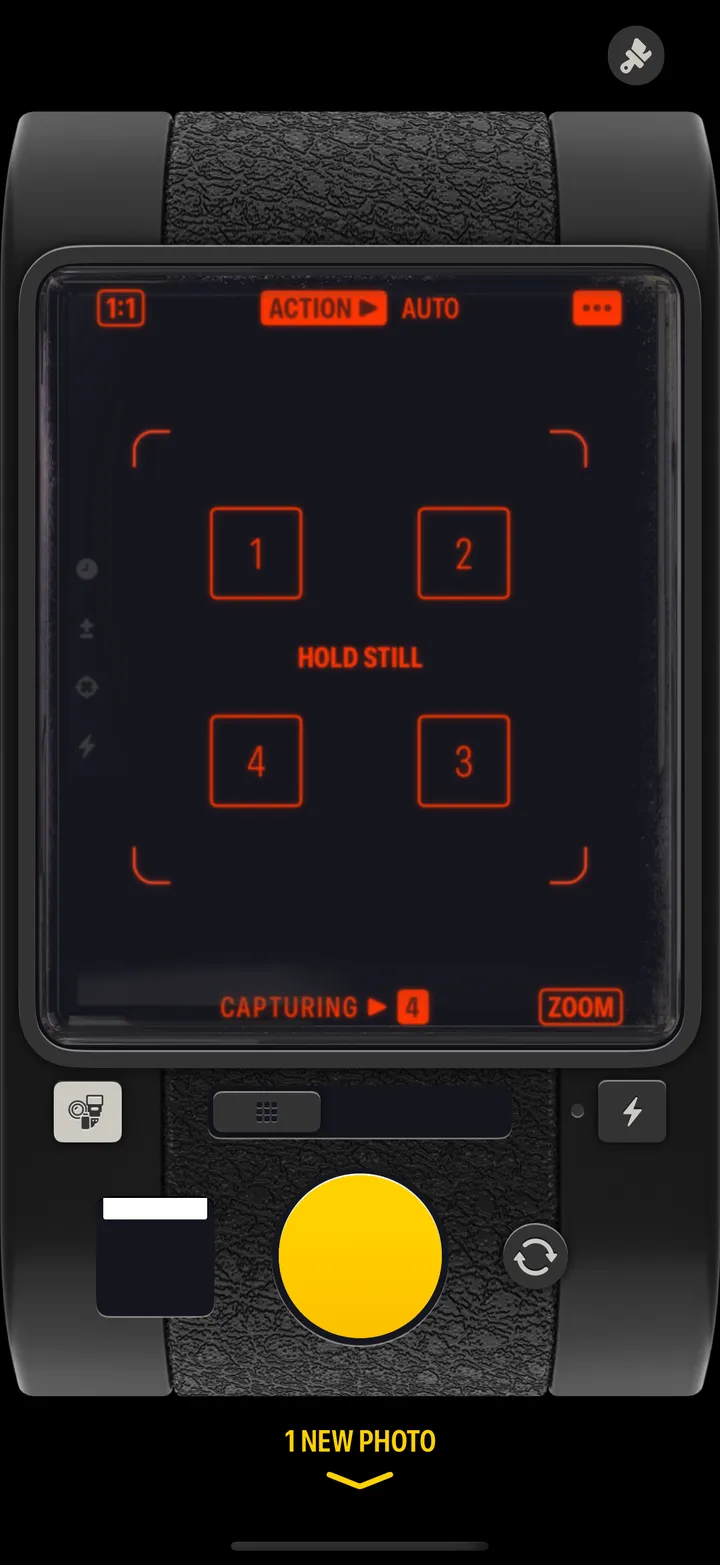
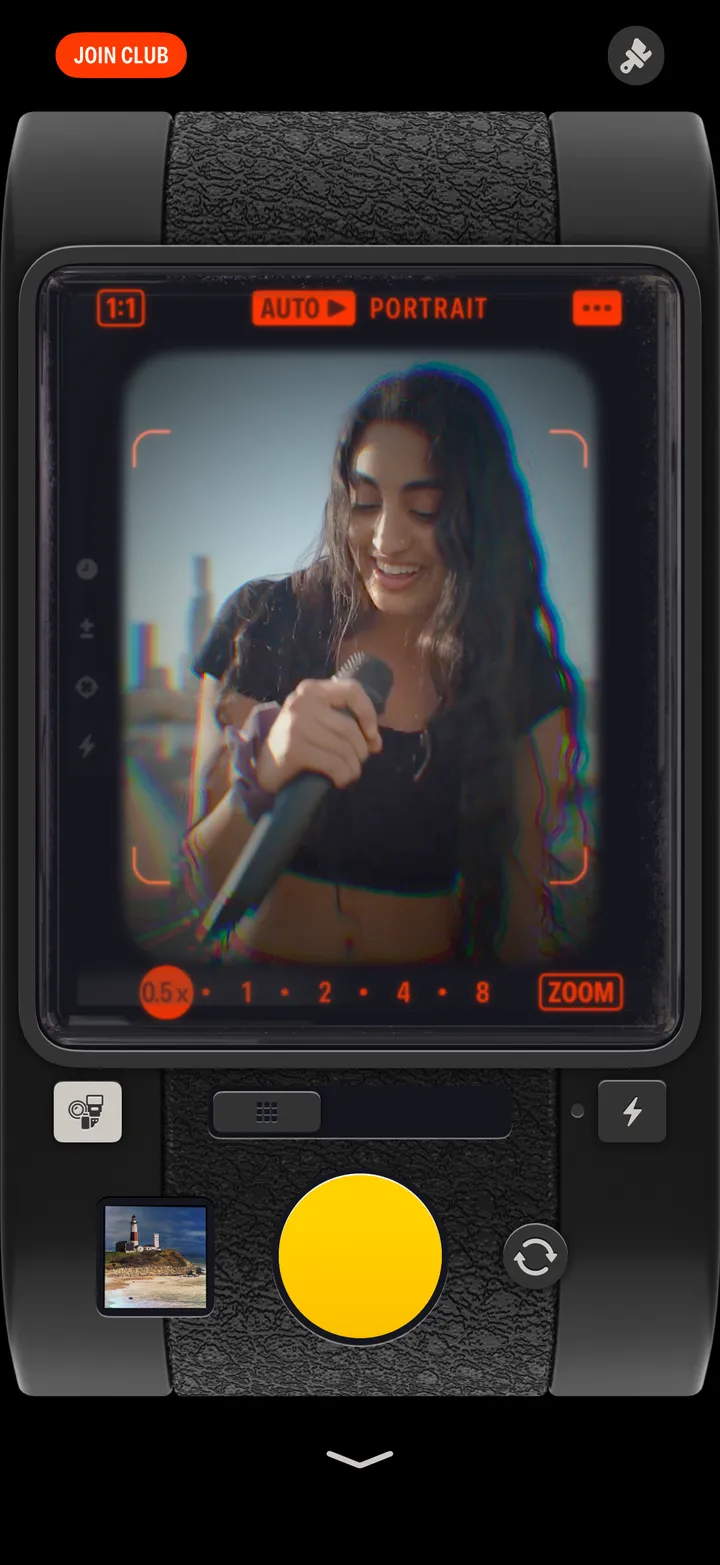
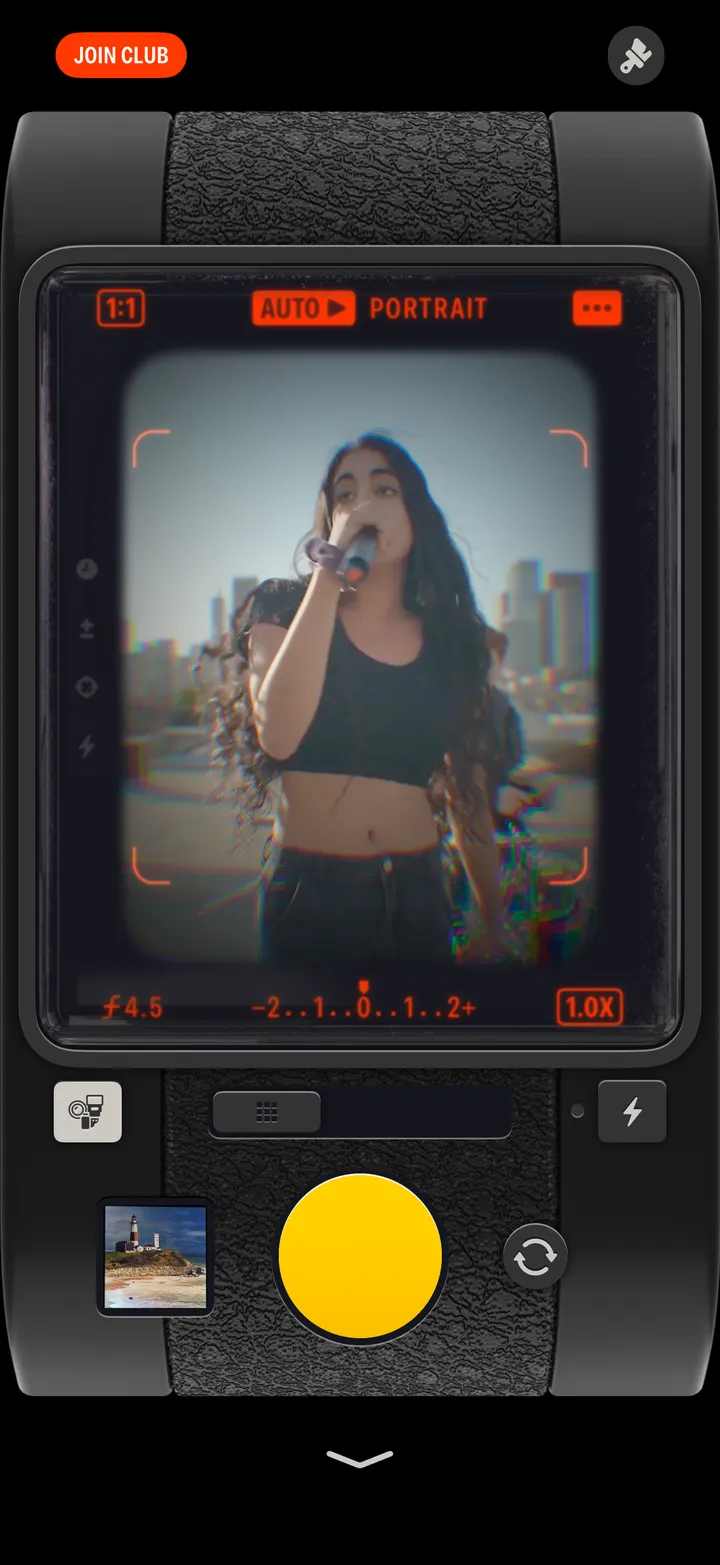
Tap the paintbrush at the top right of the camera. Change the case, pick a color, or match the app icon, then tap ✓.

Hipstamatic · 2.8 · 3 steps
  1. 01

    Tap the paintbrush

    Top right, above the camera.

    Step 1: Tap the paintbrush
  2. 02

    Pick a case color

    Case ▶ Change swaps the whole case.

    Step 2: Pick a case color
  3. 03

    Tap ✓

    Step 3: Tap ✓

Good to know

  • App Icon, on the same page, puts the camera on your Home Screen.
  • Some cases, colors and shutter buttons come with Camera Club.