Hipstamatic guideFind your photographs
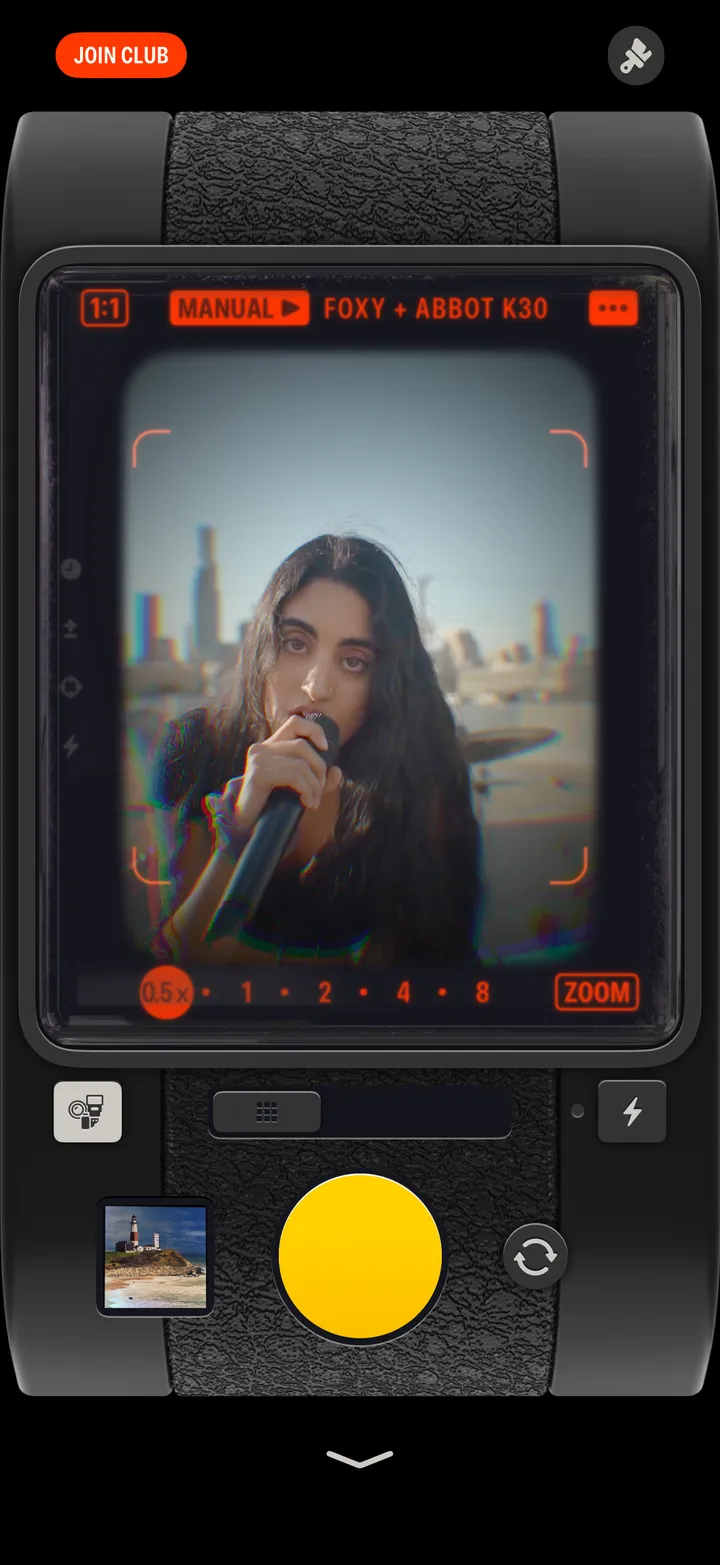
Swipe up from the bottom of the camera. Everything you’ve shot with Hipstamatic is there, and in your iPhone’s Photos library.
Hipstamatic · 1.4 · 4 stepsThe count tells you what’s new.
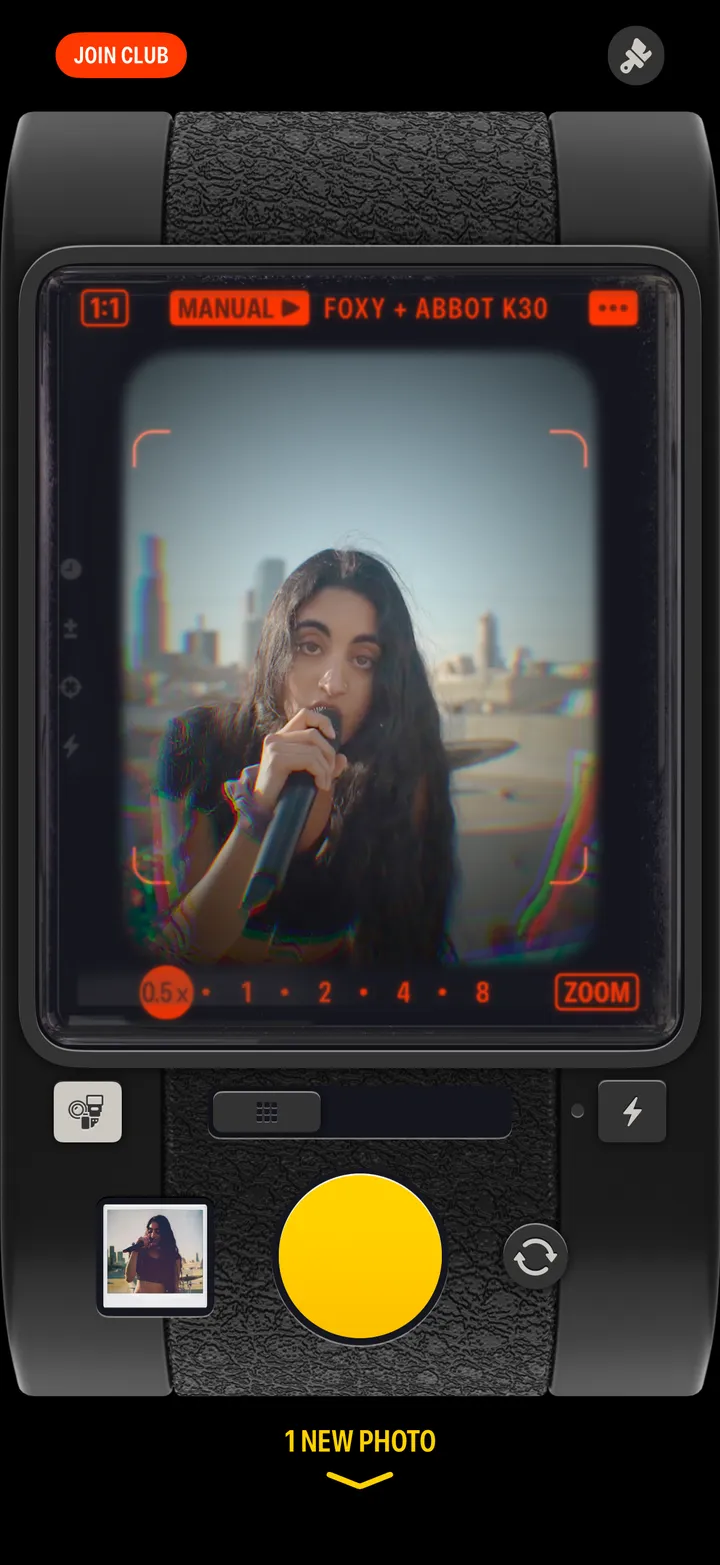
Newest first.

Tap Hipstamatic at the top, then Camera Roll or Favorites.
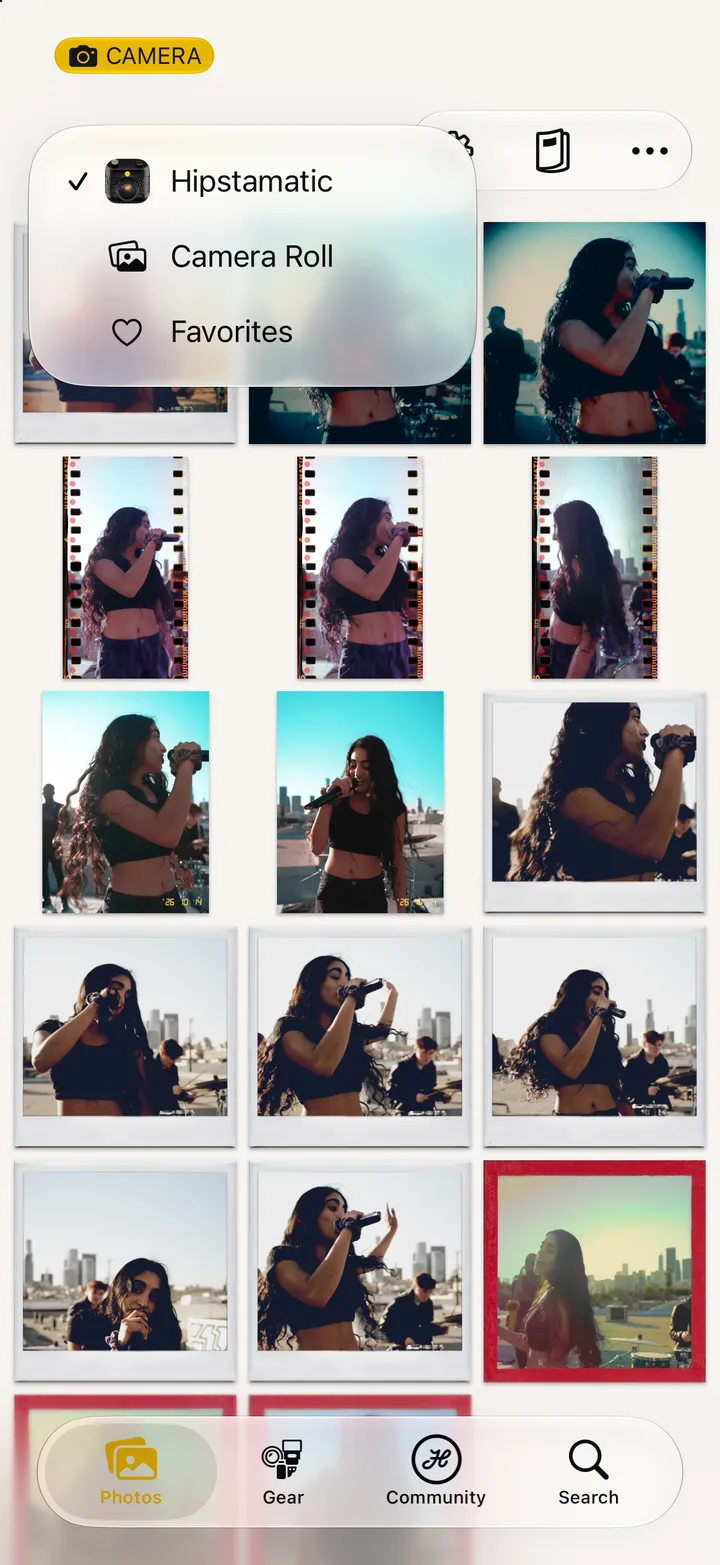
Top left, from anywhere.