Hipstamatic guideChange the lens and film
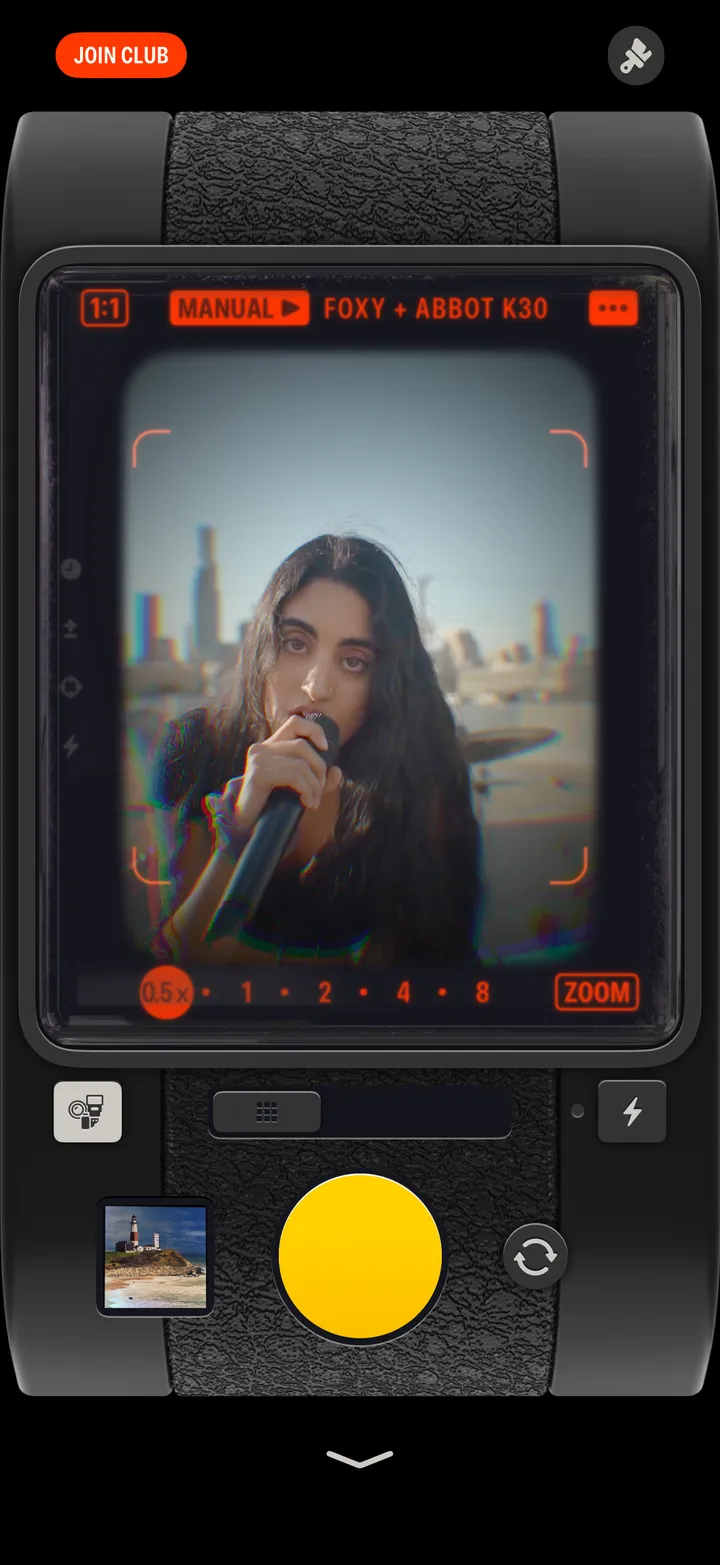
Tap the gear button, then Manual. Spin the film wheel on the left and the lens wheel on the right, or search for a combo, then load your camera.
Hipstamatic · 1.3 · 6 stepsBottom left of the viewfinder.
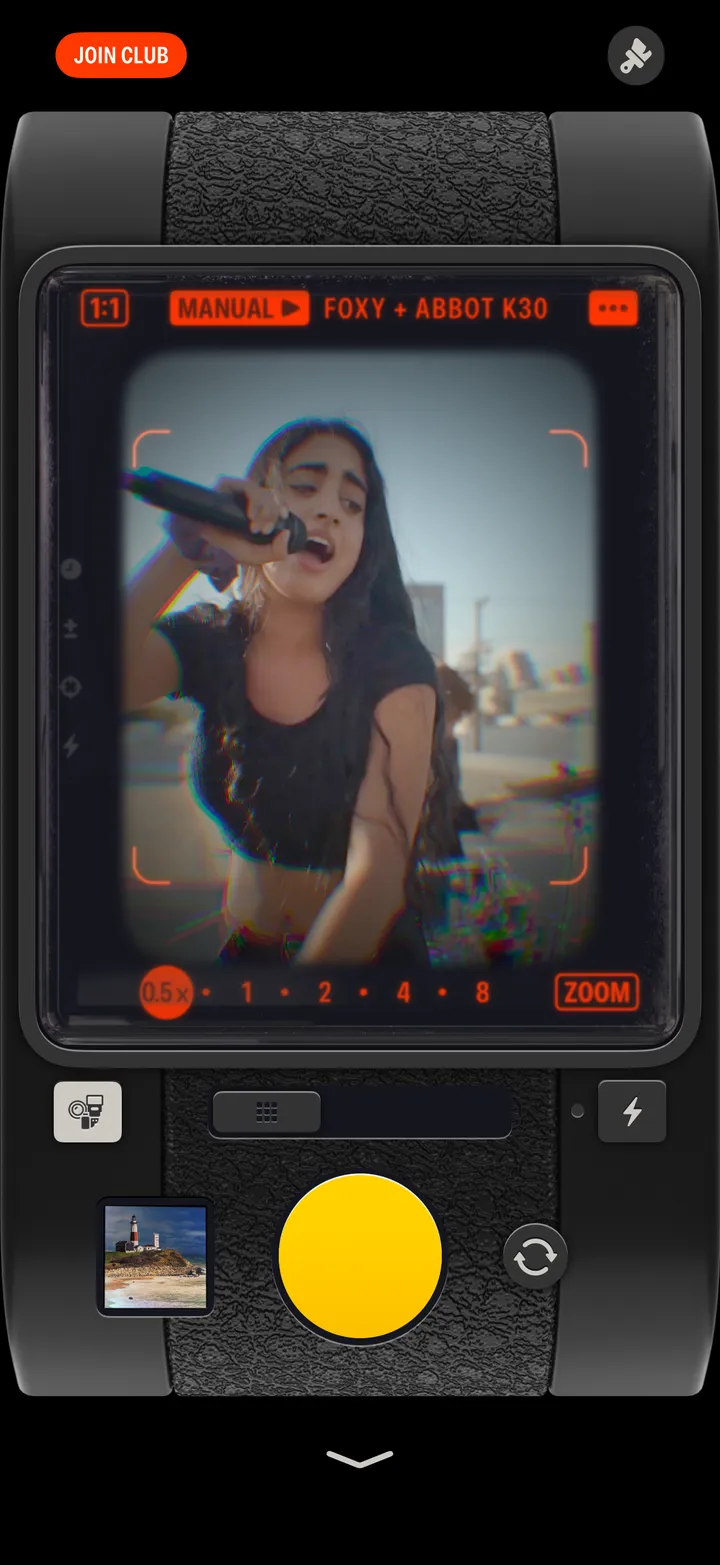
Auto picks for you. Manual is all yours.
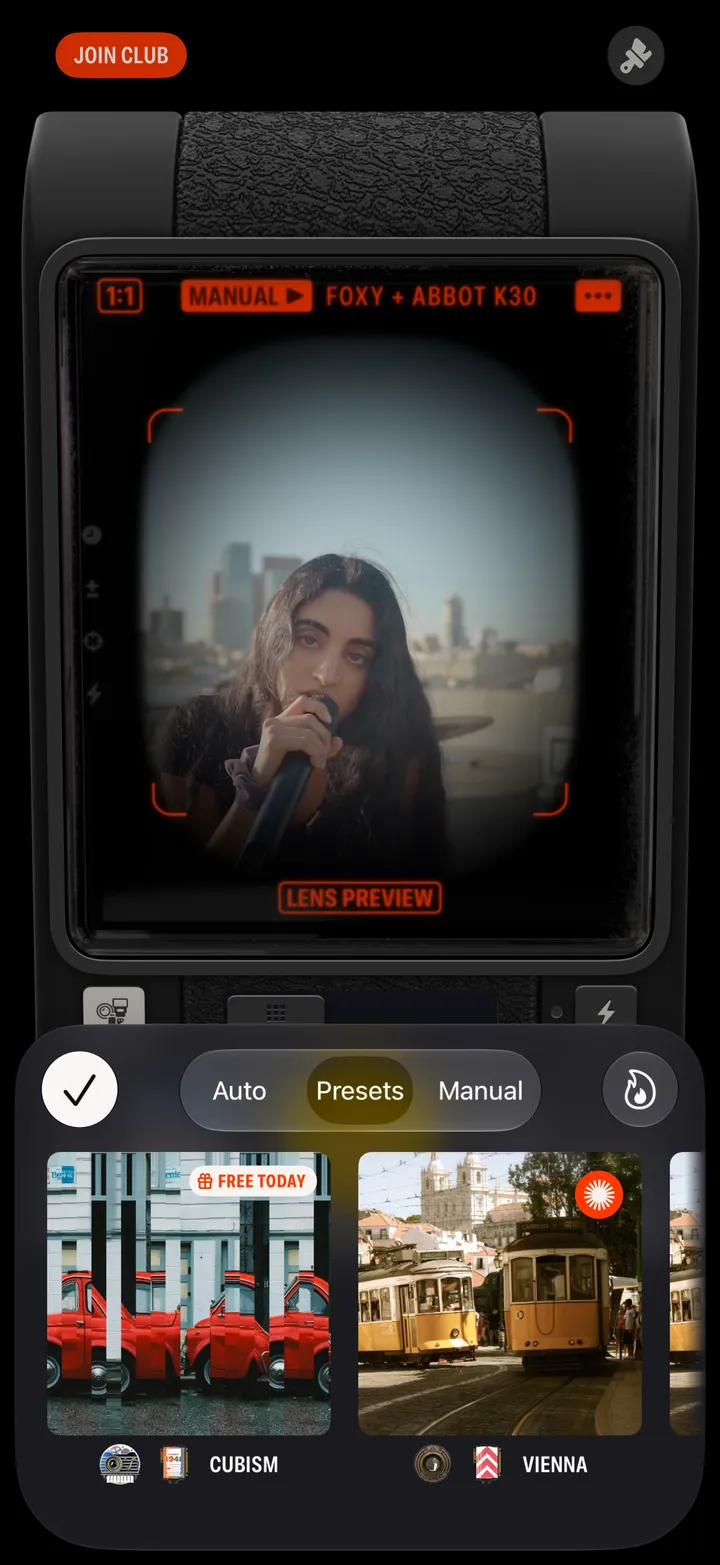
Film on the left, lens on the right. The viewfinder previews each one as it goes by.
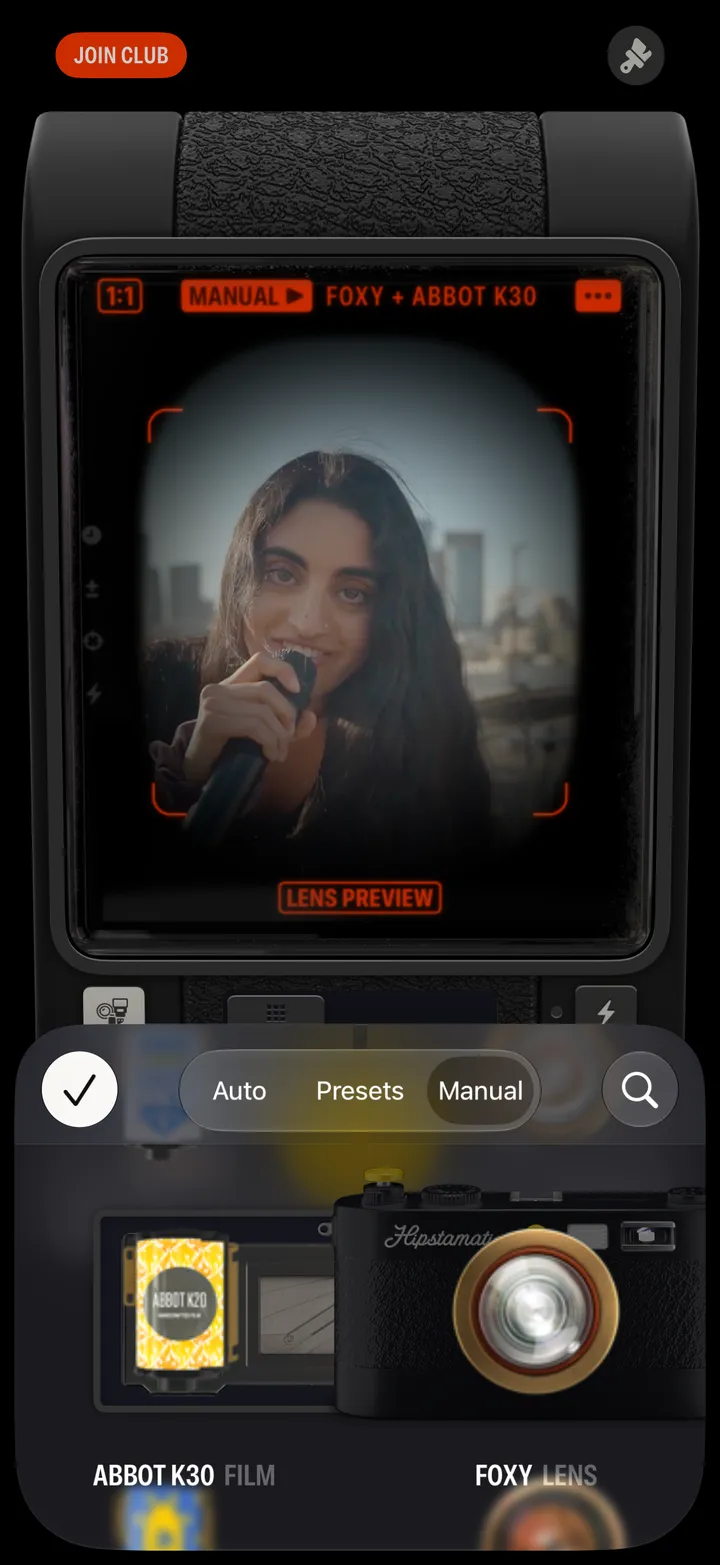
Tap the search icon to find a particular lens, film or flash.
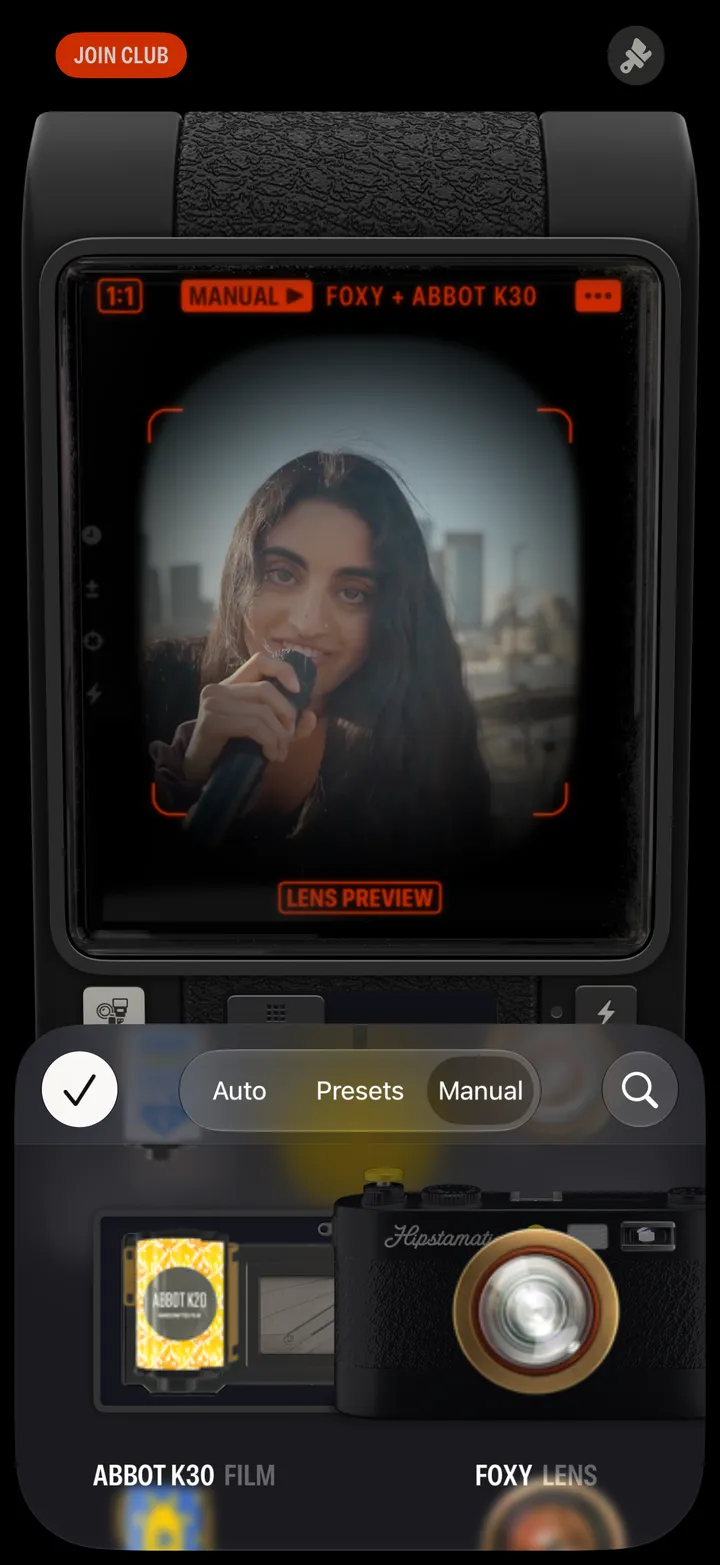
Change lenses and films and see a preview of your combo.
Tip Swipe up and down on the preview image to see your combo on different sample images.
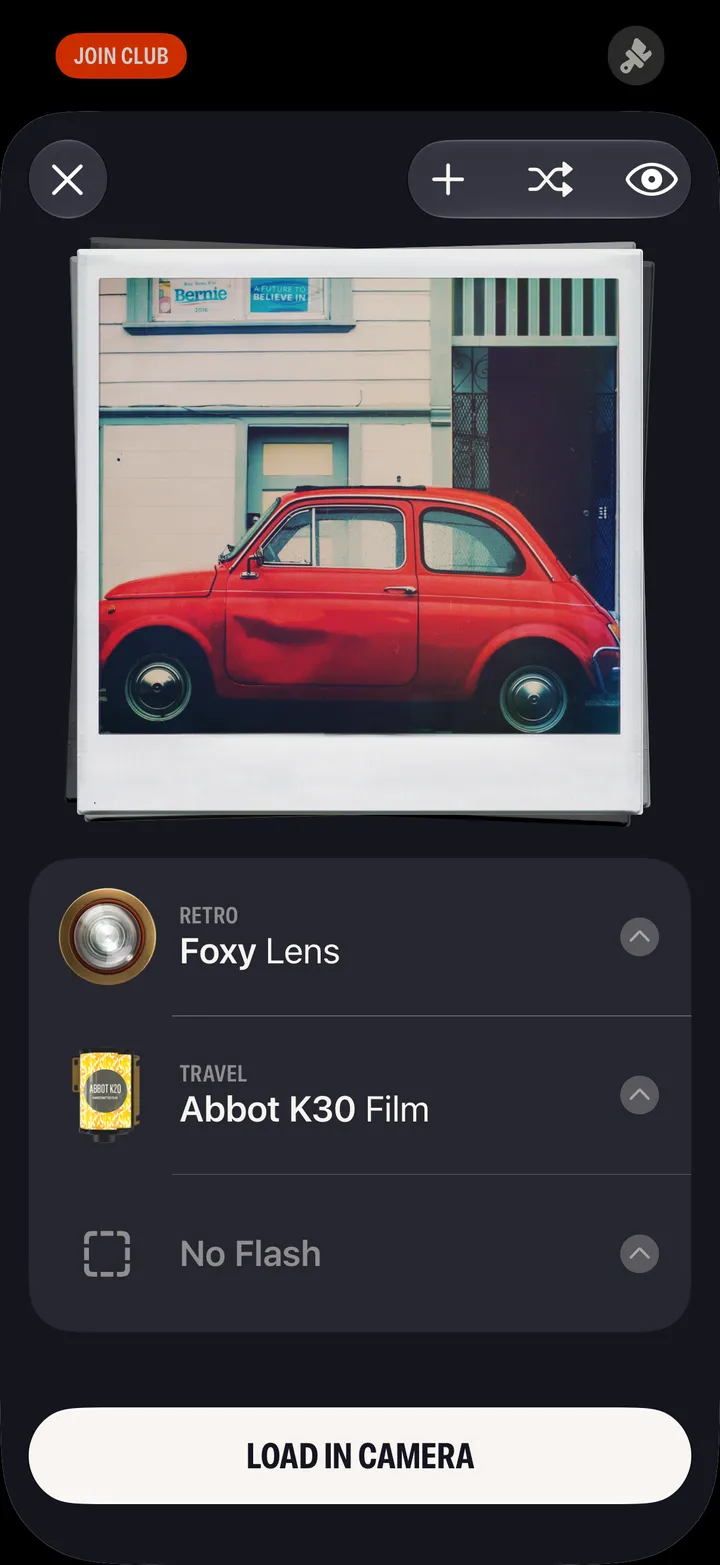
Tap to load, then start shooting.