Hipstamatic guideTake a photograph
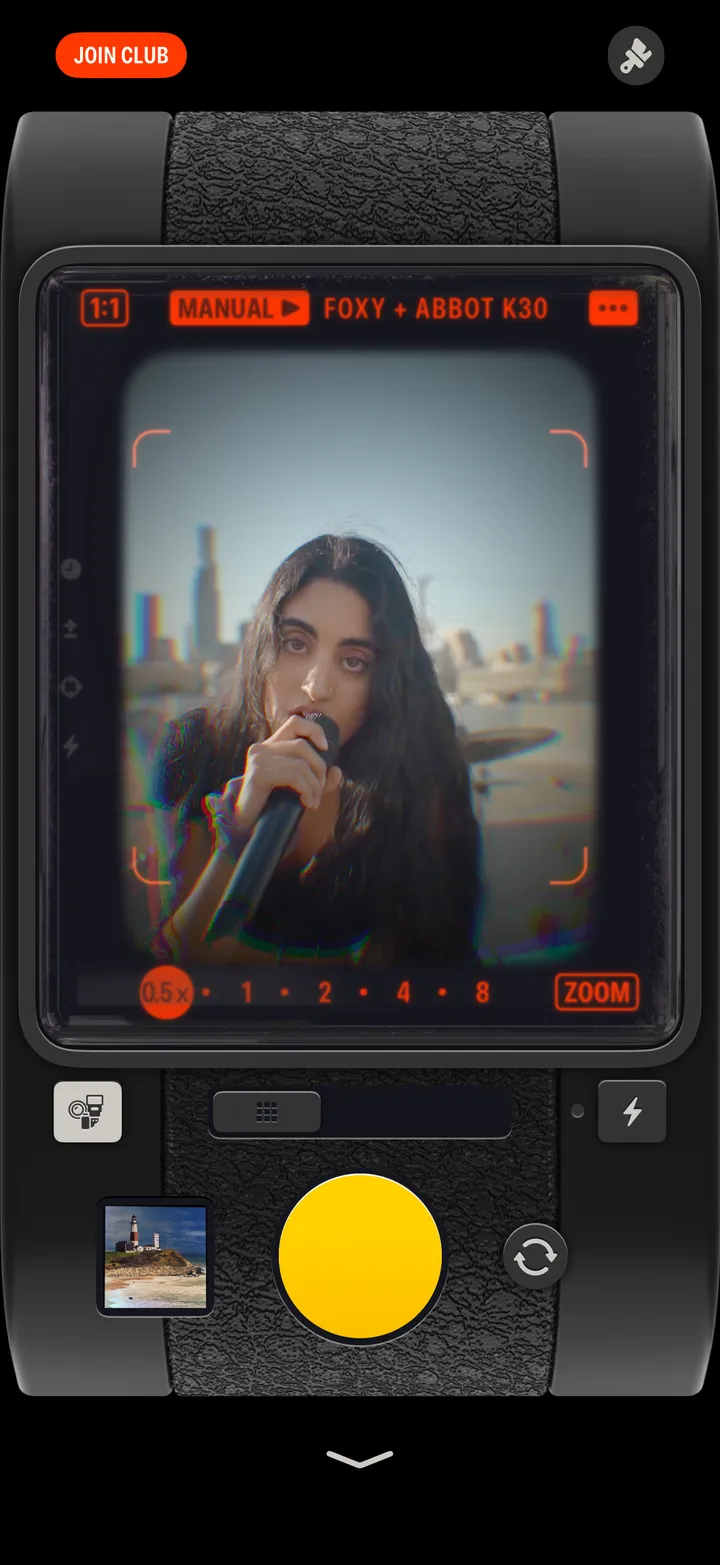
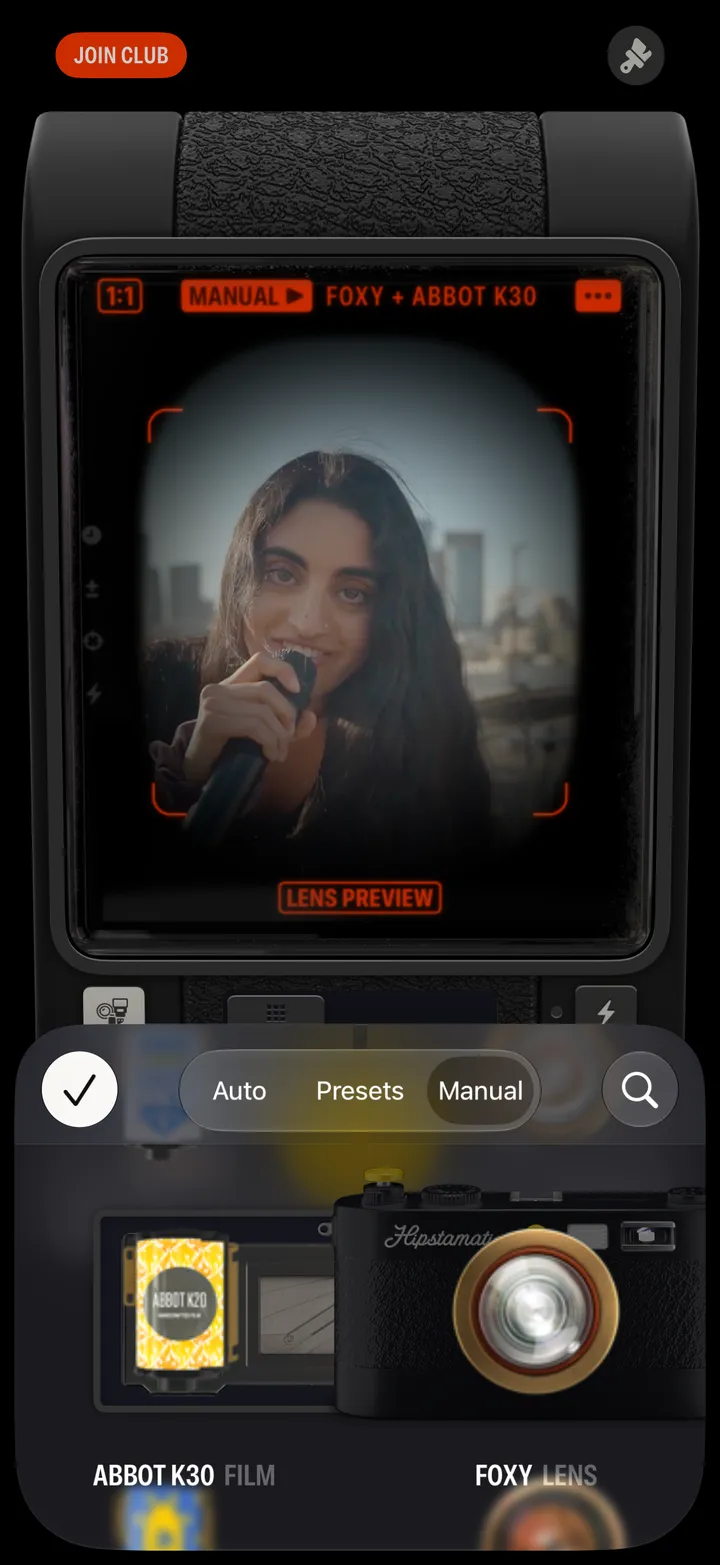
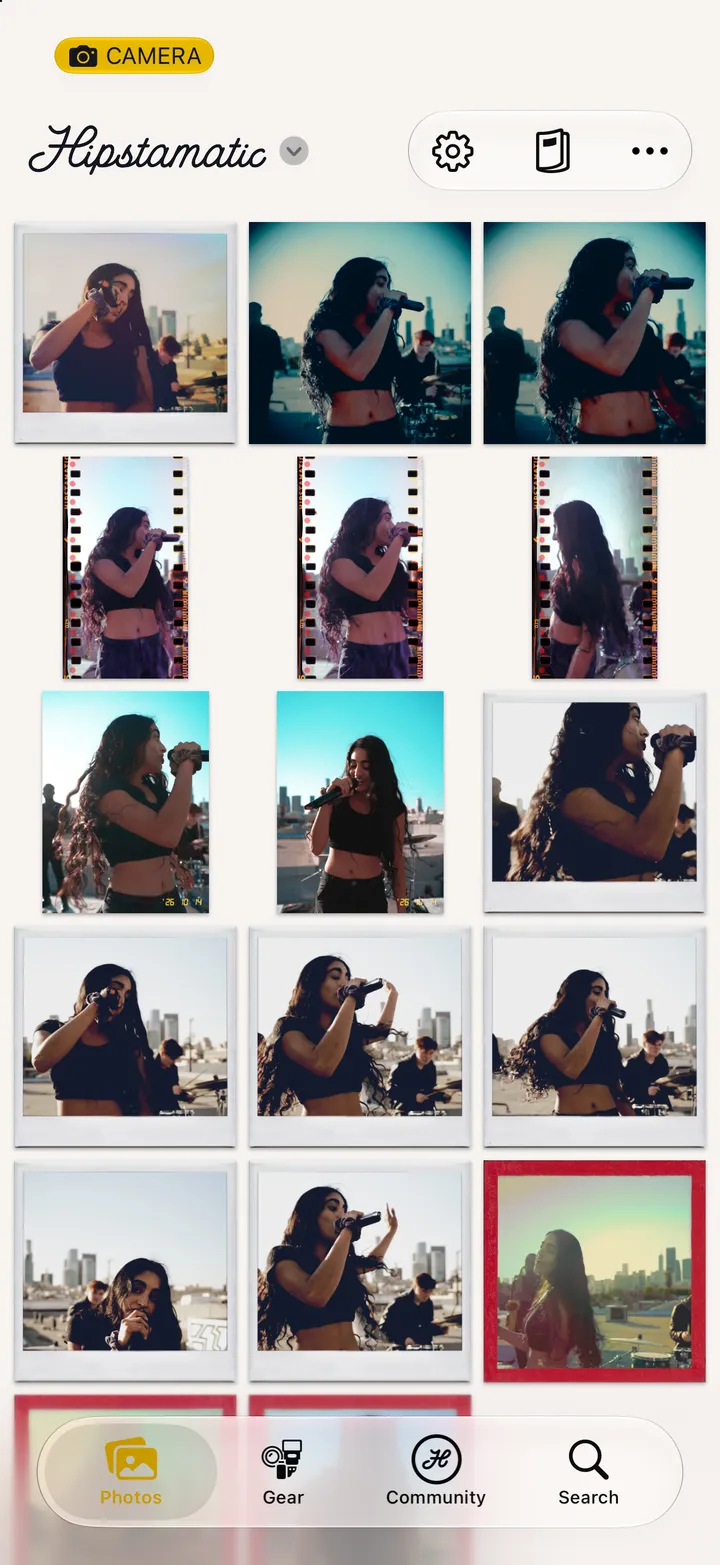
Open Hipstamatic and press the yellow shutter. It develops with the lens and film you loaded, and saves to Photos.
Hipstamatic · 1.2 · 4 stepsThe camera comes first. Whatever’s loaded is named across the top of the viewfinder.
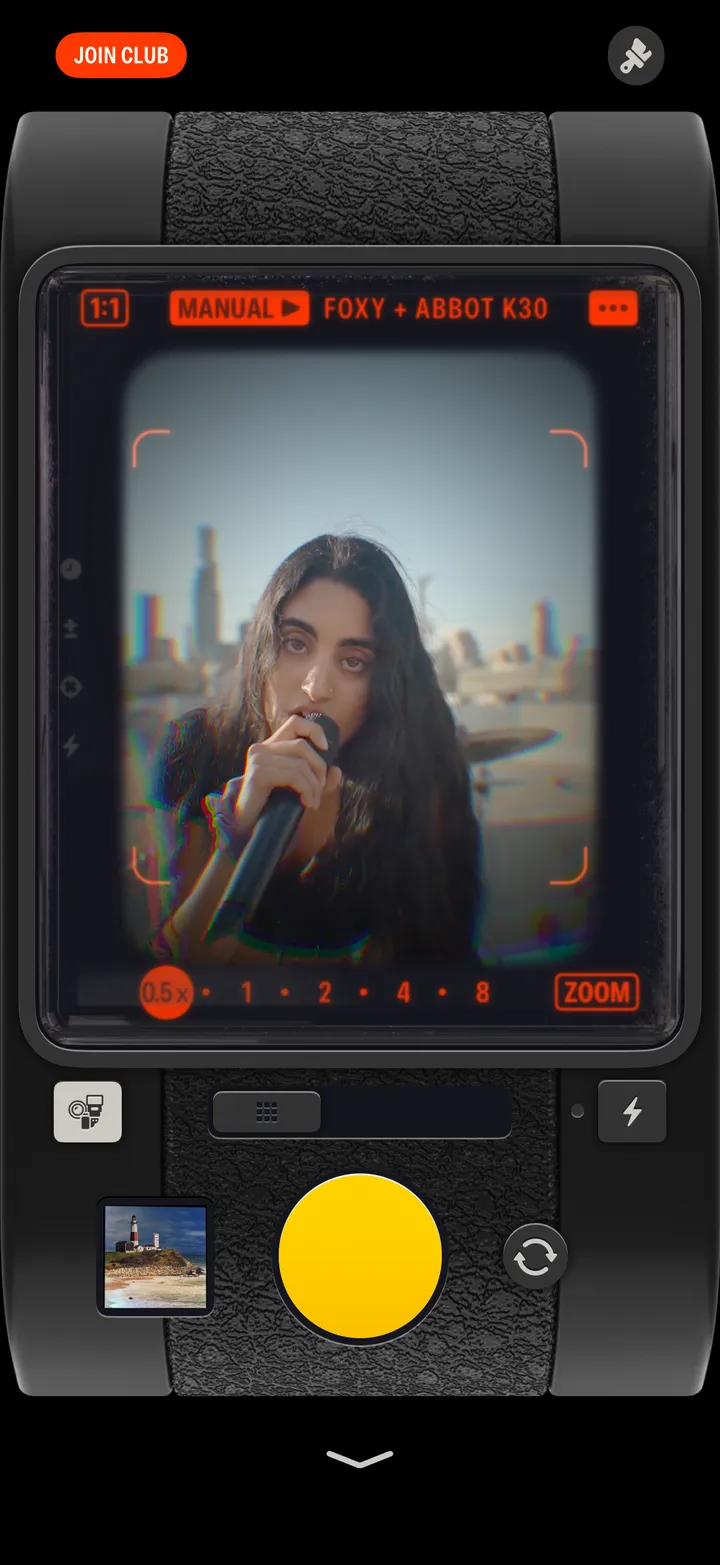
Press the button and find out.
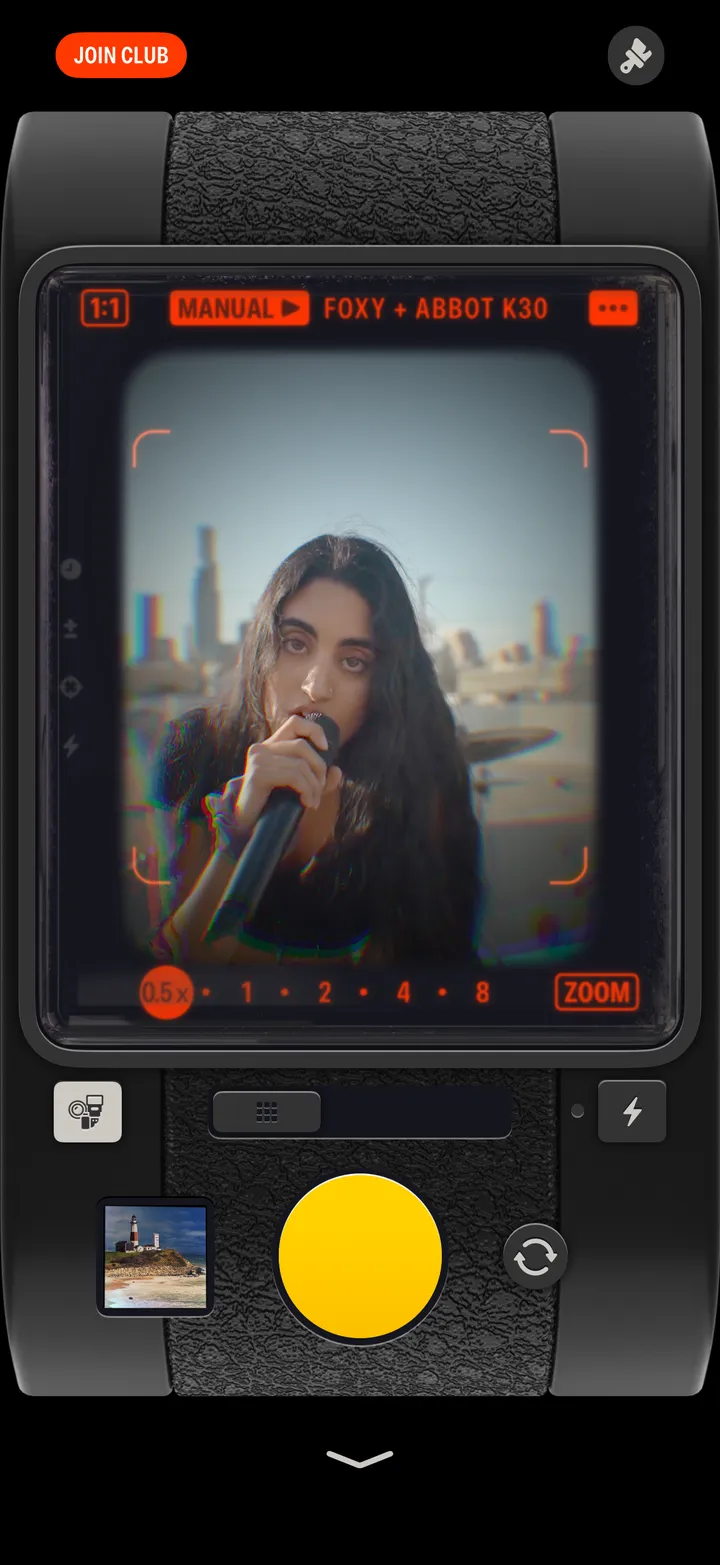
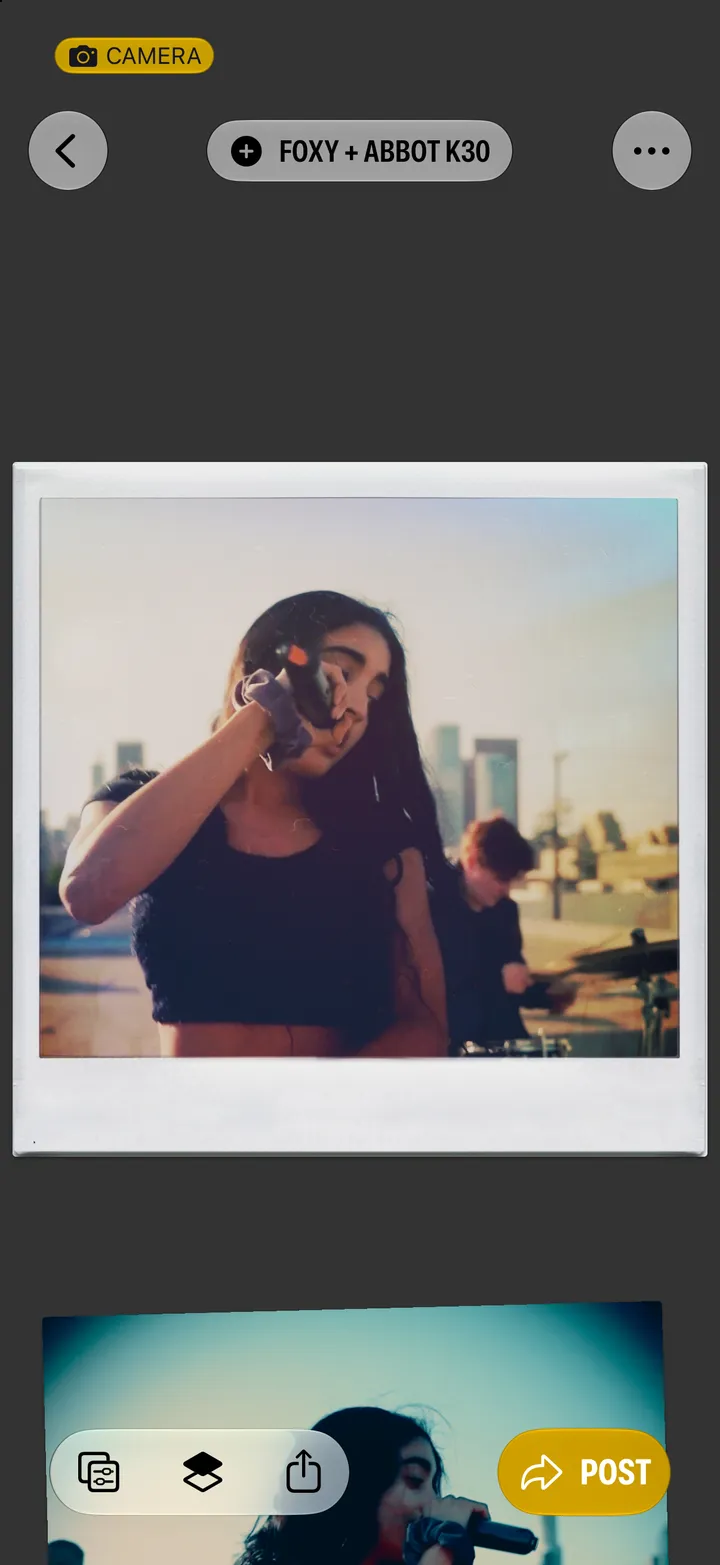
It develops in a second or two and lands there.
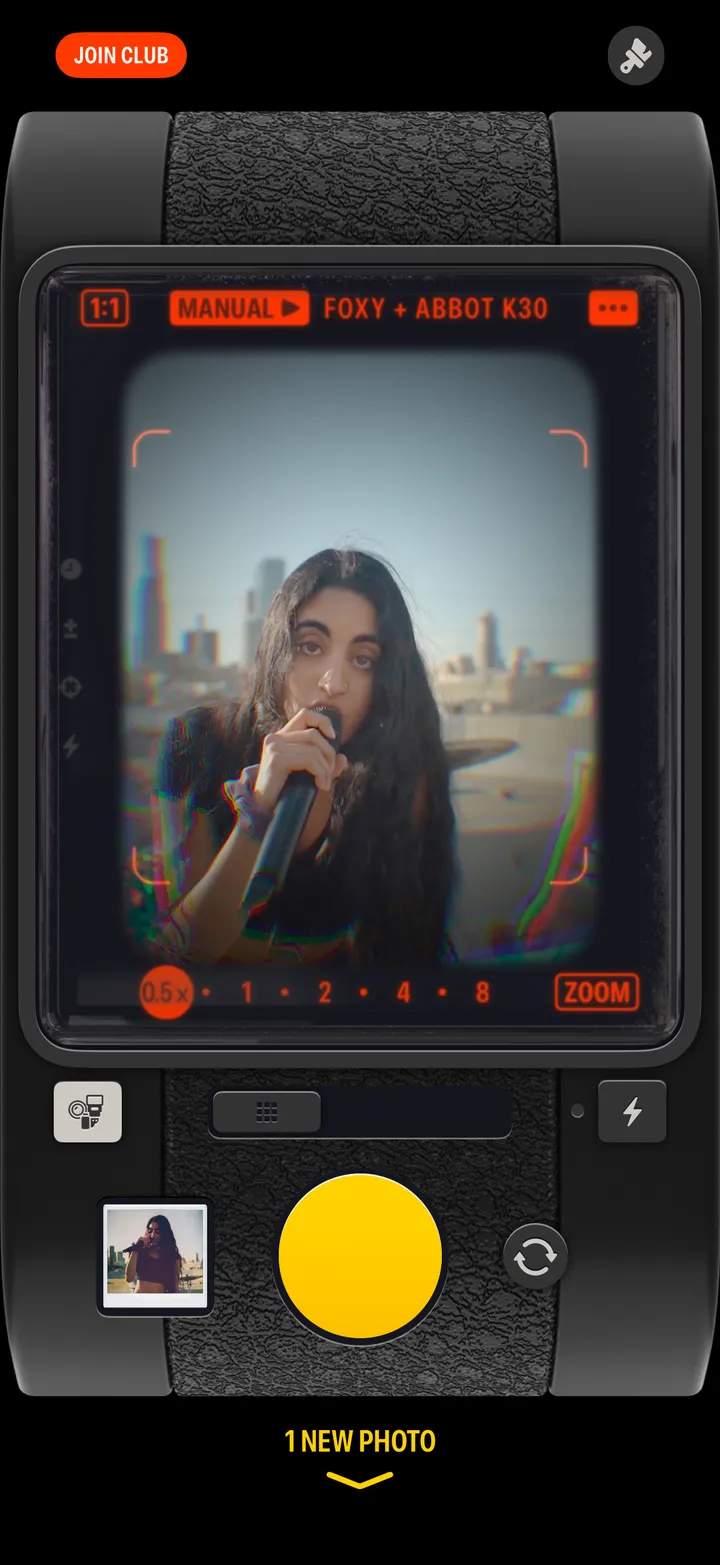
Developed, and saved to your Photos library at full quality. The gear is named at the top.