Hipstamatic guideGet to know a lens or film

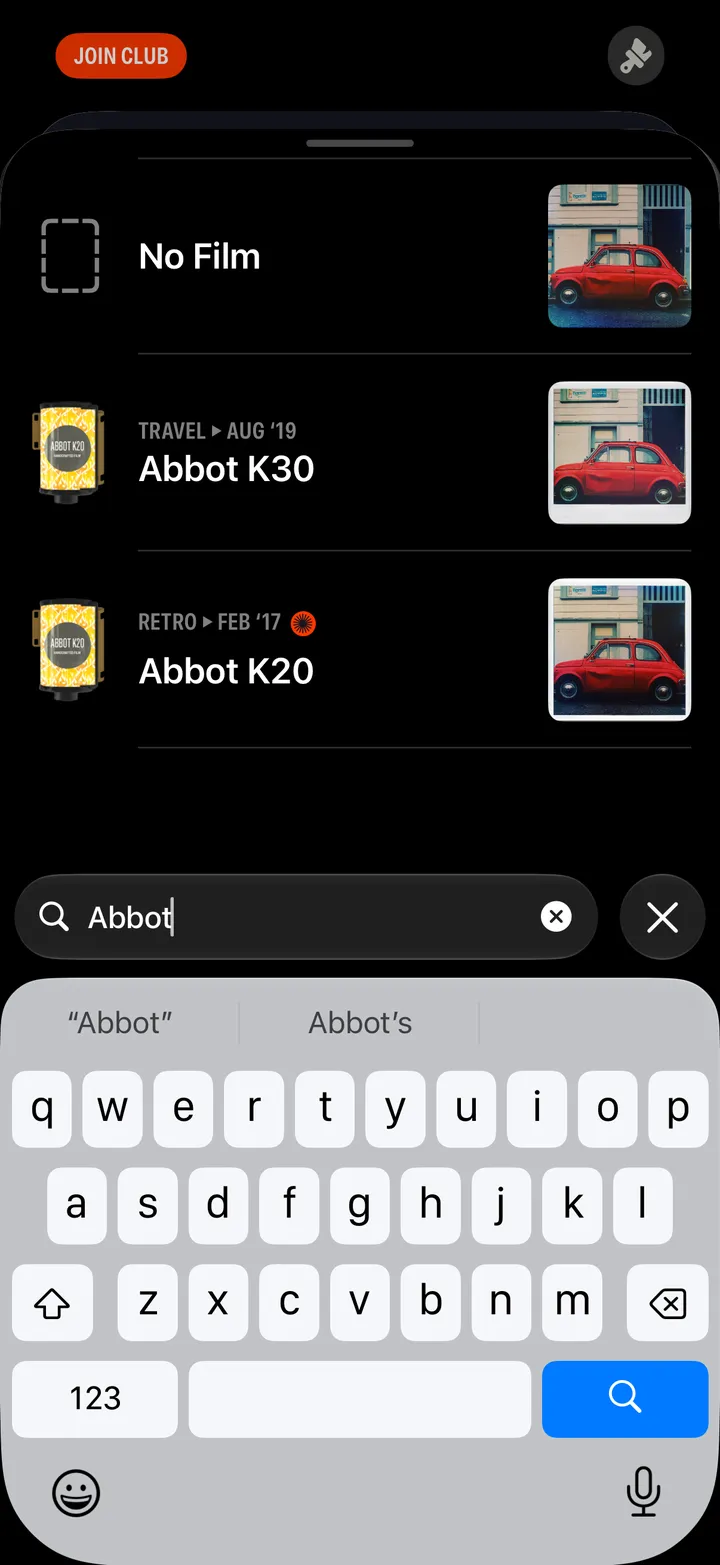
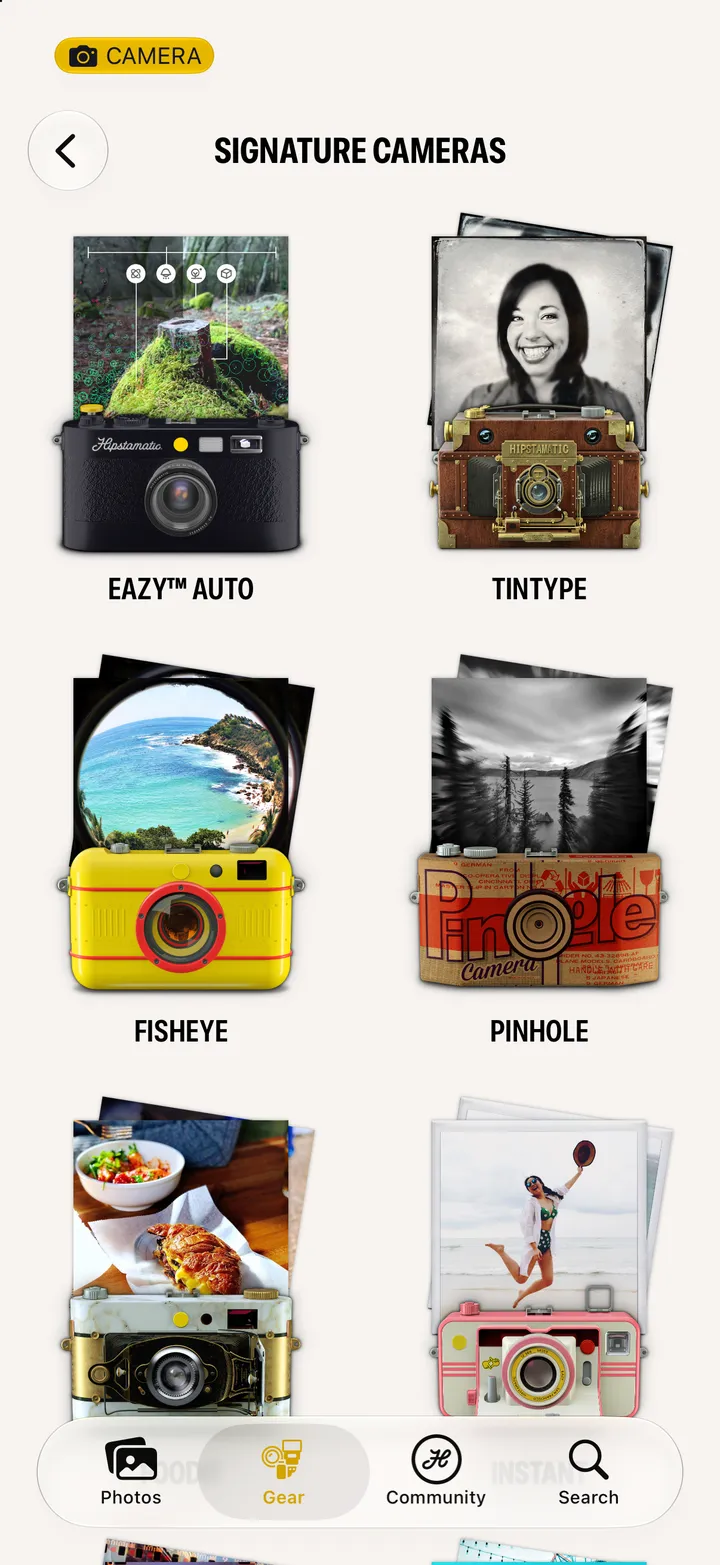
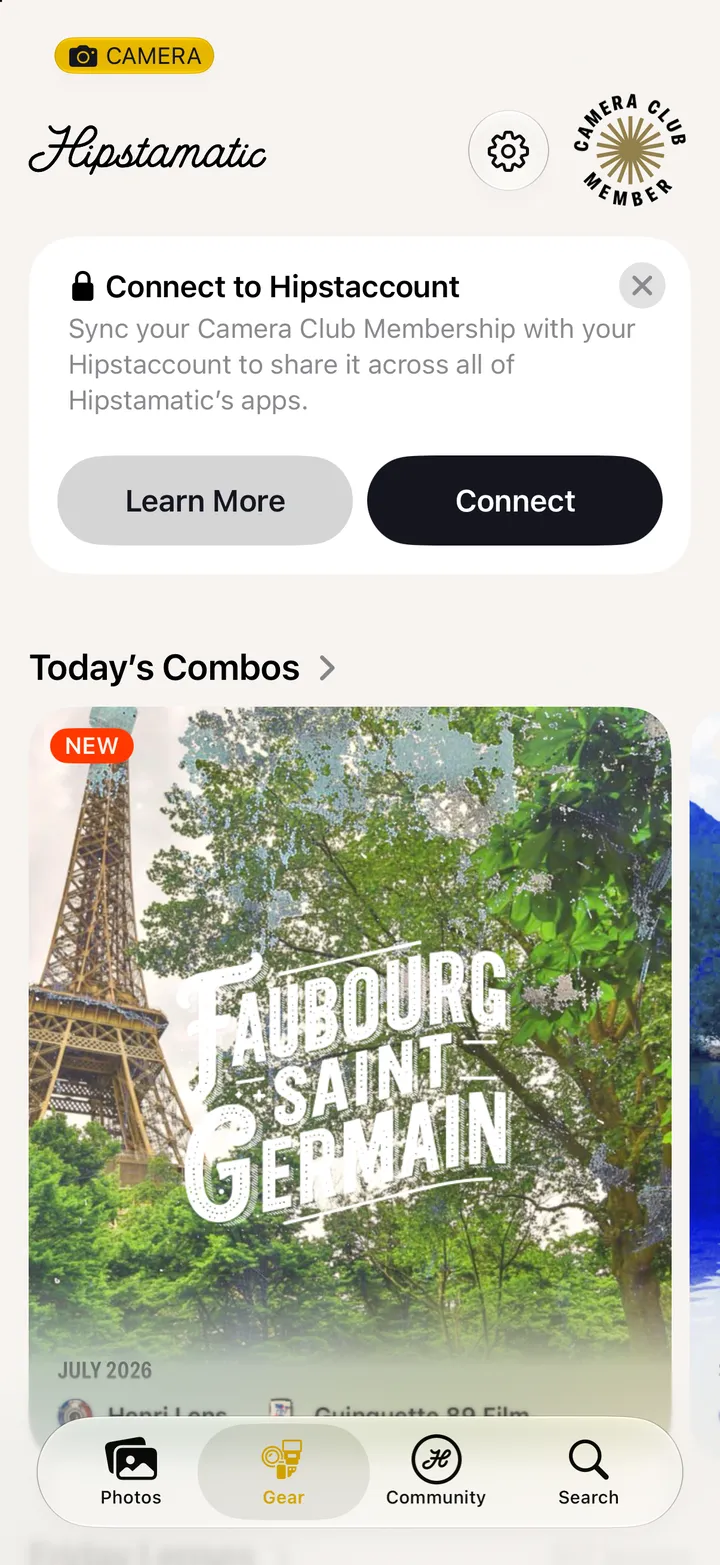
On the Gear tab, tap any lens, film or flash. Its page shows what it does, sample photographs, and Pair with… to find what goes with it.

Hipstamatic · 3.6 · 5 steps
  1. 01

    Tap Gear, then any lens, film or flash

    Swipe up from the camera; Gear is at the bottom.
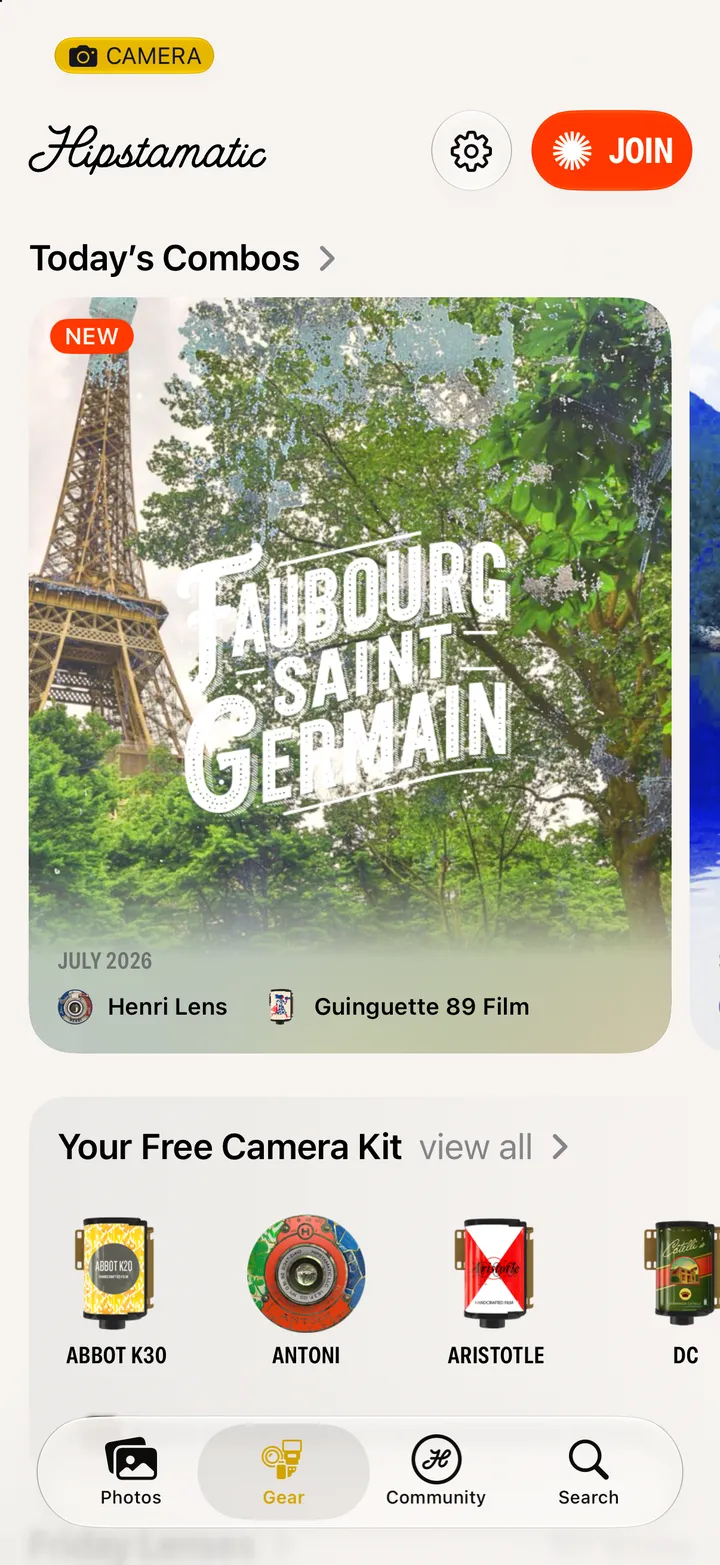
    Step 1: Tap Gear, then any lens, film or flash
  2. 02

    Read what it does, and see it

    Standard Samples are ours. Tap it for Community Shots, taken by photographers with it.
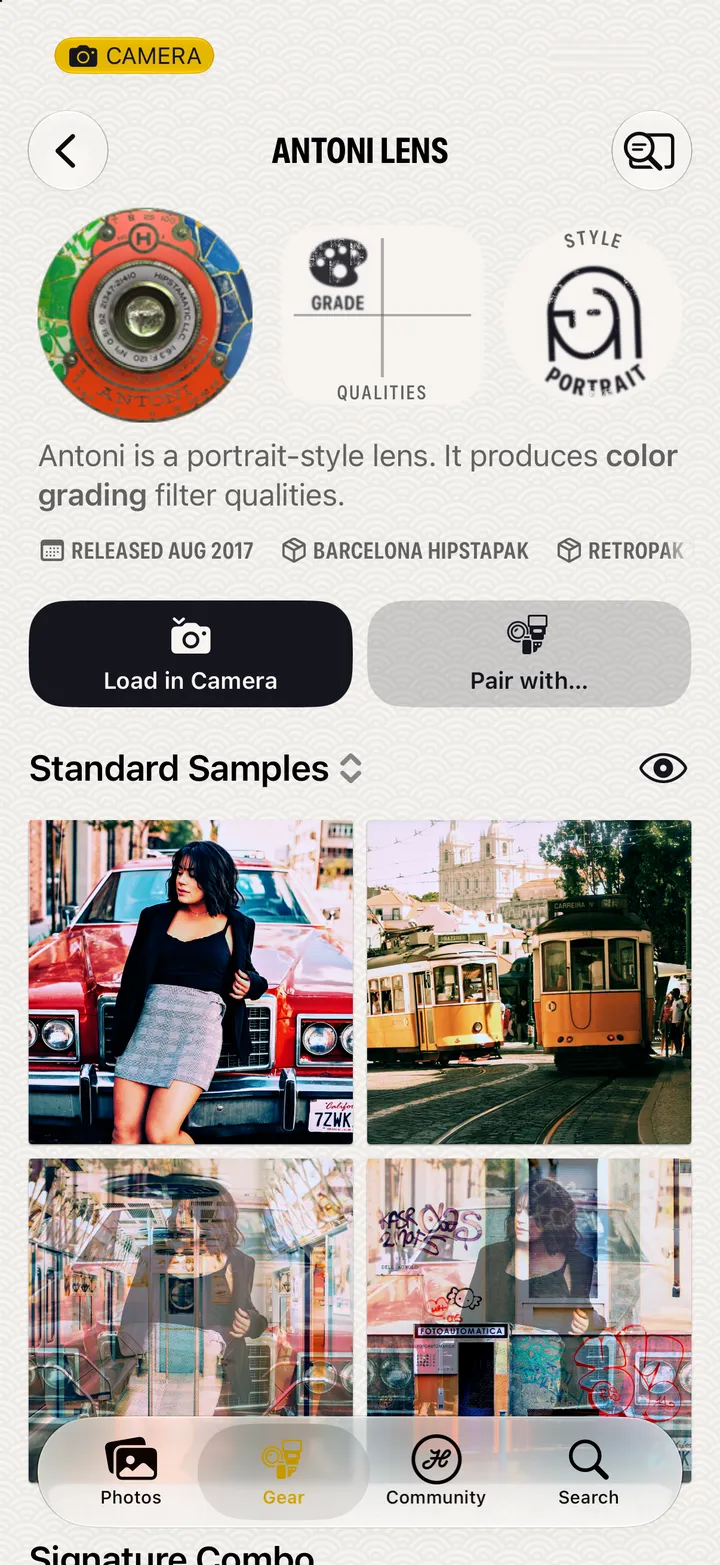
    Step 2: Read what it does, and see it
  3. 03

    Tap Pair with…

    To find a film and flash that go with it.

    Step 3: Tap Pair with…
  4. 04

    Pick a film and a flash

    The sample changes as you go. ⤨ picks for you.
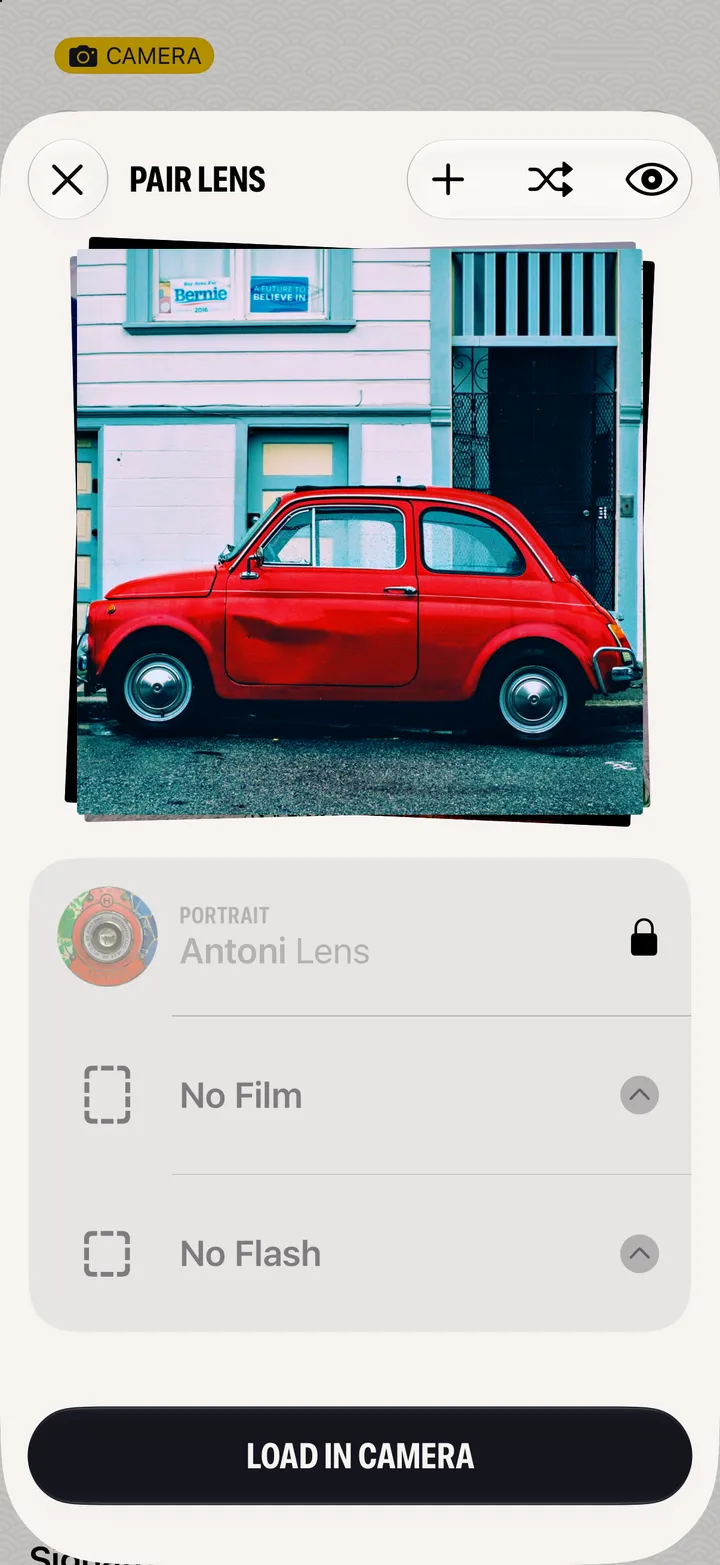
    Step 4: Pick a film and a flash
  5. 05

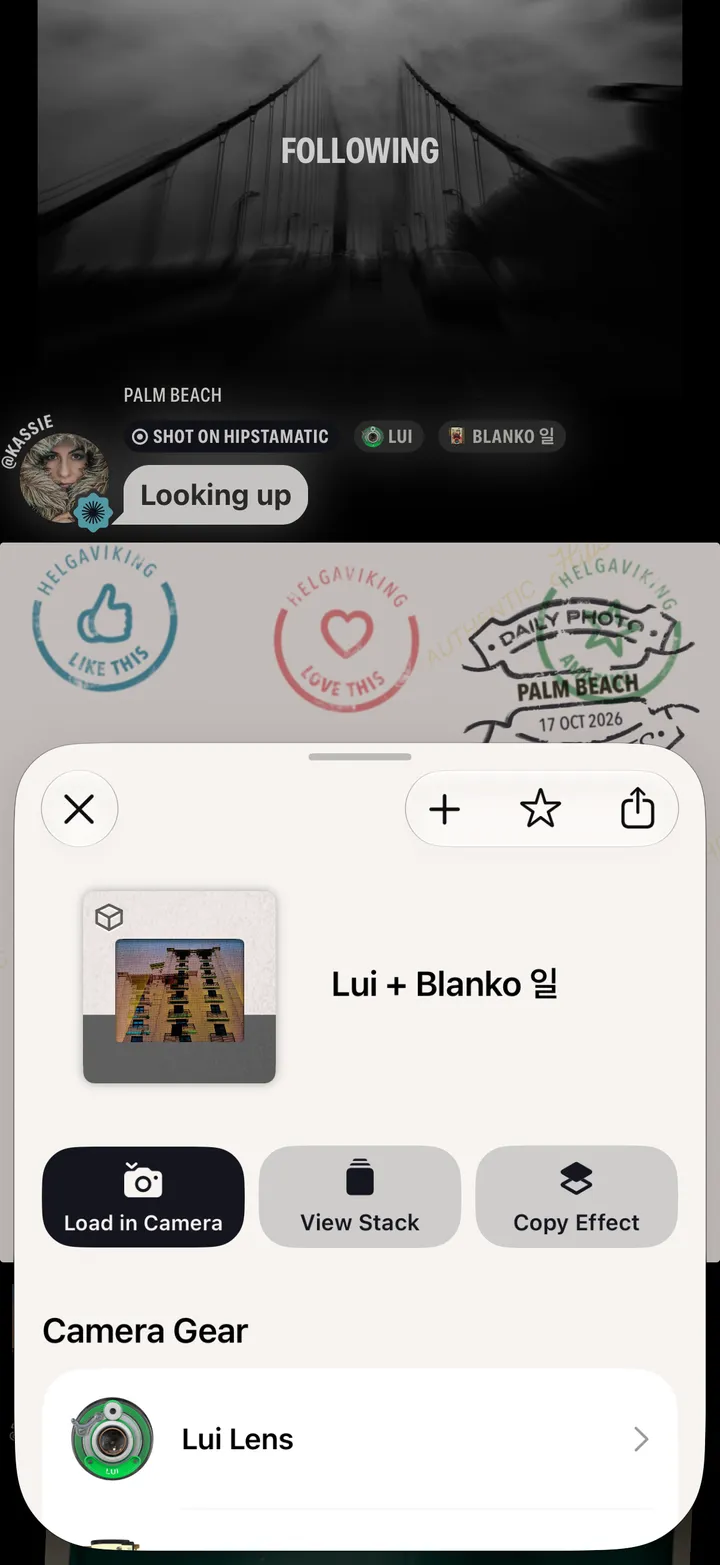
    Tap Load in Camera

    Step 5: Tap Load in Camera

Good to know

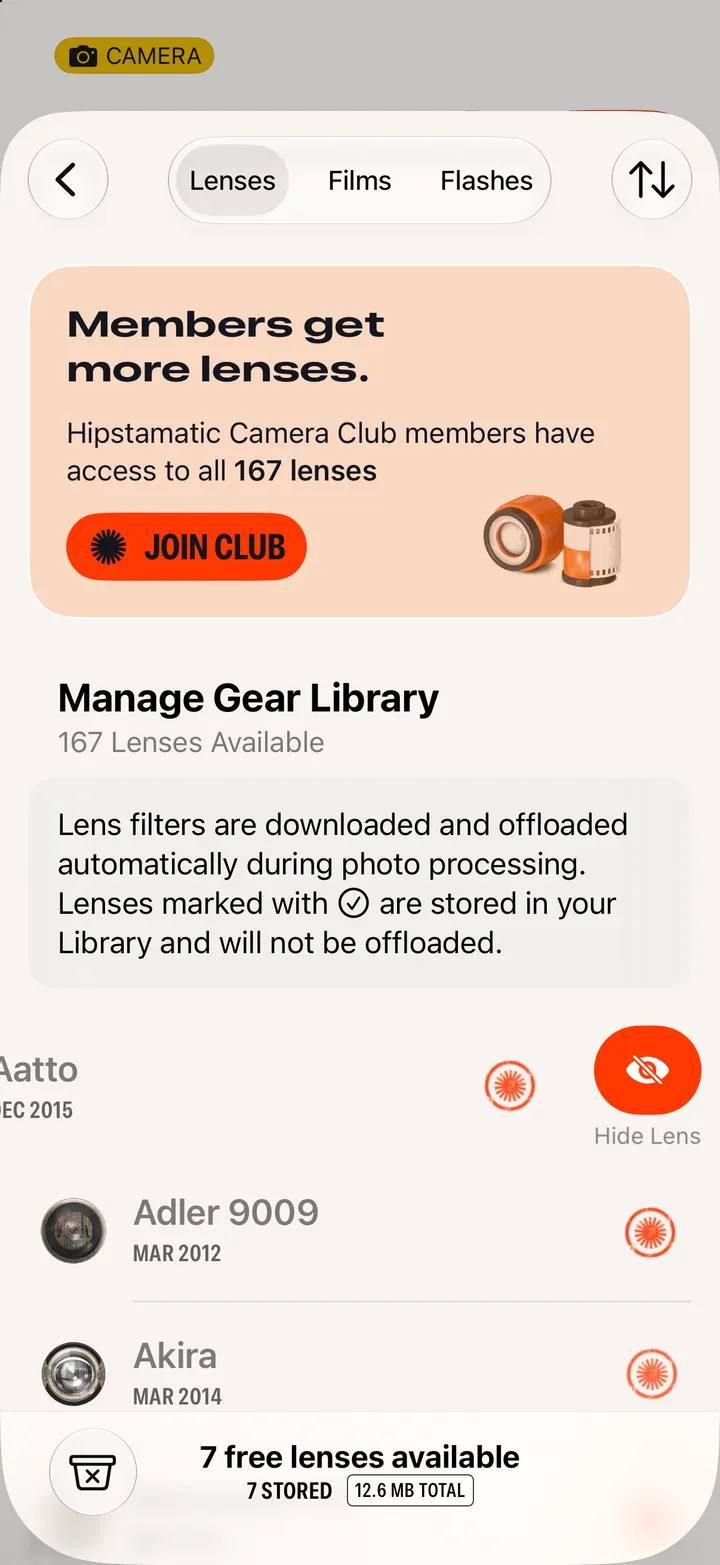
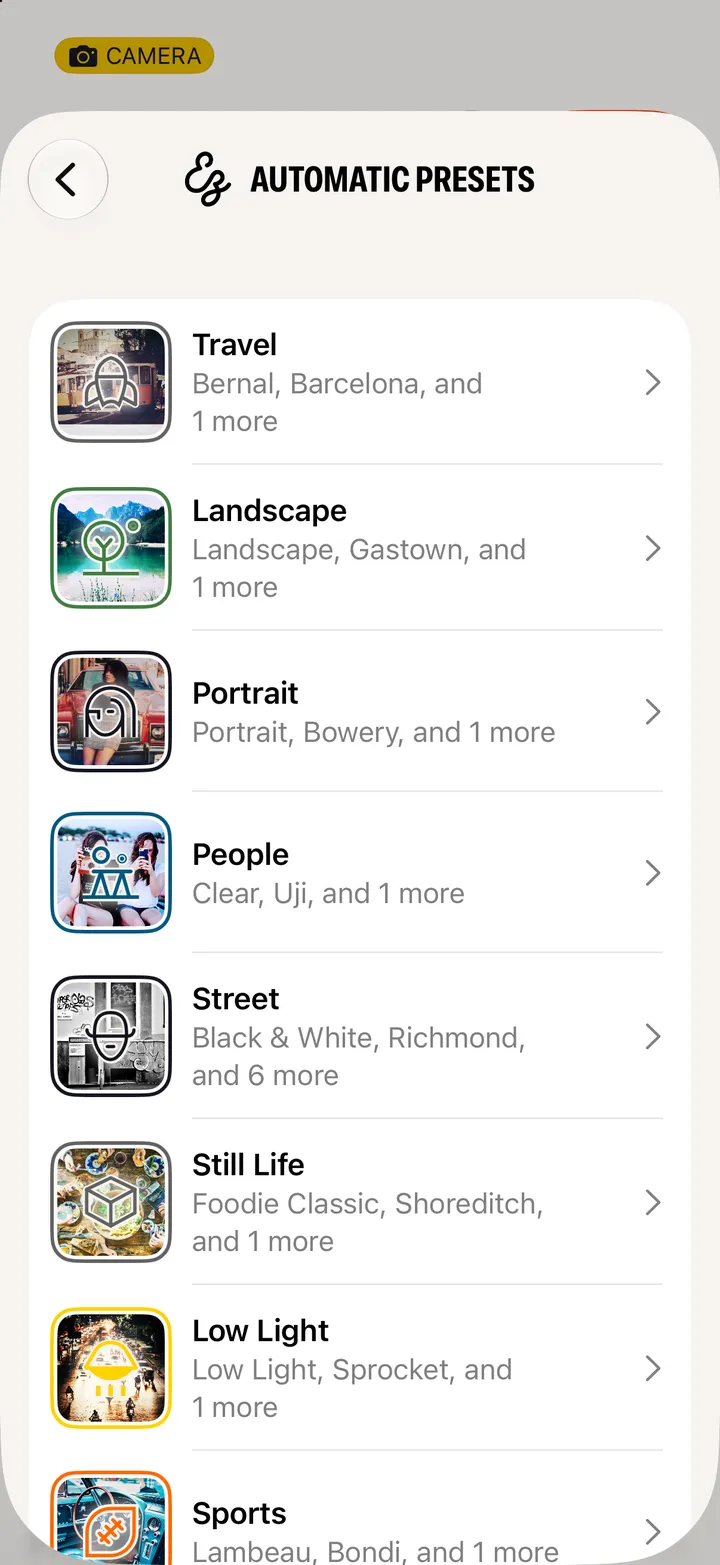
  • Gear pages open from Search and Manage Gear Library too, and from any preset.
  • A Camera Club · Members Only stamp means it comes with Camera Club.

Gear, presets and combos

Hipstamatic guide ↘