Hipstamatic guideFavorite, duplicate or delete a photograph
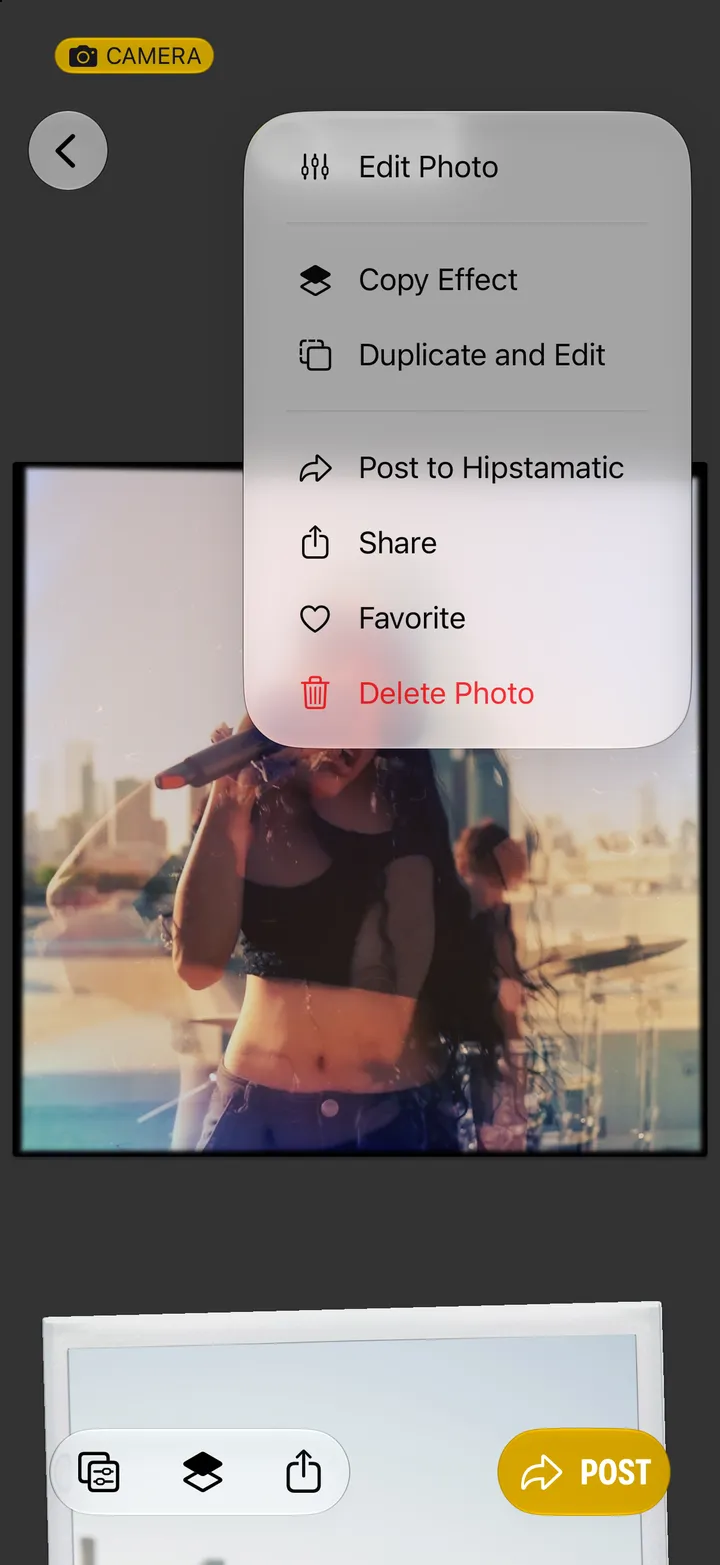
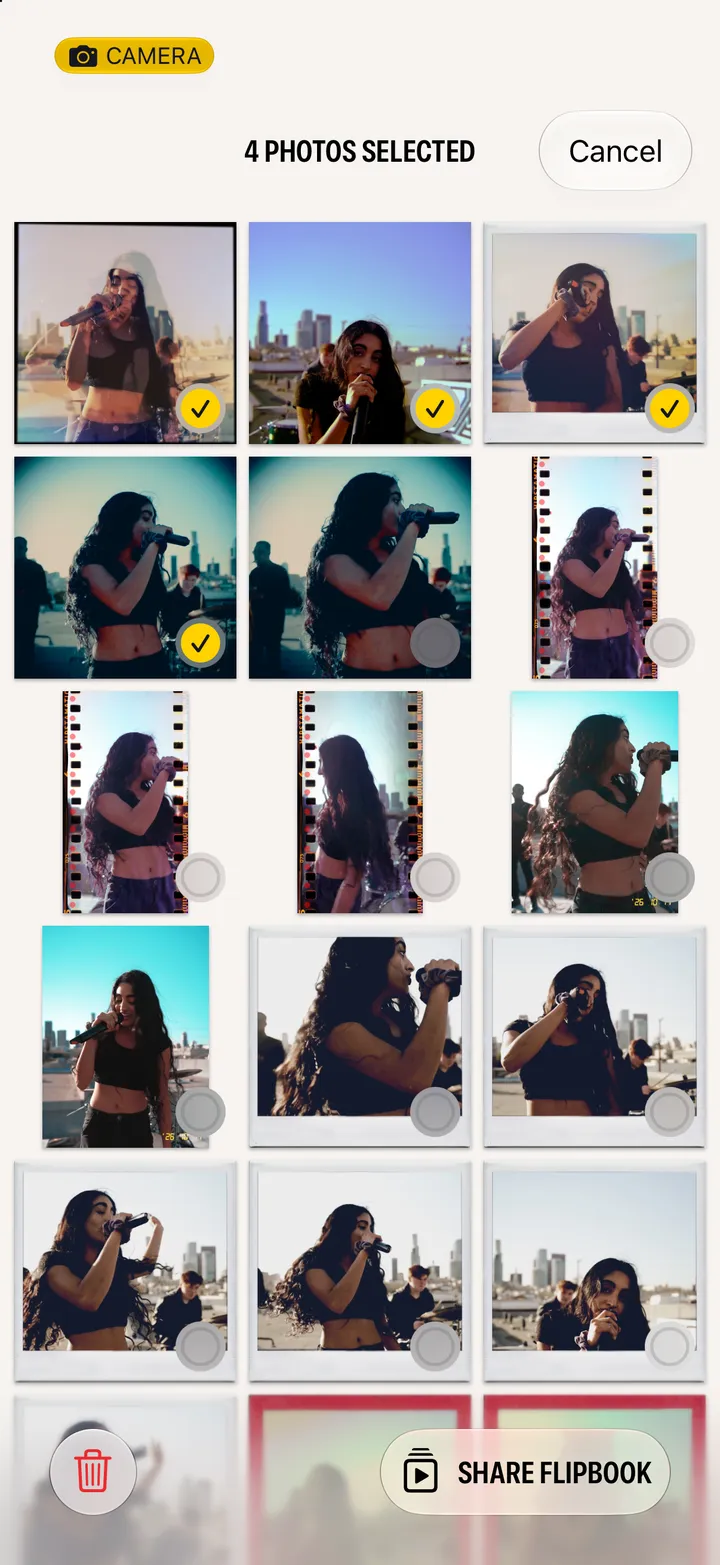
Open the photograph and tap •••. Favorite, Duplicate and Edit, and Delete Photo are all there.
Hipstamatic · 4.3 · 2 steps
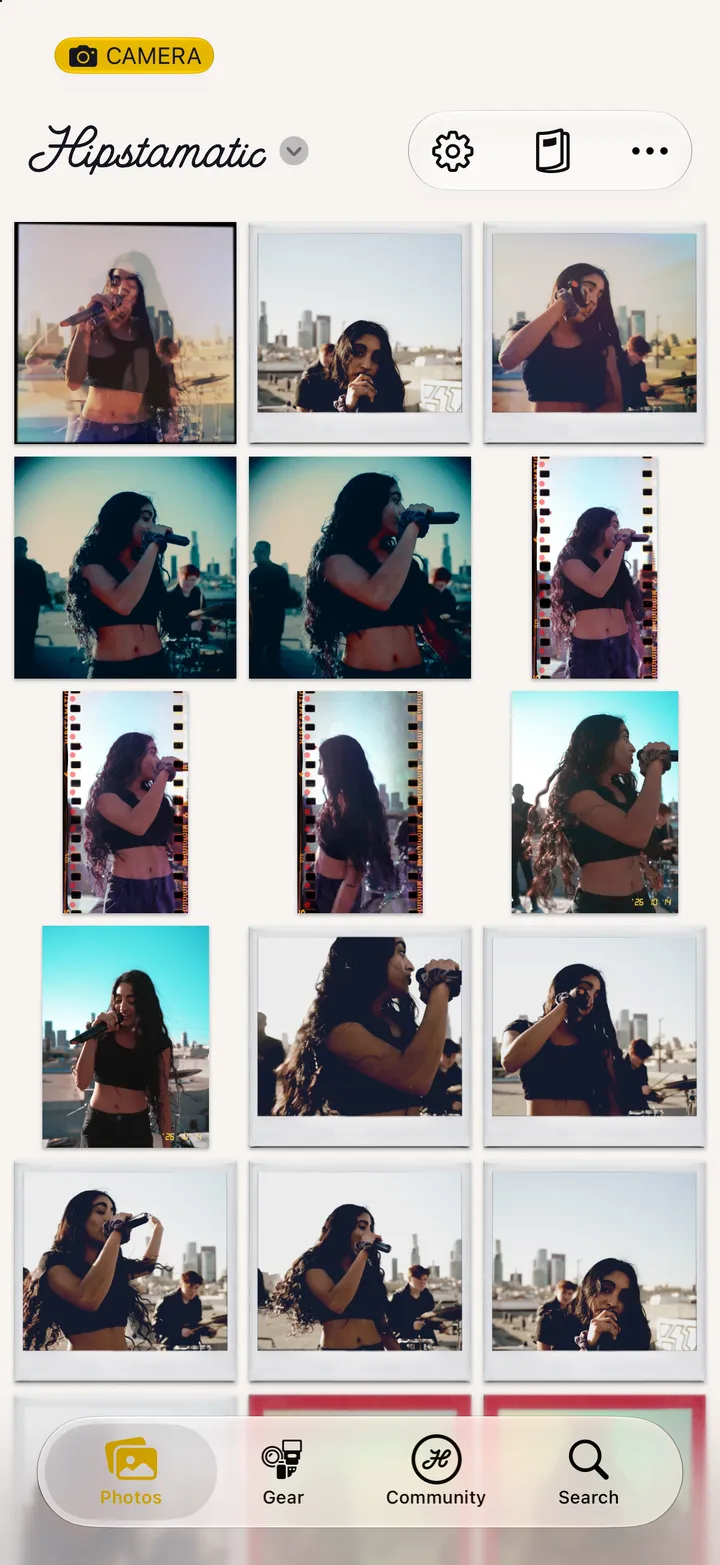
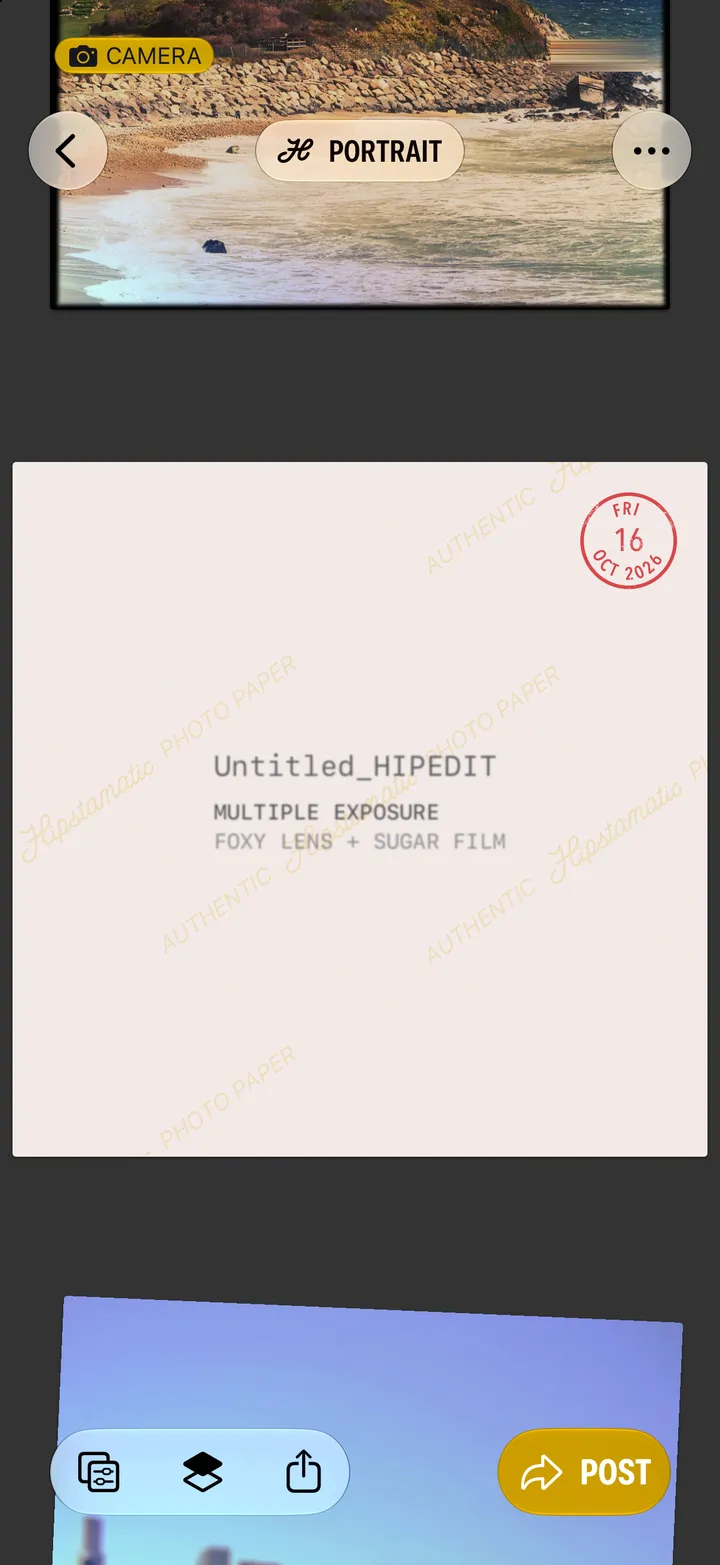
Favorites get their own album. Duplicate and Edit makes a square copy to work on.