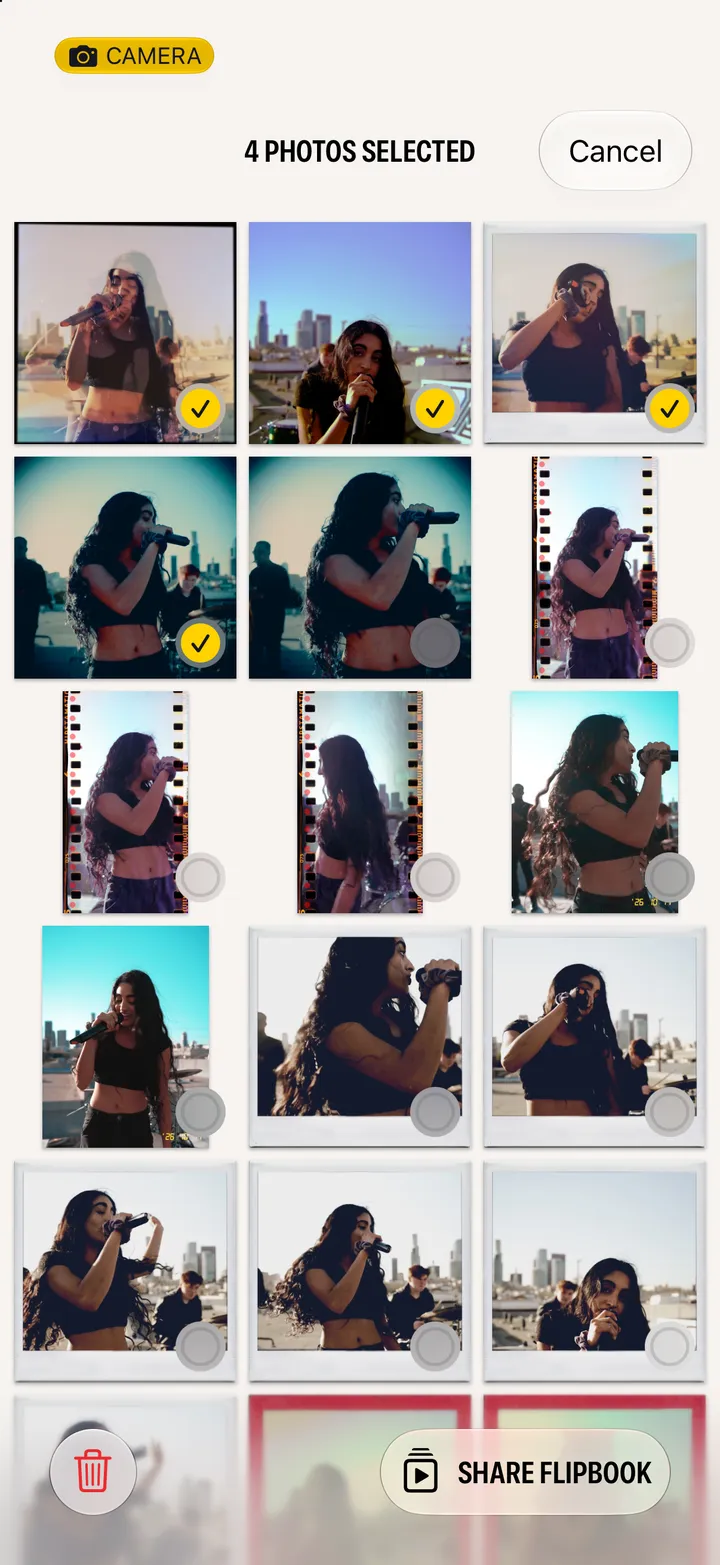
Hipstamatic guideShare a photograph
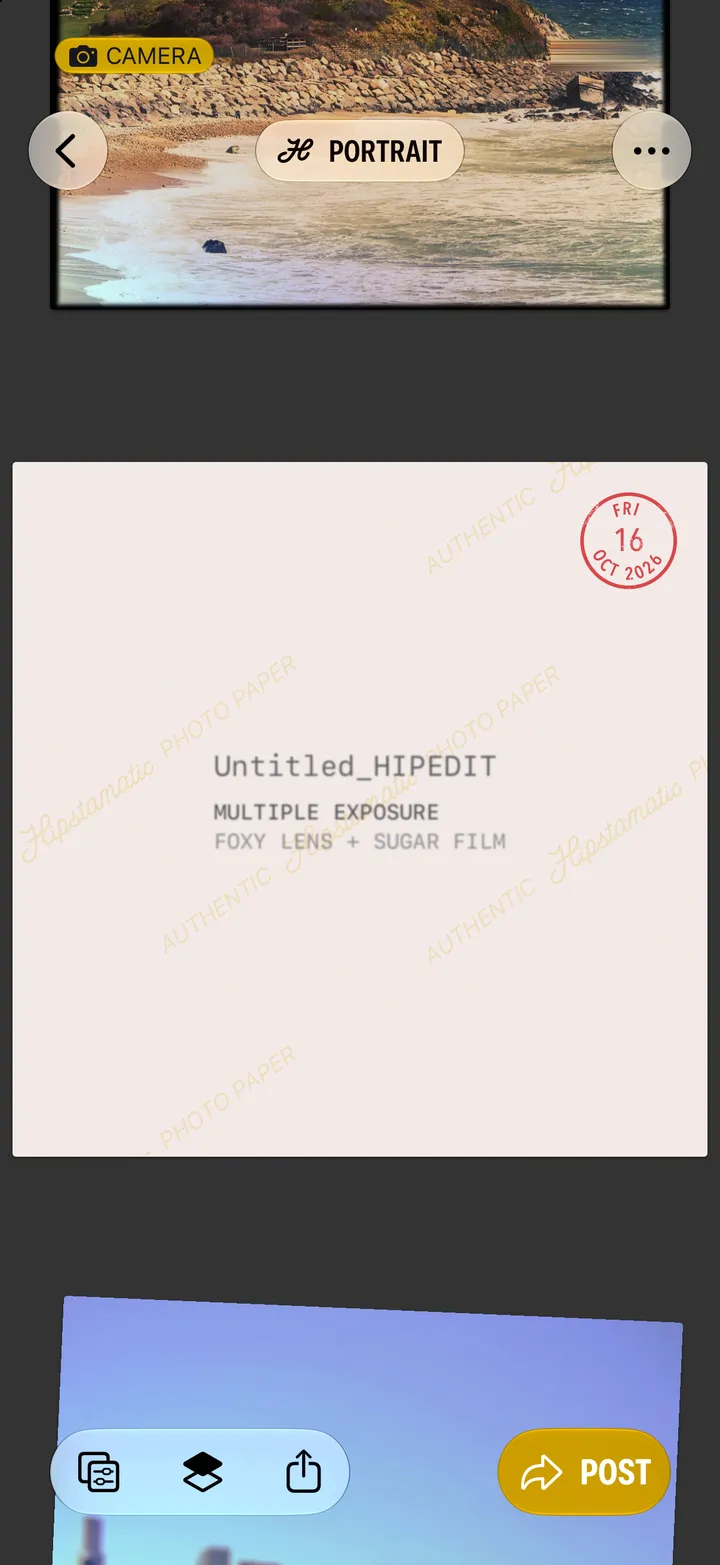
Open the photograph and tap the share button at the bottom. Send it anywhere your iPhone can.
Hipstamatic · 4.2 · 2 steps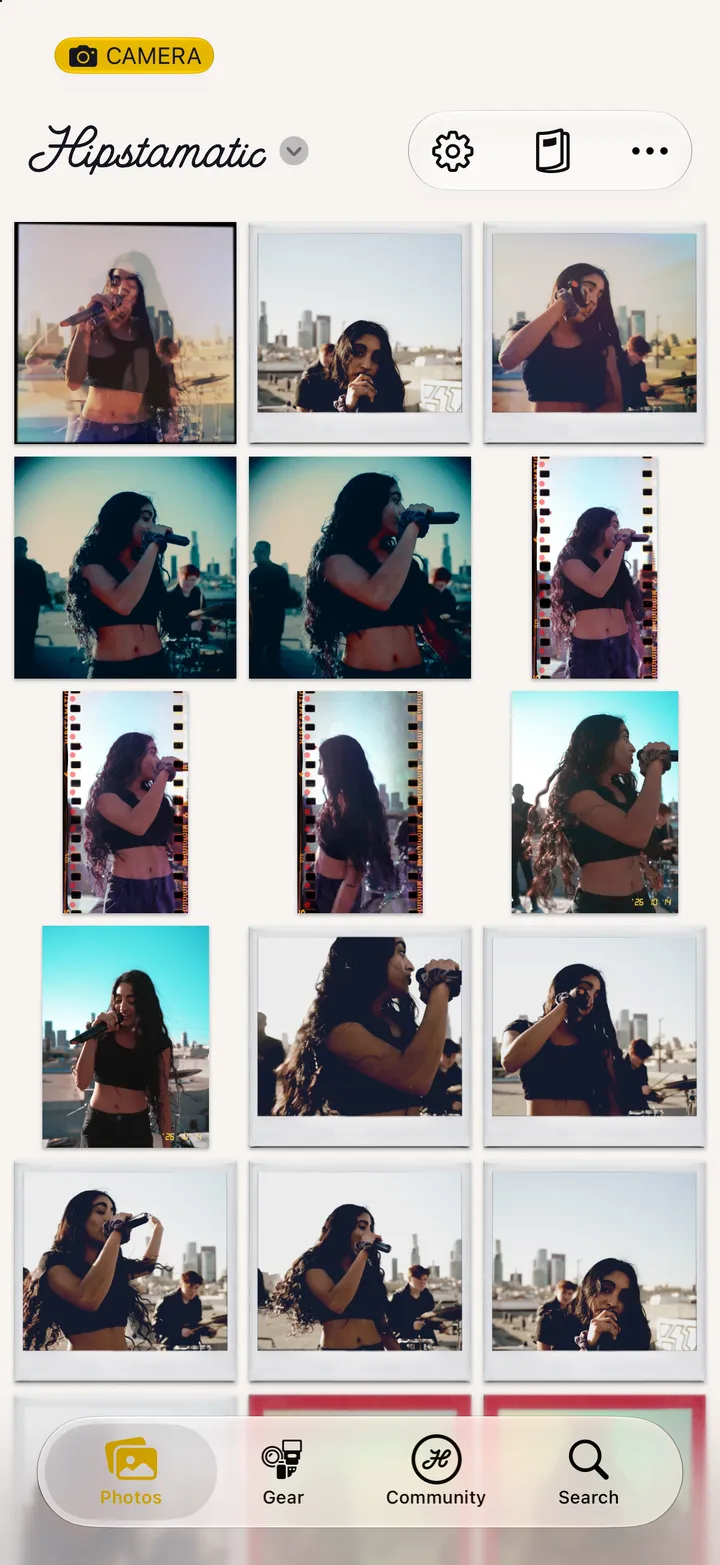
Bottom left, next to the copy buttons. Post shares it with the Hipstamatic community instead.