Hipstamatic guideDelete or share several photographs at once
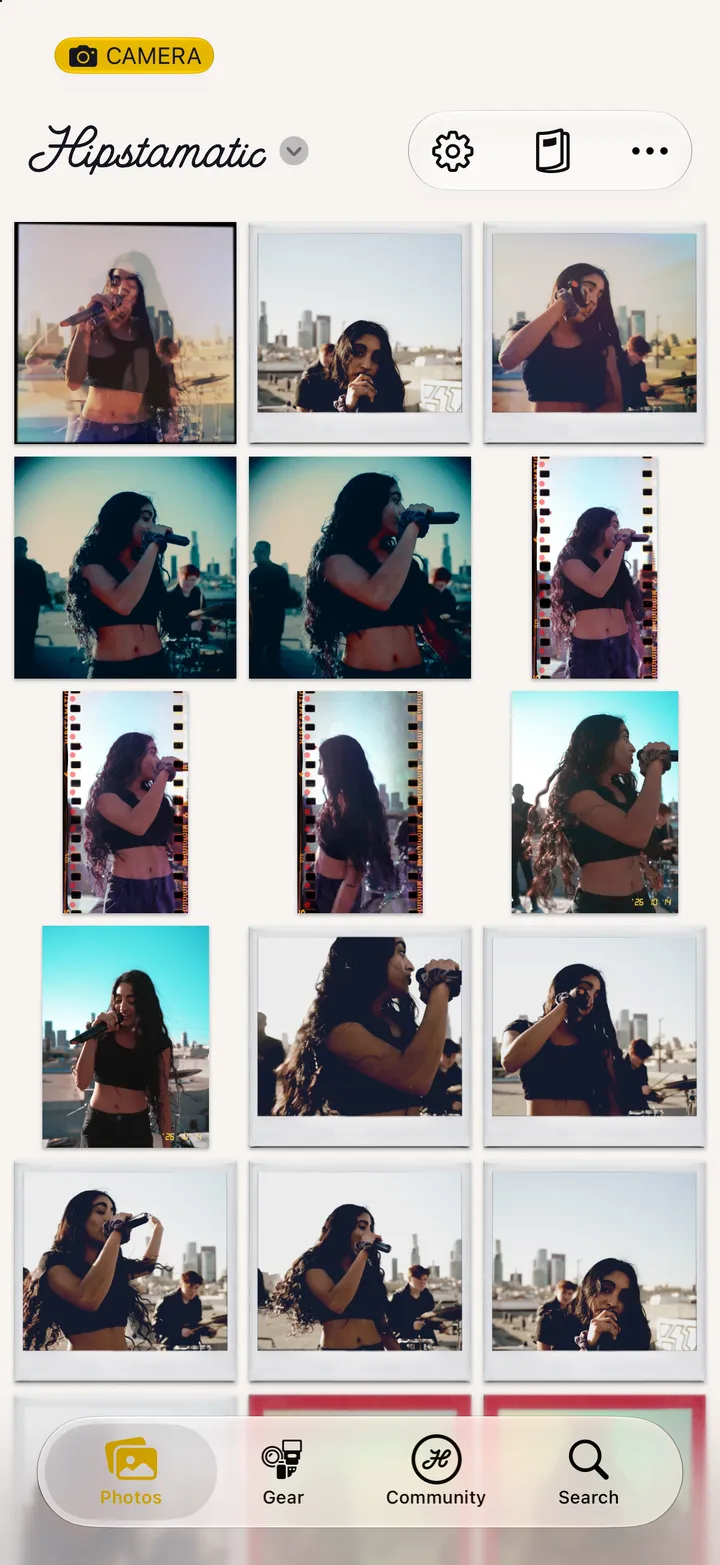
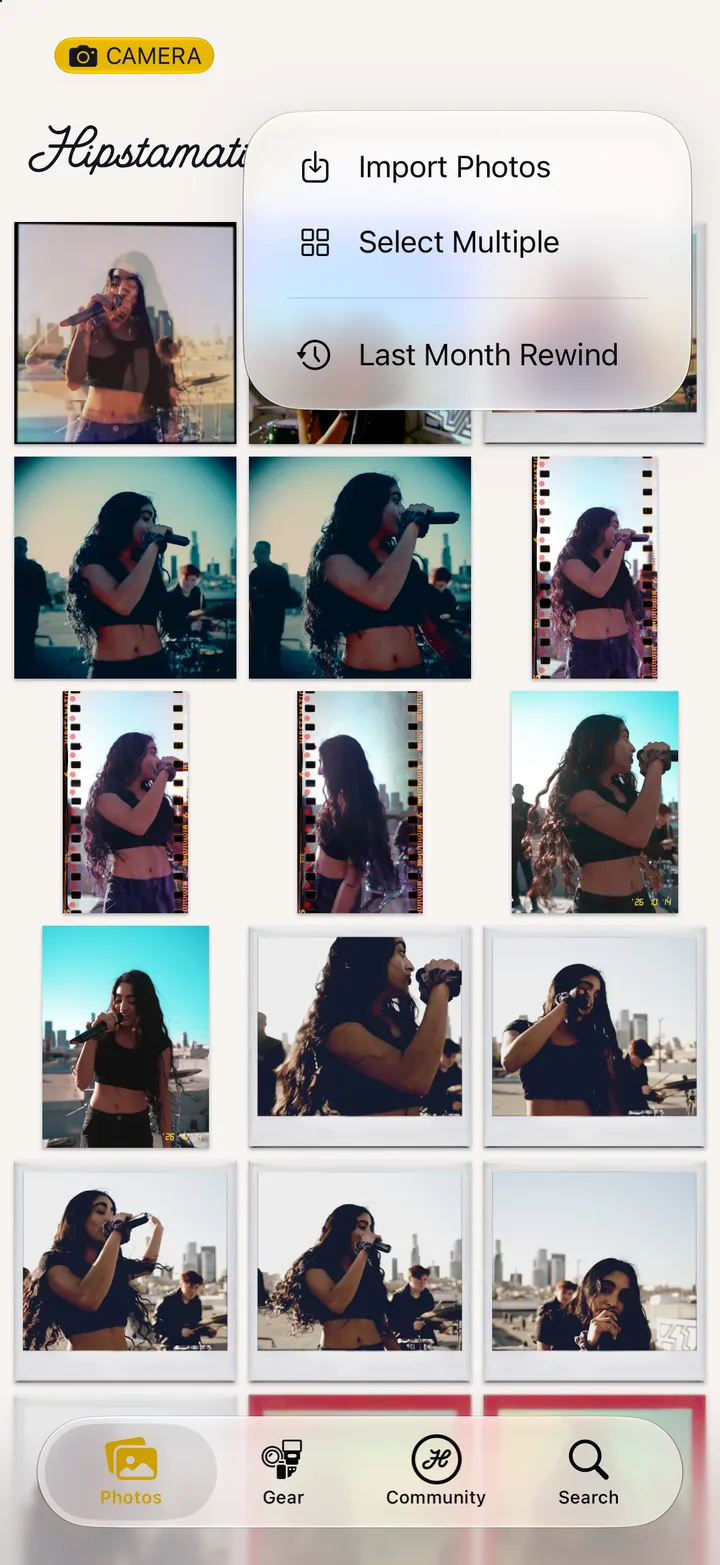
On the Photos tab, tap ••• and Select Multiple. Tap the photographs you want, then the trash to delete them, or Share Flipbook.
Hipstamatic · 4.4 · 4 stepsOn the Photos tab, top right.
Each one gets a check. The count is at the top.
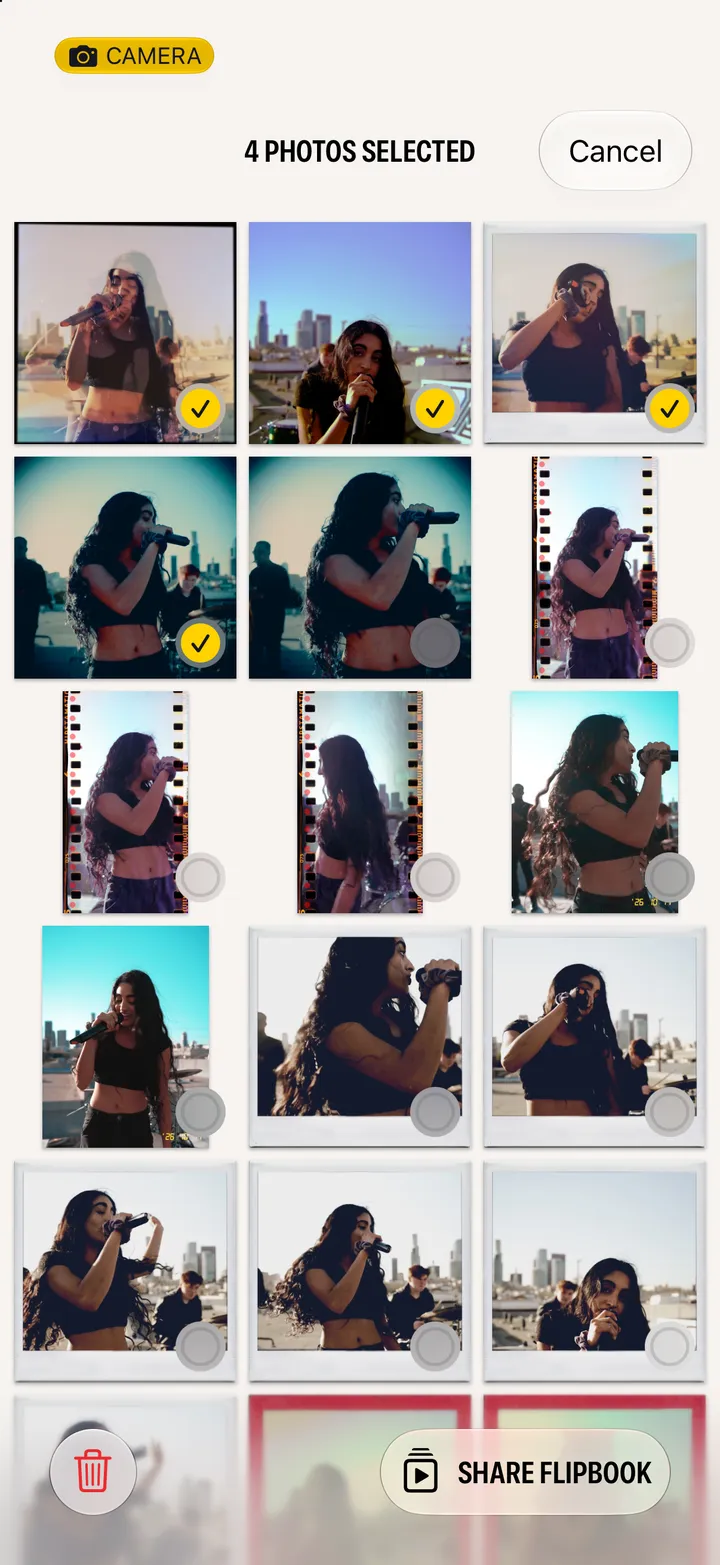
Cancel, top right, leaves them as they were.