Hipstamatic guideTurn a photograph over
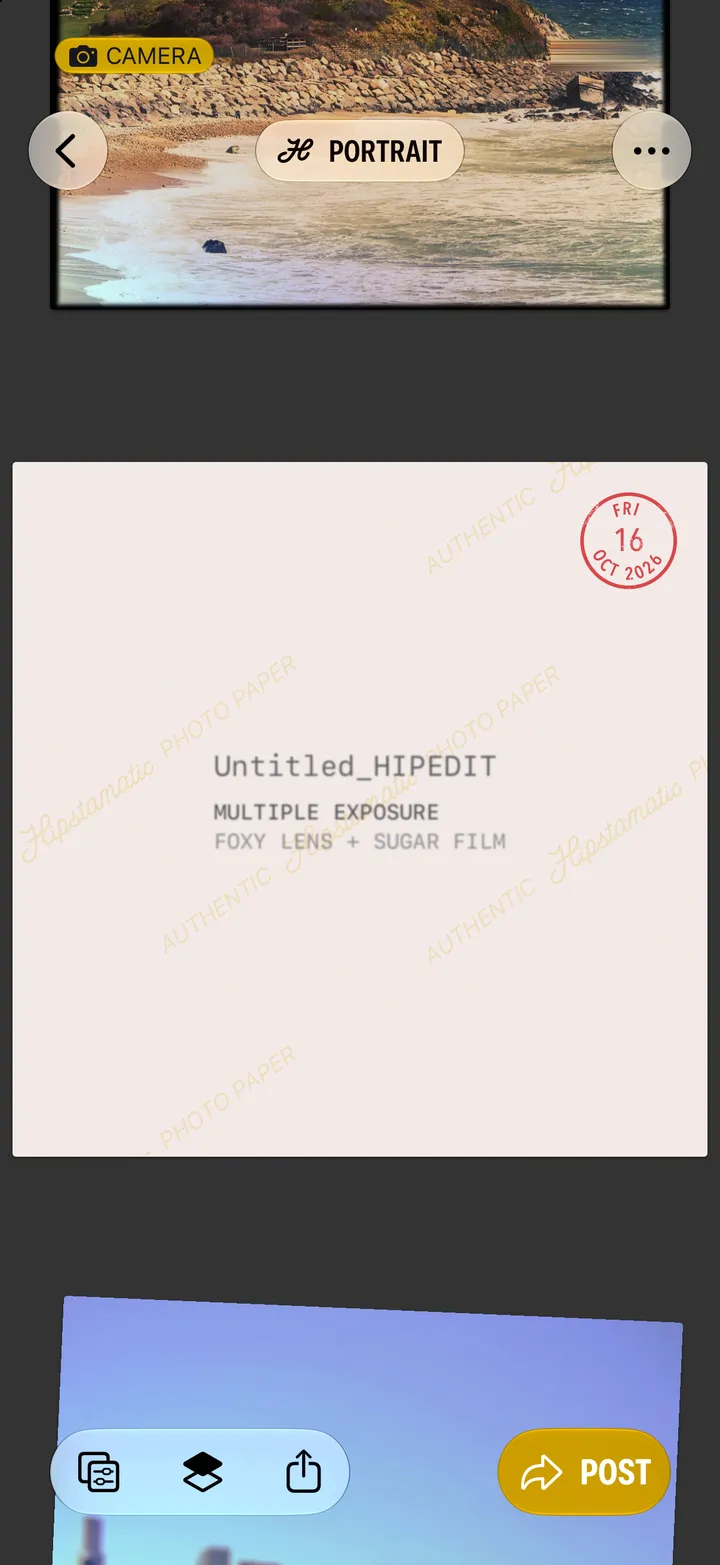
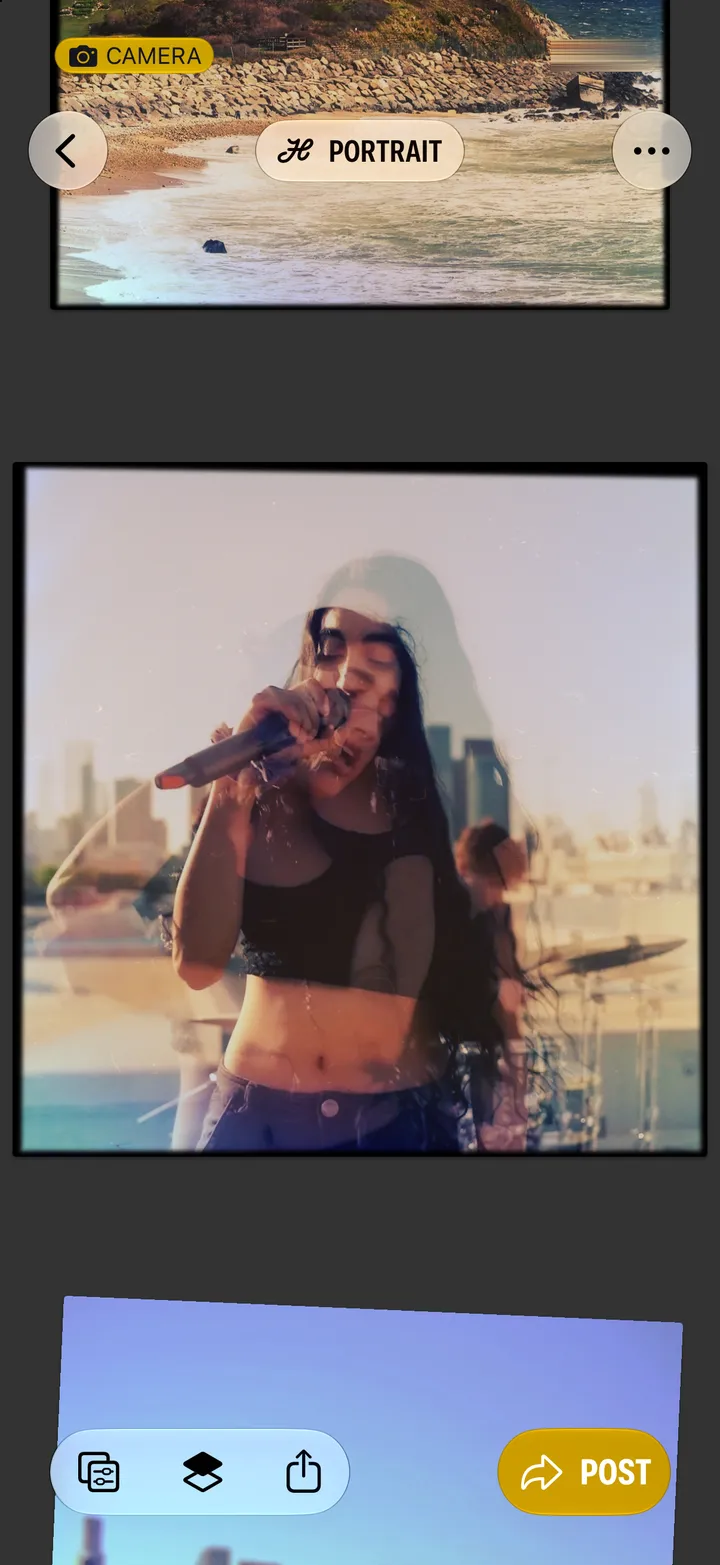
Open the photograph and tap it. On the back: its name, the gear you shot it with, and the day.

Hipstamatic · 4.5 · 2 steps
  1. 01

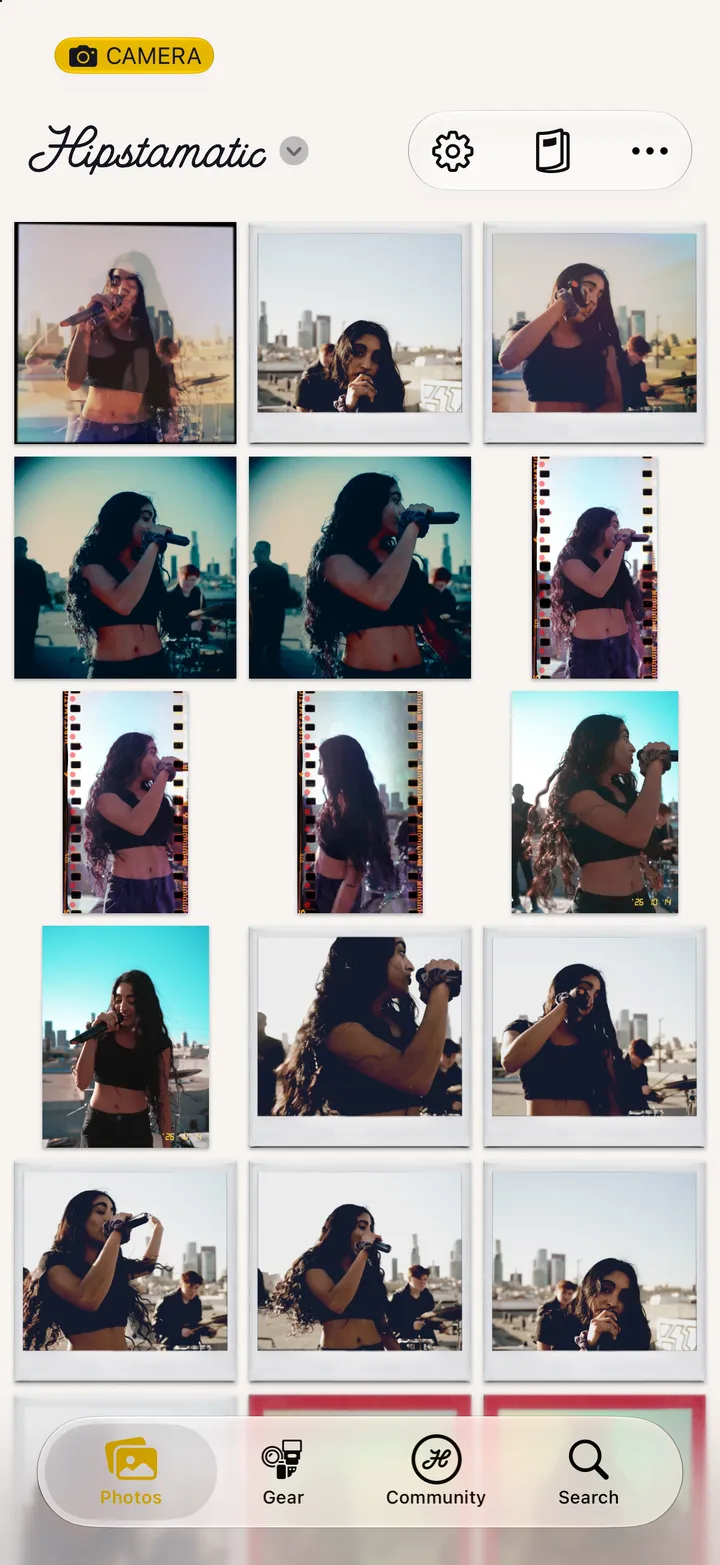
    Open a photograph and tap it

    Step 1: Open a photograph and tap it
  2. 02

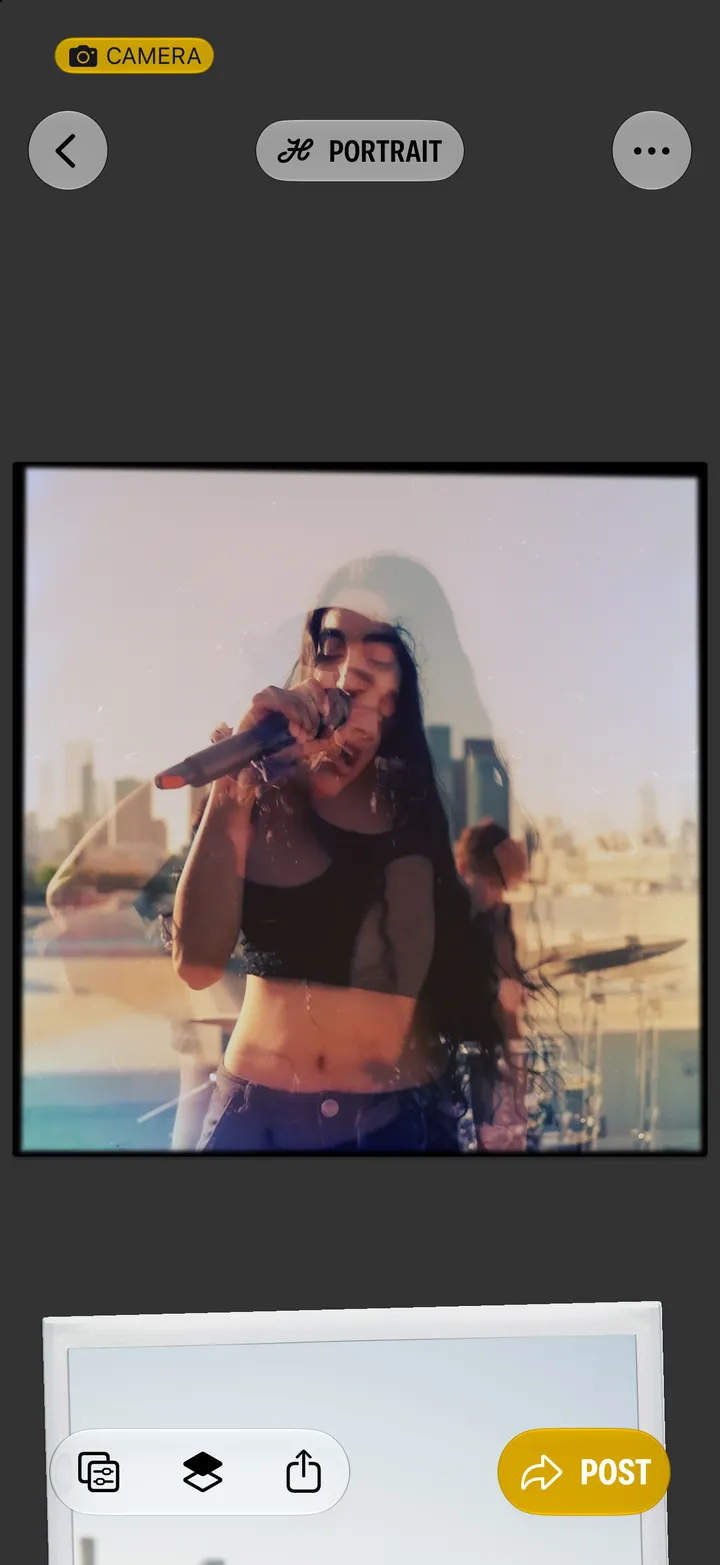
    Read the back

    Tap it again to turn it face up.

    Step 2: Read the back

Good to know

  • It works on photographs in Community too. There, a double tap gives kudos.

Your photographs

Hipstamatic guide ↘