Hipstamatic guideRewind last month

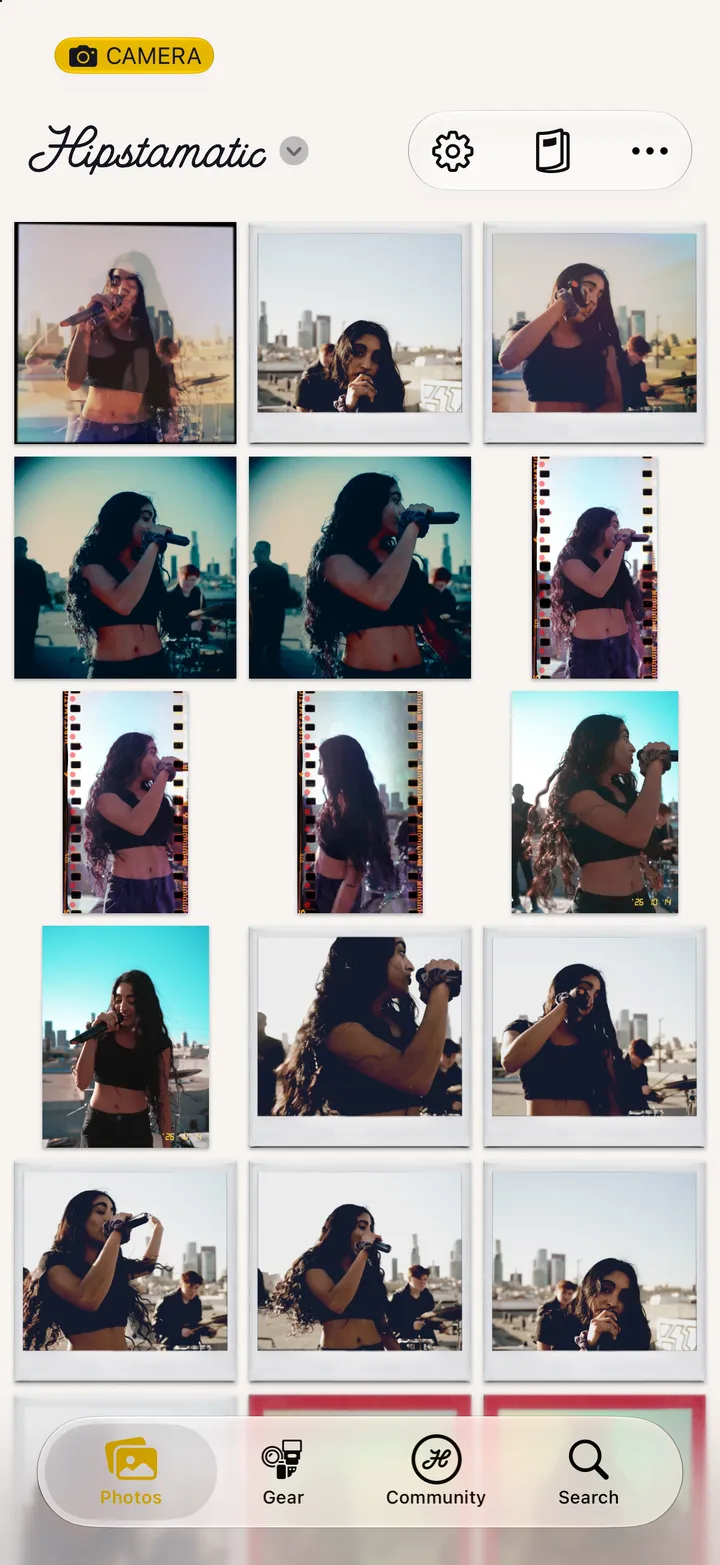
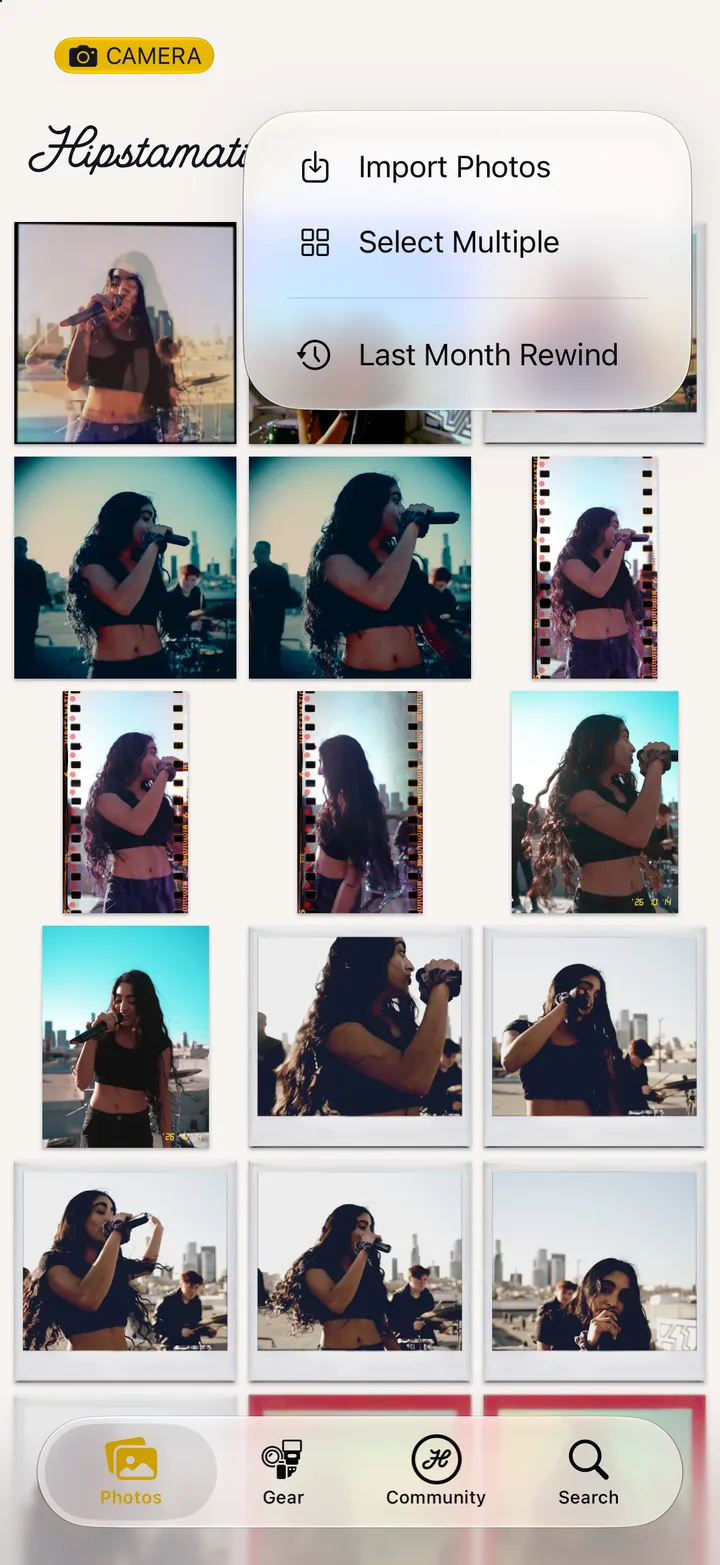
On the Photos tab, tap ••• and Last Month Rewind. Last month plays as a flipbook. The calendar picks another month, and you can share it as a story.

Hipstamatic · 4.6 · 4 steps
  1. 01

    Tap •••

    On the Photos tab, top right.

    Step 1: Tap •••
  2. 02

    Tap Last Month Rewind

    Step 2: Tap Last Month Rewind
  3. 03

    Pick another month

    Any of the last twelve.

    Last Month Rewind
    1. The calendar, top right
    2. Another month
  4. 04

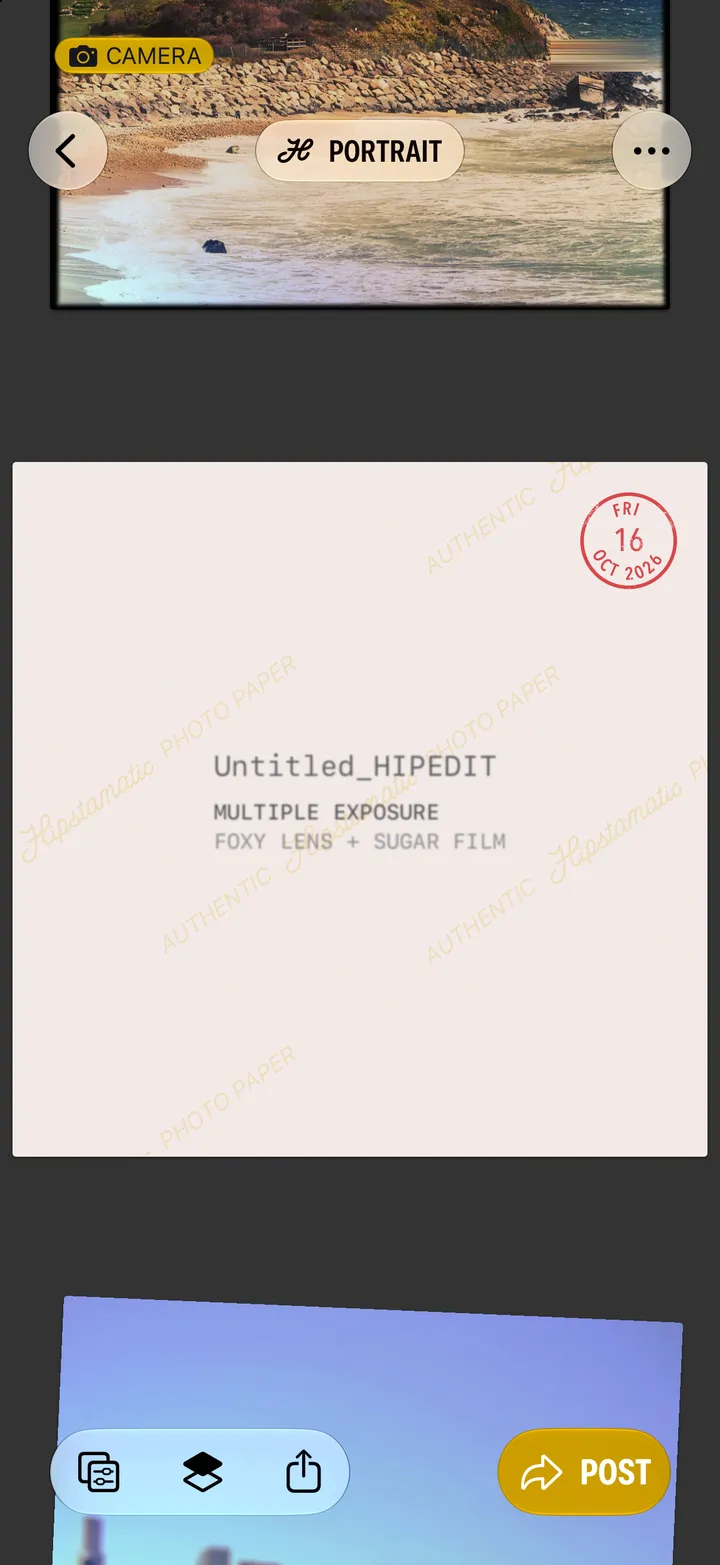
    Share it

    To Instagram, Facebook, or anywhere with More….

    Step 4: Share it

Good to know

  • Shoot nine or more in a month and a Rewind card turns up on the first Friday. Three or more over a weekend get a Last Week Rewind.

Your photographs

Hipstamatic guide ↘