Hipstamatic guideGet an alert before sunset
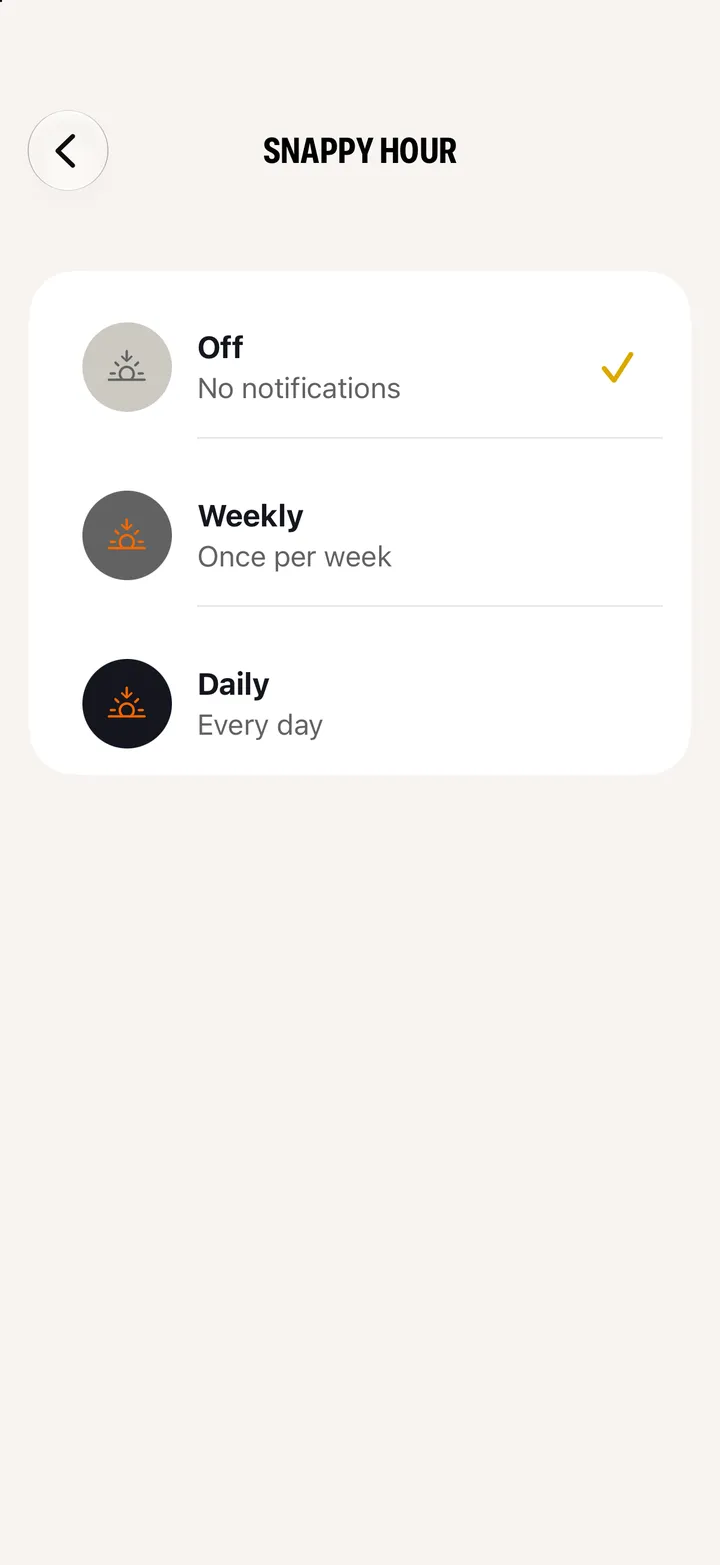
Snappy Hour sends an alert the hour before sunset, while the light is good. Settings ▸ Notification Settings ▸ Snappy Hour, then Weekly or Daily.
Hipstamatic · 8.4 · 4 stepsSwipe up from the camera; the gear icon at the top.
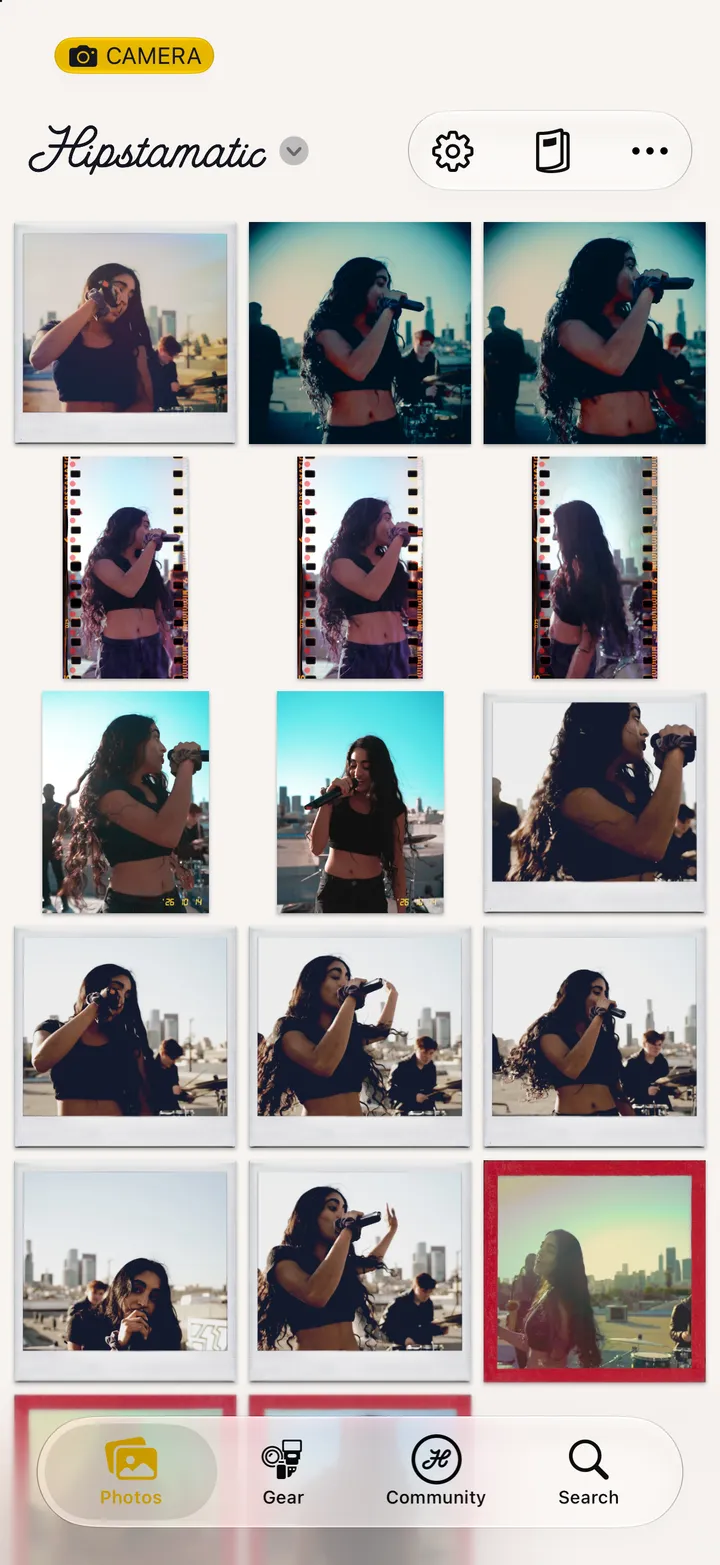
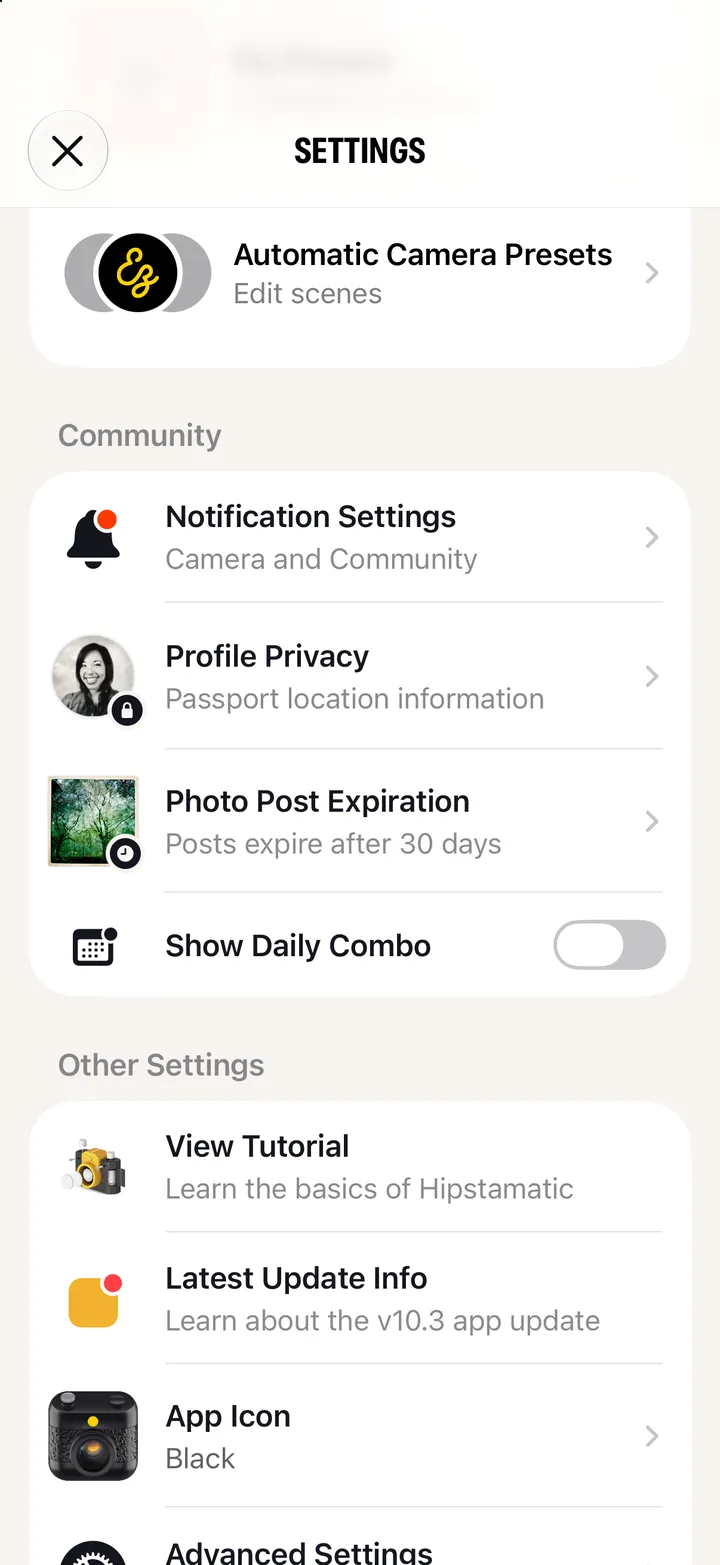
Under Camera.
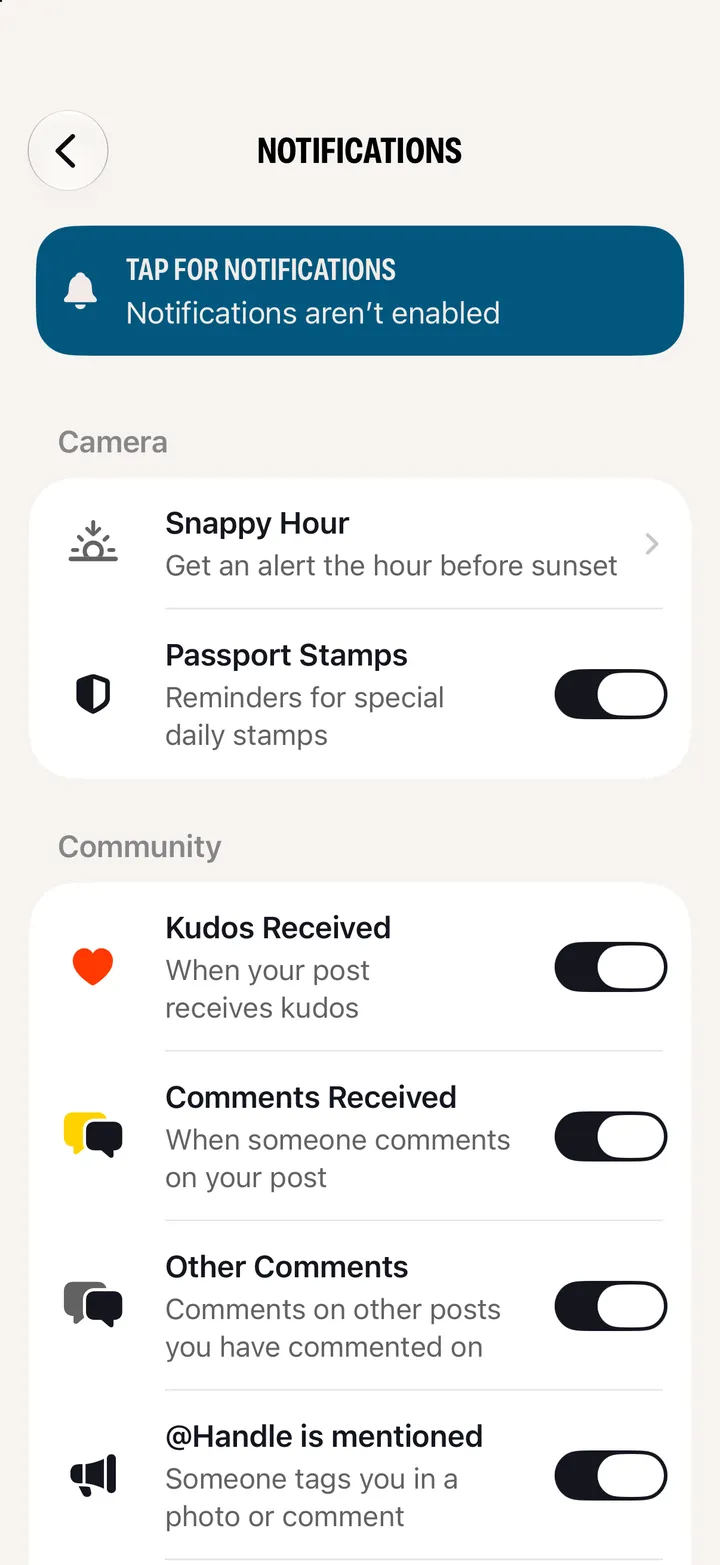
Off stops it.