Hipstamatic guideChoose your notifications
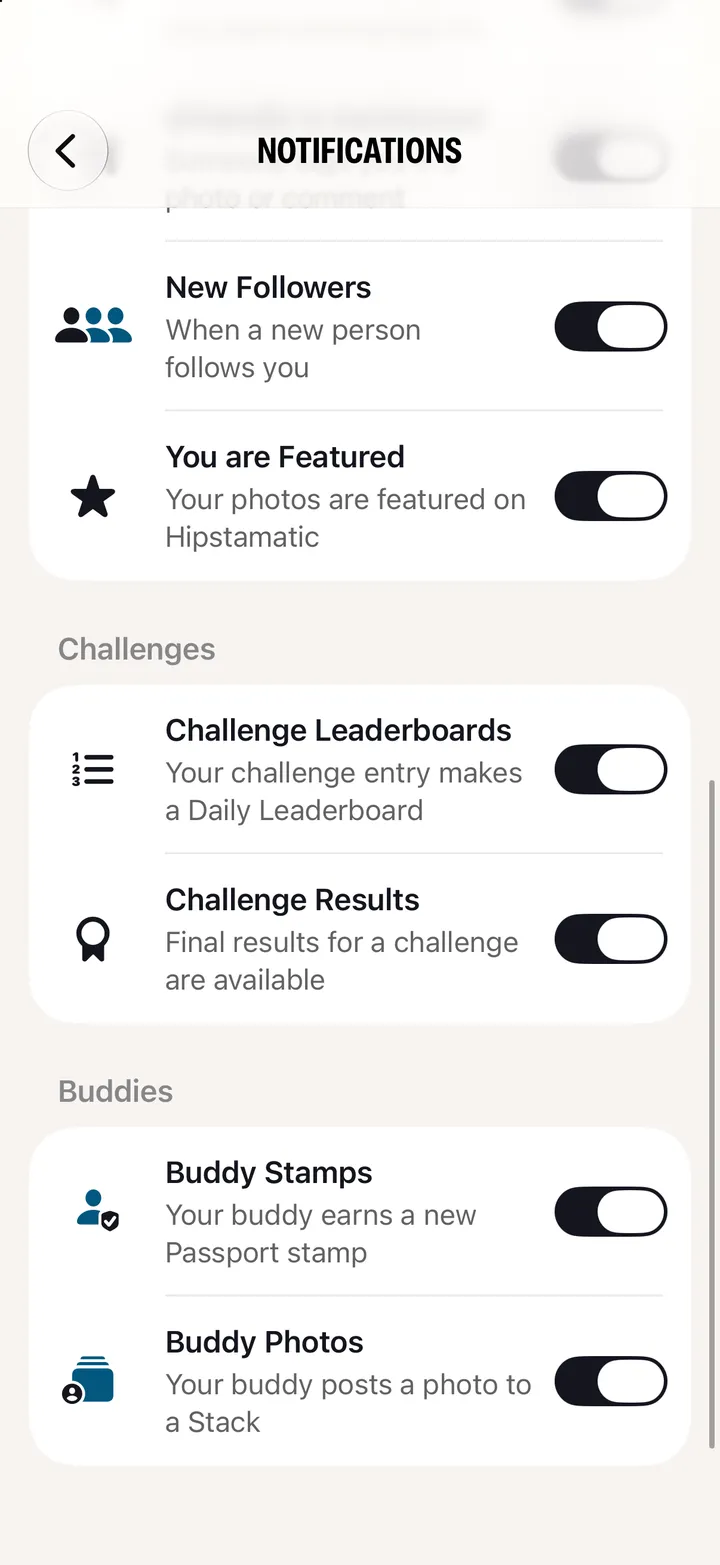
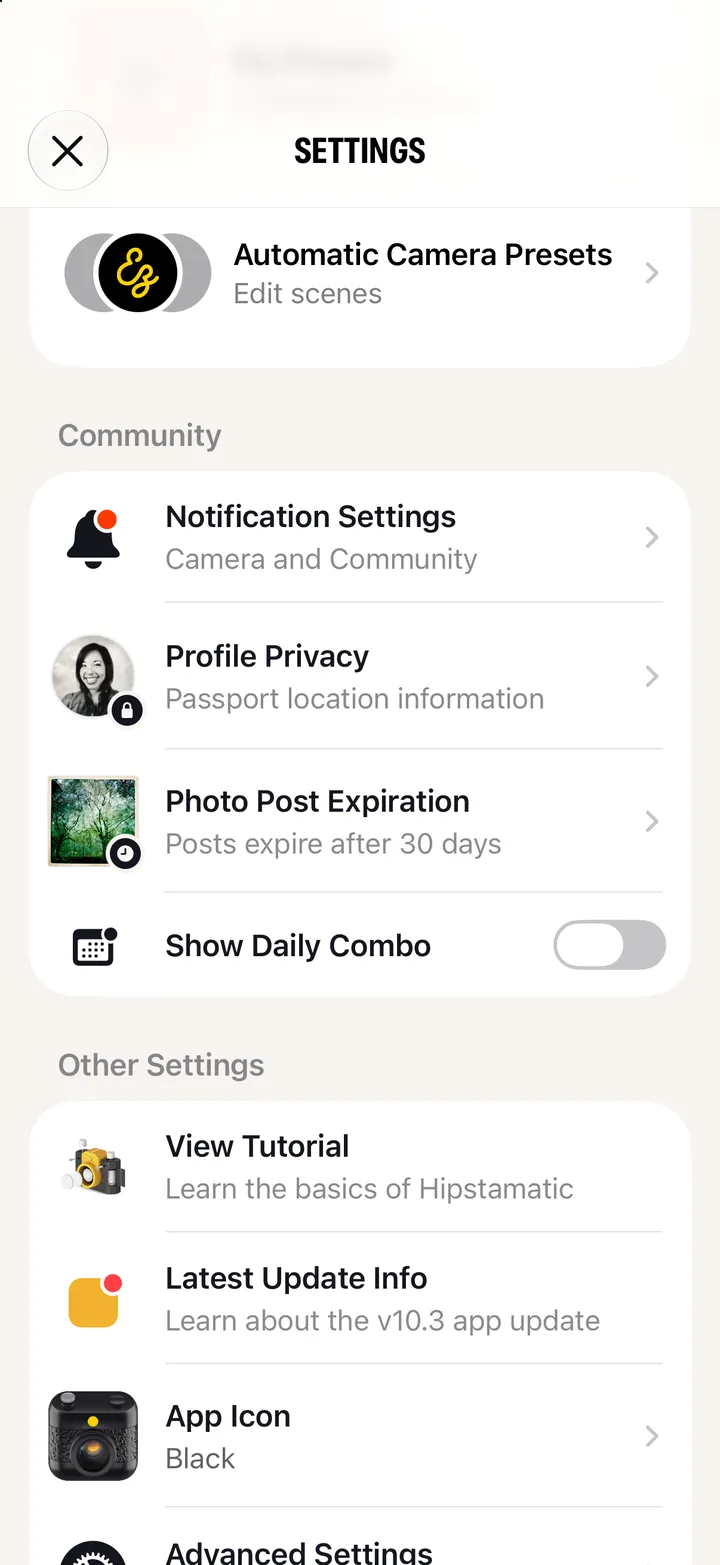
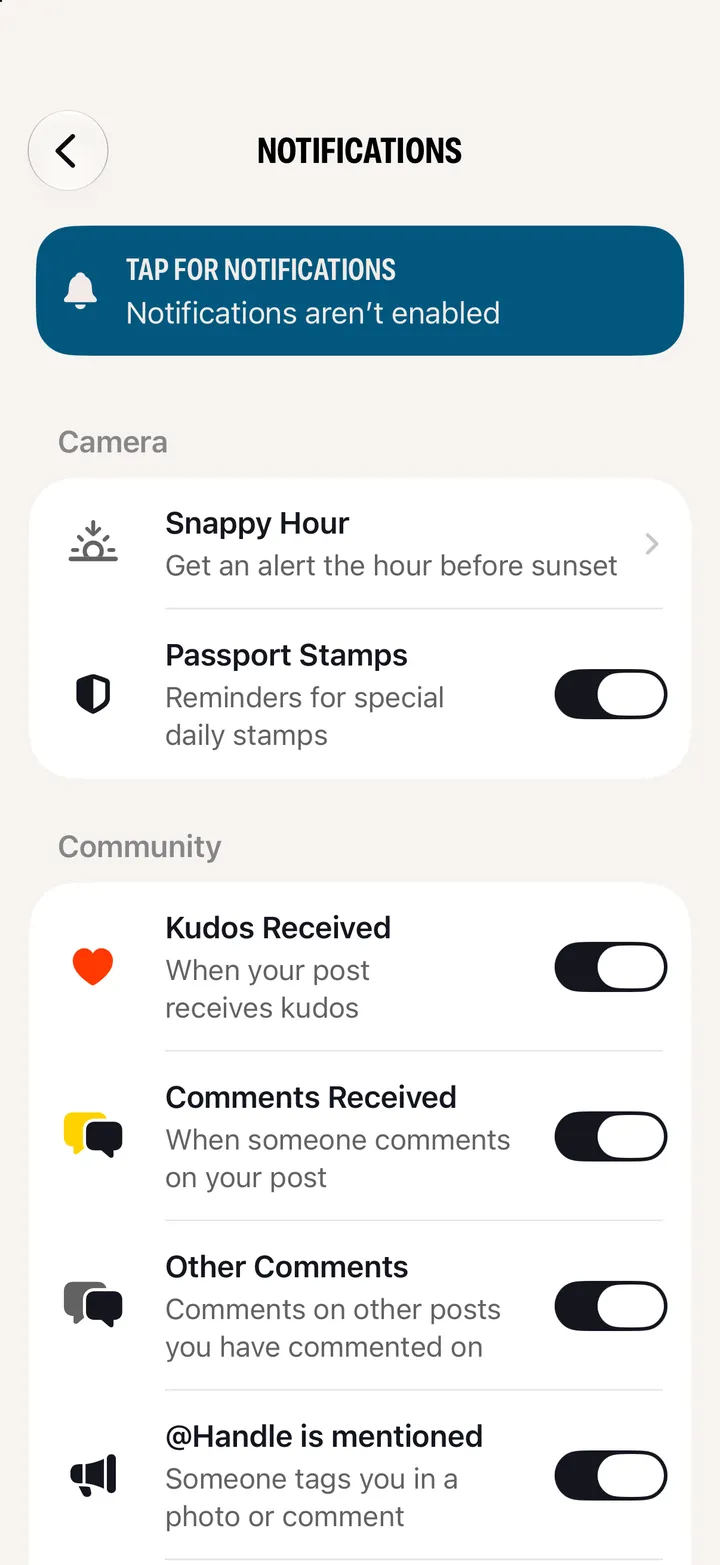
Open Settings and tap Notification Settings. Kudos, comments, mentions, new followers, being featured, challenges and your buddies each have a switch.
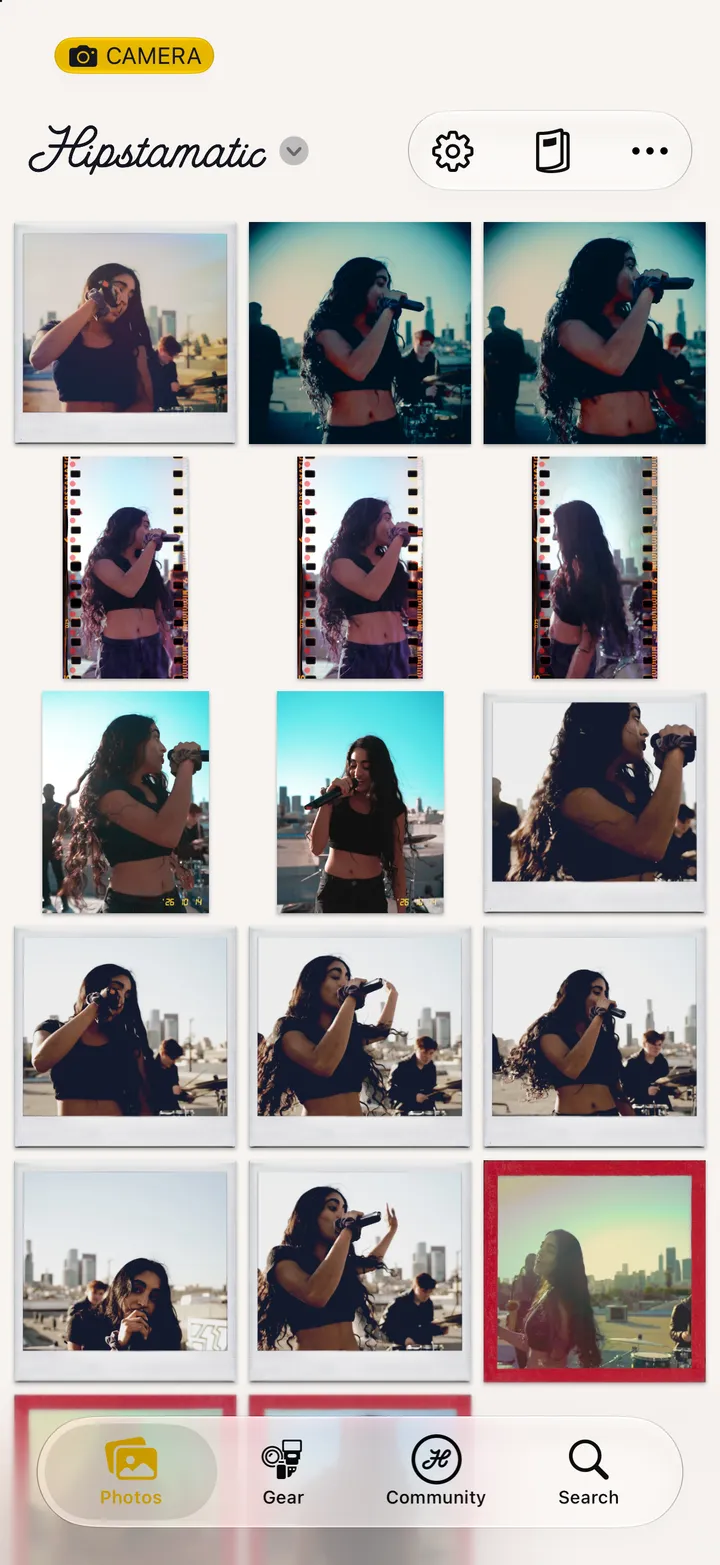
Hipstamatic · 8.3 · 4 stepsSwipe up from the camera; the gear icon at the top.
Under Community.
Kudos, comments, mentions, new followers, and when you’re featured.
Leaderboards and results, and your buddies’ stamps and photographs.