Hipstamatic guideChange the app icon
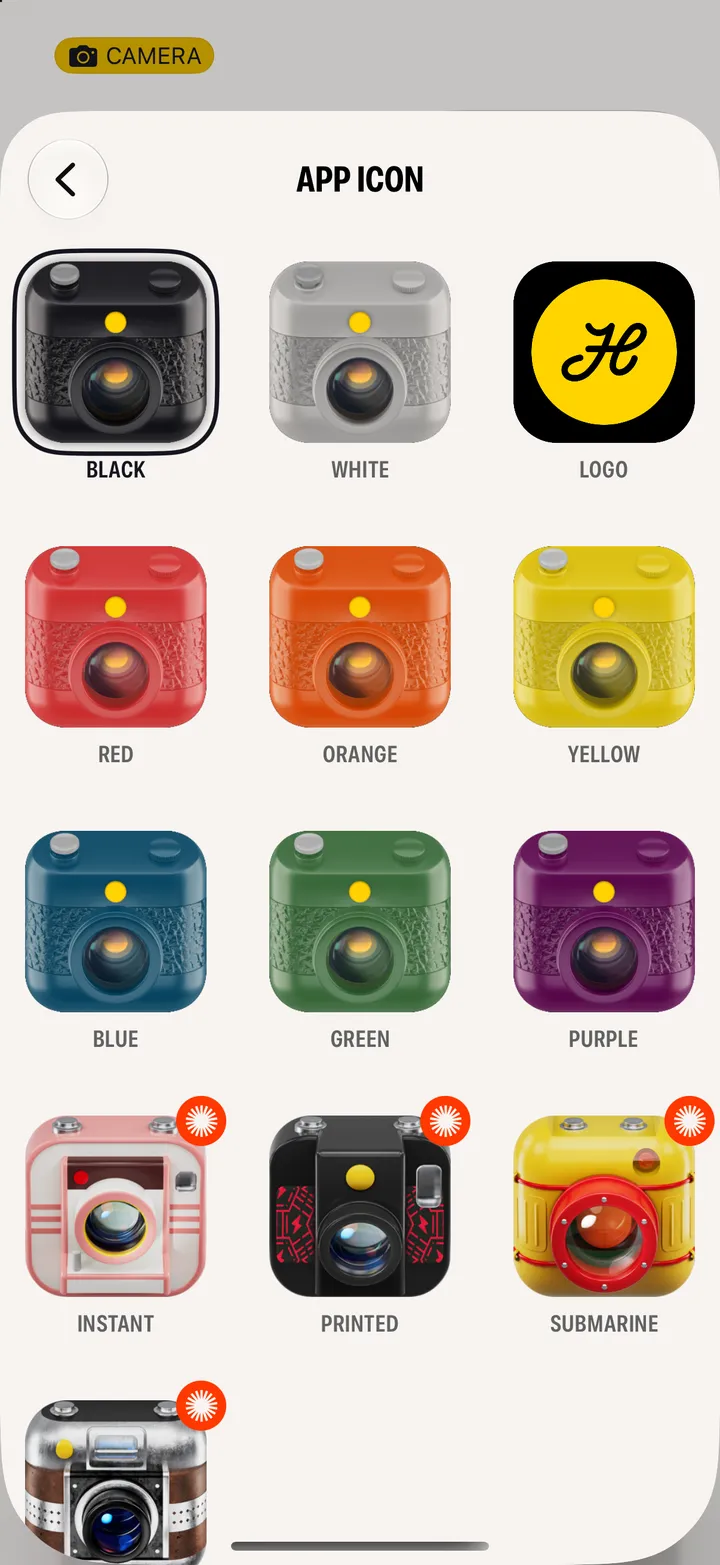
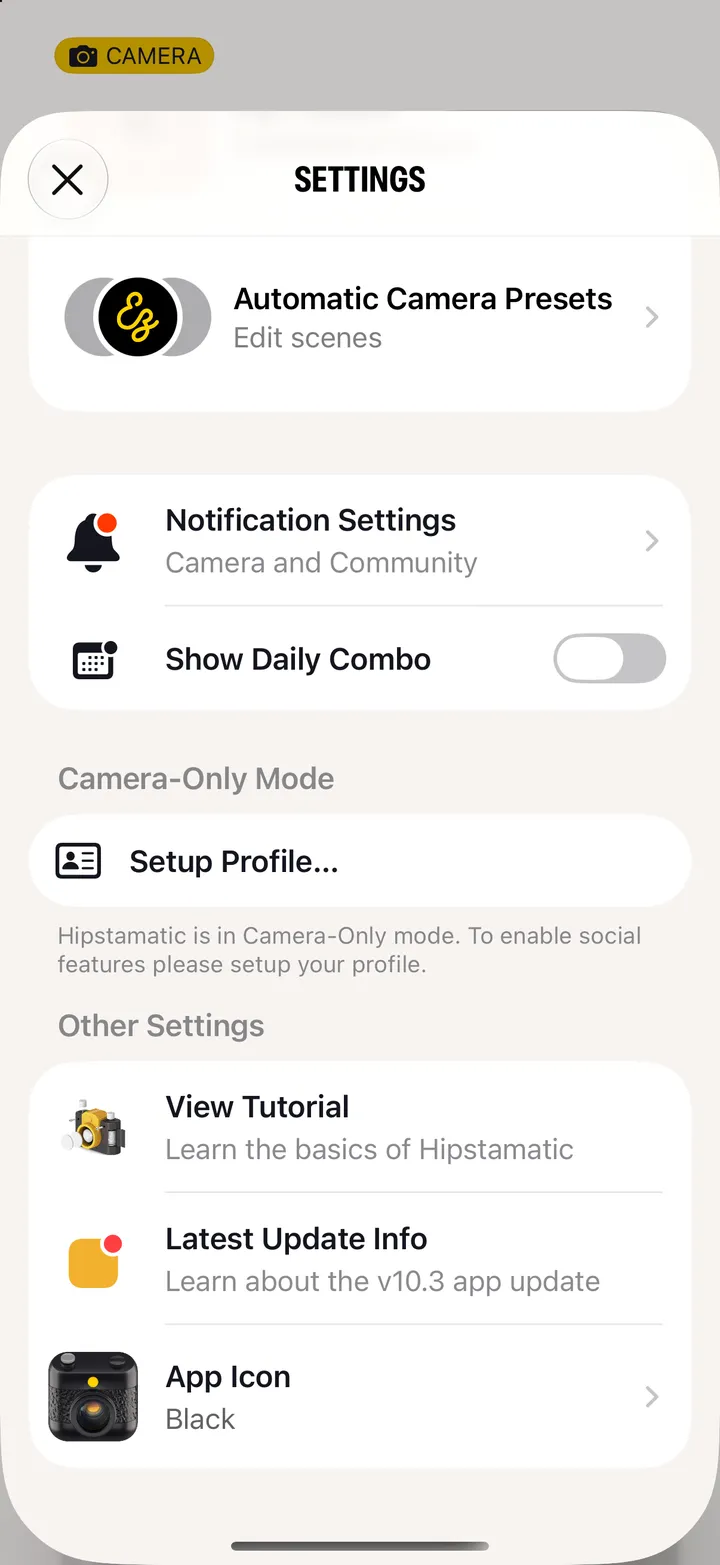
Open Settings in Hipstamatic, scroll down to App Icon, and pick one. Nine are free; Instant, Printed, Submarine and Leather come with Camera Club.
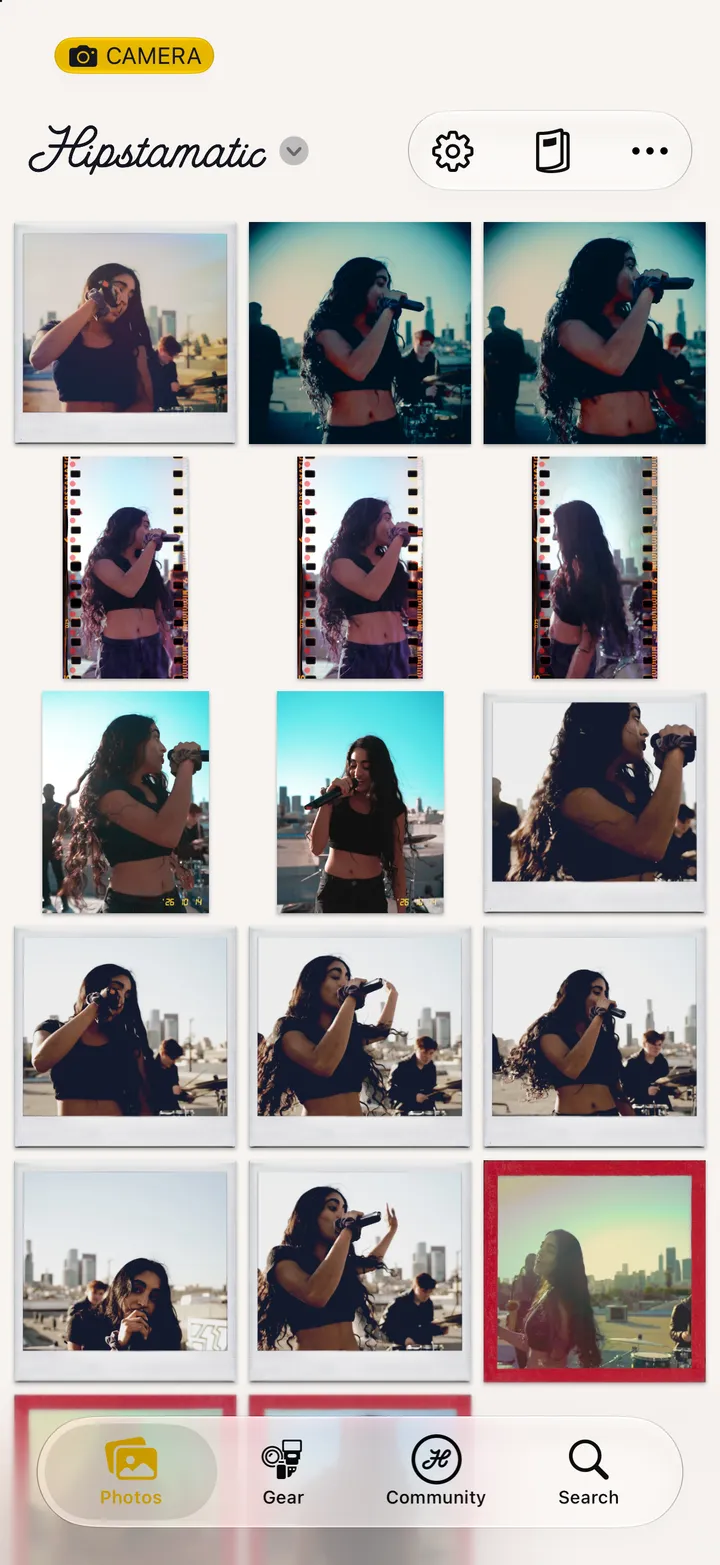
Hipstamatic · 8.1 · 3 stepsSwipe up from the camera; the gear icon at the top.
Under Other Settings.
The starburst marks the ones that come with Camera Club.