Hipstamatic guideUnable to dial in to the interwebs
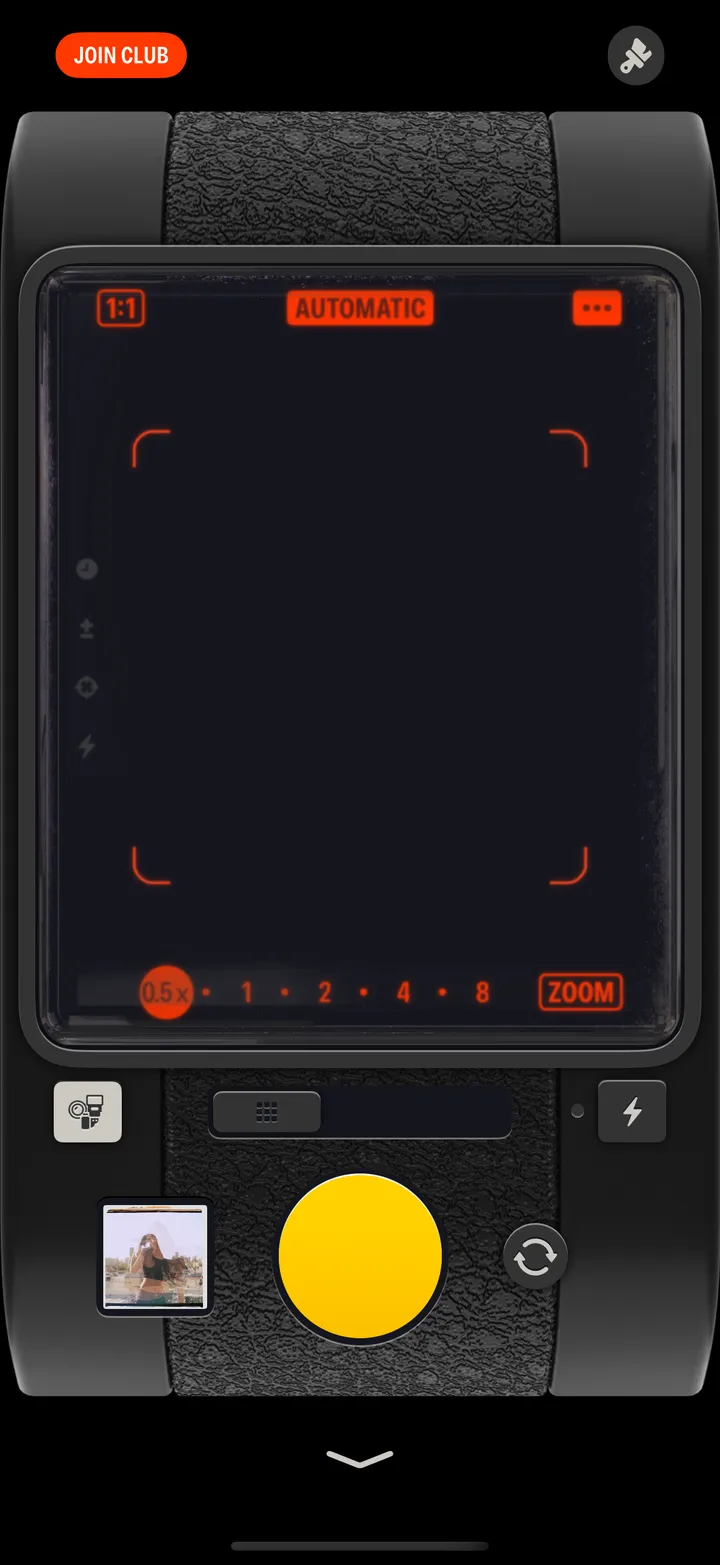

Hipstamatic can’t reach the internet. Check Wi-Fi, or turn on Cellular Data for Hipstamatic, then tap Try Again.

Hipstamatic · 9.6 · 3 steps
  1. 01

    Check Wi-Fi

    Or turn off Airplane Mode.

    On your iPhone
    1. Settings
    2. Wi-Fi
  2. 02

    Let Hipstamatic use cellular

    In your iPhone’s Settings.

    On your iPhone
    1. Settings
    2. Apps
    3. Hipstamatic
    4. Cellular Data
  3. 03

    Tap Try Again

    Hipstamatic
    1. Unable to dial in to the interwebs
    2. Try Again

Good to know

  • Community, Camera Club and new gear need a connection. Gear marked ✓ in Manage Gear Library is kept on your iPhone.

Troubleshooting

Hipstamatic guide ↘