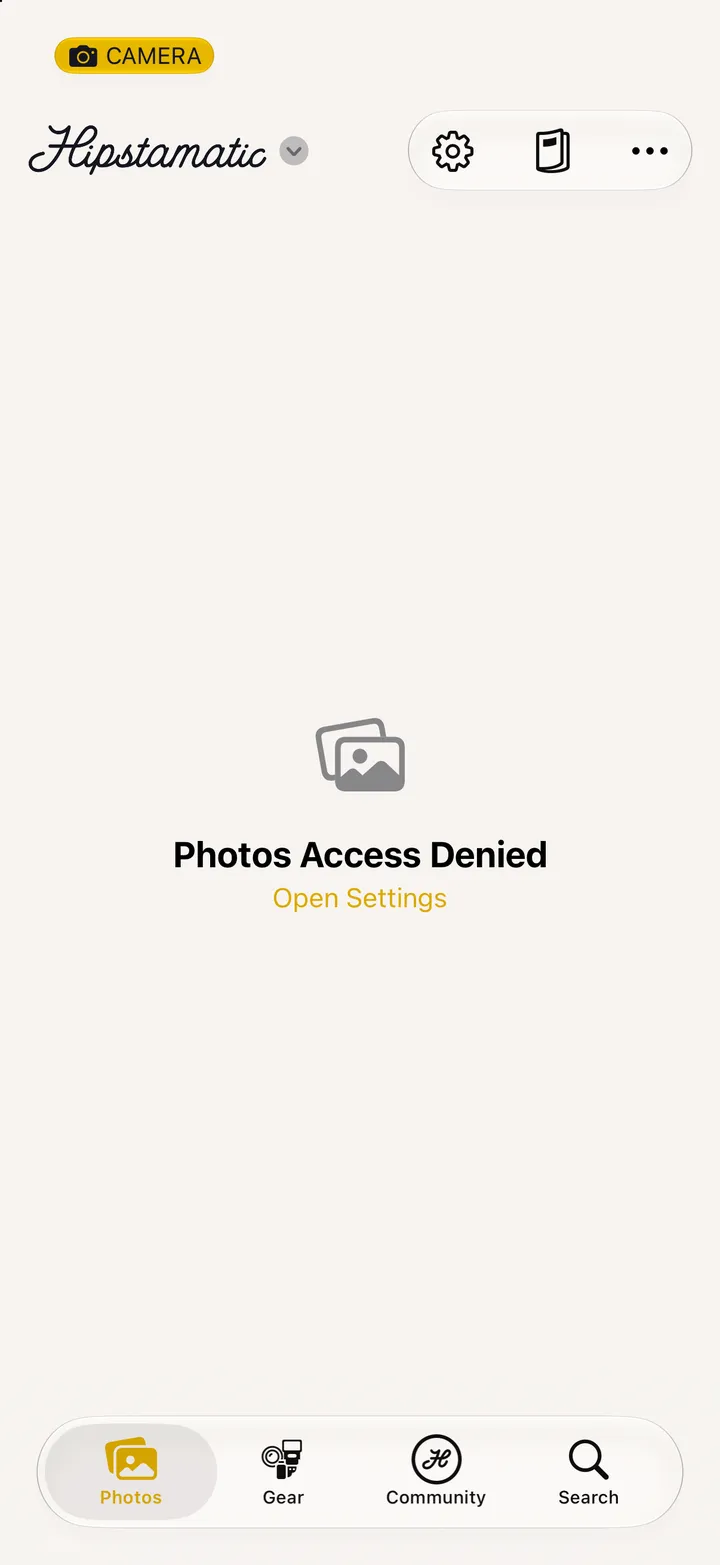
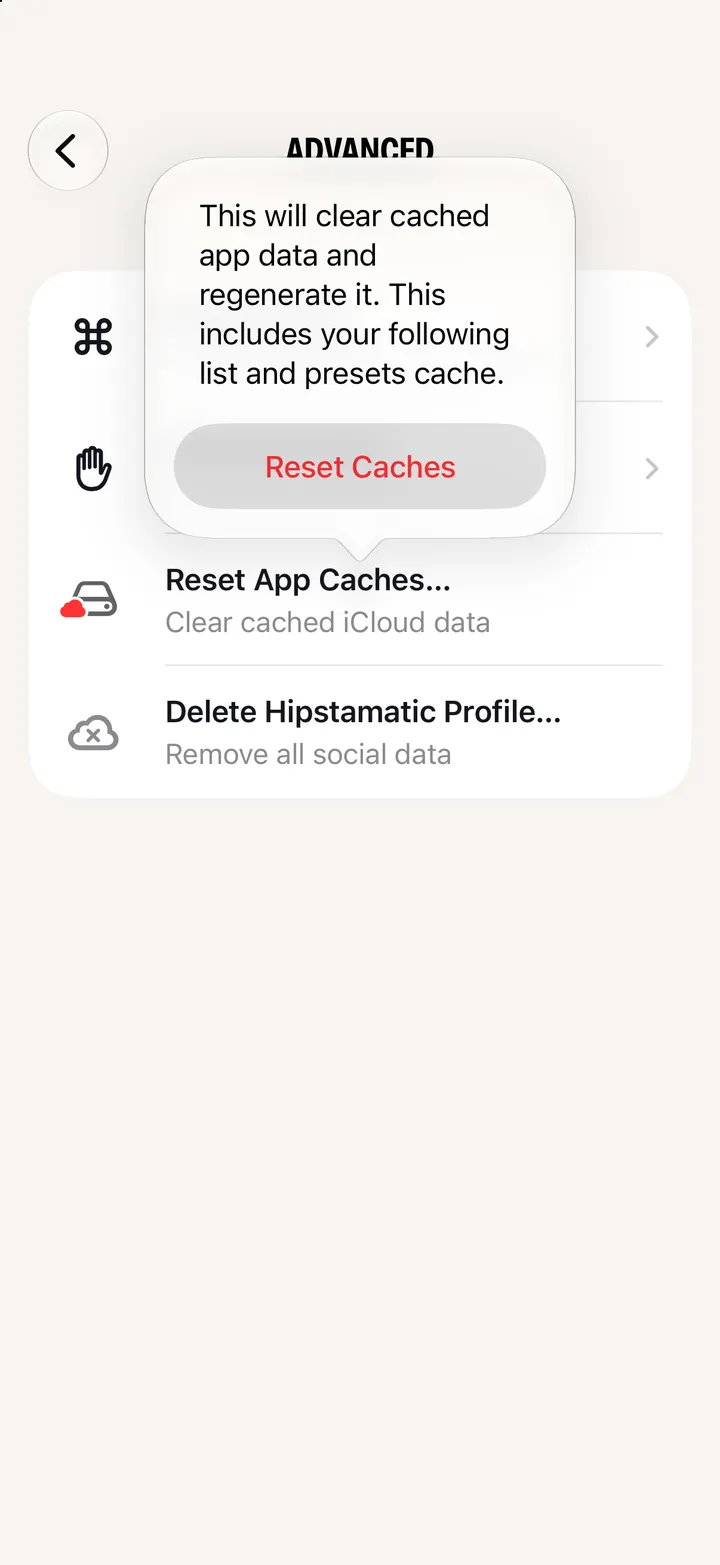
Hipstamatic guidePhotos Access Denied

Hipstamatic saves into your iPhone’s Photos, so it needs to get in. Tap Open Settings on the Photos tab, then Photos, and choose Full Access.

Hipstamatic · 9.5 · 3 steps
  1. 01

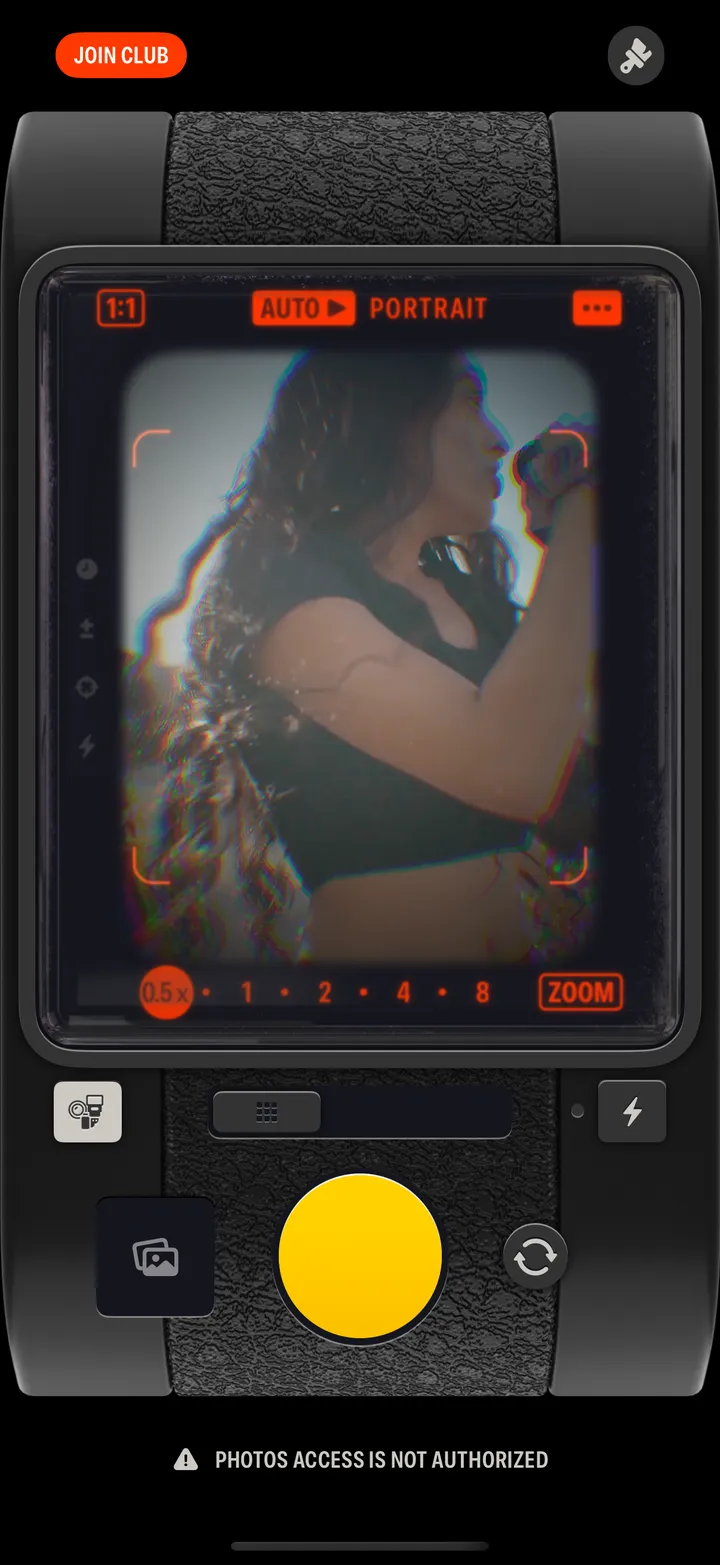
    See Photos access is not authorized?

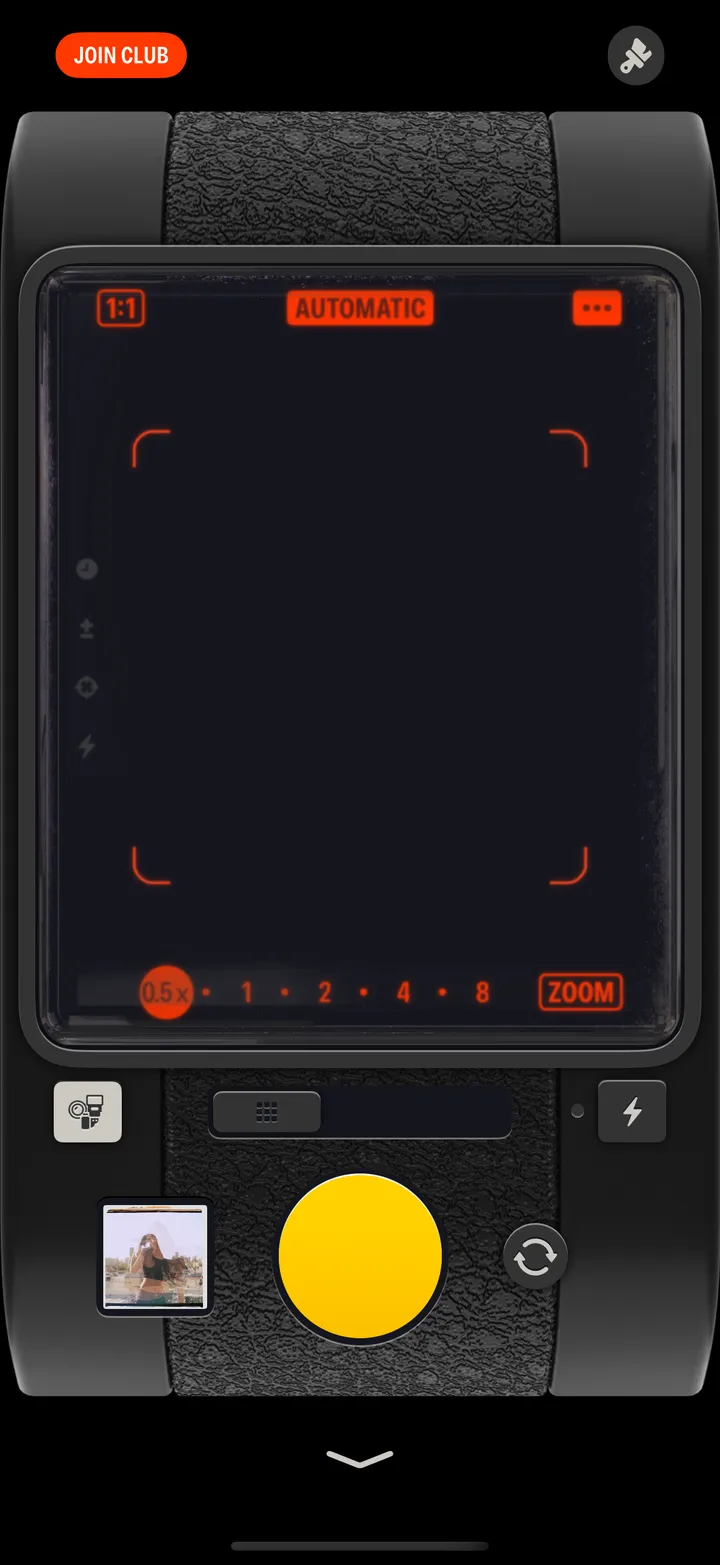
    Under the camera. Tap it.

    Step 1: See Photos access is not authorized?
  2. 02

    Or tap Open Settings on the Photos tab

    Step 2: Or tap Open Settings on the Photos tab
  3. 03

    Tap Photos, then Full Access

    In your iPhone’s Settings, under Hipstamatic.
    On your iPhone
    1. Hipstamatic
    2. Photos
    3. Full Access

Good to know

  • Cannot save: Photos access was denied, after a shot, means the same thing.
  • Your Top Nine needs Full Access to find your photographs.

Troubleshooting

Hipstamatic guide ↘