Hipstamatic guideNot getting notifications
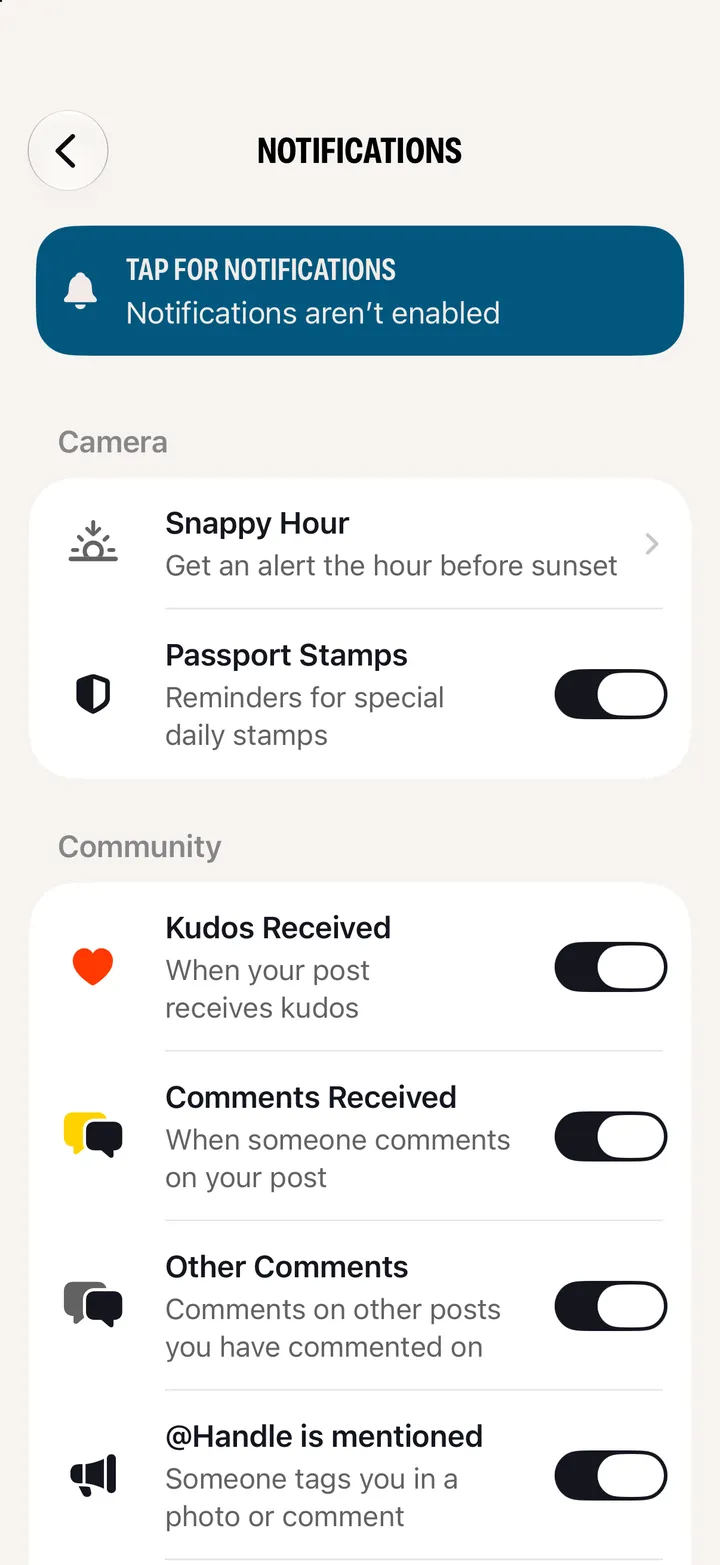
Open Settings ▸ Notification Settings. A blue bar at the top means your iPhone has notifications off for Hipstamatic: tap it and allow them. Then check the switch for the kind you’re missing.
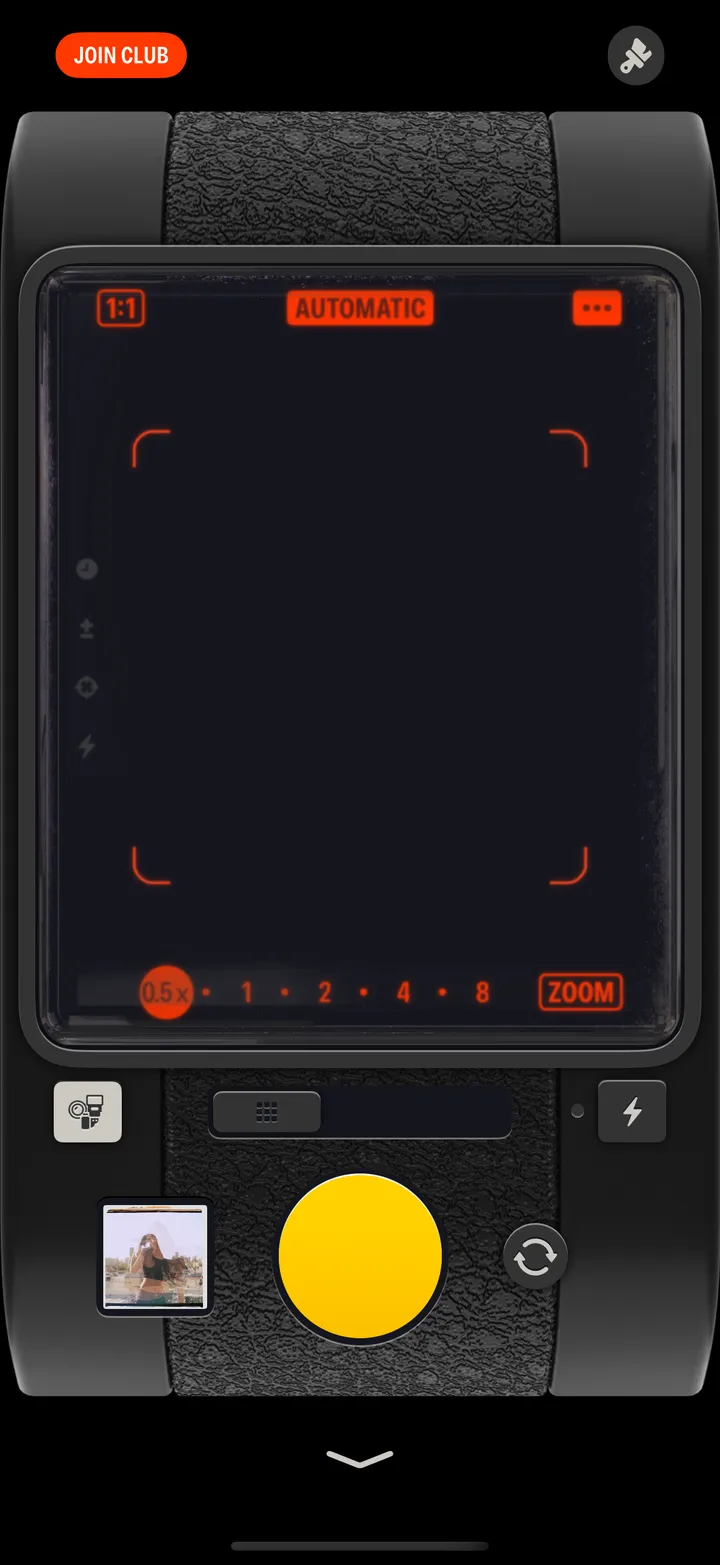
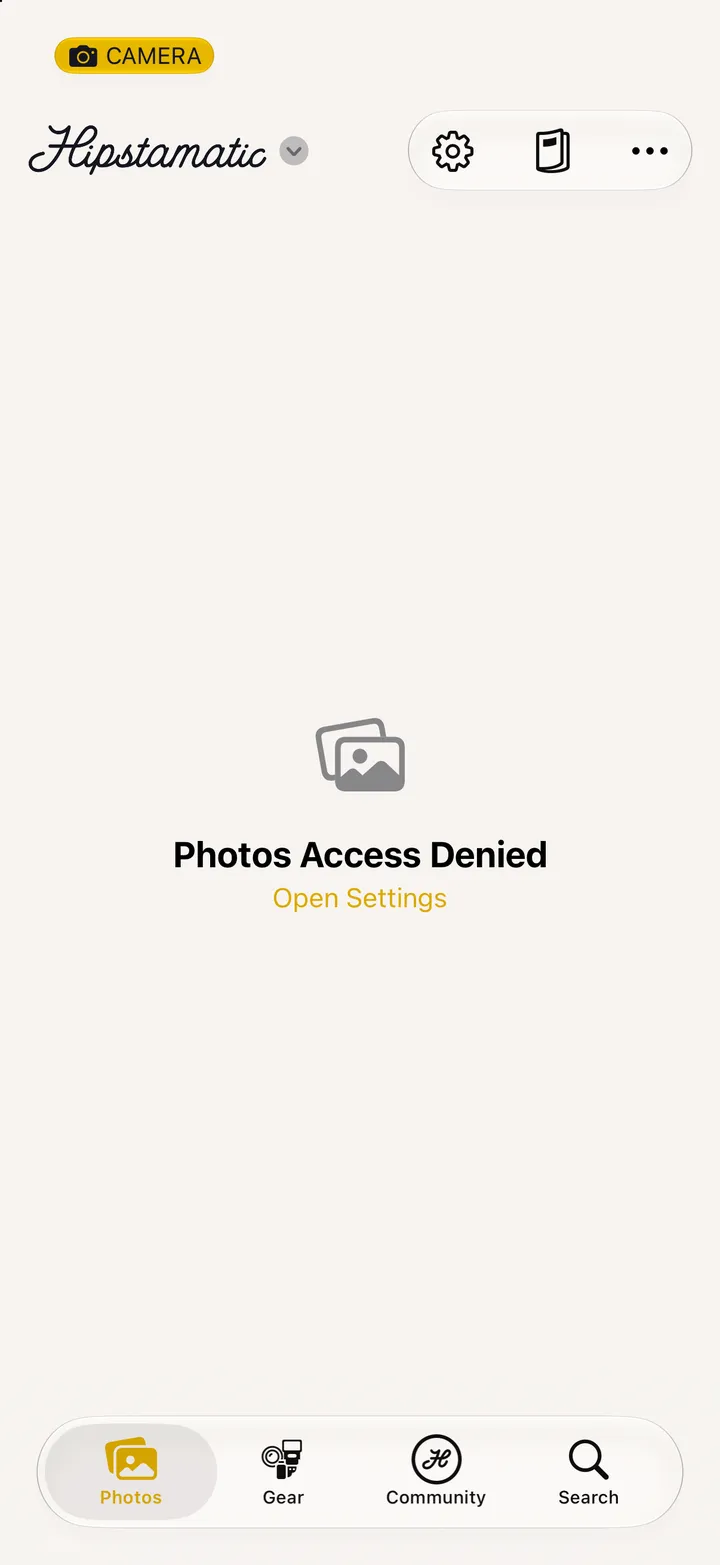
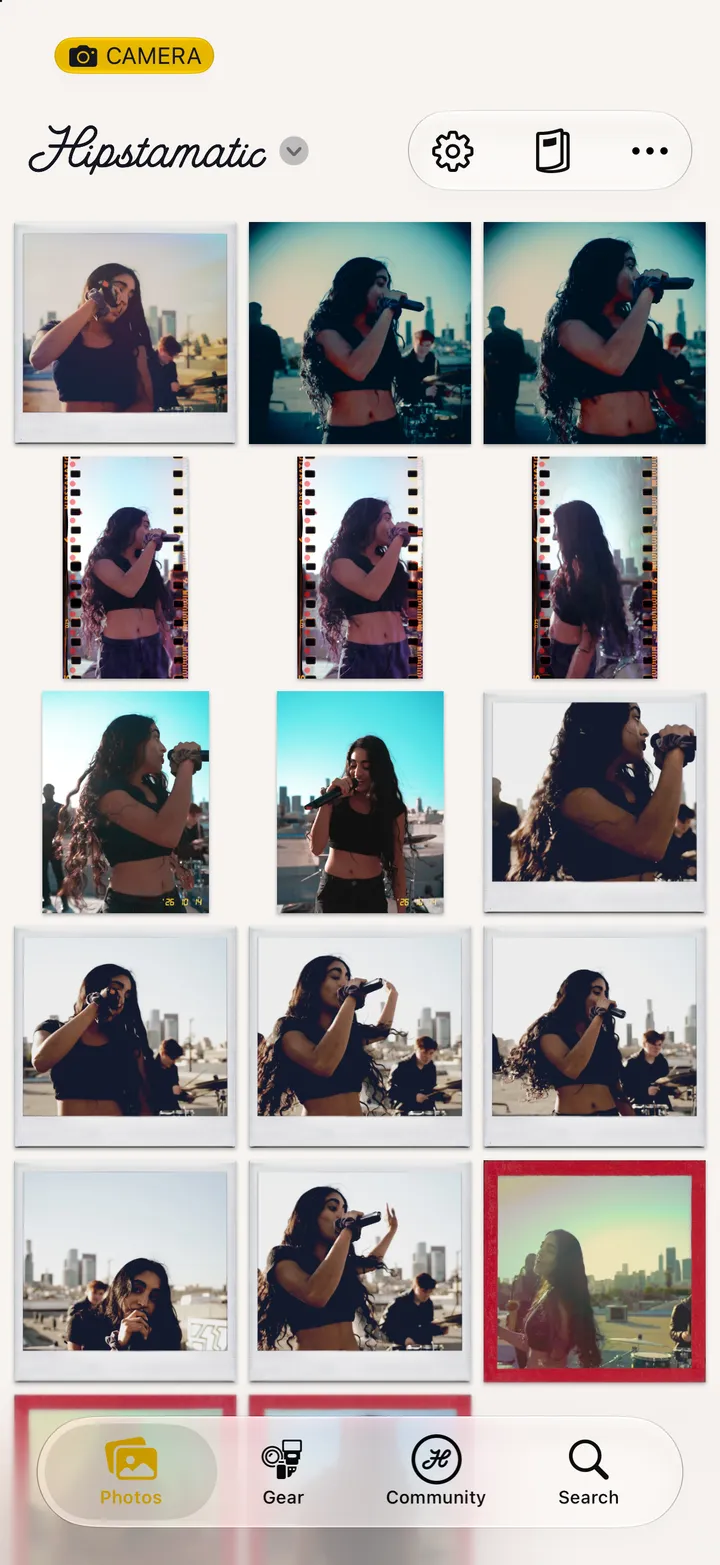
Hipstamatic · 9.3 · 4 stepsSwipe up from the camera; the gear icon at the top.
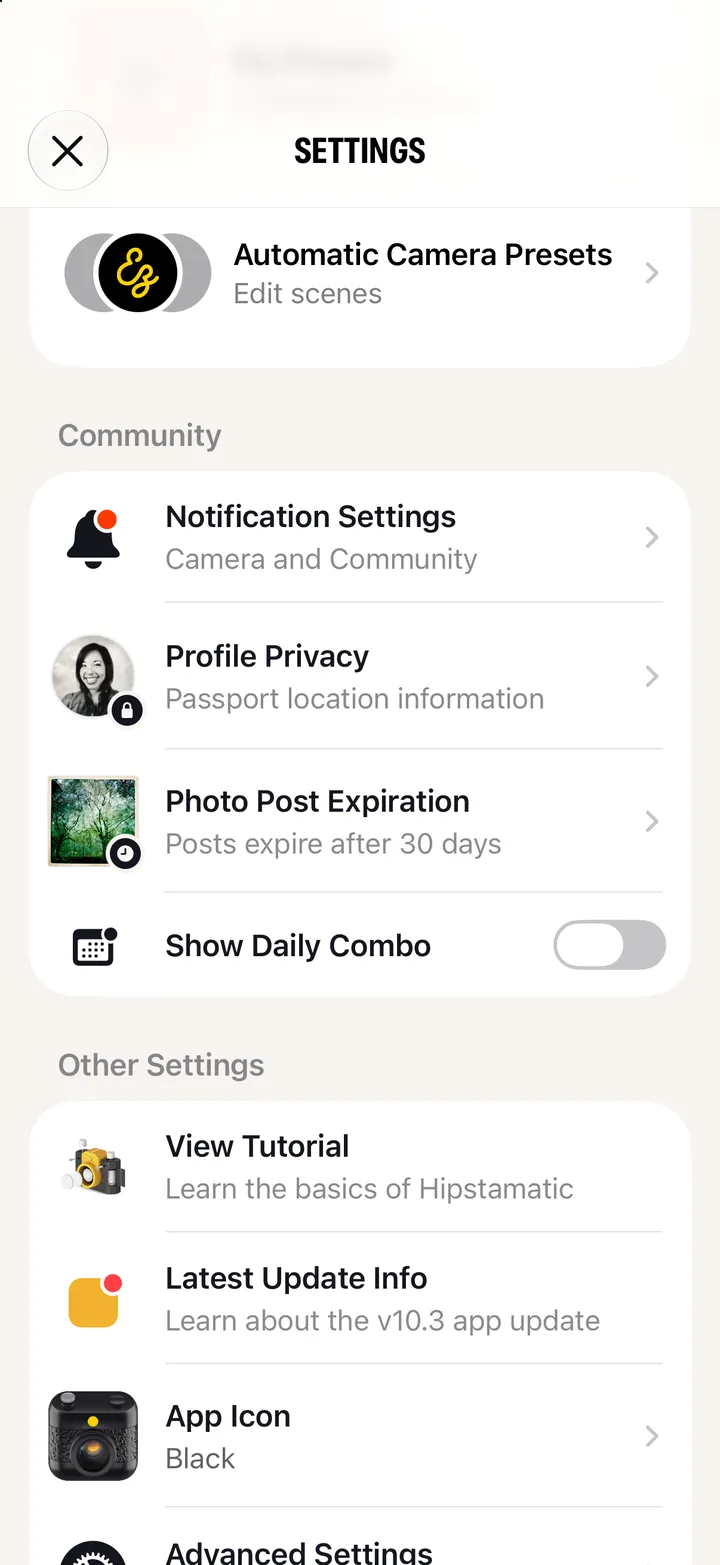
Notifications aren’t enabled means your iPhone has them off.
In your iPhone’s Settings app.