Hipstamatic guideReset Hipstamatic’s caches

Open Settings, then Advanced Settings, and tap Reset App Caches…. Hipstamatic clears the copy it keeps of your iCloud data, like who you follow and your presets, and builds it again.

Hipstamatic · 9.4 · 4 steps
  1. 01

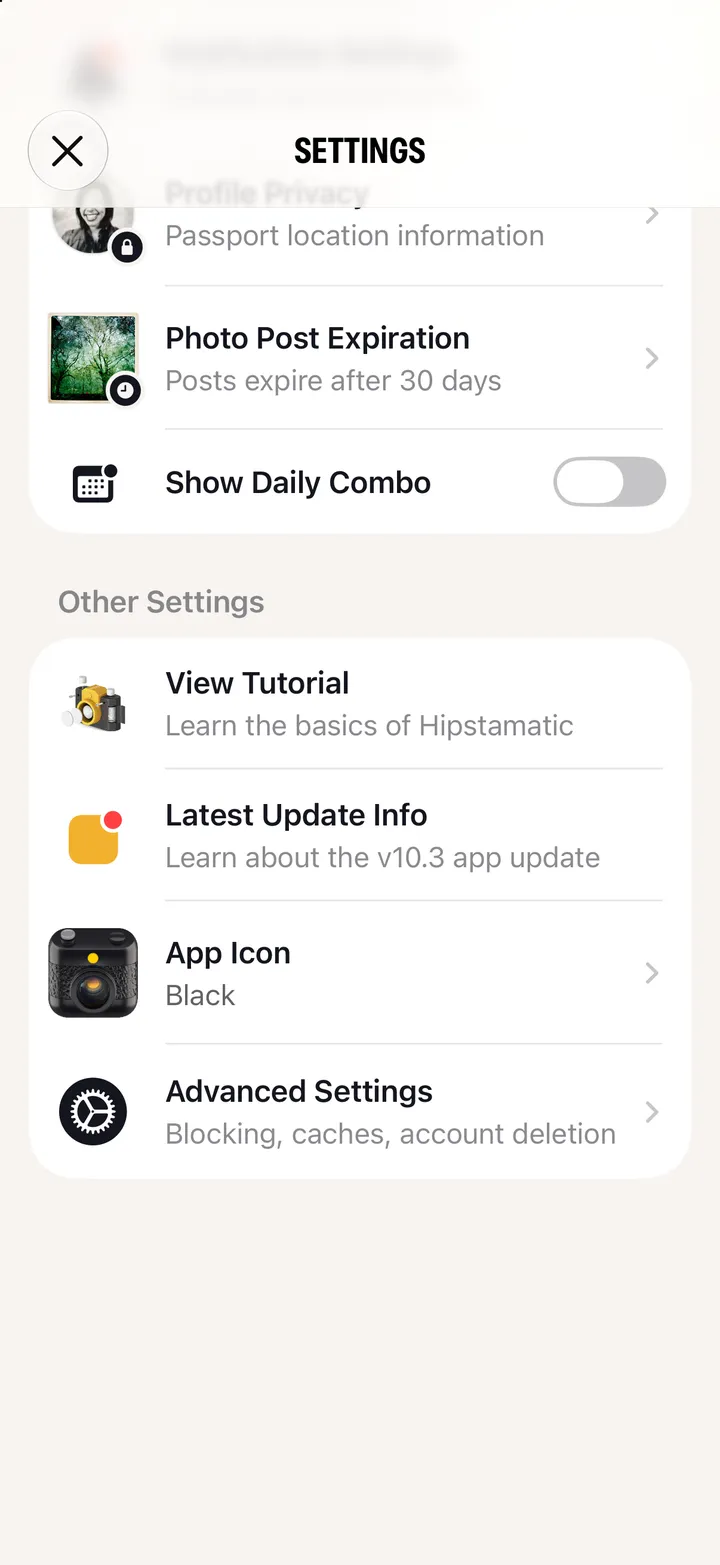
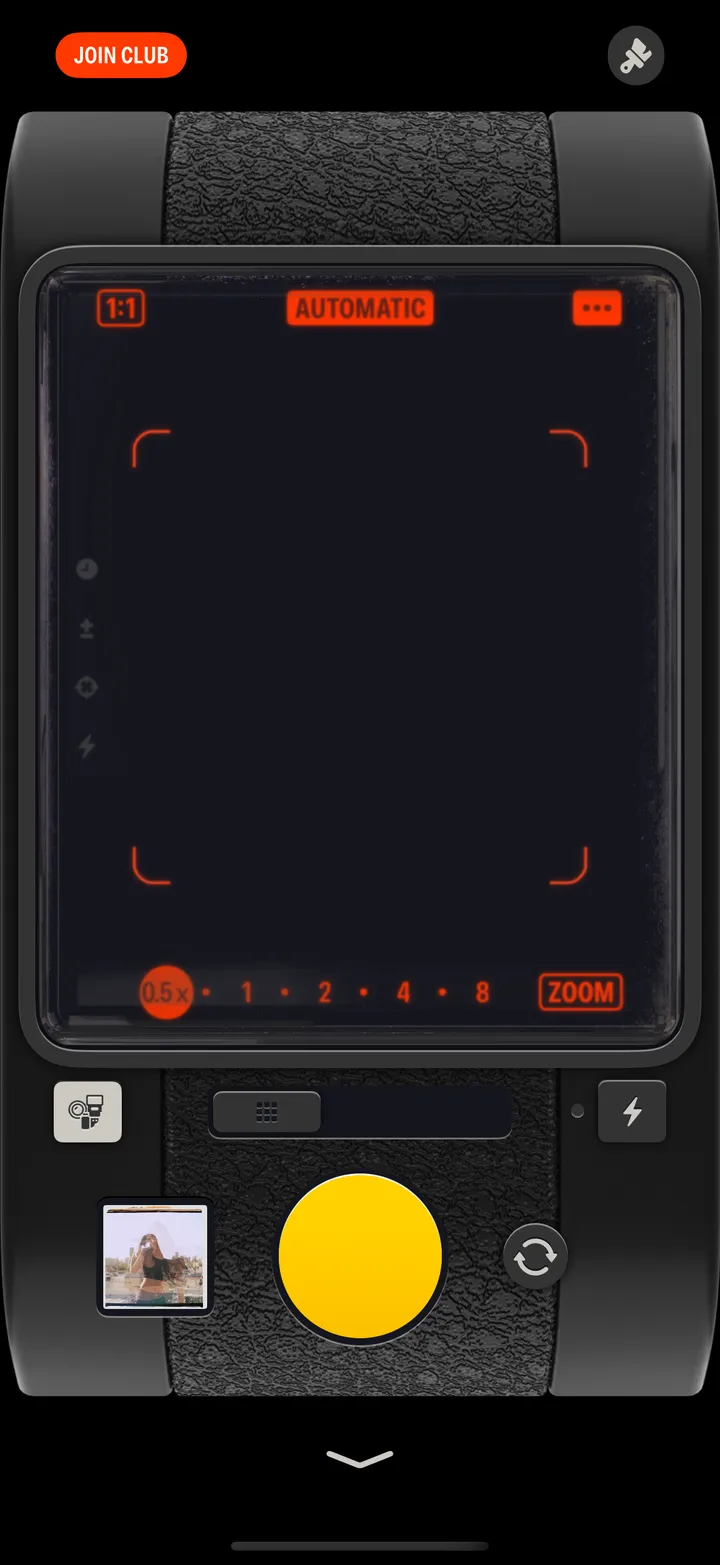
    Open Settings

    Swipe up from the camera; the gear icon at the top.
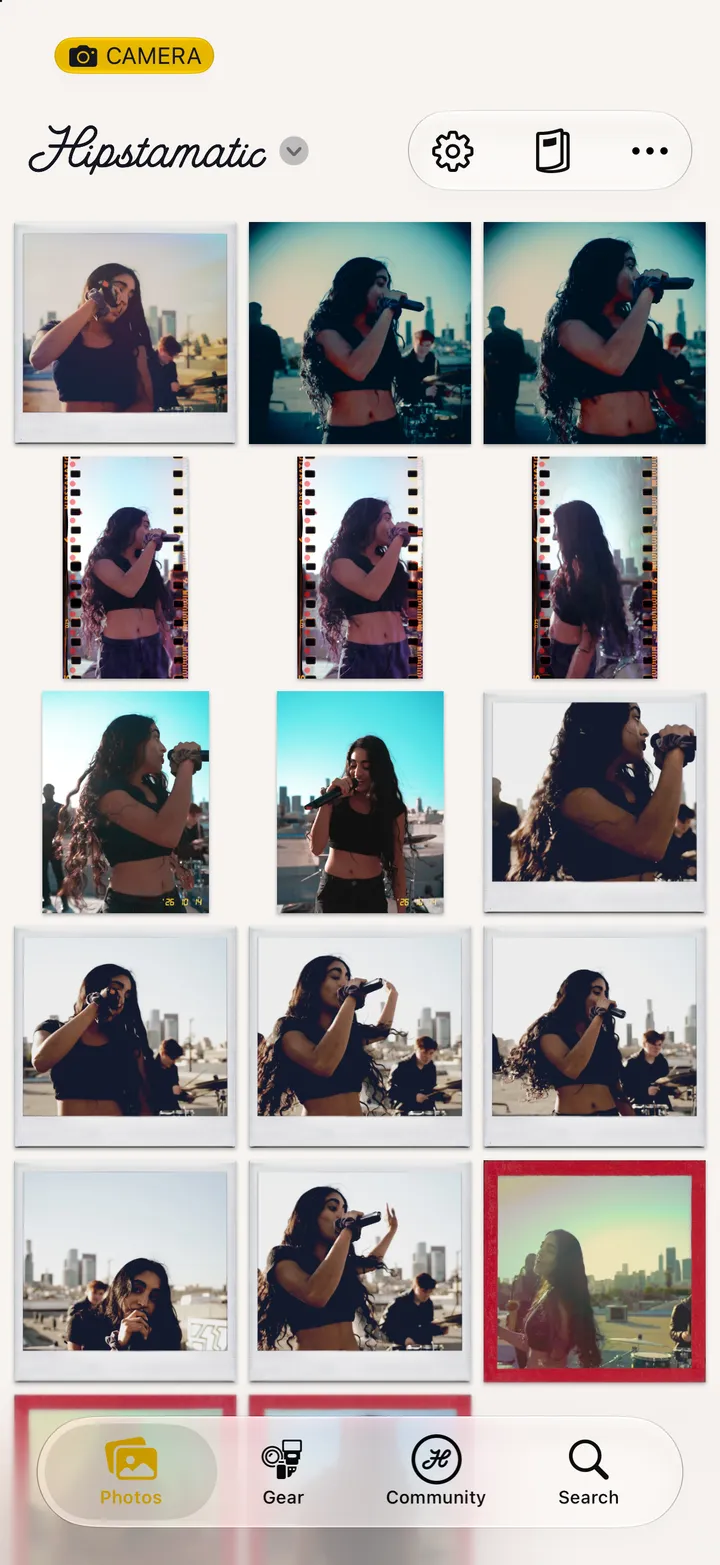
    Step 1: Open Settings
  2. 02

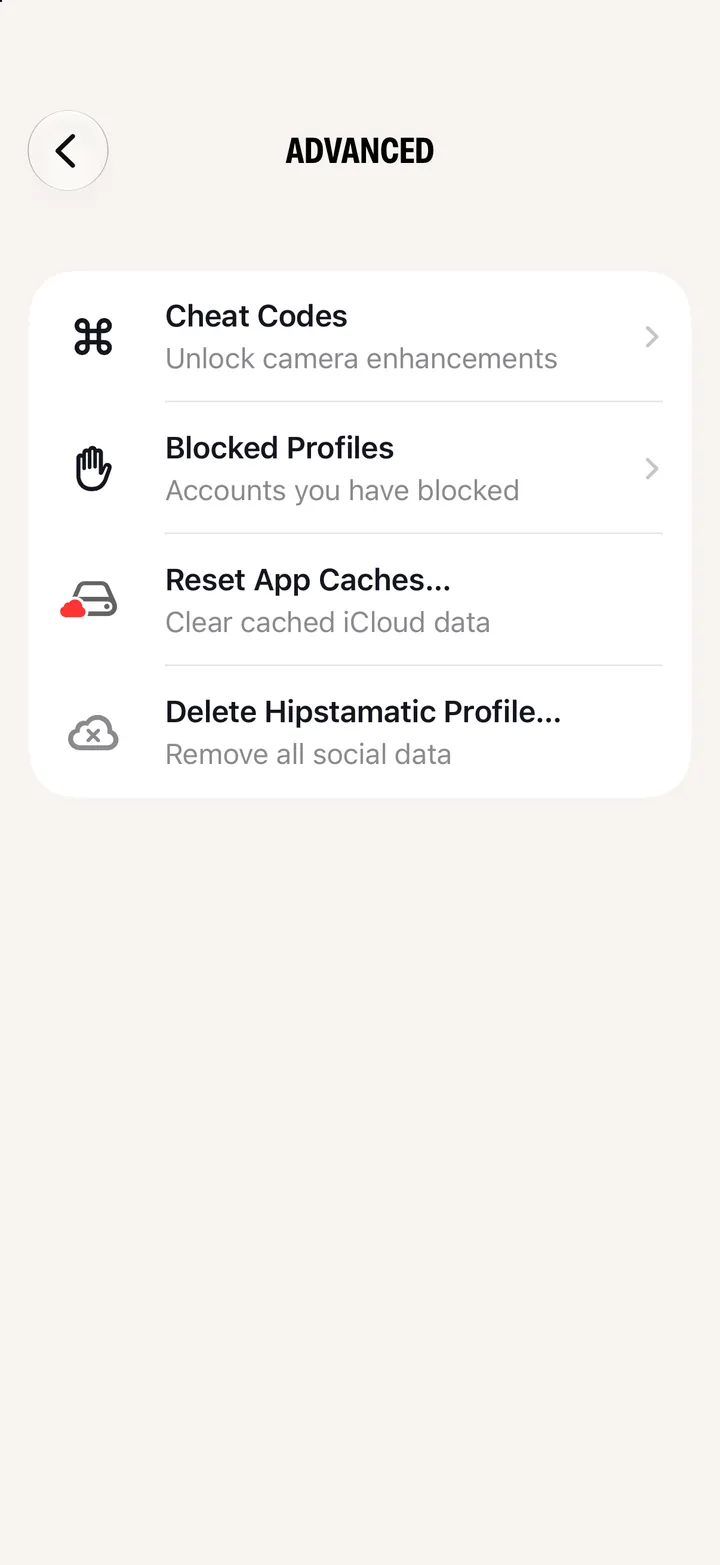
    Scroll down and tap Advanced Settings

    Step 2: Scroll down and tap Advanced Settings
  3. 03

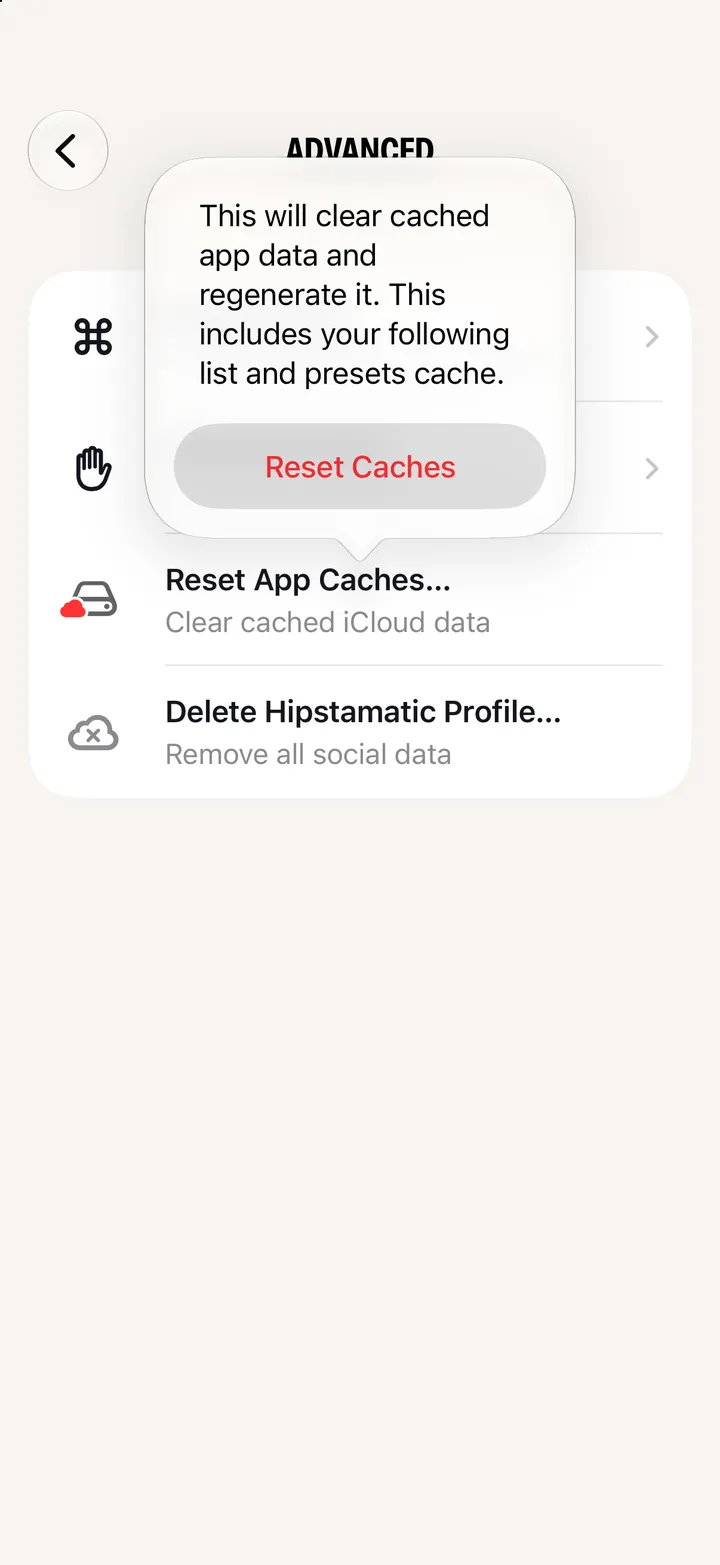
    Tap Reset App Caches…

    Step 3: Tap Reset App Caches…
  4. 04

    Tap Reset Caches

    Your photographs aren’t touched.
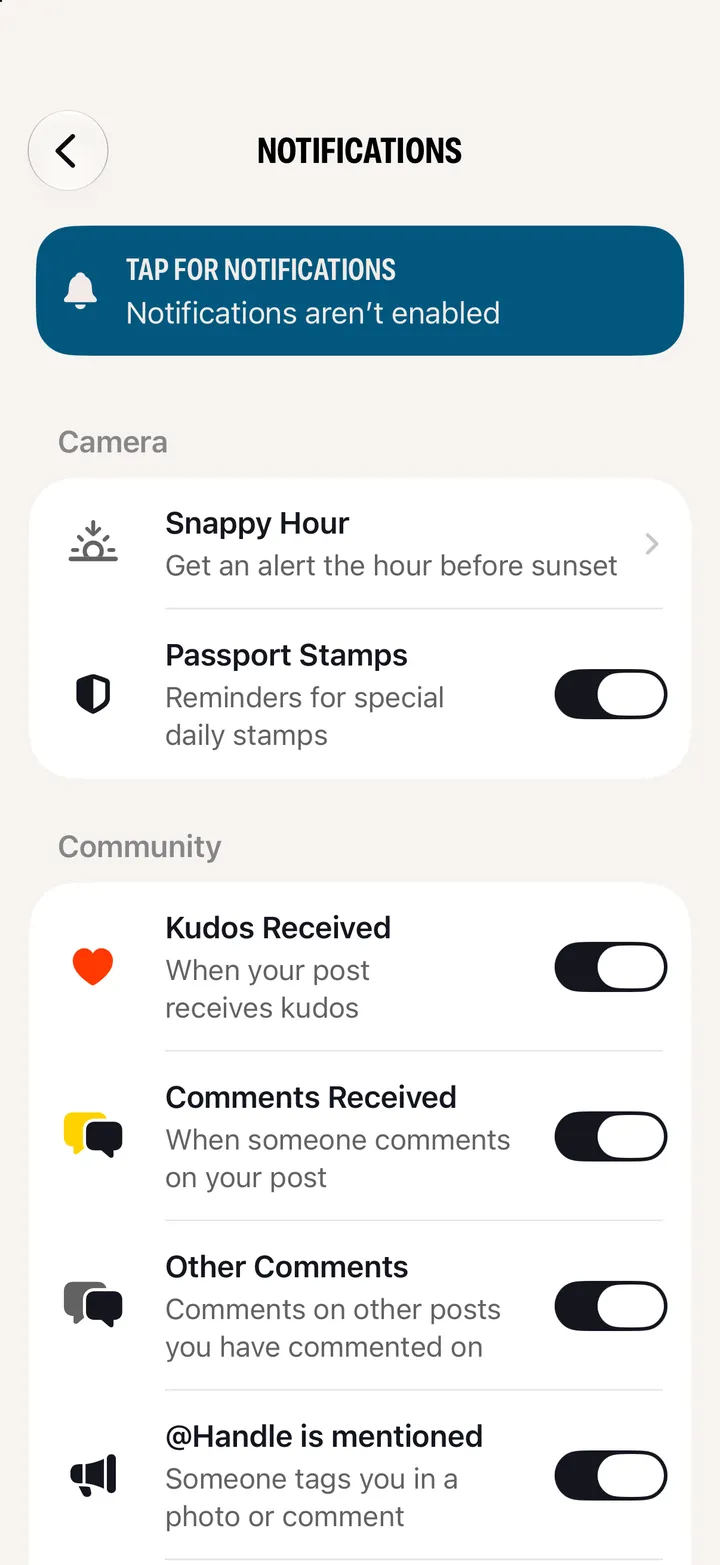
    Step 4: Tap Reset Caches

Good to know

  • Try it when your follows or presets look out of date.
  • No Advanced Settings? It shows when your iPhone is signed in to iCloud.

Troubleshooting

Hipstamatic guide ↘