Hipstamatic guideWhere did my post go?

Posts stay up for a month, then come down by themselves. The photograph stays in your library. Camera Club members can pick No Expiration.

Hipstamatic · 9.2 · 3 steps
  1. 01

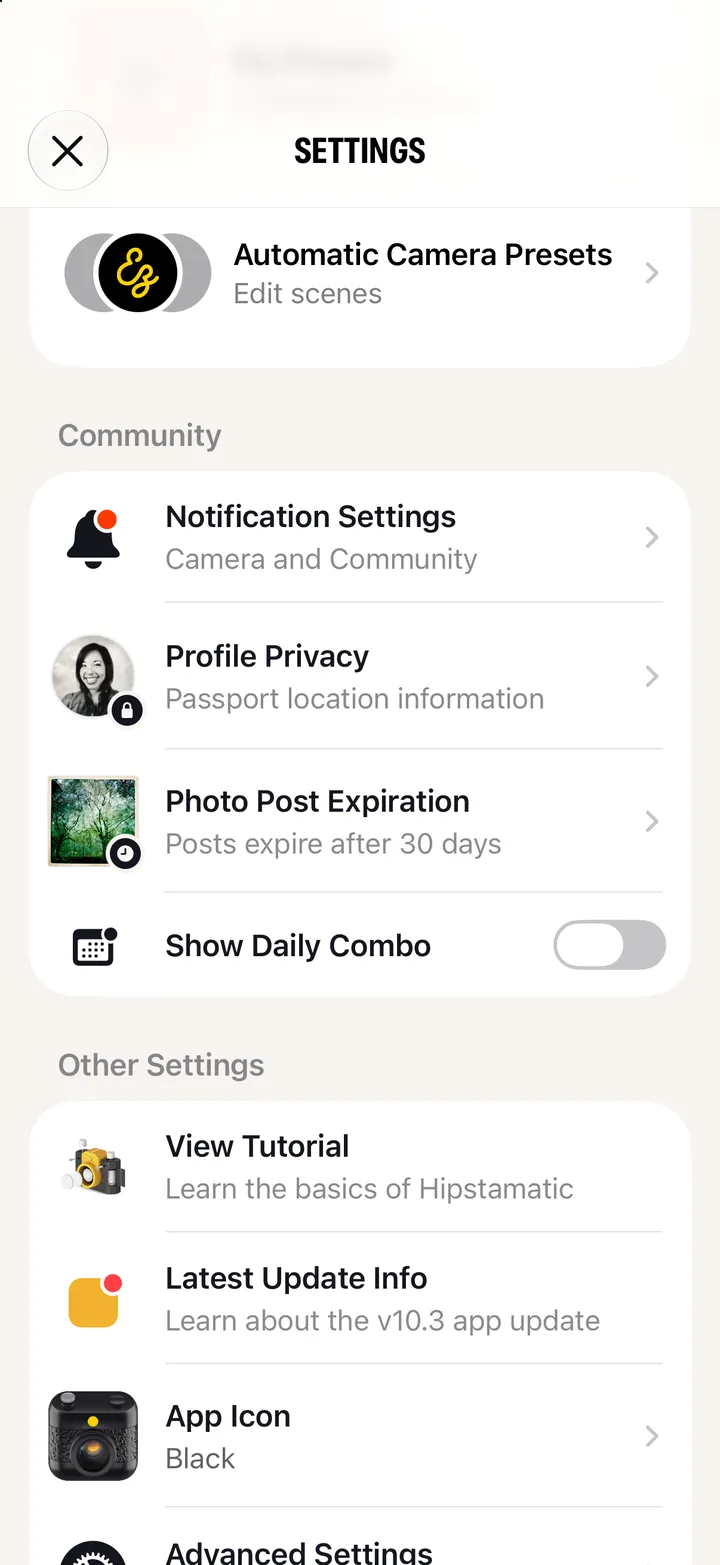
    Open Settings

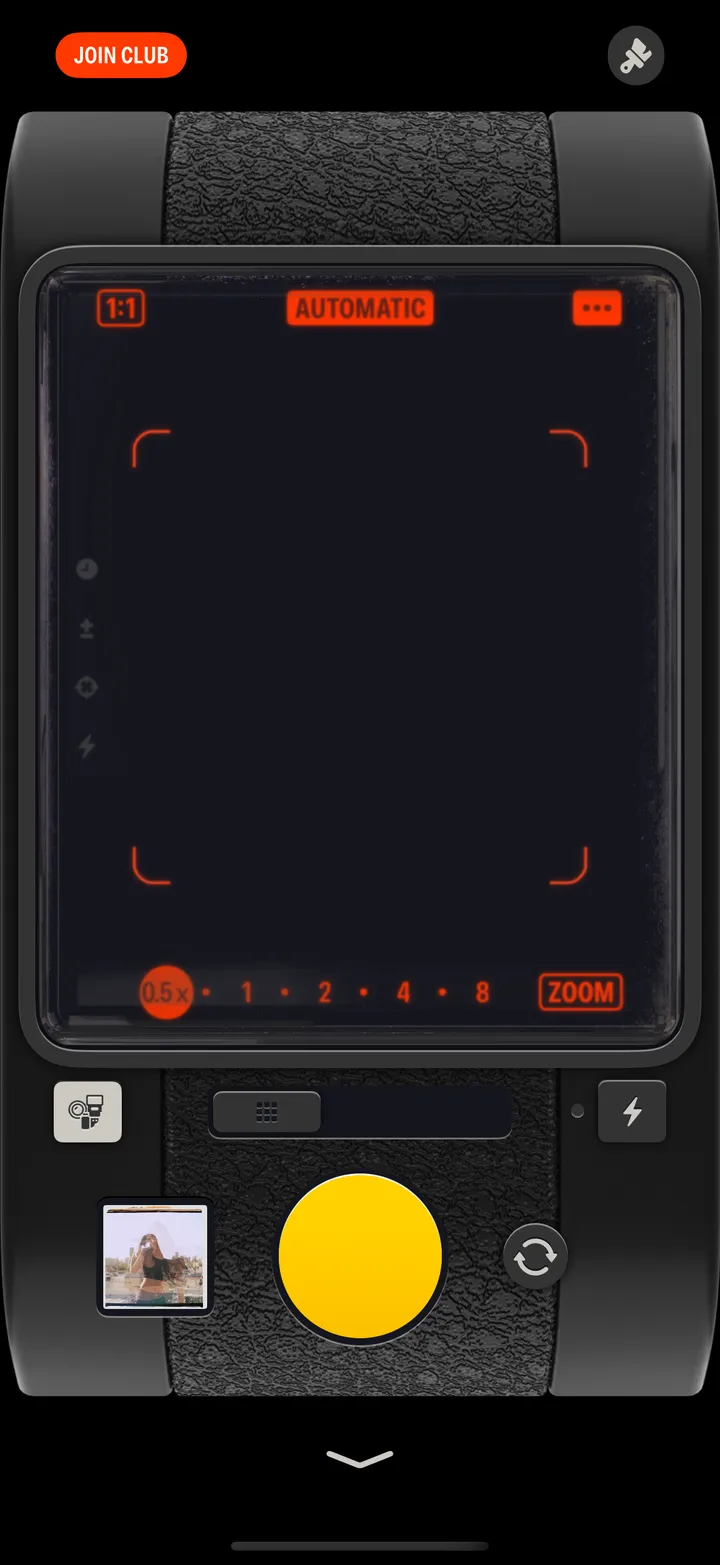
    Swipe up from the camera; the gear icon at the top.
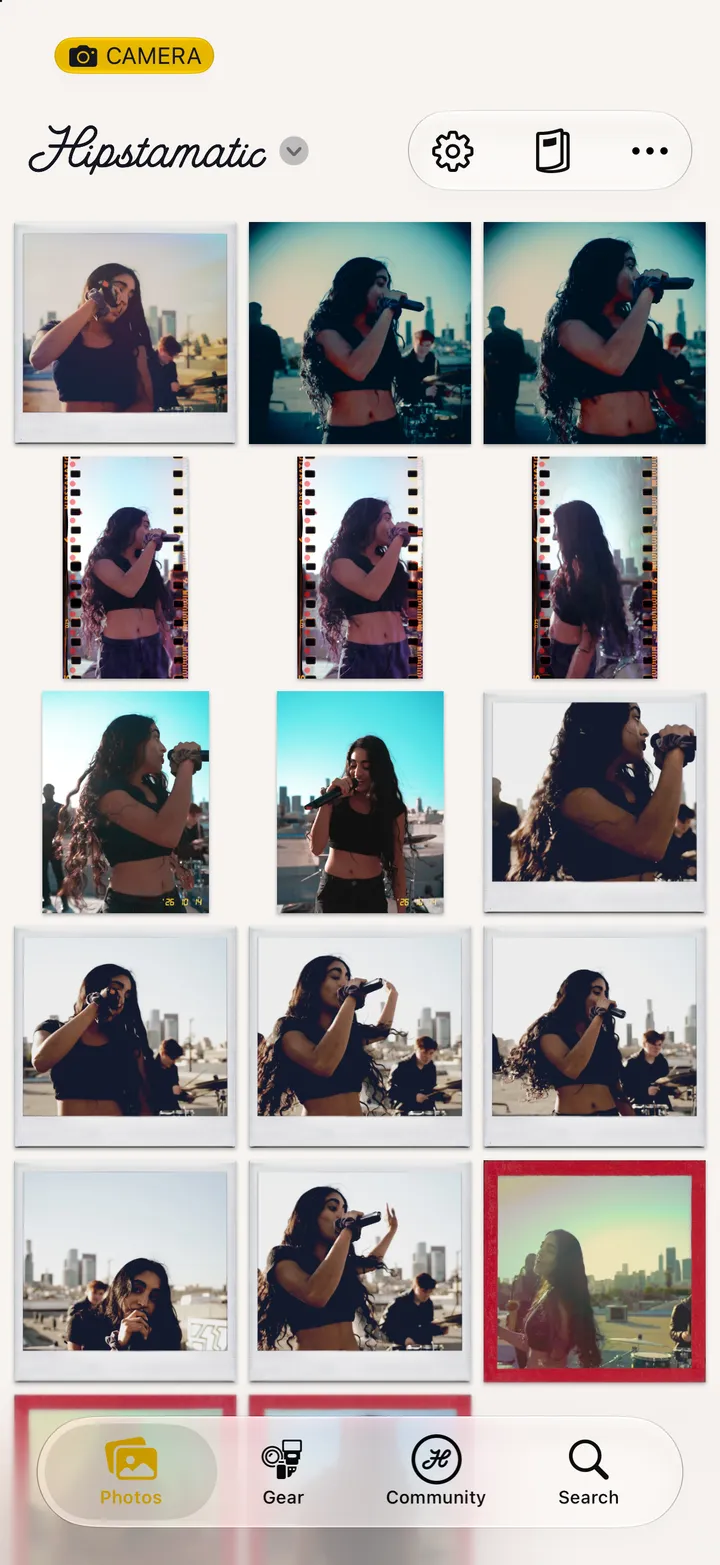
    Step 1: Open Settings
  2. 02

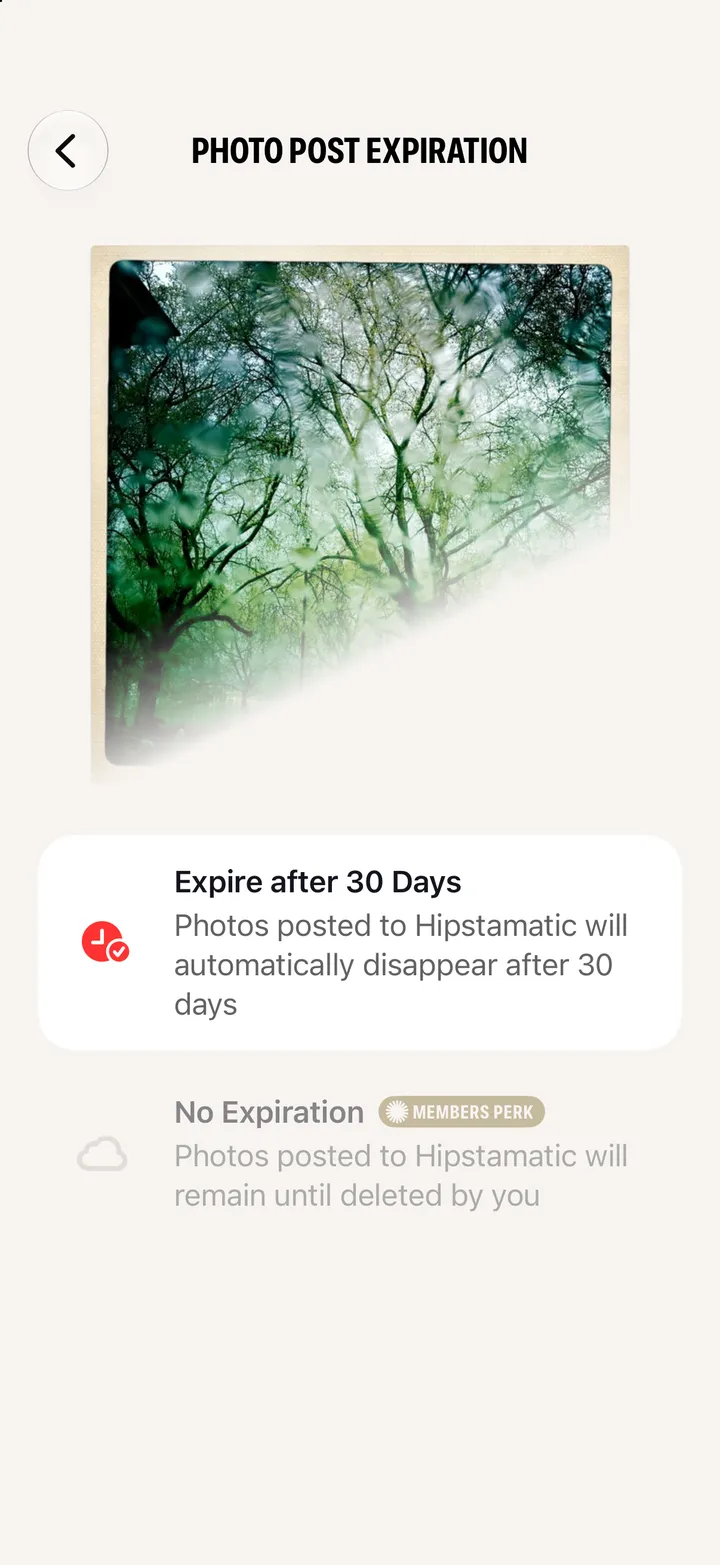
    Tap Photo Post Expiration

    It says how long your posts stay up.

    Step 2: Tap Photo Post Expiration
  3. 03

    Members: pick No Expiration

    Posts stay until you delete them.
    Step 3: Members: pick No Expiration

Good to know

  • The setting is for new posts. For a single post, choose as you post it: Options ▸ Photo Expiration.
  • Challenge entries don’t expire.
  • More on posting with Camera Club: Post without limits.

Troubleshooting

Hipstamatic guide ↘