Hipstamatic guideFind your way around Community
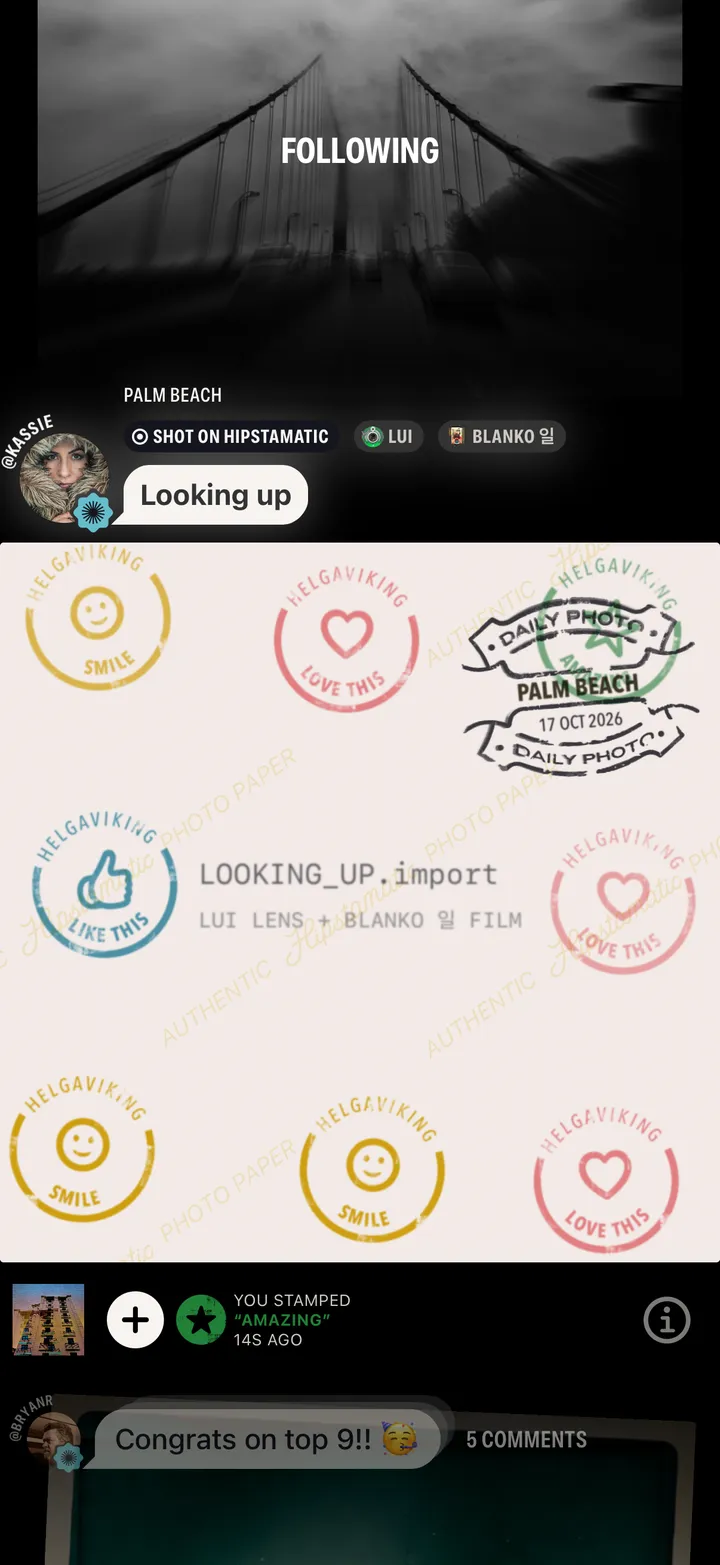
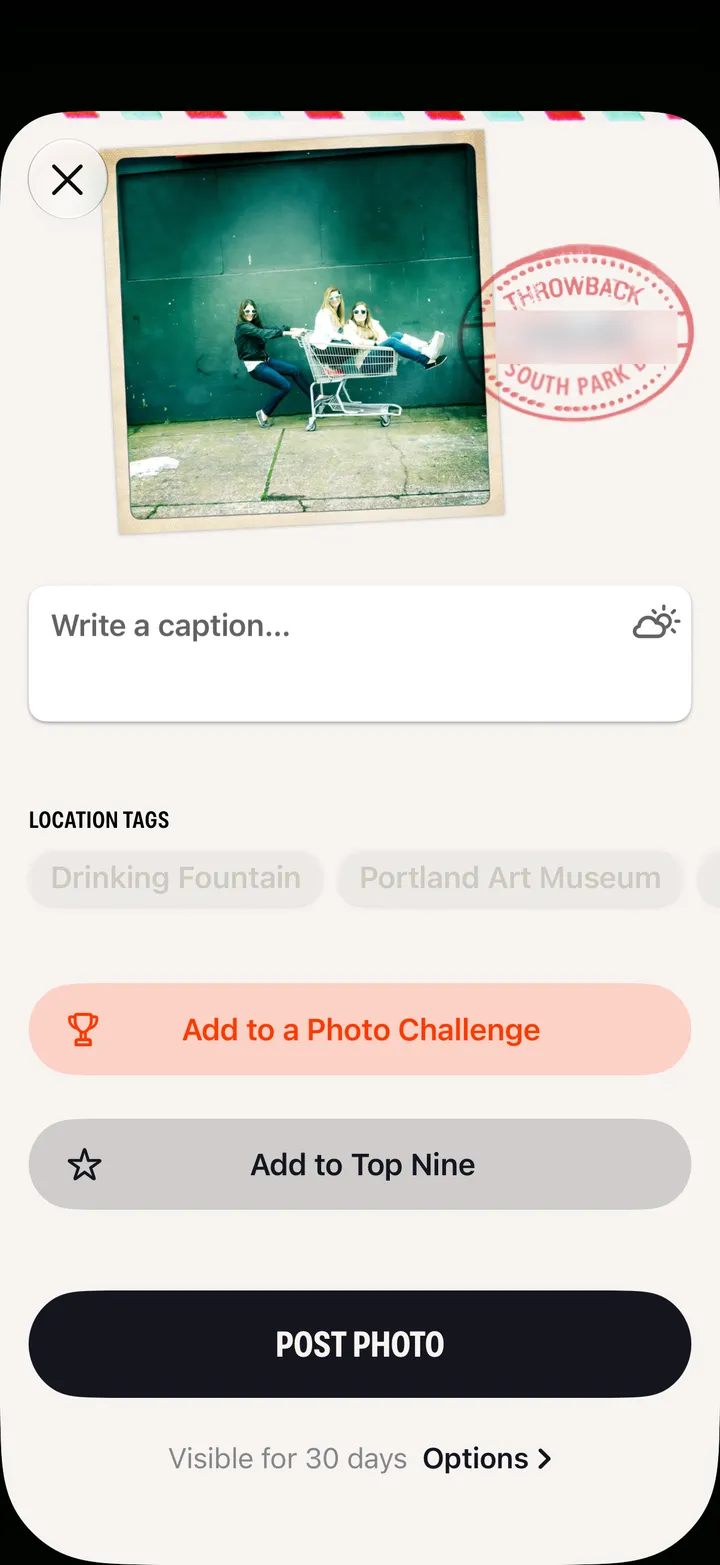
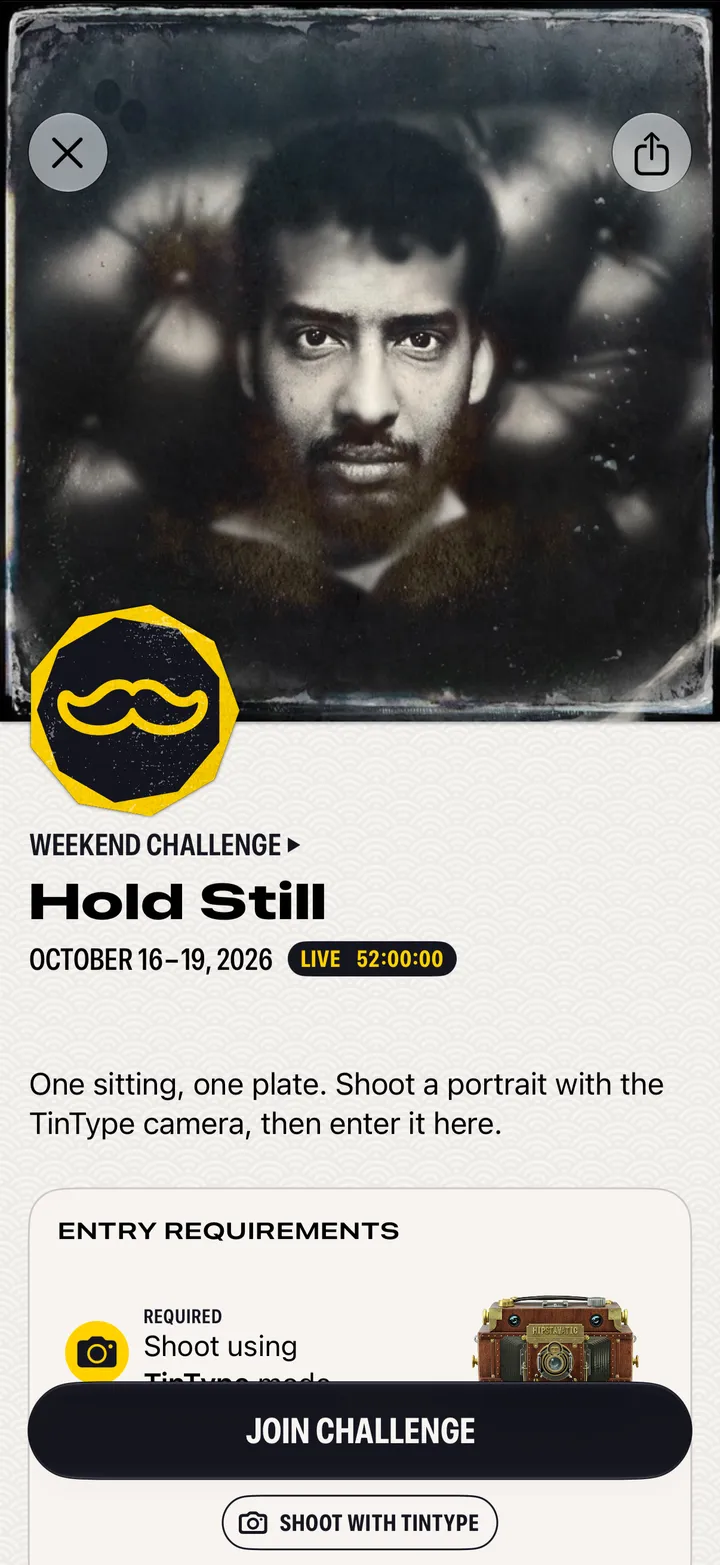
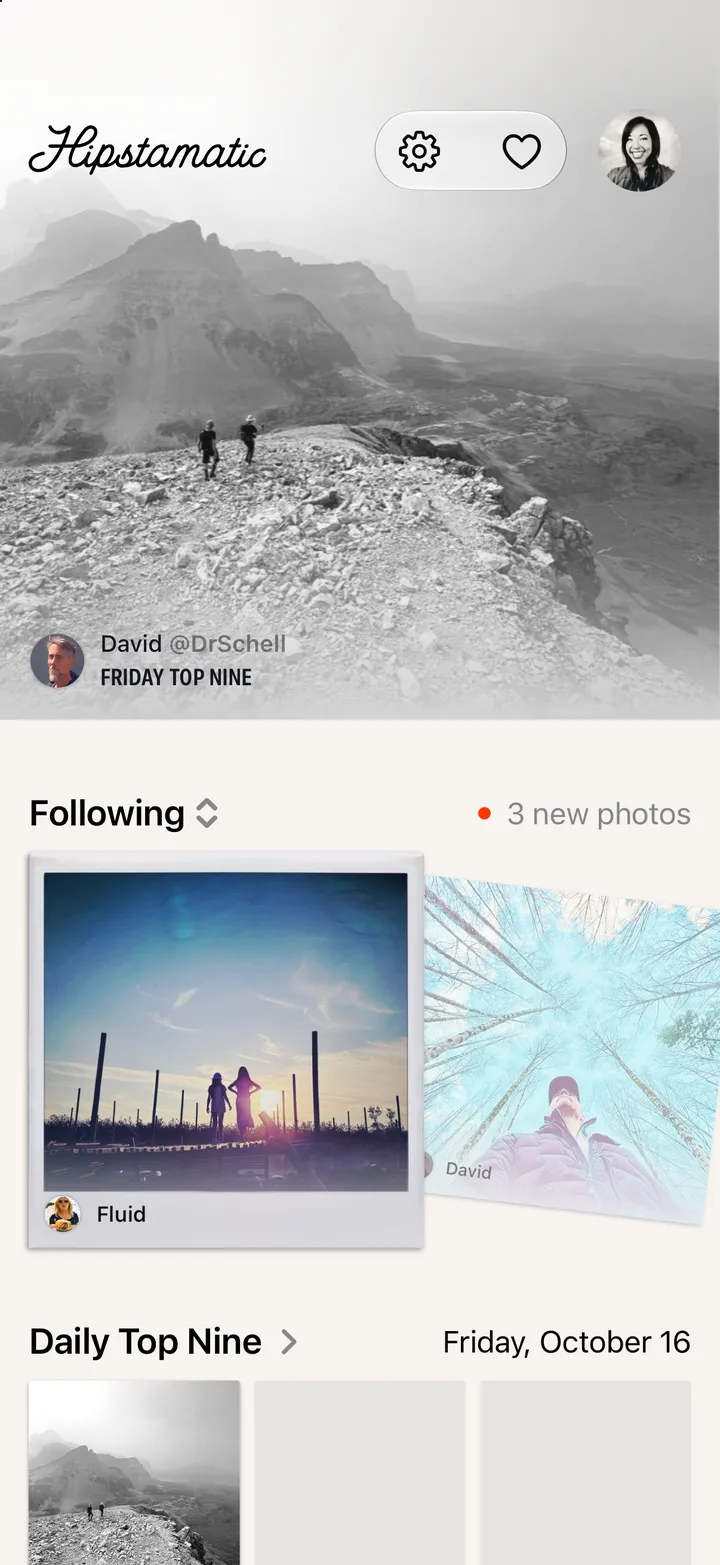
Swipe up from the camera and tap Community. The Daily Top Nine, the people you follow, photo challenges, stacks and news are all on one page.
Hipstamatic · 6.1 · 3 stepsSwipe up from the camera first.
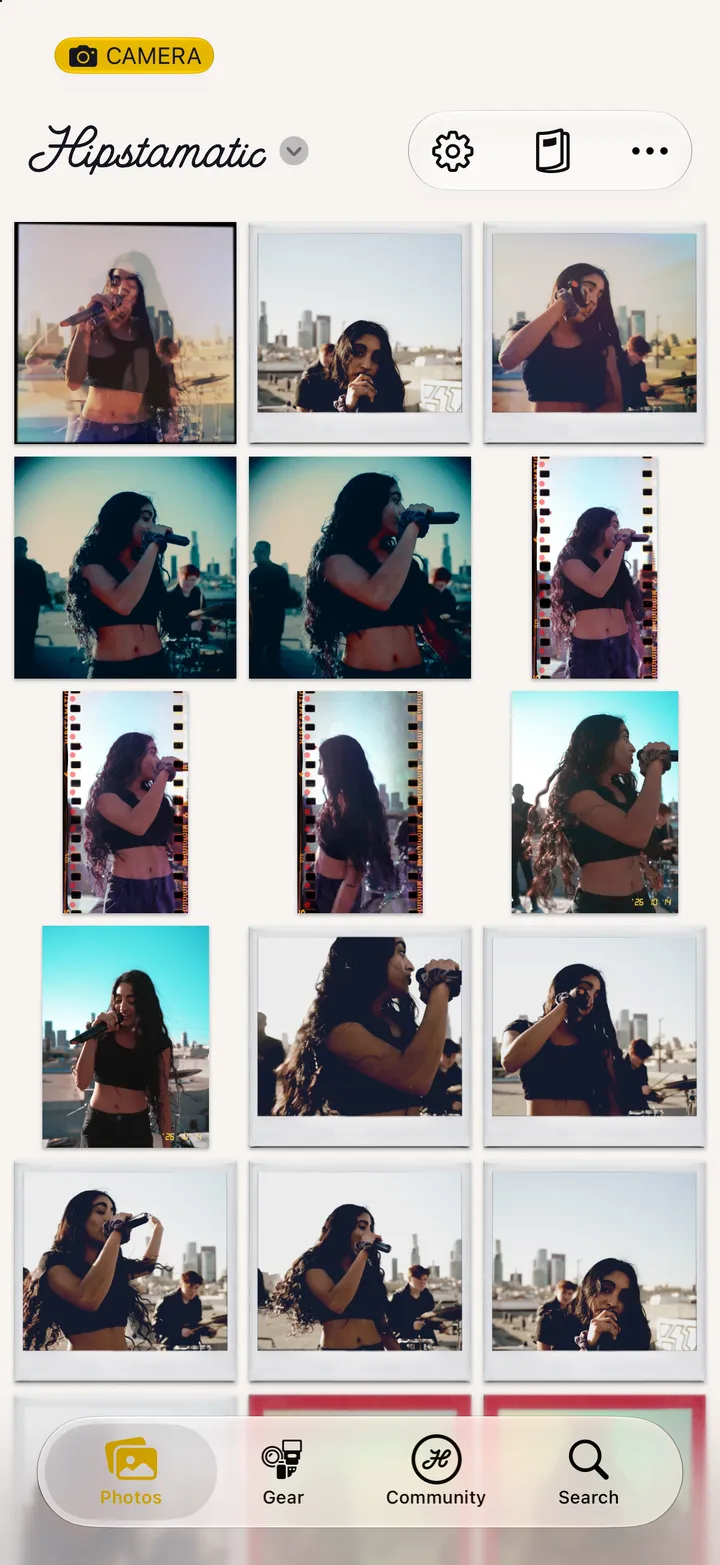
The Daily Top Nine, picked by hand. Following. Photo Challenges. Latest Stacks. News.
Swipe up to keep going.