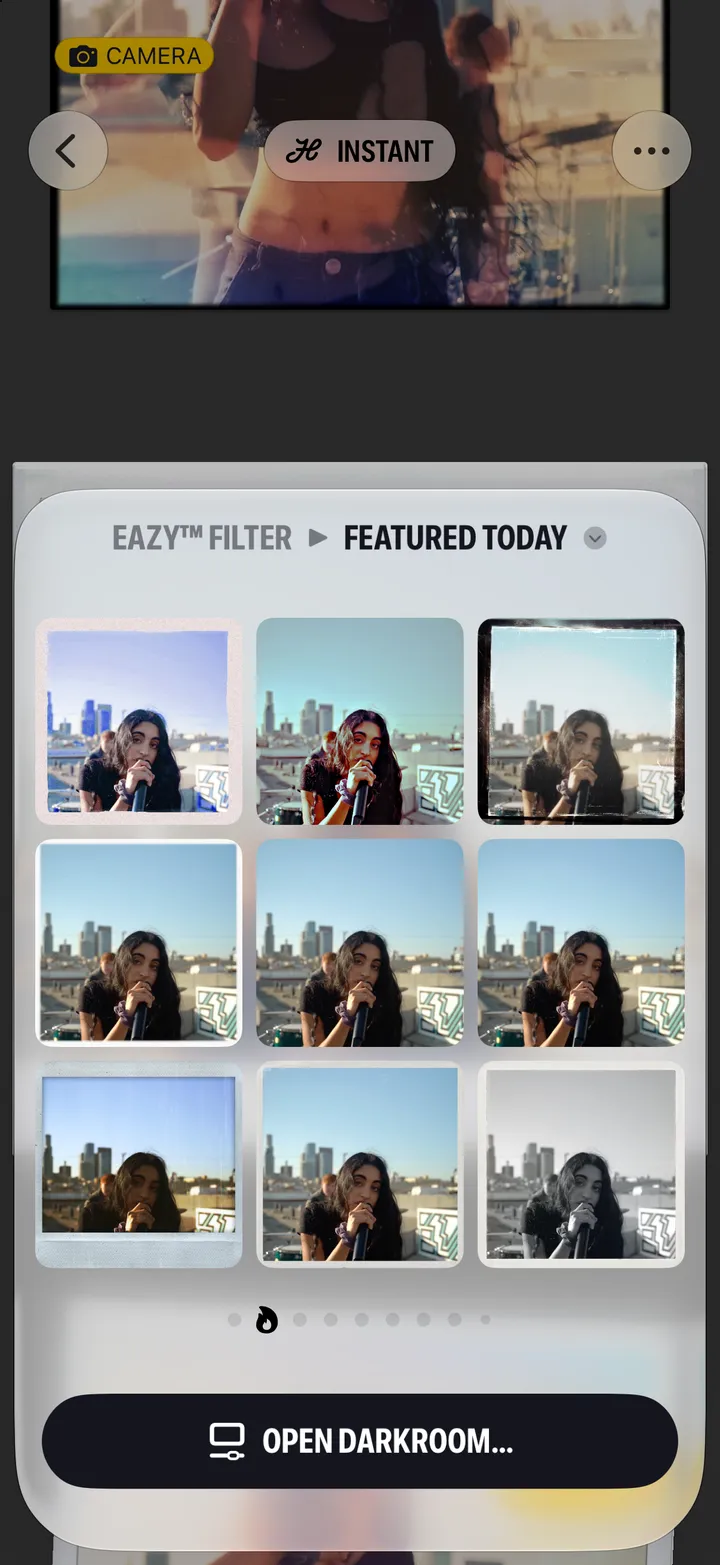
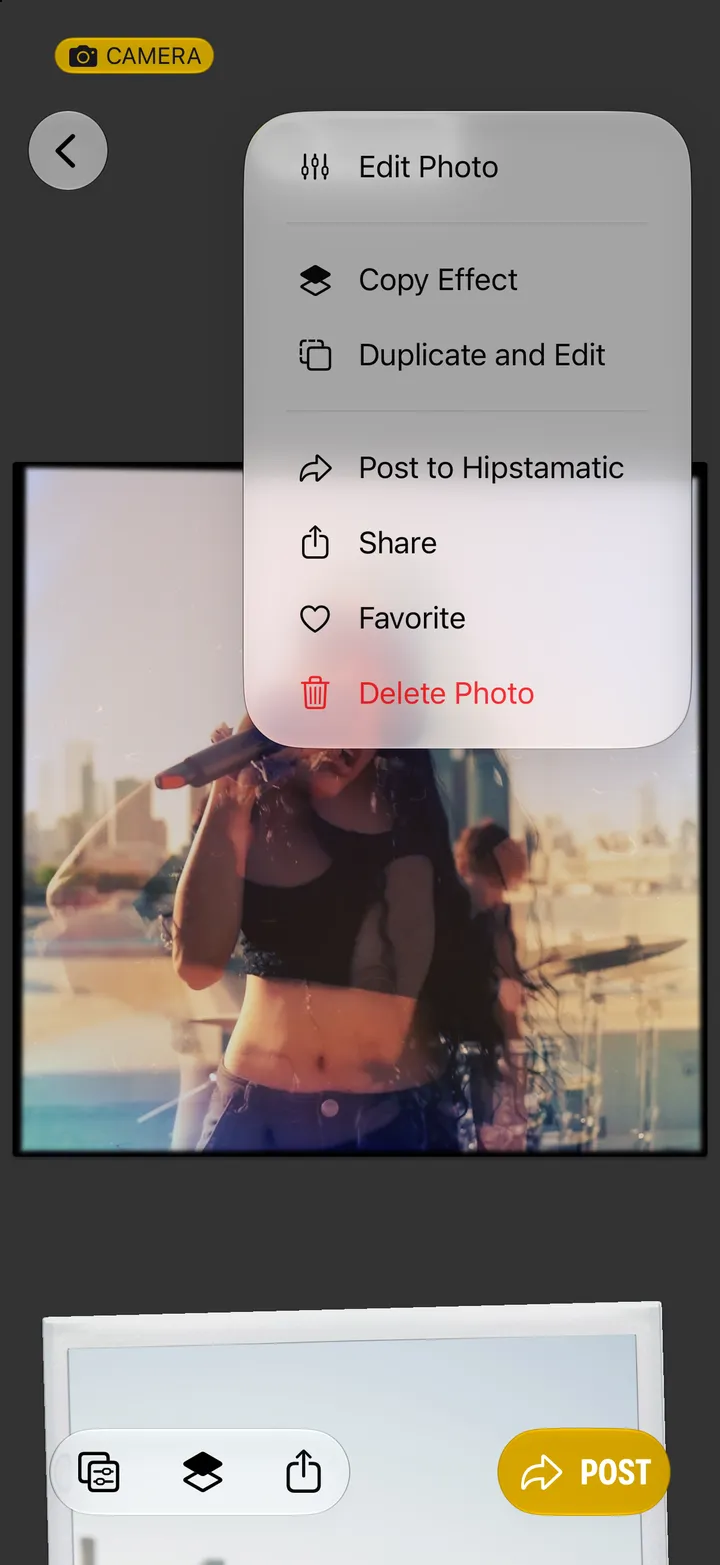
Hipstamatic guideUndo, compare and start over
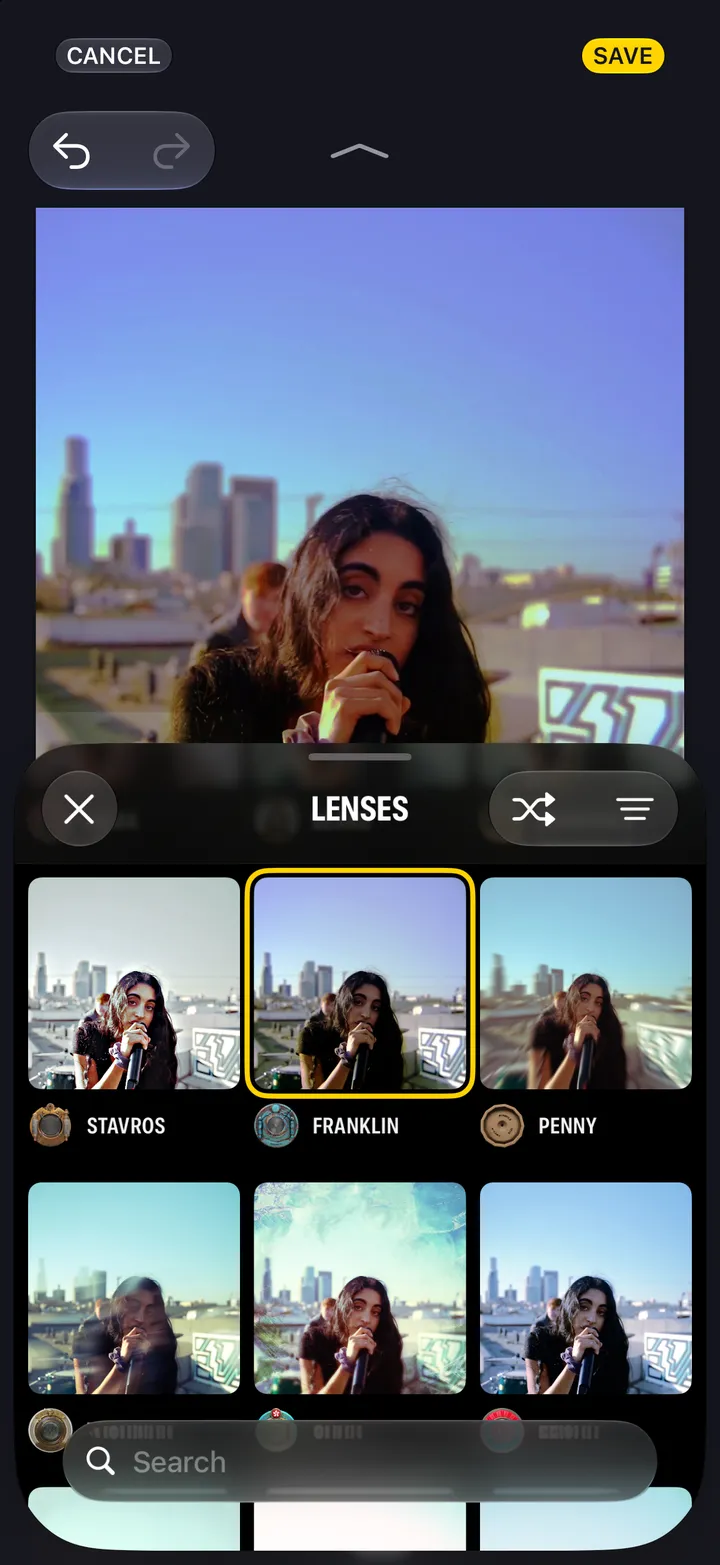
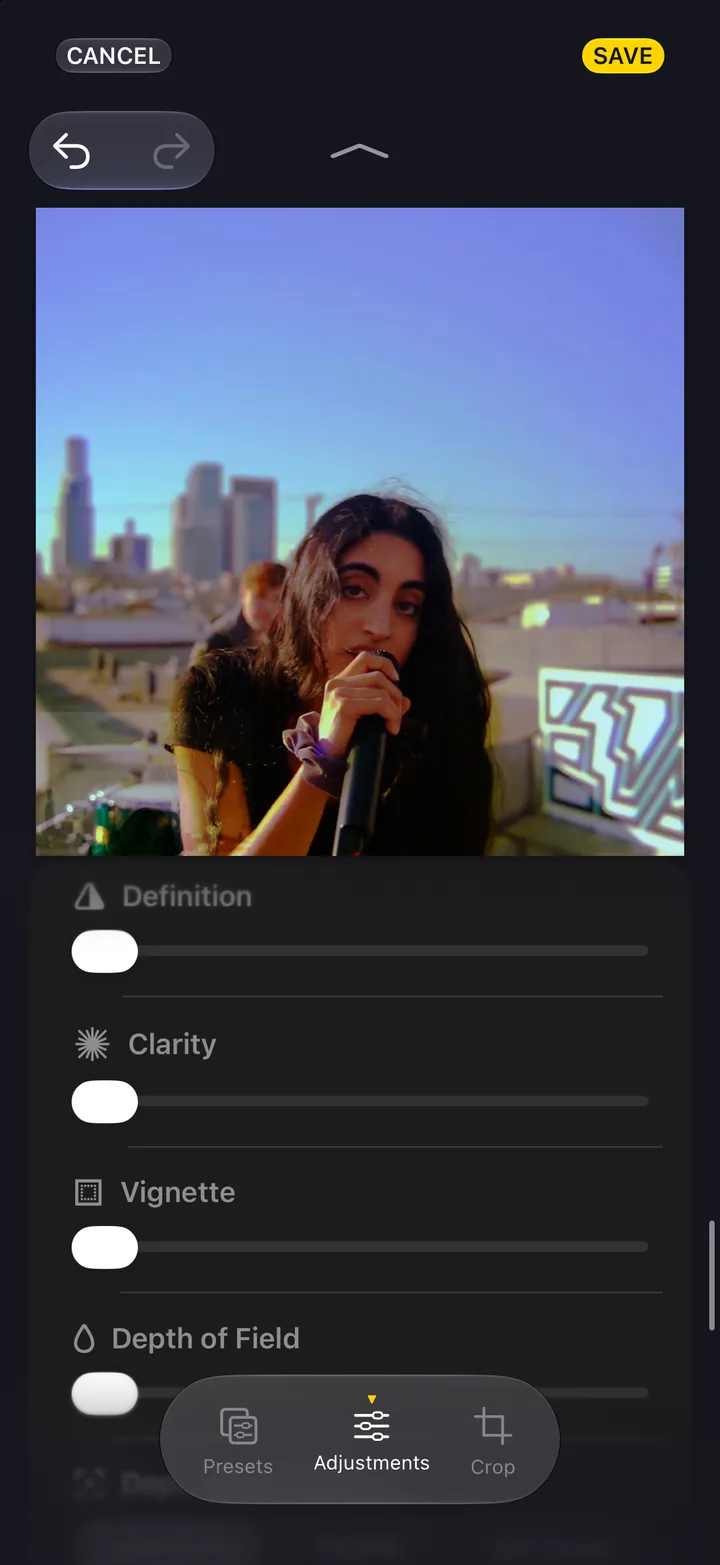
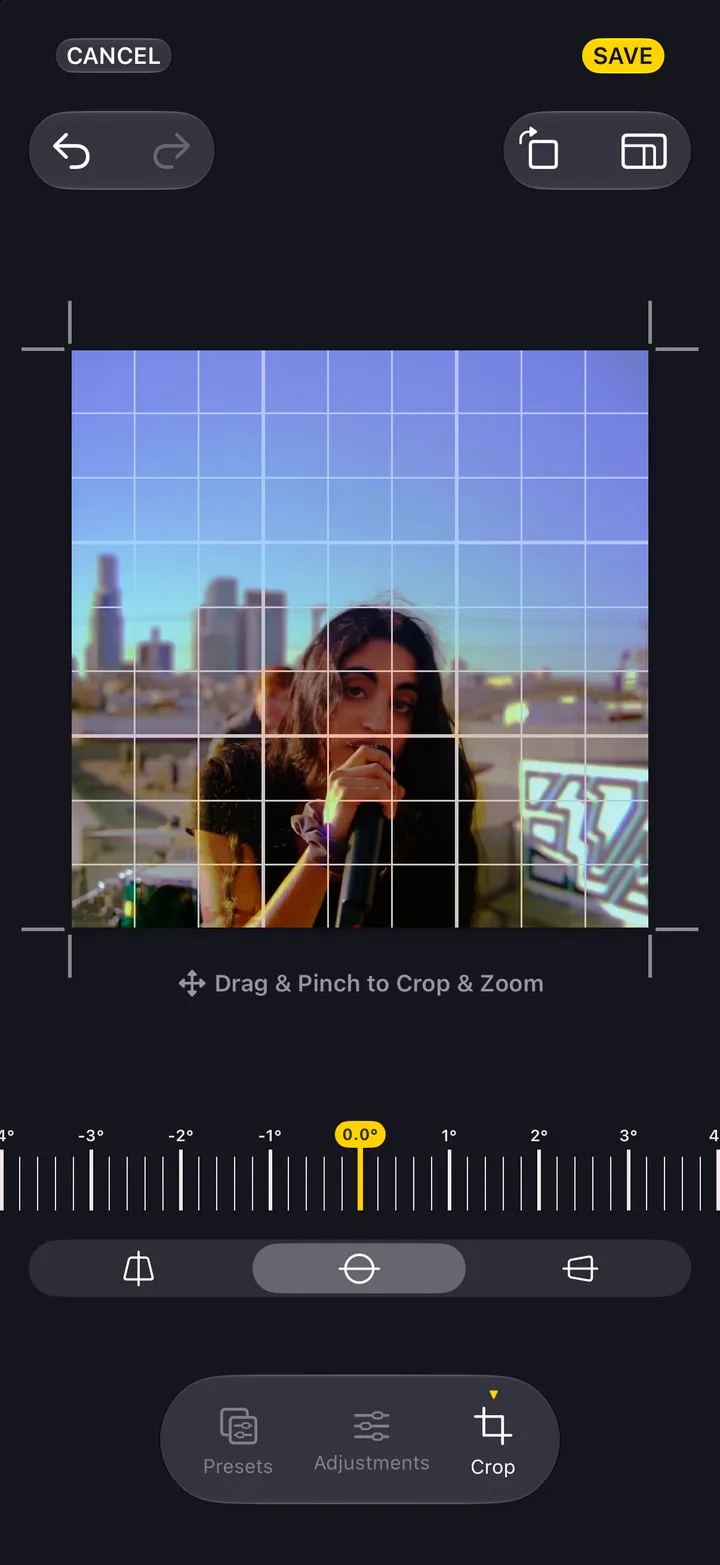
Tap undo or redo at the top of the darkroom. Press and hold the photograph to see the original. Cancel, then Discard Changes, leaves it as it was.
Hipstamatic · 5.10 · 3 stepsTop left of the darkroom.
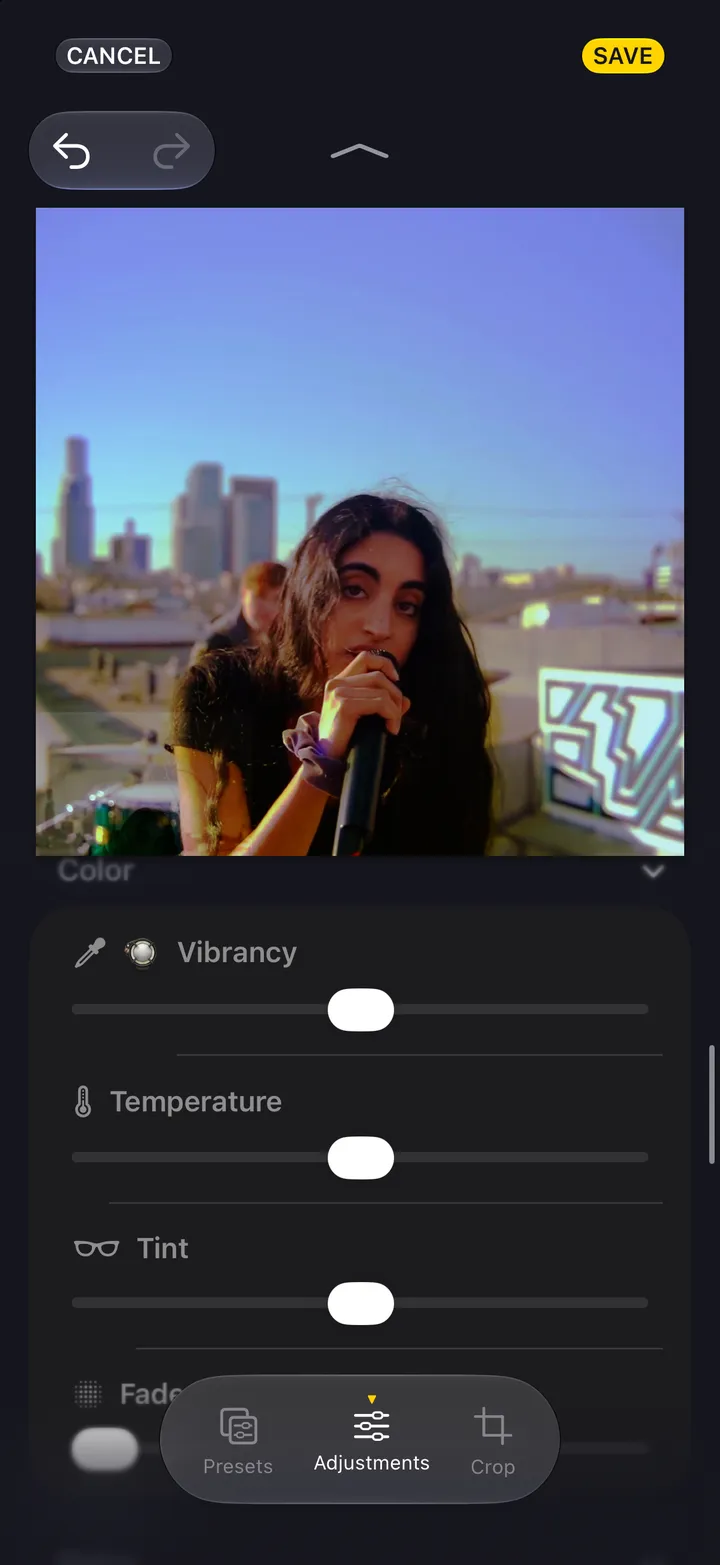
It shows the original until you let go.
Nothing you did in this sitting is kept.