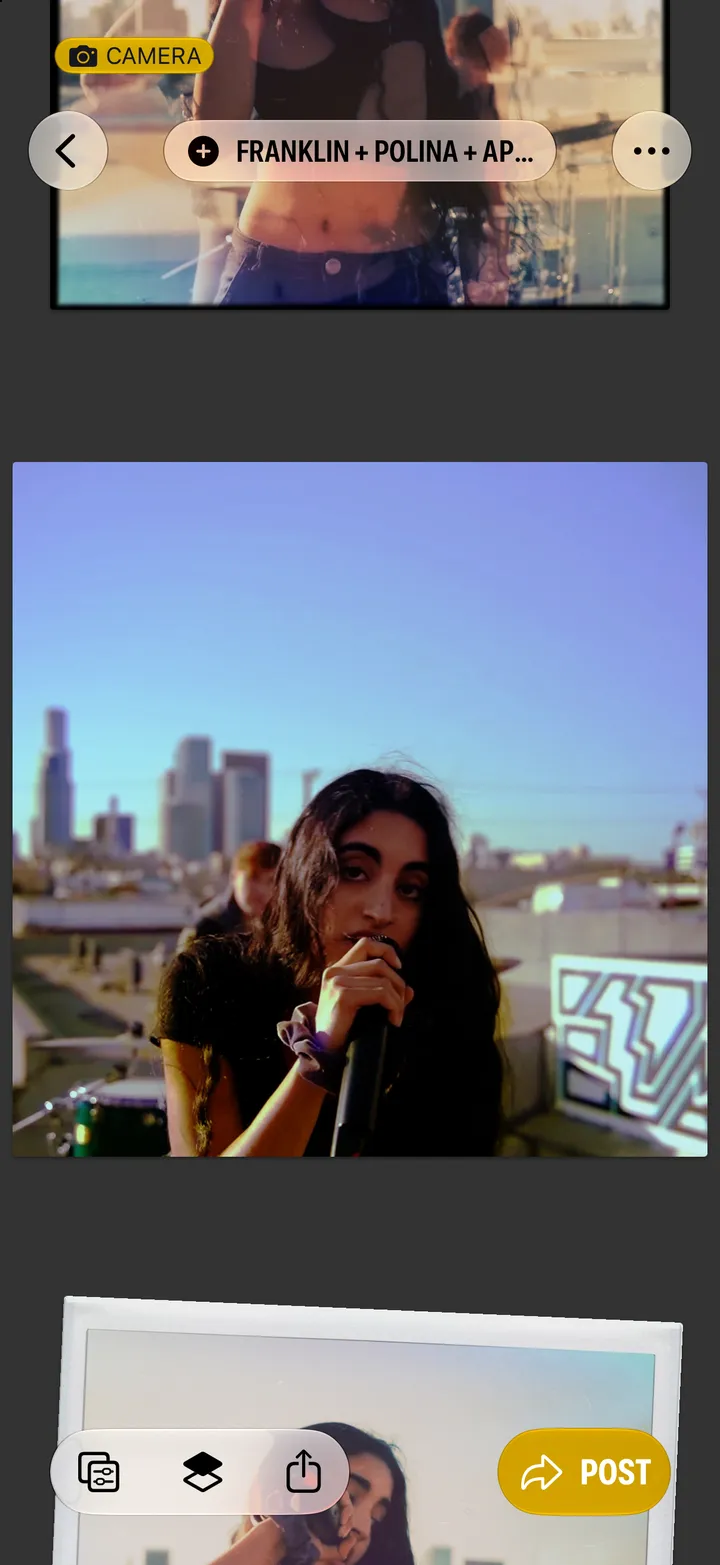
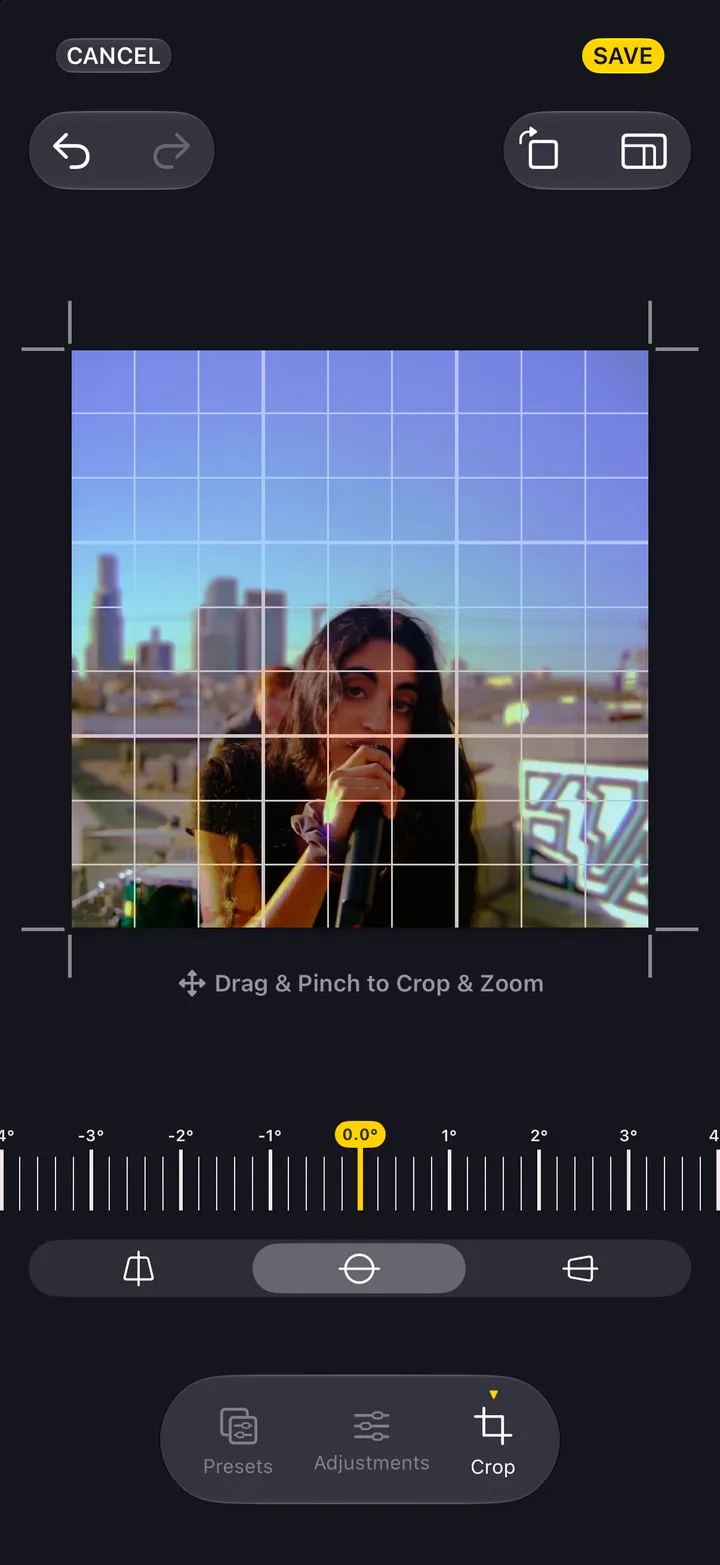
Hipstamatic guideChange the lens or film after you shoot
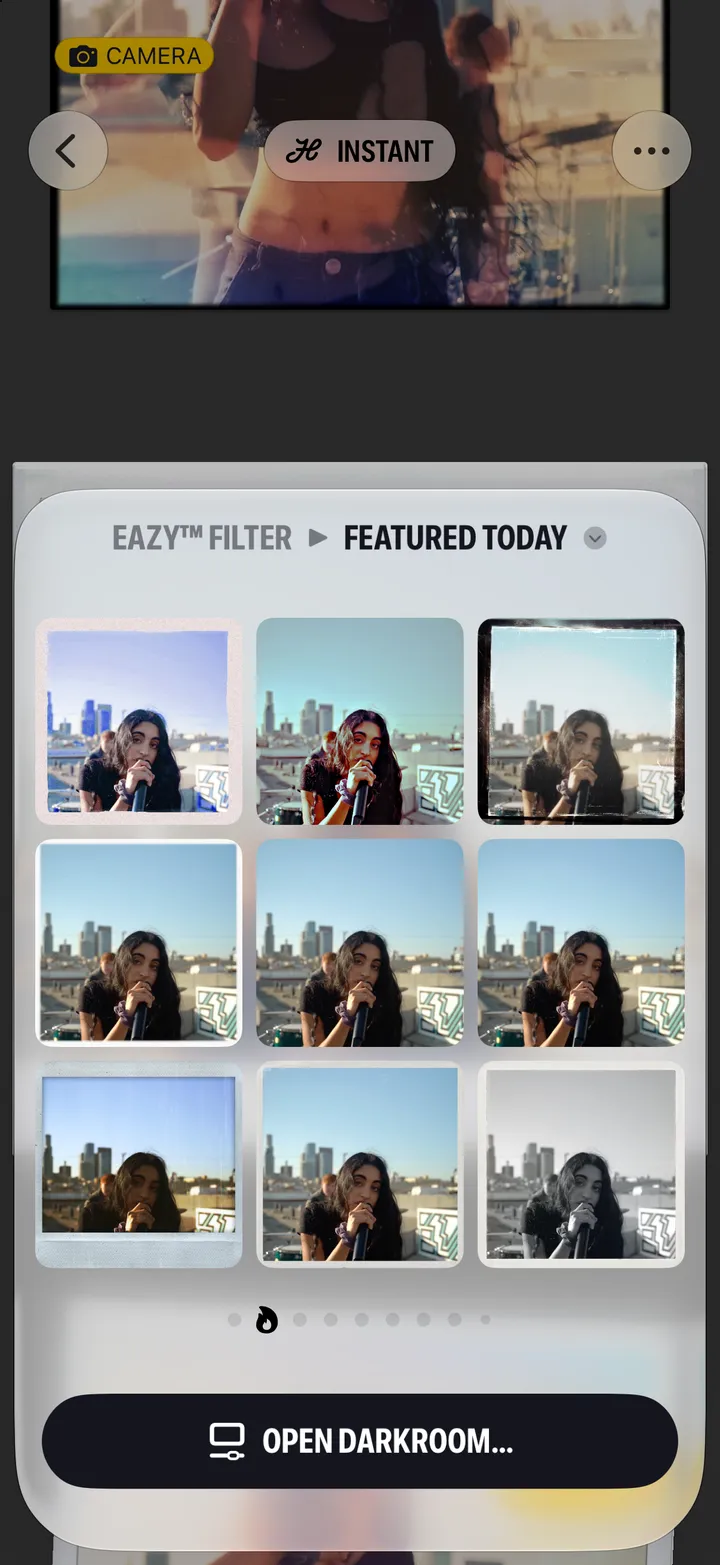
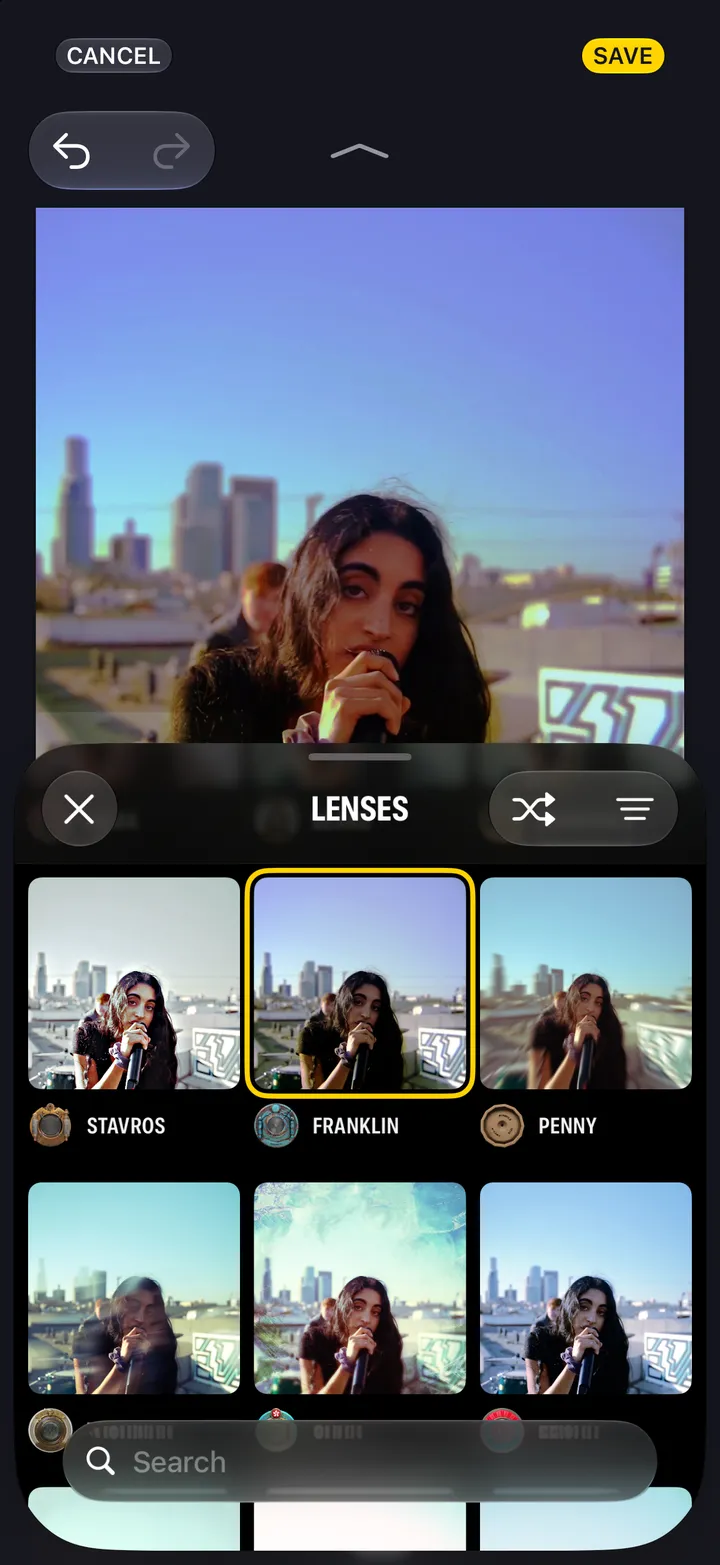
In the darkroom, under Camera Gear, press and hold the lens or the film and tap Change. Every lens shows on your own photograph.
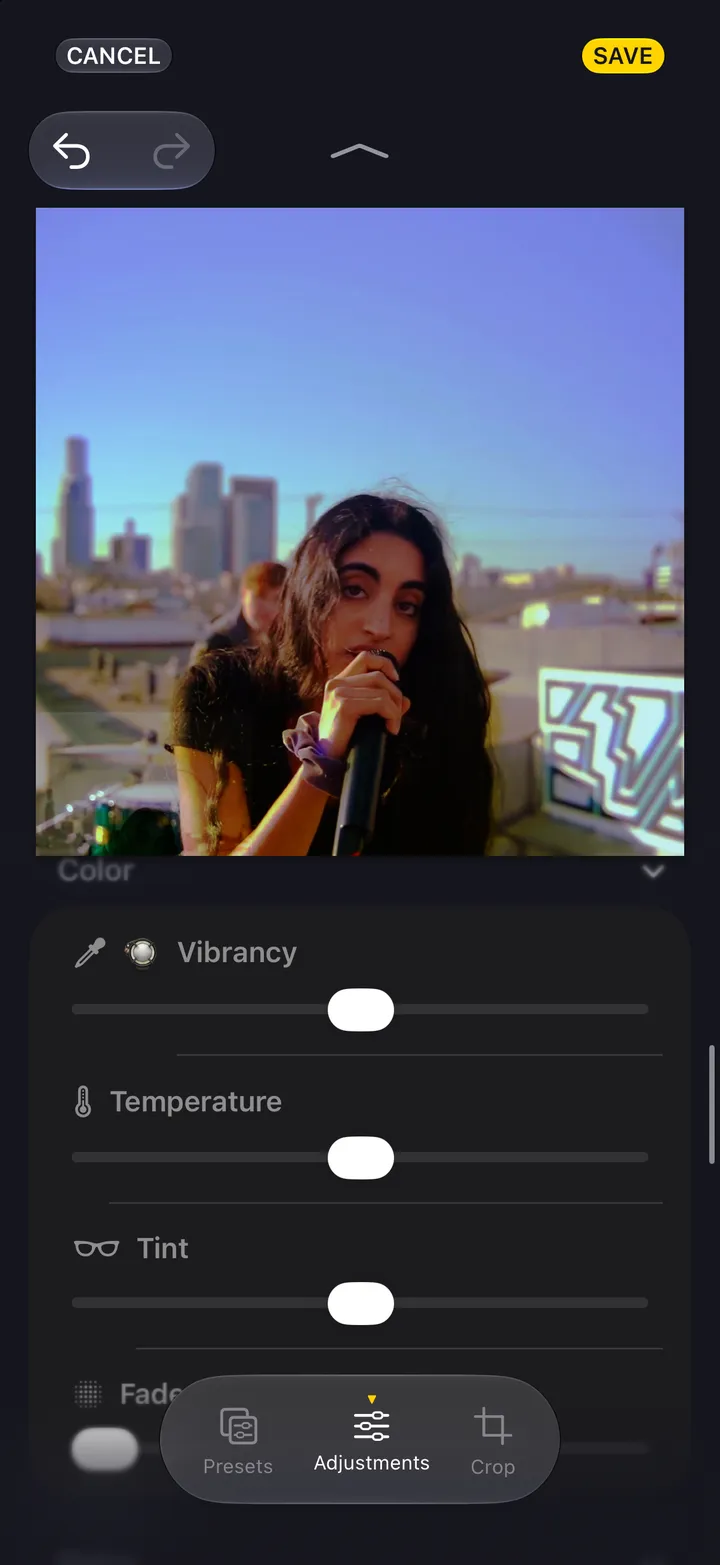
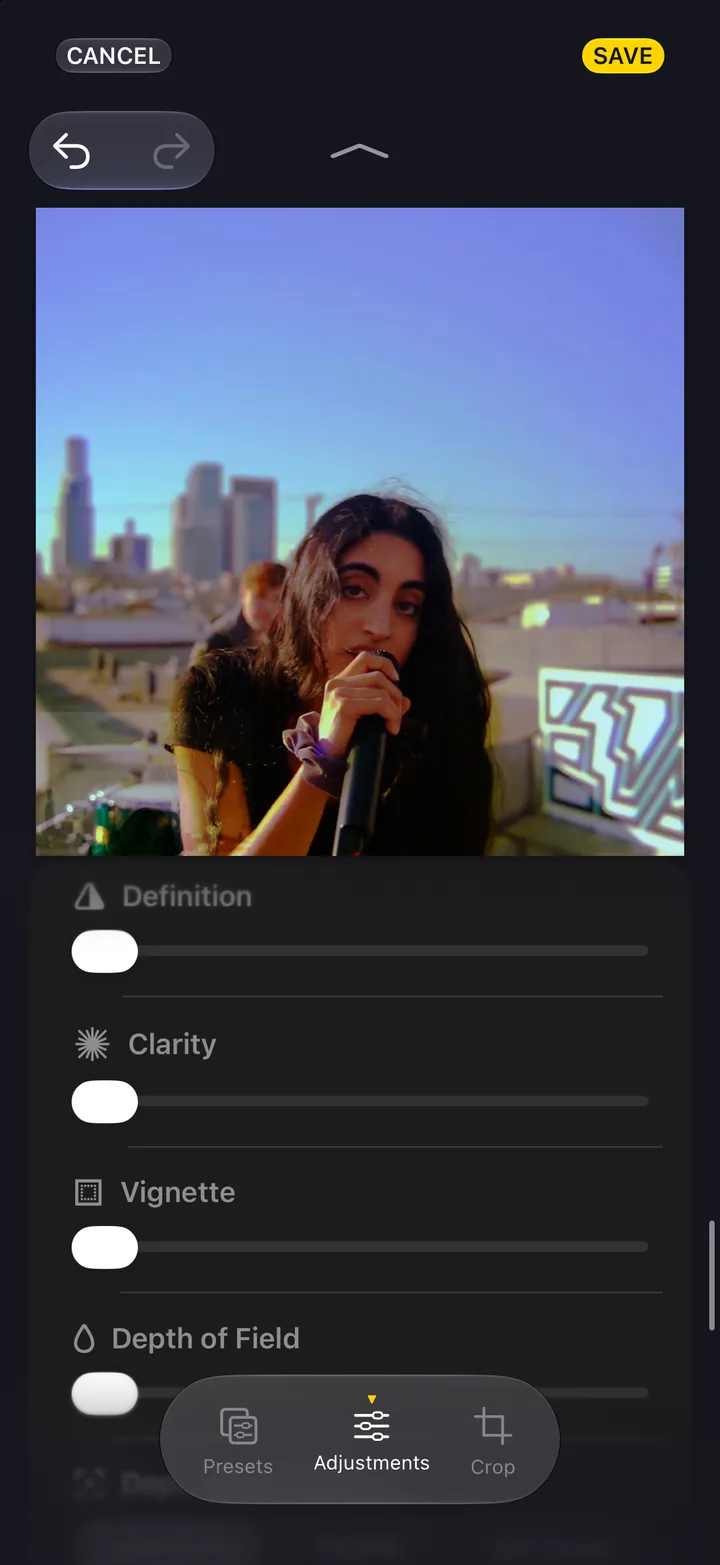
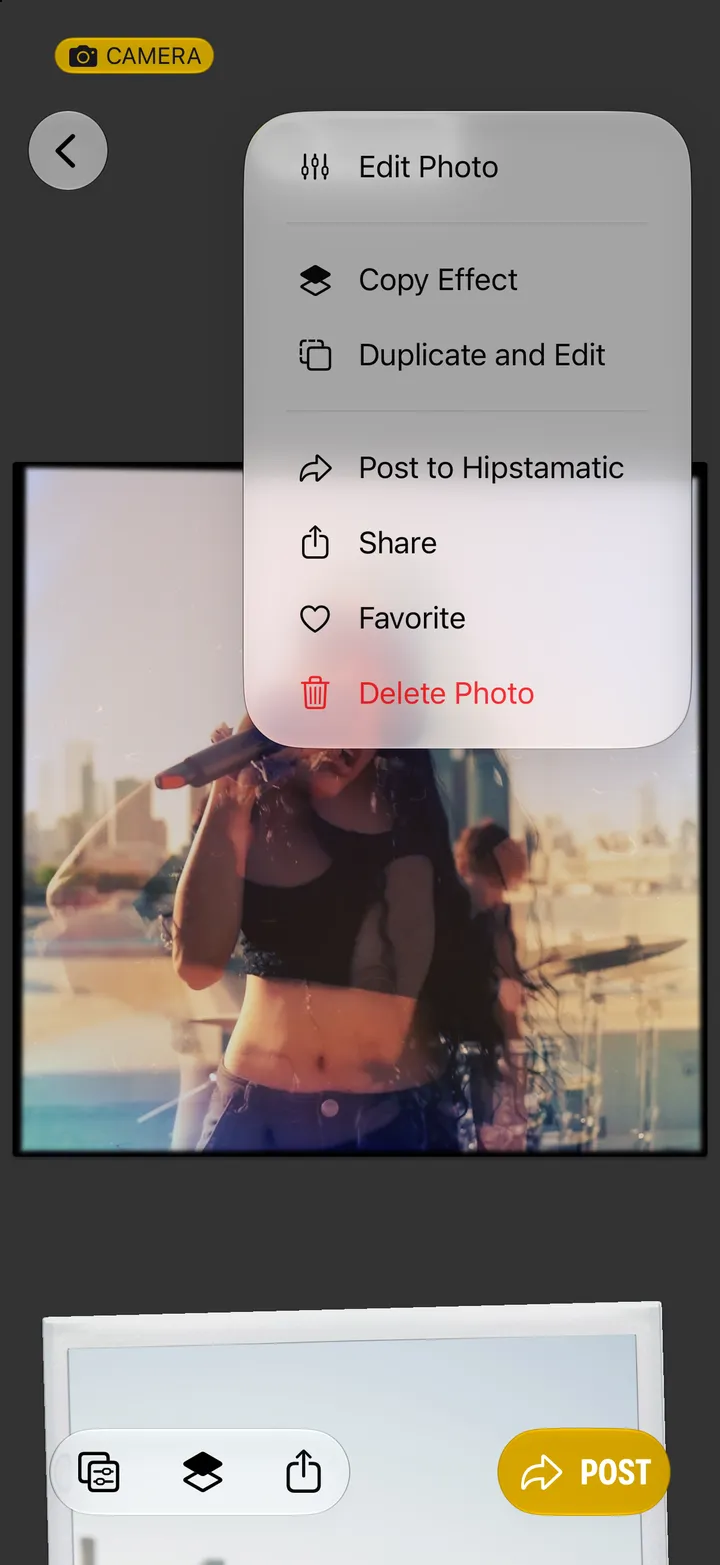
Hipstamatic · 5.3 · 5 stepsEdit, then Open Darkroom…. Adjustments is open.
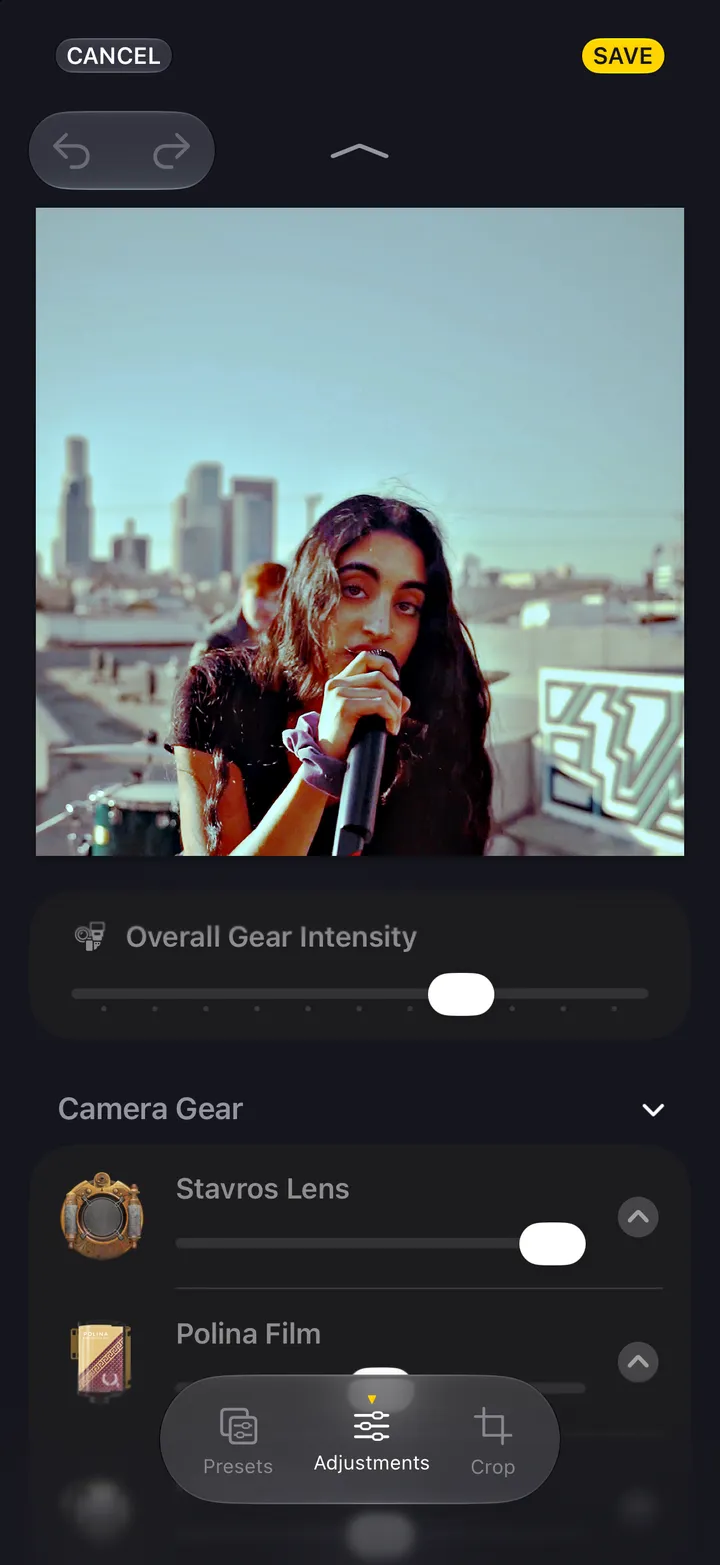
Or the film, or the flash, under Camera Gear.
Shuffle picks one for you. Remove takes it off.
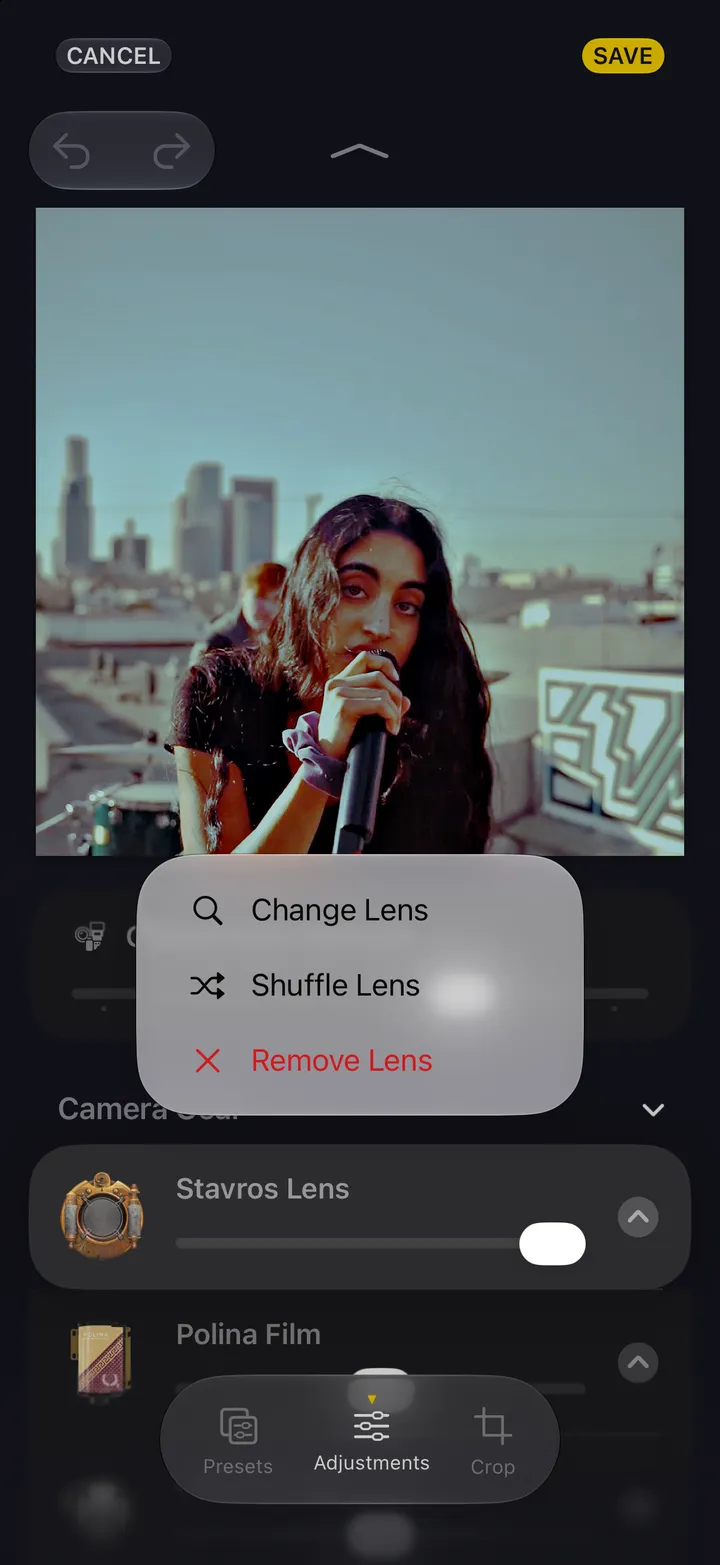
Each one is shown on your photograph.
The new combo is named above the photograph. Tap it to save it as a preset.