Hipstamatic guideTry a new look in one tap
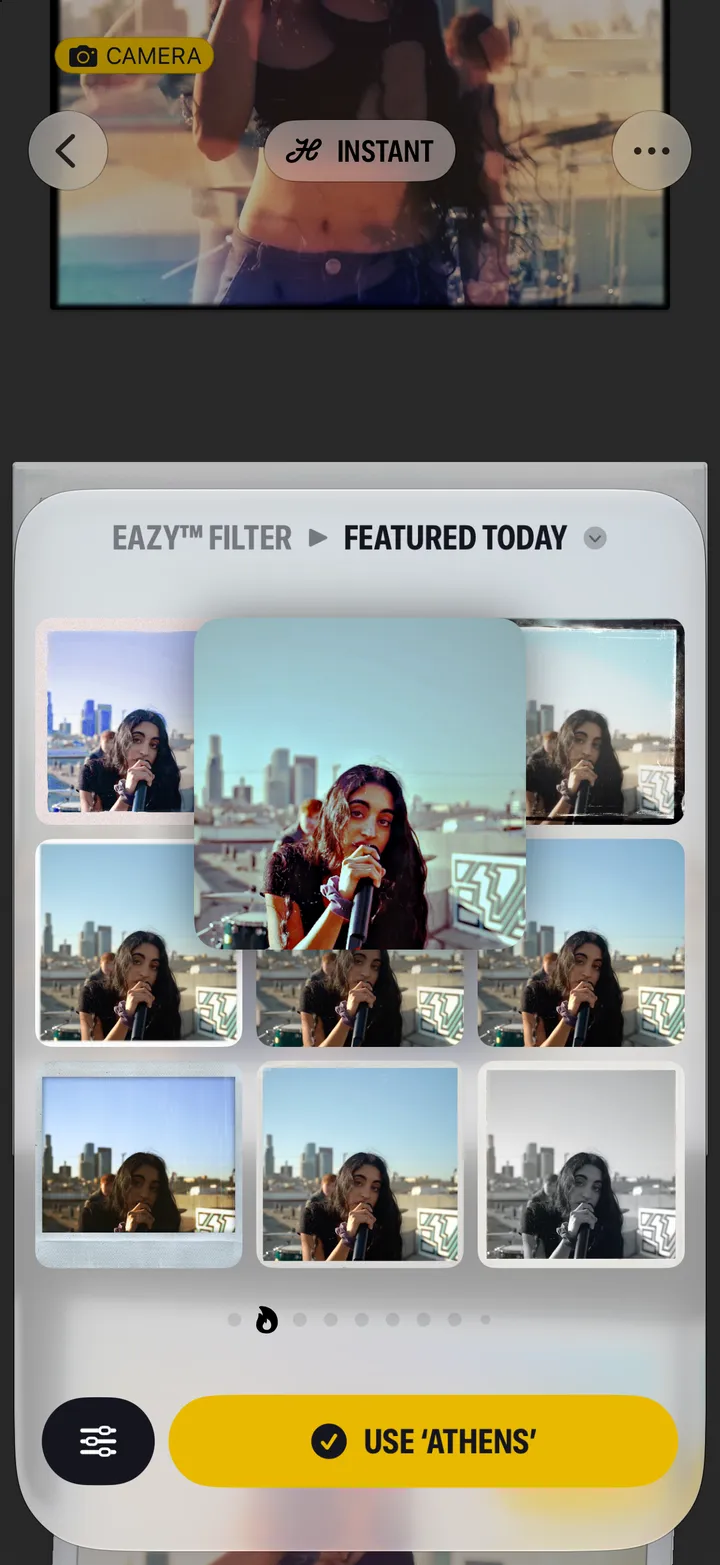
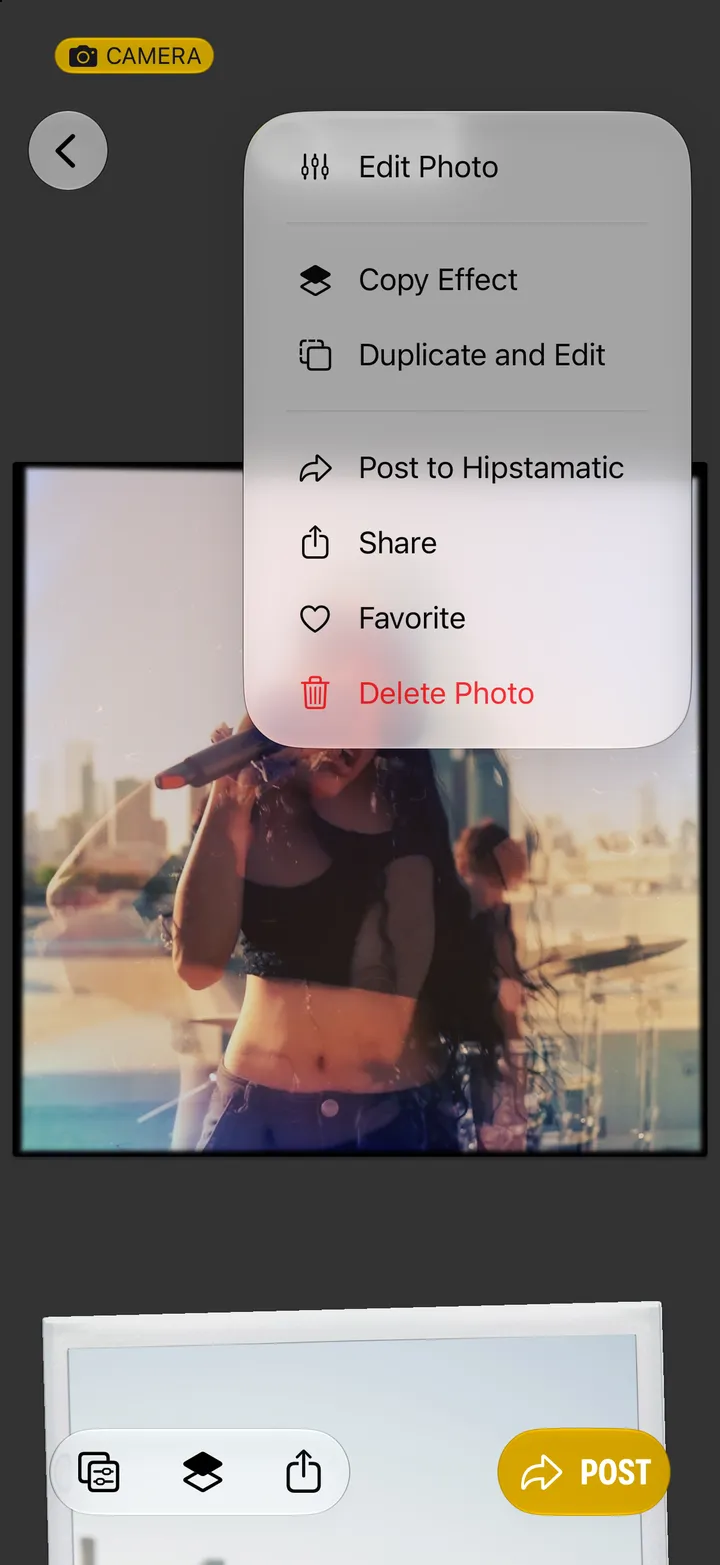
Tap Edit on the photograph. Your shot appears in nine looks; tap one to see it big, then tap Use.
Hipstamatic · 5.2 · 3 steps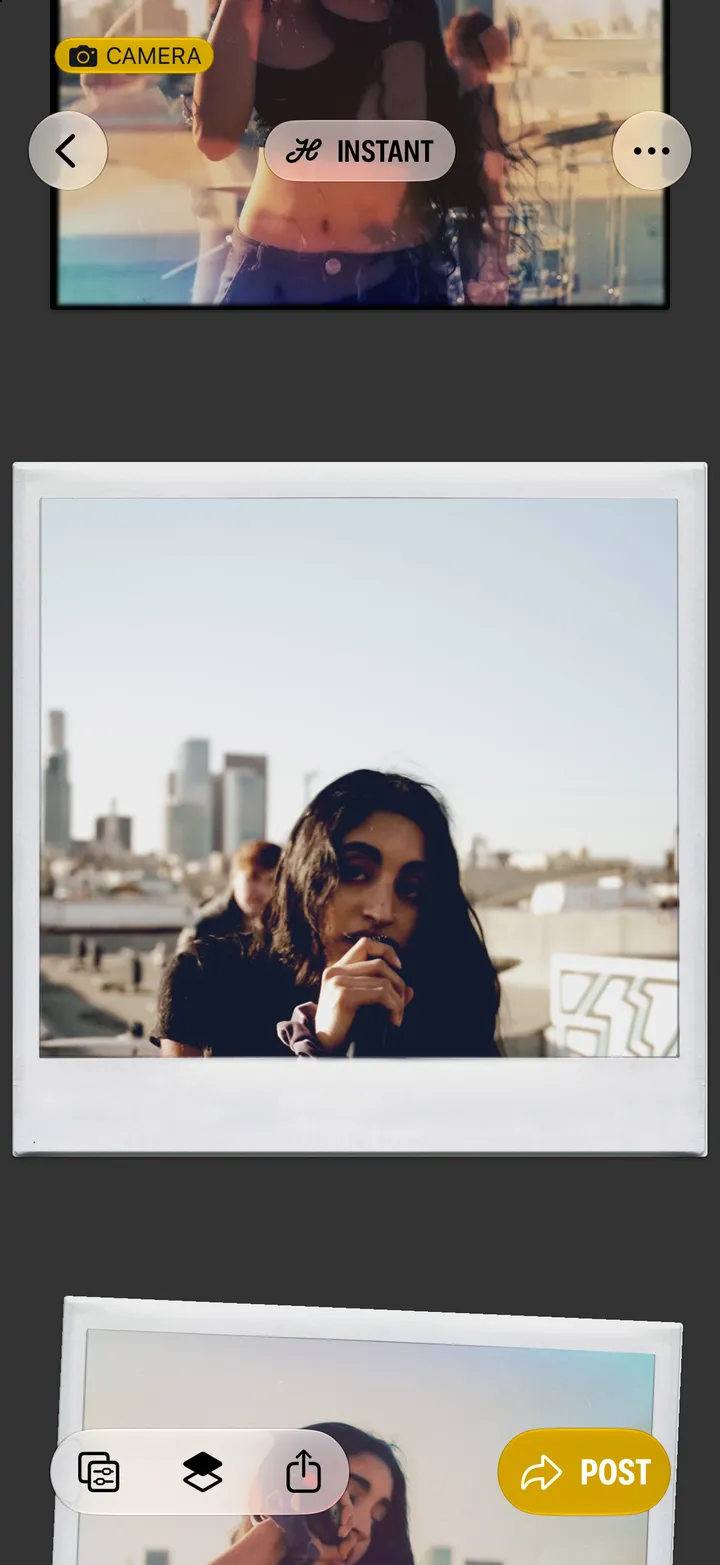
Swipe sideways for more pages: your Favorites, Automatic, and more.
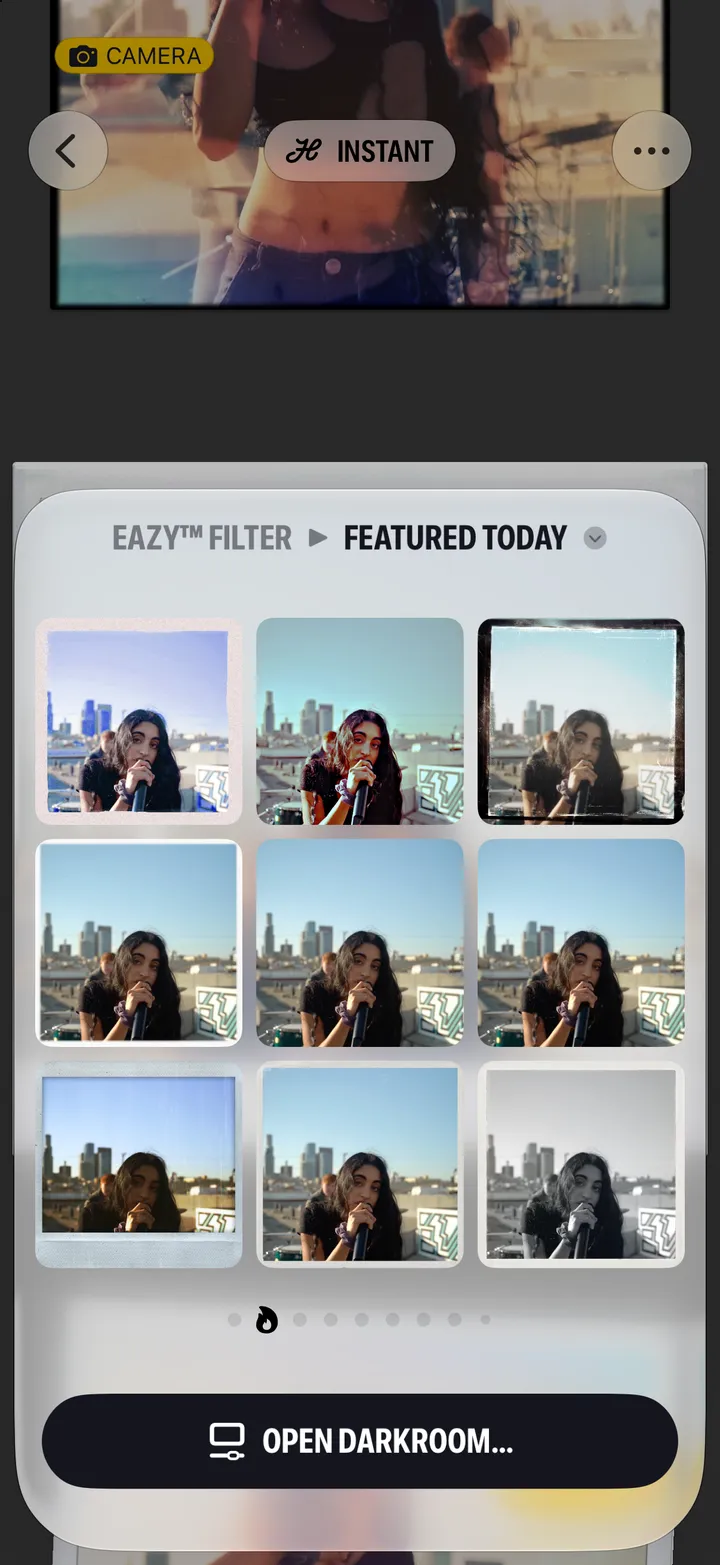
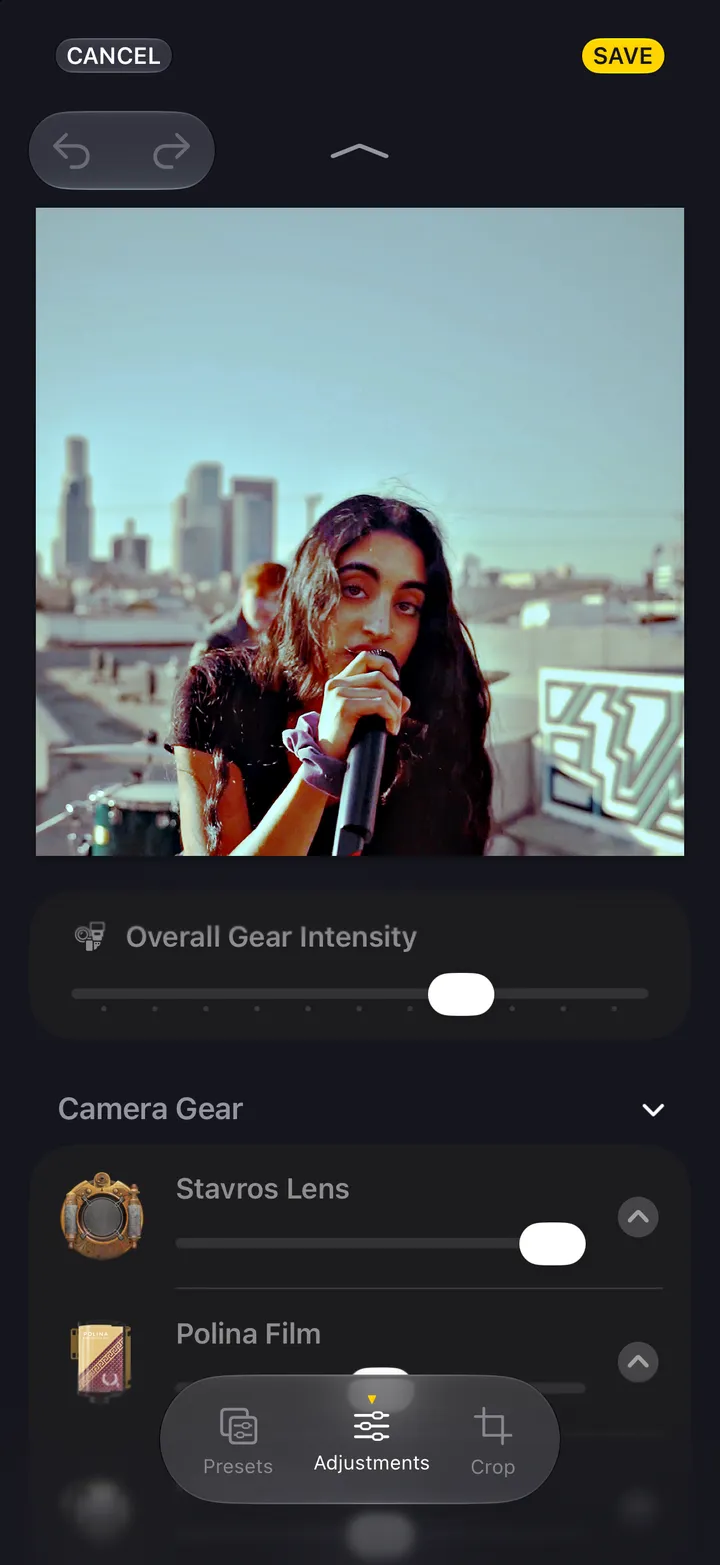
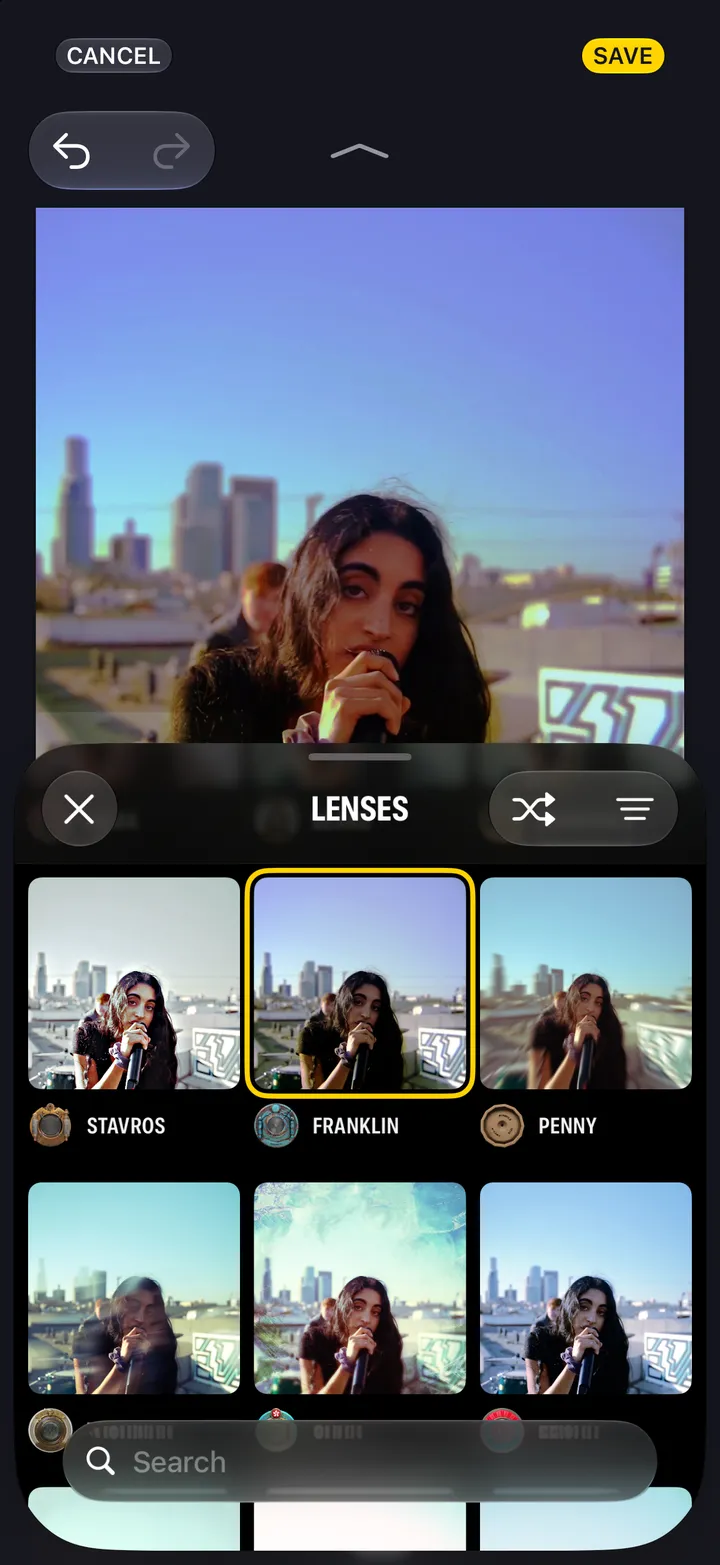
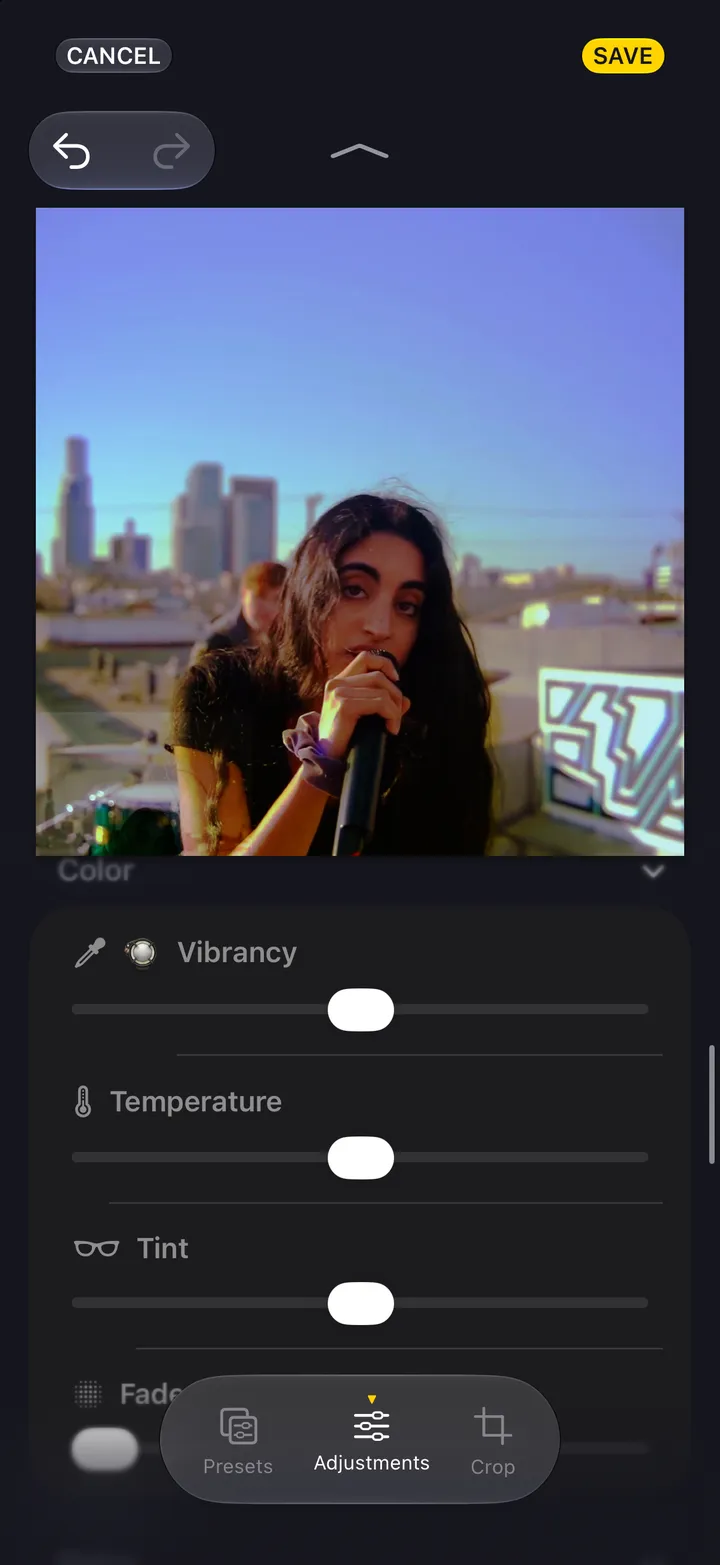
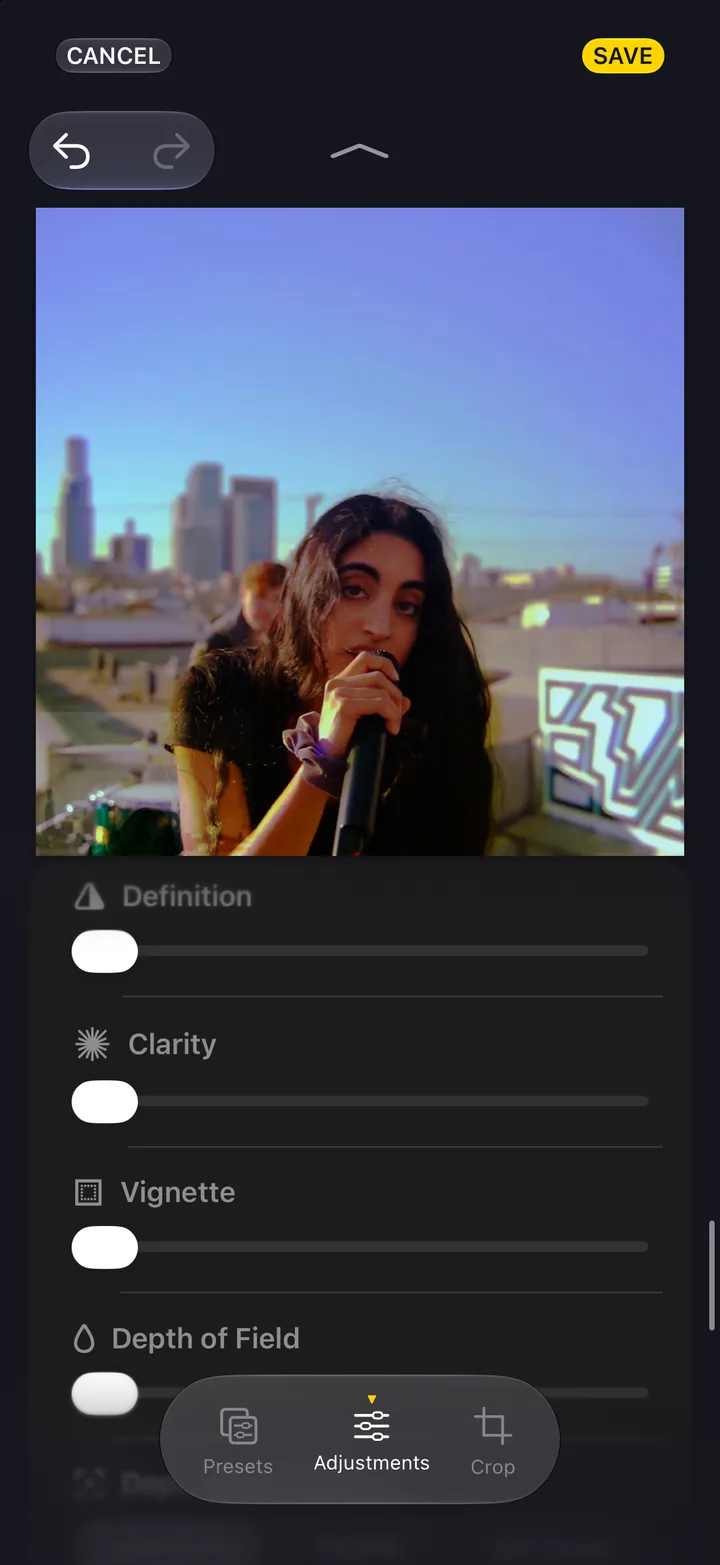
Or the sliders, left of it, to finish it in the darkroom.