Hipstamatic guidePost a photograph

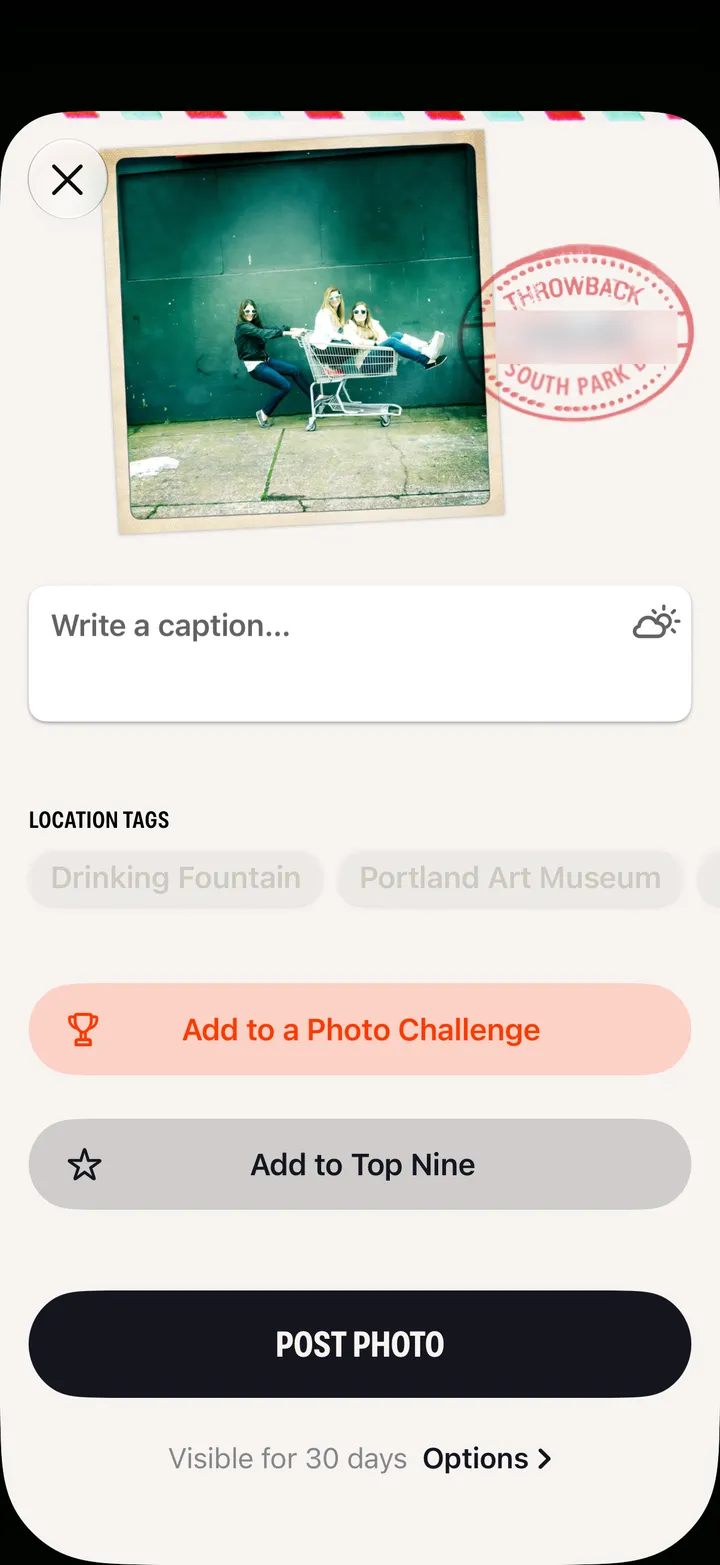
Open the photograph and tap Post. Write a caption, then tap Post Photo.

Hipstamatic · 6.4 · 3 steps

Before you start

  1. 01

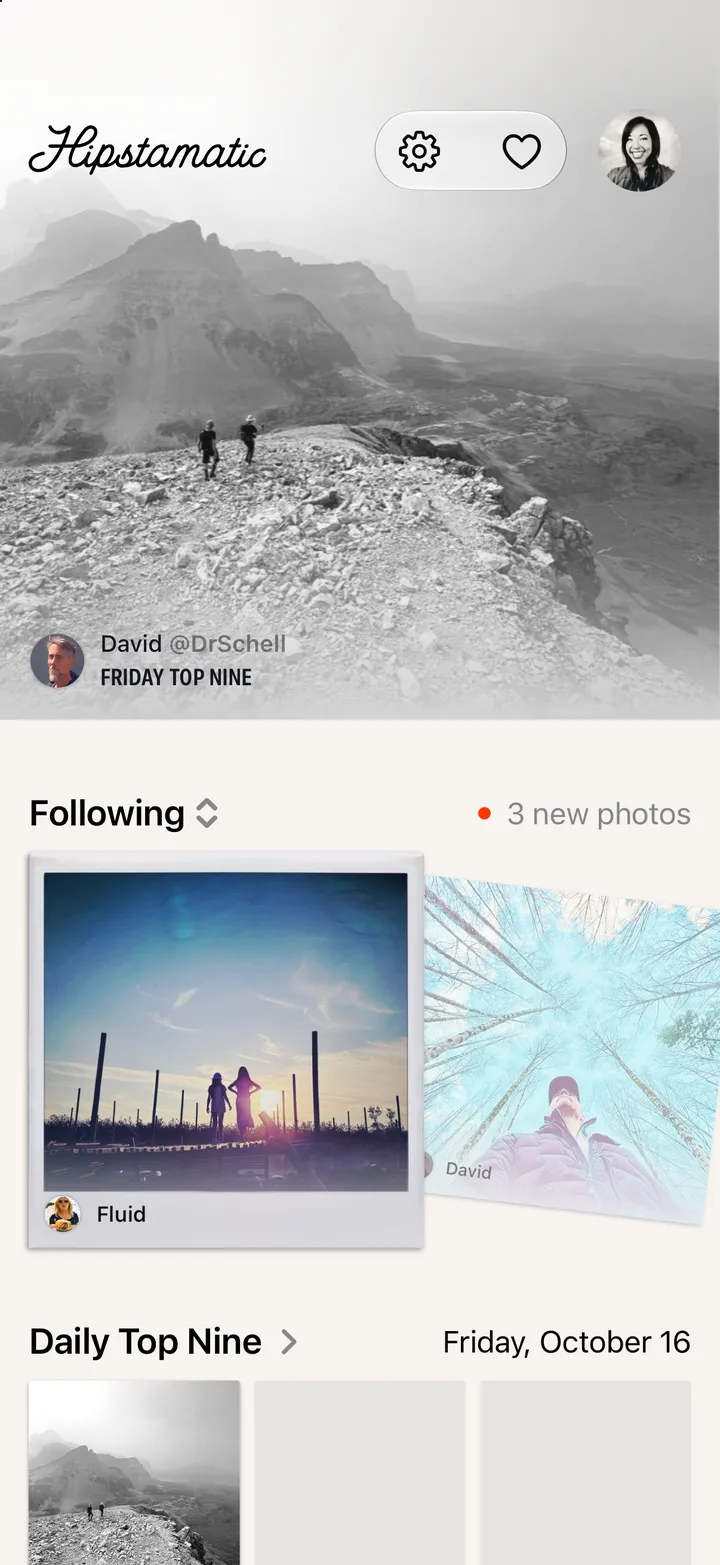
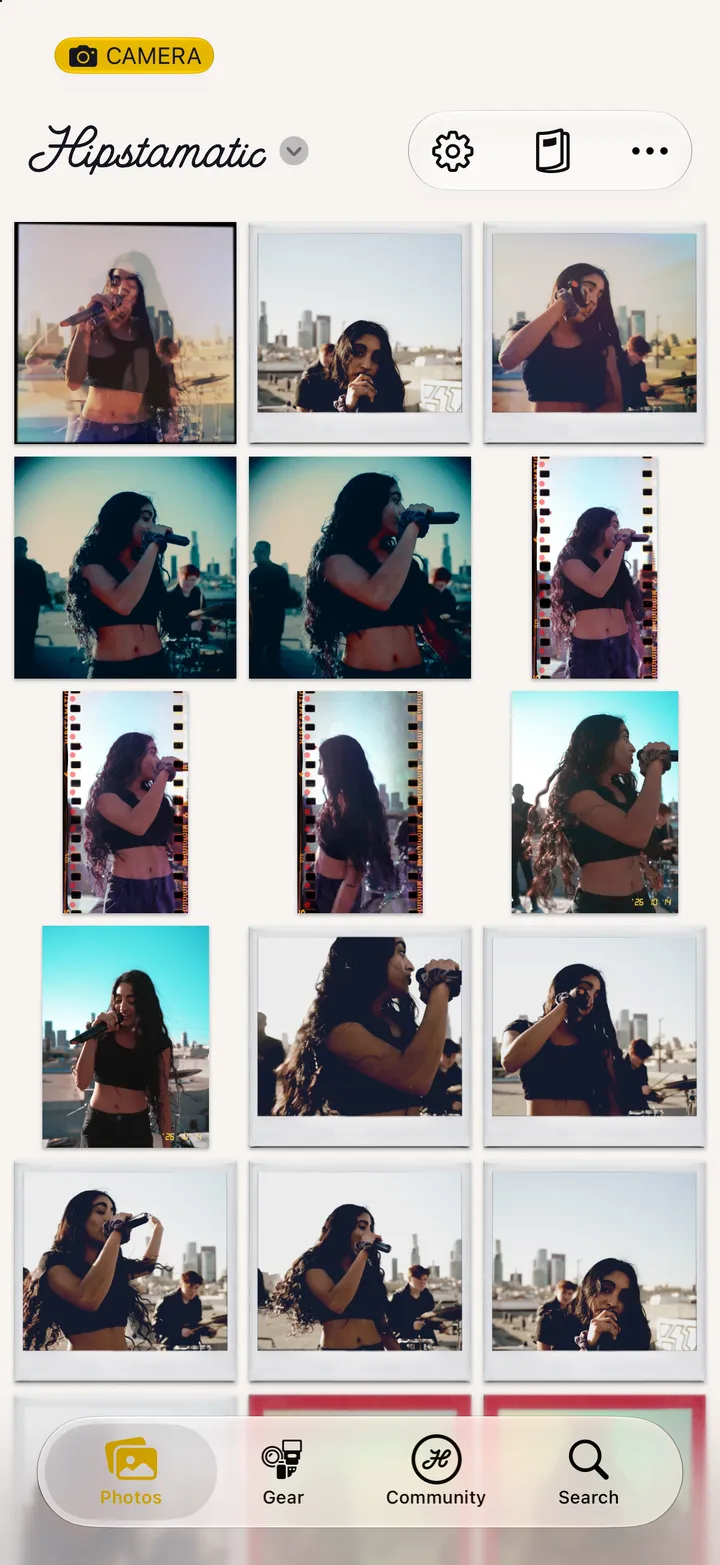
    Tap Post

    On the print right after you shoot, or on any photograph.
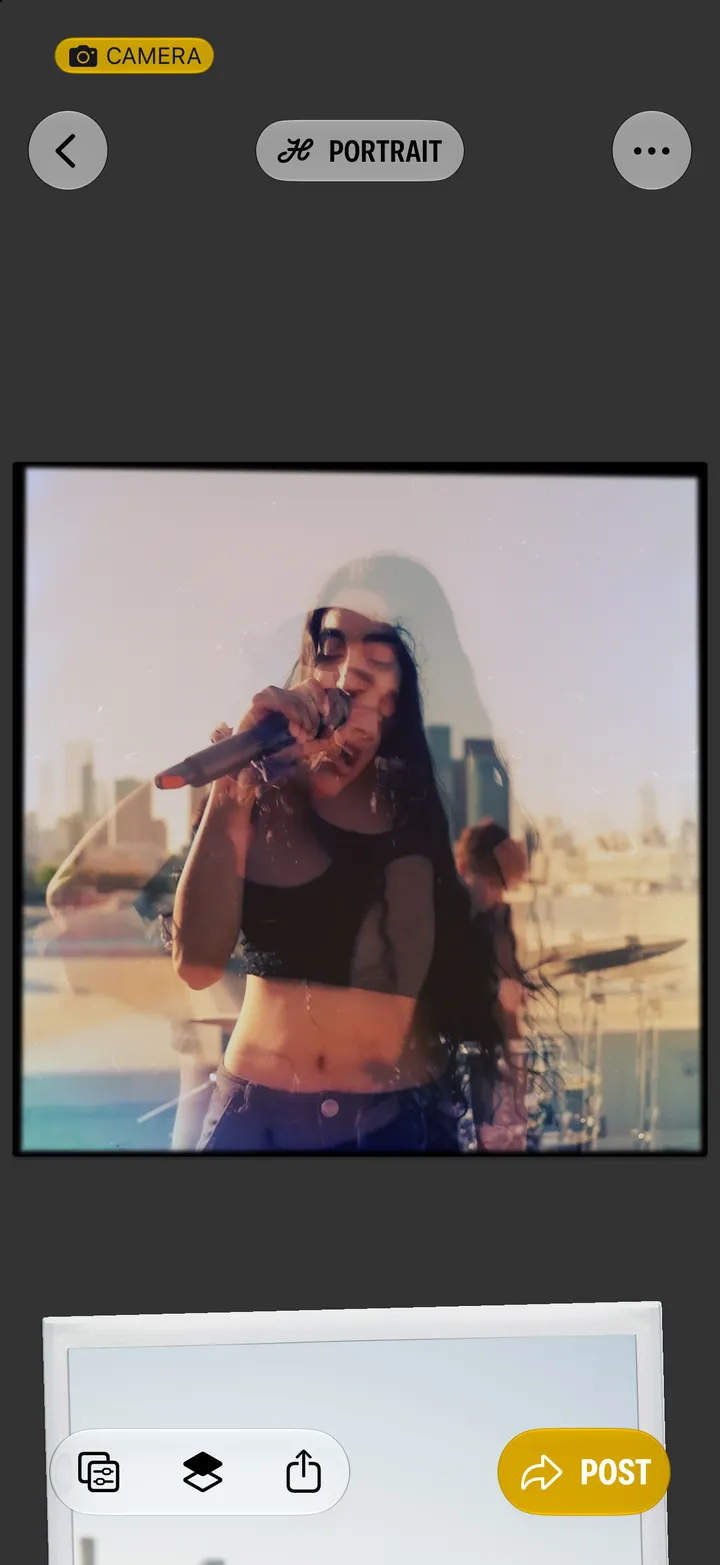
    Step 1: Tap Post
  2. 02

    Write a caption

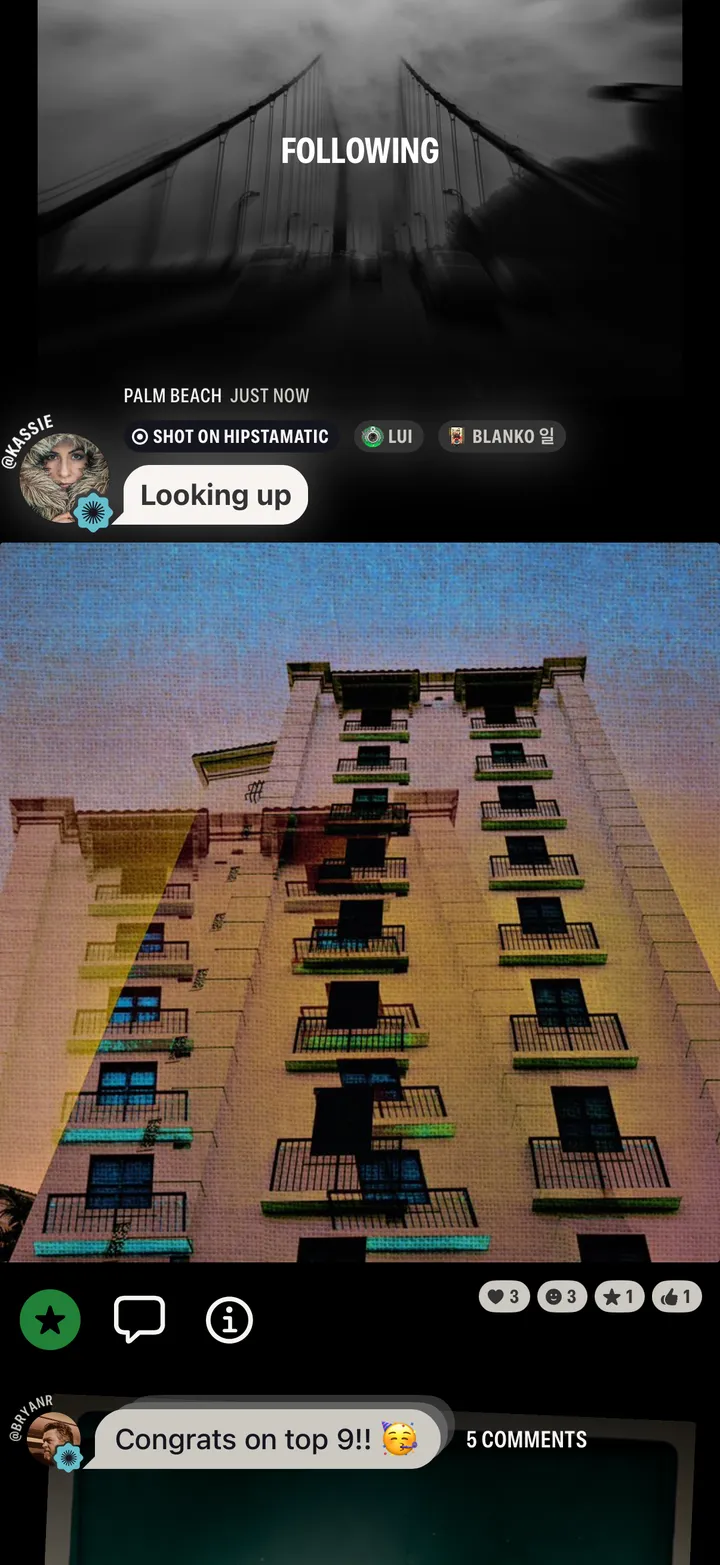
    The gear is tagged for you.

    Step 2: Write a caption
  3. 03

    Tap Post Photo

    Options sets how long it stays up.
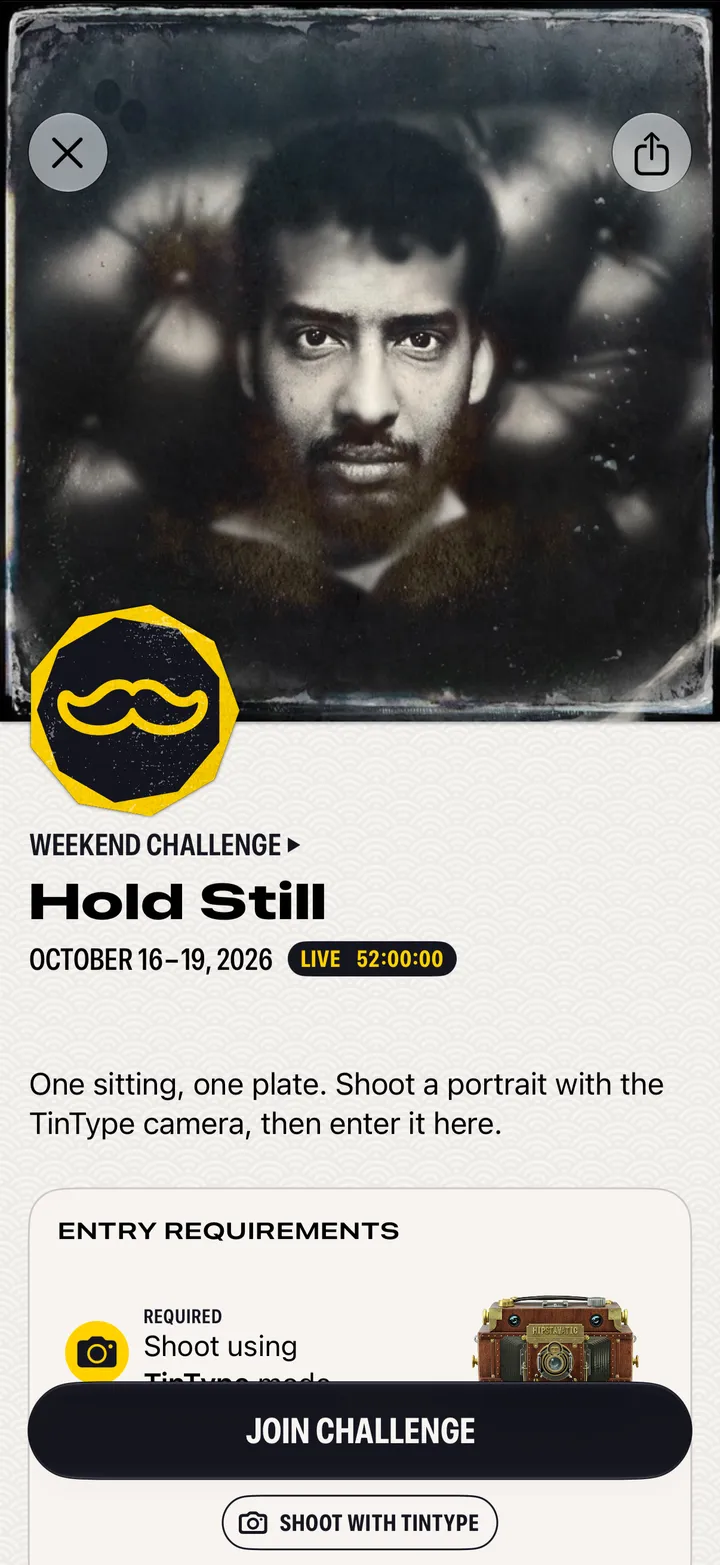
    Step 3: Tap Post Photo

Good to know

  • Posts are always square. If yours isn’t, Hipstamatic asks how to crop it.
  • Without Camera Club: 3 posts in any 24 hours, each up for a month. Members choose No Expiration.
  • Edit or delete a post from its ⓘ menu.