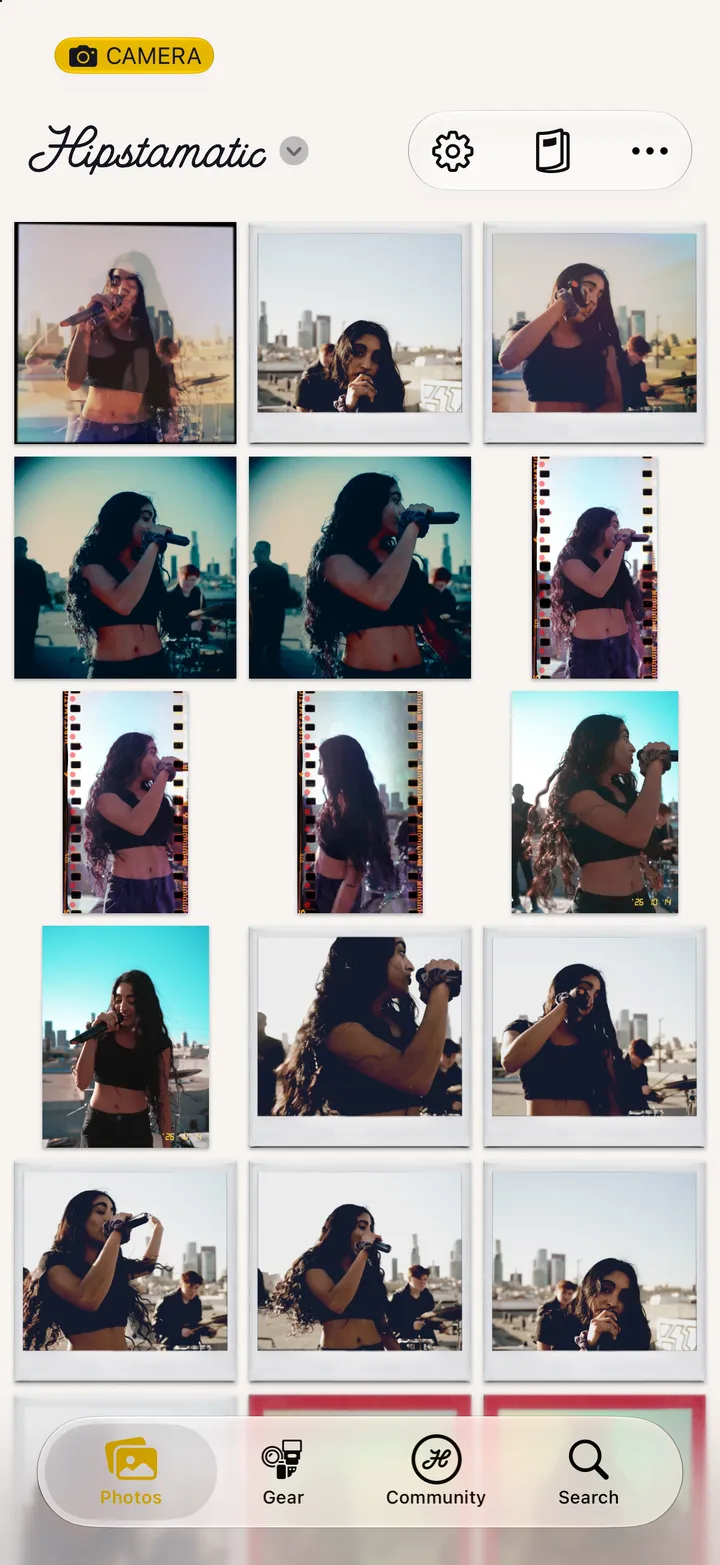
Hipstamatic guideEdit or delete a post
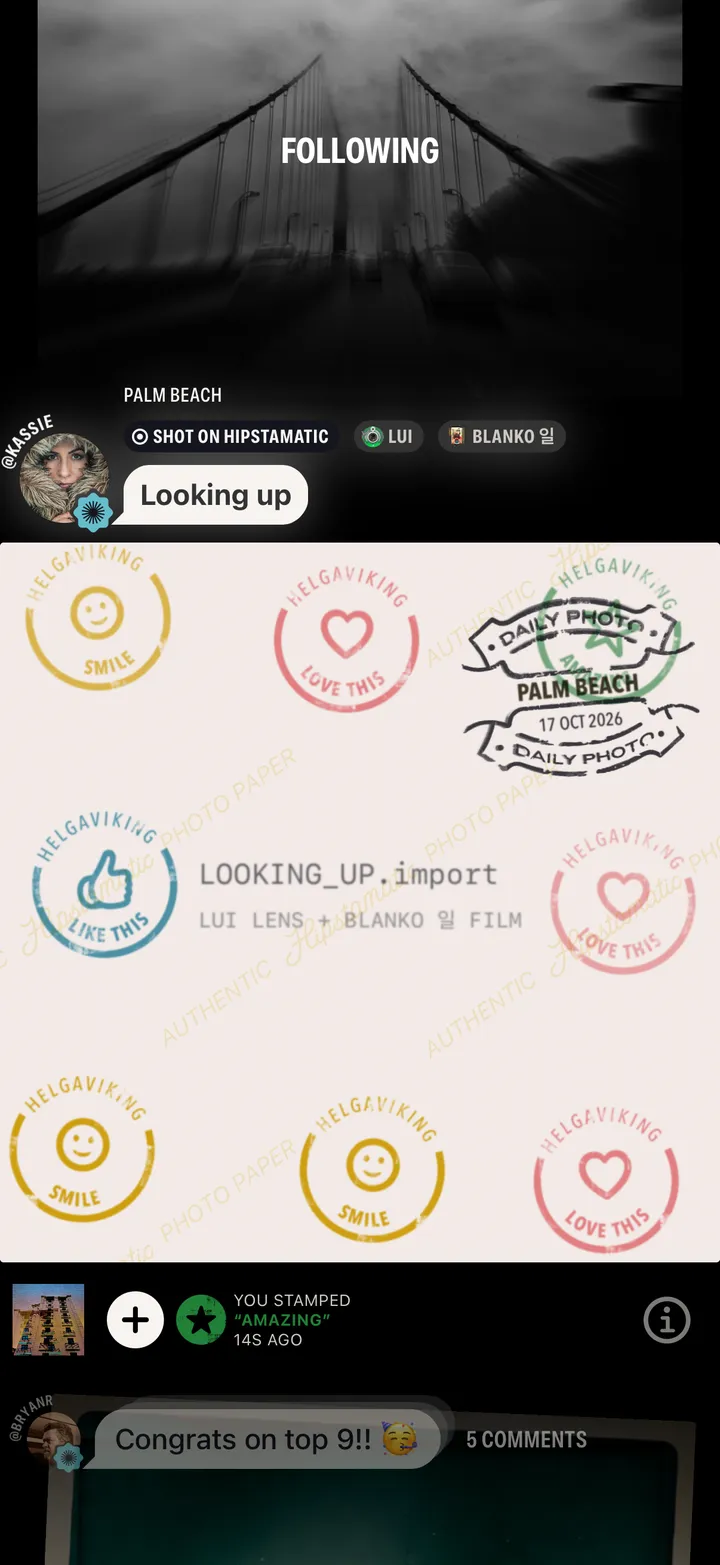
Open your post and tap ⓘ under it. Edit Post changes the caption. Delete Post takes it down; the photograph stays in your library.
Hipstamatic · 6.8 · 3 steps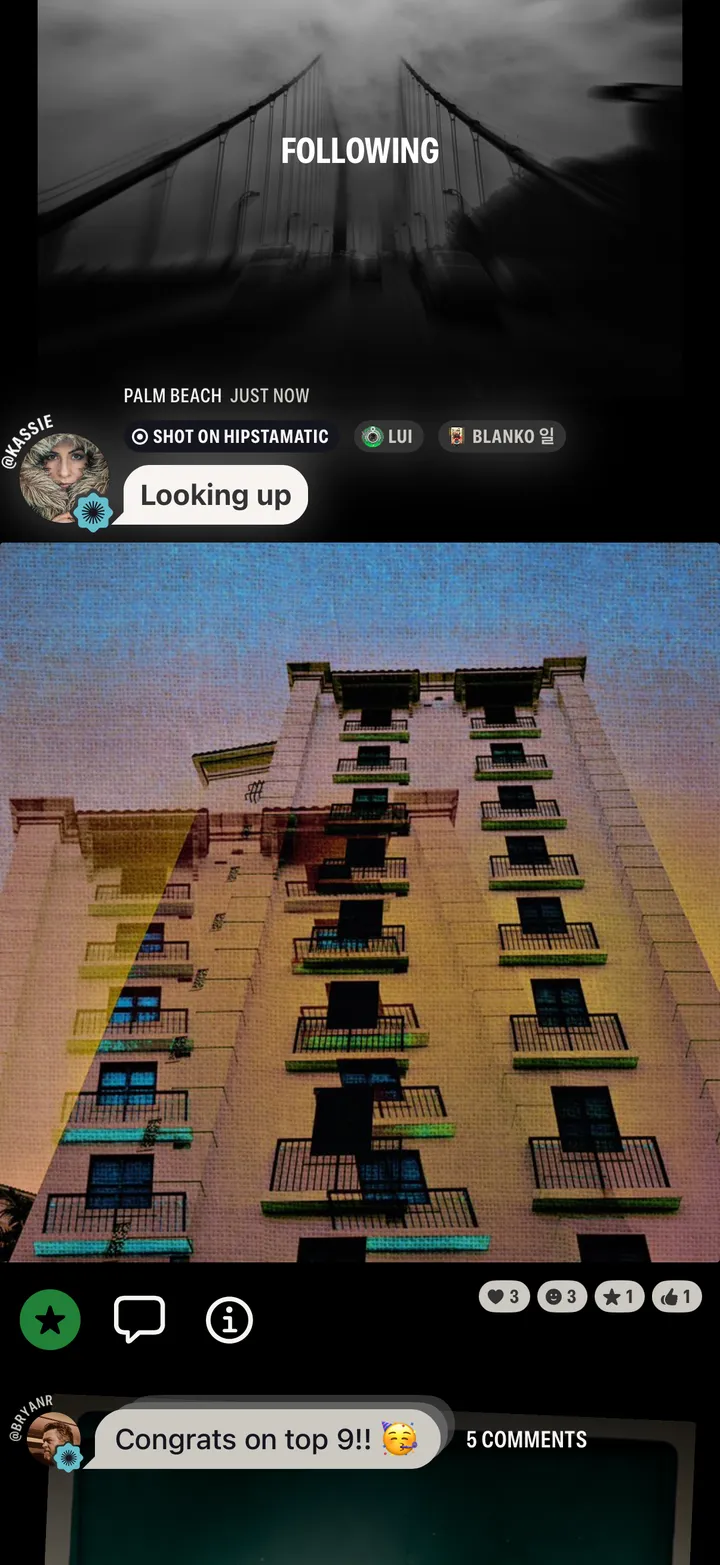
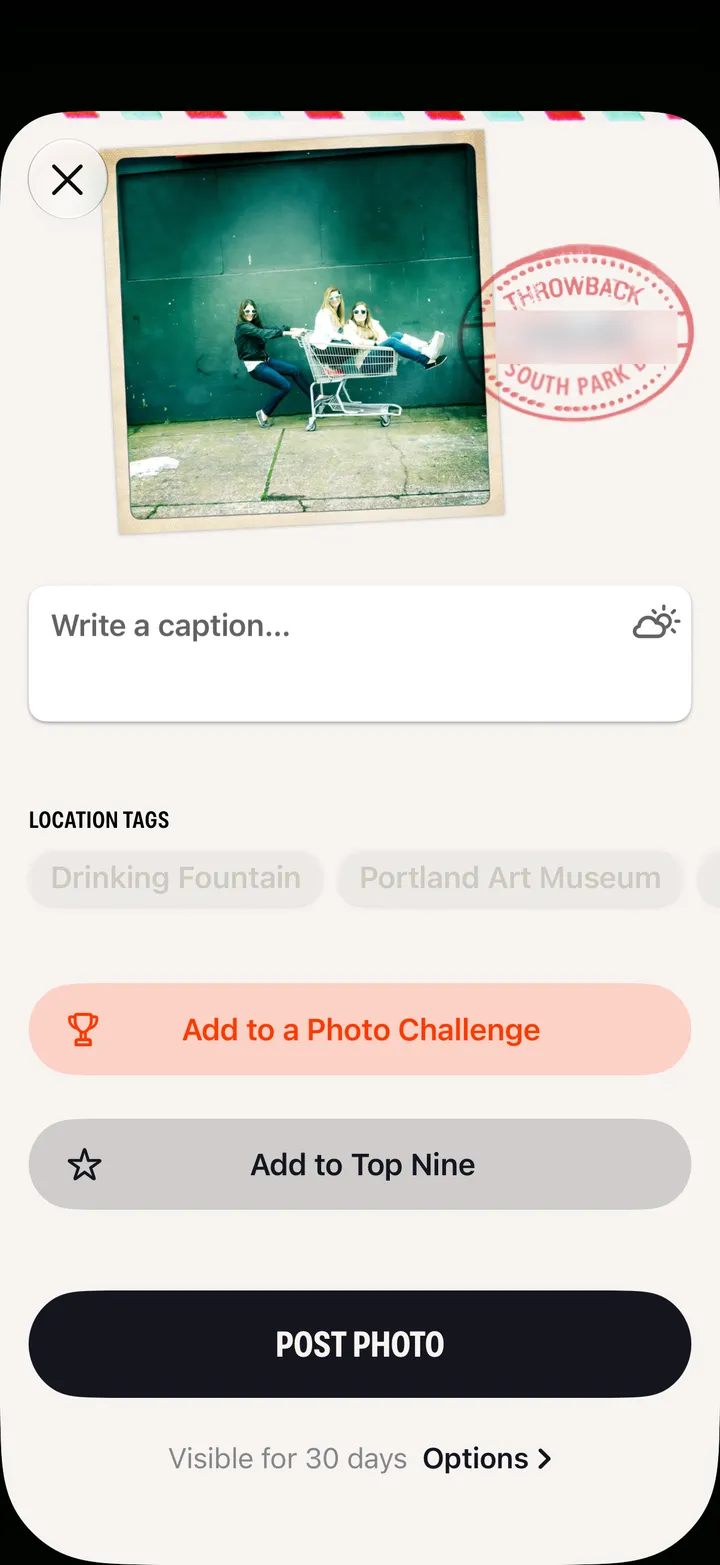
Then Save. Add to Top Nine and Add to Challenge are there too.
Then Delete Photo Post. It comes off your profile for good.