Hipstamatic guideGive kudos

Tap the stamp button under a photograph. Your kudos lands on the back of the print. Tap + to write your own.

Hipstamatic · 6.2 · 4 steps
  1. 01

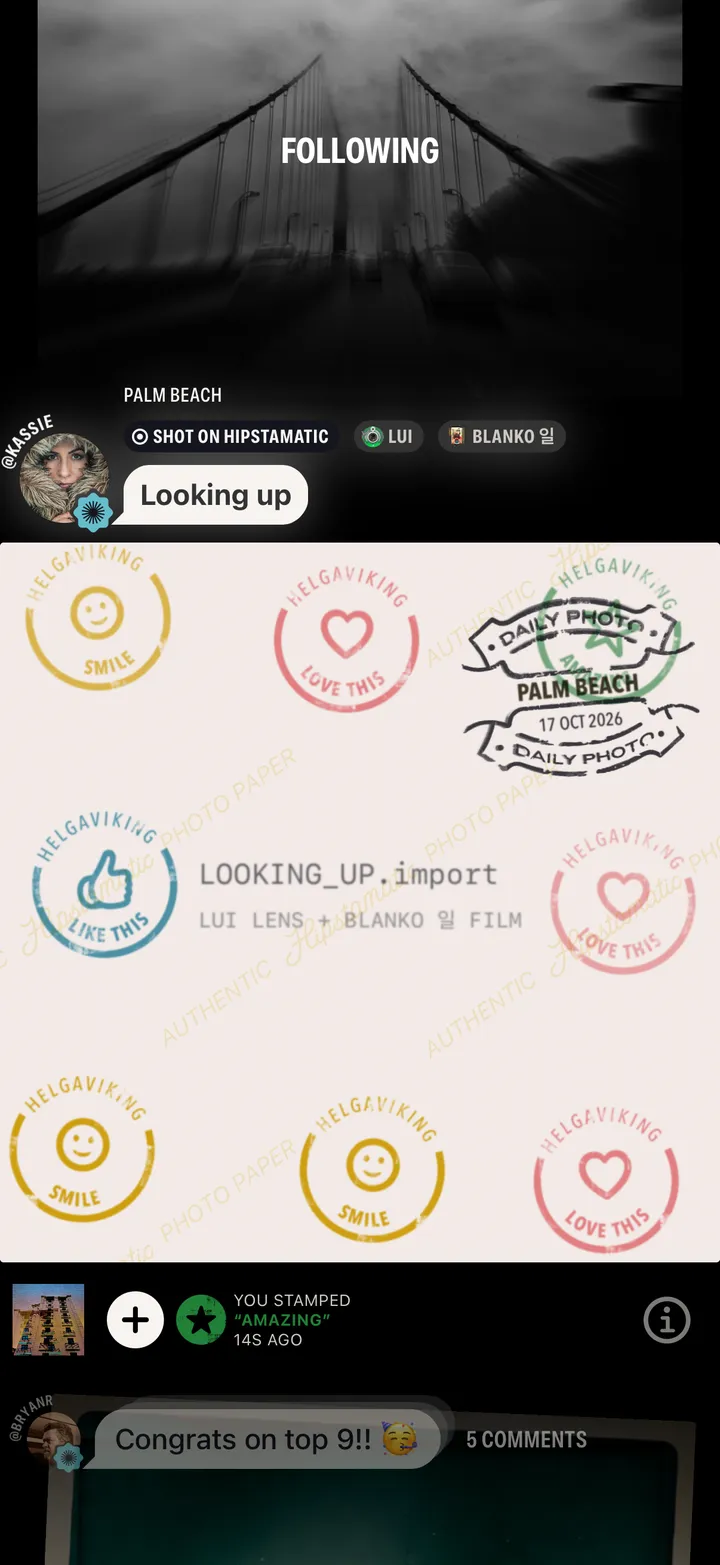
    Tap the stamp button

    Under the photograph, on the left.

    Step 1: Tap the stamp button
  2. 02

    Your kudos lands on the back

    With everyone else’s.

    Step 2: Your kudos lands on the back
  3. 03

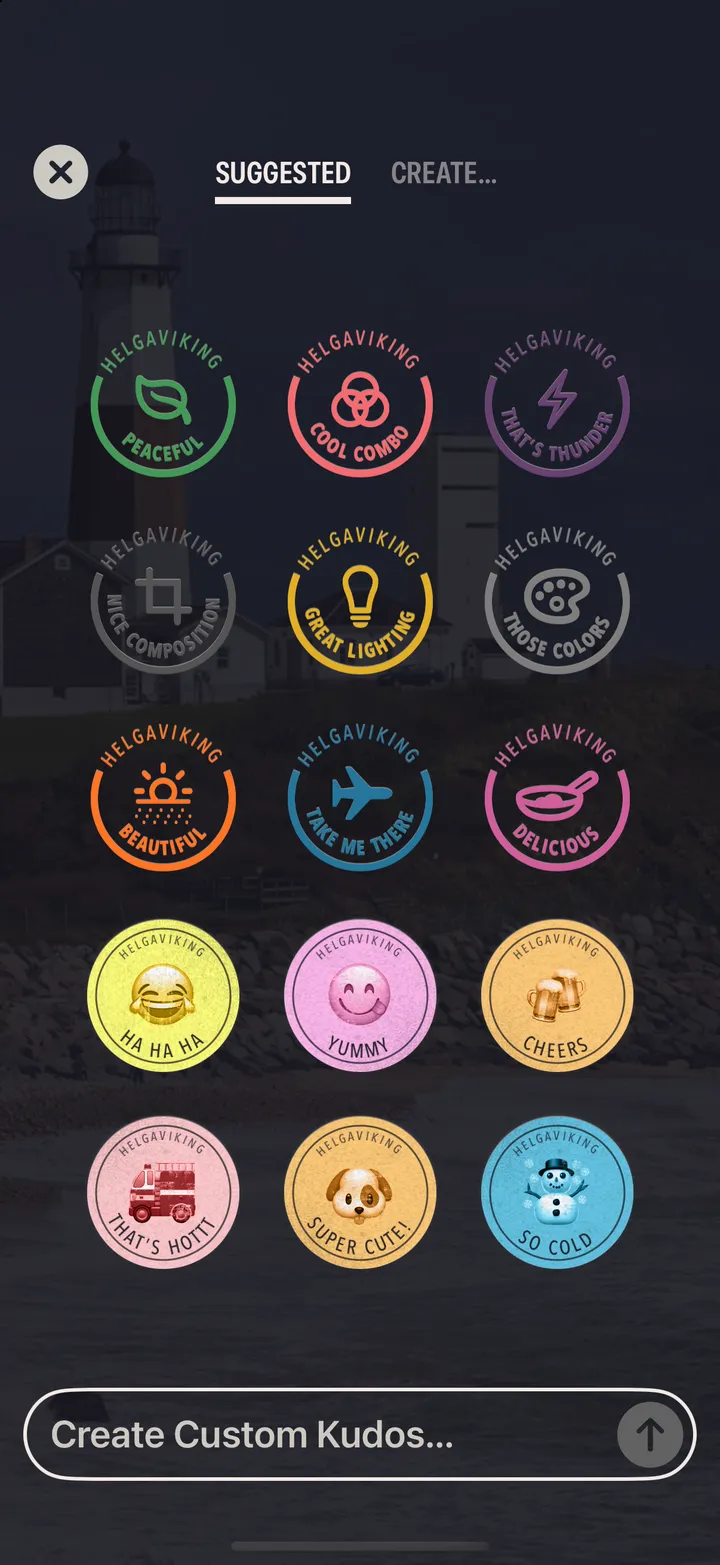
    Tap + for your own

    Pick one, or write it under Create….
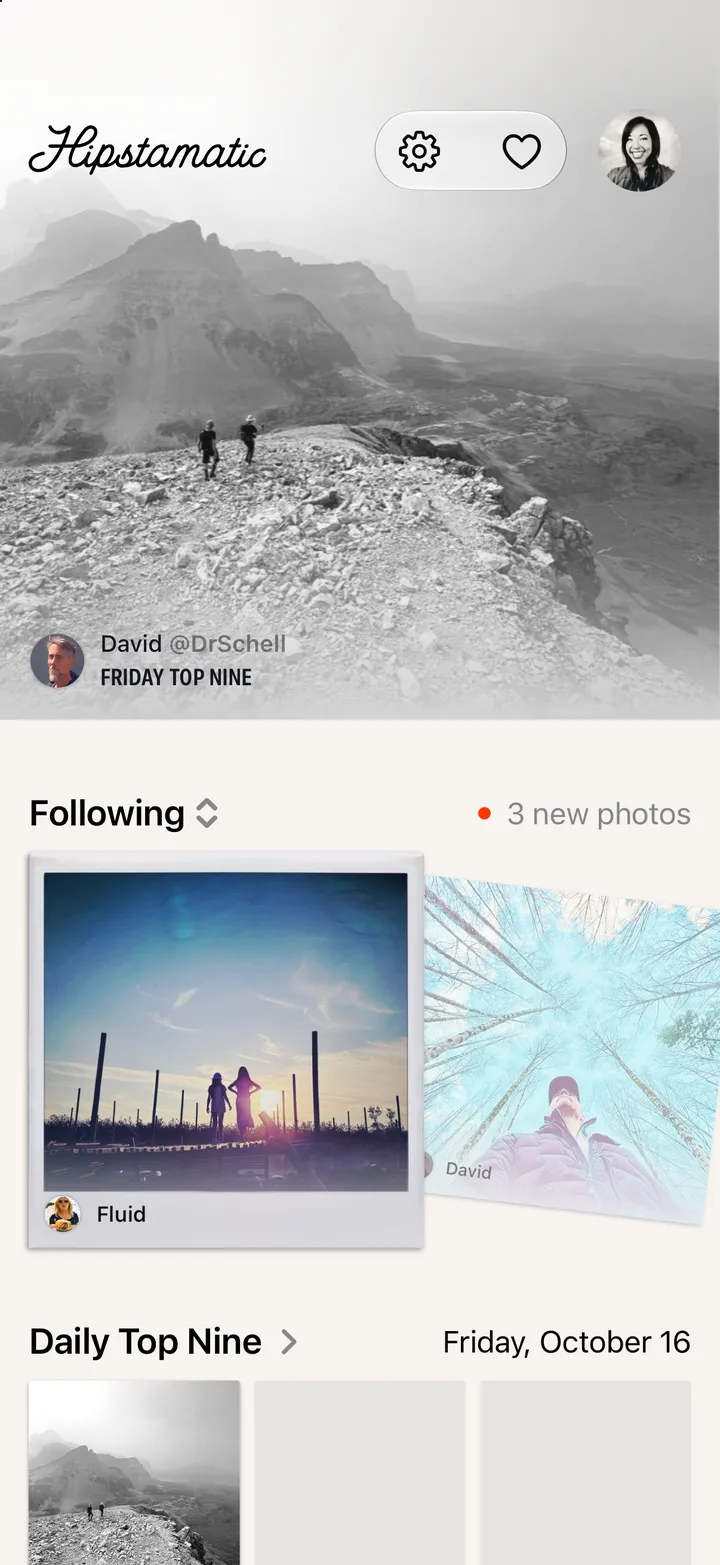
    Step 3: Tap + for your own
  4. 04

    Pick a kudos

    Step 4: Pick a kudos

Good to know

  • Changed your mind? Tap your stamp, then Delete Kudos Stamp.
  • Emoji stickers come with Camera Club.