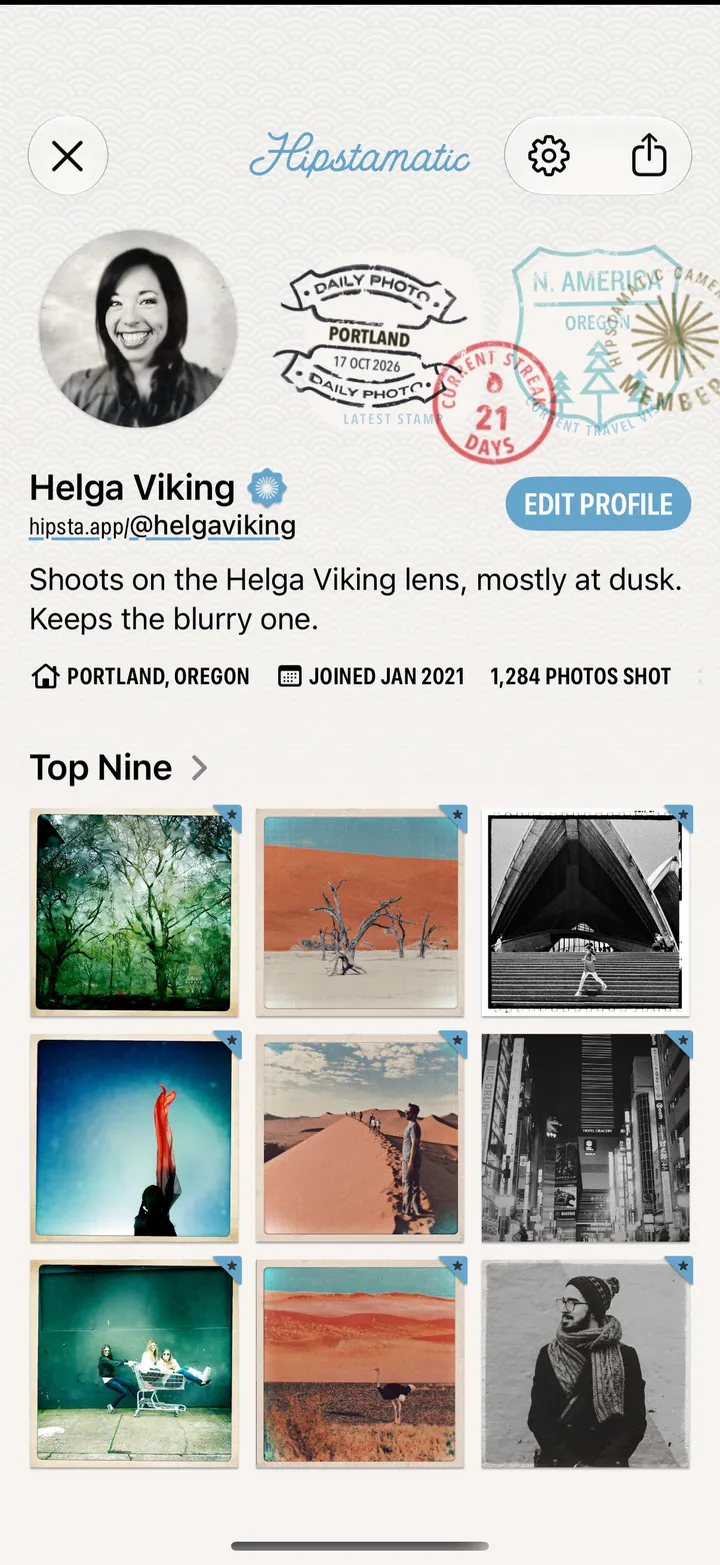
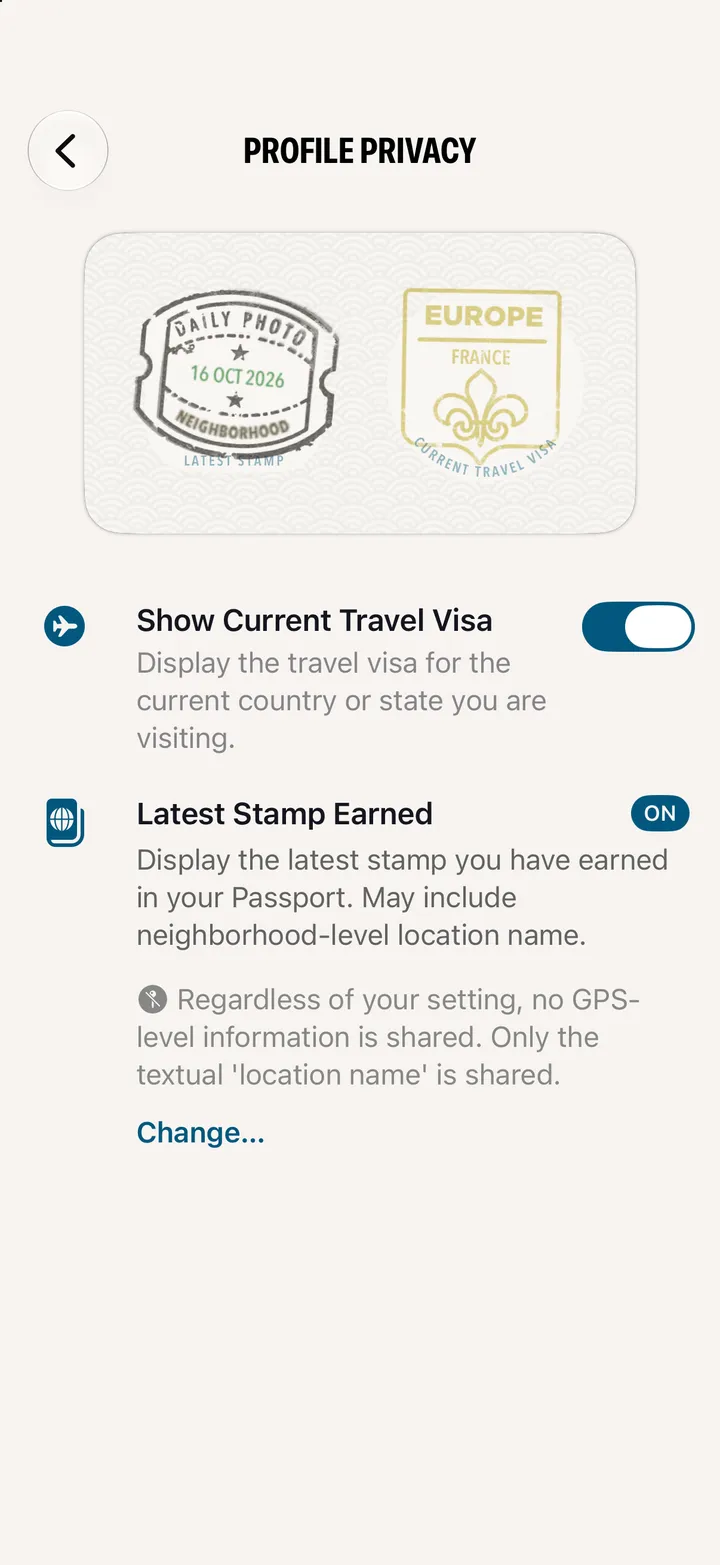
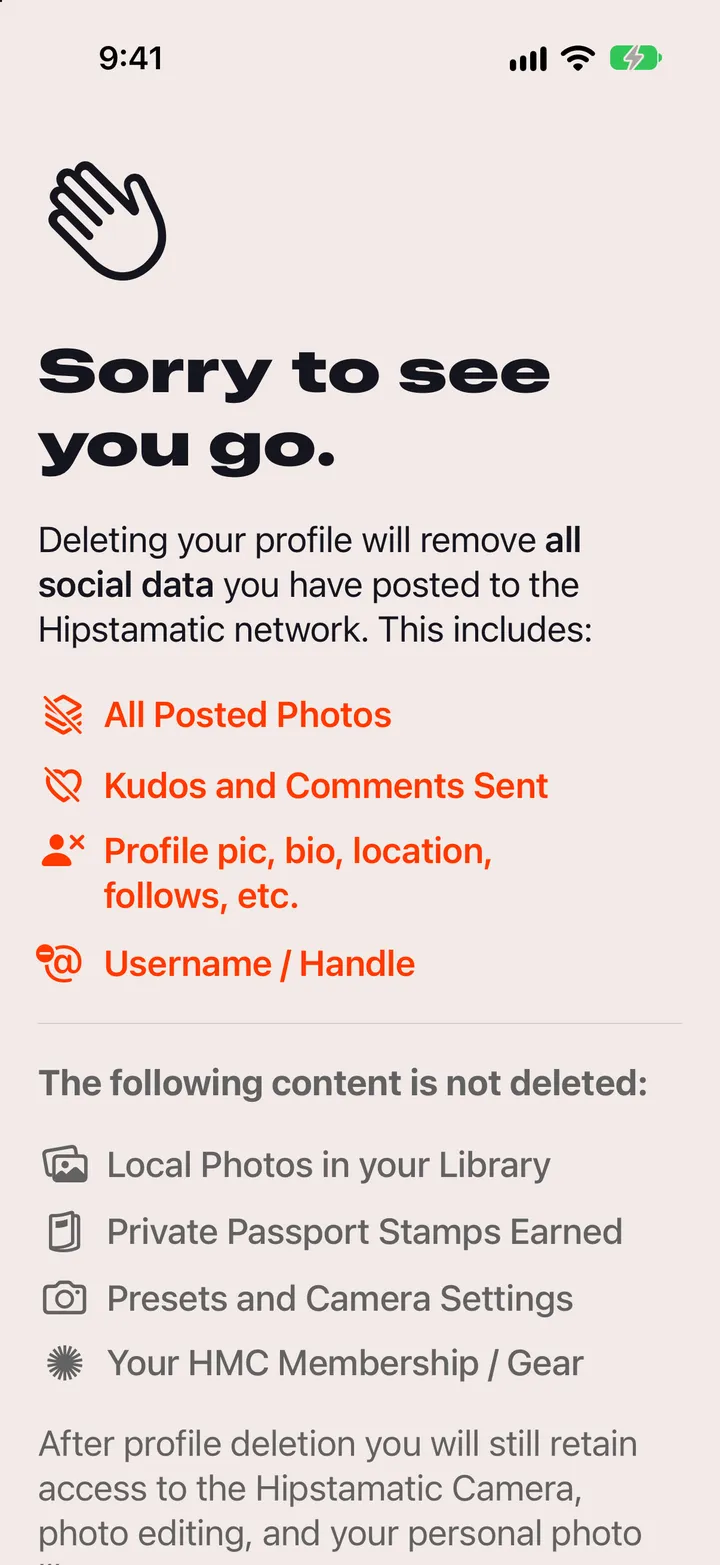
Hipstamatic guideSet up your profile

Tap Create Profile on the Community tab and continue with Apple. Add your name, a photo and a handle, then tap Continue.

Hipstamatic · 7.1 · 4 steps
  1. 01

    Tap Create Profile

    Top right of Community.

    Step 1: Tap Create Profile
  2. 02

    Continue with Apple

    Your iPhone needs to be signed in to iCloud.
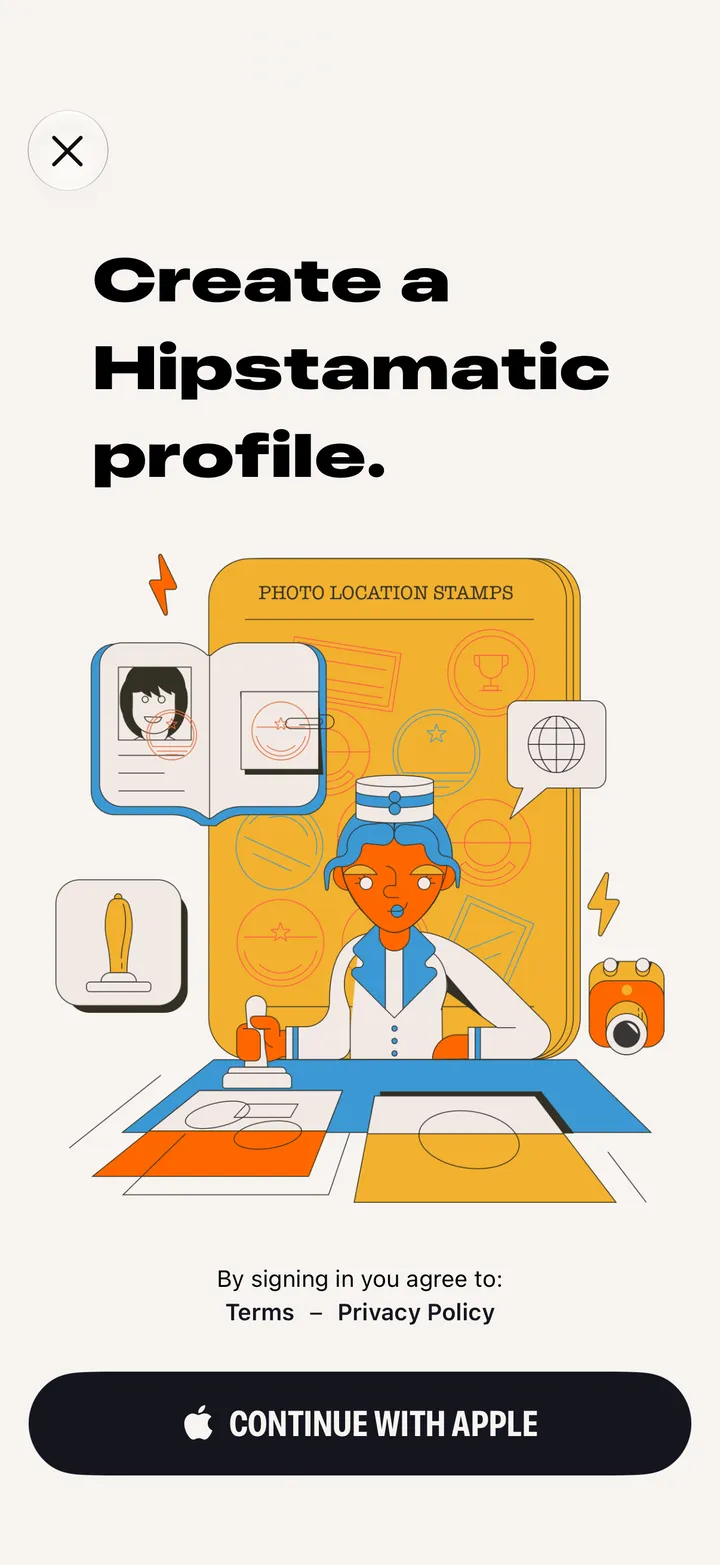
    Step 2: Continue with Apple
  3. 03

    Add your name, location and a photo

    Bio, a link and your other accounts are up to you.
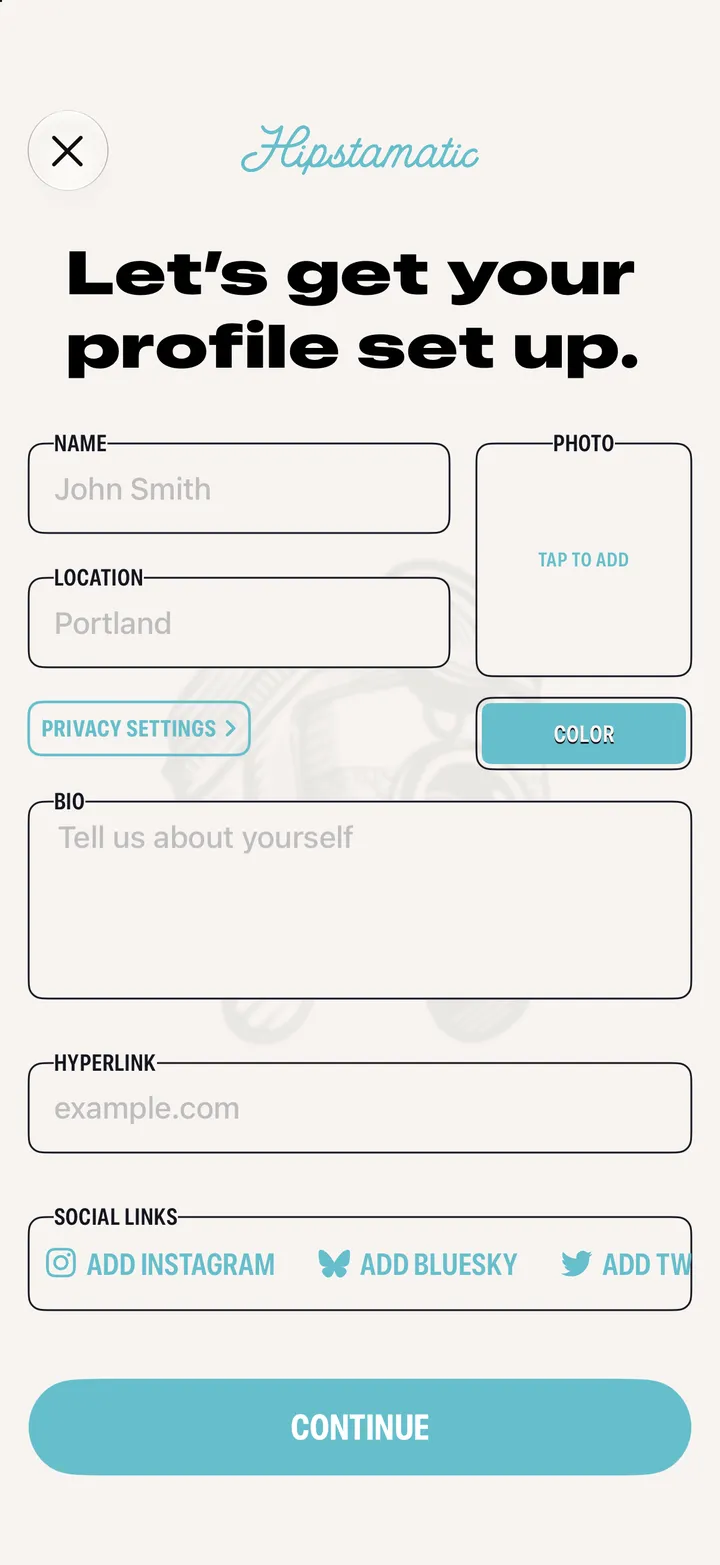
    Step 3: Add your name, location and a photo
  4. 04

    Tap Continue, then pick your @handle

    4 to 15 letters and numbers.

    Step 4: Tap Continue, then pick your @handle

Good to know

  • Had a Hipstaccount in Classic? Choose Use Existing when it asks.
  • Members can drop the ID# after their handle.