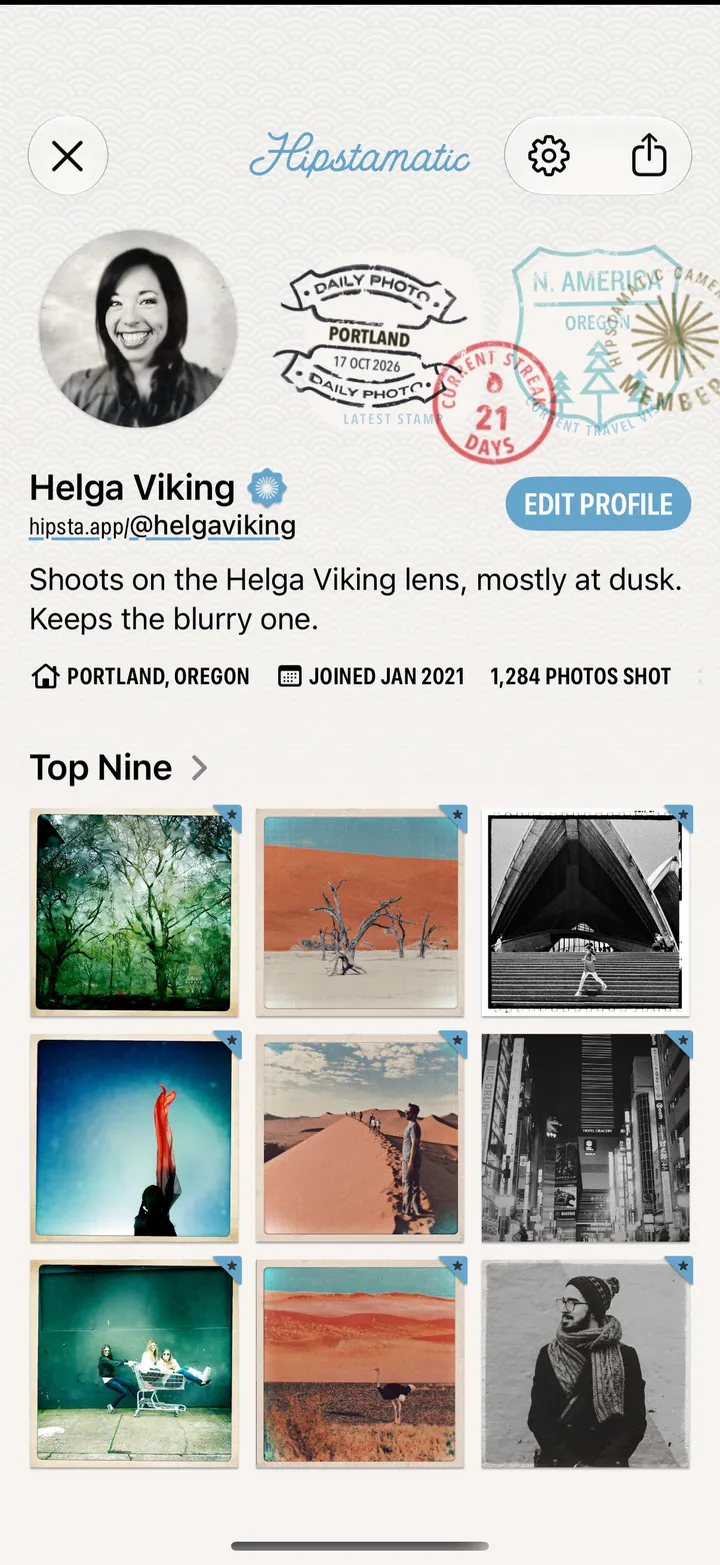
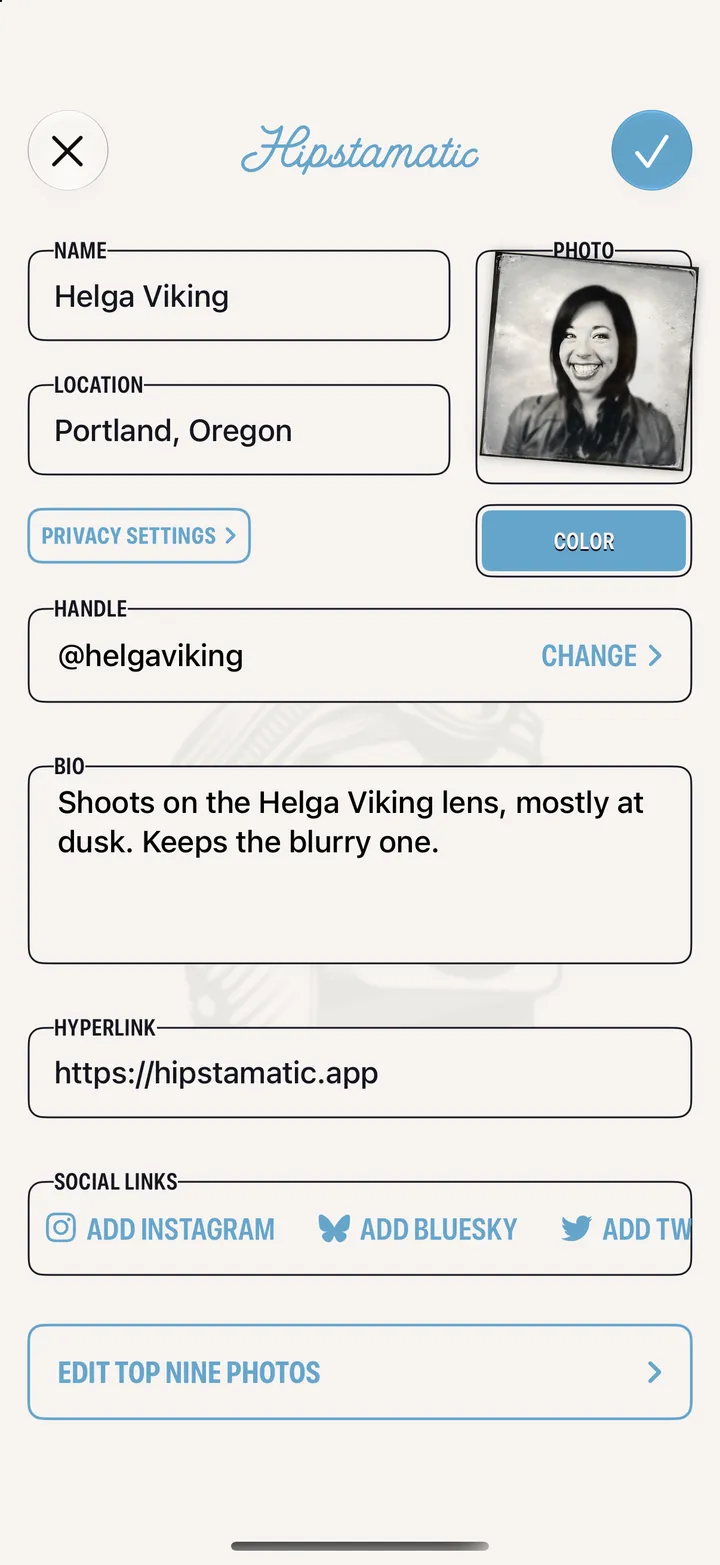
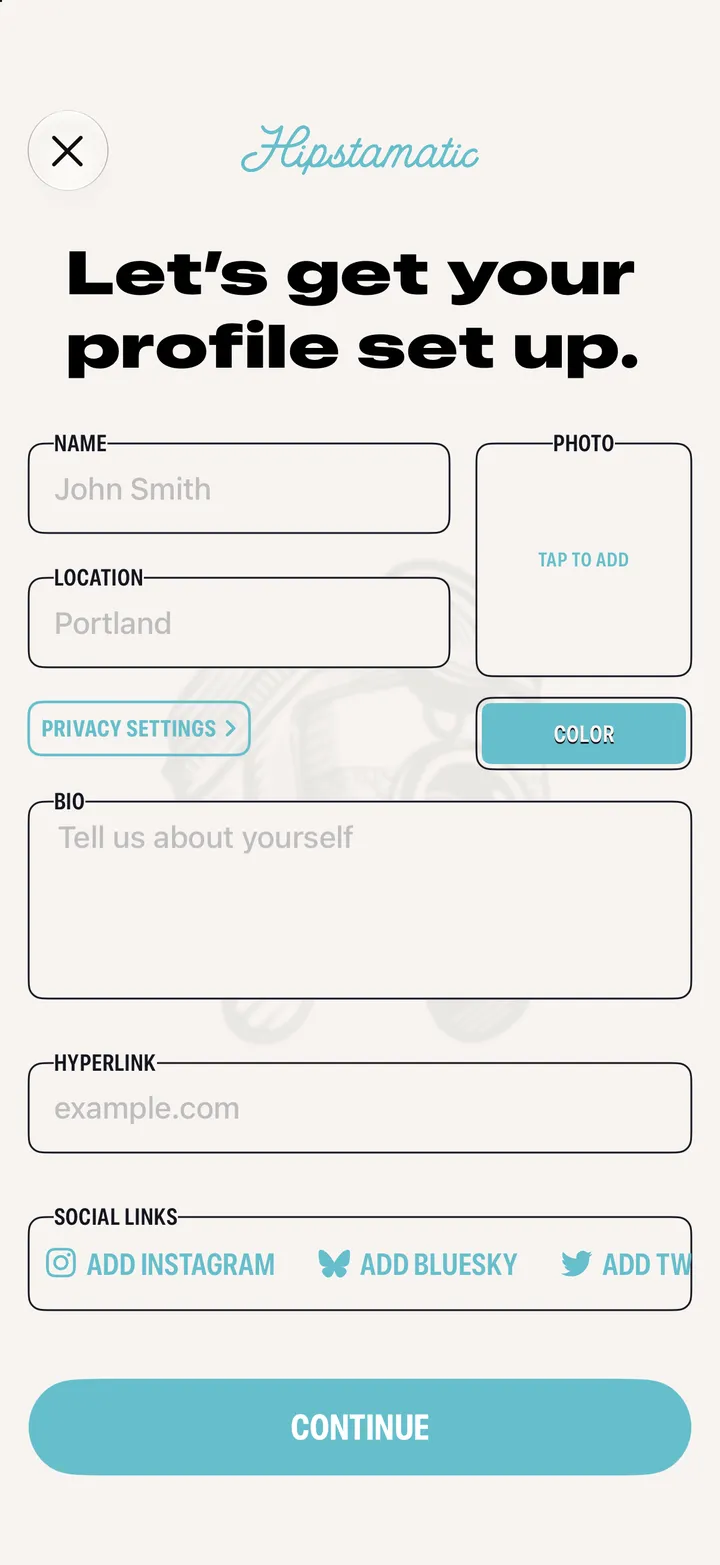
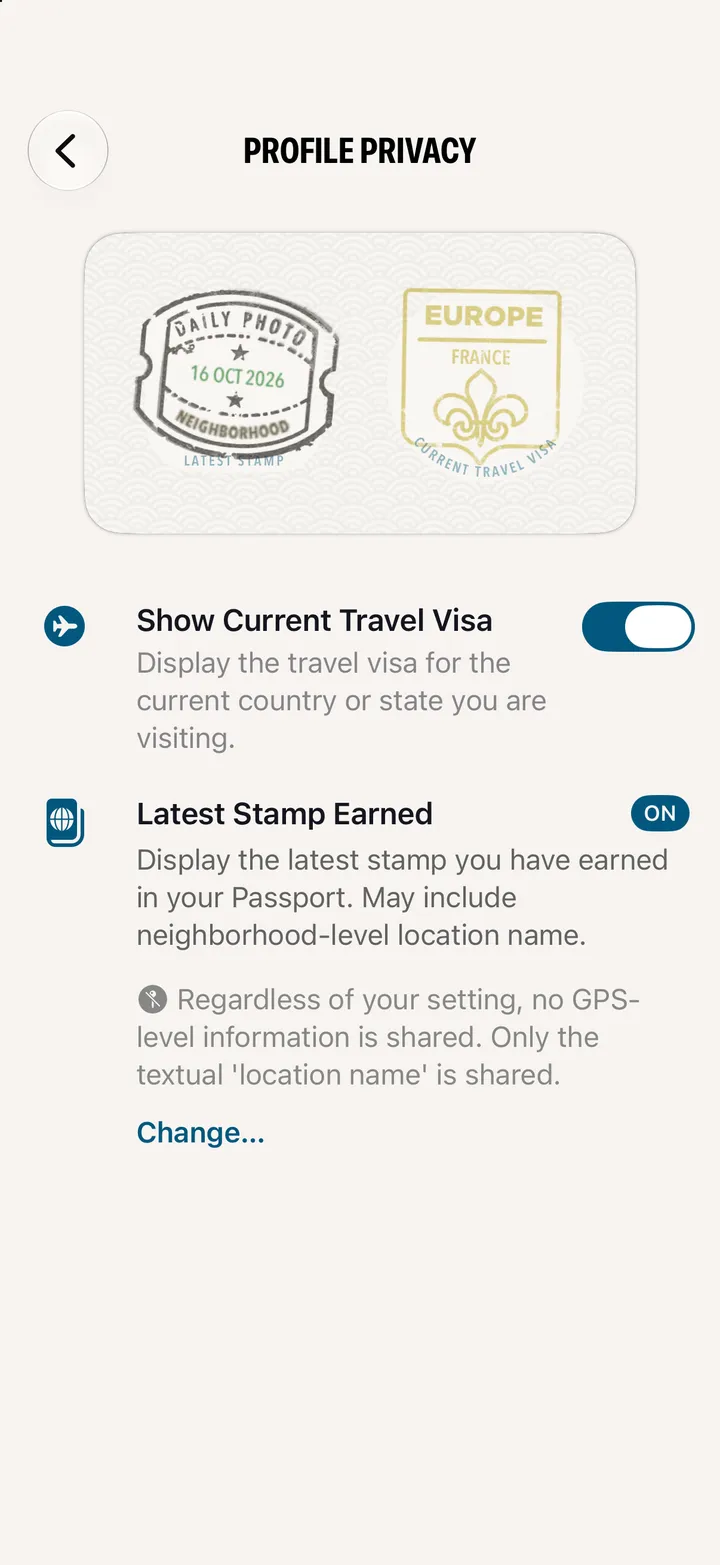
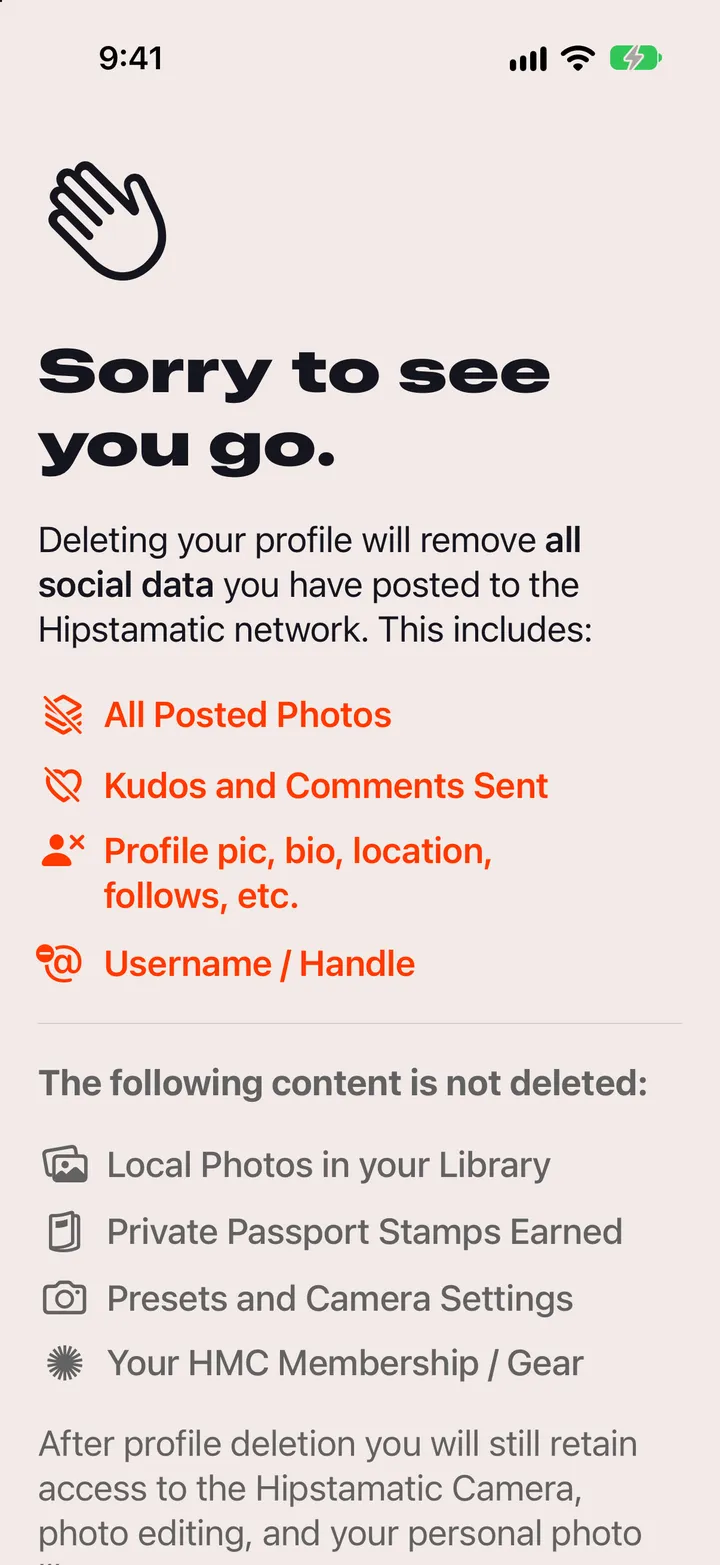
Open your profile from the photo at the top of Community, tap Edit Profile, change what you like, then tap ✓.
Top right of Community.
Change, next to your handle, picks a new one.


 Hipstamatic guideEdit your profile