Hipstamatic guideKeep your location private
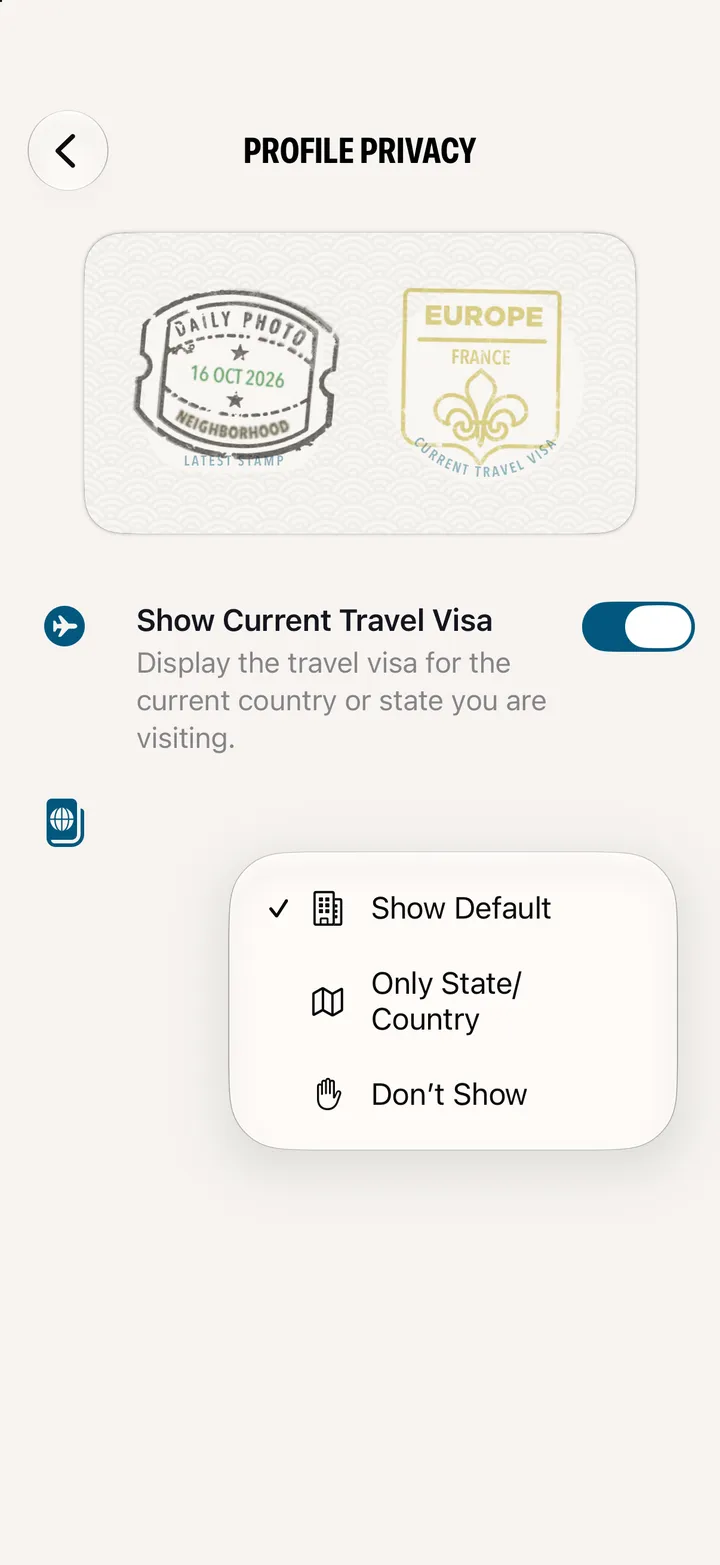
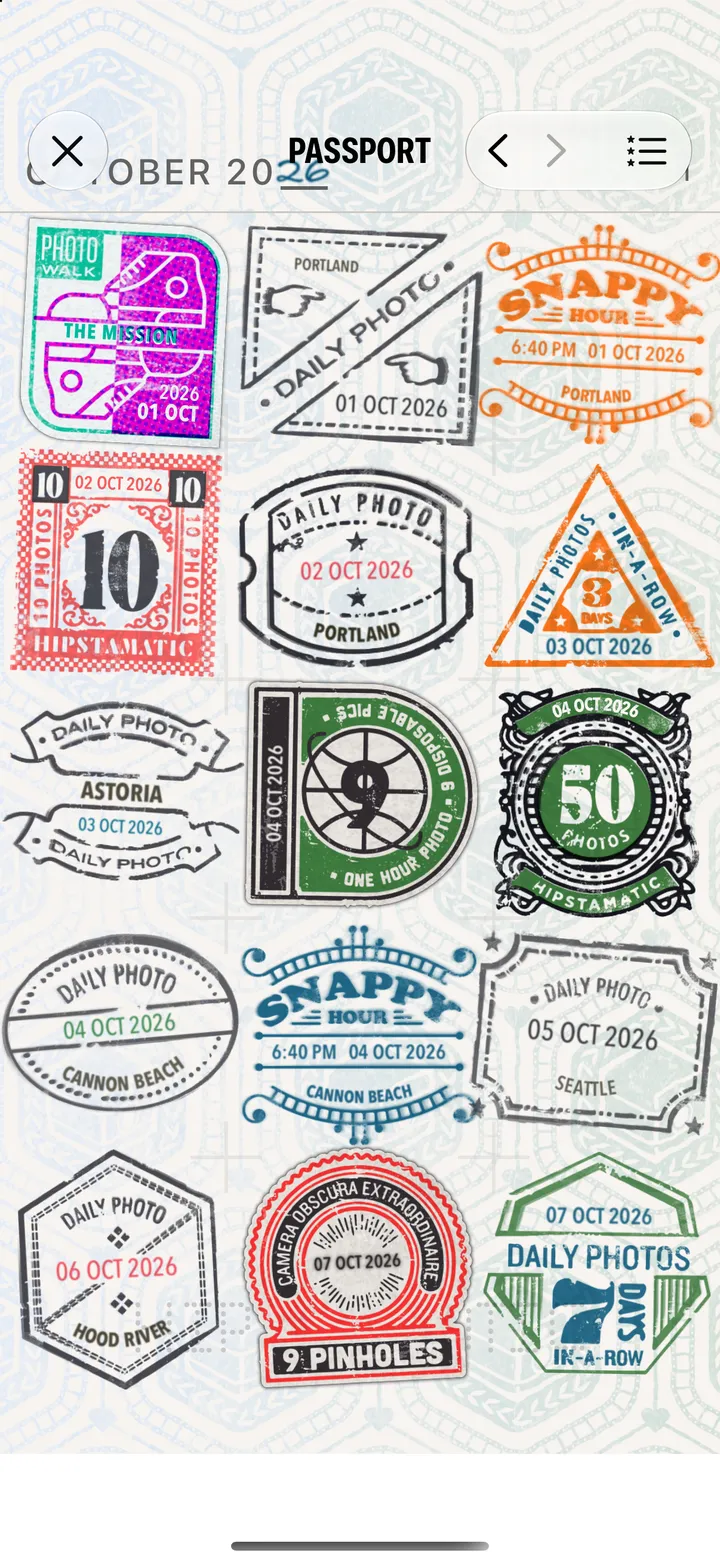
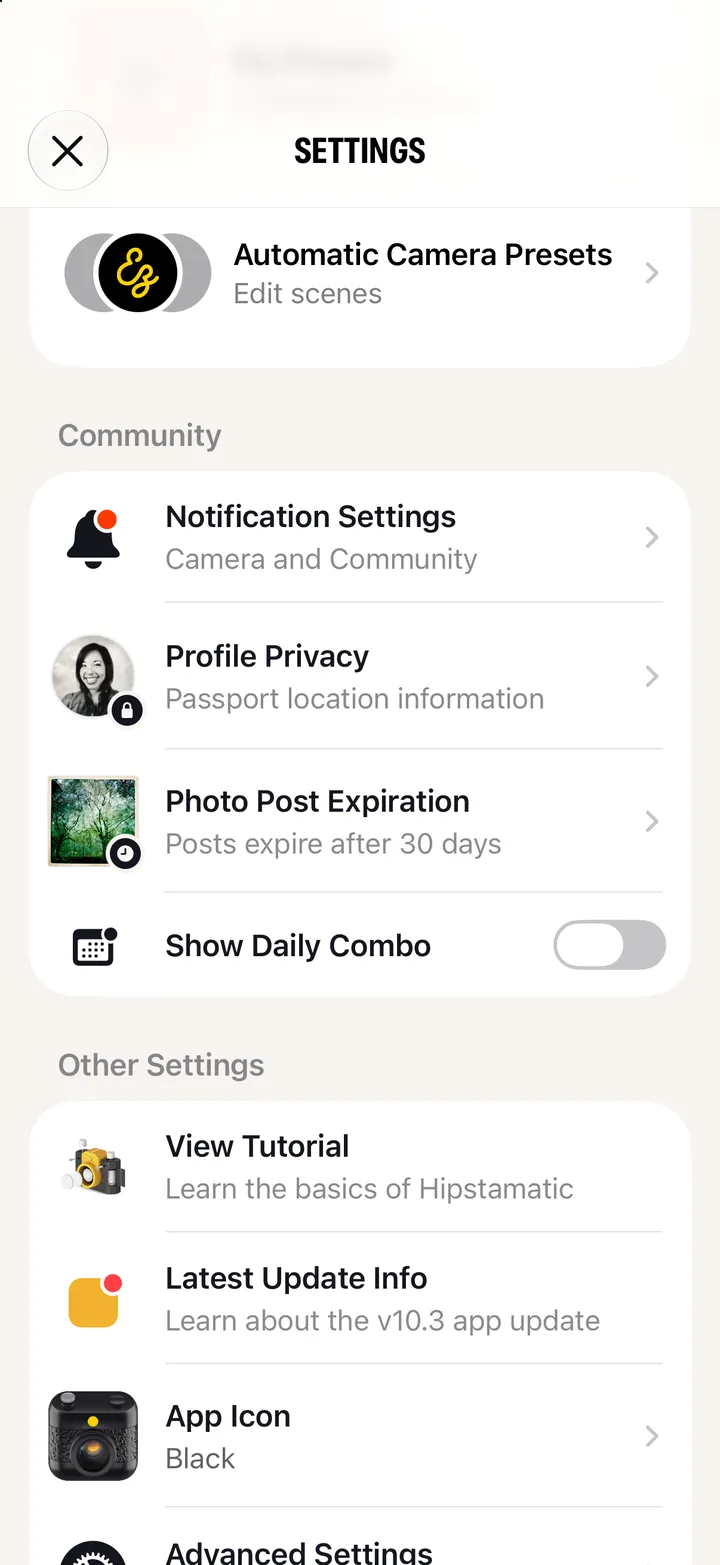
Open Settings and tap Profile Privacy. Turn off Show Current Travel Visa, and tap Change… under Latest Stamp Earned to show just the state or country, or nothing.
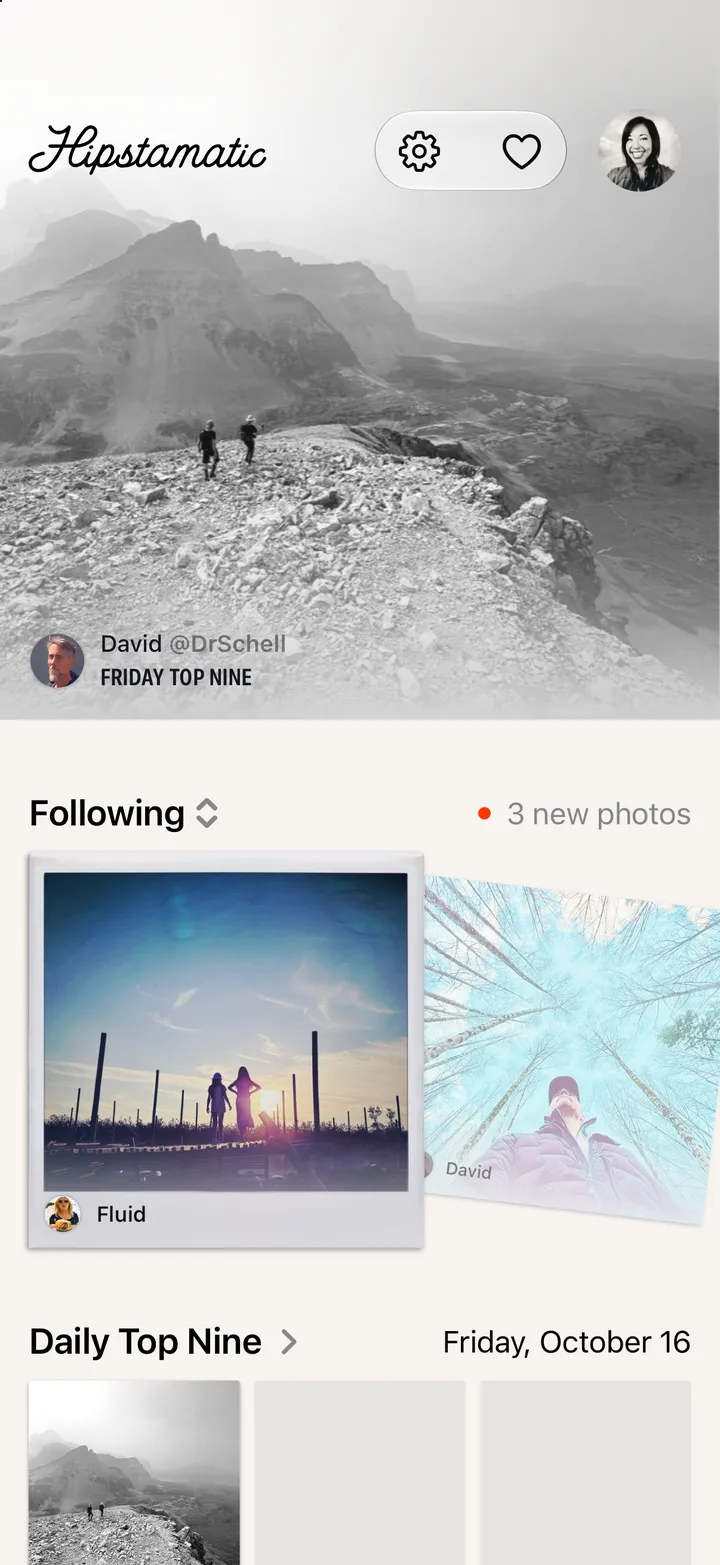
Hipstamatic · 7.7 · 5 stepsSwipe up from the camera; the gear icon at the top.
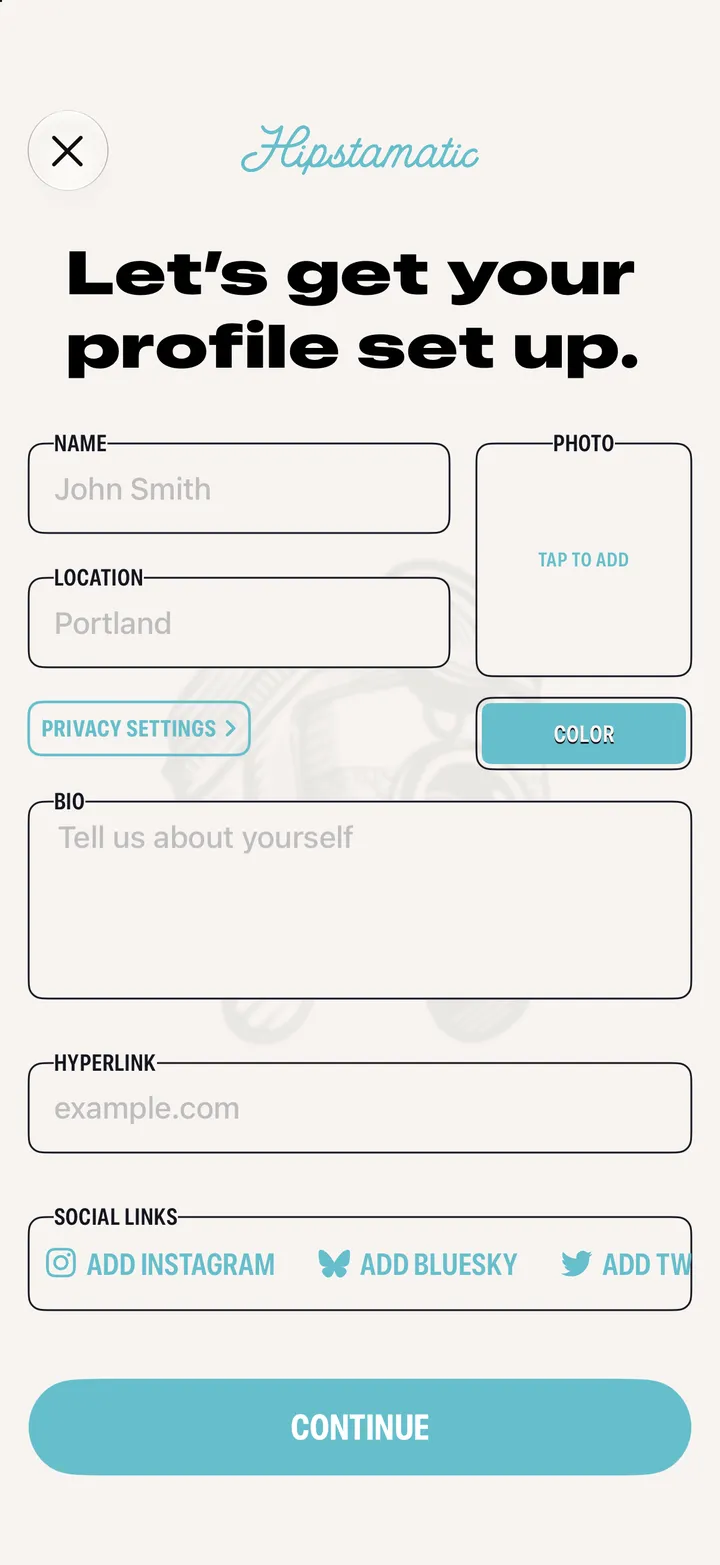
Under Community.
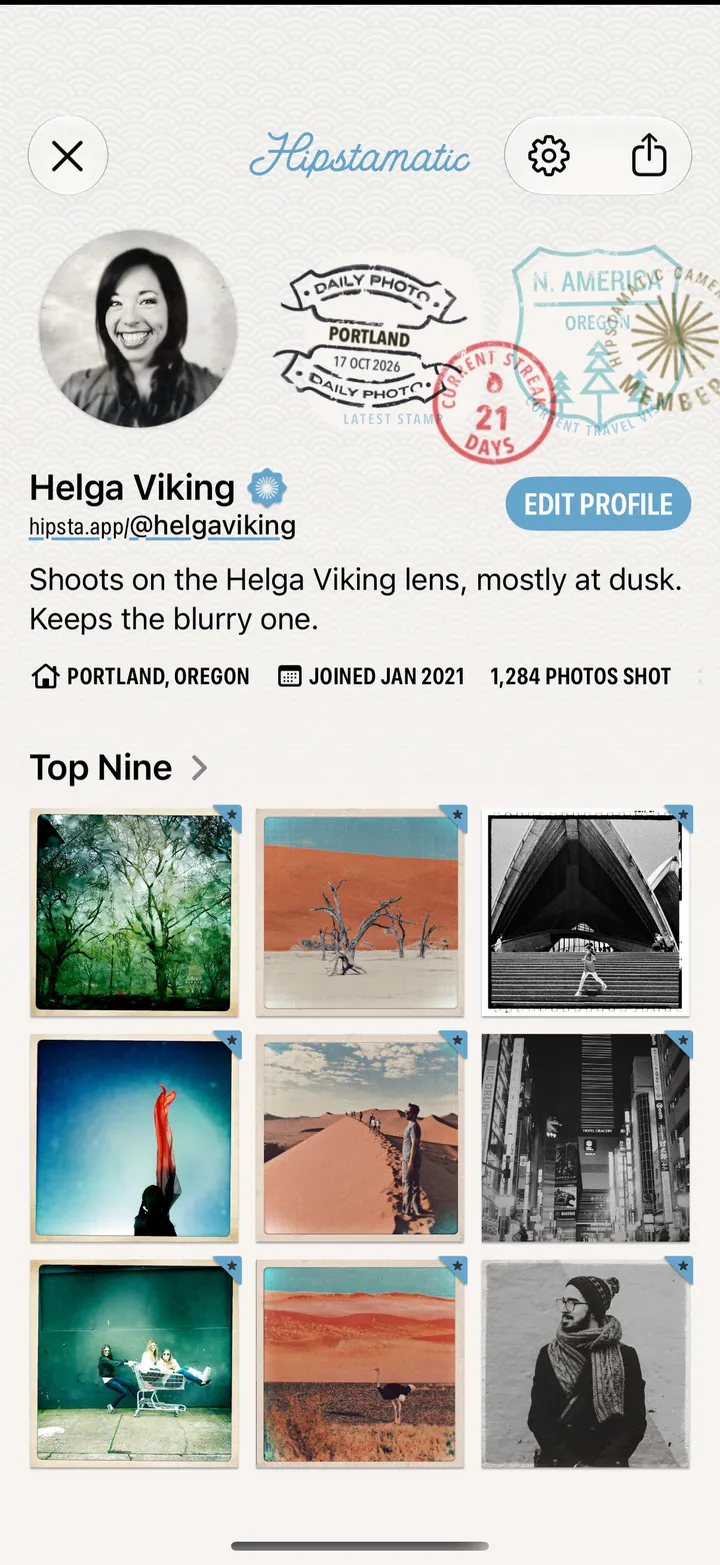
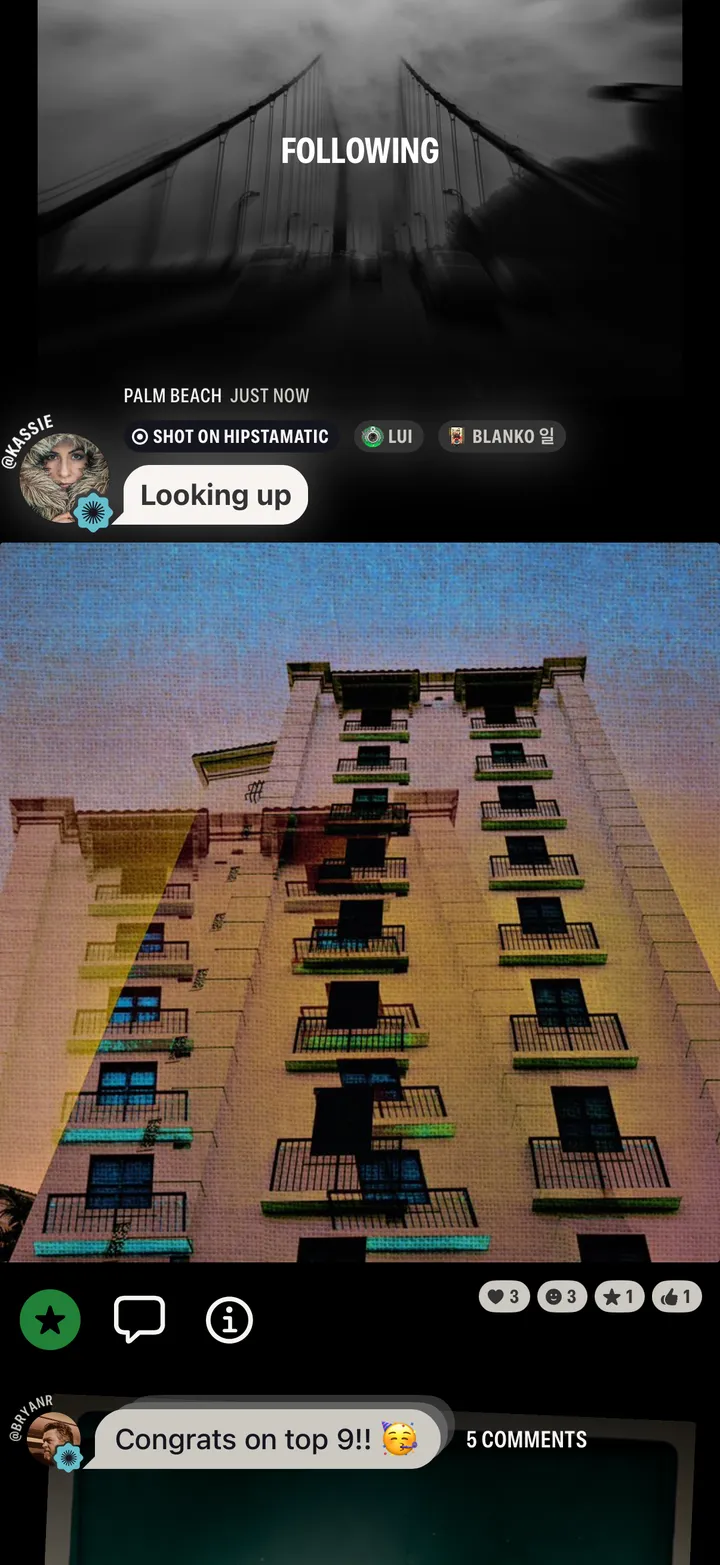
The visa says which country or state you’re in.
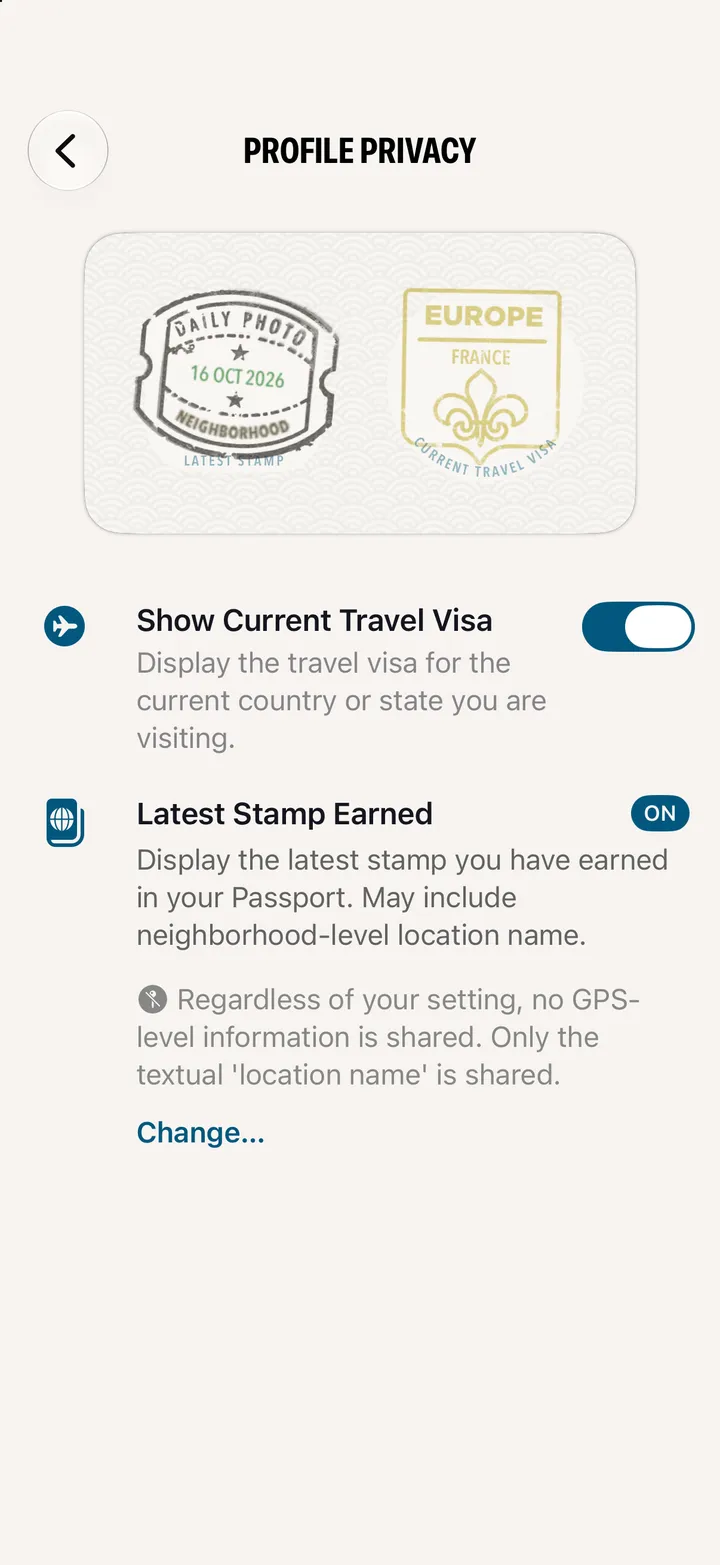
Your latest stamp can name the neighborhood.