Hipstamatic guideShare your profile
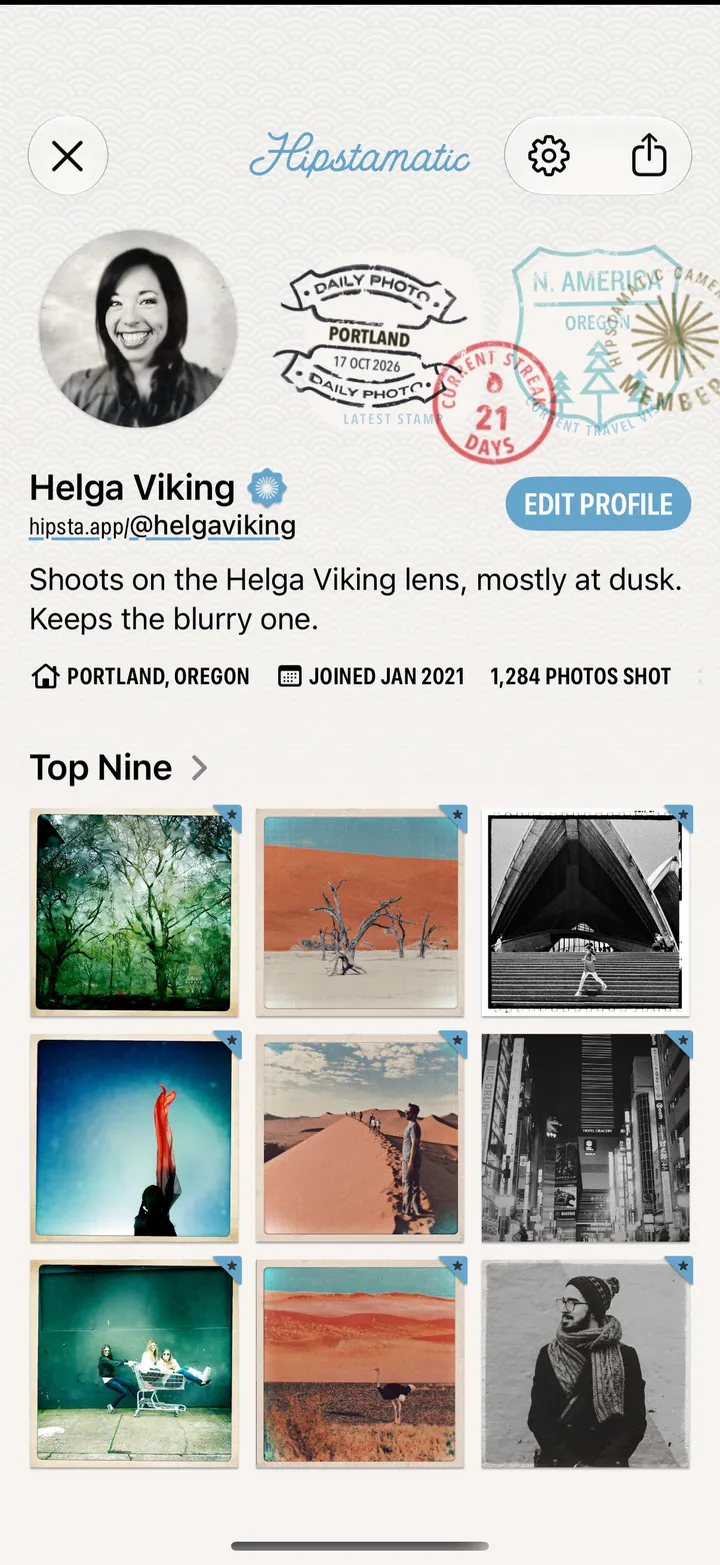
Open your profile and tap the share button at the top, or tap your hipsta.app link for Copy, Share and a QR code.
Hipstamatic · 7.4 · 2 steps
Or tap your hipsta.app link, under your name, to copy it or show its QR code.