Hipstamatic guideDelete your Hipstamatic profile

Open Settings, then Advanced Settings, and tap Delete Hipstamatic Profile…. Your posts, kudos, comments and handle go. Your photographs, stamps, presets and Camera Club stay.

Hipstamatic · 7.8 · 5 steps
  1. 01

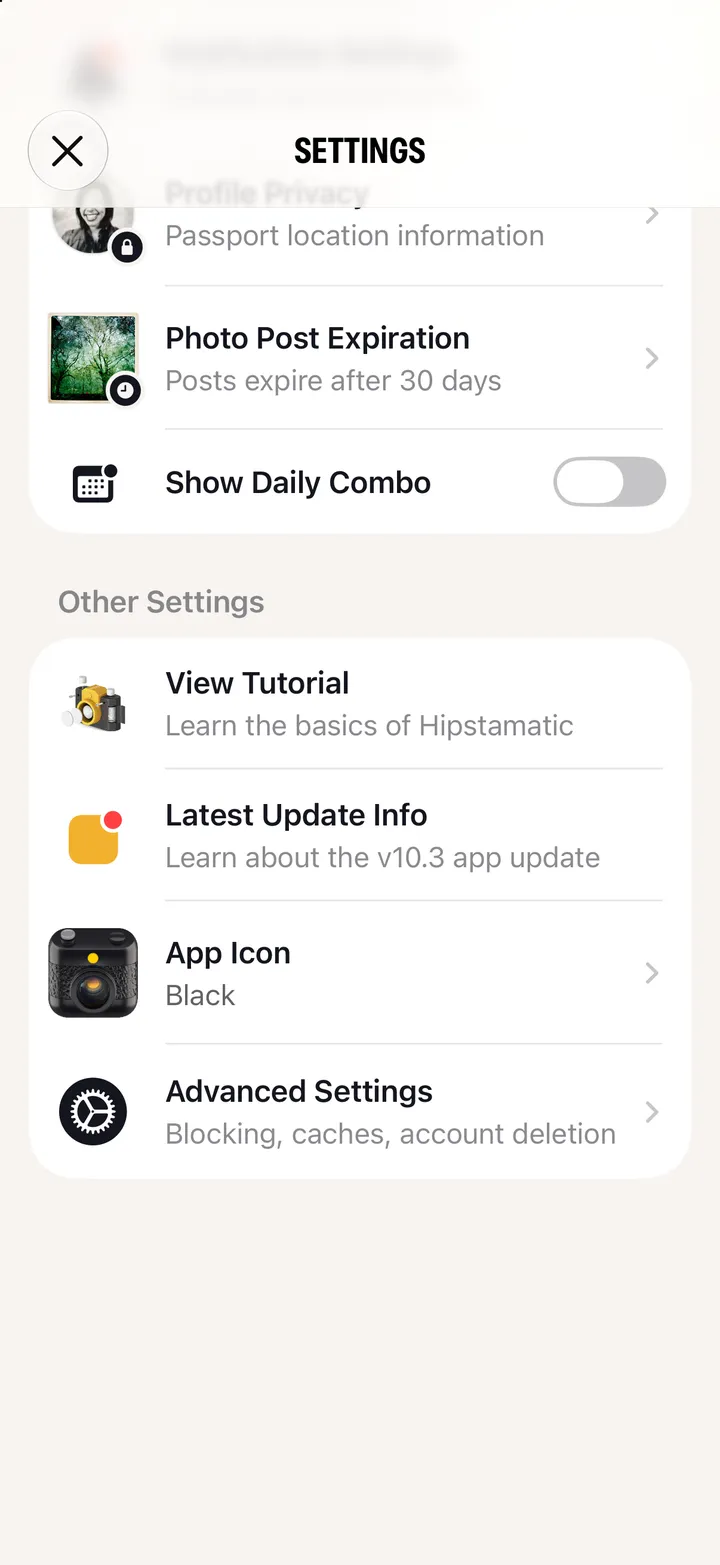
    Open Settings

    Swipe up from the camera; the gear icon at the top.
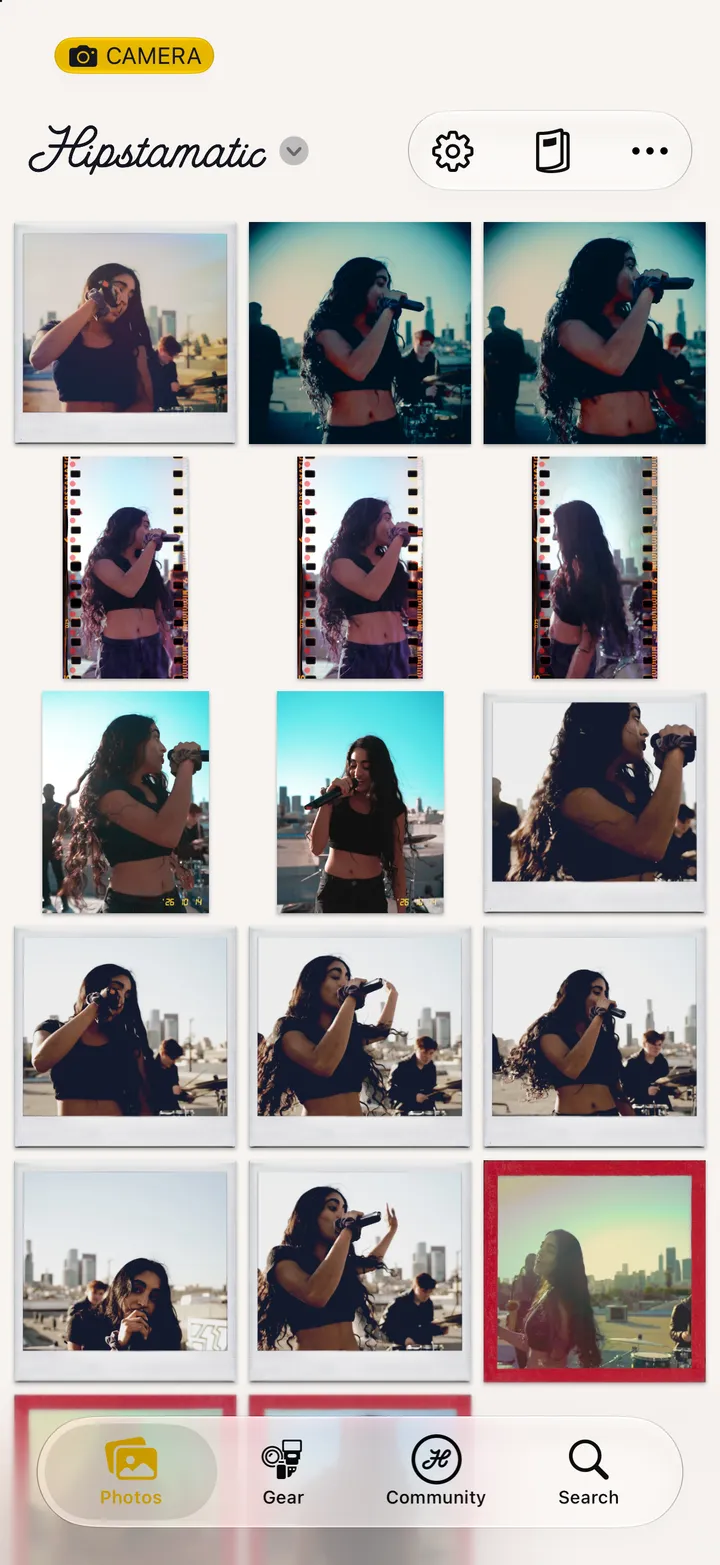
    Step 1: Open Settings
  2. 02

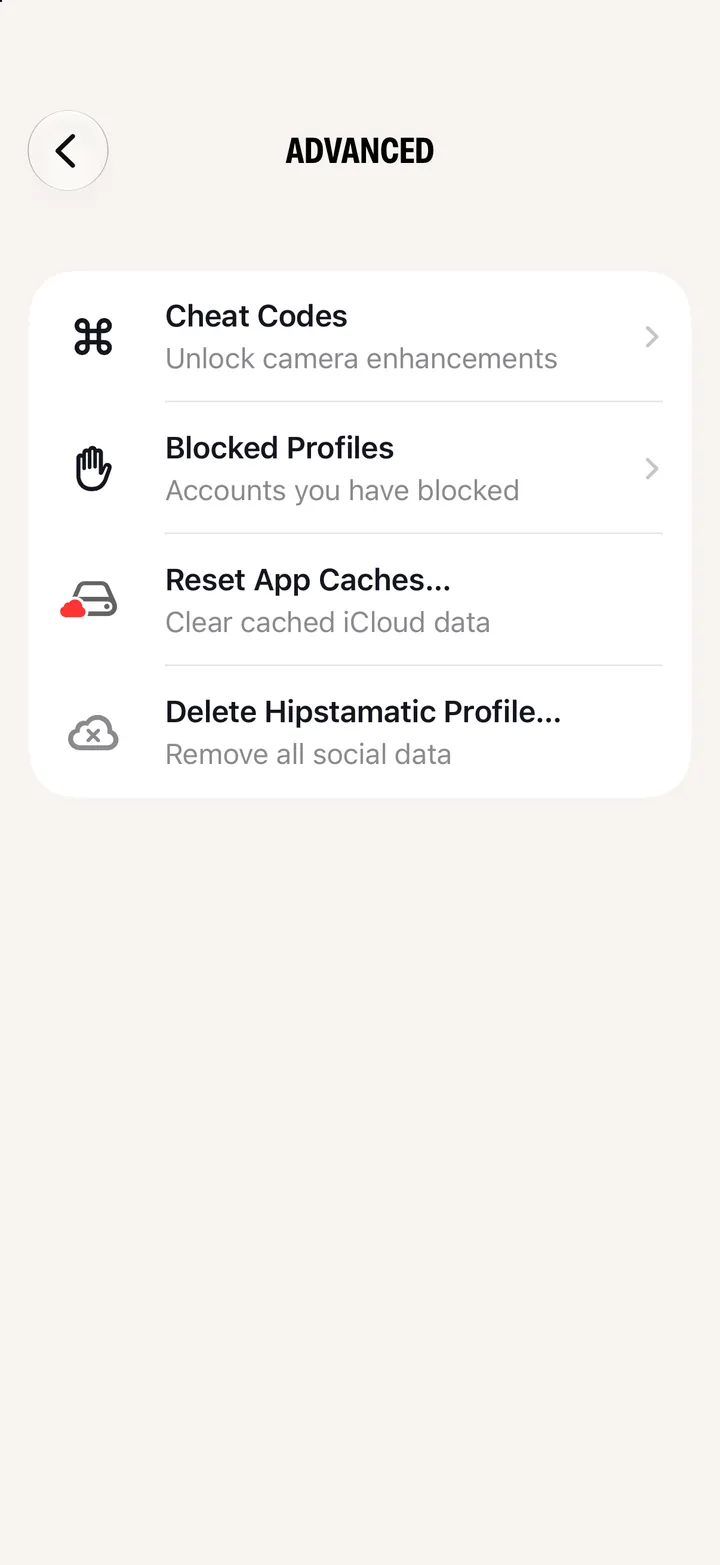
    Scroll down and tap Advanced Settings

    Step 2: Scroll down and tap Advanced Settings
  3. 03

    Tap Delete Hipstamatic Profile…

    Step 3: Tap Delete Hipstamatic Profile…
  4. 04

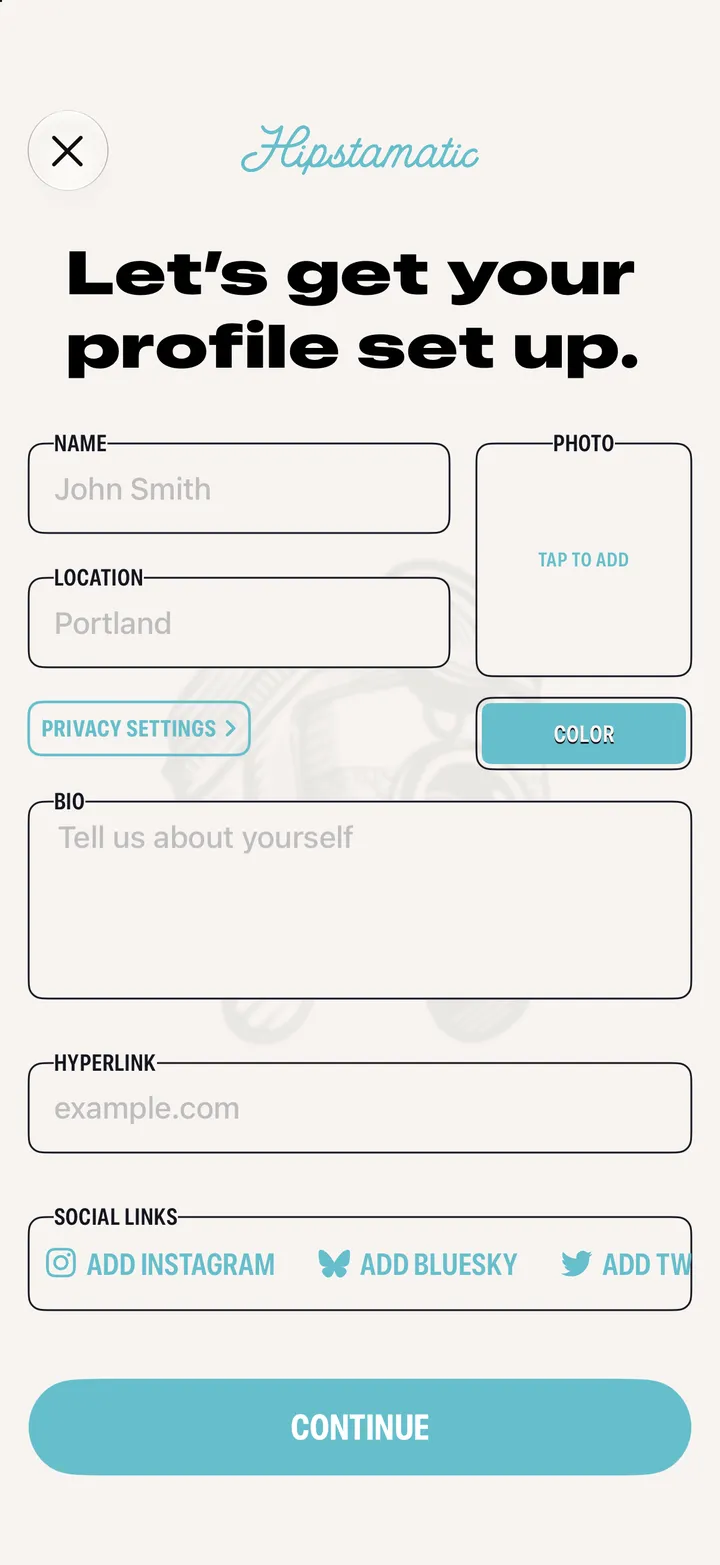
    Read what goes, and what stays

    Everything you posted goes. The photographs in your library stay.
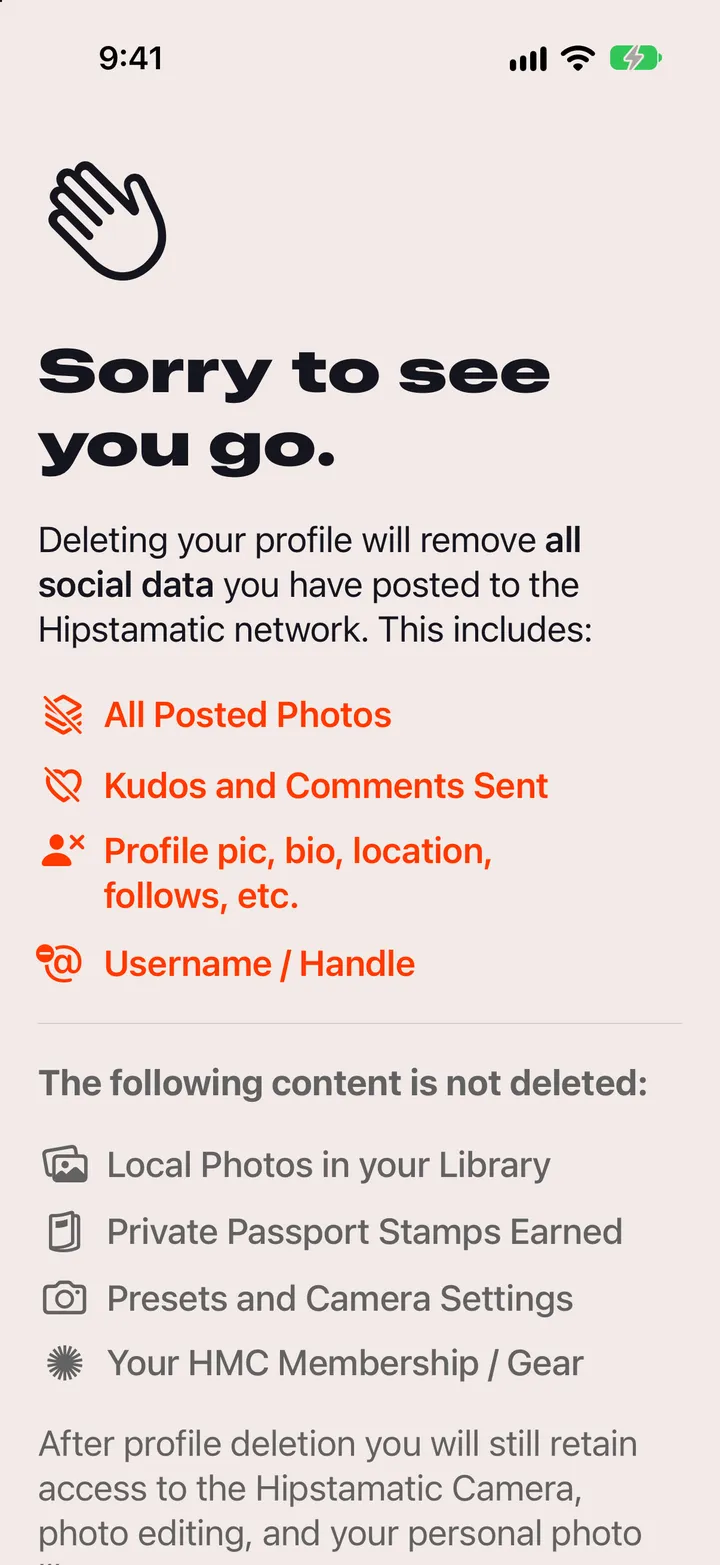
    Step 4: Read what goes, and what stays
  5. 05

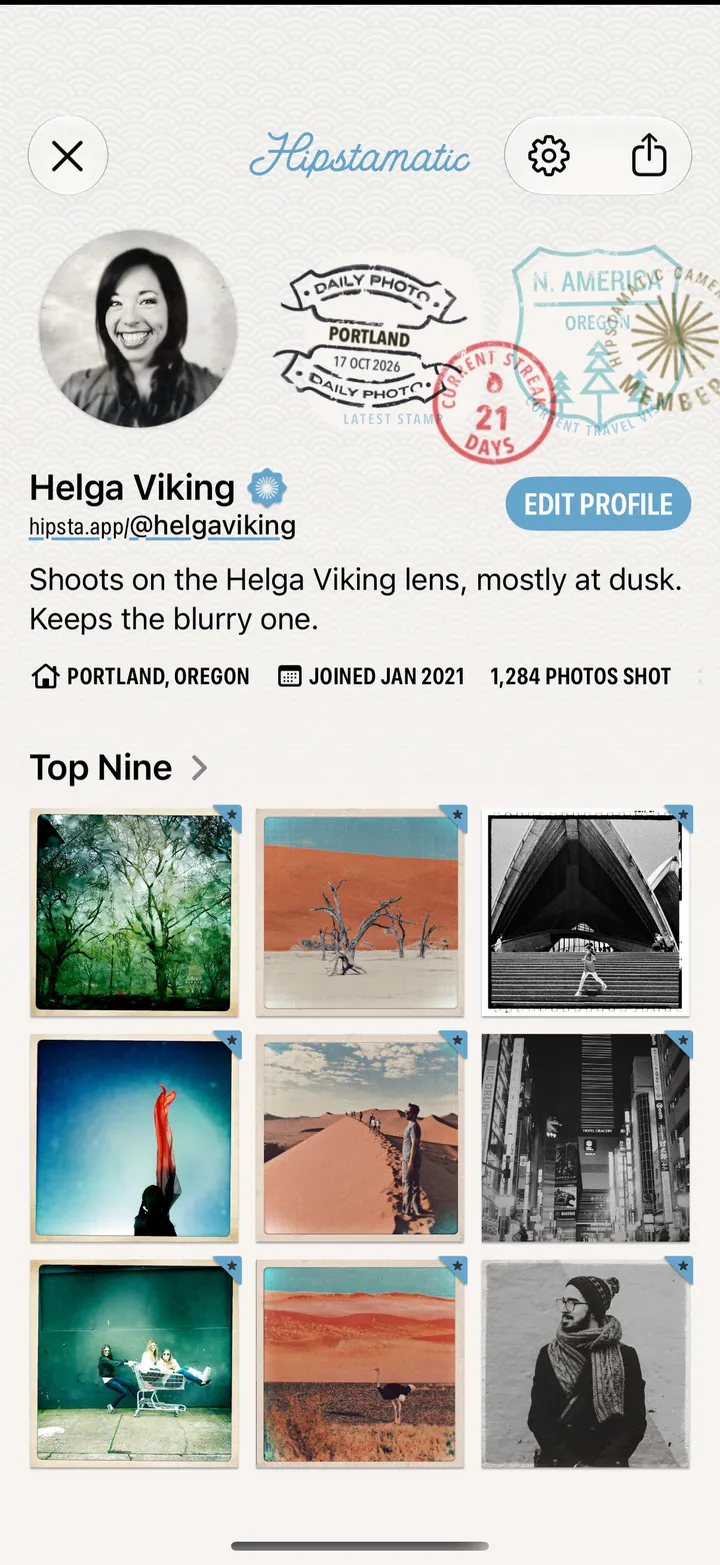
    Tap Delete My Profile

    Then Confirm Profile Deletion. It can’t be undone. Cancel, and nothing changes.
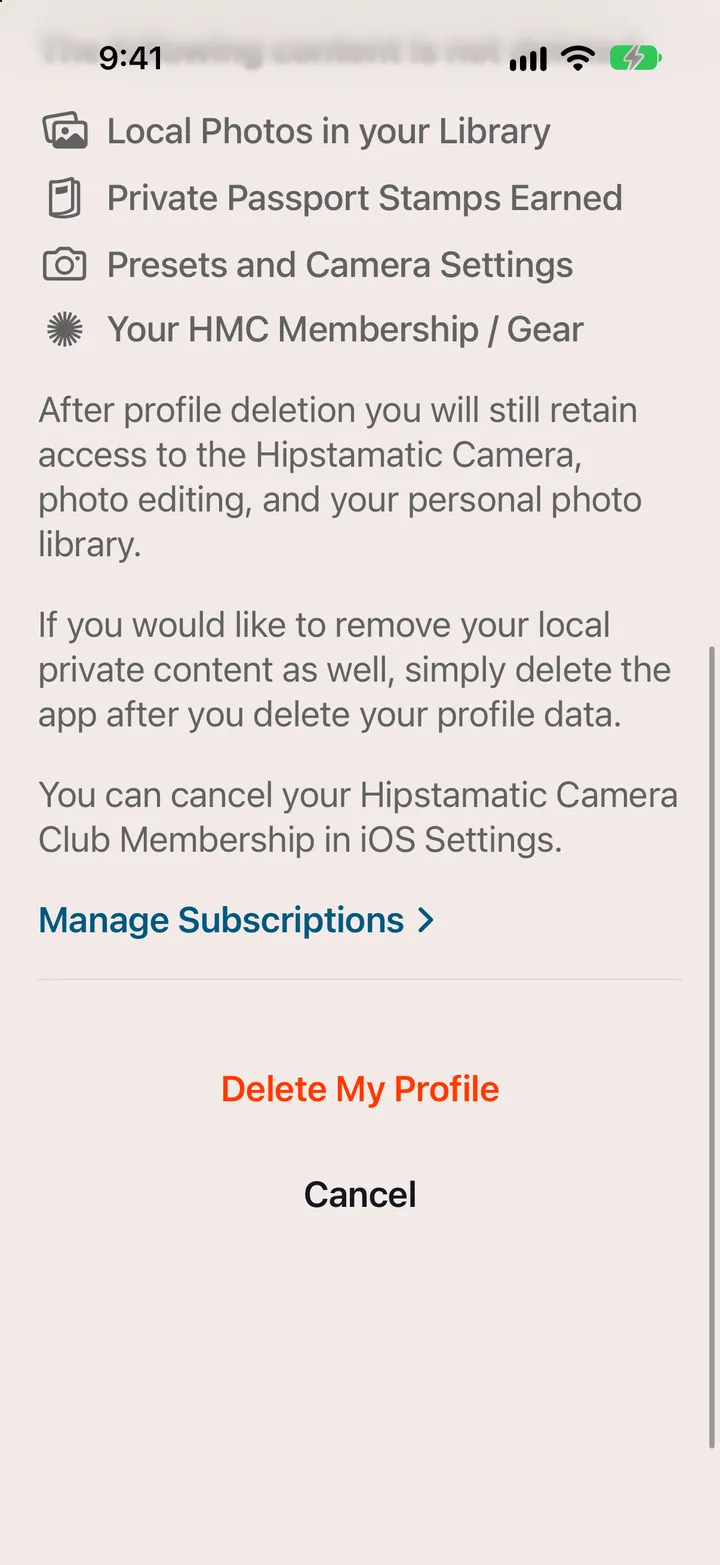
    Step 5: Tap Delete My Profile

Good to know

  • It doesn’t cancel Camera Club. Apple bills it: Cancel Camera Club.
  • Hipstamatic goes to Camera-Only Mode. Your camera, the darkroom and your photographs keep working.
  • No Advanced Settings? It shows when your iPhone is signed in to iCloud.