Camera Club guideCancel Camera Club

Apple bills Camera Club, so you cancel it in your iPhone’s Settings: tap your name, Subscriptions, Hipstamatic, then Cancel Subscription.

Camera Club · 2.8 · 5 steps
  1. 01

    Open the Settings app

    On your iPhone, not in Hipstamatic.

    Open
    1. Settings
  2. 02

    Tap your name

    At the top.

    On your iPhone
    1. Settings
    2. Your name
  3. 03

    Tap Subscriptions

    On your iPhone
    1. Settings
    2. Your name
    3. Subscriptions
  4. 04

    Tap Hipstamatic

    On your iPhone
    1. Your name
    2. Subscriptions
    3. Hipstamatic
  5. 05

    Tap Cancel Subscription

    Camera Club stays on until the end of the time you’ve paid for.
    On your iPhone
    1. Subscriptions
    2. Hipstamatic
    3. Cancel Subscription

Good to know

  • Cancelled during the free month? Camera Club stays on until the month ends, and you aren’t charged.
  • What stays and what locks: What happens when Camera Club ends.
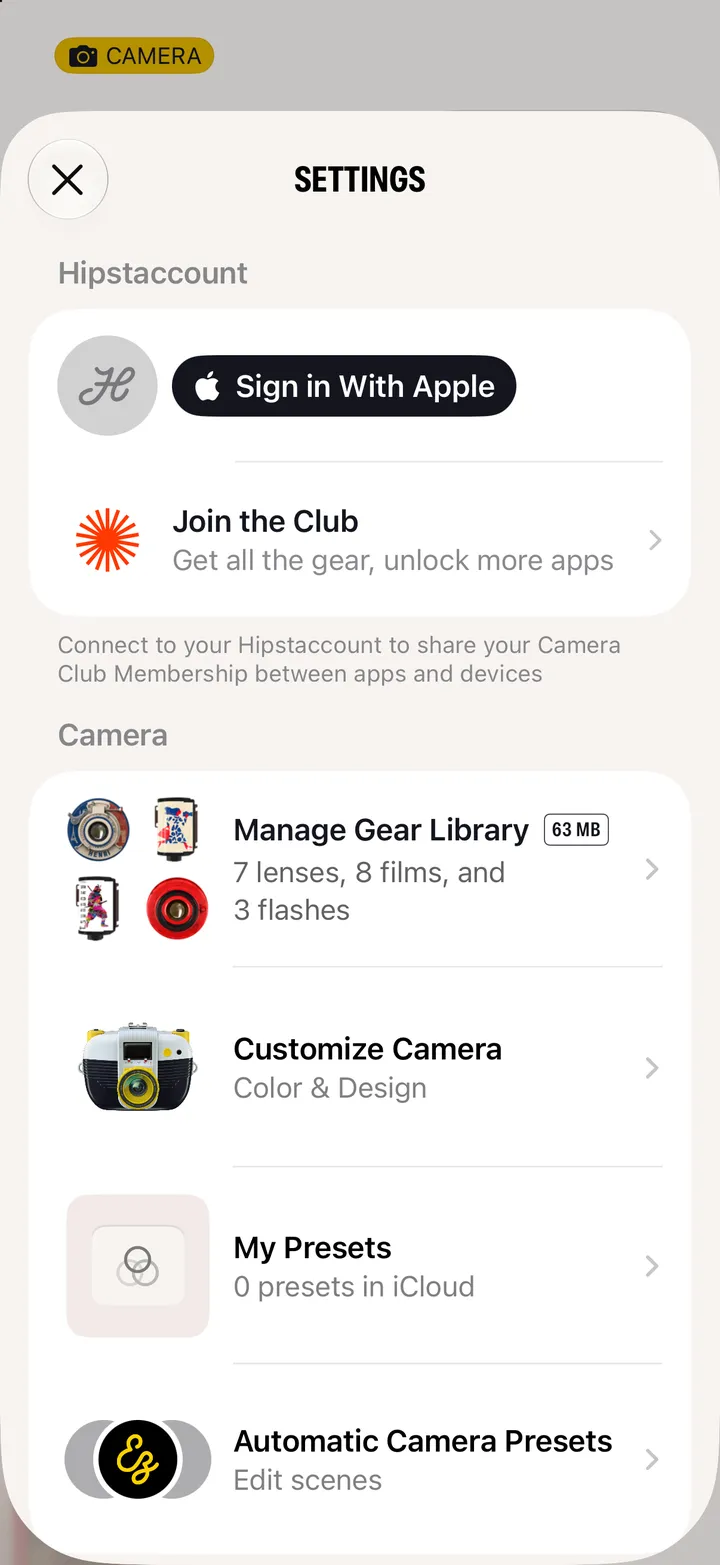
  • Changed your mind? Tap Join Club on the camera anytime.

Join and manage

Camera Club guide ↘