 Camera Club guideRestore Camera Club on a new iPhone
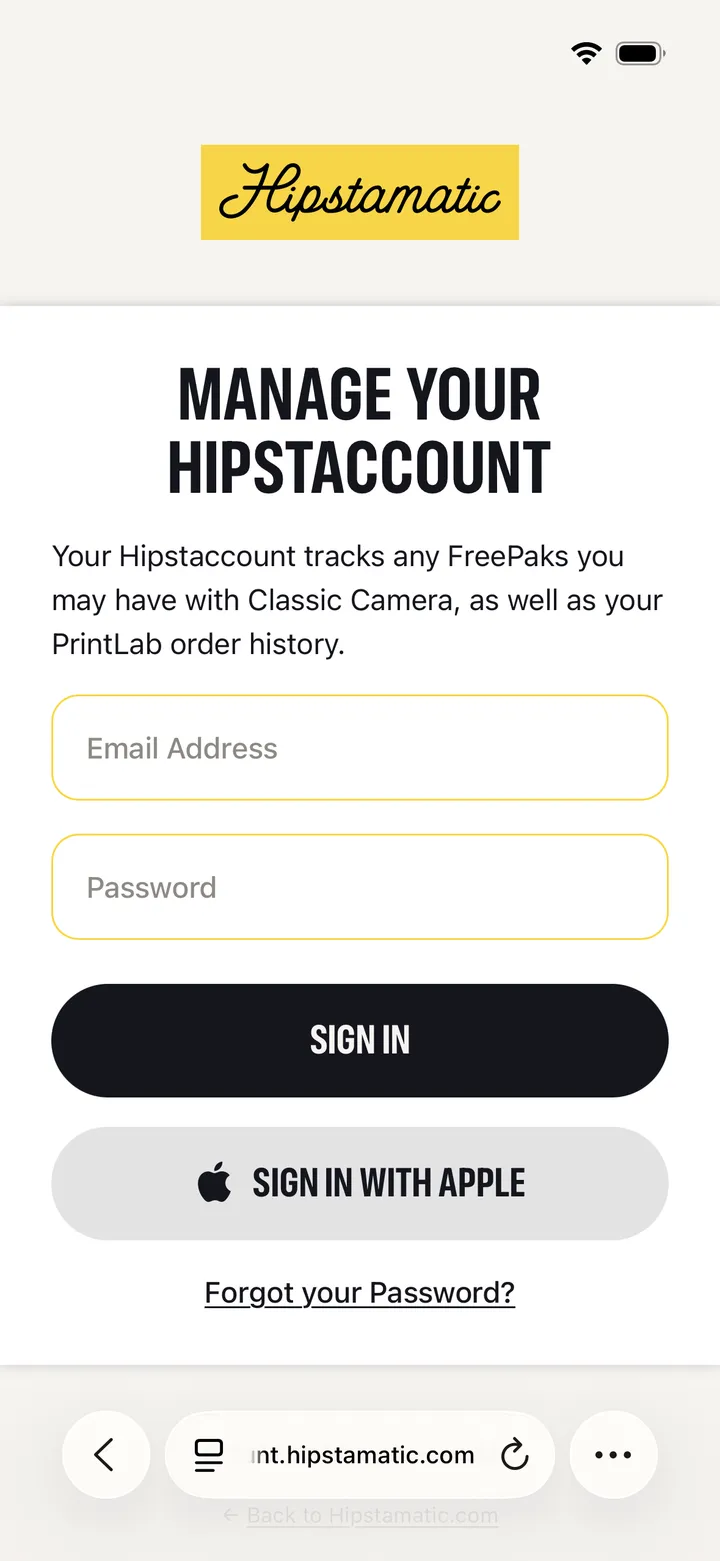
Open Settings in Hipstamatic and sign in to your Hipstaccount, or tap Restore on the Camera Club screen. Your membership comes back with your Apple Account.
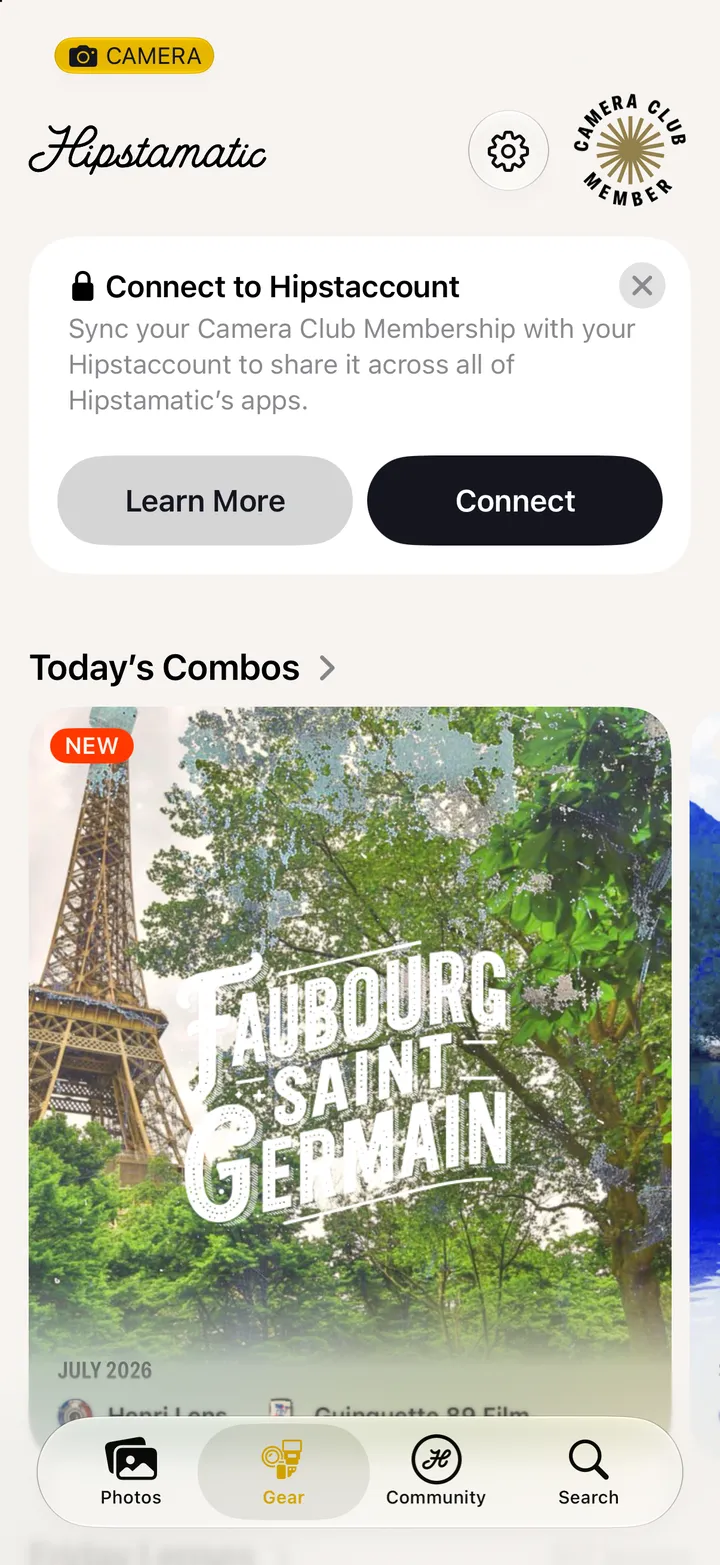
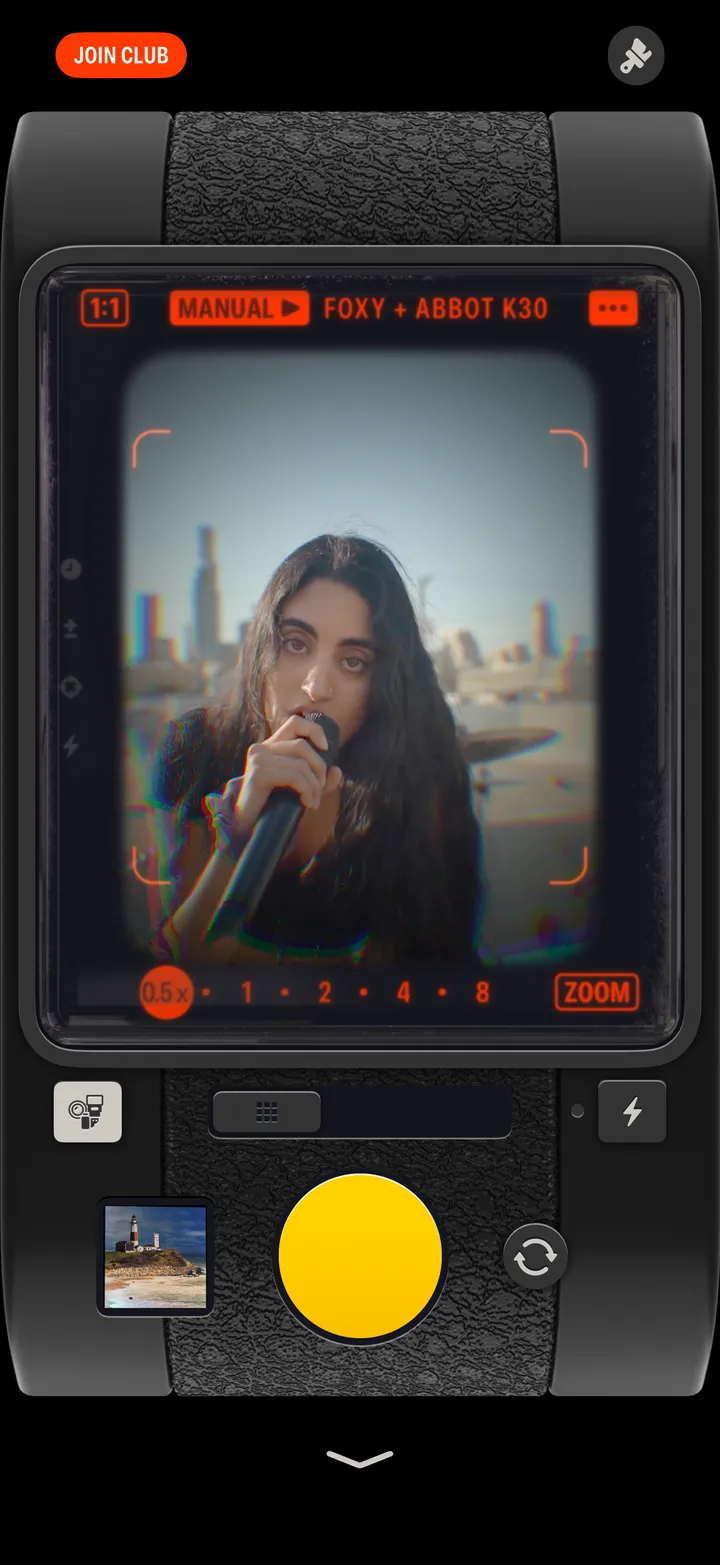
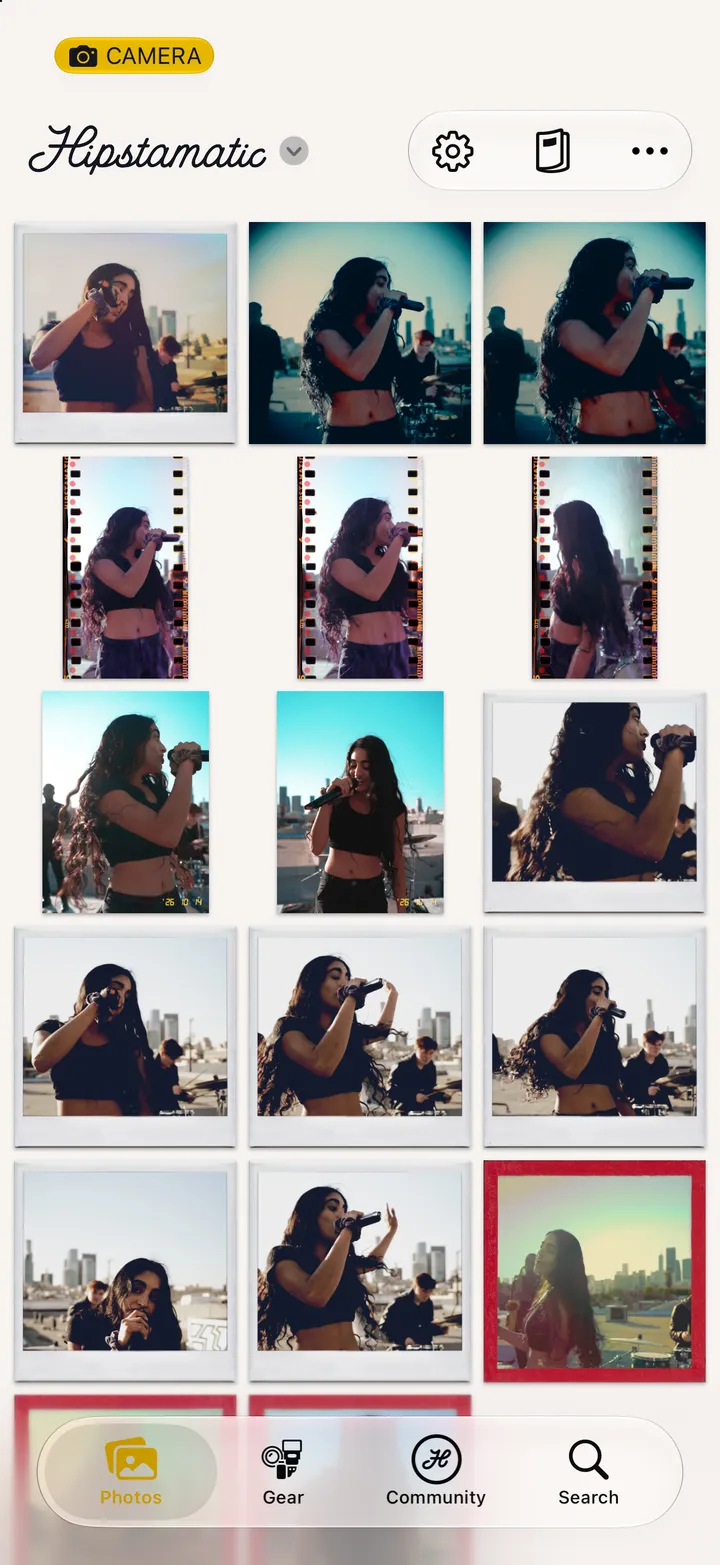
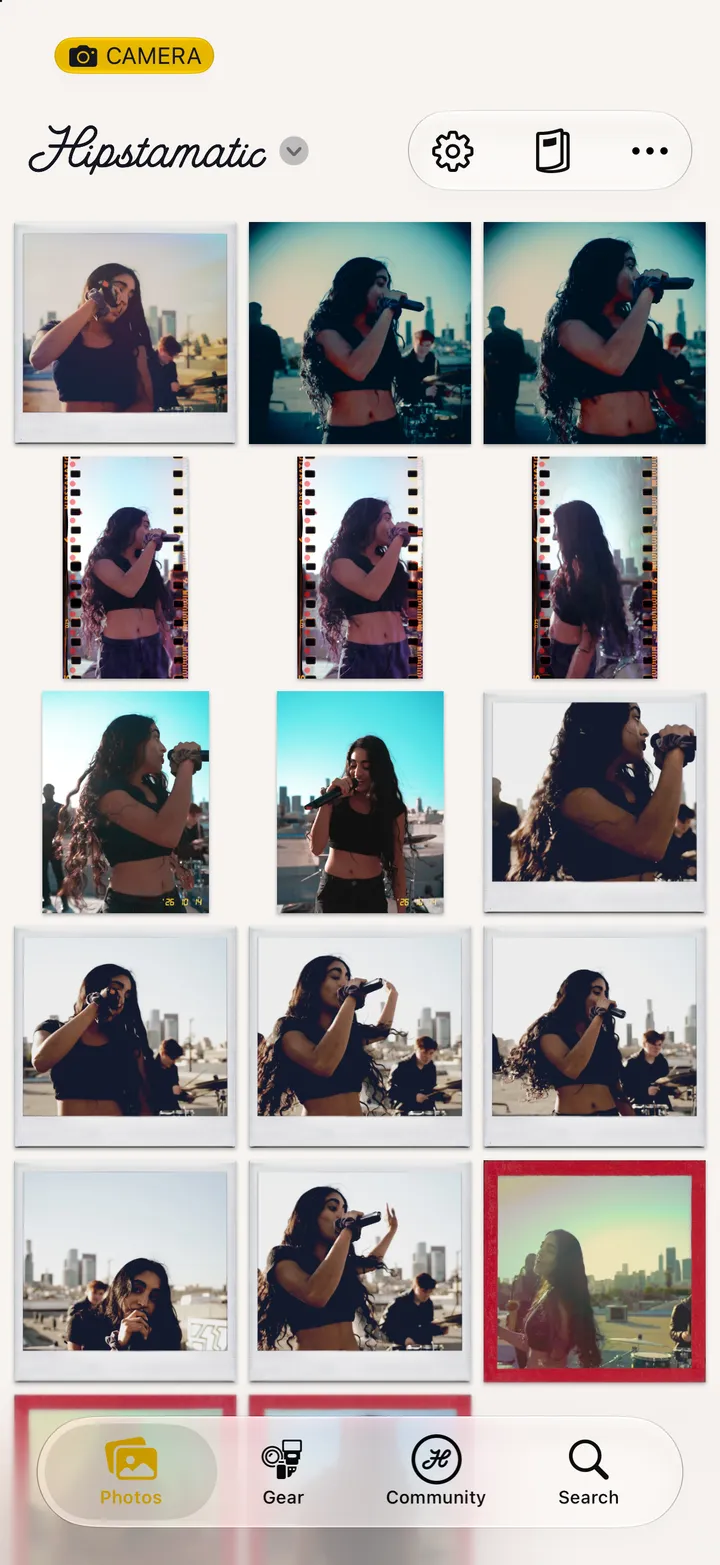
Camera Club · 2.4 · 4 stepsSwipe up from the camera. Settings is the gear icon at the top.
Under Hipstaccount. Use the Apple Account you joined with.
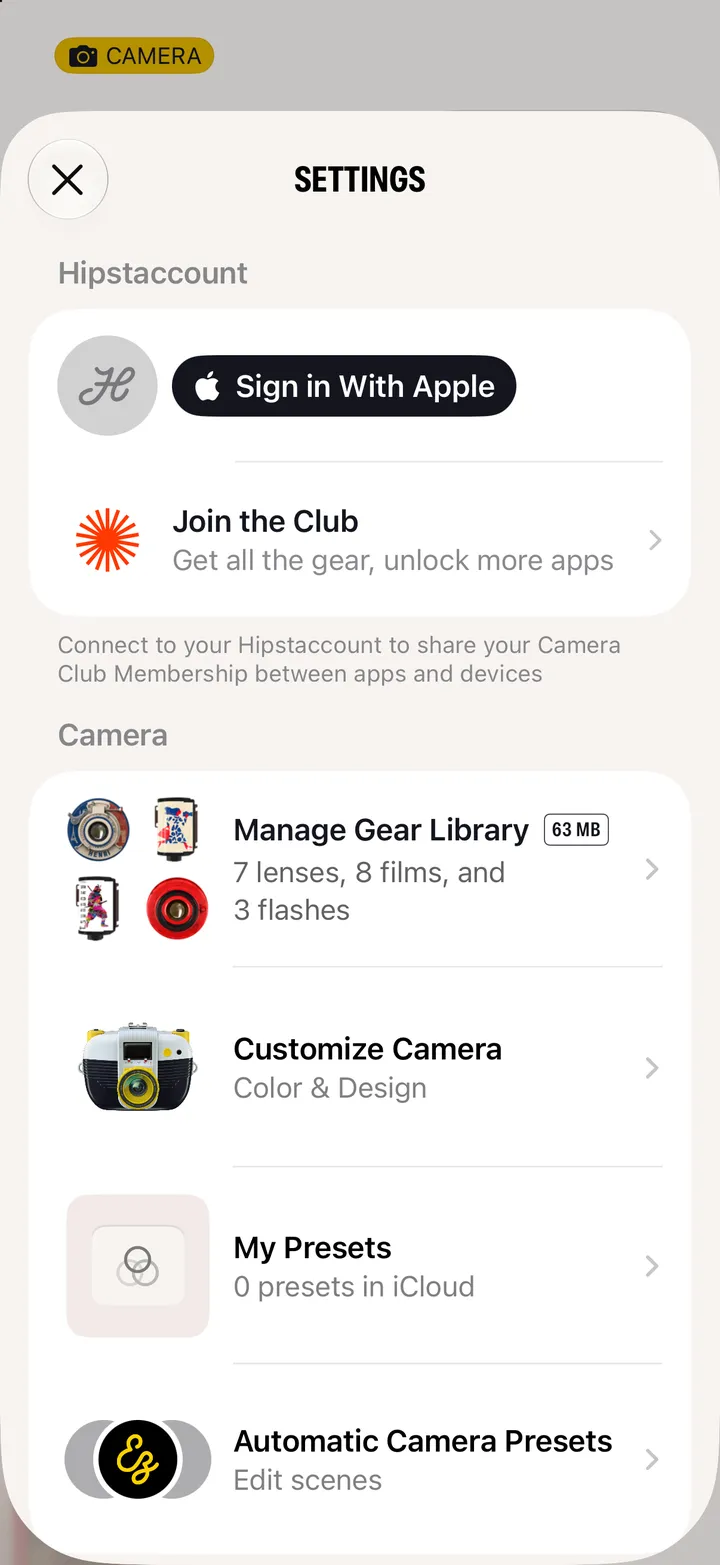
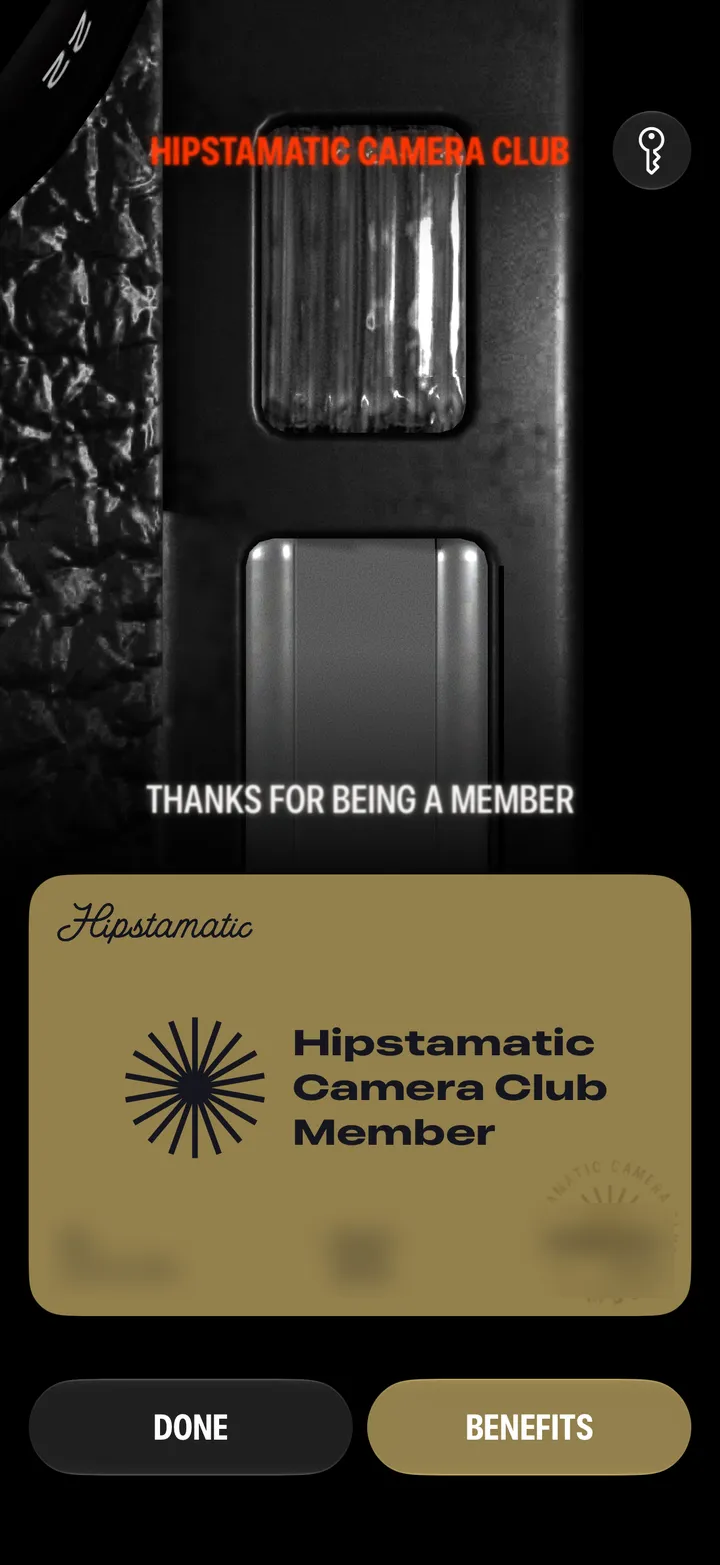
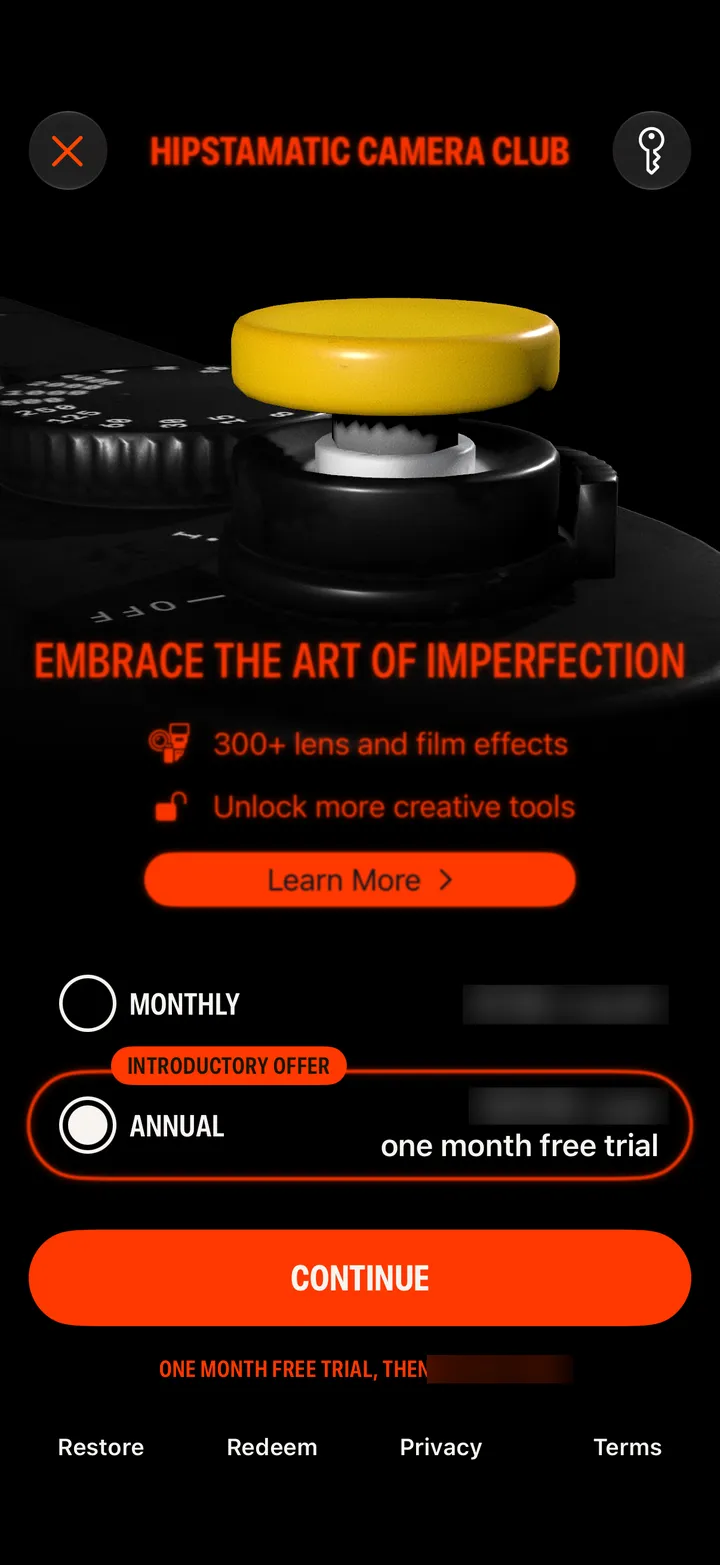
In Settings, tap Join the Club, then Restore at the bottom. It finds a membership bought with this Apple Account.
Members see this on the Gear tab. One membership, every Hipstamatic app.