Camera Club guideSee your membership

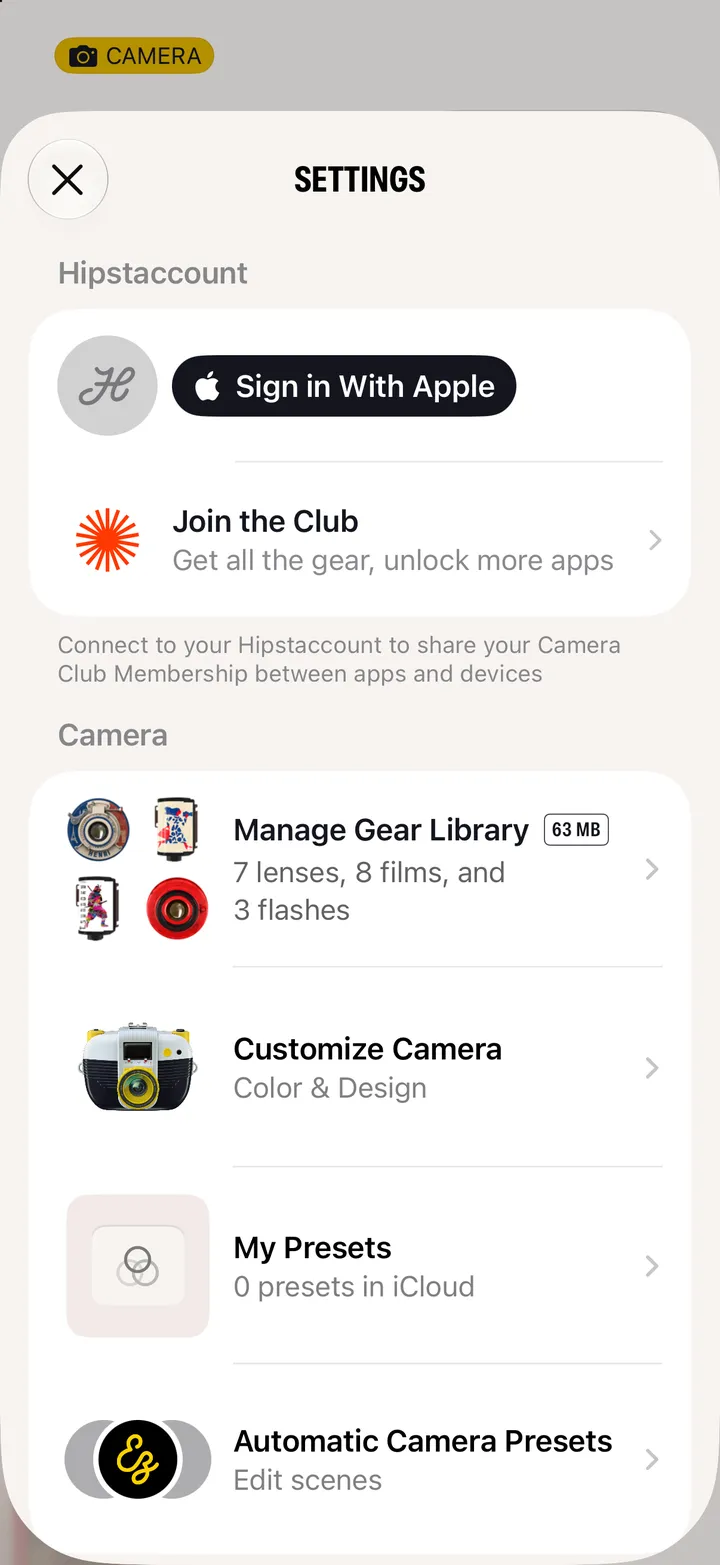
Open Settings in Hipstamatic. Under Hipstaccount, tap Hipstamatic Camera Club for your member card: your plan, when it renews and when you joined.

Camera Club · 2.2 · 3 steps
  1. 01

    Open Settings

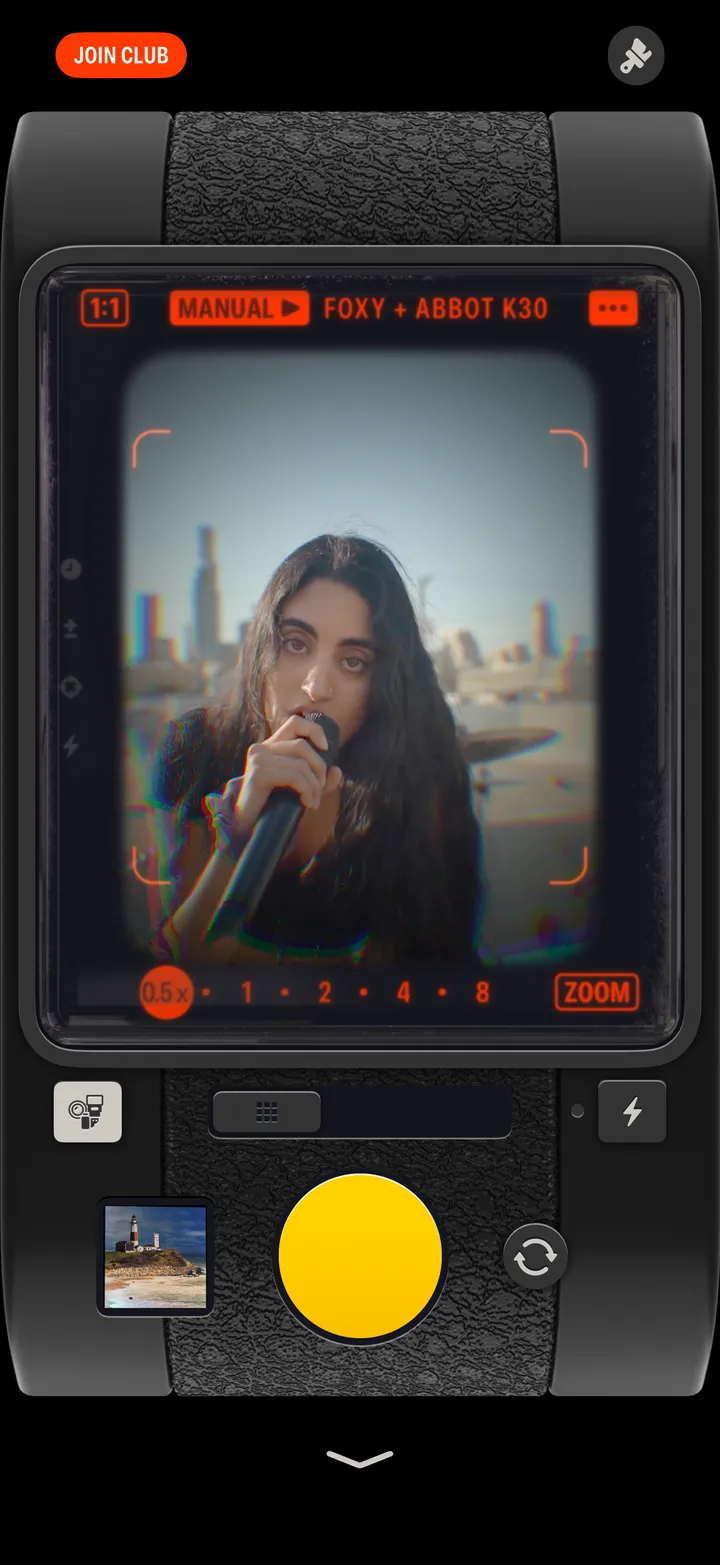
    Swipe up from the camera; the gear icon at the top.
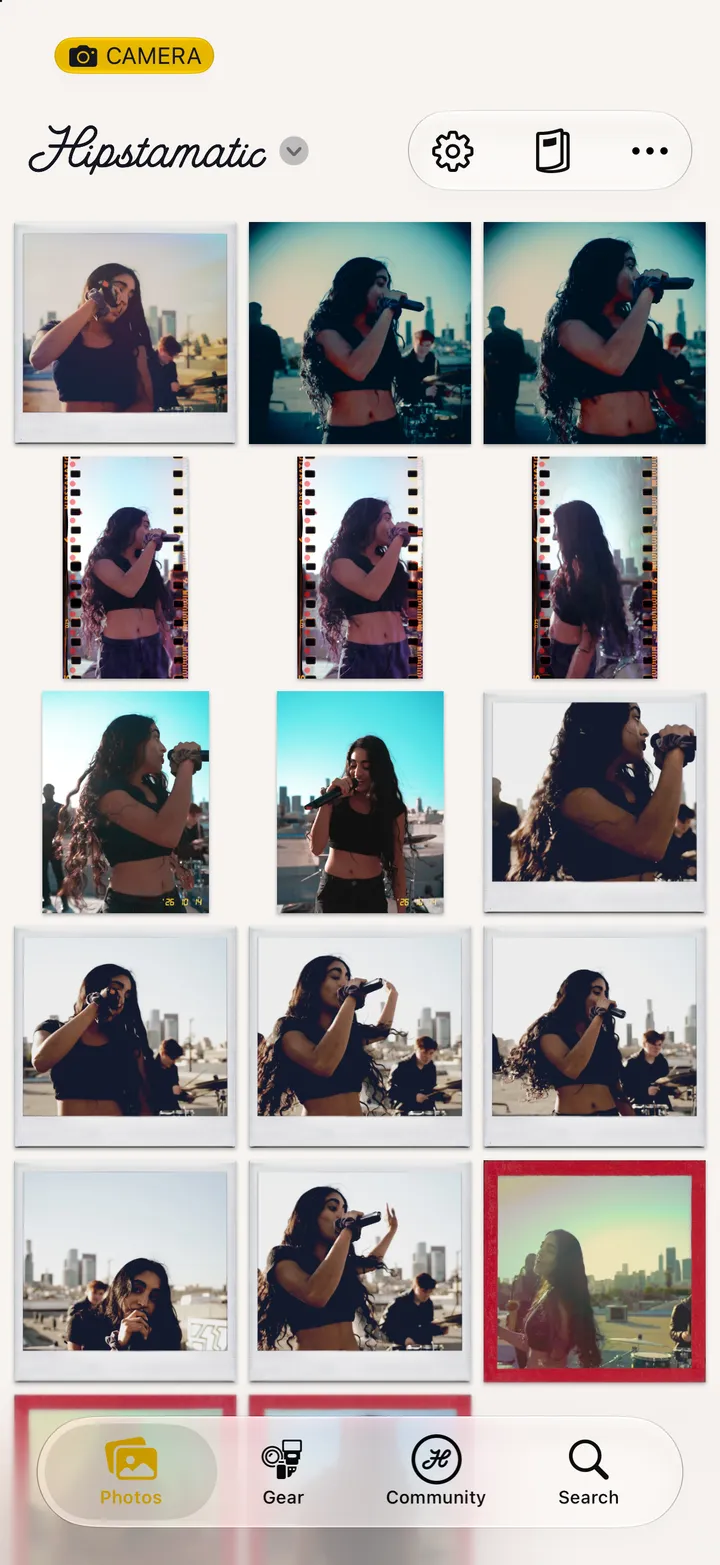
    Step 1: Open Settings
  2. 02

    Tap Hipstamatic Camera Club

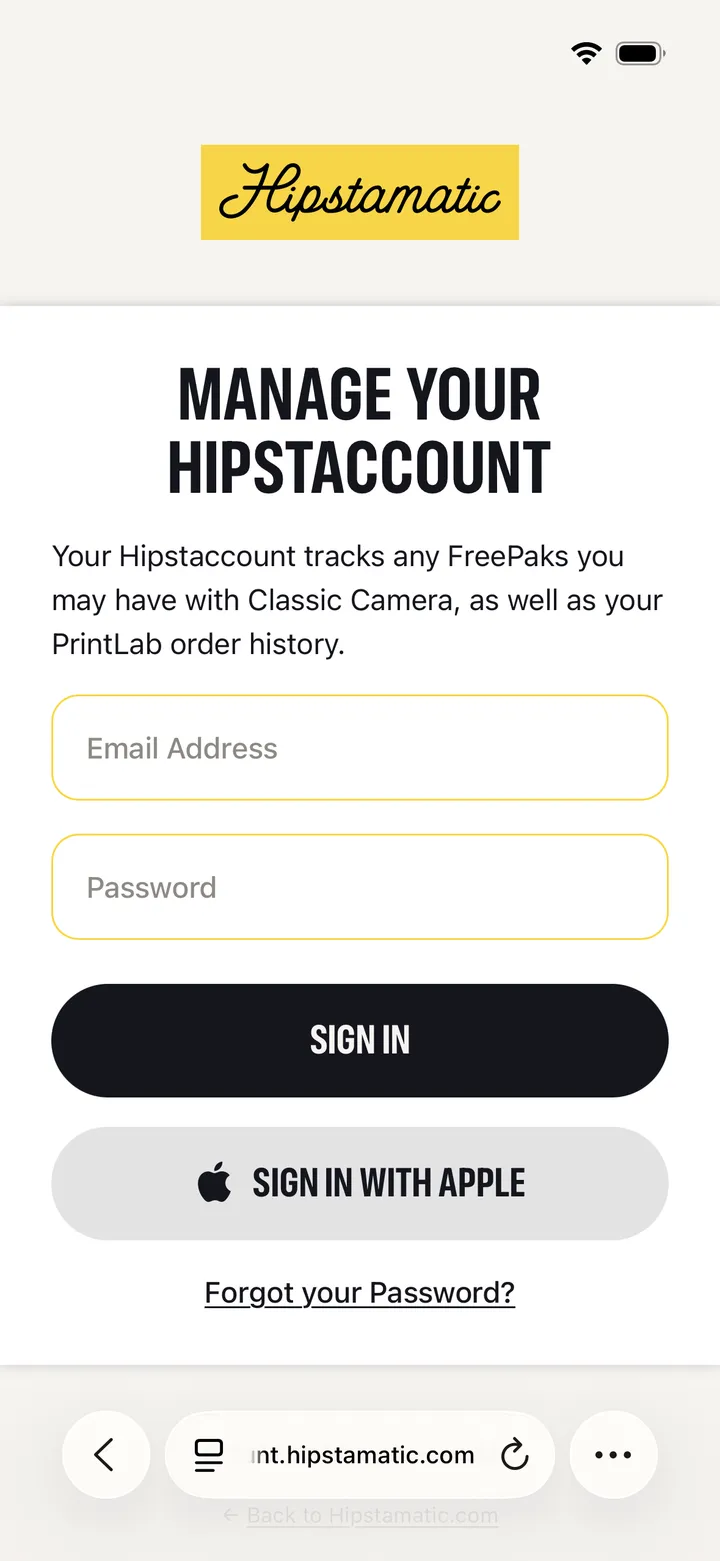
    Under it: Synced to account, or Available on device if you’re not signed in.
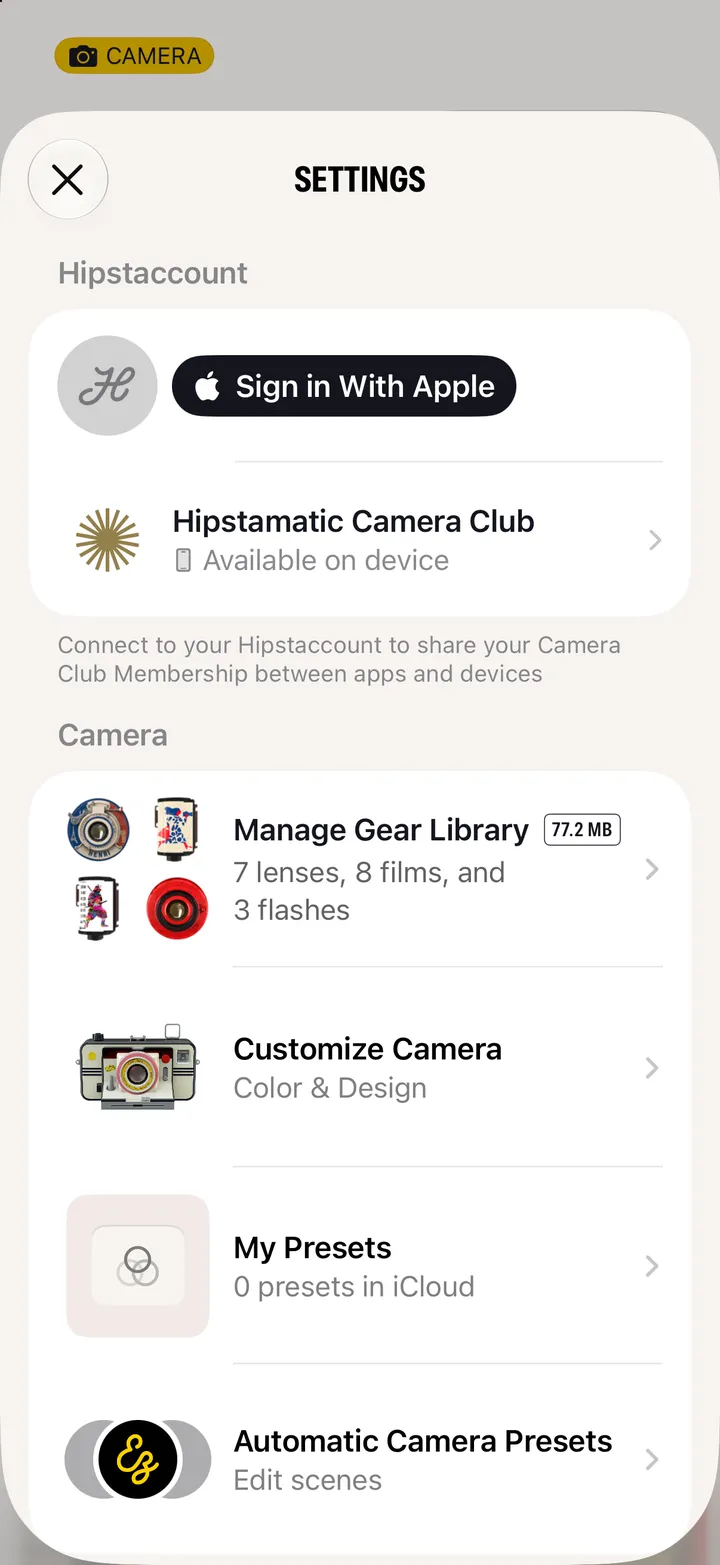
    Step 2: Tap Hipstamatic Camera Club
  3. 03

    There’s your card

    Tier, Renews and Member Since. Benefits lists what’s included.
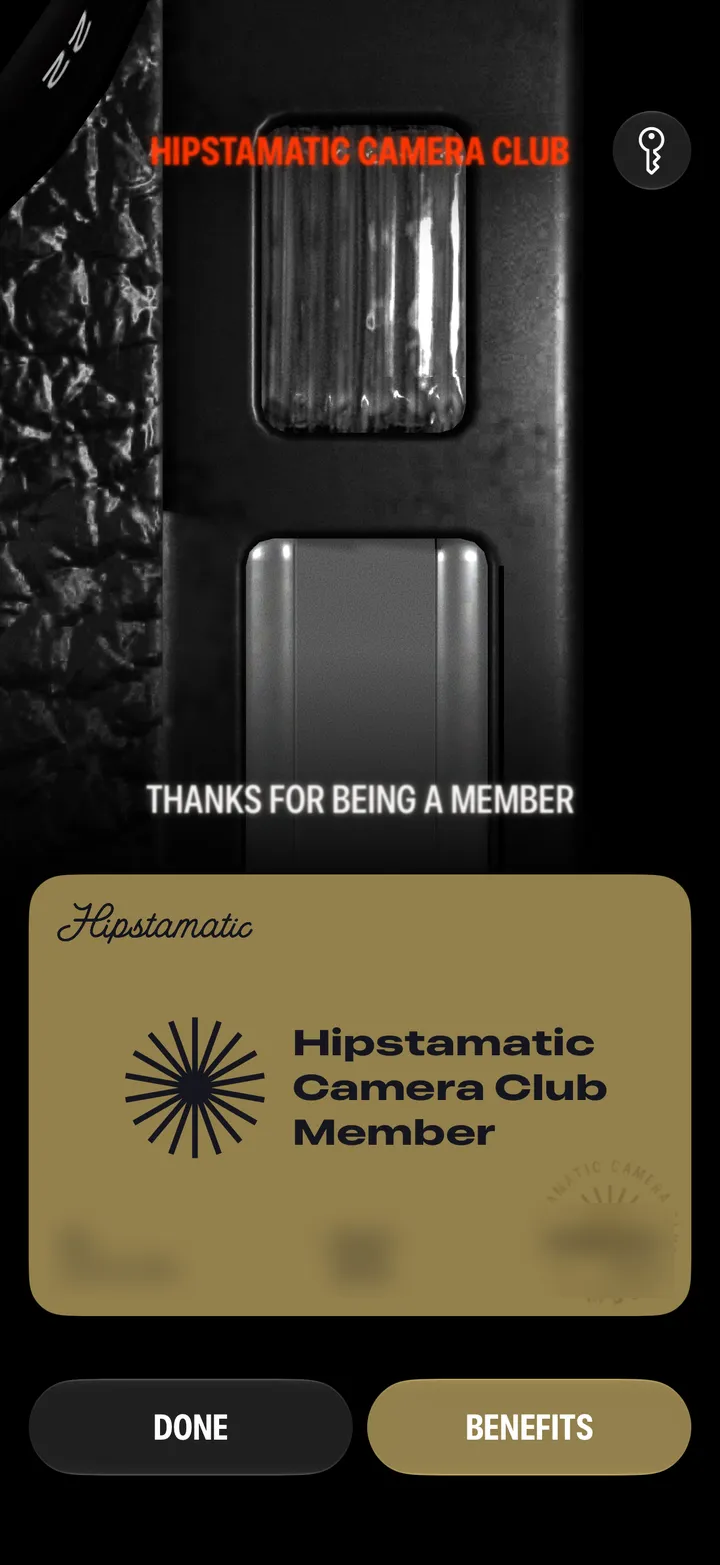
    Step 3: There’s your card

Good to know

  • Transaction History, the receipt at the top of the Camera Club screen, lists every charge, free month and refund. Manage Membership is in there too.
  • Cancelled? Renews still shows a date: the day Camera Club ends.
  • Tier says Unknown when your membership comes through your Hipstaccount. It works the same.

Join and manage

Camera Club guide ↘