 Camera Club guideRedeem an offer code or a gift pass
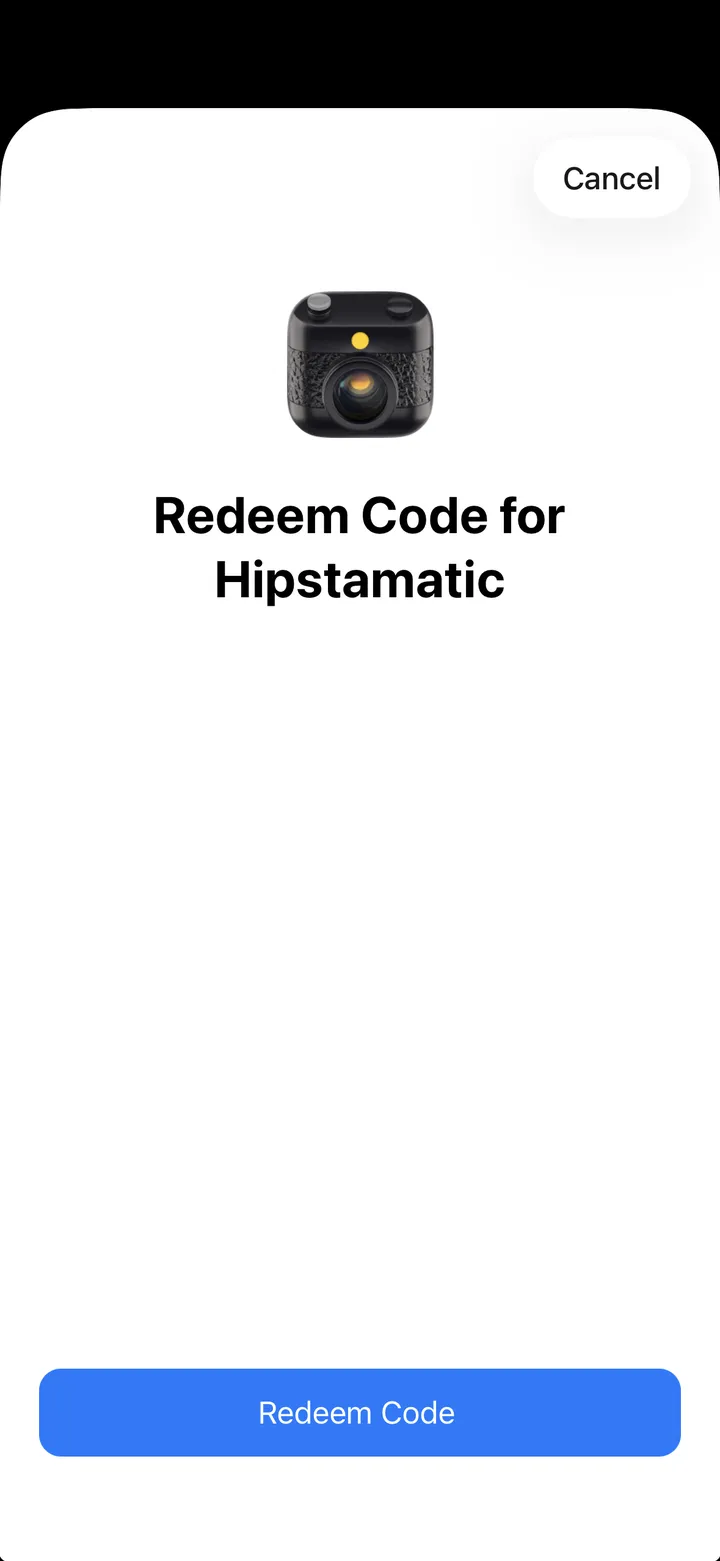
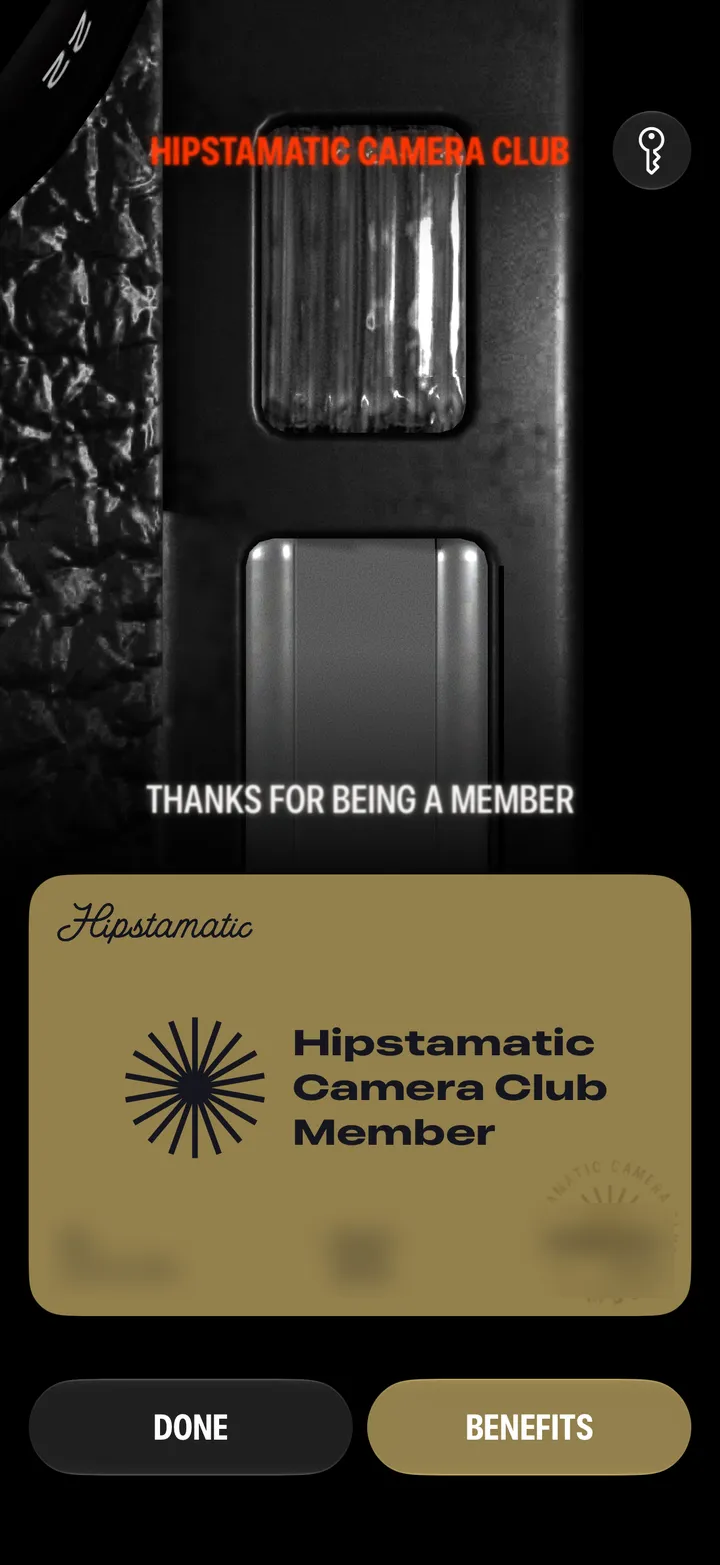
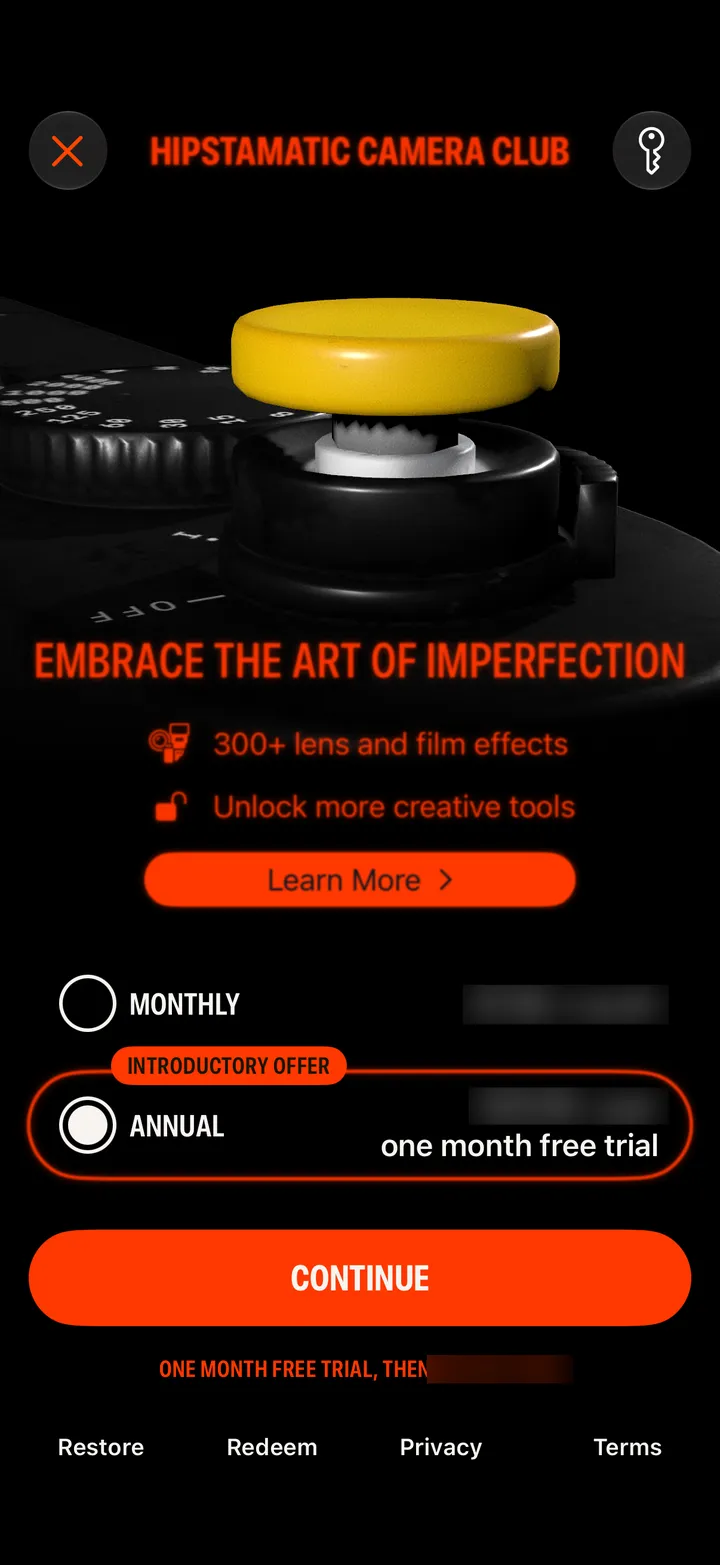
Open the Camera Club screen in Hipstamatic and tap Redeem at the bottom. Apple’s sheet opens: paste the code and confirm.
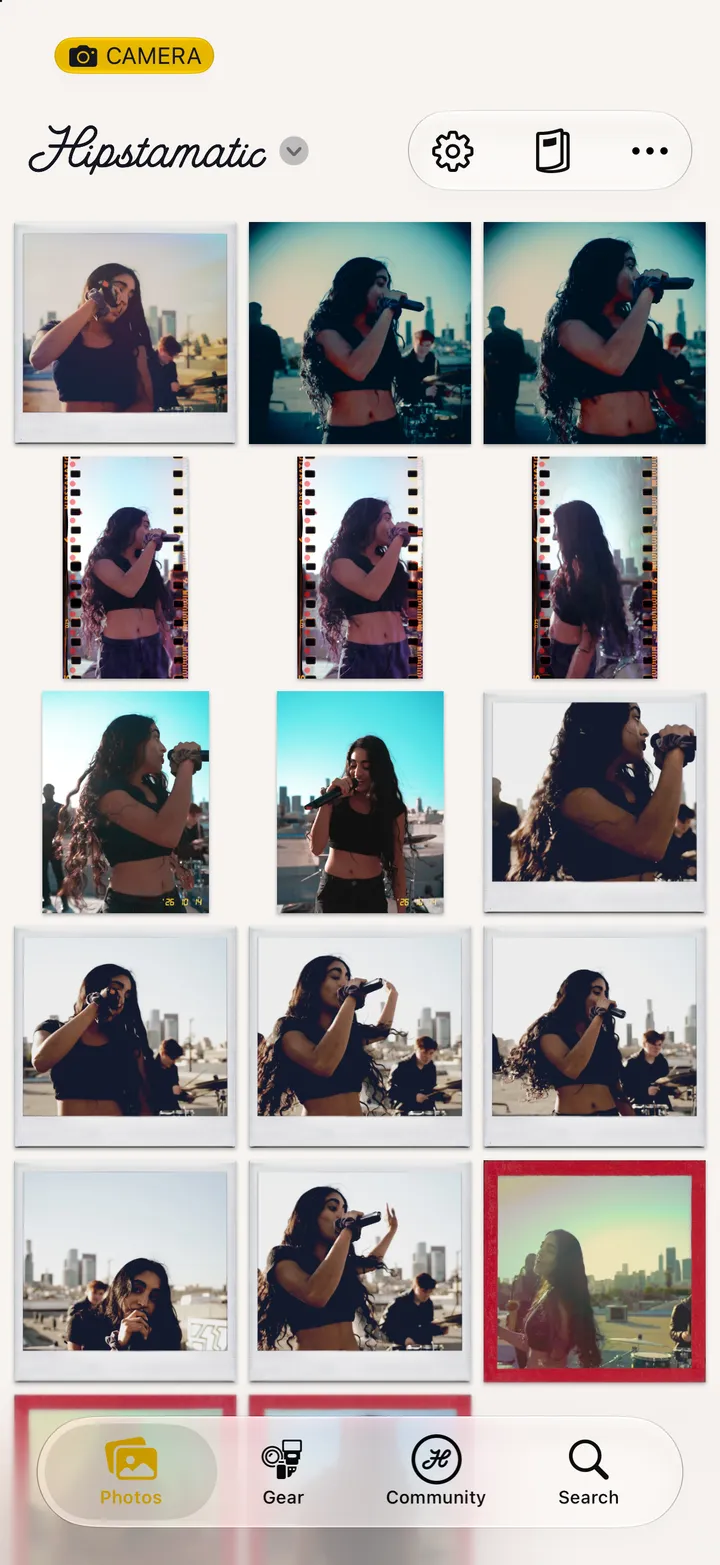
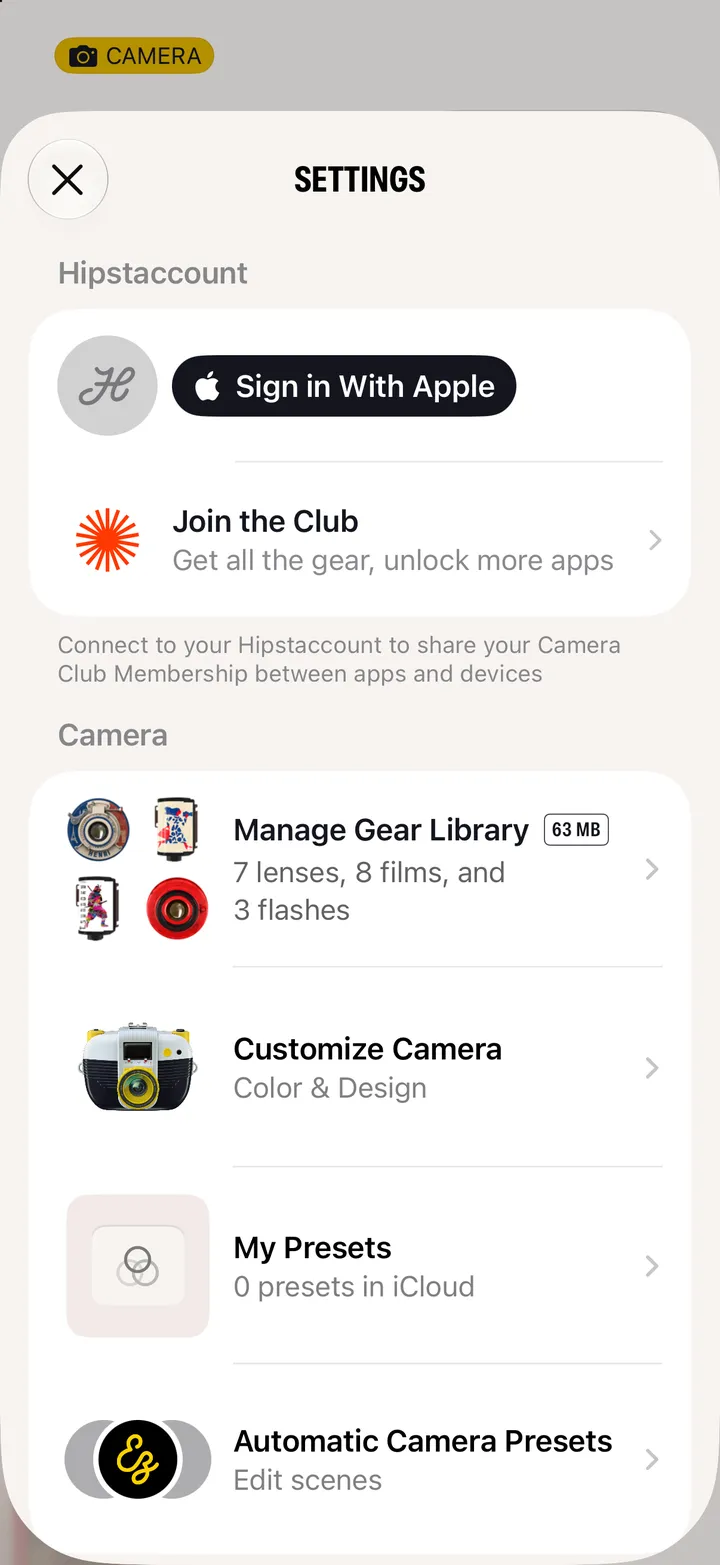
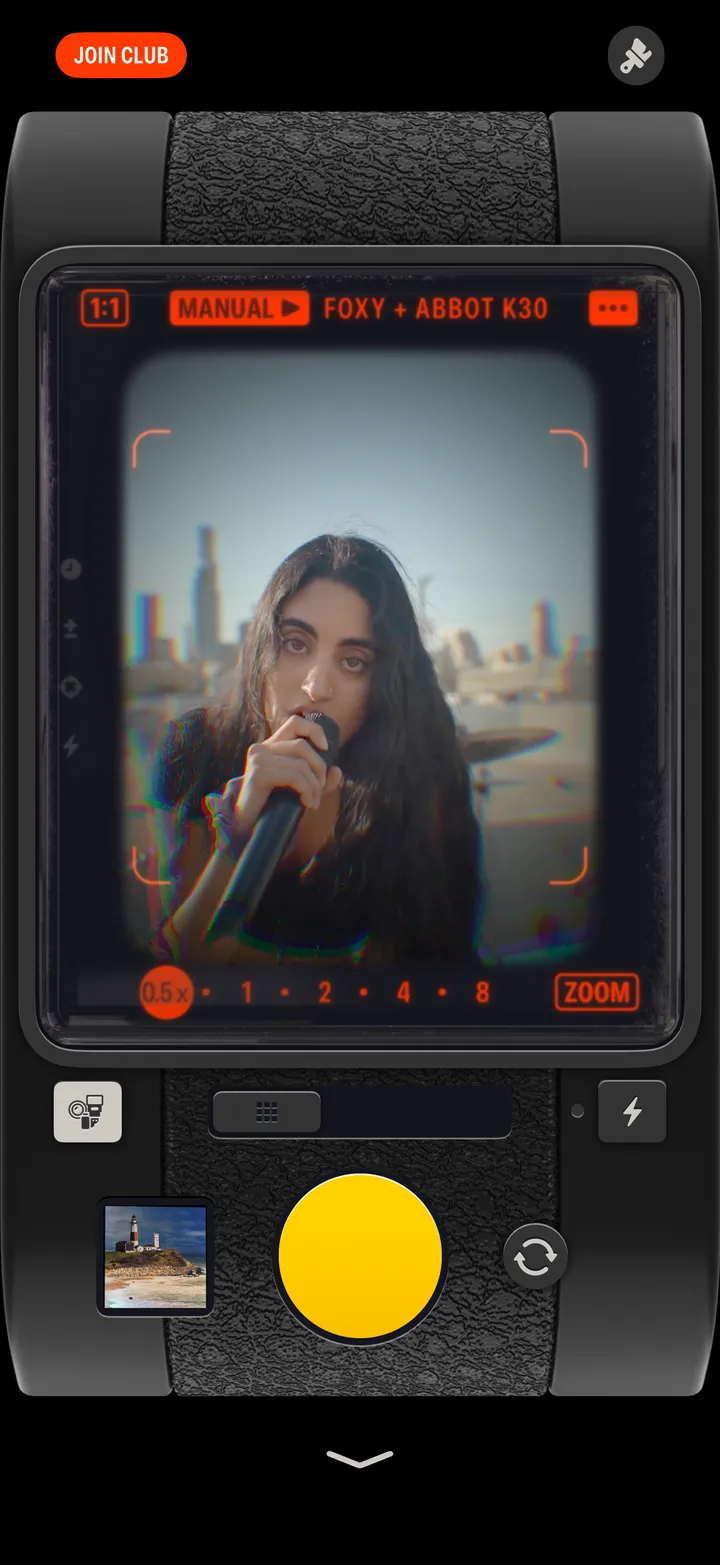
Camera Club · 2.1 · 3 stepsOn the camera, or Settings ▸ Join the Club.
At the bottom, next to Restore.
Type or paste it, then tap Redeem Code.