 Camera Club guideSign in to your Hipstaccount
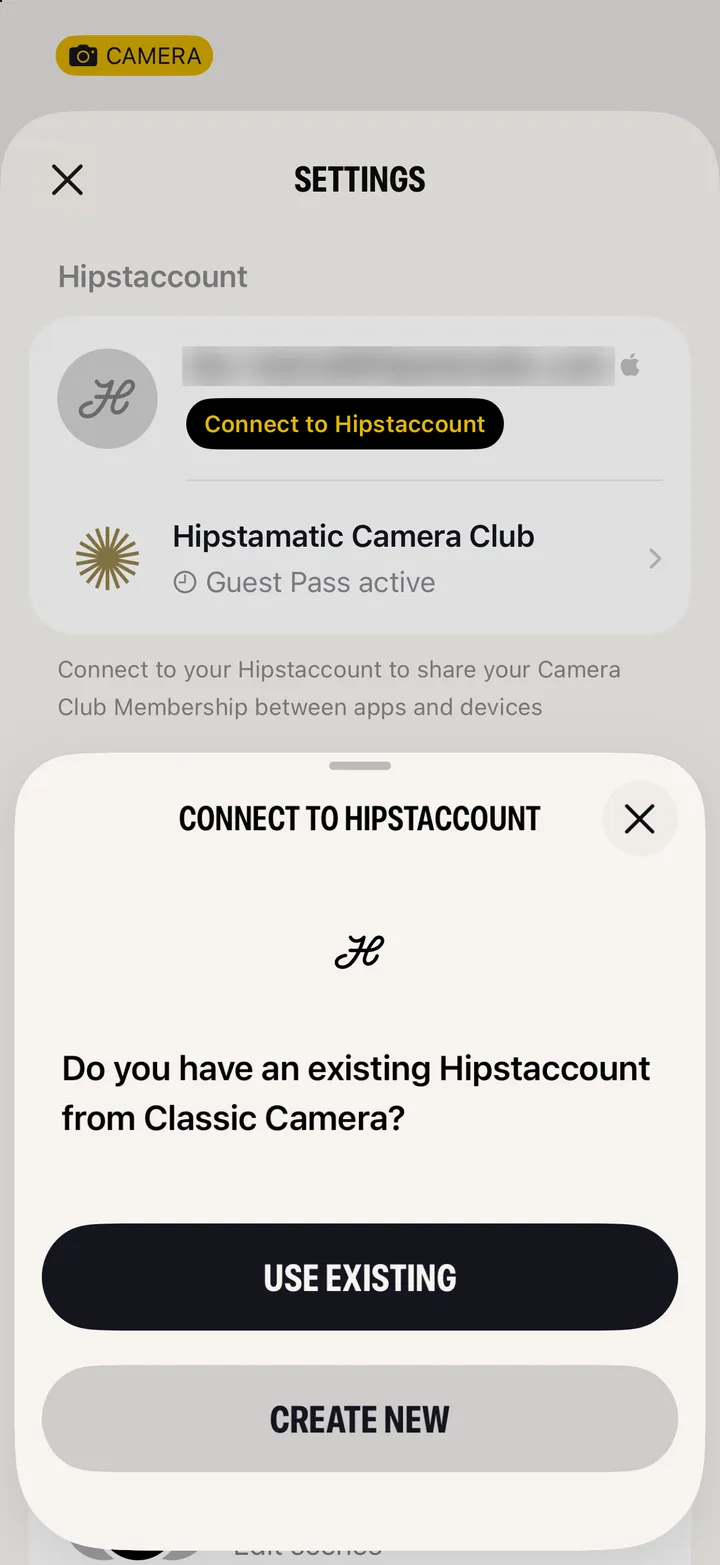
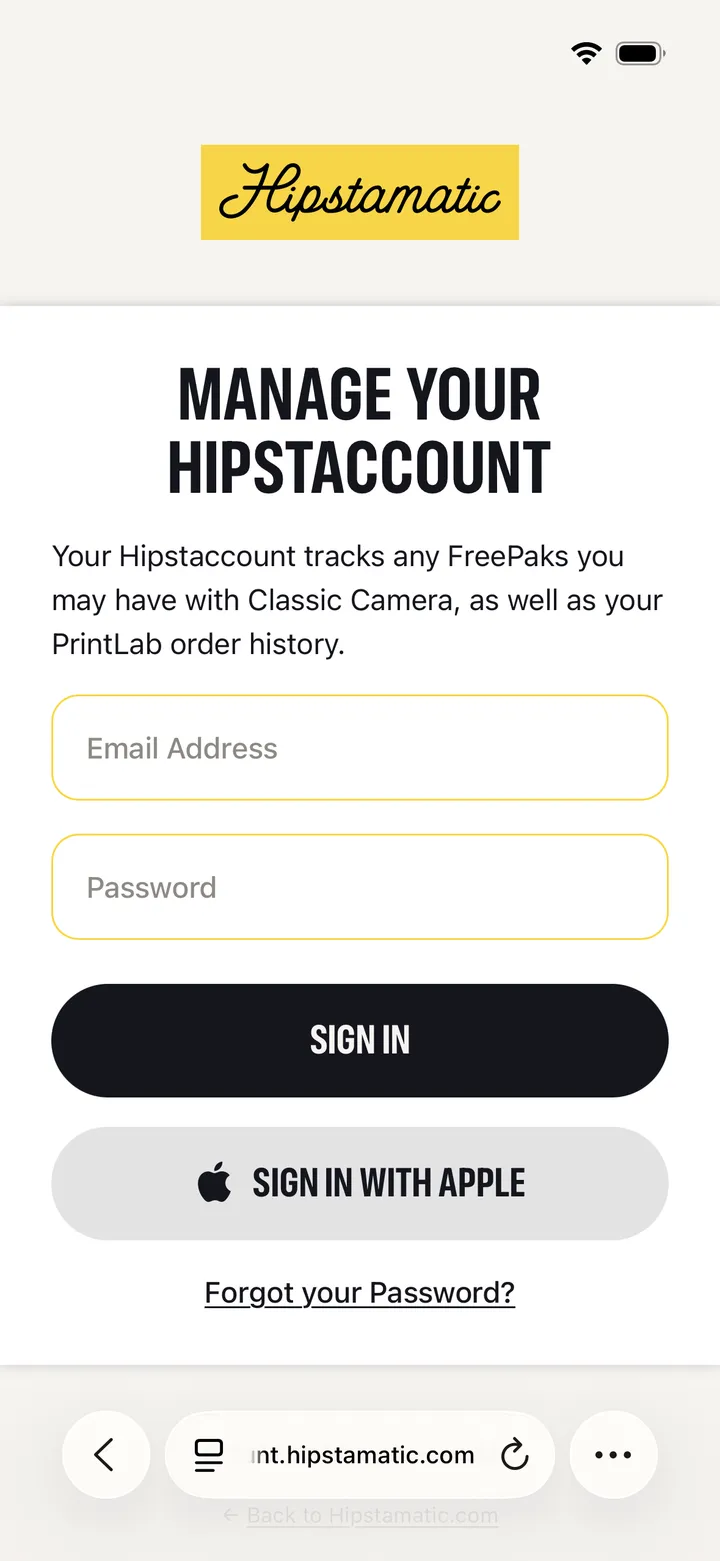
Open Settings and tap Sign in With Apple. If you had a Hipstaccount in Classic, choose Use Existing and sign in with its email and password.
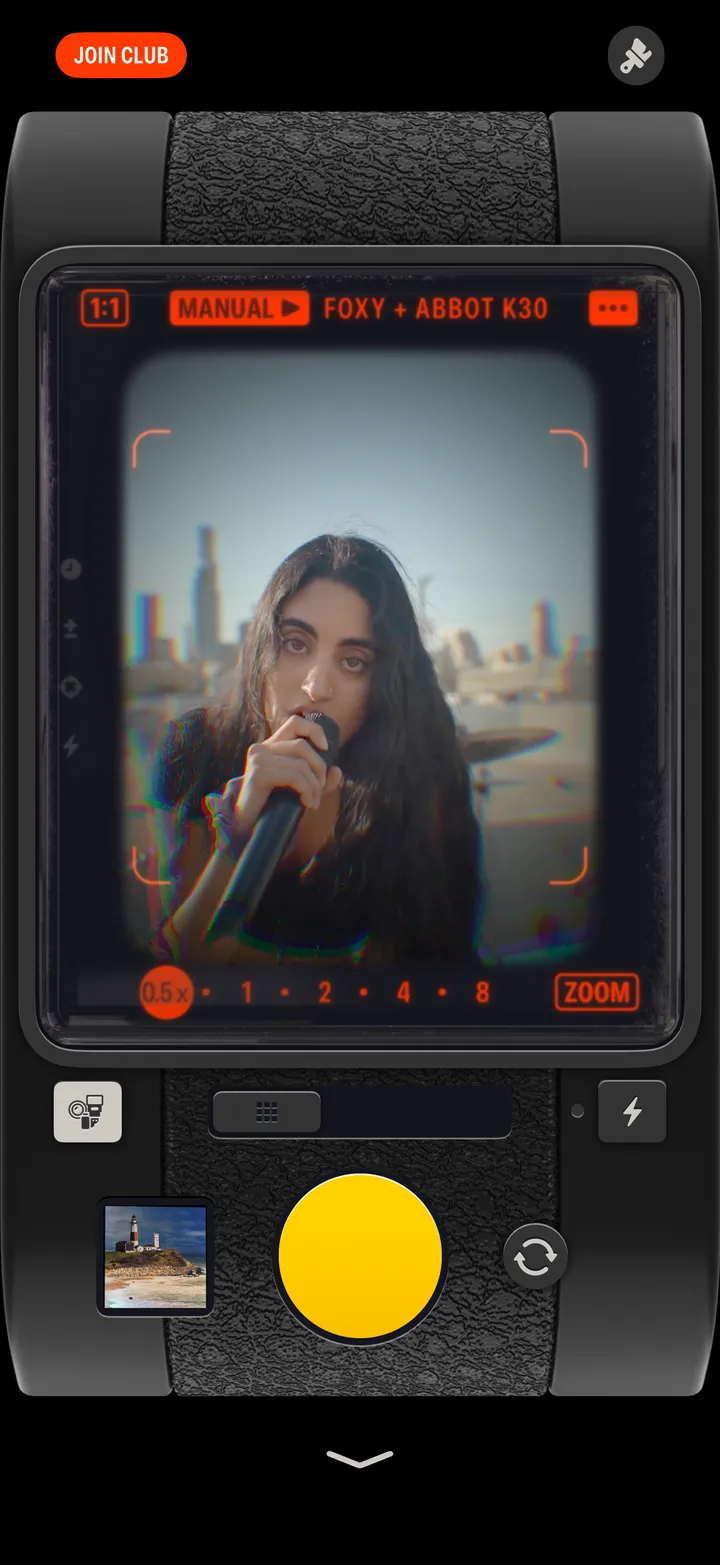
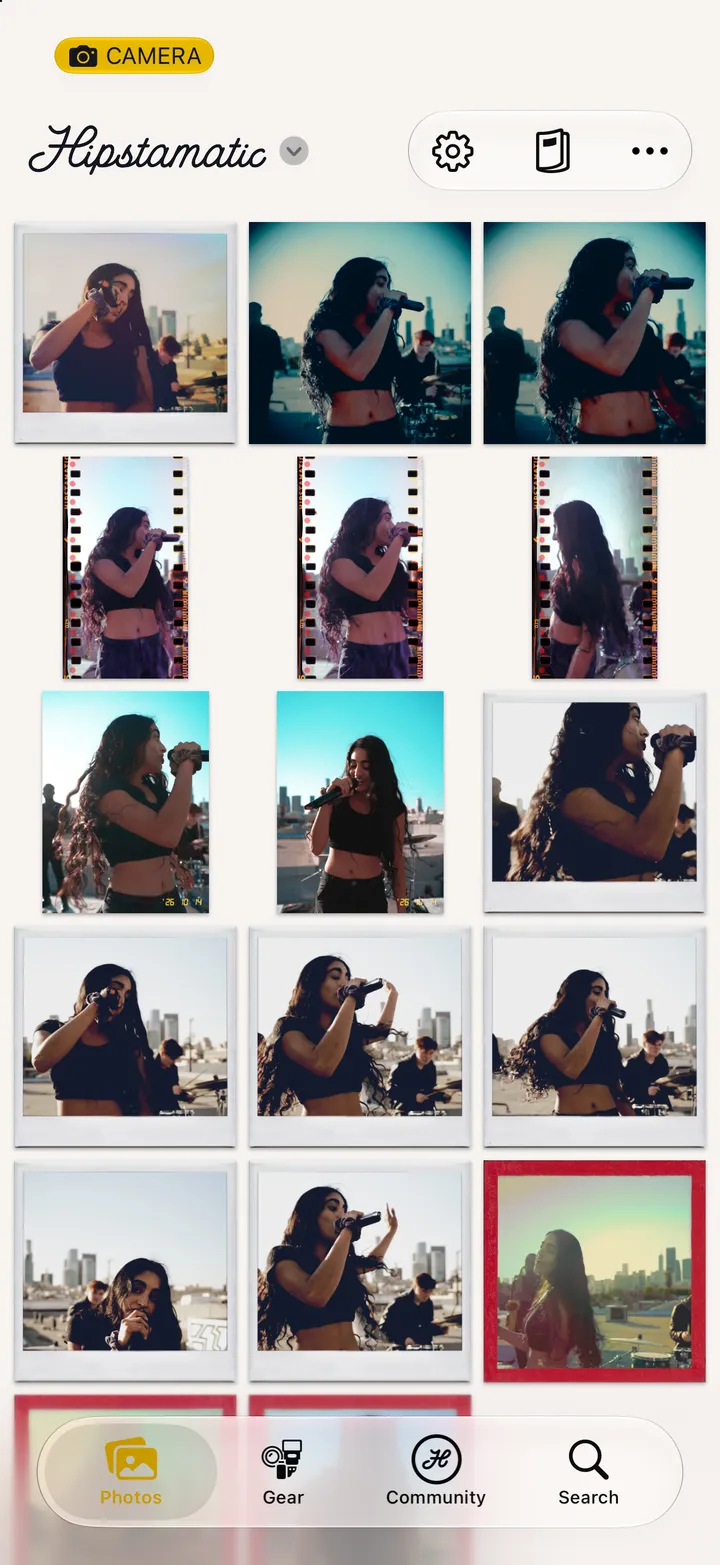
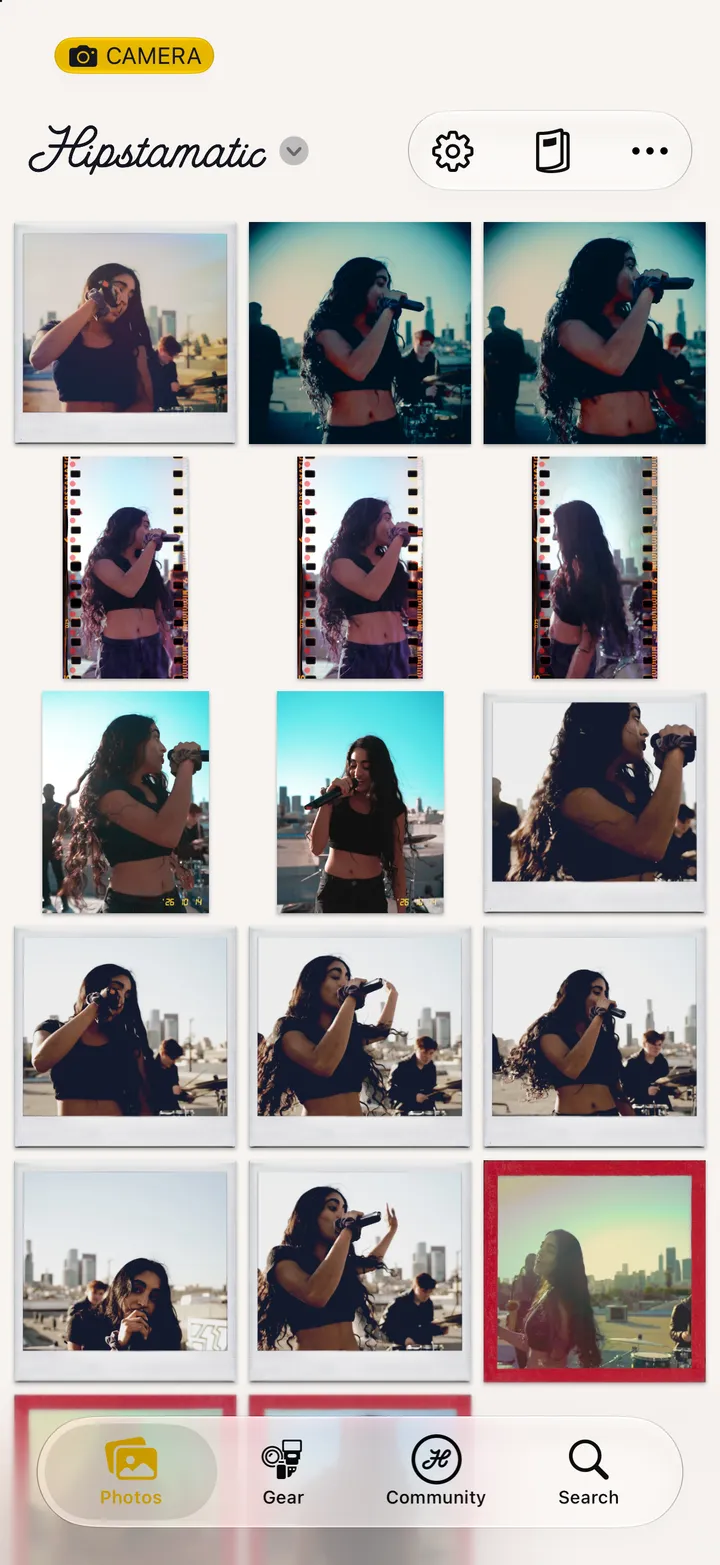
Camera Club · 2.3 · 3 stepsSwipe up from the camera. Settings is the gear icon at the top.
Under Hipstaccount.
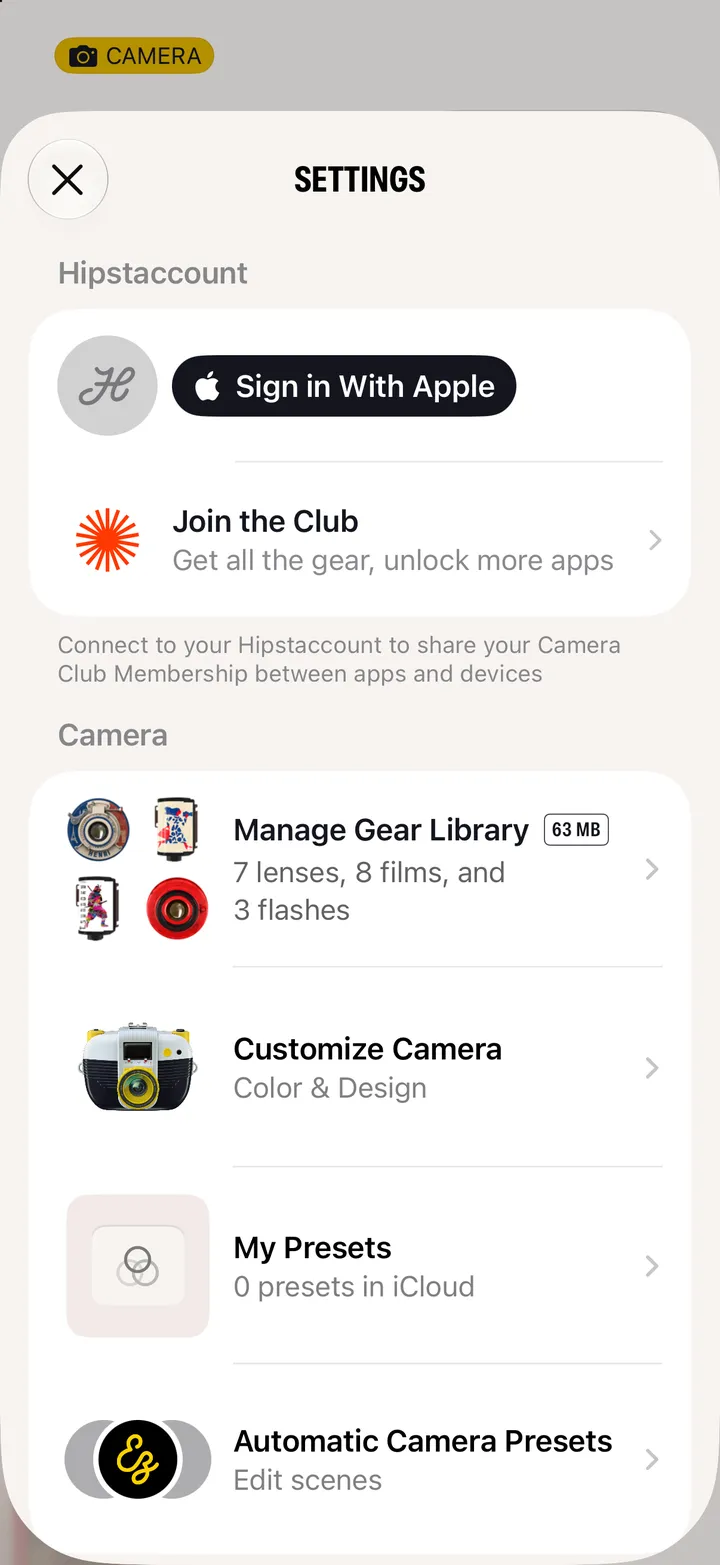
Use Existing for the Hipstaccount you had in Classic. It asks for that email and password.