Camera Club guideForgot your Hipstaccount password

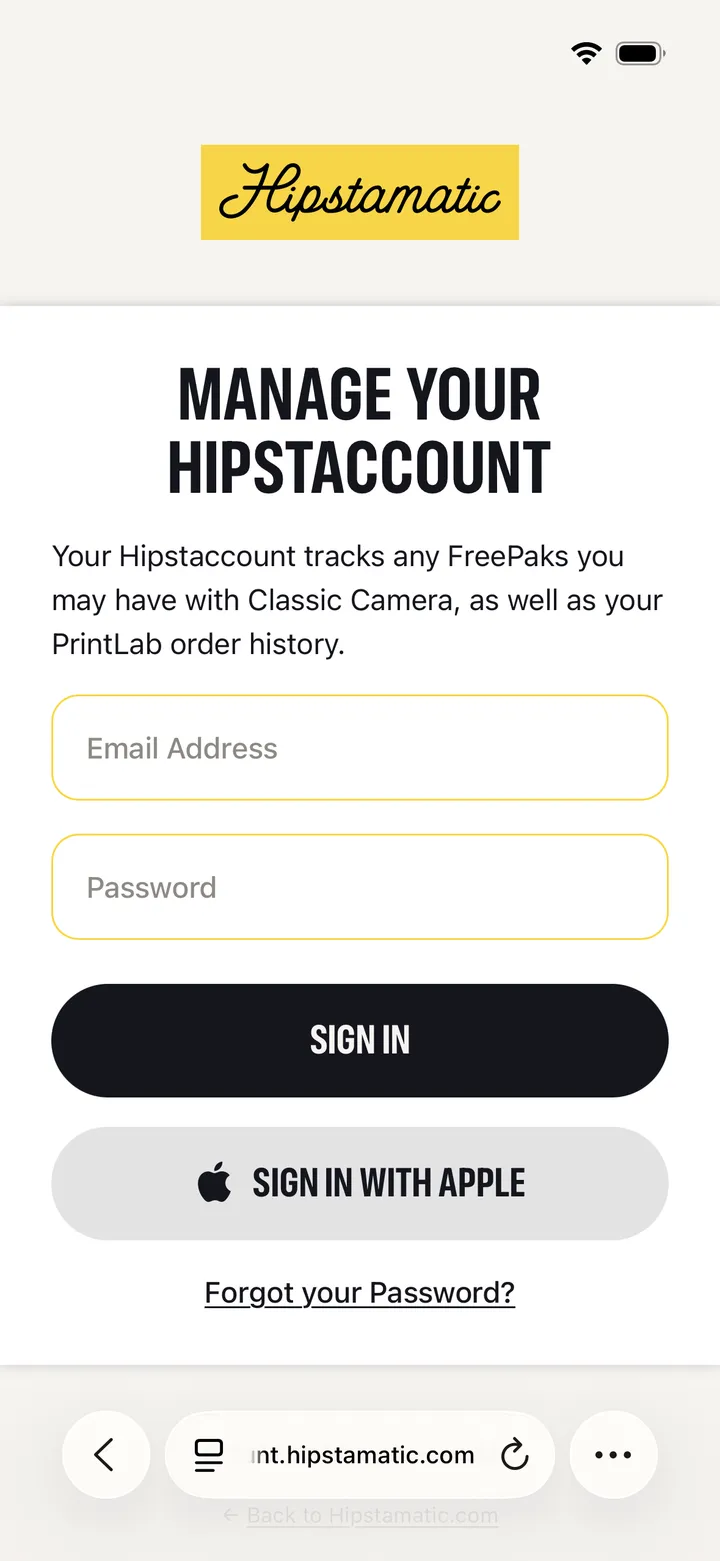
Go to account.hipstamatic.com and tap Forgot your Password?. Enter the email you signed up with, tap Reset Password, and follow the link we email you.

Camera Club · 2.10 · 3 steps
  1. 01

    Go to account.hipstamatic.com

    In Safari, on your iPhone or a computer.

    Safari
    1. account.hipstamatic.com
    2. Forgot your Password?
  2. 02

    Enter your email and tap Reset Password

    The one you signed up with. A link to reset it arrives by email.

    Forgot your password?
    1. Email Address
    2. Reset Password
  3. 03

    Sign in again in Hipstamatic

    Settings ▸ Sign in With Apple ▸ Use Existing, with the new password.
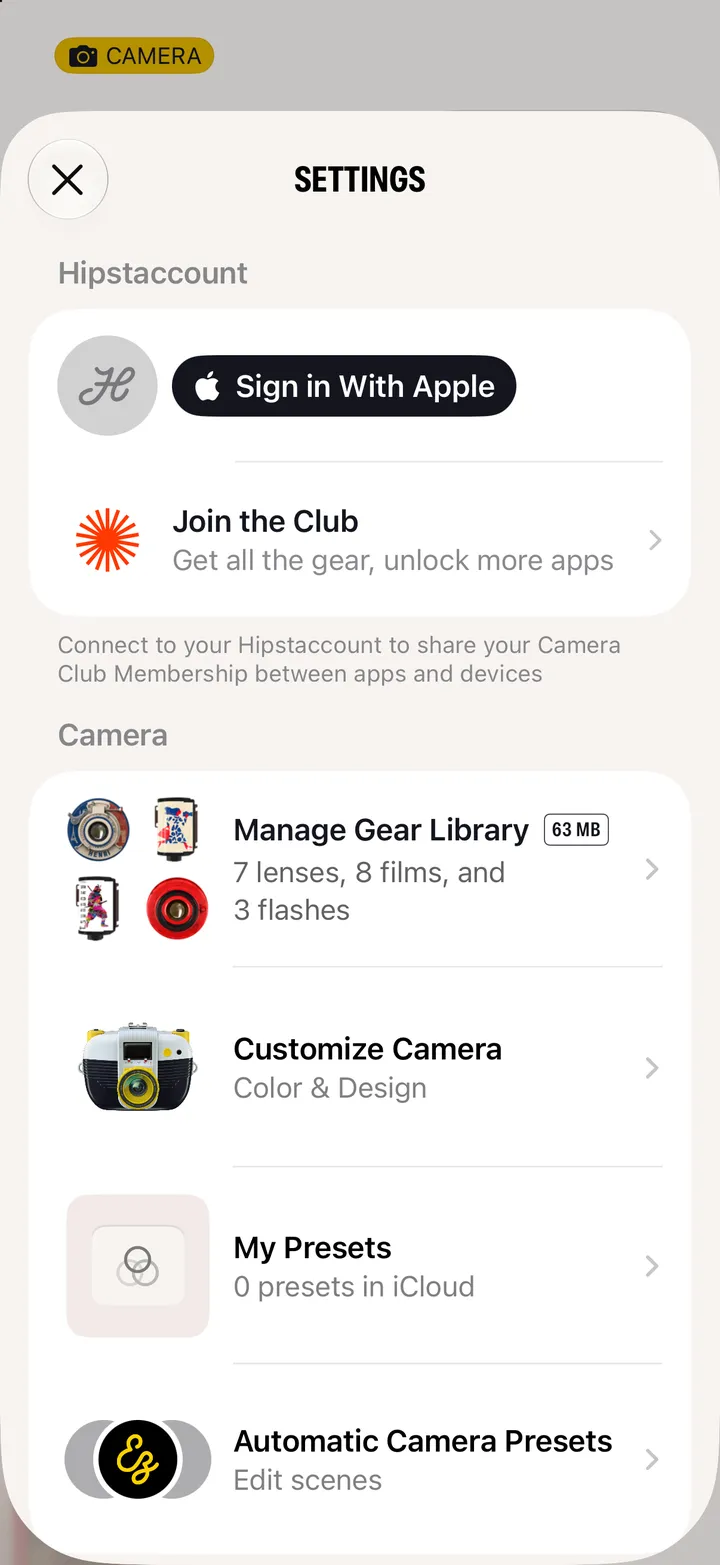
    Step 3: Sign in again in Hipstamatic

Good to know

  • Signed in with Apple? There’s no password to forget: Sign in With Apple uses your Apple Account.
  • Don’t know which email you used? Write to support@hipstamatic.com.

Join and manage

Camera Club guide ↘